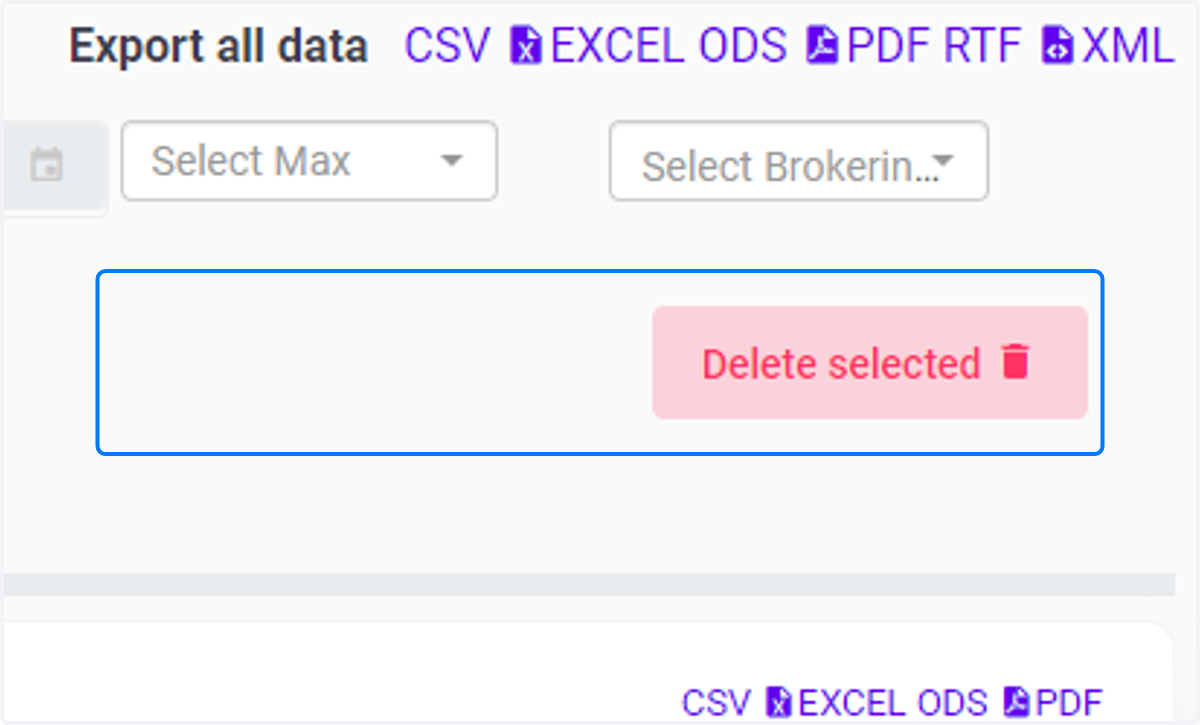
Workflow for bulk deletion on trade template
Dashboard | C5[Demo Securities & Asset Limited]
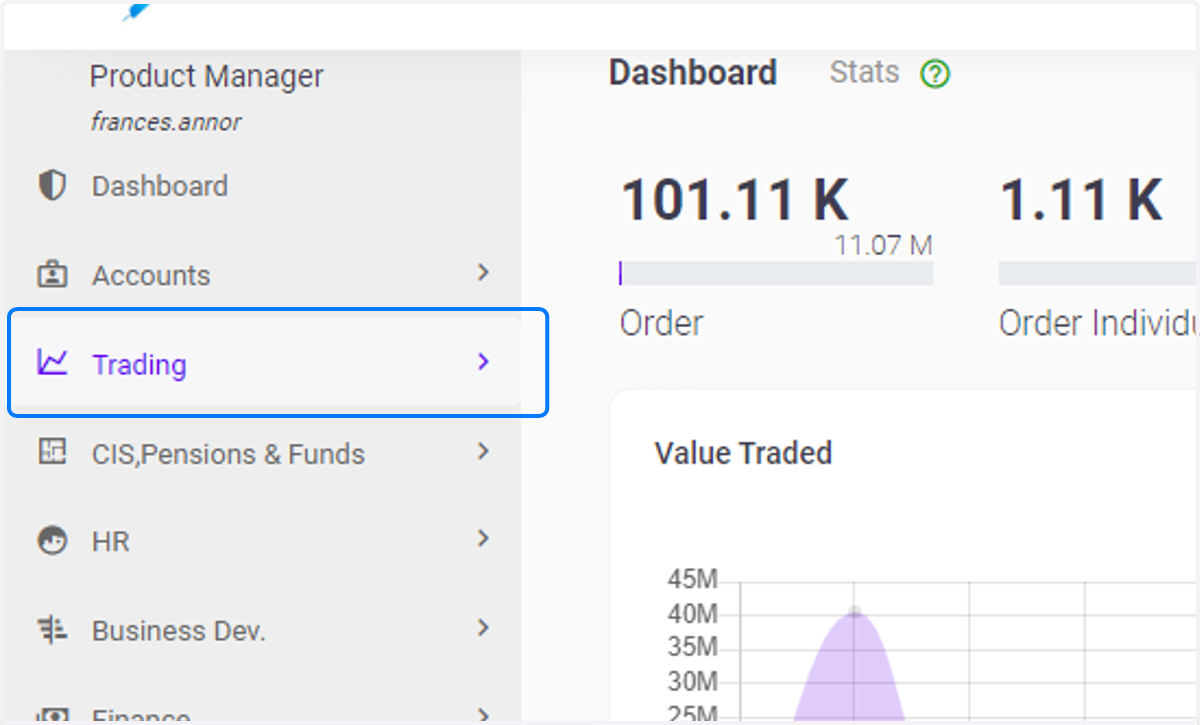
1. Click on Trading
2. Click on Trade Template under Trading
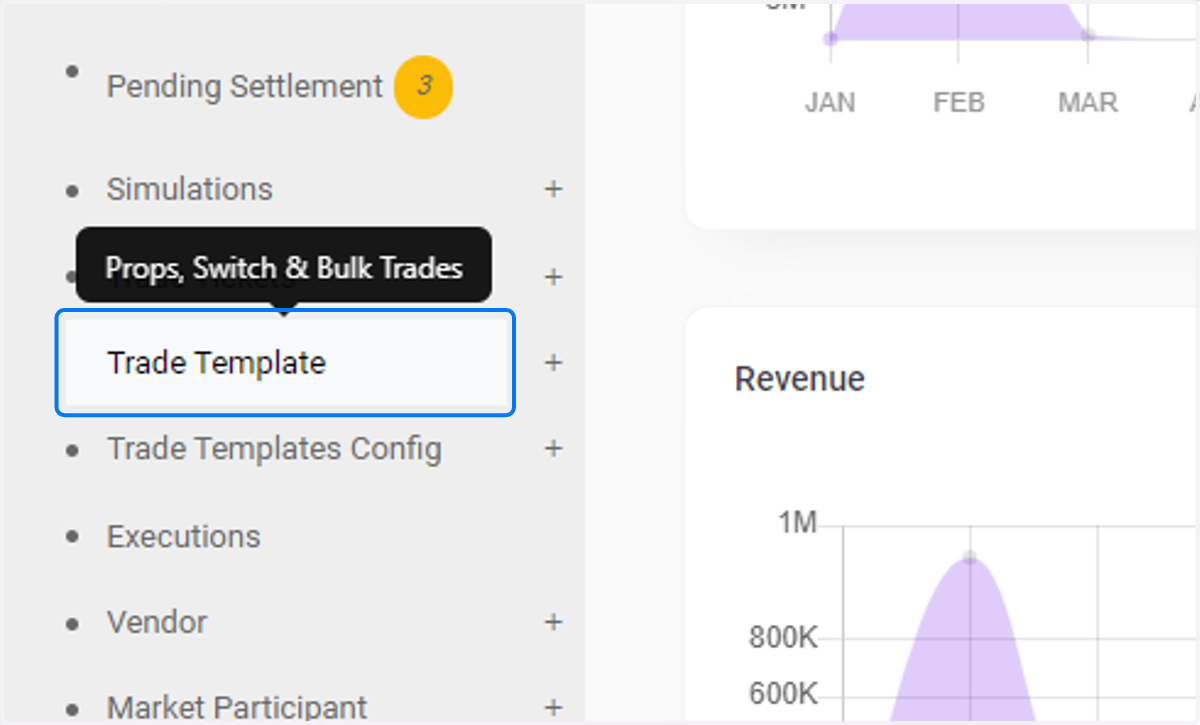
3. Select Trade Template
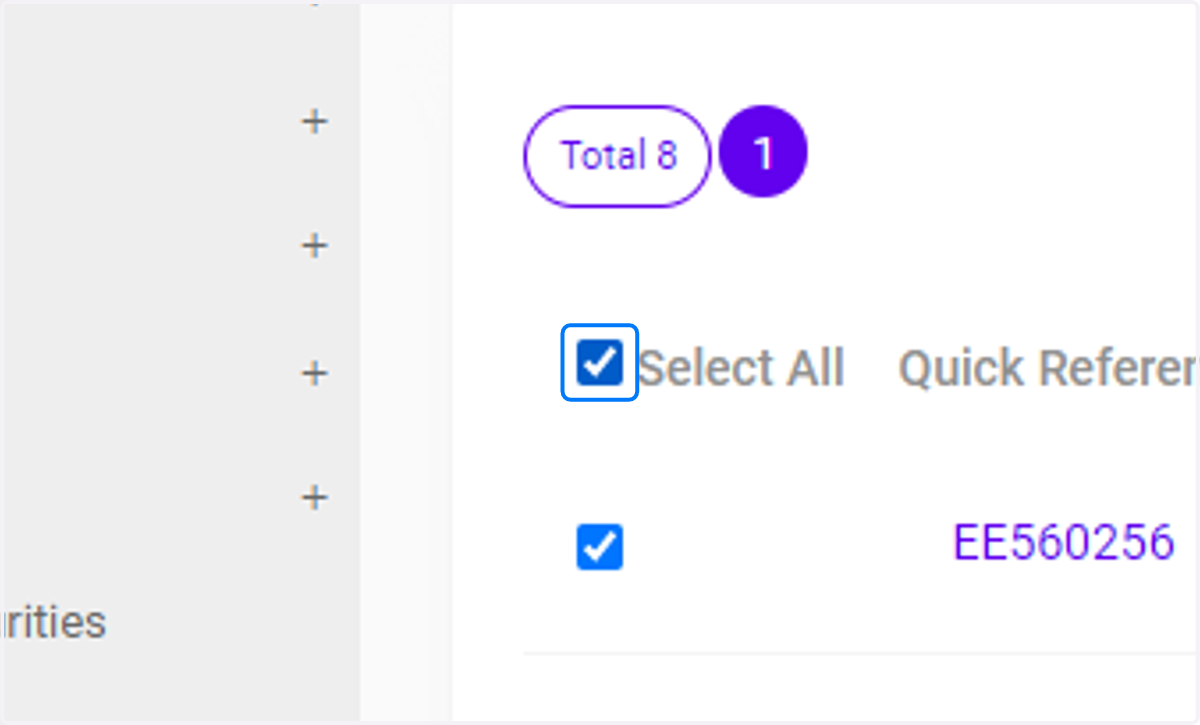
Use the "Select All" check box to check the boxes for the respective Trade Templates created.
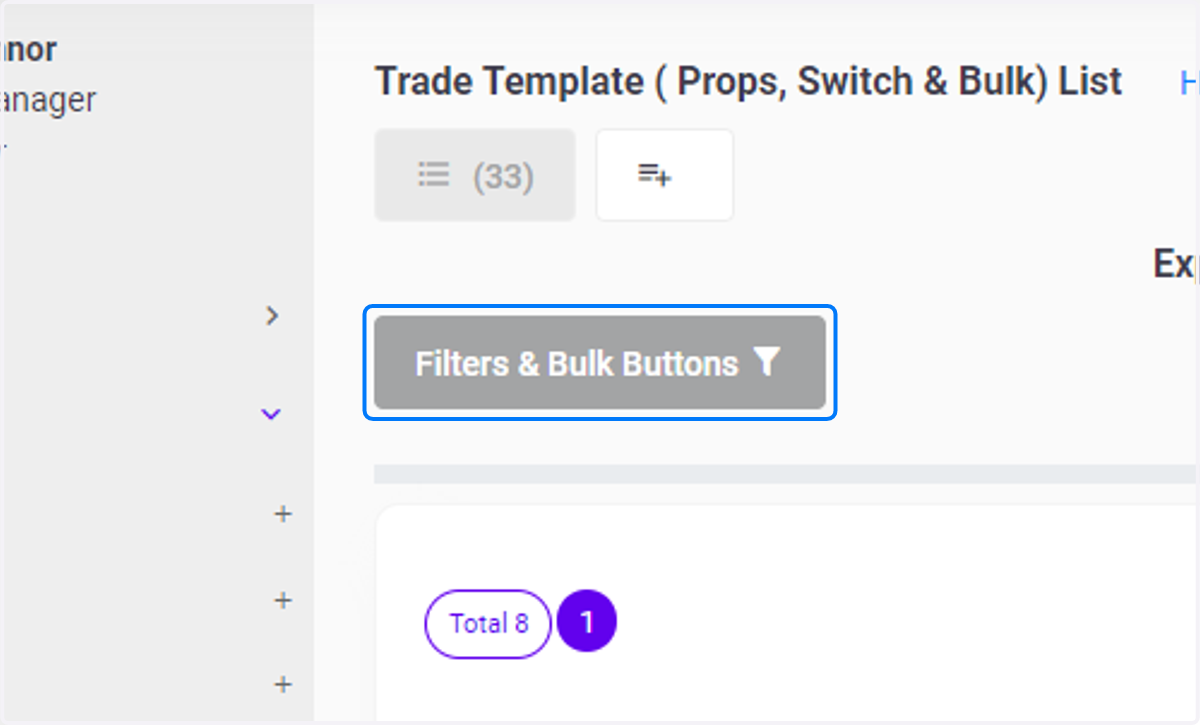
4. Click on Filters & Bulk Buttons …
5. Delete Selected
Click the pink themed "Delete Selected" button highlighted in pink to delete the selected Trade Template