Creating a Scheme Fee Report in C5
Scheme Fee Report List | C5[Demo Securities & Asset Limited]
To gain access to the main application, kindly click this link to view the login process
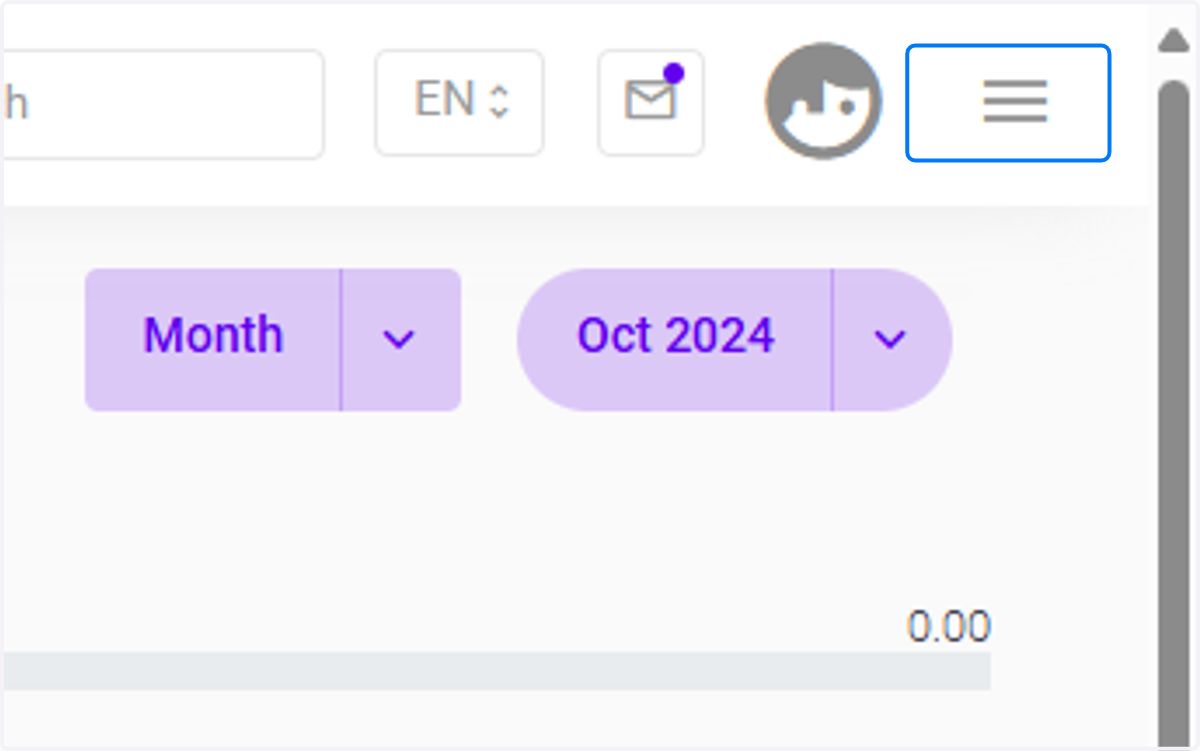
1. Click on highlight
Click the three-bar button to expand a menu of modules.
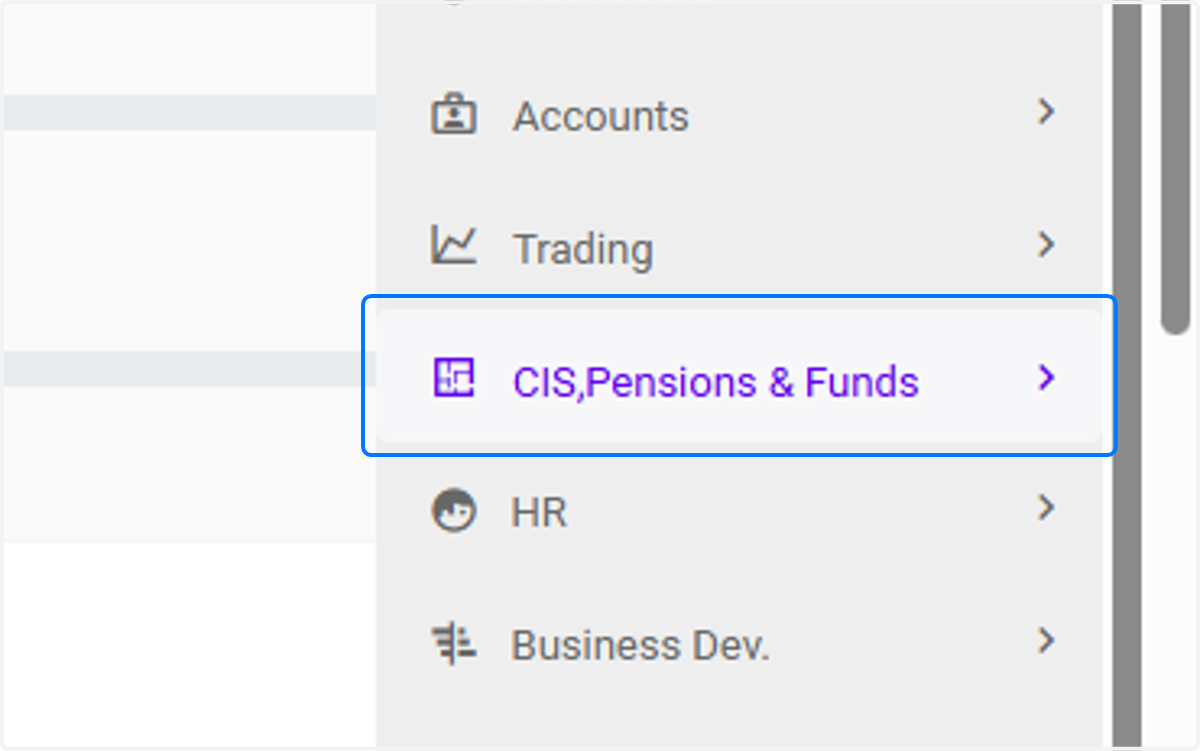
2. Click on CIS,Pensions & Funds
Clicking on CIS, Pensions & Funds takes you to a comprehensive area where you can access, manage, and monitor information related to Collective Investment Schemes (CIS), pension funds, and various types of investment funds.
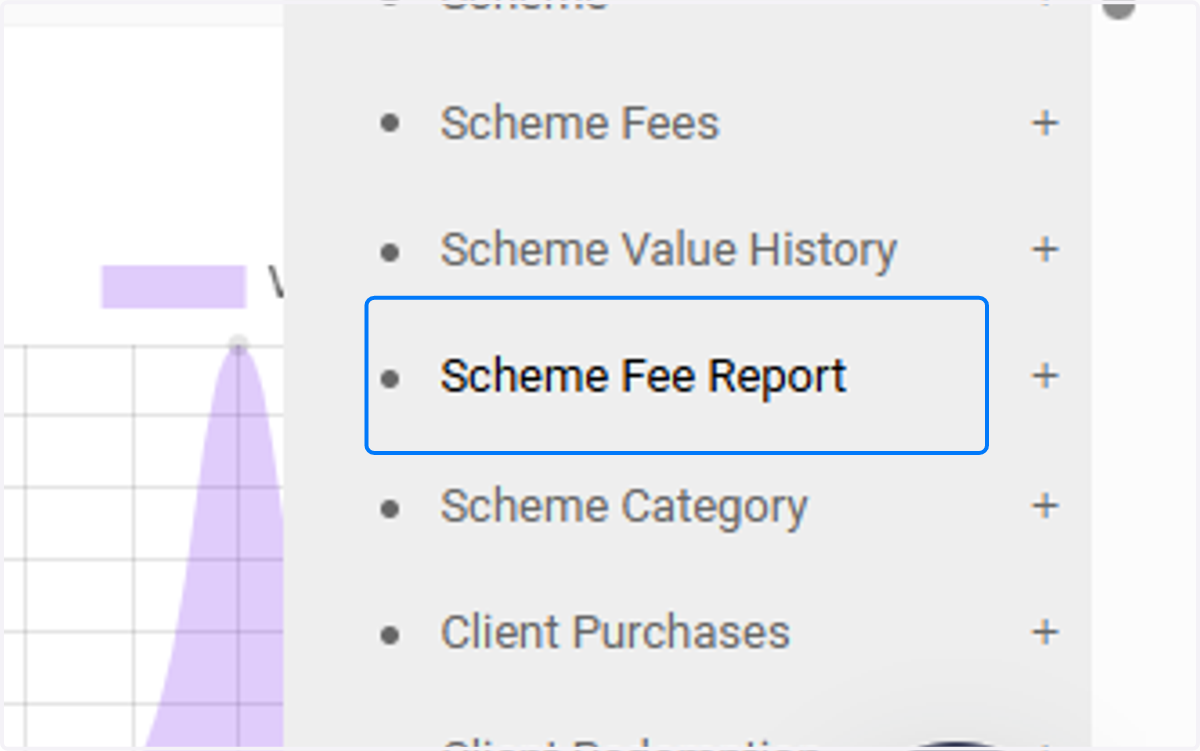
3. Click on Scheme Fee Report
This is a report that provides a detailed breakdown of the various fees associated with a particular scheme.
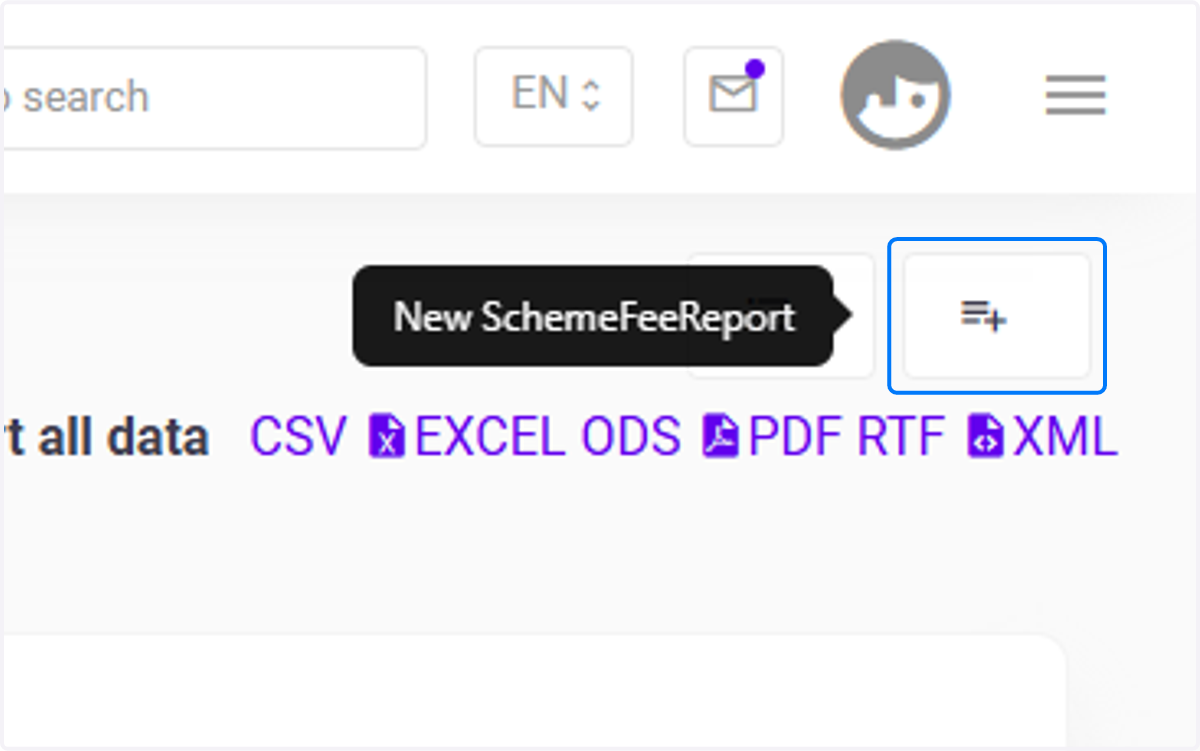
4. Click on New Scheme Fee Report
Click the button highlighted in blue to create a new Scheme Fee Report.
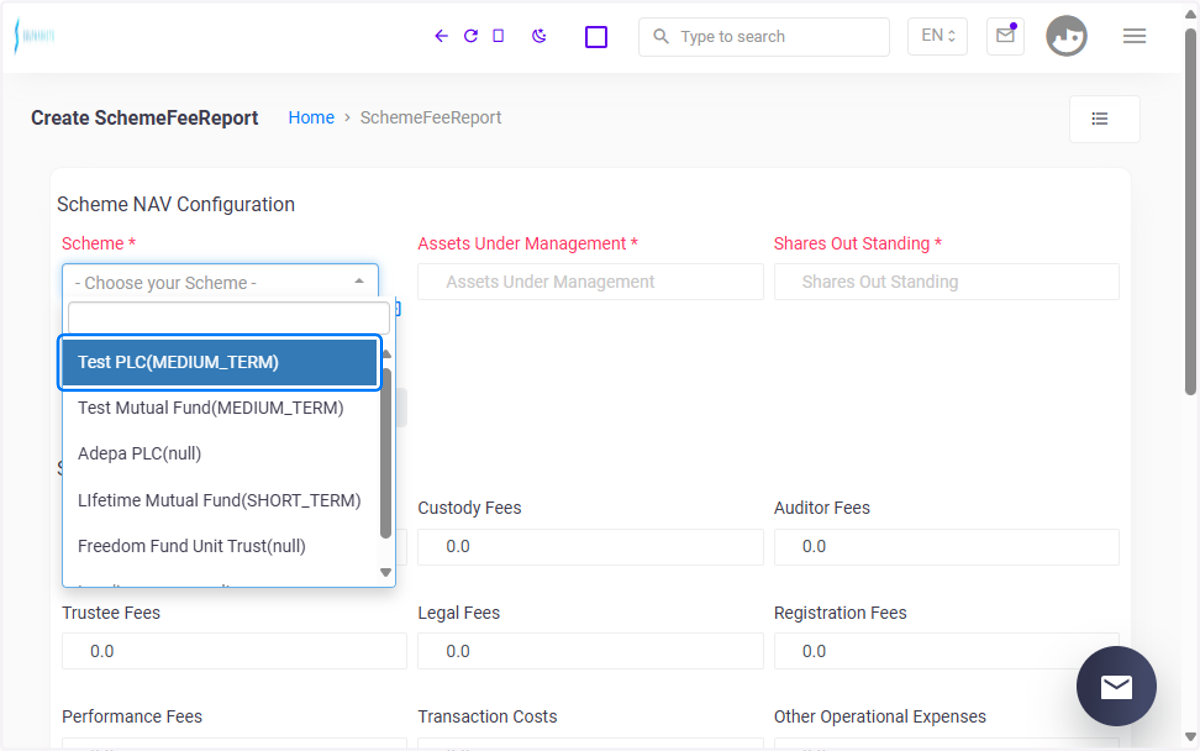
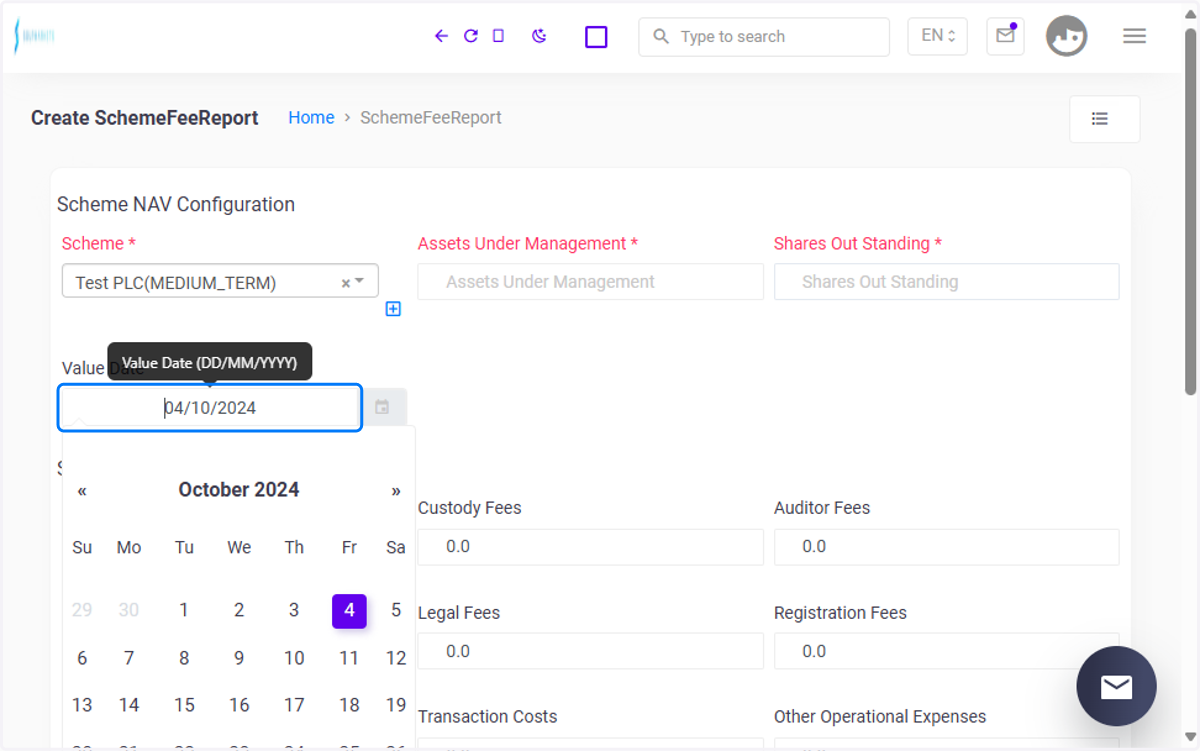
5. Choose your Scheme
This is the fund for which the fee report is being generated. Eg Click on Test PLC(MEDIUM_TERM)
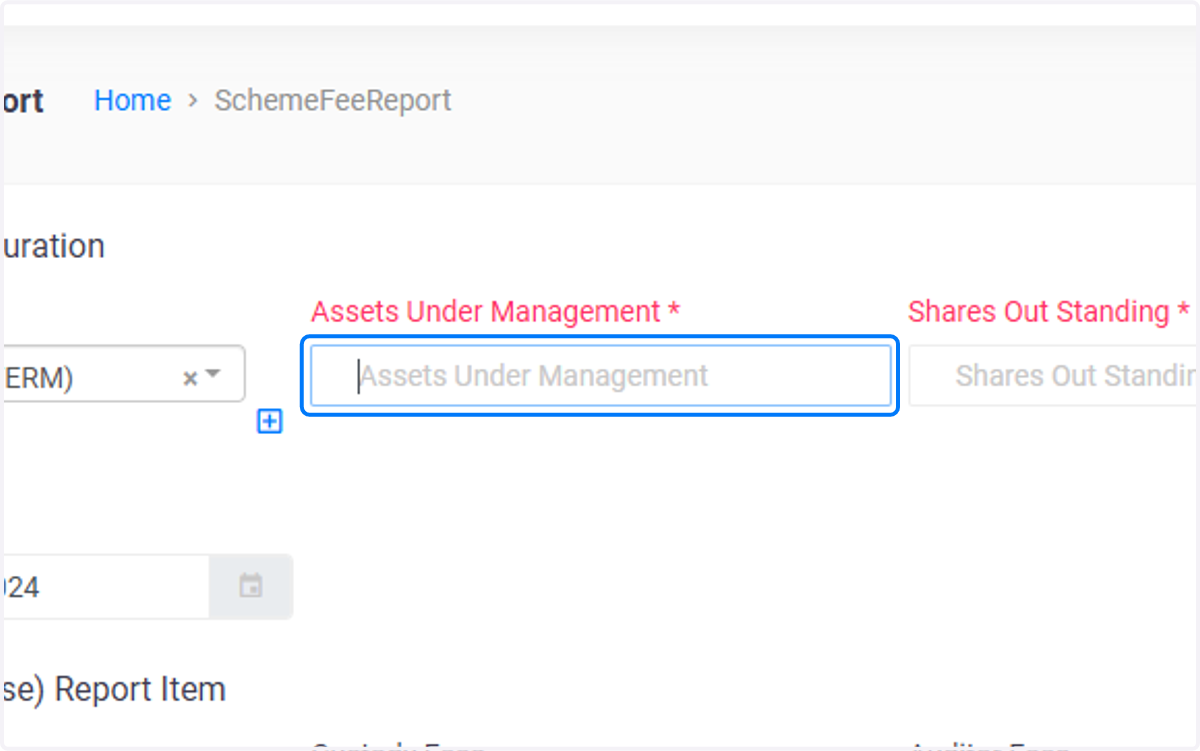
6. Click on Assets Under Management
When a scheme is selected, the total market value of all assets held under the scheme is automatically populated. This value is derived from the Invesment Holding Report, which reflects the total market value of the securities (from the custody statement) within the scheme. Additionally, the balance is obtained from the Cash balance Report, ensuring that both the market value of the securities and the associated ledger accounts are considered.
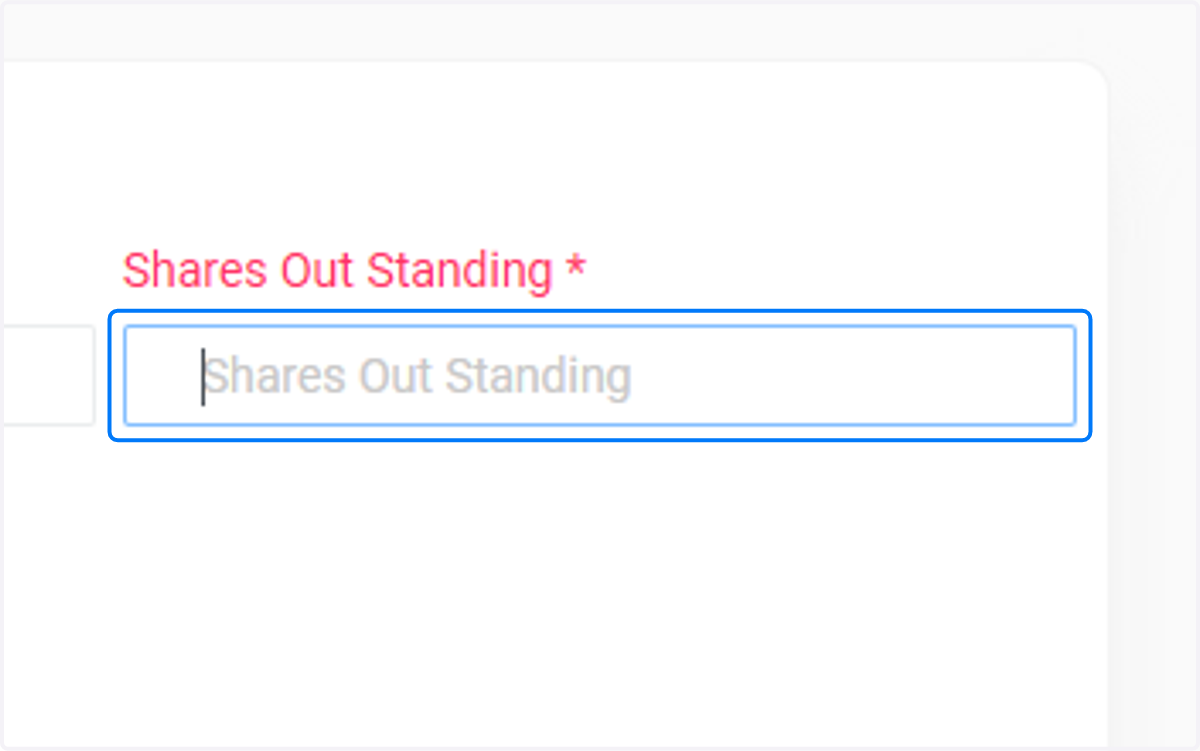
7. Click on Shares Out Standing
The total number of shares currently held by investors in the scheme. This figure is usually derived from custody statement.
8. Value Date
The specific date on which the report is generated, typically reflecting the day’s market value and the calculations tied to the scheme's fees. Kindly enter the date.
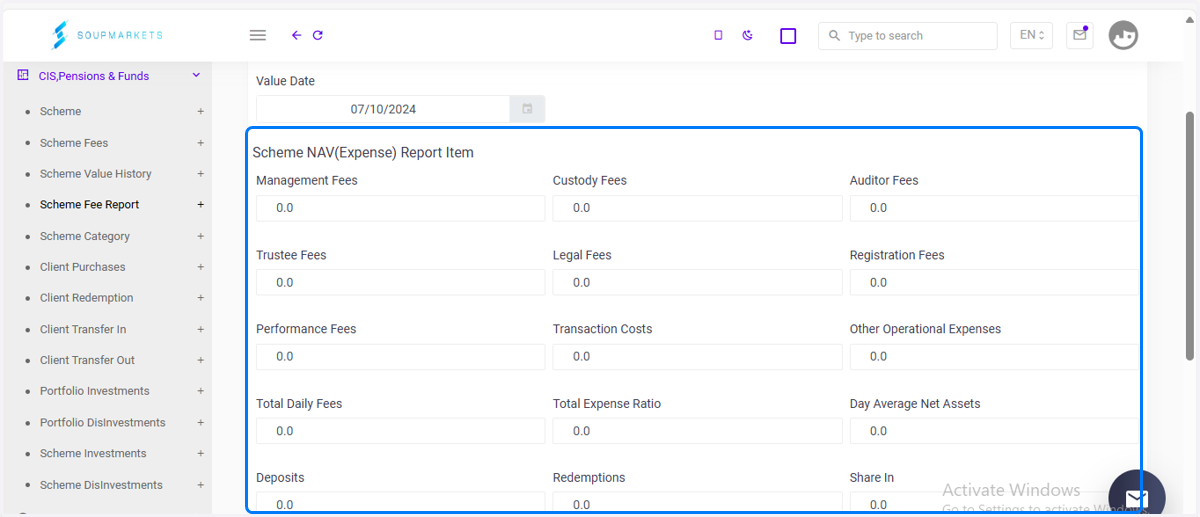
9. Bills - Expenses
These fees are auto-populated based on the bills associated with the selected scheme. When creating a bill in the bills module, you can select the scheme and associate the relevant fees (like management or custody fees). The system will generate these fees based on the vendor and type of services provided.
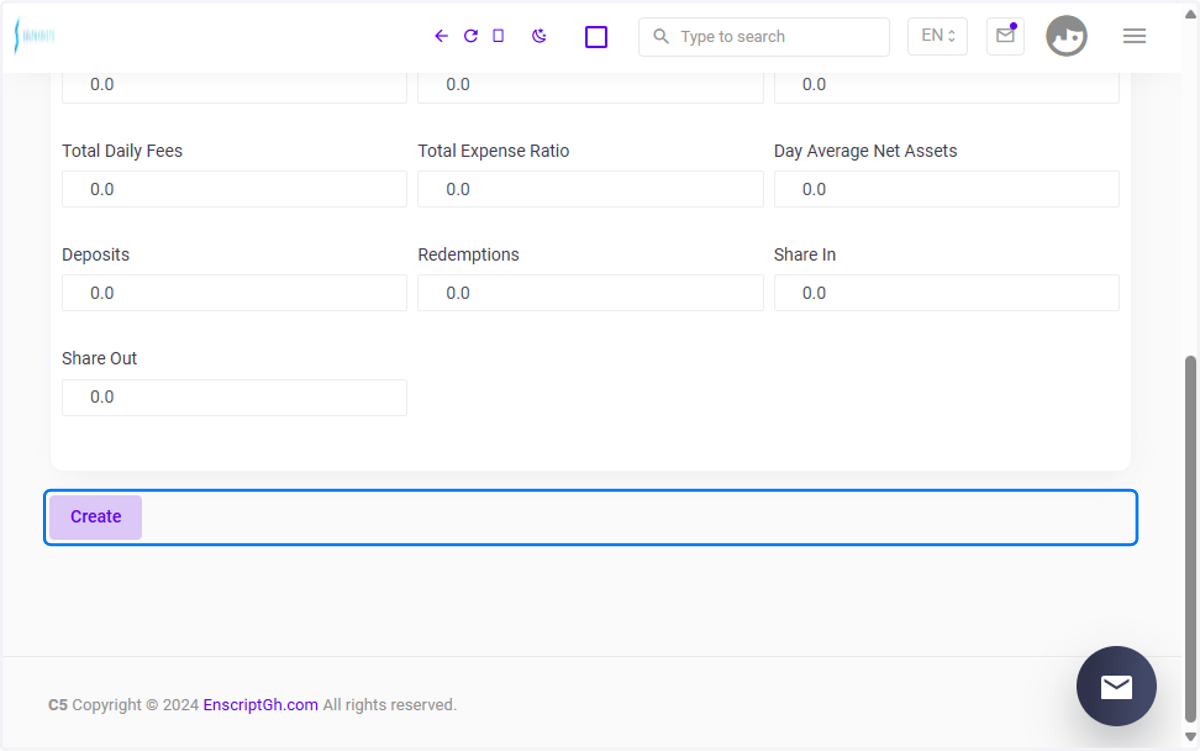
10. Click the Create button
Click the create button to finalize the Scheme Fee Report Creation.