Navigating the C5 Dashboard for Adepa PLC Trading
Dashboard | C5[Demo Securities & Asset Limited]
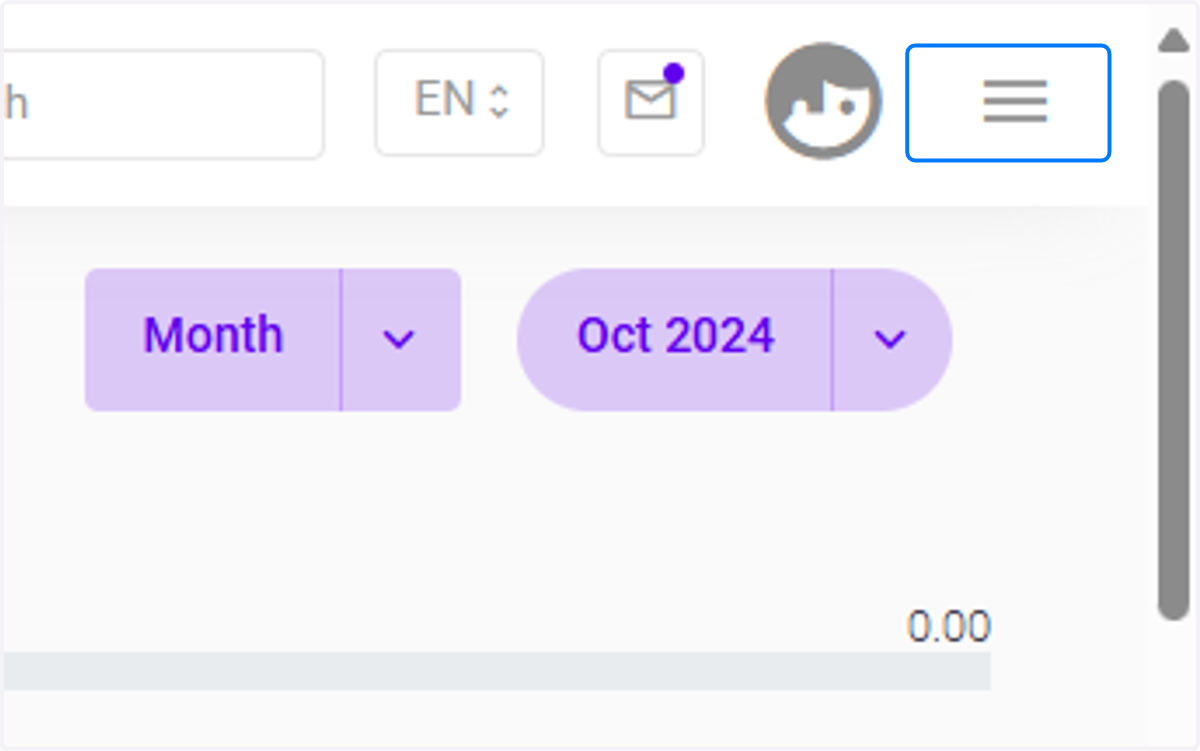
1. Click on highlight
Click the three-barred button to expand for modules.
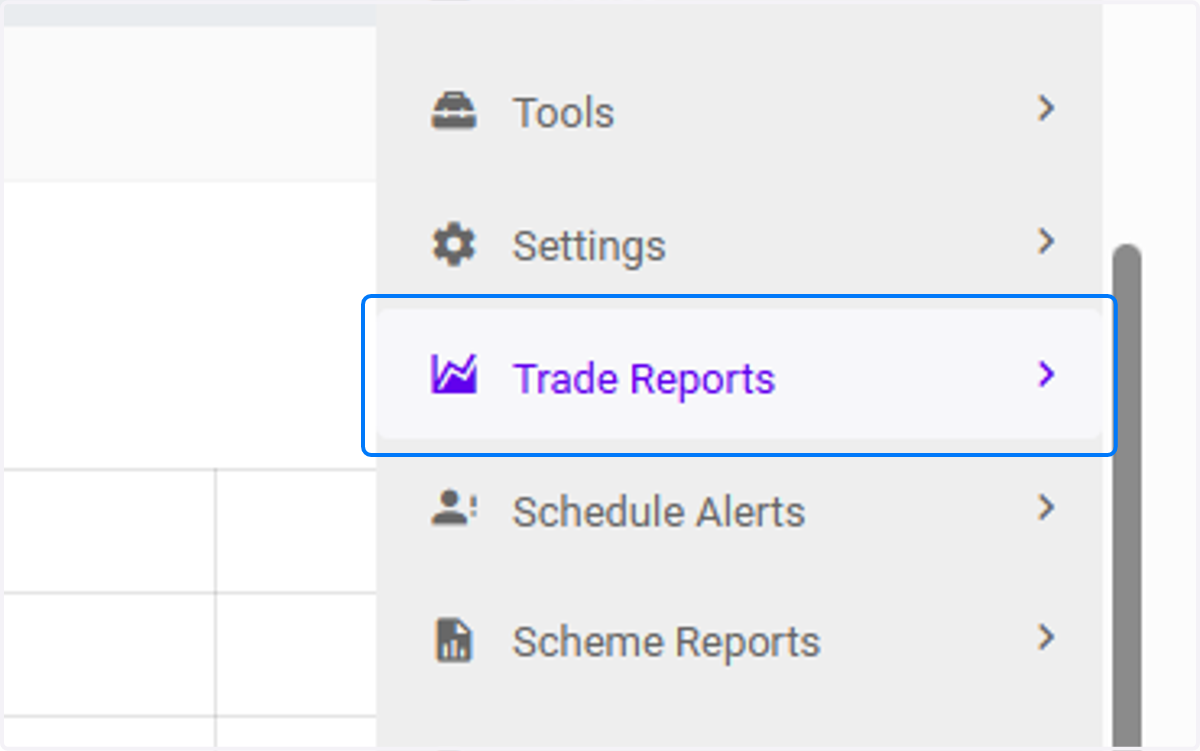
2. Click on Trade Reports
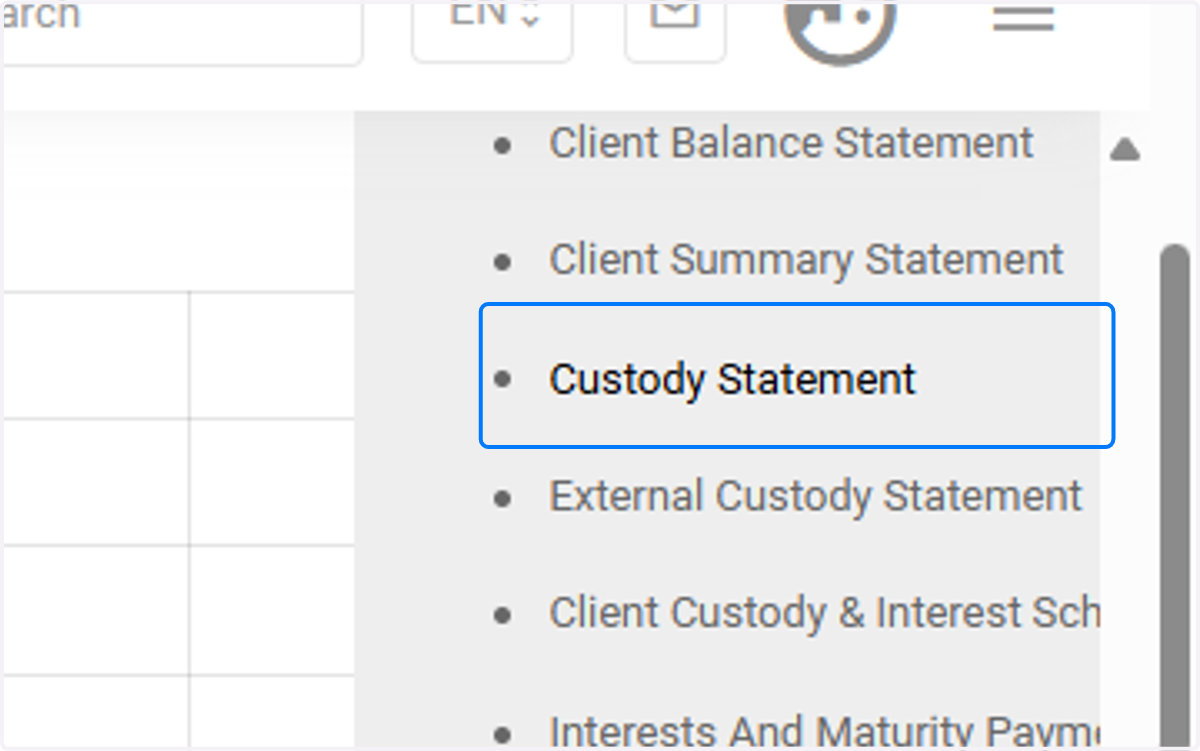
3. Click on Custody Statement under Trade Report
This is a comprehensive document that outlines the assets held in custody on behalf of clients by a custodian (such as a financial institution or investment firm). NB: The Assets Under Management (AUM) is a key part of the report and directly depends on the aggregated data from the custody report, ensuring that the total assets held under management for the scheme are accurately reflected.
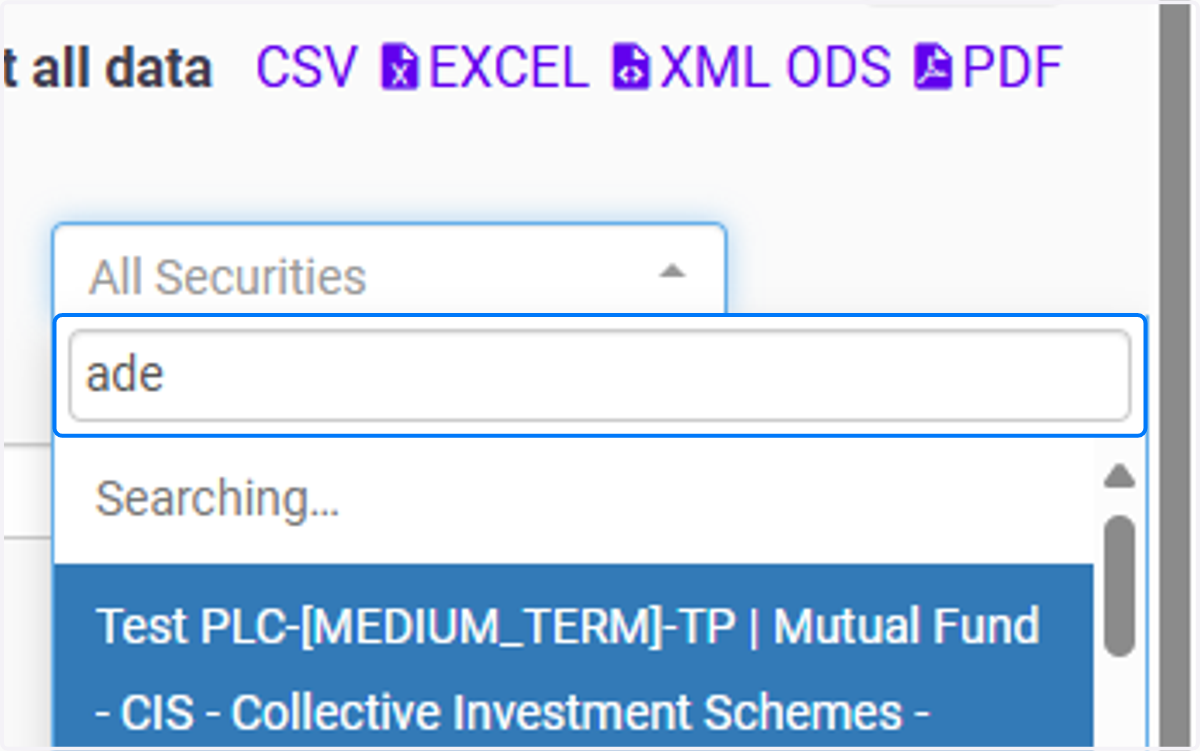
4. Click on All Securities
For example, to filter out data, select the Security you want populated. eg. Click on Adepa PLC--ADPF | Ordinary Shares - Equity - Equity & Shares - EQUITY
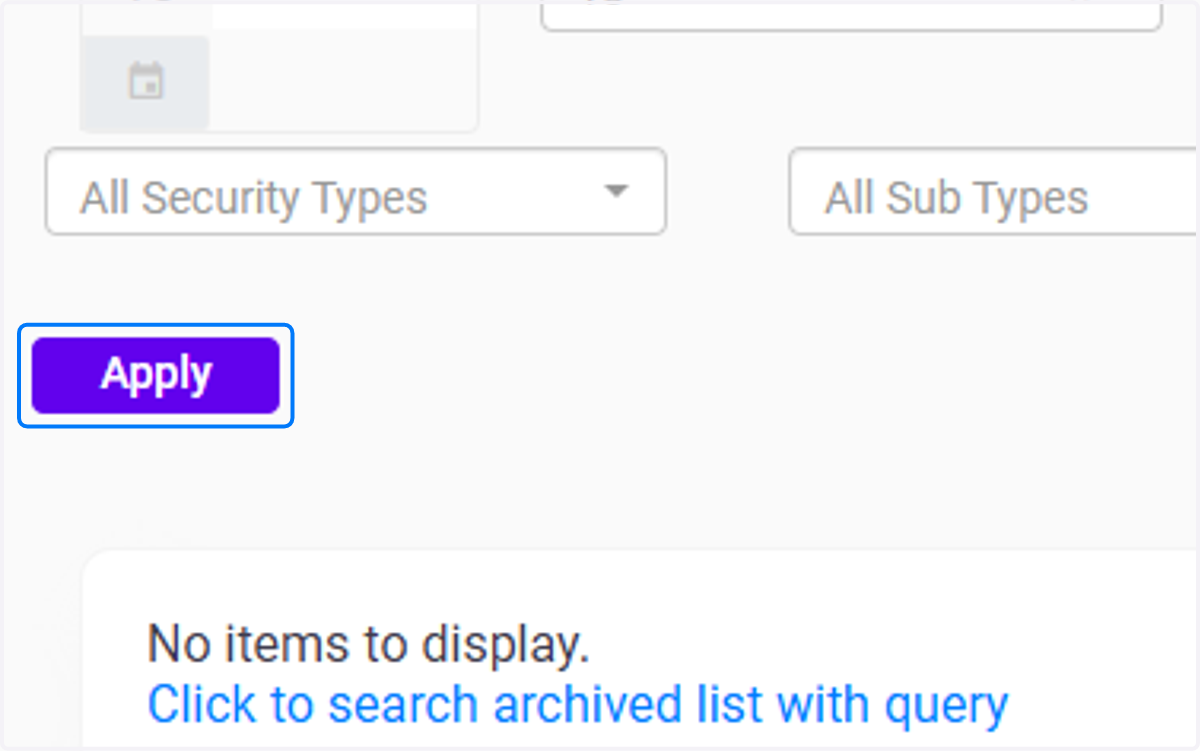
5. Click on Apply
Click the apply button to populate the data.
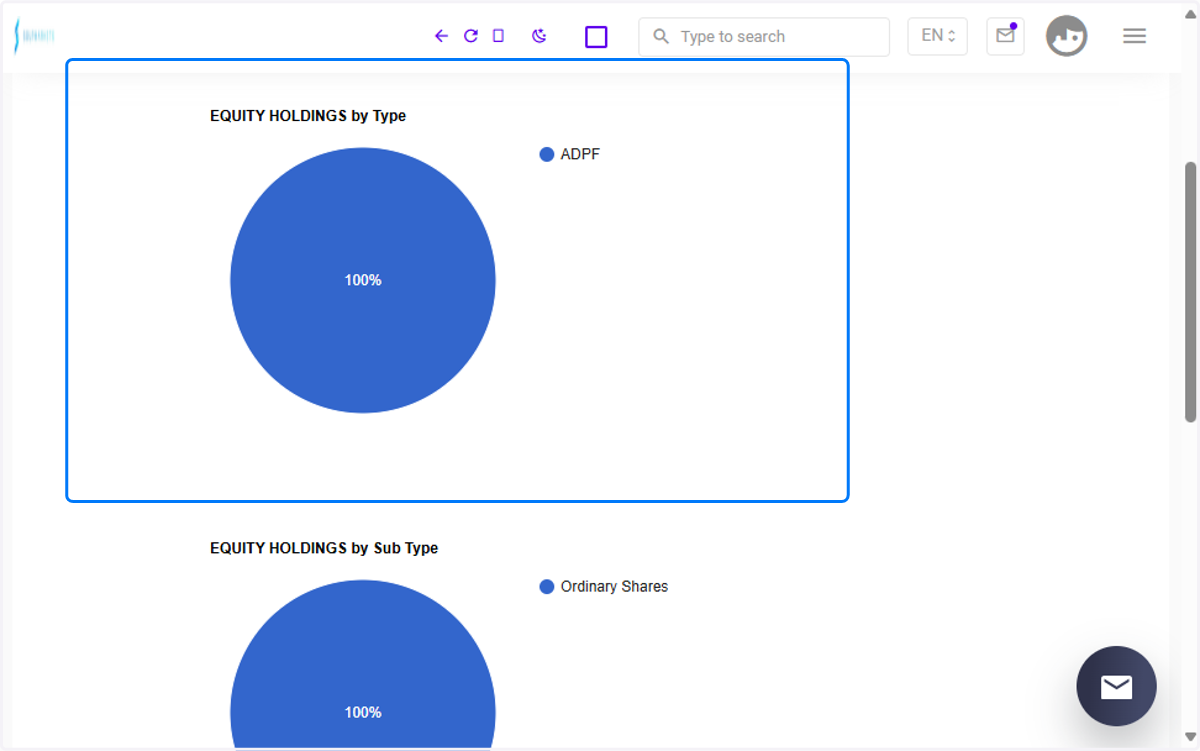
6. Data Breakdown (Equity Holdings by Sub-Type)
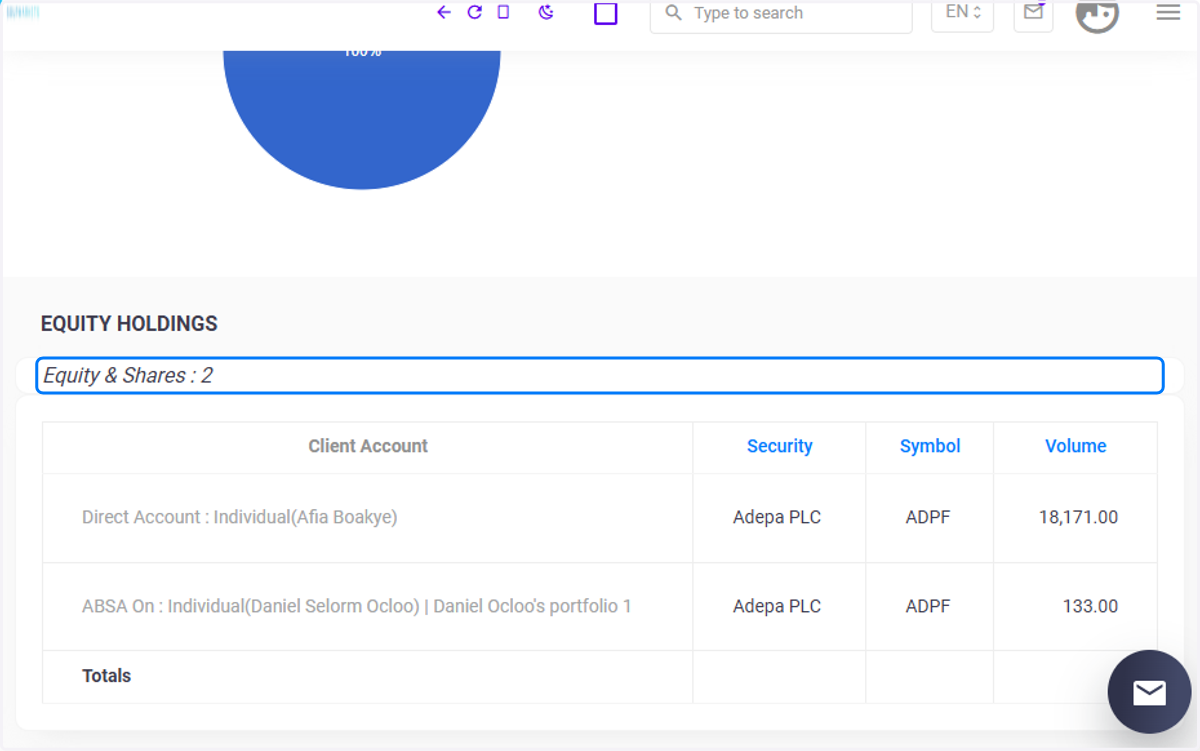
System further categorizes by Sub Type (e.g., Ordinary Shares). Example: Ordinary Shares = 18,304 shares.
7. Detailed Equity Holdings (Shares)
System generates a breakdown by Client Account, showing:
Client Name (Direct Account, ABSA On),
Security (e.g., Adepa PLC),
Symbol (e.g., ADPF),
Volume of shares held.
Afia Boakye holds 18,171 shares of Adepa PLC .Daniel Selorm Ocloo holds 133 shares in Adepa PLC.