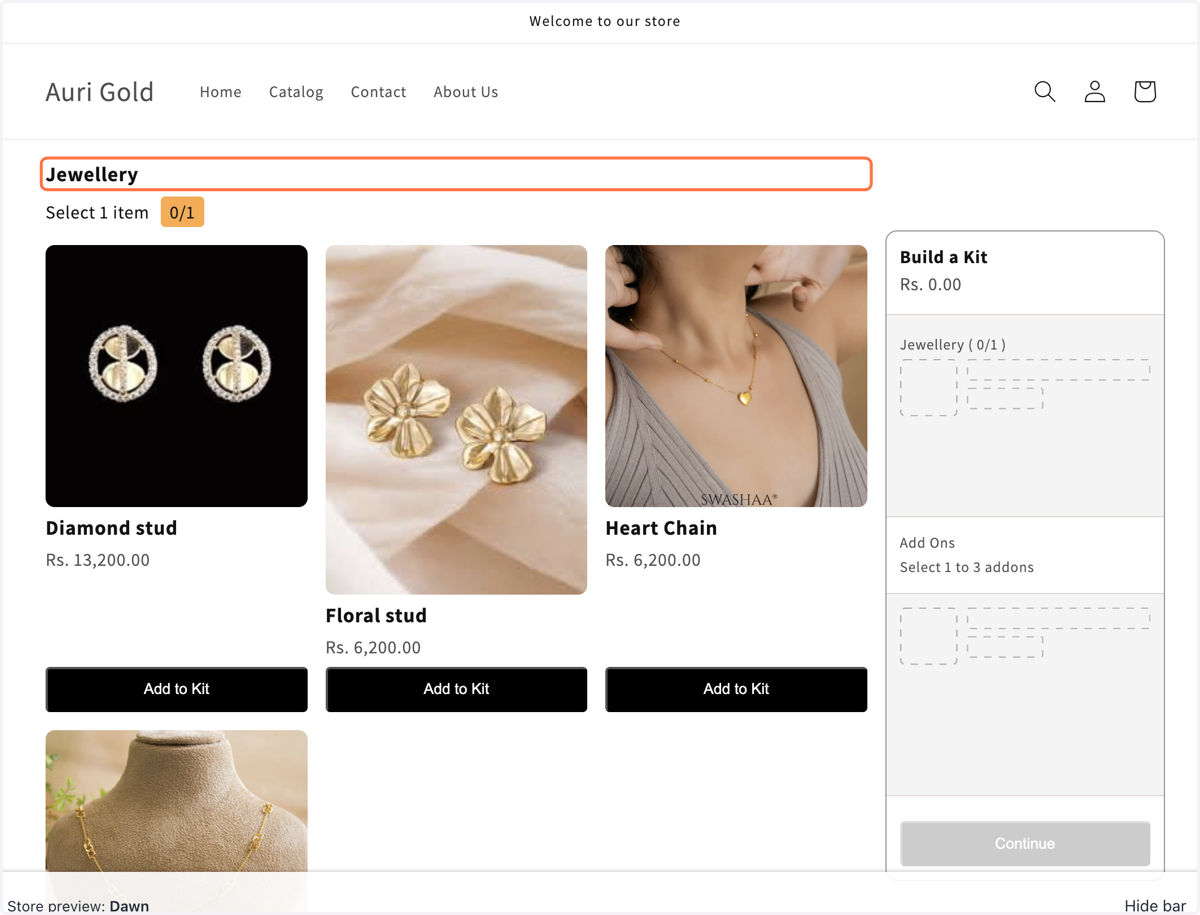
Setting Up the Mix Match Bundle in Shopify (Without enable quantity as an option)
1. # Build a Mix and Match Bundle in the app
Give a title name under bundle information
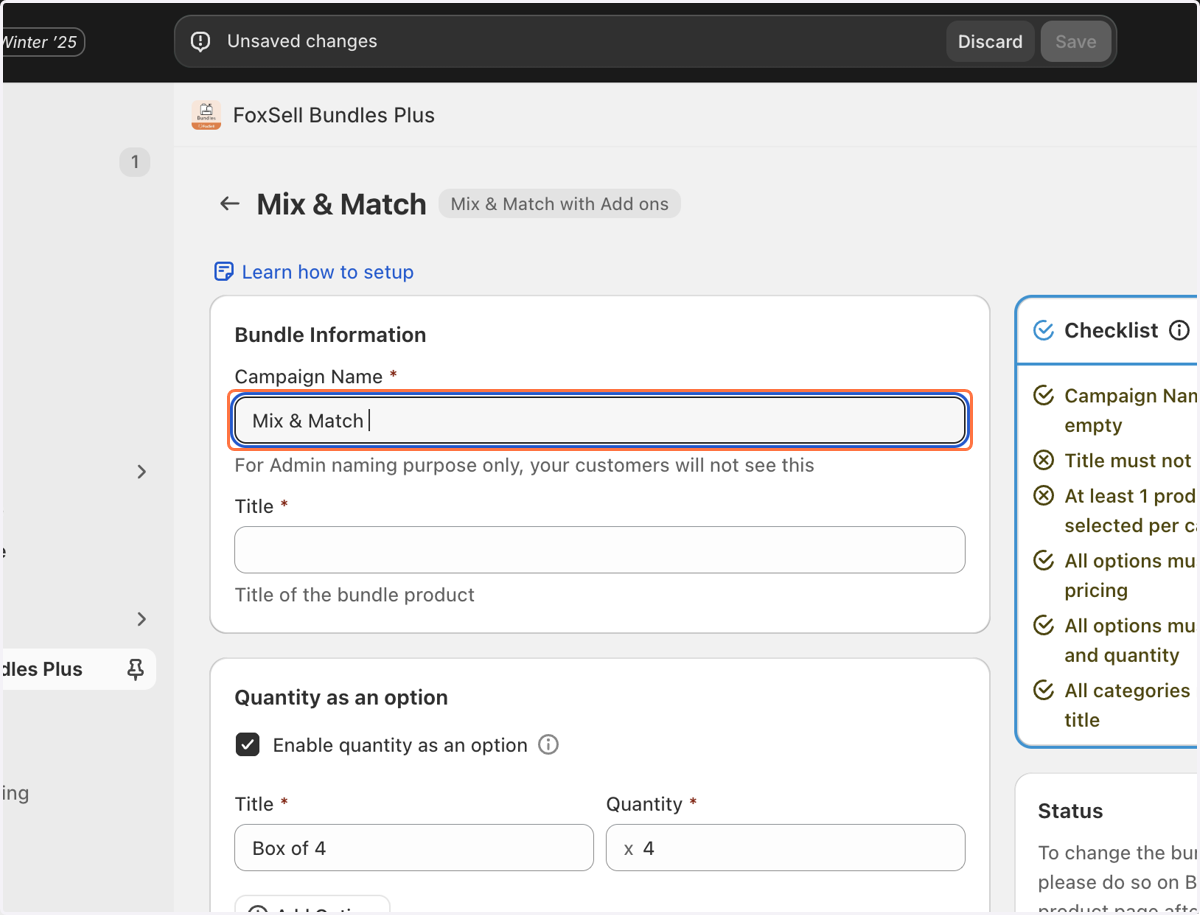
2. Uncheck Enable quantity as an option
Disable Quantity as an Option when you want to create bundles like "Travel Set", "Skin Care Set" where customers can choose X products at each step (or category)
In case you want to create bundles like "Box of 4", "Box of 6", "Box of 8" etc. Check out tutorial for "Quantity as an option" Enabled
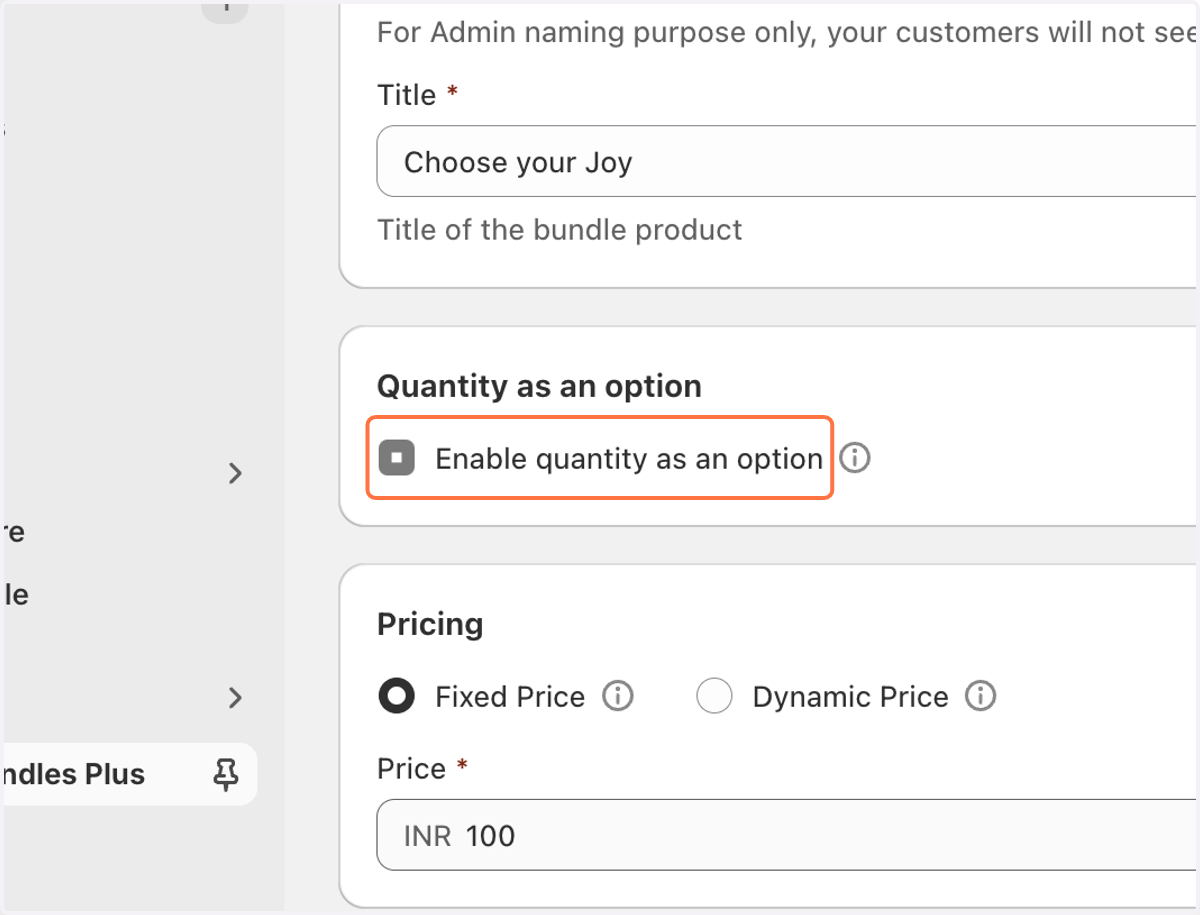
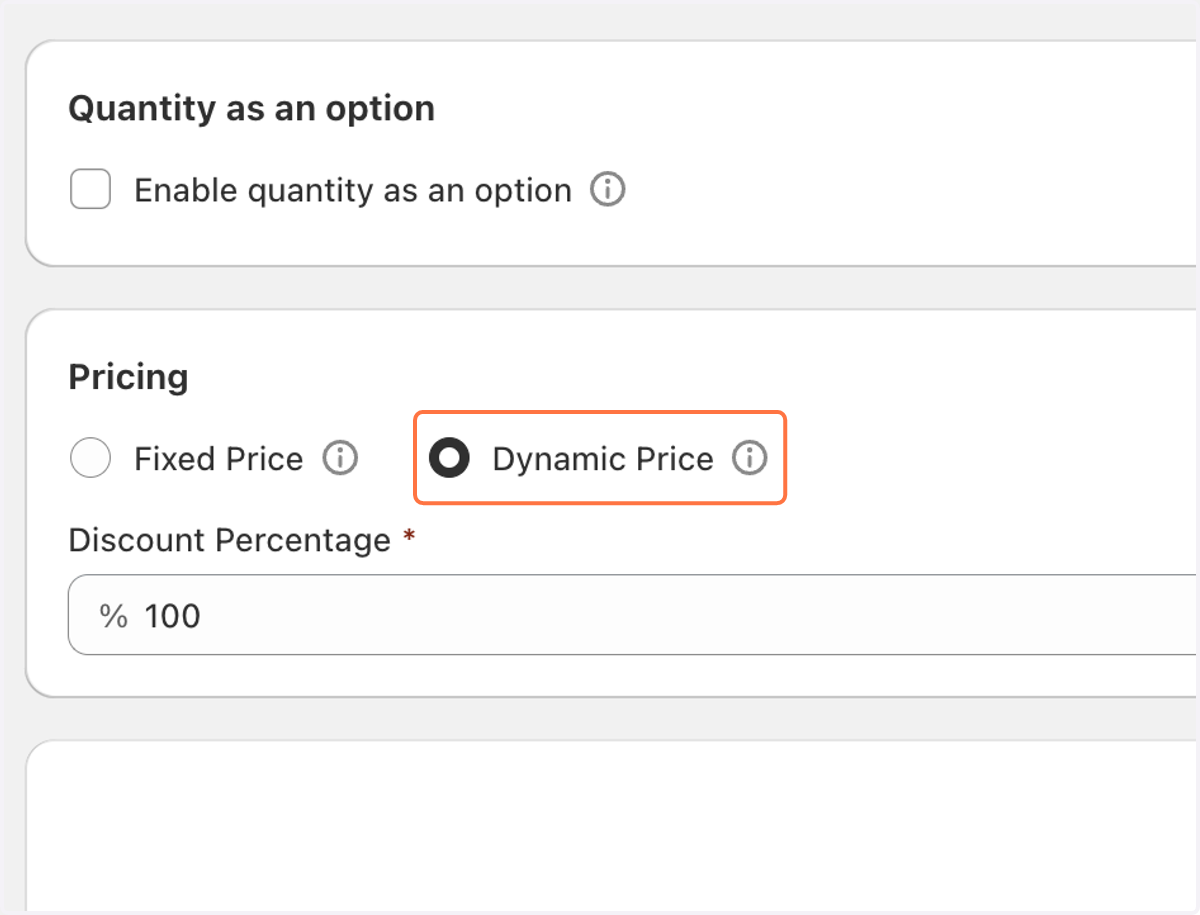
3. Select Fixed Price or Dynamic Price based on your requirements
Fixed Price: The price of the bundle is set at a fixed amount, regardless of the individual product prices or any other factors.
Dynamic Price: The price of the bundle is calculated dynamically based on the individual prices of the products in the bundle or other factors (like discounts).
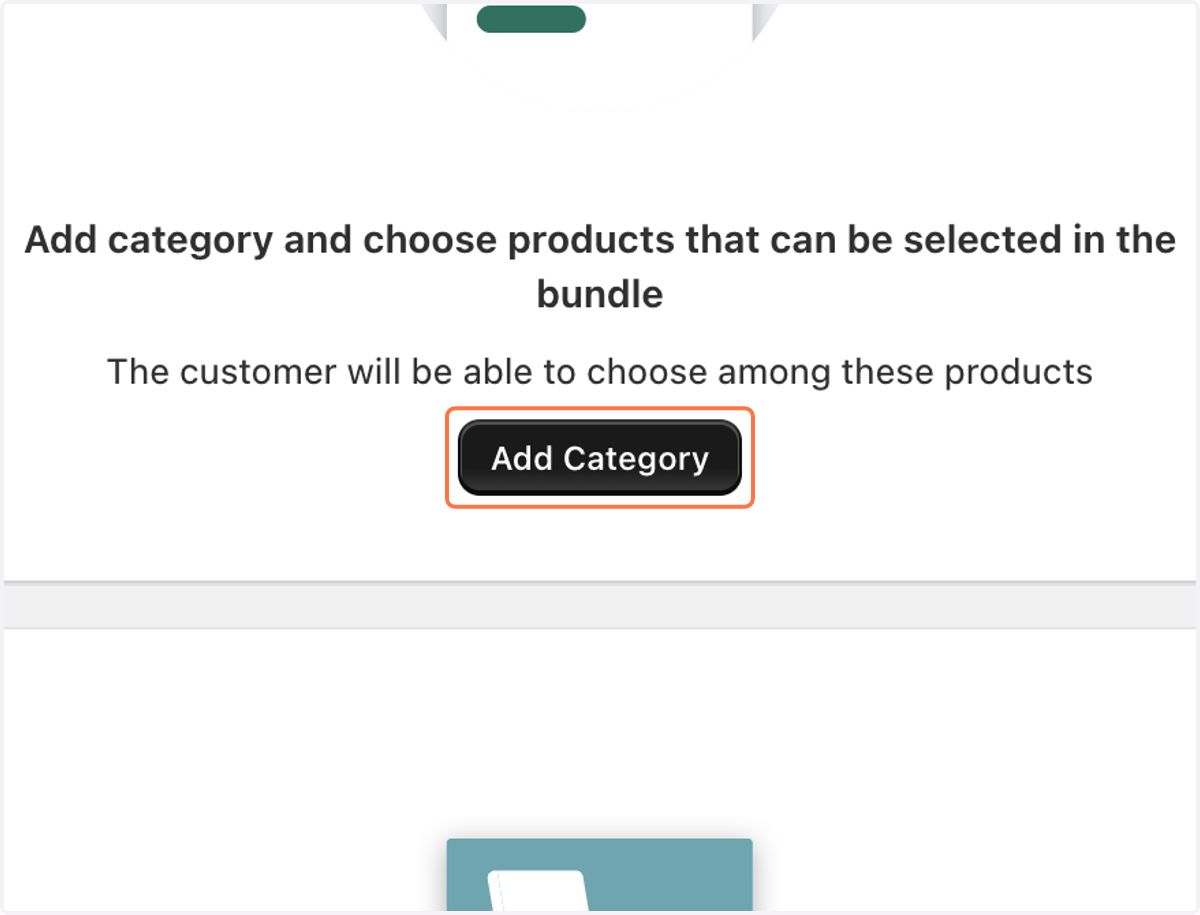
4. Click on Add Category
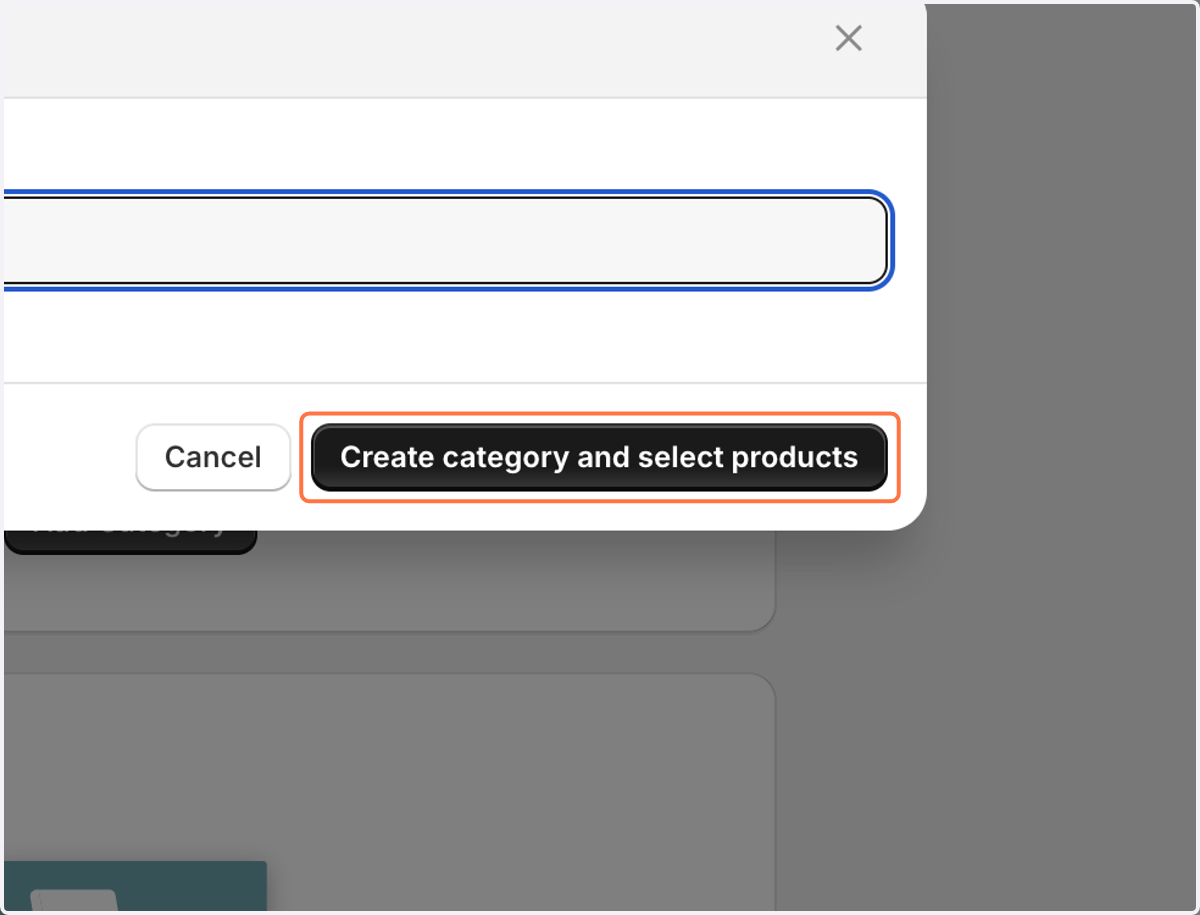
5. Click on Create category and select products
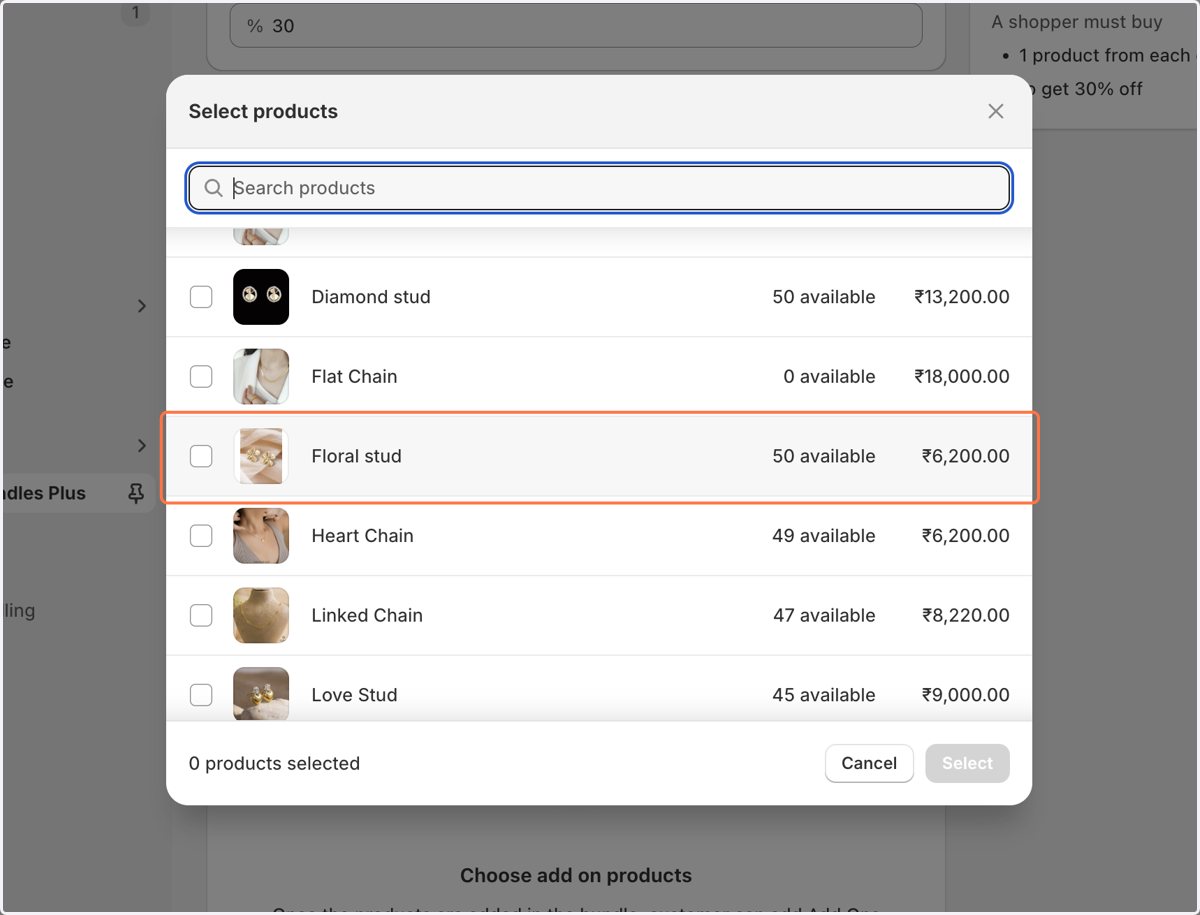
6. You can choose the products
7. You can click on Add Ons
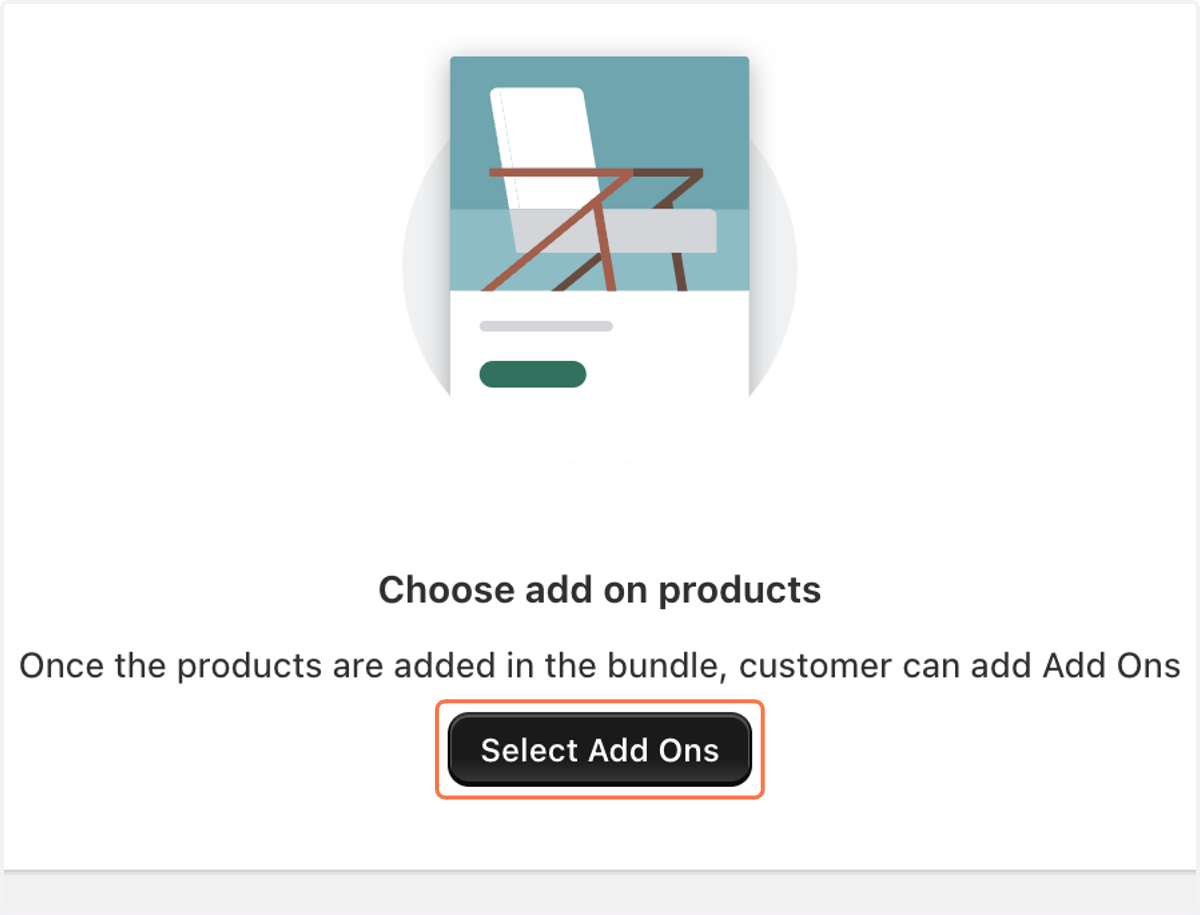
8. Select products for Add Ons
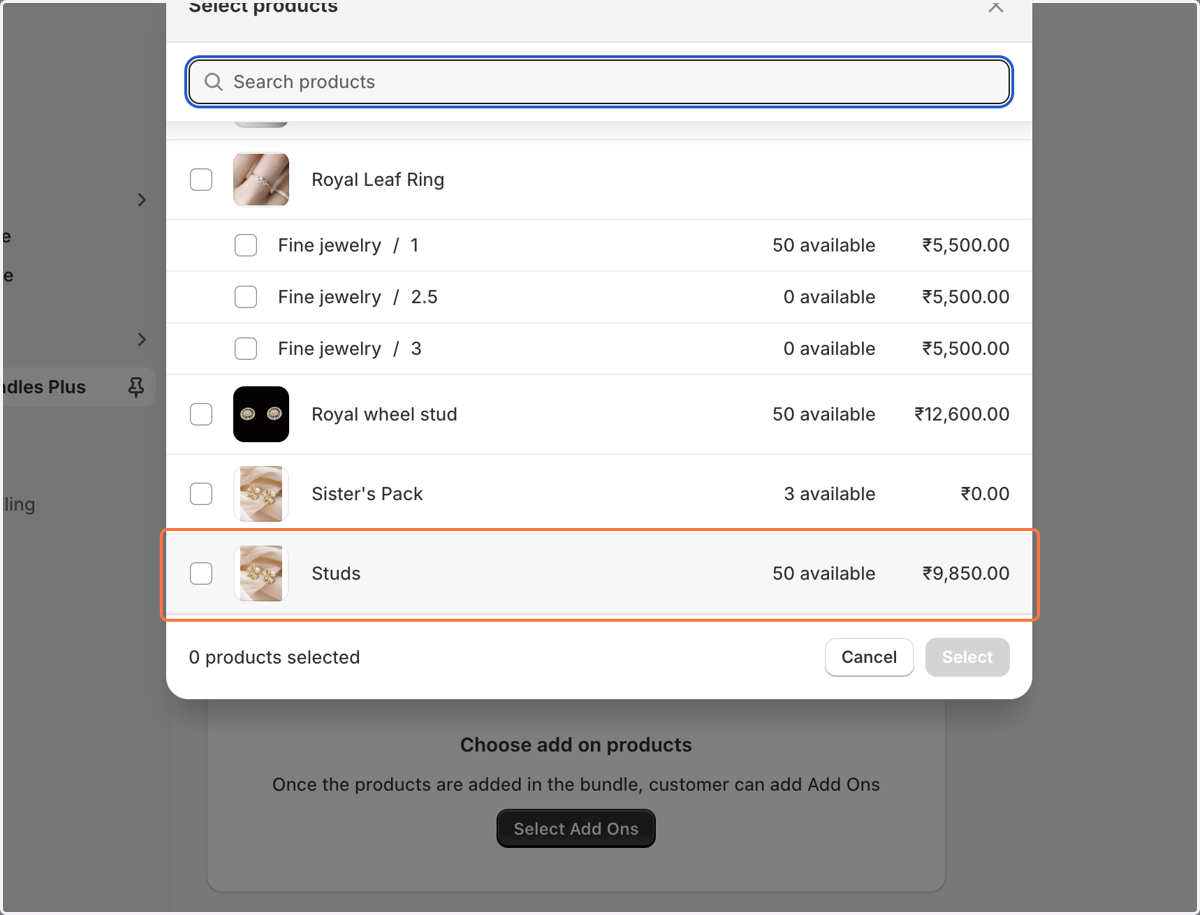
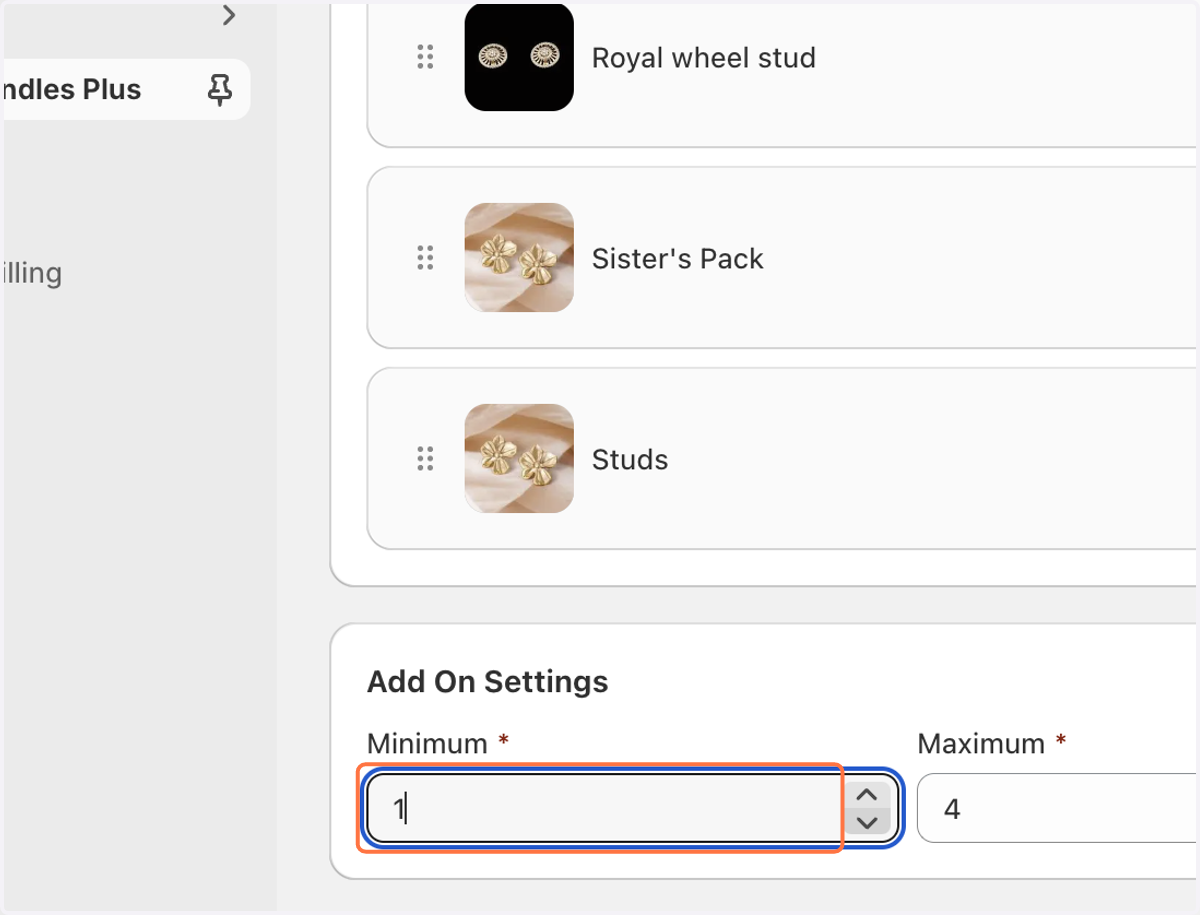
9. Choose Add Ons Settings
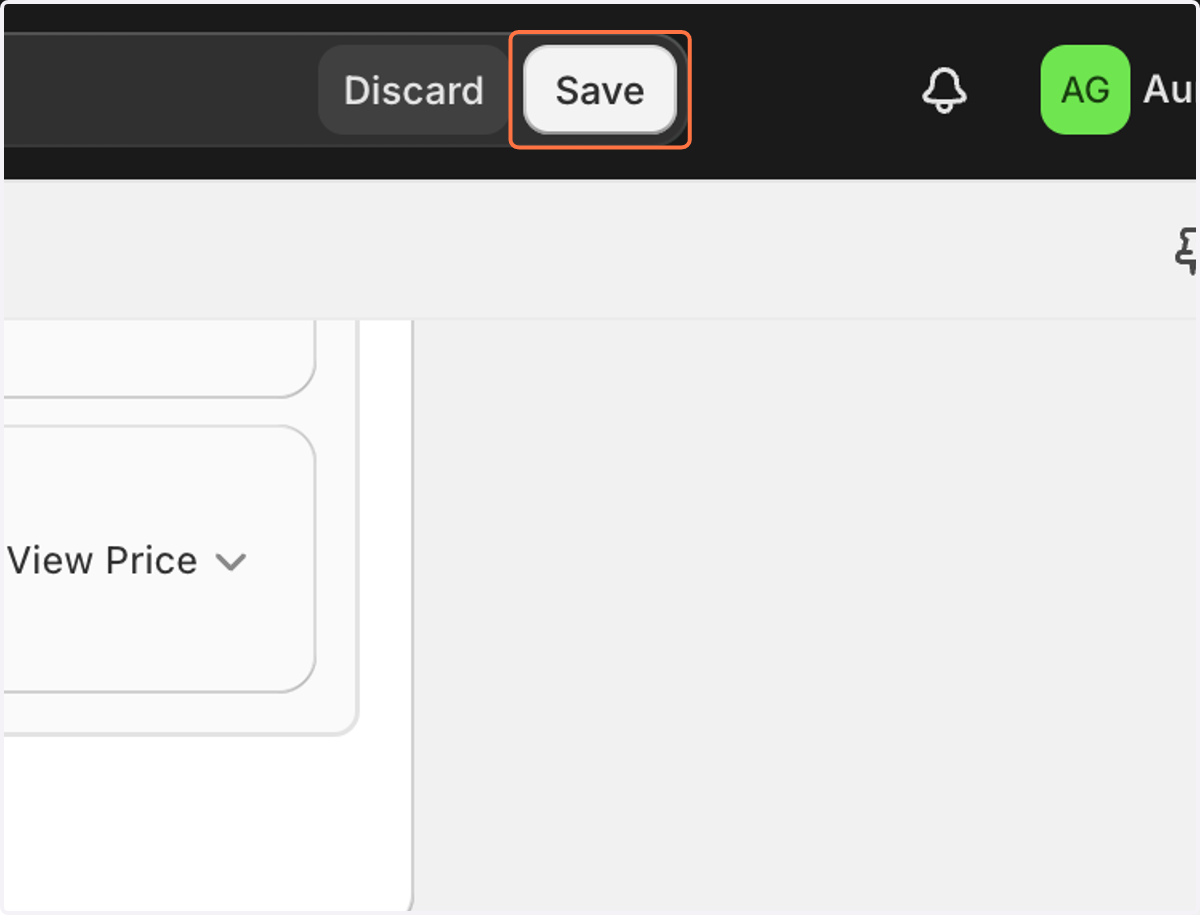
10. Click on Save
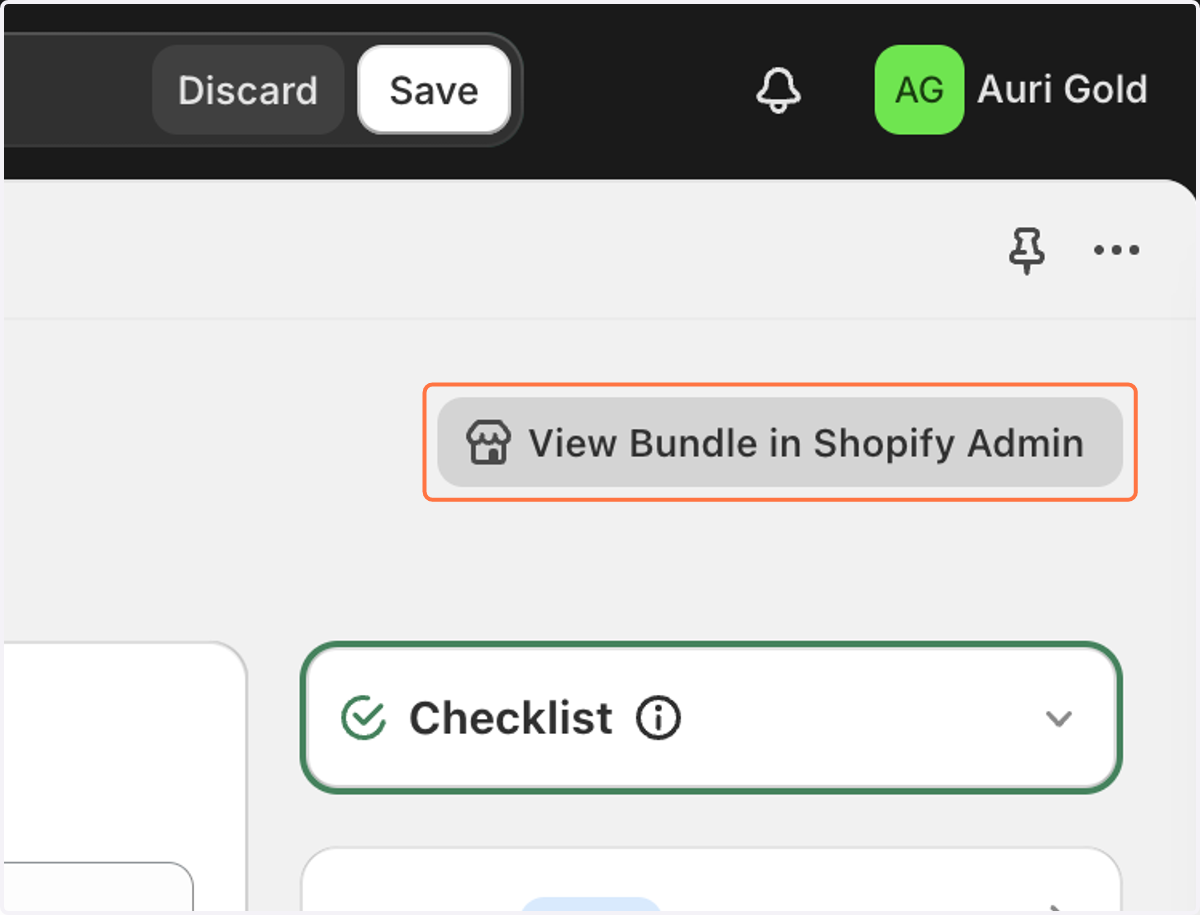
11. Click on View Bundle in Shopify Admin"
12. Click on Manage
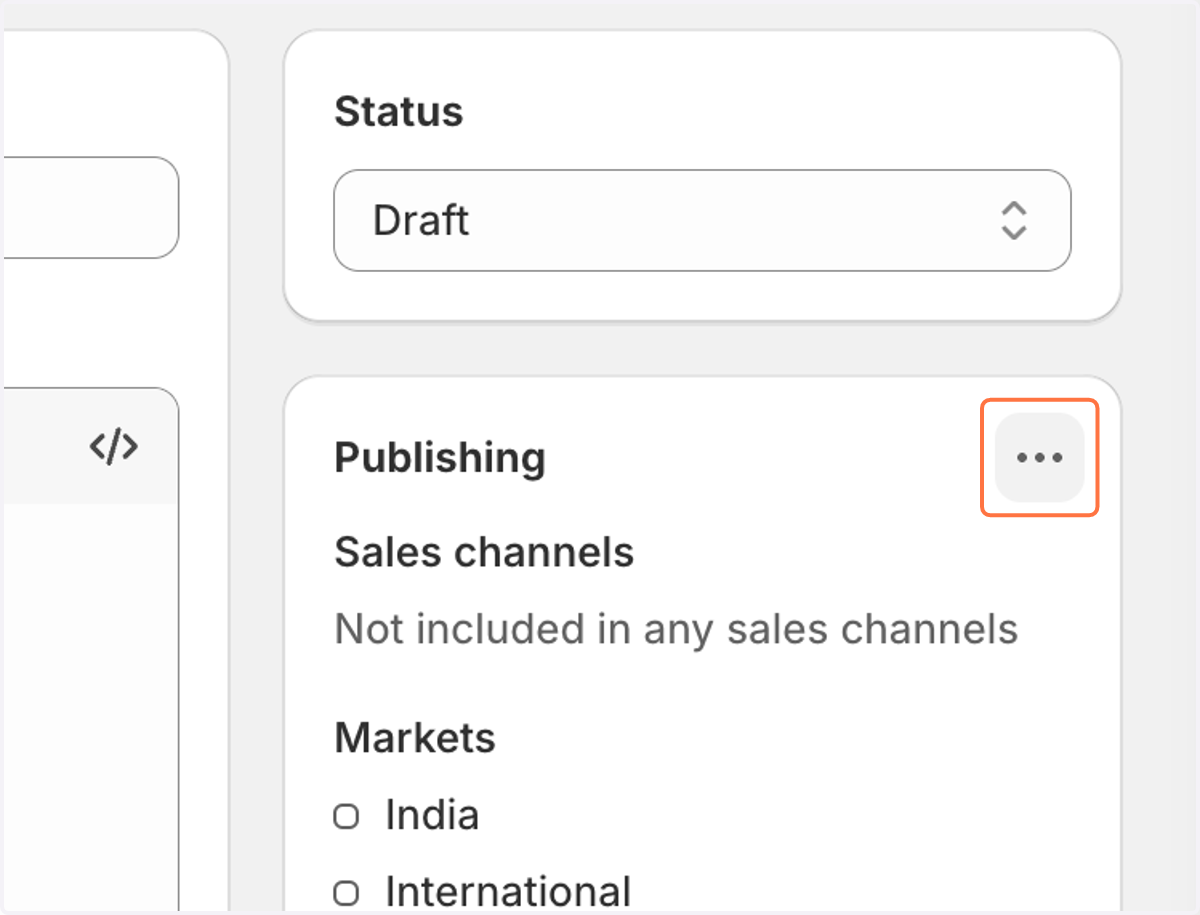
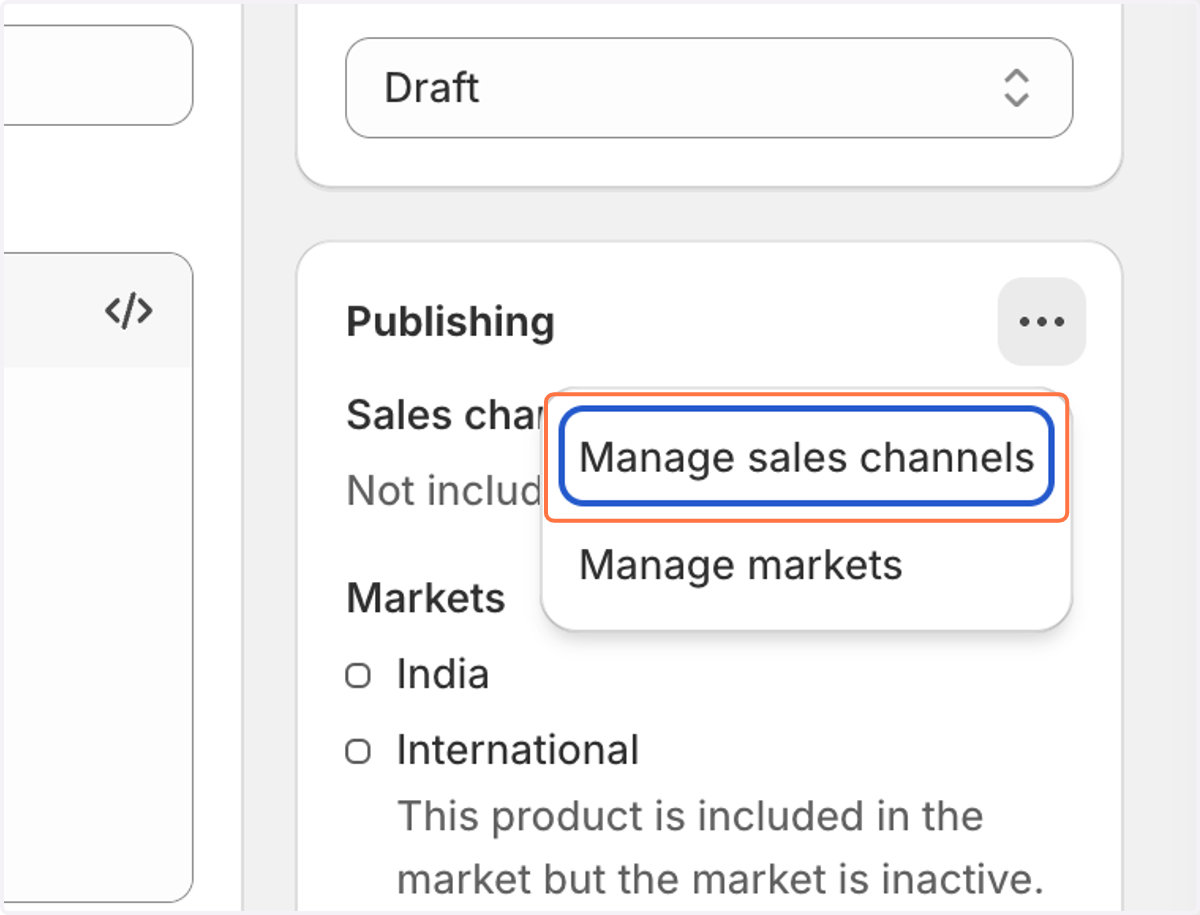
13. Click on "Manage sales channels"
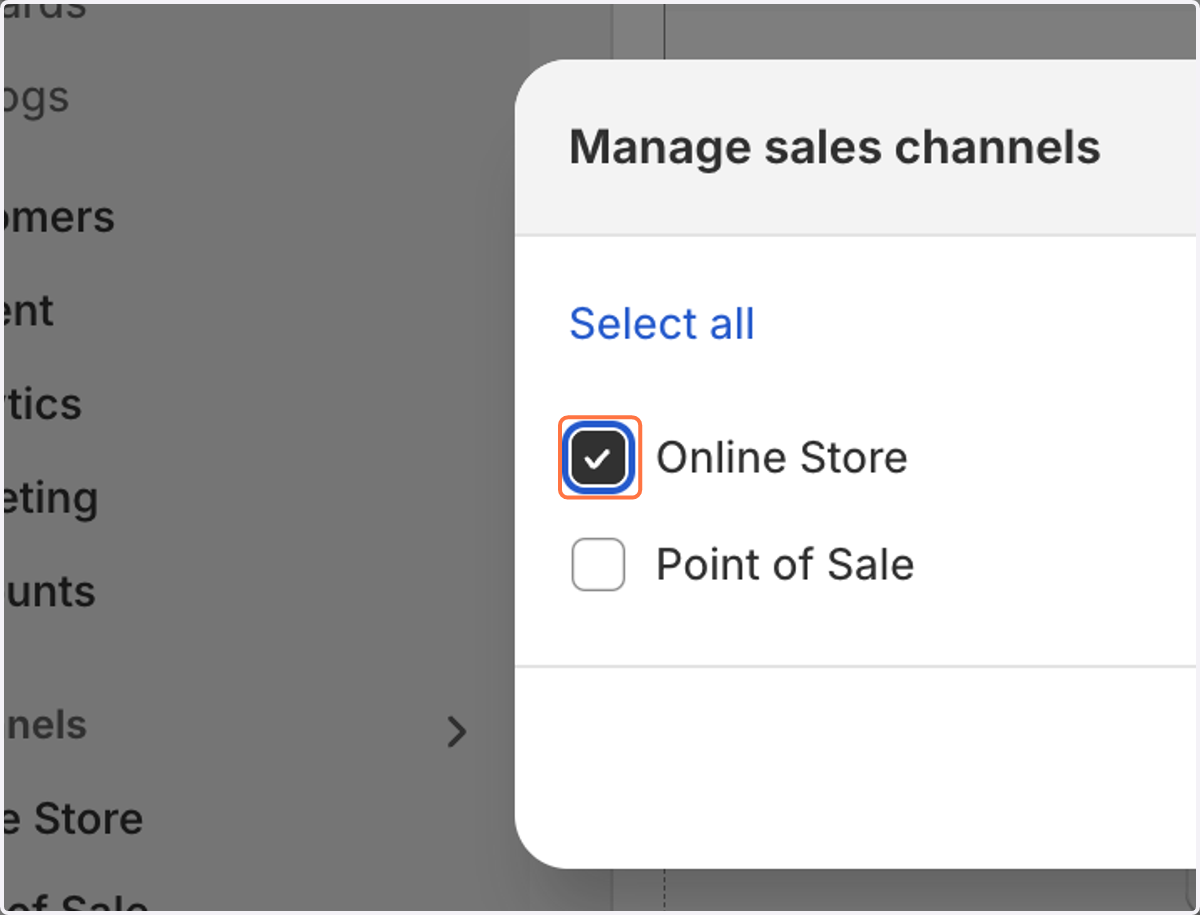
14. Check Online Store
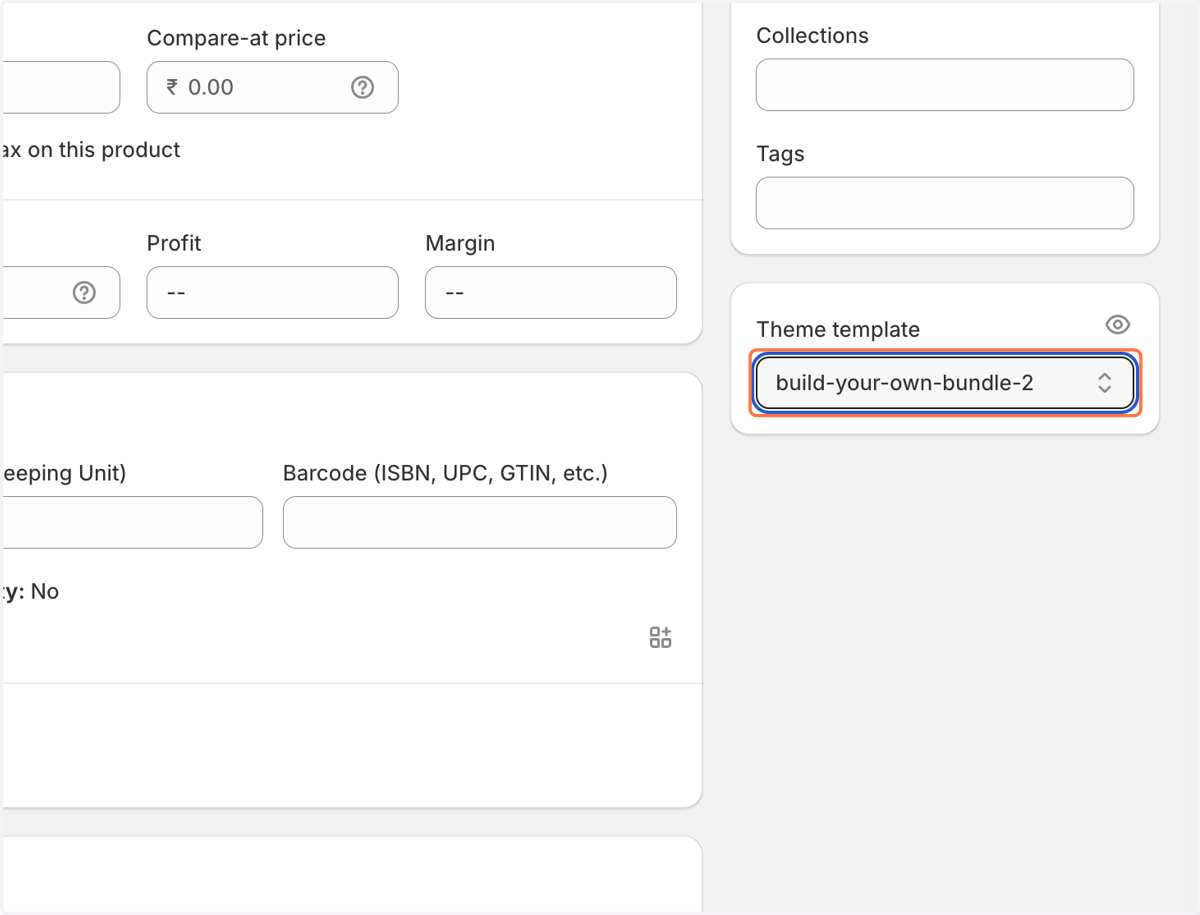
15. Select your theme as shown below
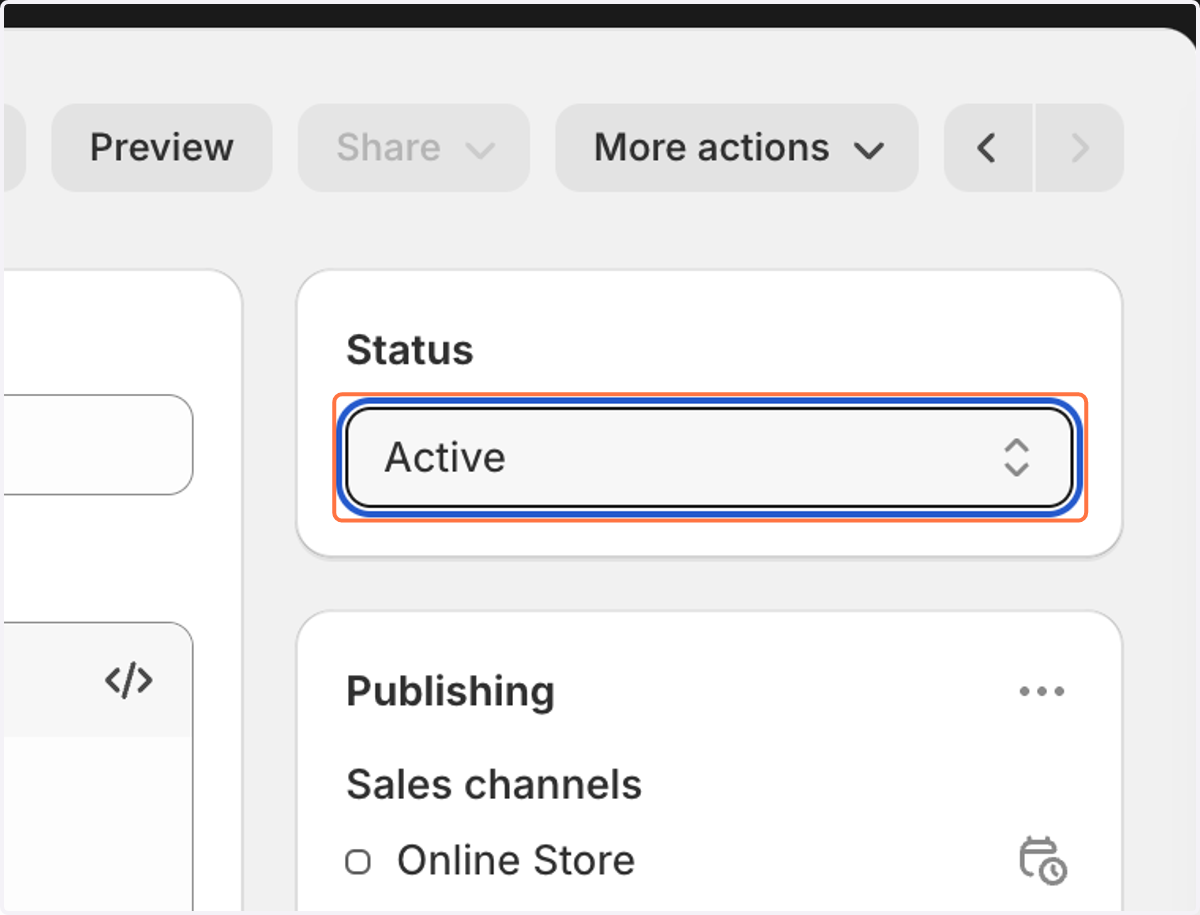
16. Select Active from Status
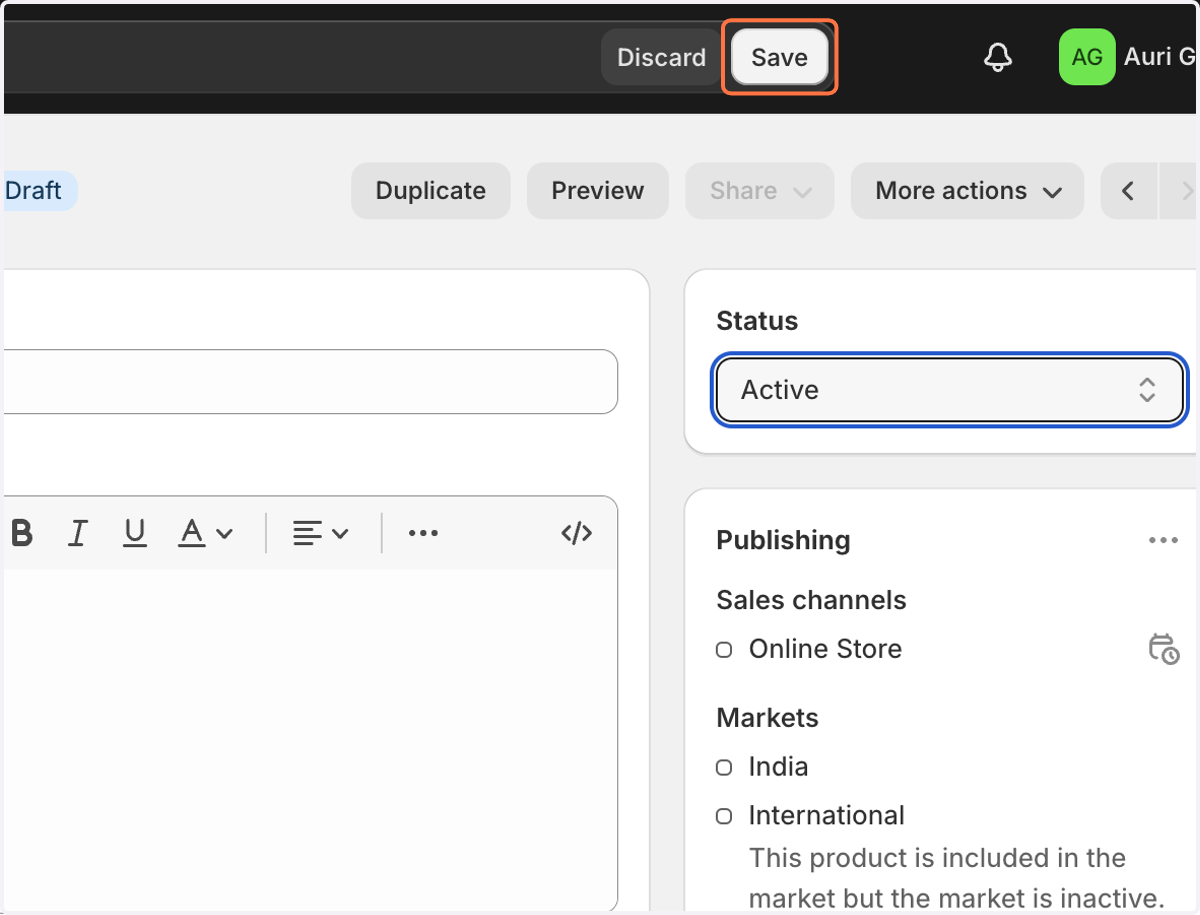
17. Click on Save
18. Click on Preview
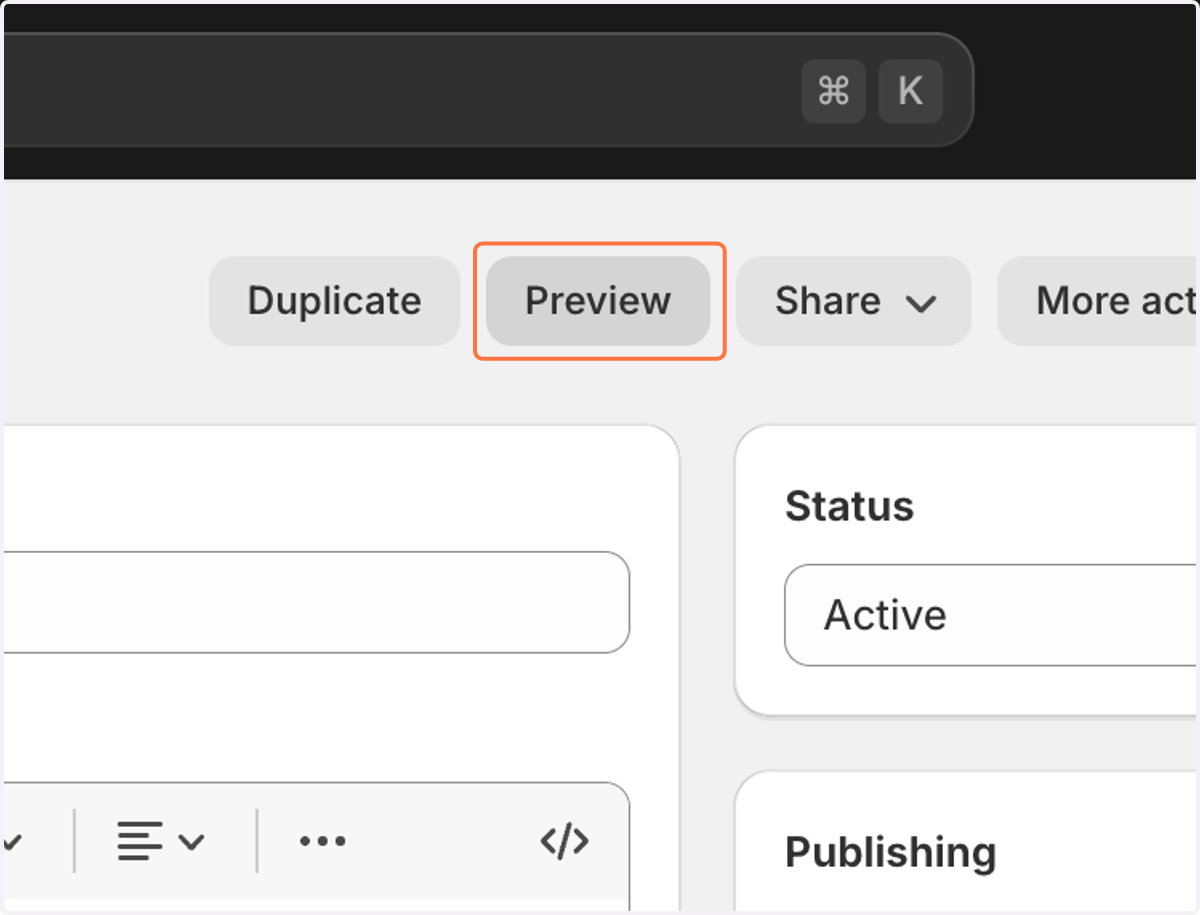
19. The preview is shown as below