Portal Admin: Annual Returns for ClubSpark Clubs
As a ClubSpark club the Annual Return process is easy! From the 1st May the data is pulled from ClubSpark automatically which saves you time! All you need to do is confirm your numbers and you'll be all set!
Not a Club Spark Club?
Home
1. Let's Start!

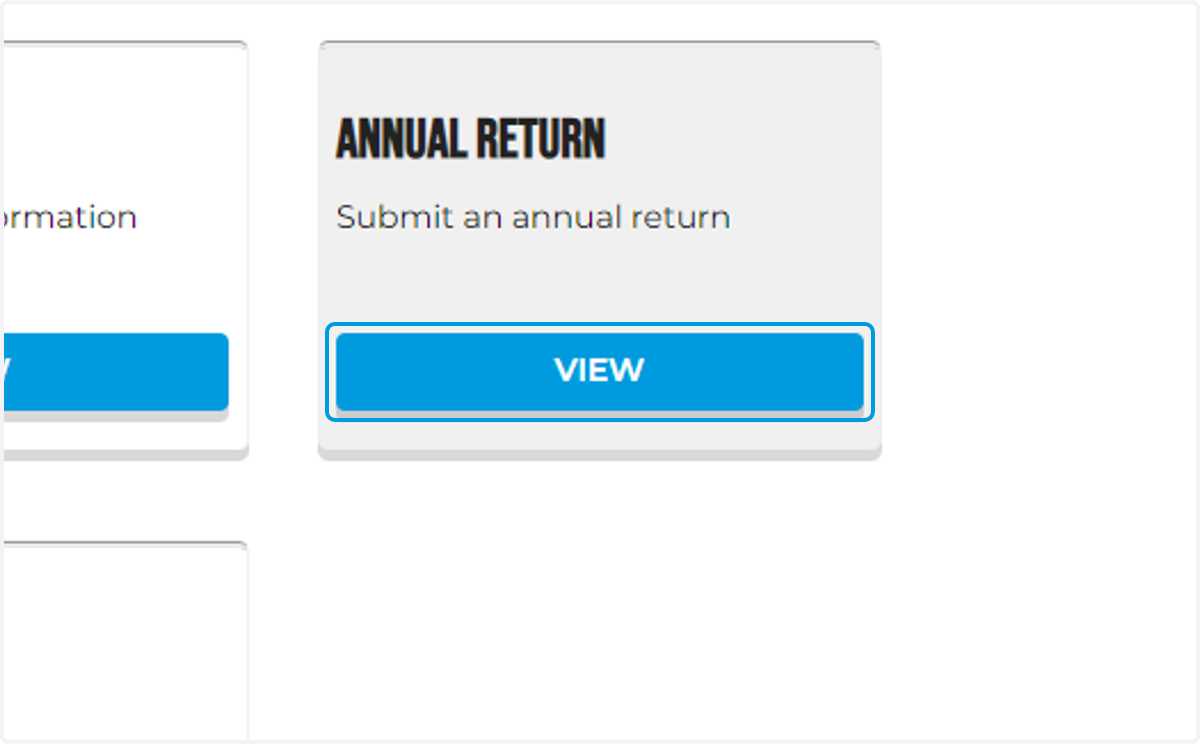
2. Login to your Portal Dashboard and click the view button under Annual Return
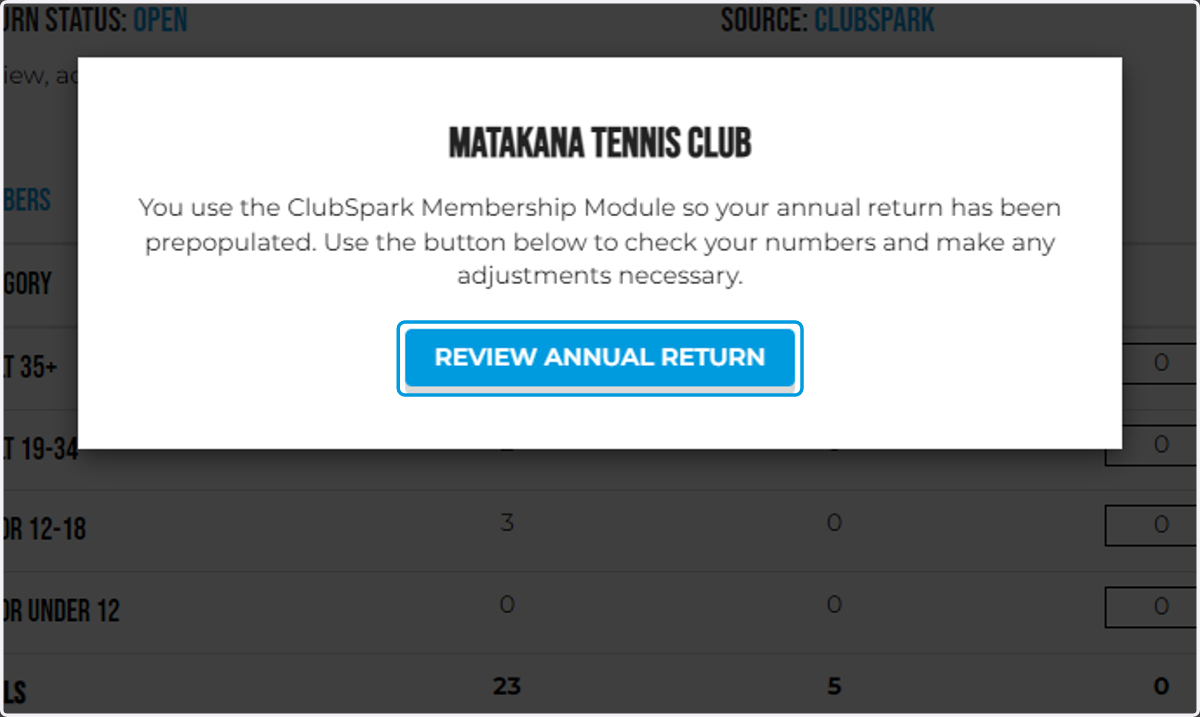
3. Click on REVIEW ANNUAL RETURN
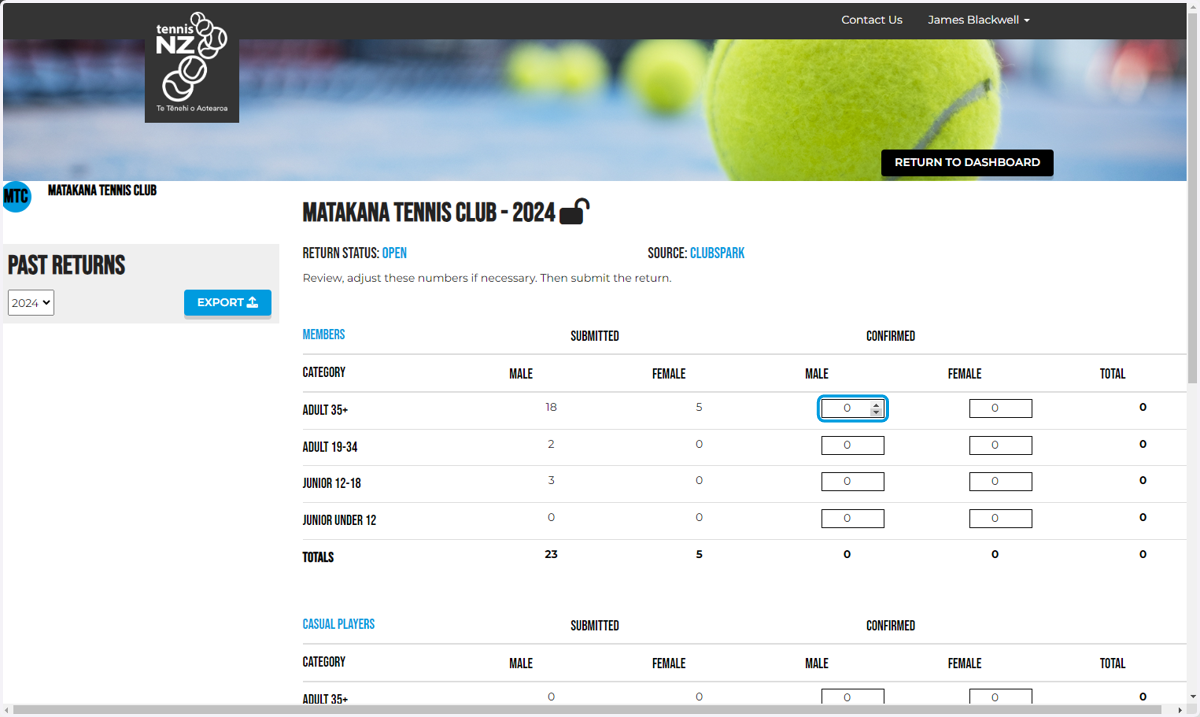
4. Confirm your numbers by entering them into the confirmed column
The numbers provided in the submitted column have come in according to ClubSpark data
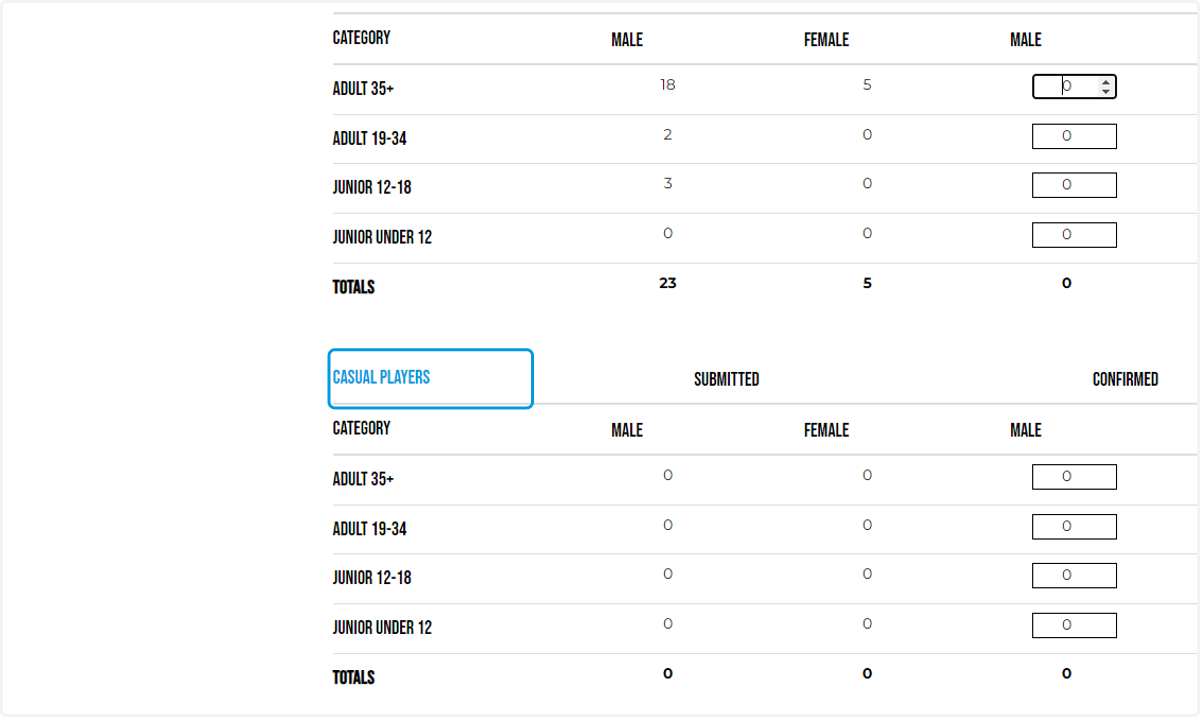
5. Then enter your casual player numbers
If you have taken any paid court bookings through ClubSpark/Book A Court these will be shown
(note: if you do not know the ages of participants please enter them in "ADULT 35+")
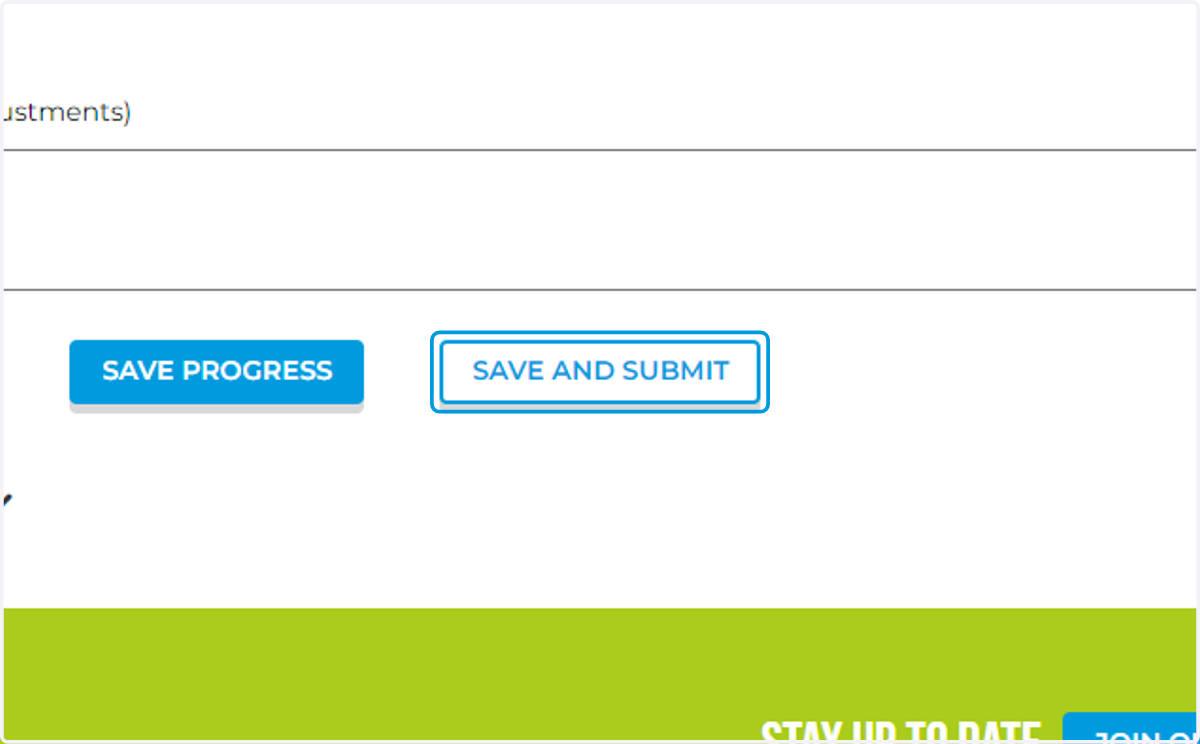
6. Click on SAVE AND SUBMIT to submit your annual return
Please wait as the data saves, this can take up to 1 minute.
7. That's it!
You've successfully uploaded your annual return for your club / venue!