Part One: Setup your Igloo Lock
These instructions will guide you on setting up your Igloo Lock to your smartphone
Before you begin:
Make sure any account details you use to sign up is with a Tennis Club / Venue email address
Have a debit/credit card ready as this will be needed
Ensure your 2nd nominated Book-A-Court champion is also aware of account logins.
1. Let's Start!

2. If you have an Apple iPhone
Download the Igloohome app from the App Store, scan the QR Code below

3. If you have an Android
Download the Igloohome app from the Google Play Store, scan the QR Code below

4. Register for an Account
Open the app and click the register button to signup
Fill in any information that is necessary and sign in again once completed. Please make sure you sign up using a club / venue email and not a personal email.
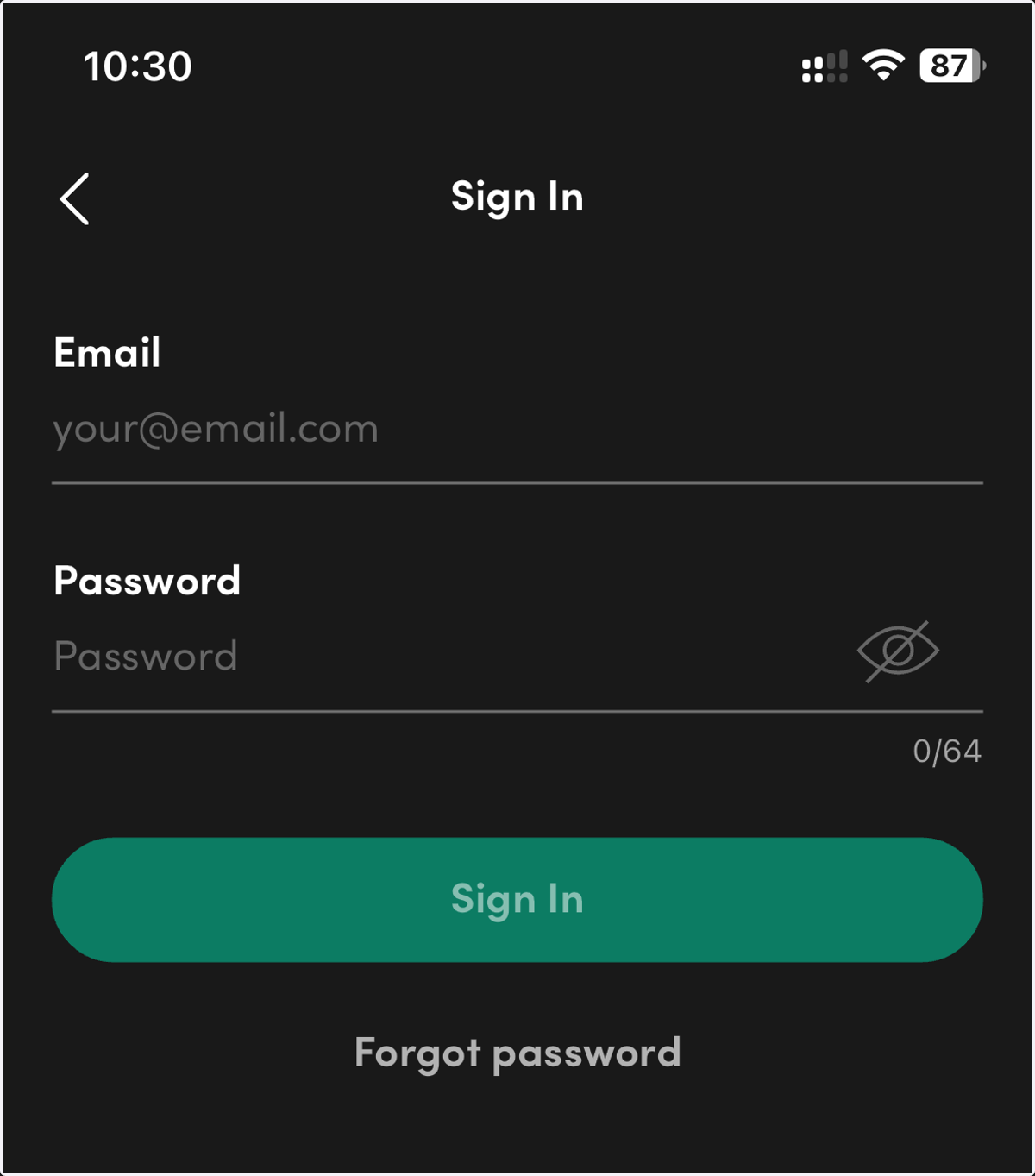
5. Login to the app
6. Fully Charge the Padlock
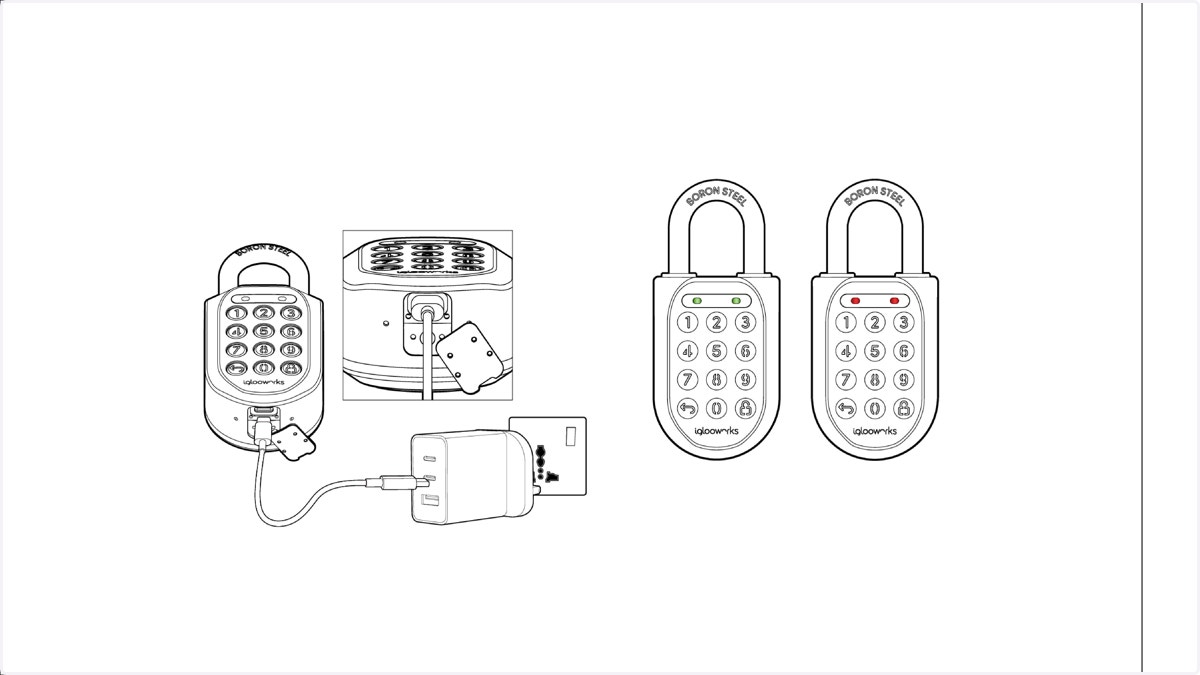
The Padlock will need a charge before you start pairing it to your phone.
Locate the USB C charge cable in the box and plug one side into the charge socket on the base of the lock - and the other end into a USB C Power Adapter (Not Included) or Power bank. Ensure the cable is connected securely on both ends, The lock will beep, and the LED will flash Red which indicates the lock is charging.
7. Pair new lock
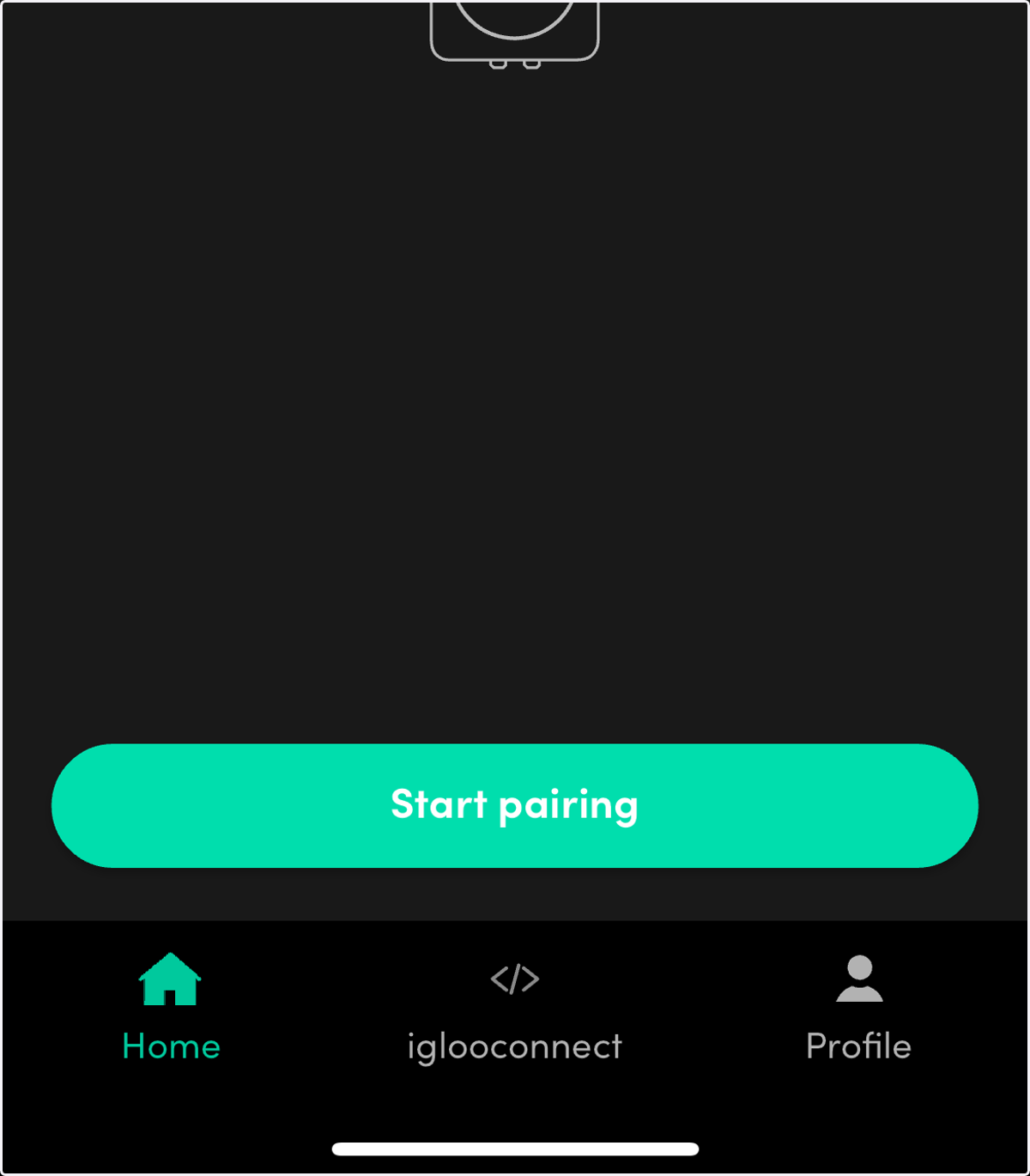
Tap the start pairing button
8. Name your lock
In the 'Lock name' field, enter a name for your lock. Enter in the remaining information and click 'Confirm' A "Pairing complete" message will appear in the app
If you have Mutiple locks: Repeat the process.
9. Tap IglooConnect button on the bottom of the app
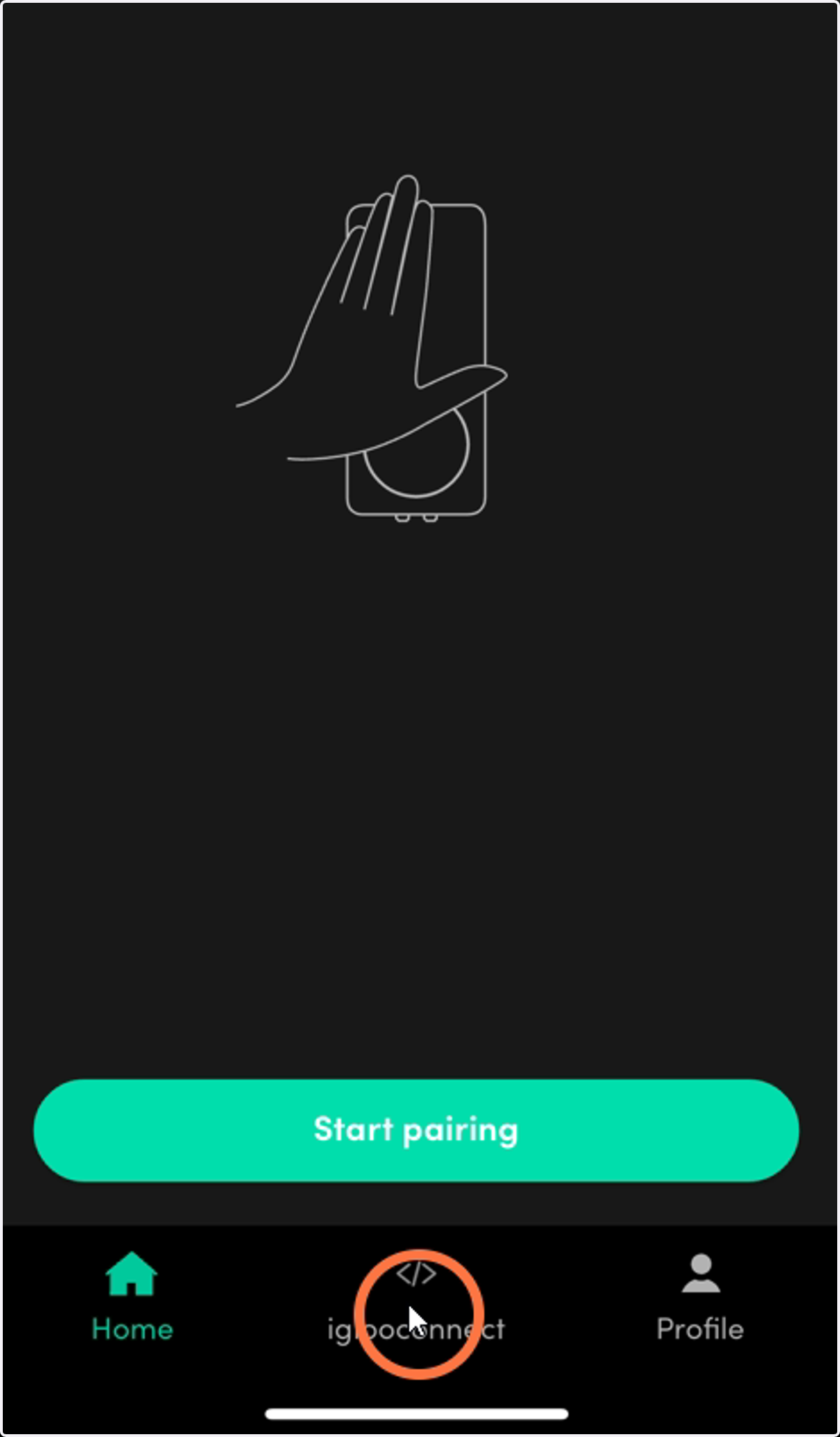
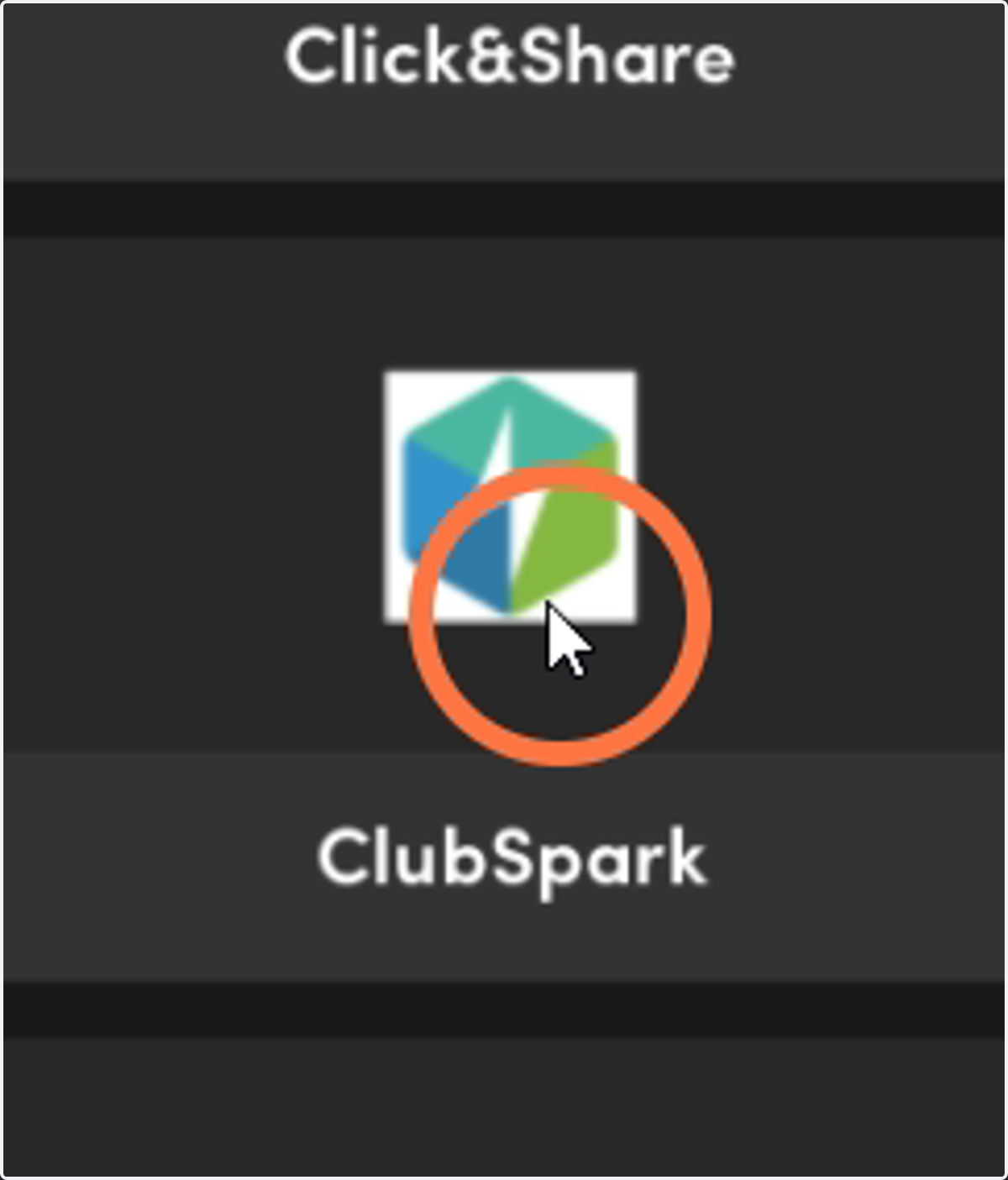
10. Scroll and locate ClubSpark and tap. NOTE: IF YOU ARE UNABLE TO LOCATE THE BUTTON SEE RED NOTE BELOW
PhotosApp.exe
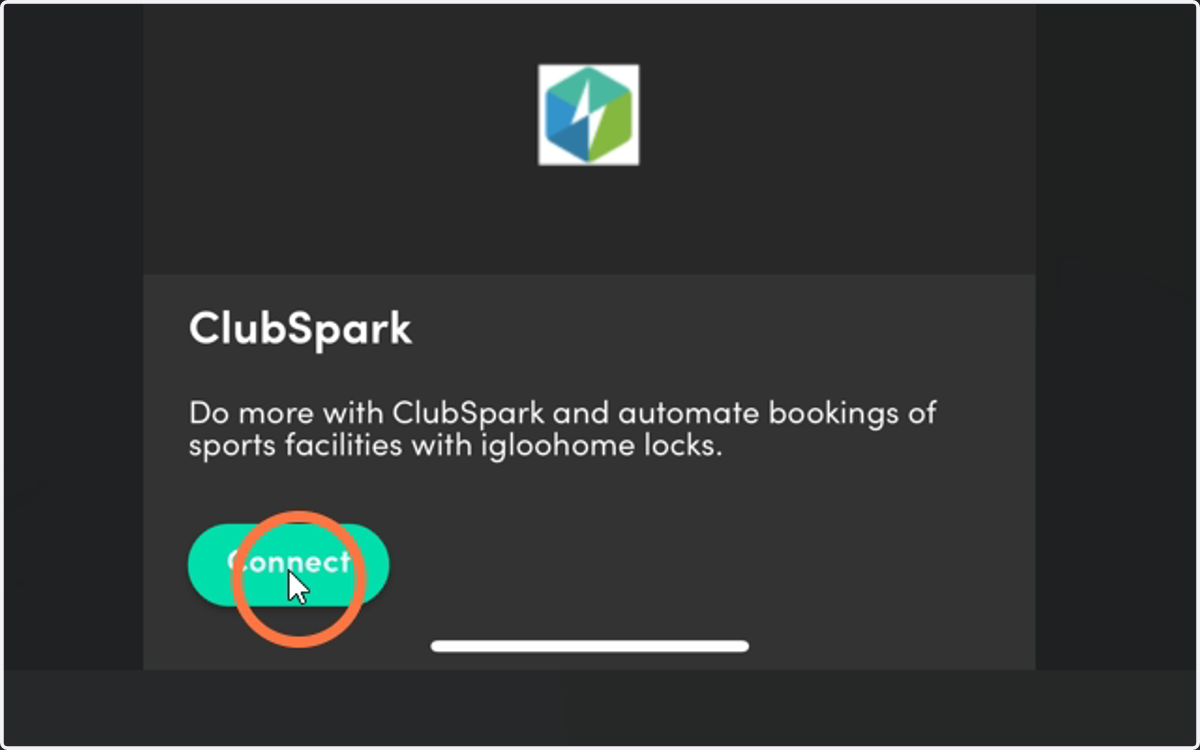
11. Tap Connect
PhotosApp.exe
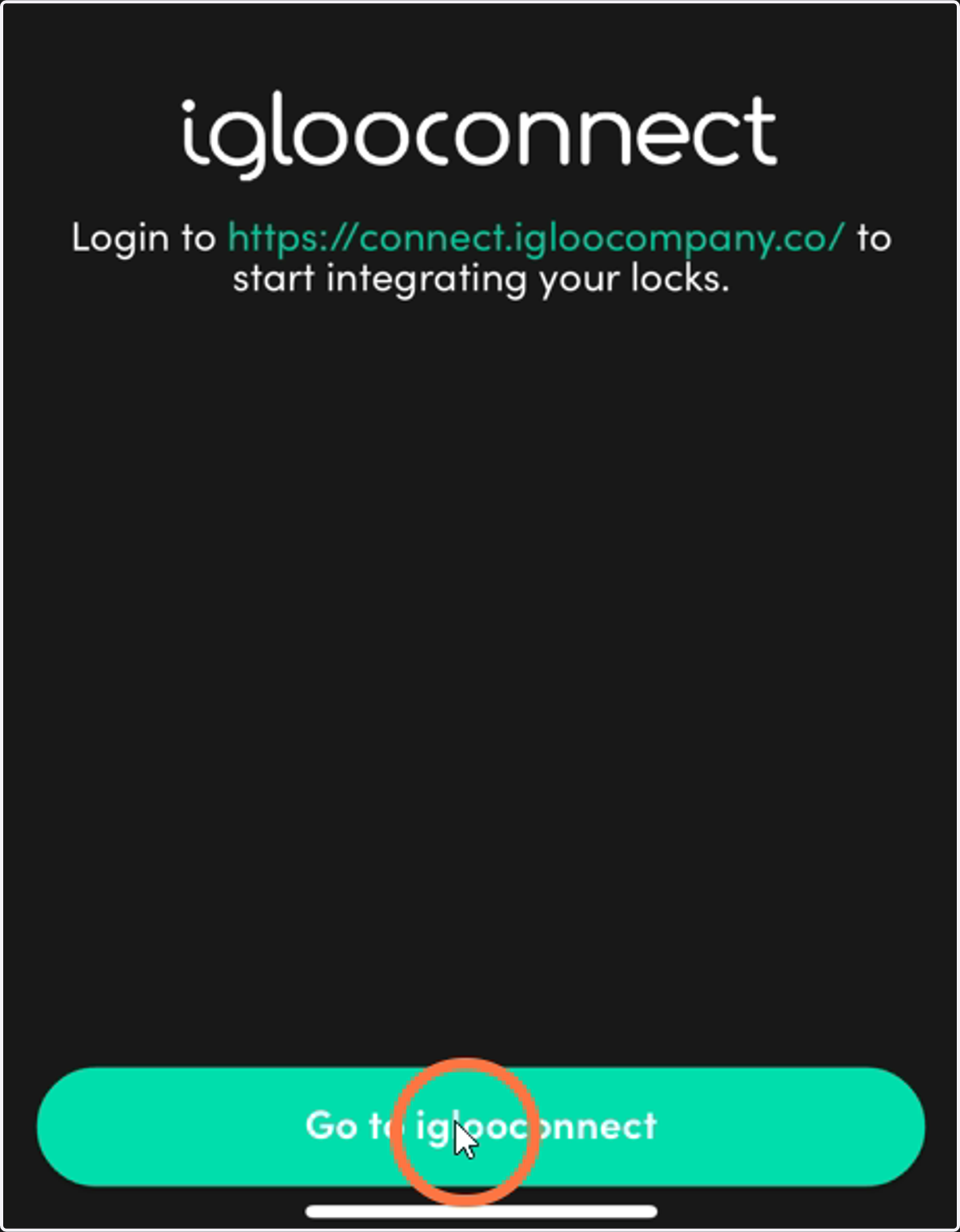
12. Tap "Go to Iglooconnect"
PhotosApp.exe
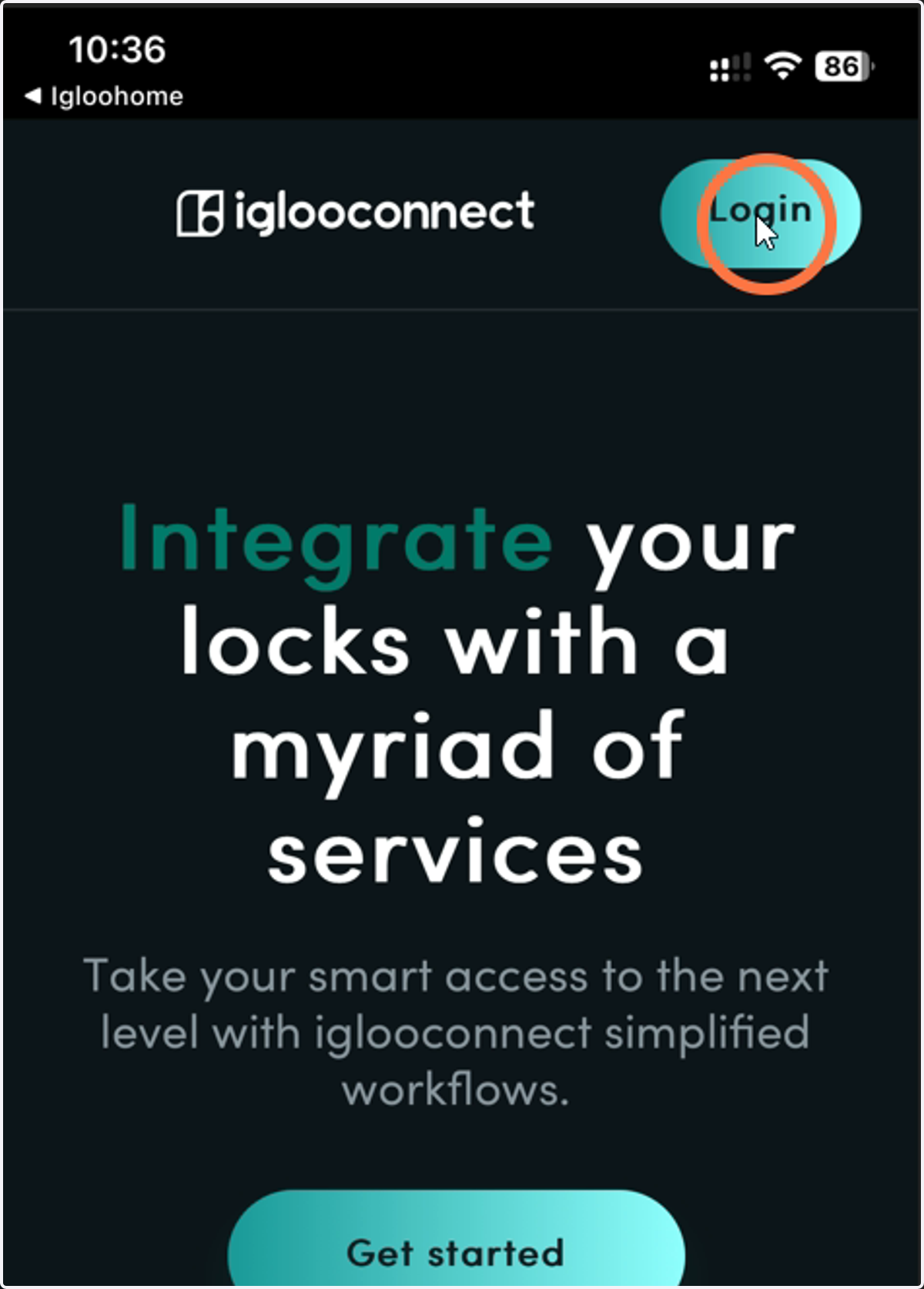
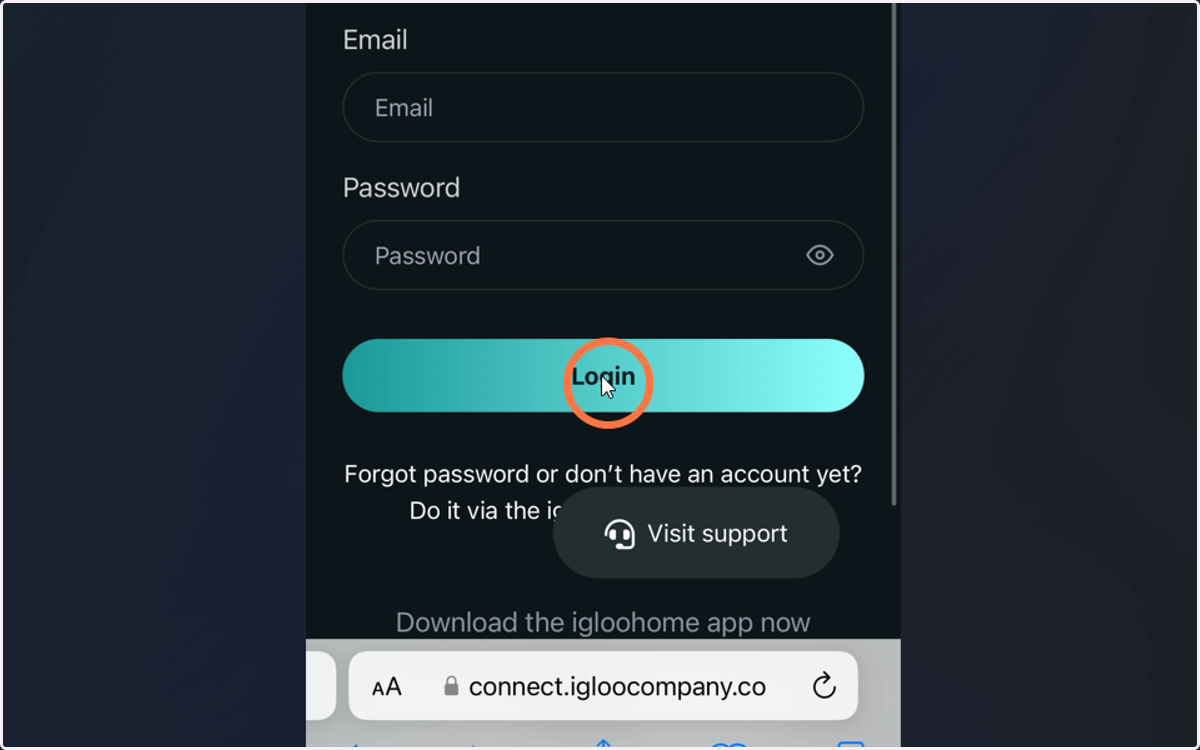
13. Tap Login
PhotosApp.exe
14. Login using your Igloohome account details
Login using the account you just created and tap Login
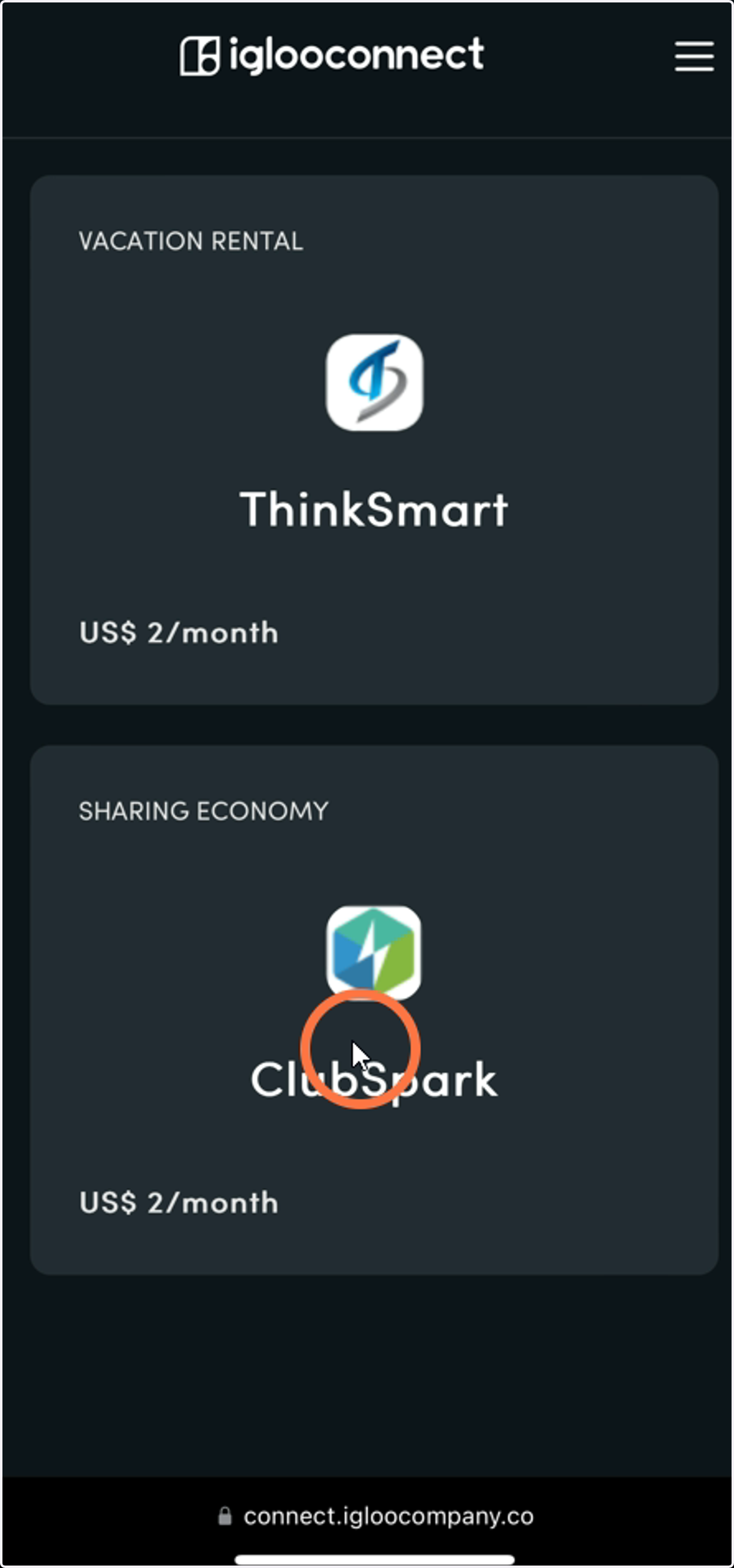
15. Scroll and find the ClubSpark button
Most cases the ClubSpark section is right at the bottom of the app
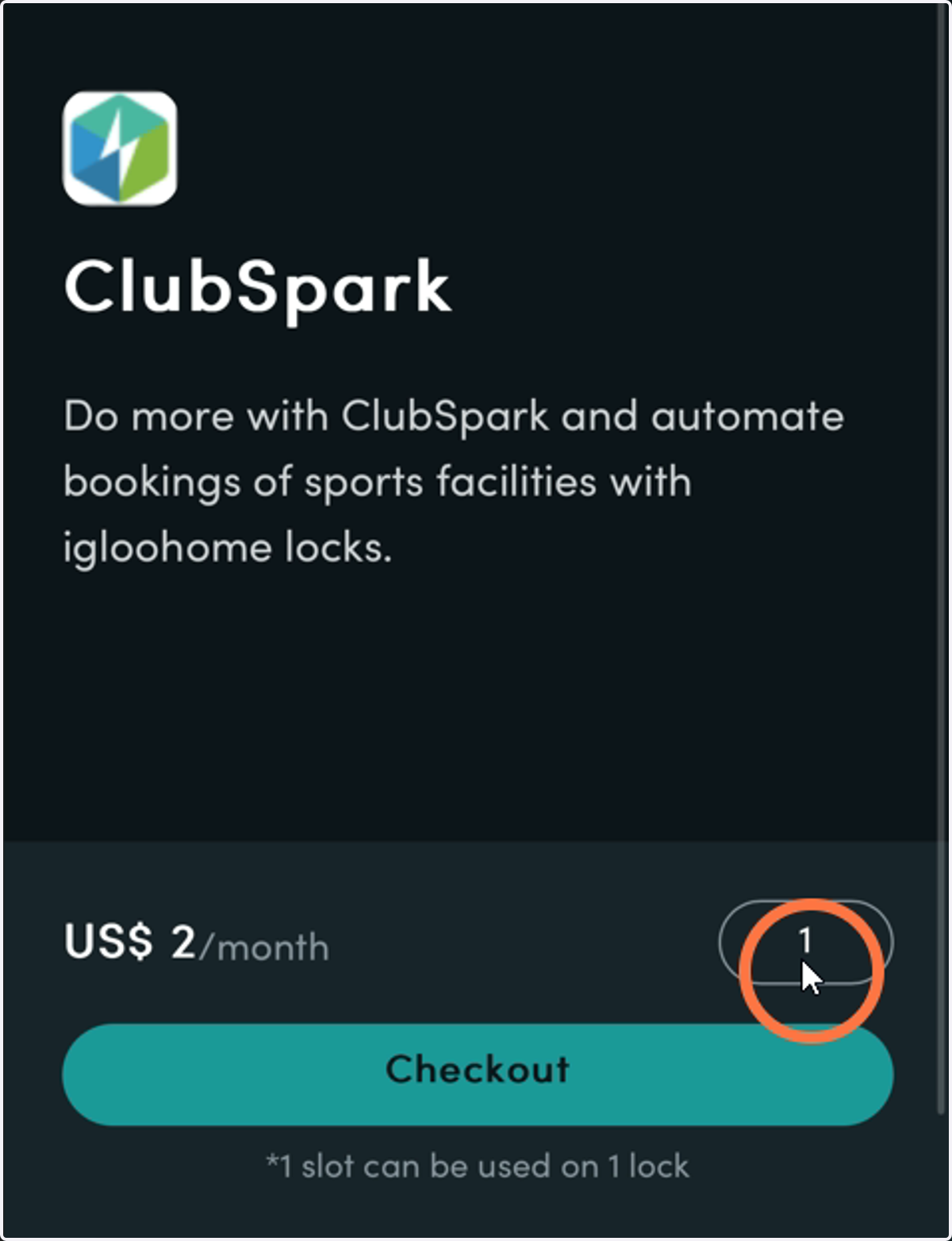
16. Confirm your slots
Adjust the quantity of the slots based on how many Igloo Locks you are setting up e.g. if you have 3 Igloo Locks, adjust the QTY to 3
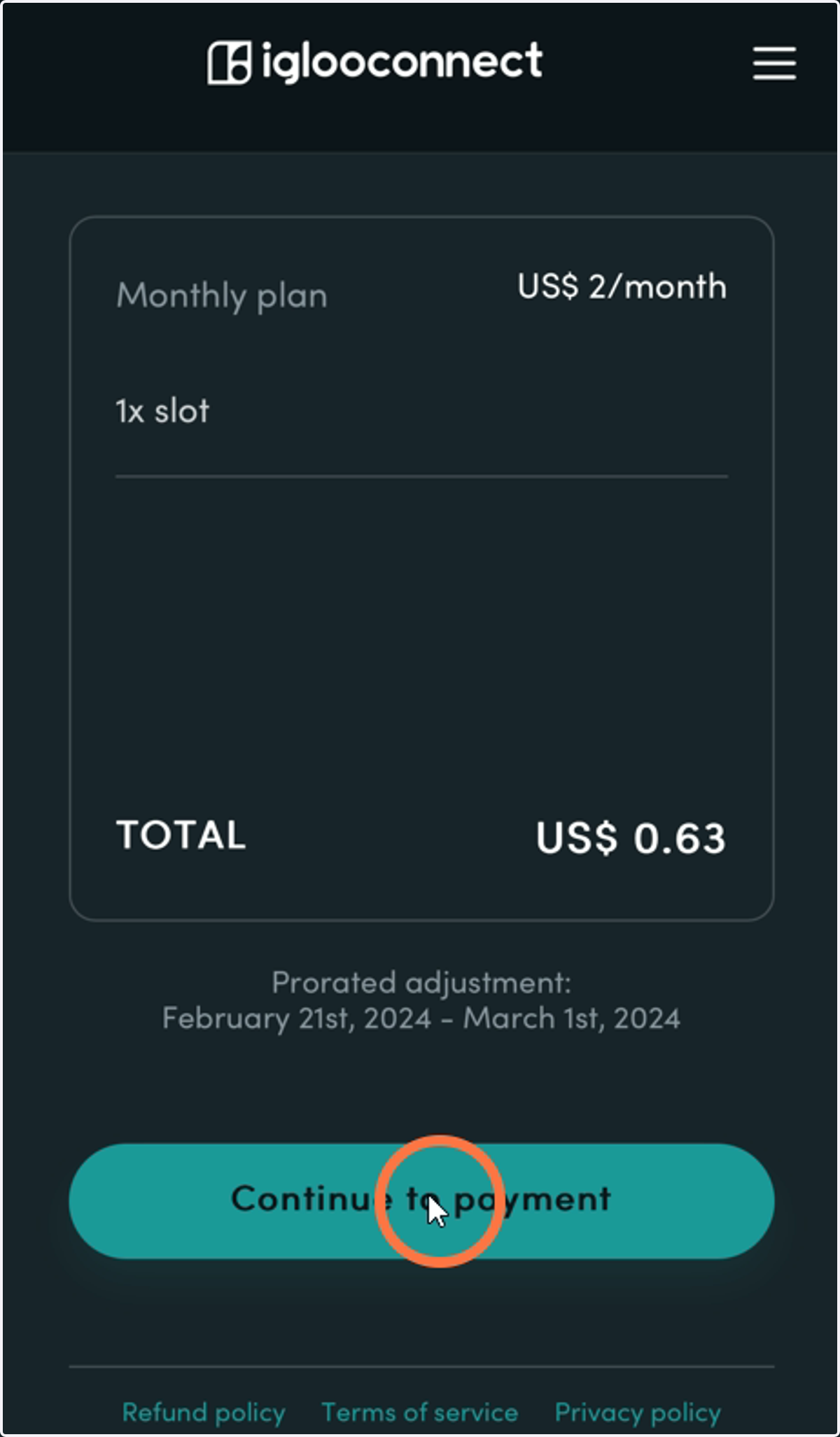
17. Complete the details form and confirm your slots and amount you will charge.
Please Note: Prorata adjustments apply because subscriptions start 1st of every month. You can check this amount and the period charged under the Total section
18. Enter your payment details and Pay Now
19. Go back to the Igloohome App

20. Ready for Part Two?
Have a cuppa! And then you will be ready to dive into Part Two