Logging into Juilliard Extension's Canvas via Okta
Log Into Your Okta Account
Vist juilliard.okta.com
1. Under Email Address, type in your primary email associated with your Extension Division account.
Your primary email is where you receive Extension Division communication. If you do not know your primary account email, please contact extension@juilliard.edu.
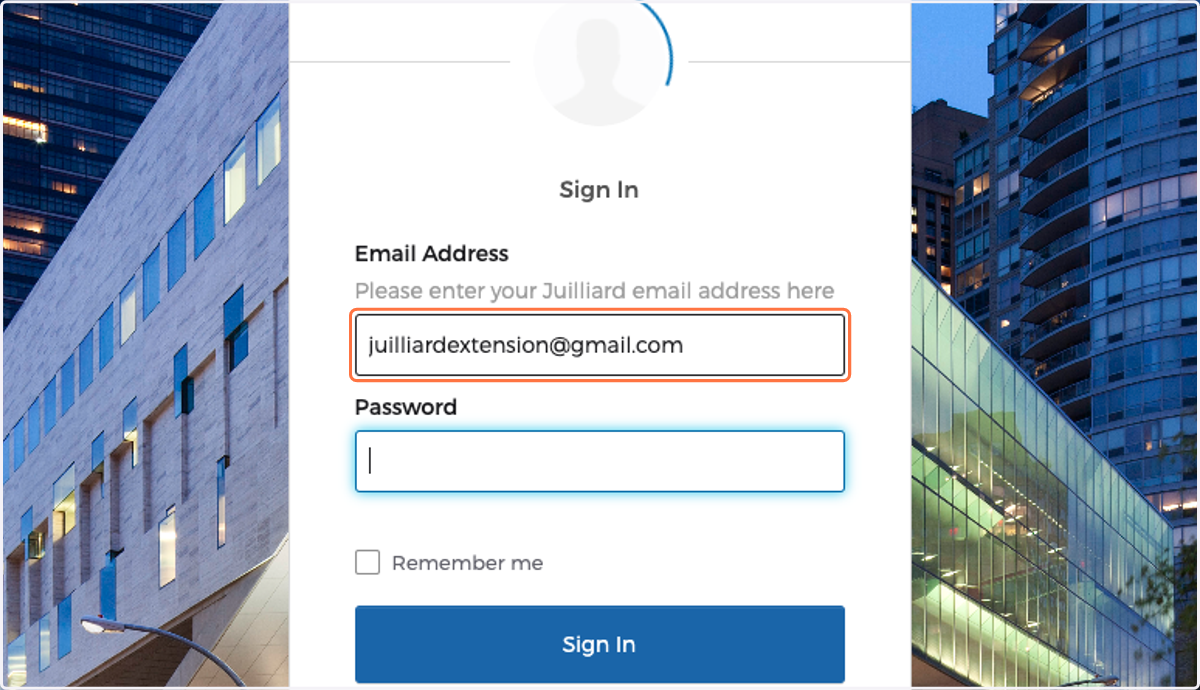
2. Type password
If you forgot your password, please follow these instructions to reset your Okta password.
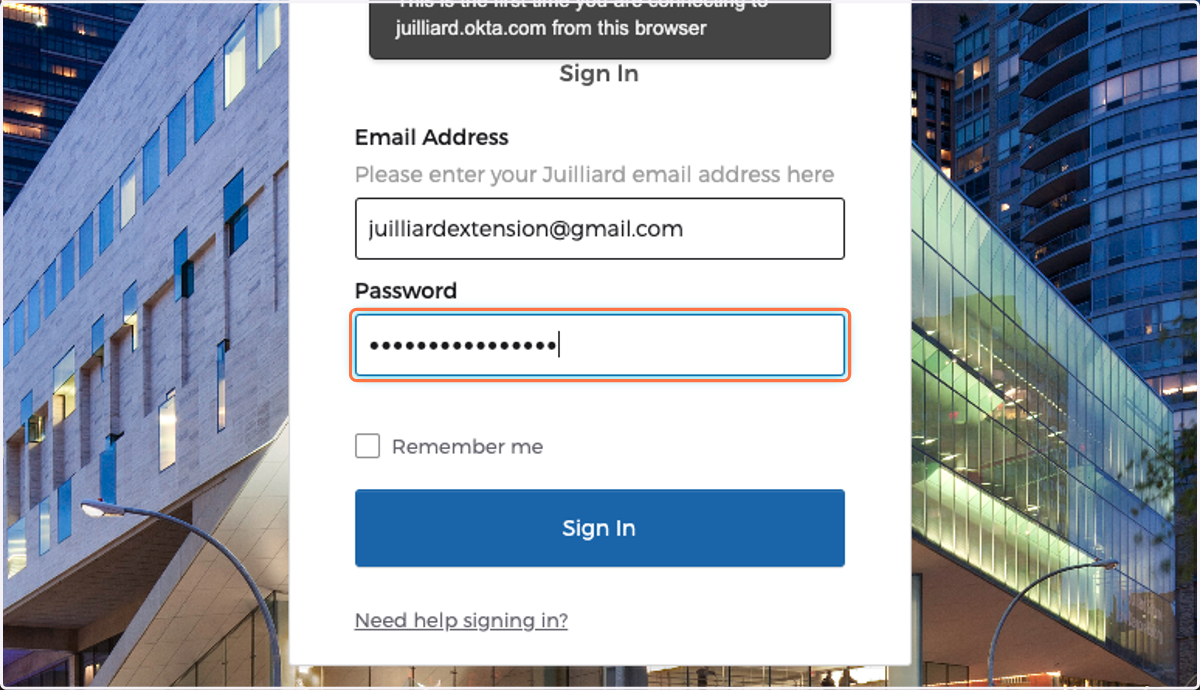
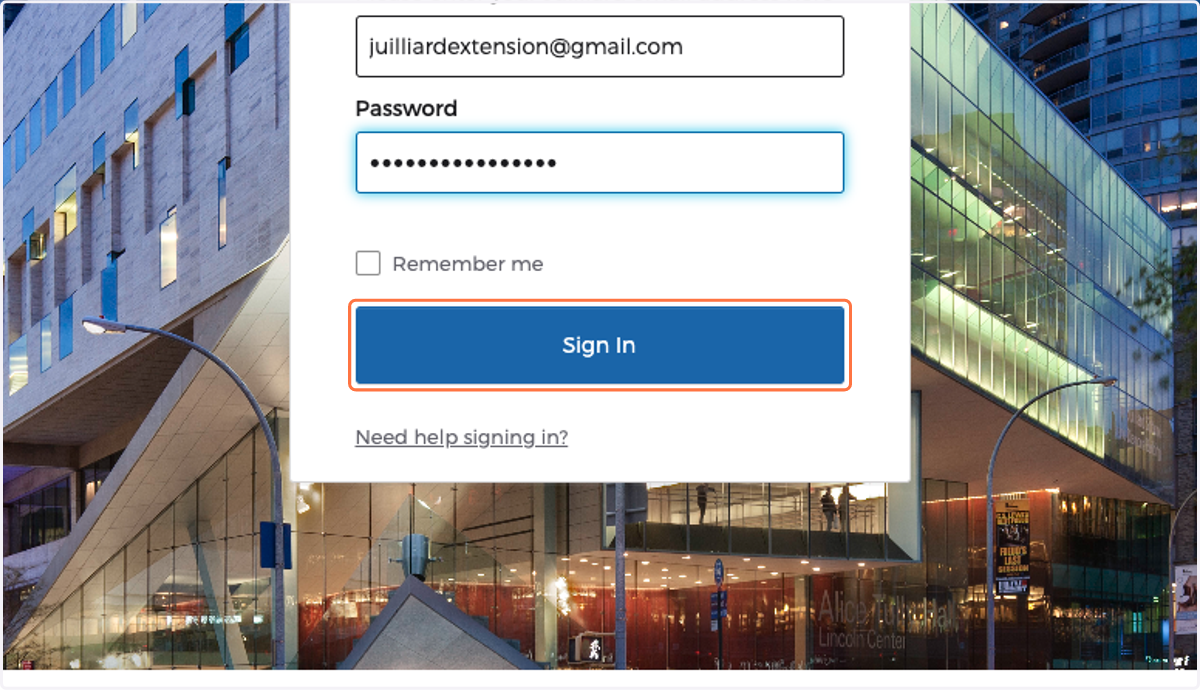
3. Click on Sign In
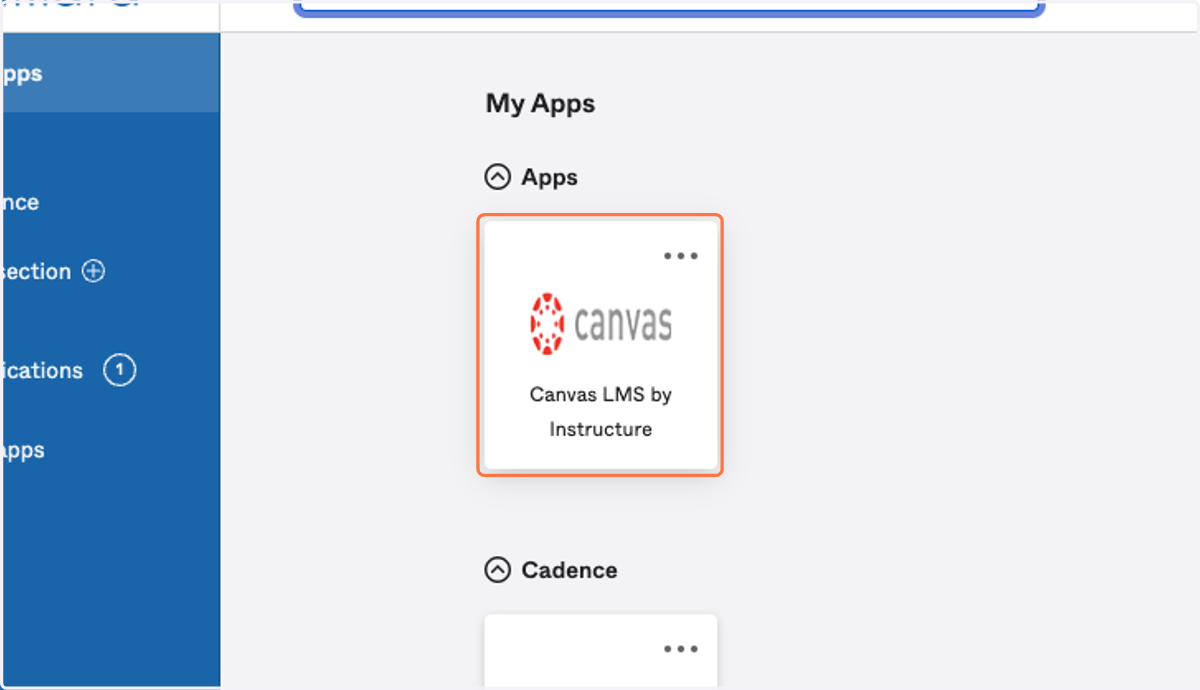
4. Click on Canvas LMS by Instructure
5. Course Access and Availability in Canvas
Upon enrolling in your course, please allow up to 24 hours for it to become visible in your Canvas dashboard. It's important to note that the course will only appear once the faculty member has published it. Typically, instructors make their courses accessible on Canvas approximately 5 days before the commencement of your first class.
Should you have any inquiries regarding your course's availability on Canvas or any other related concerns, feel free to reach out to us at extension@juilliard.edu.