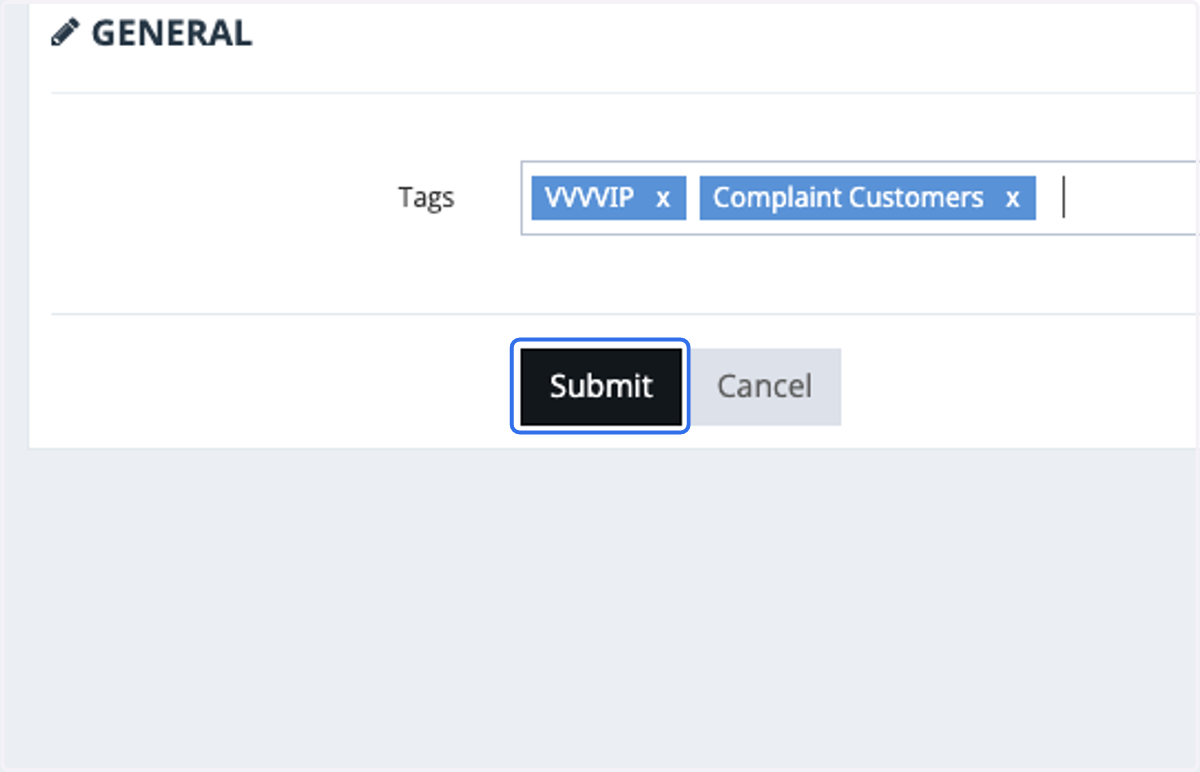
How To Setup Tags for Individual Profile
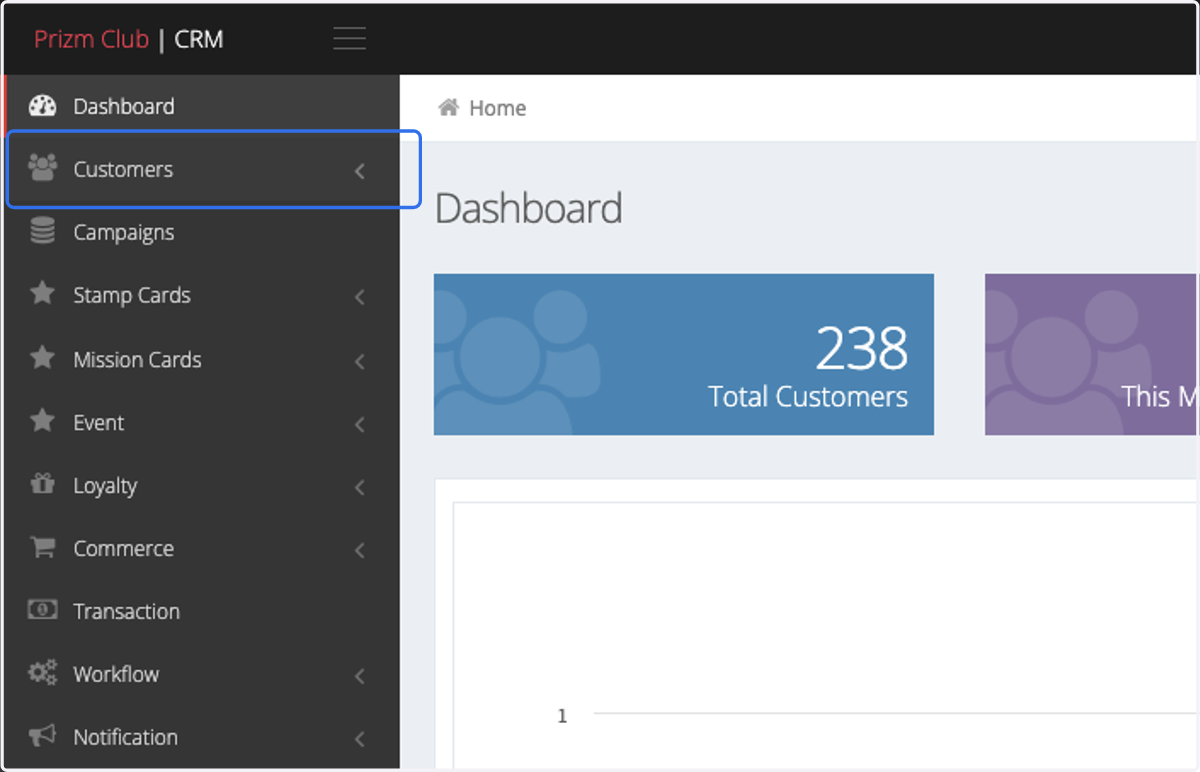
1. Click on Customers
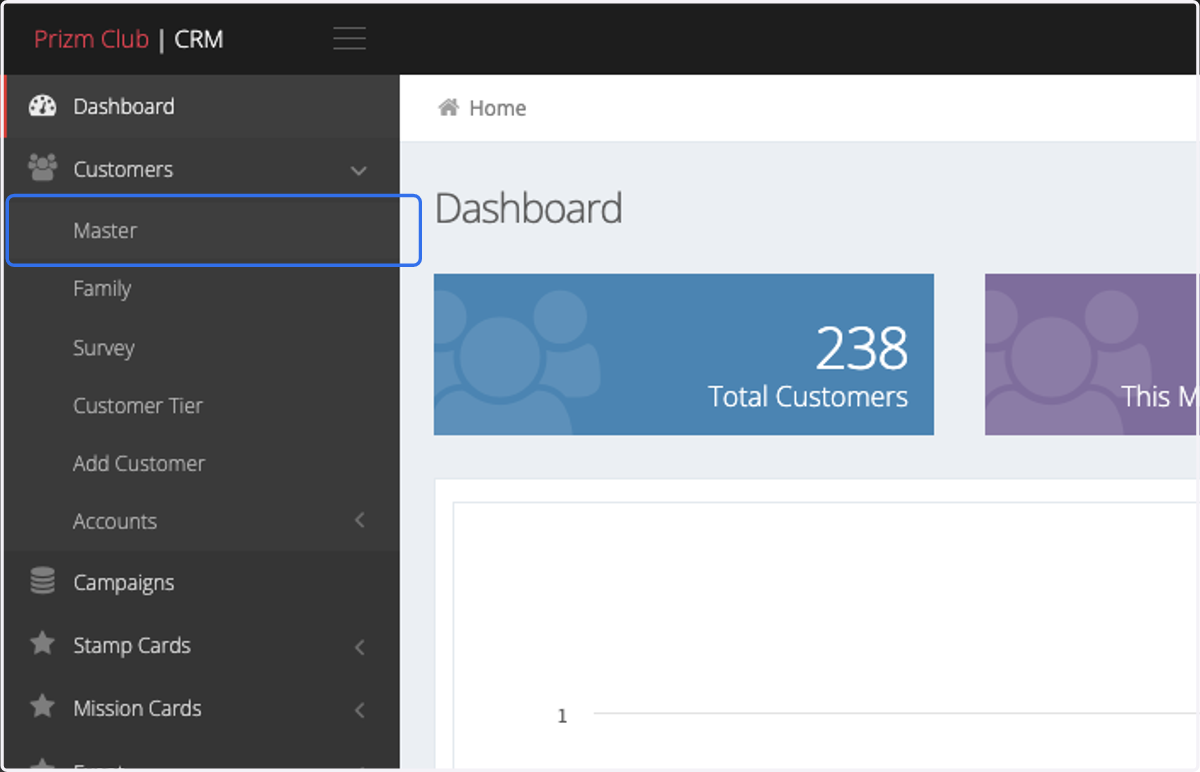
2. Click on Master
3. Select the profile you would like to add Tags on.
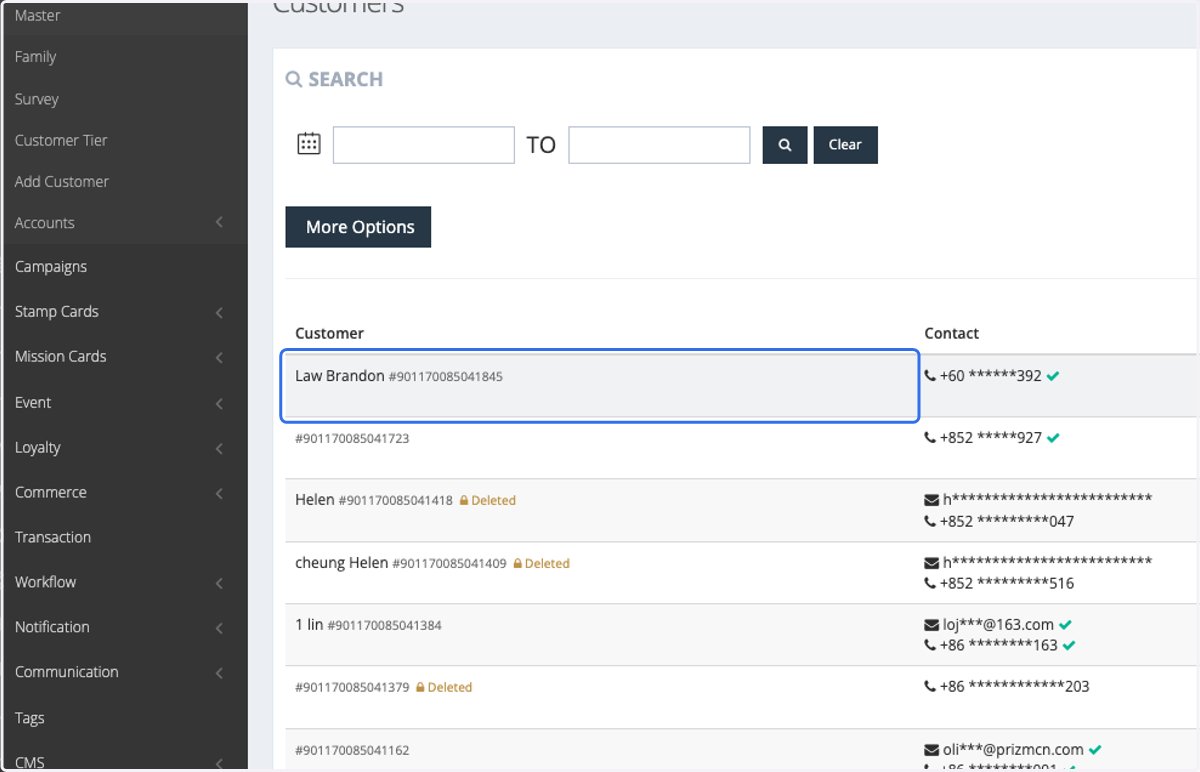
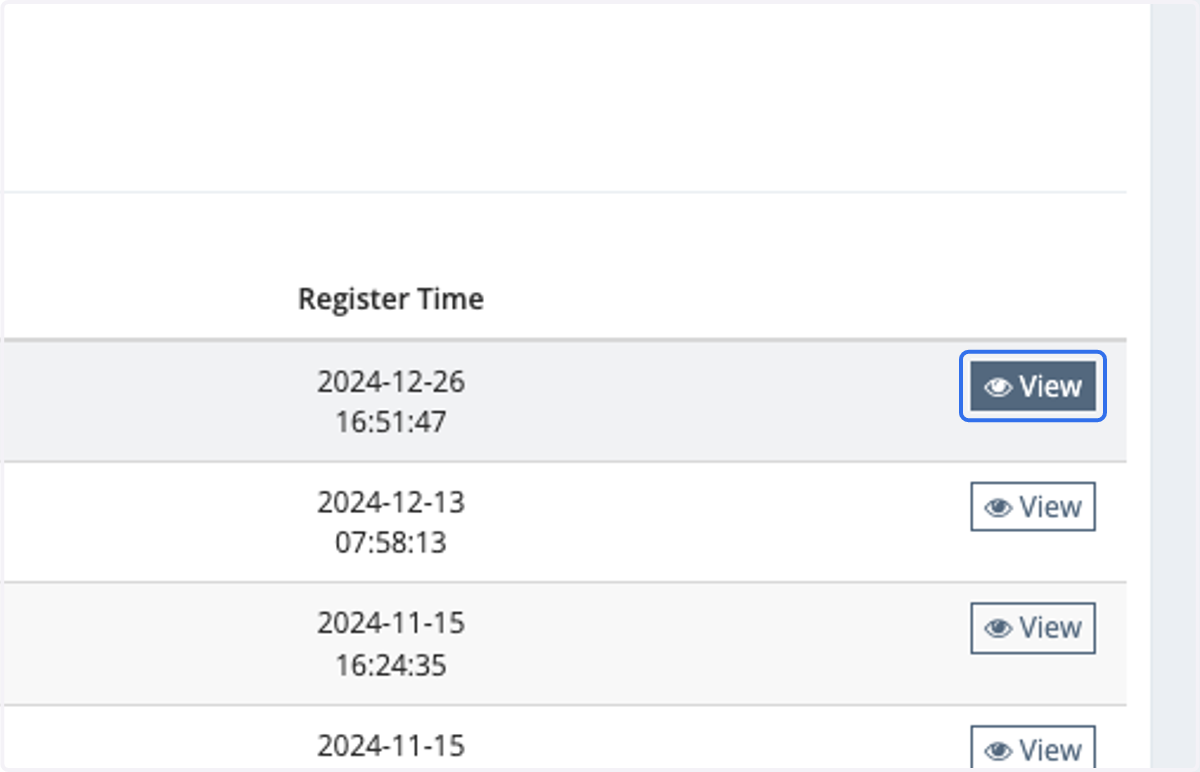
4. Click on View
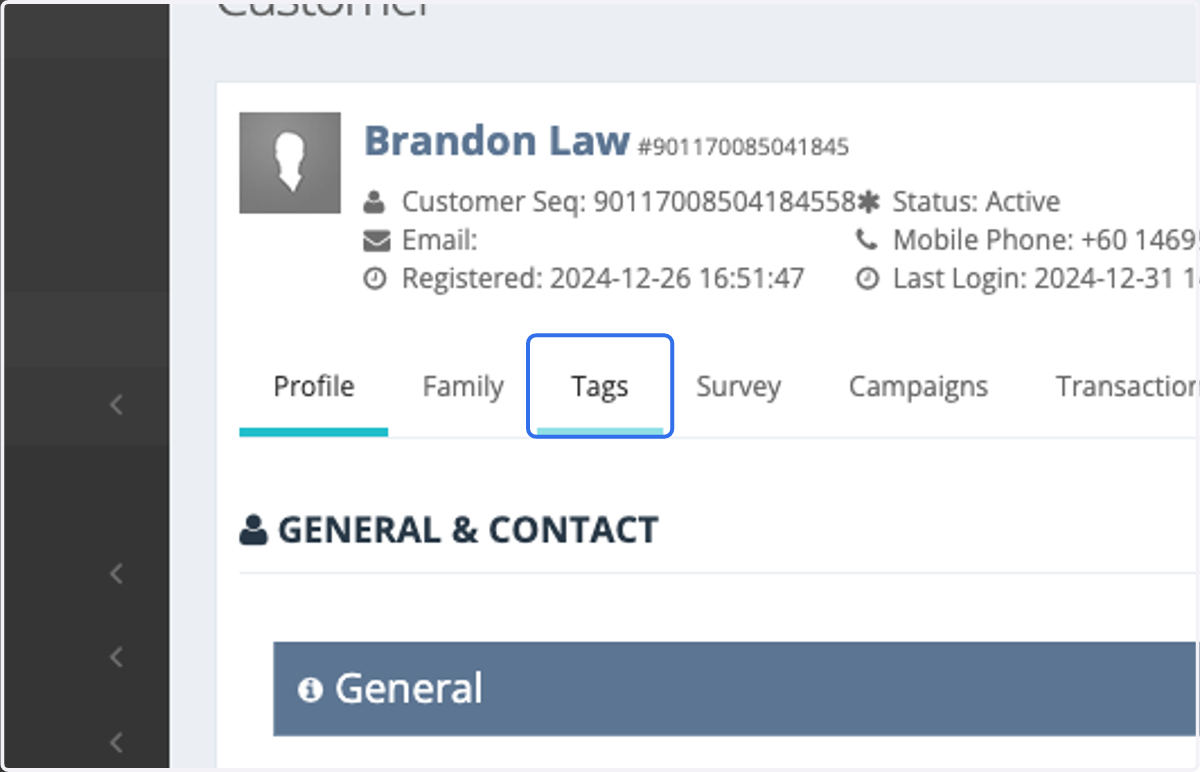
5. Click on Tags
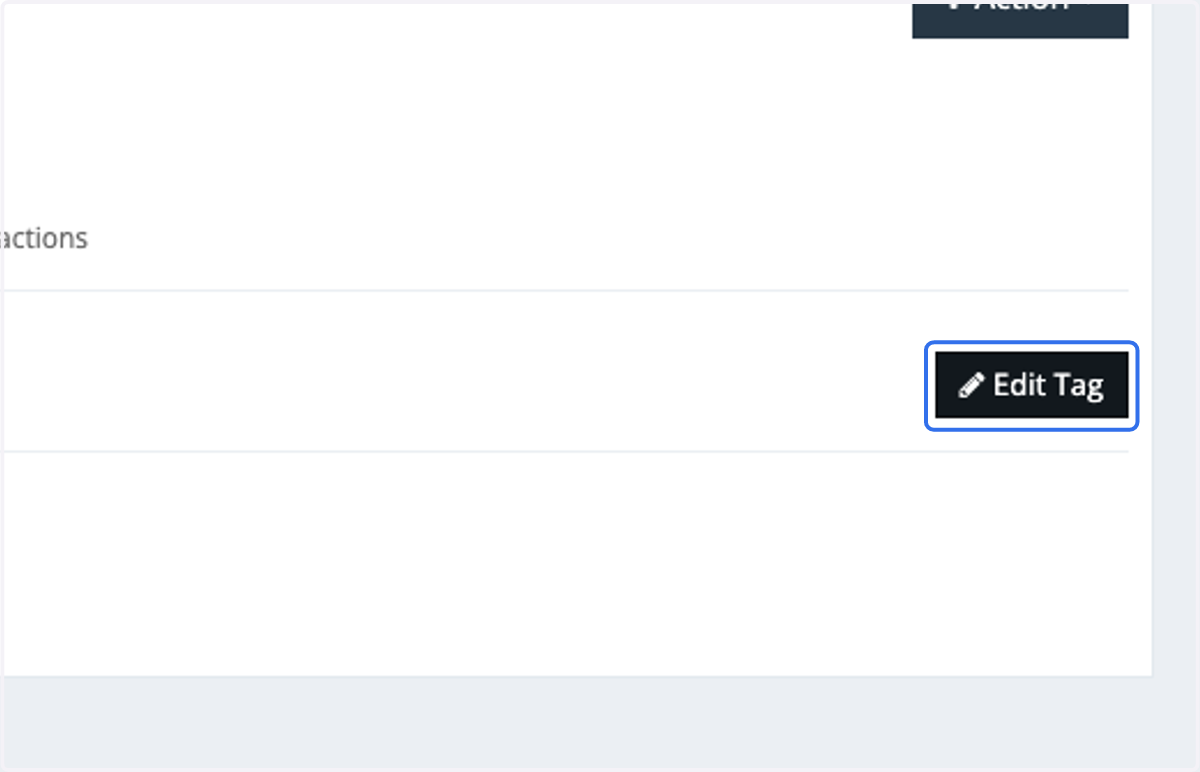
6. Click on Edit Tag
7. Click on Tag's Bar
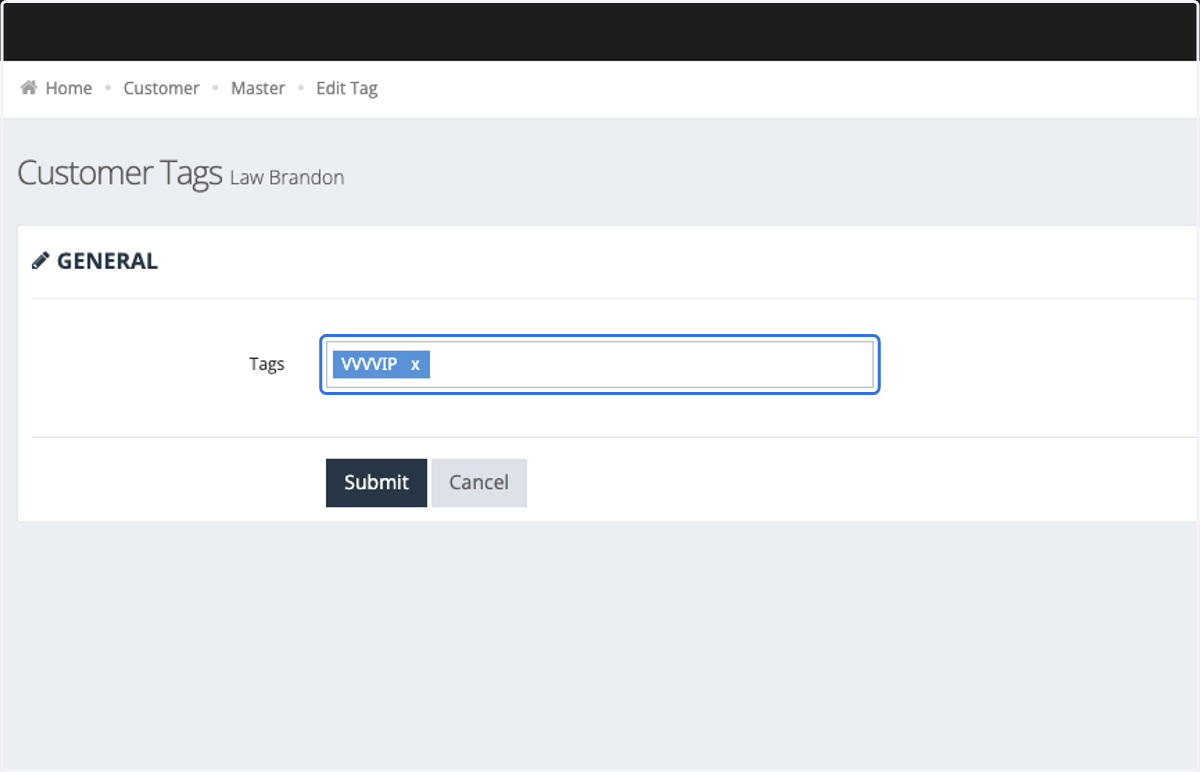
8. Type the tags that you've preset in the Tag sidebar.
To setup tags: https://app.tango.us/app/workflow/How-To-Create-A-Target-Audience-a2551070759245ea8edb3d5f518b9966
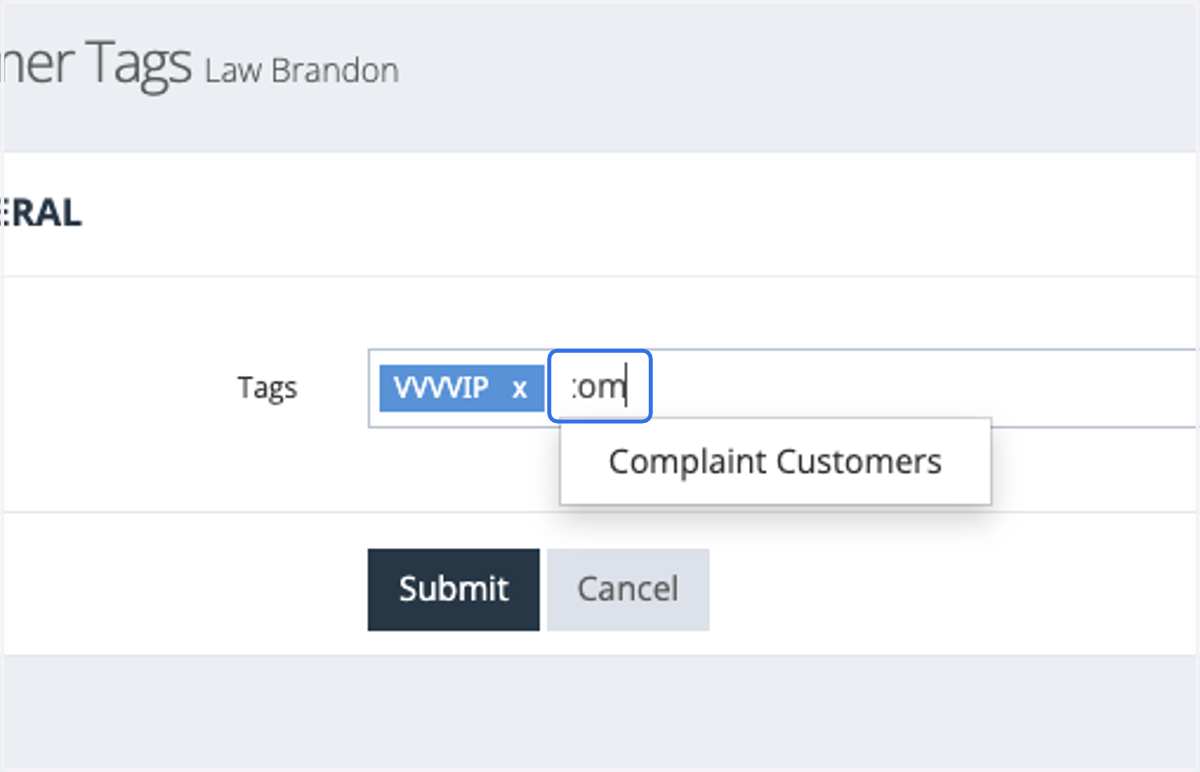
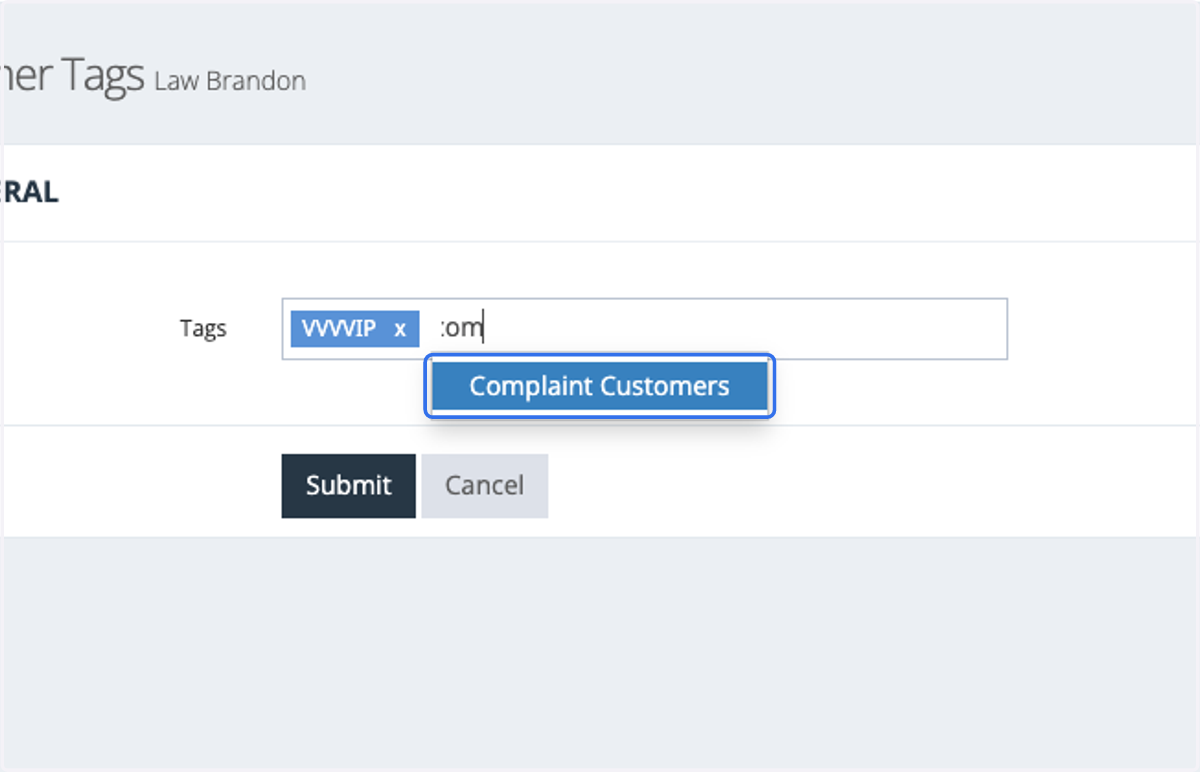
9. Select your Tag
10. Once the tag appears in the blue box, it indicates that it has been assigned.
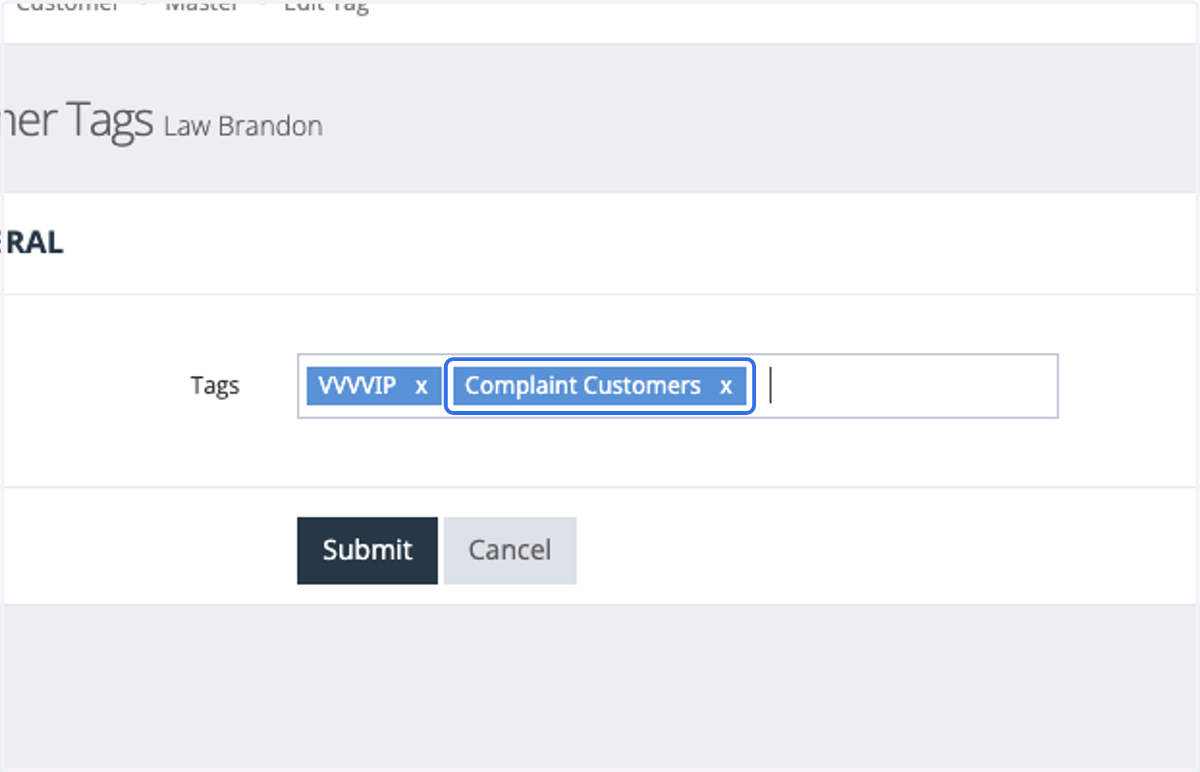
11. Click on Submit