How To Create A Target Audience
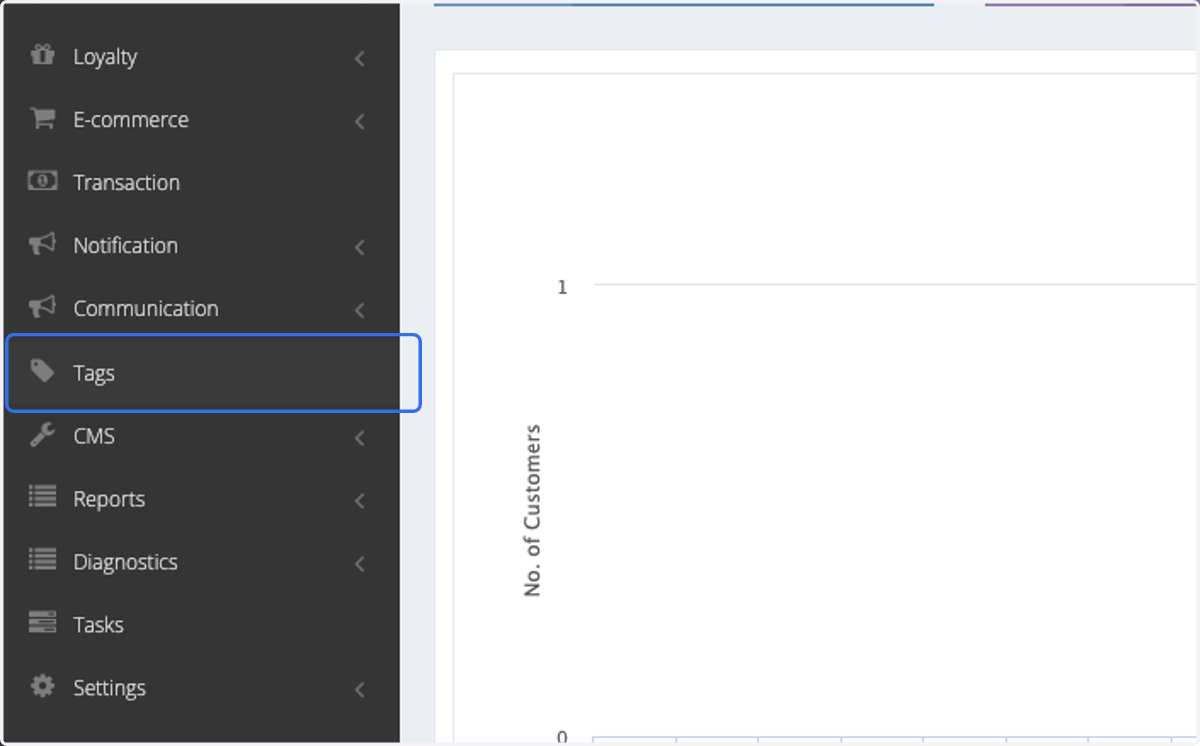
1. Click on Tags
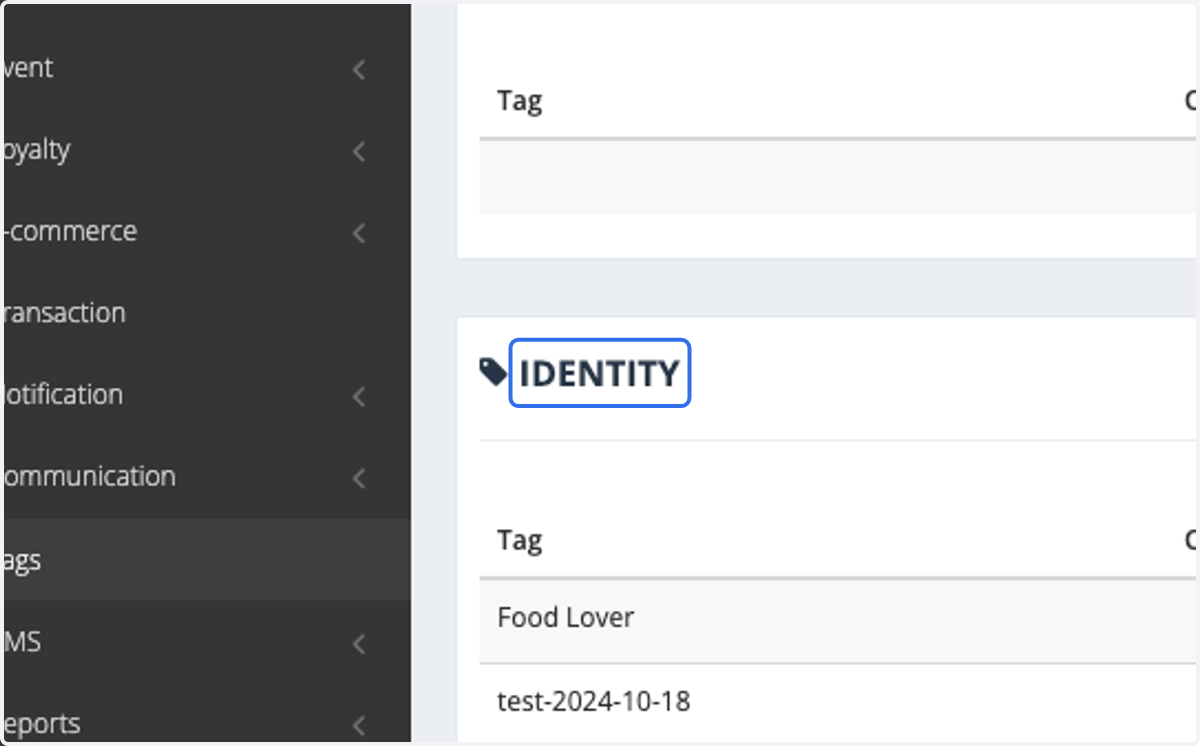
2. Go to IDENTITY
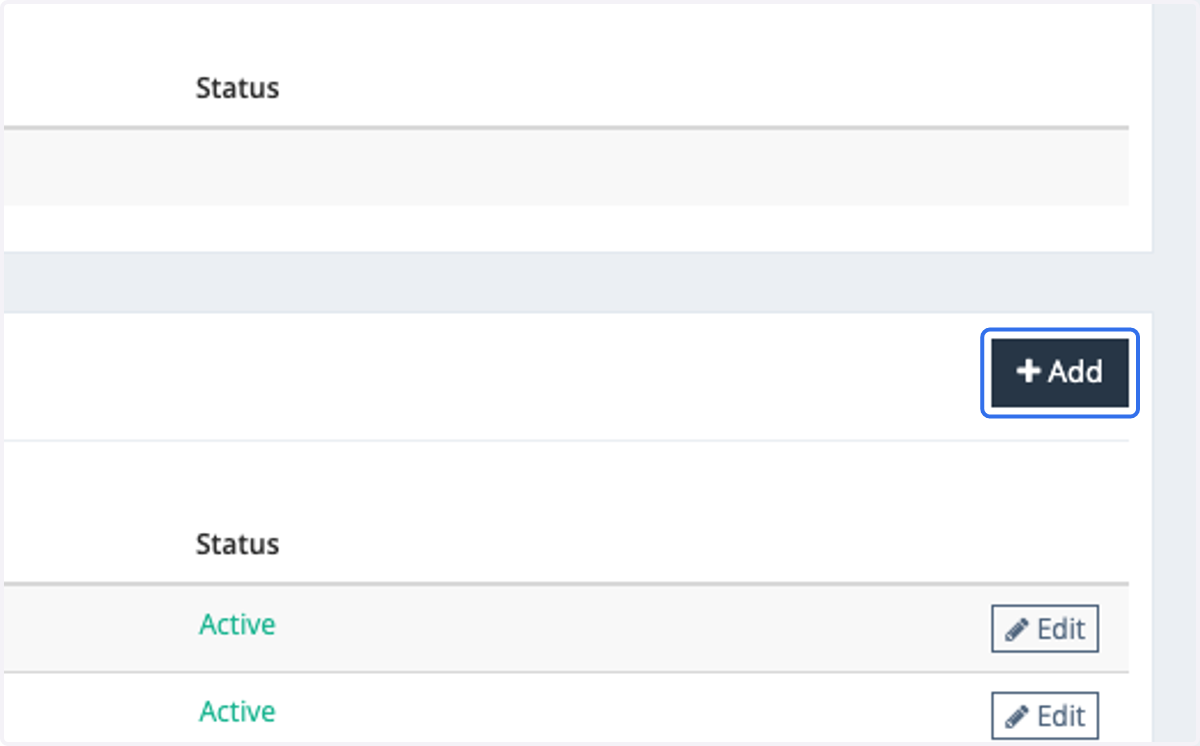
3. Click on Add
4. Insert the tag that you would like to add.
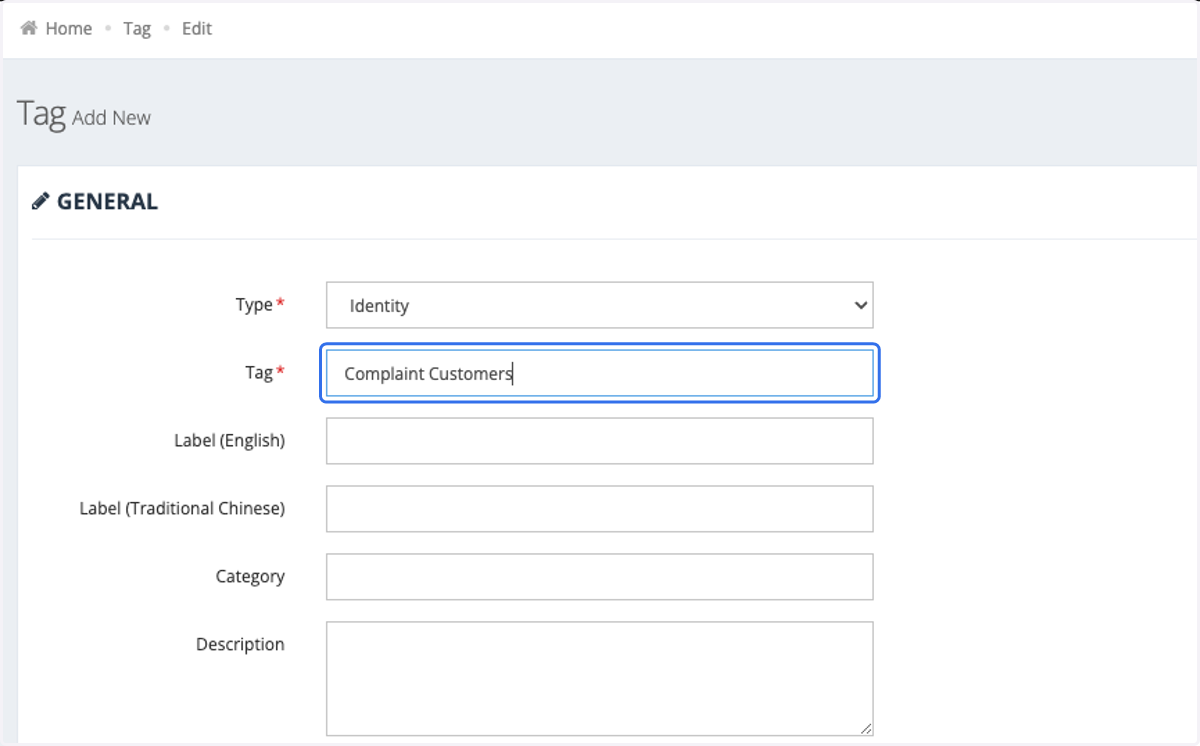
5. Insert the description for the tag.
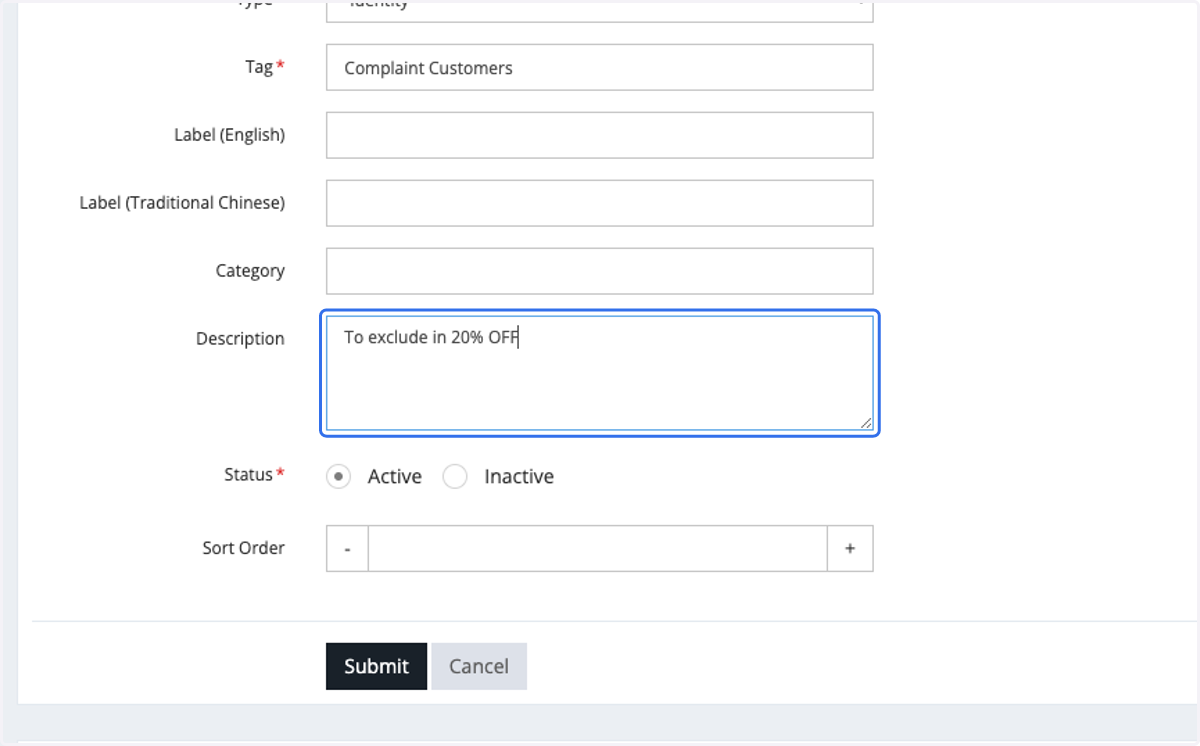
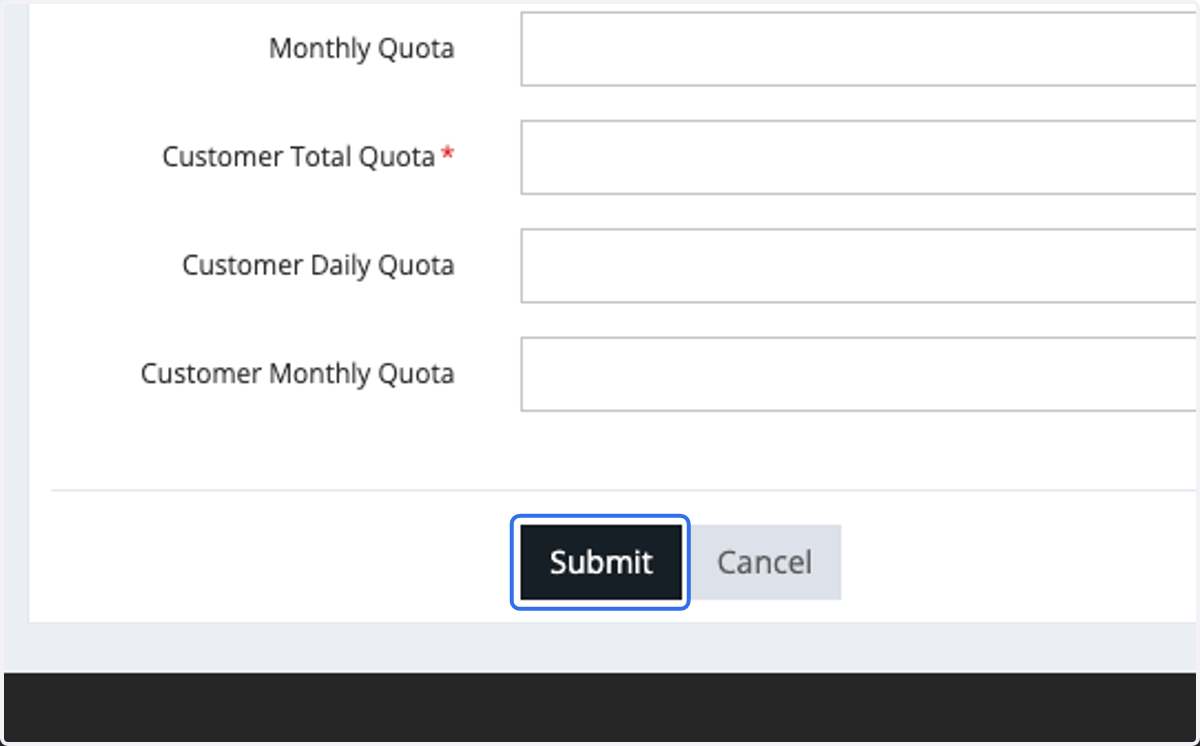
6. Click on Submit
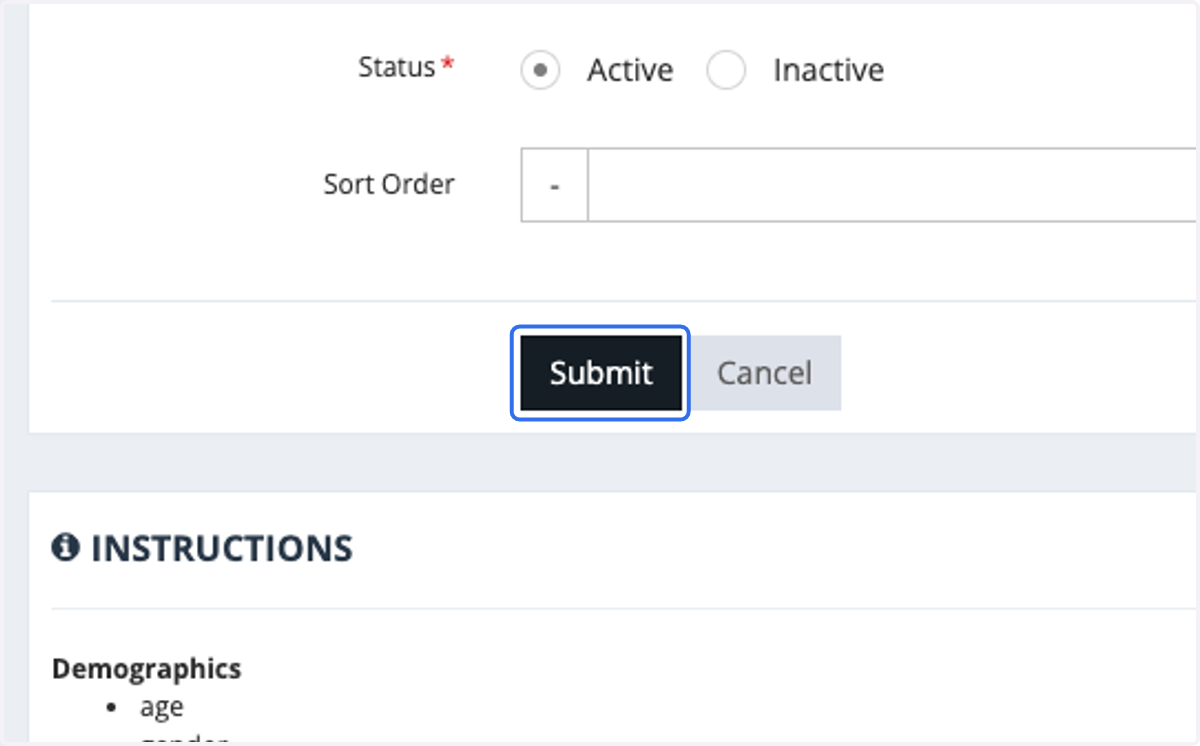
Insert tag for your customers/members
7. Click on Customers
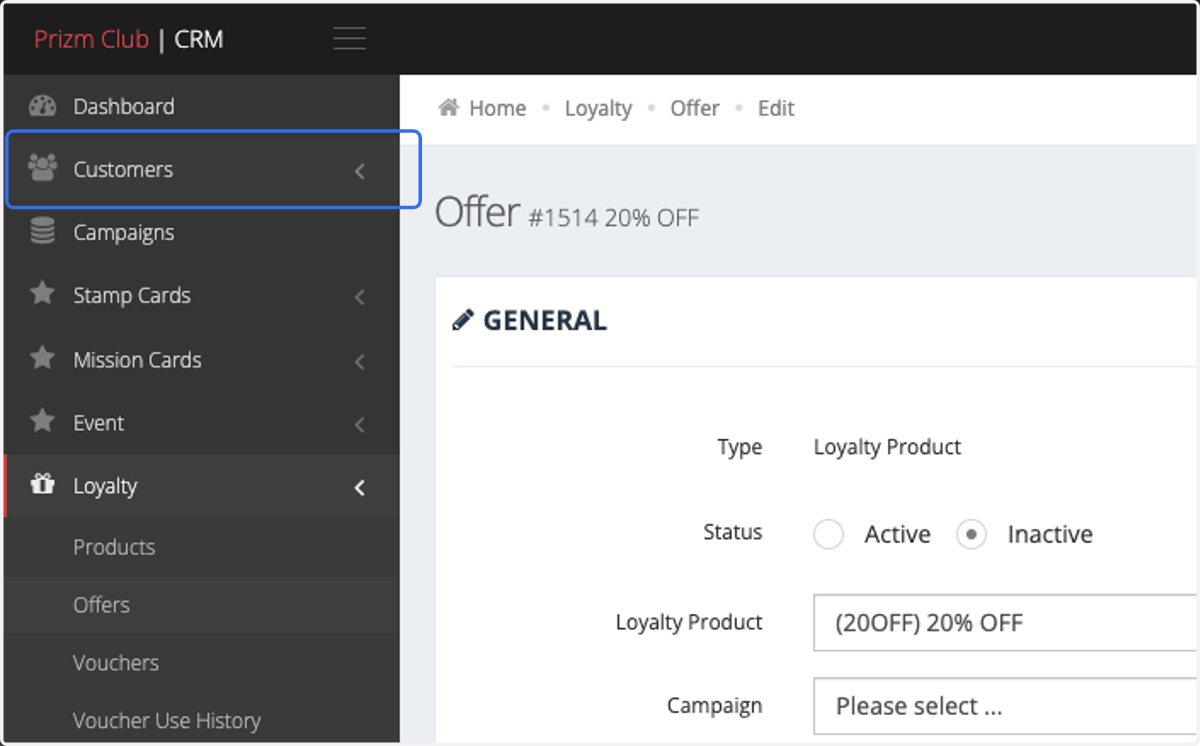
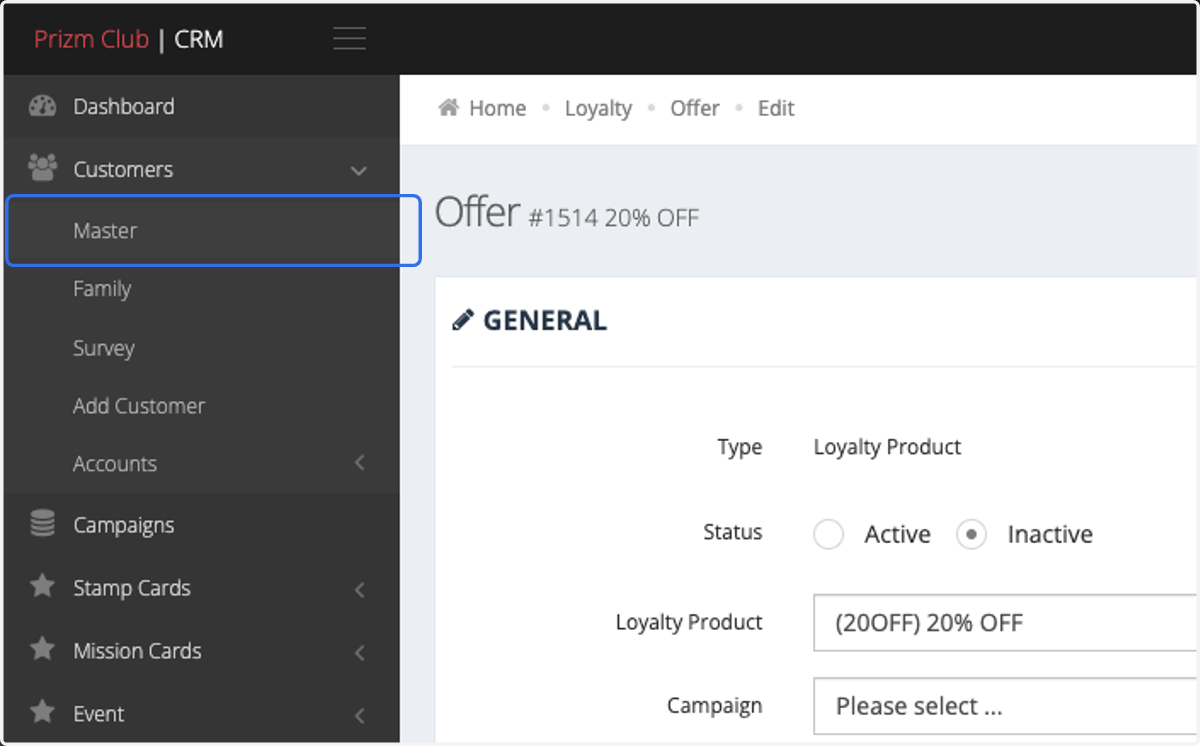
8. Click on Master
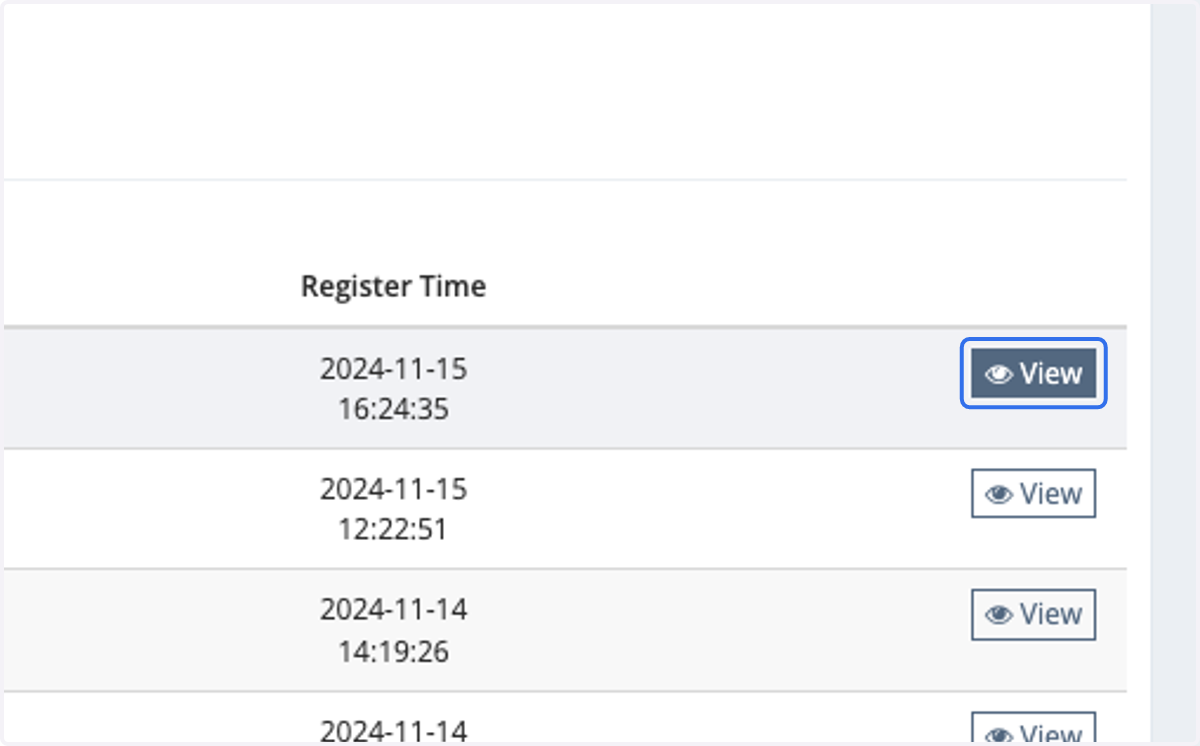
9. Click on View
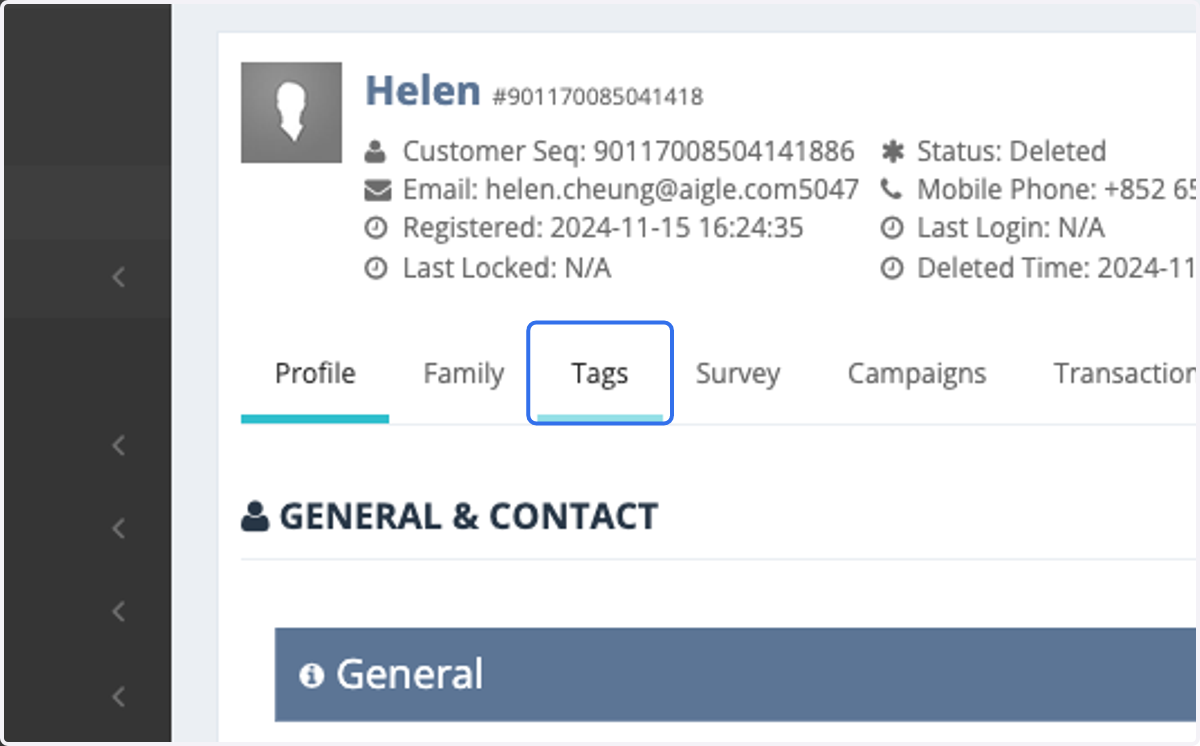
10. Click on Tags
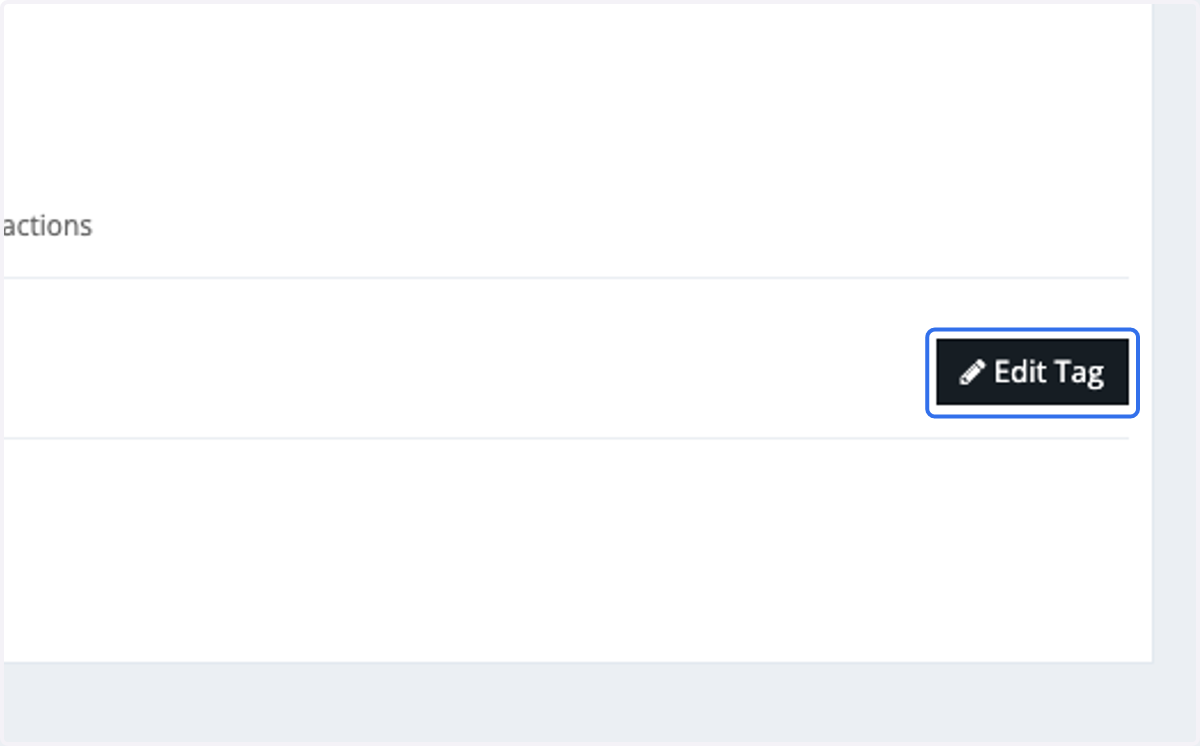
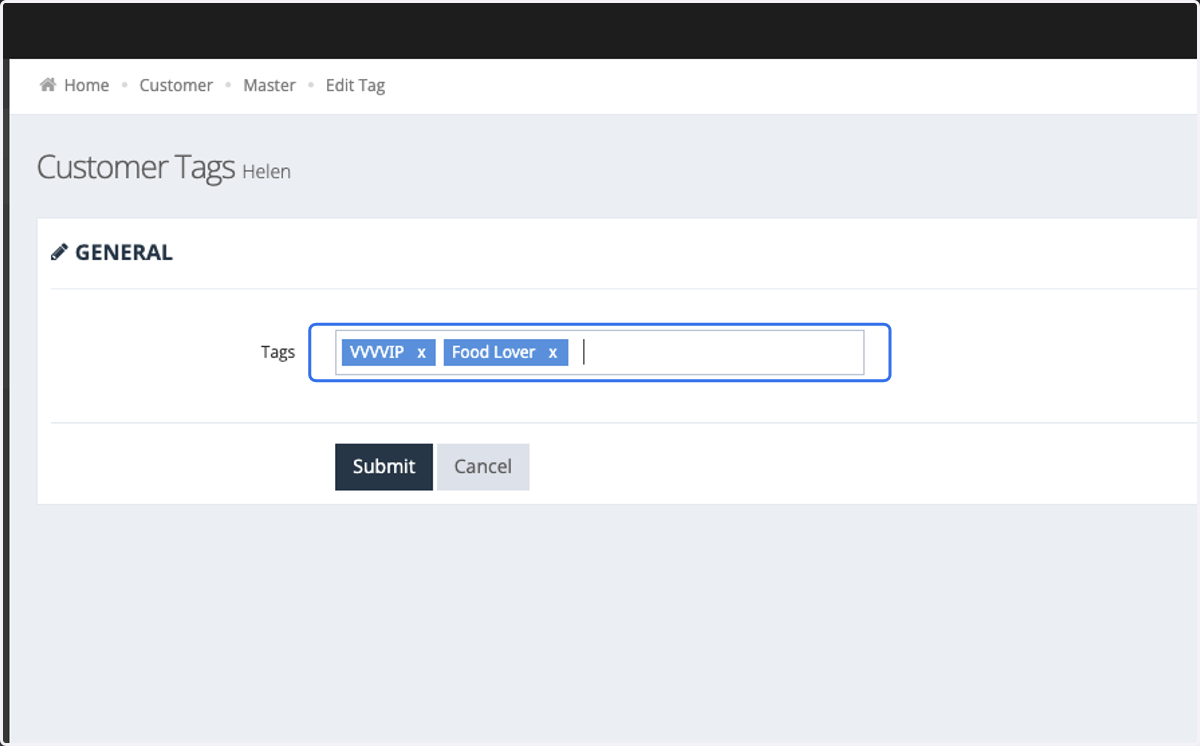
11. Click on Edit Tag
12. Insert the tag for this particular customer/members.
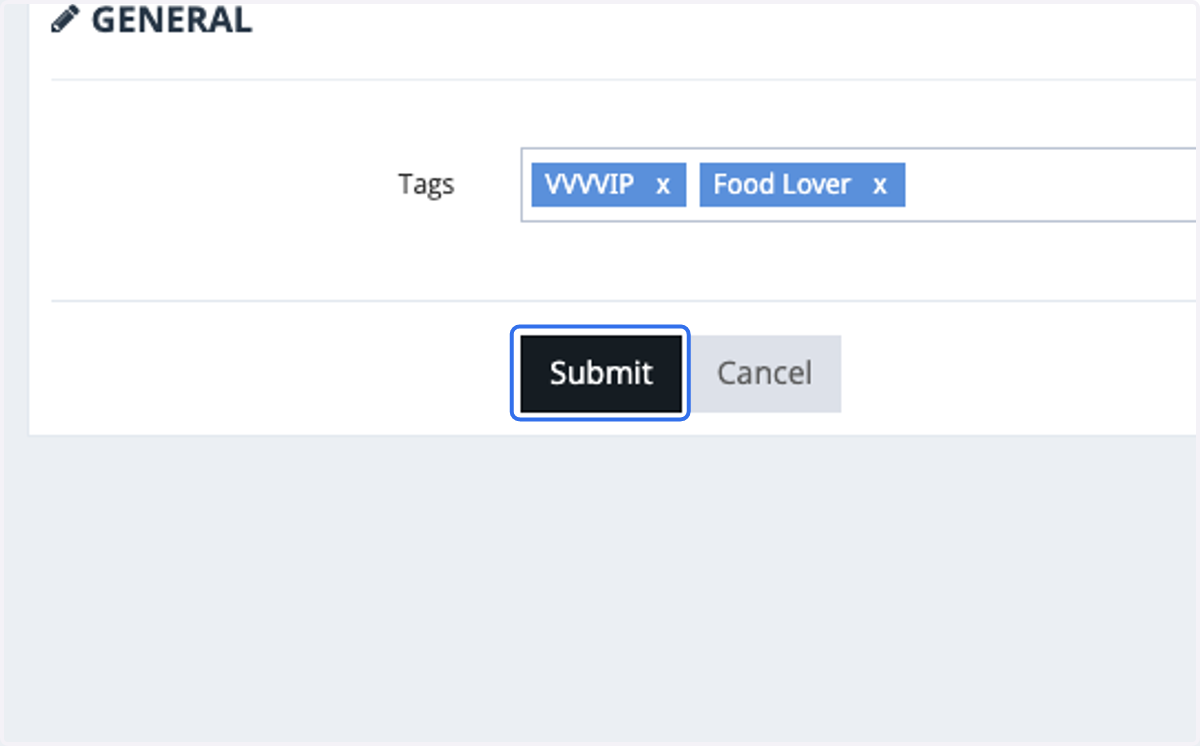
13. Click on Submit
Offer Settings
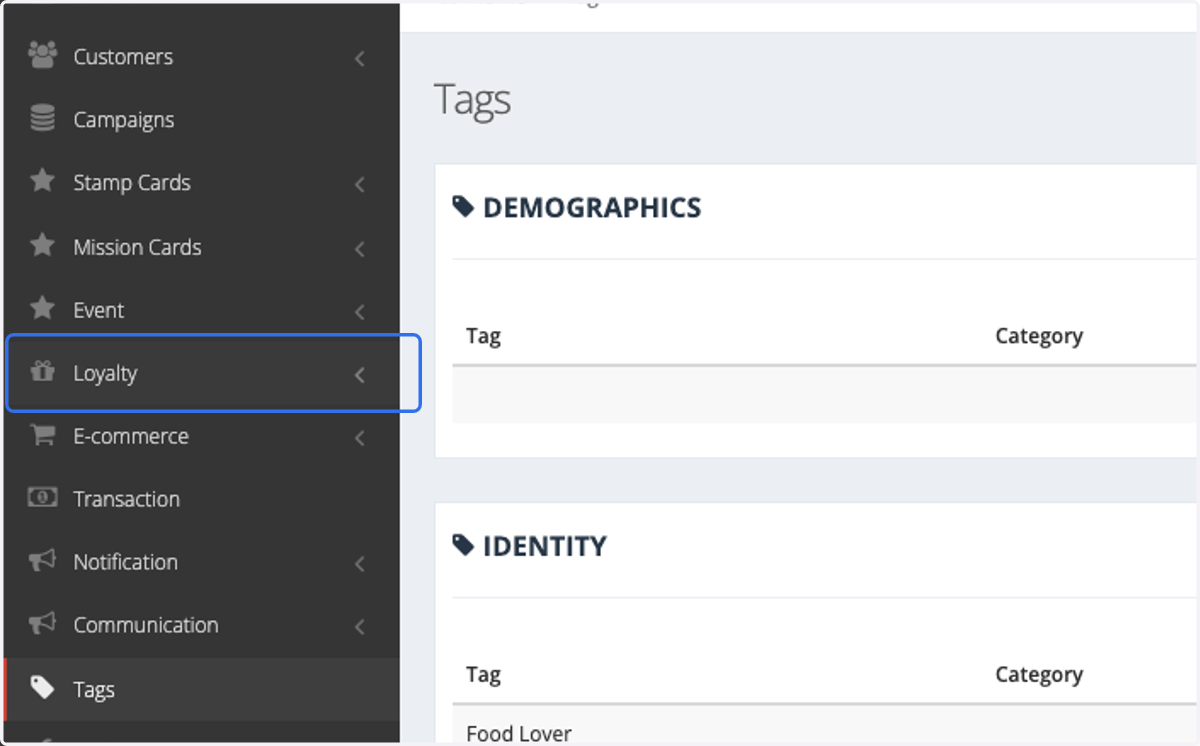
14. Click on Loyalty
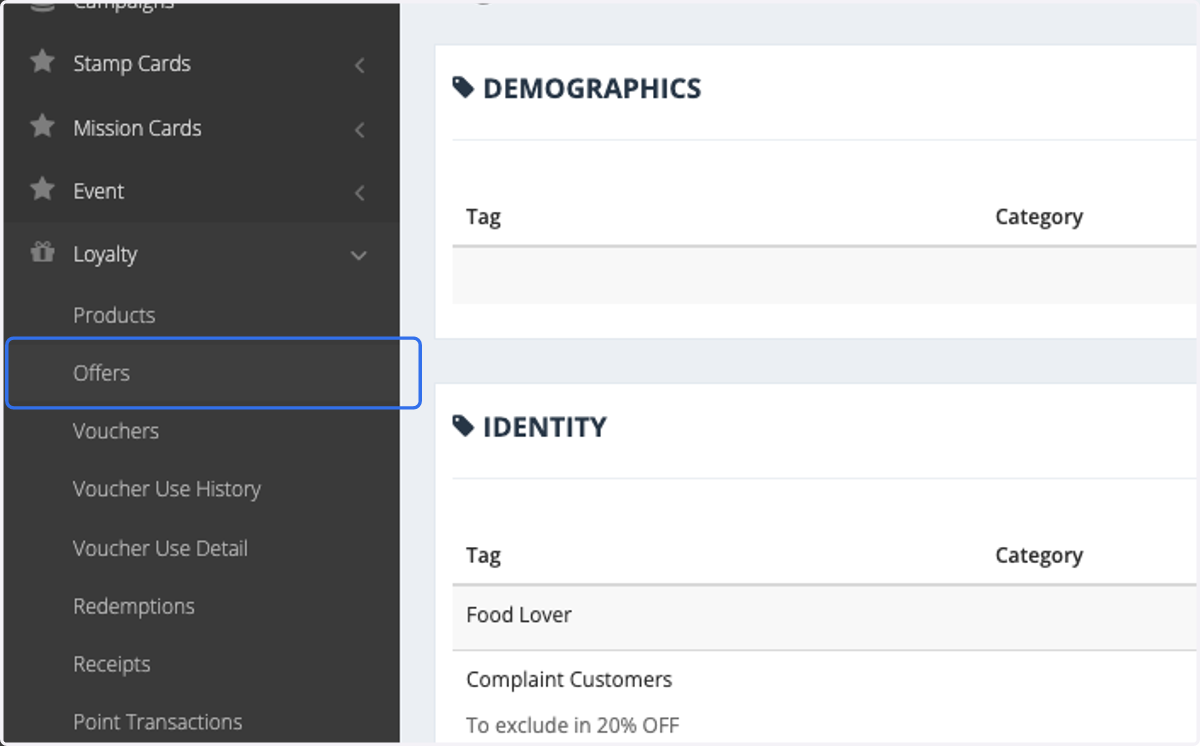
15. Click on Offers
16. Select your offer
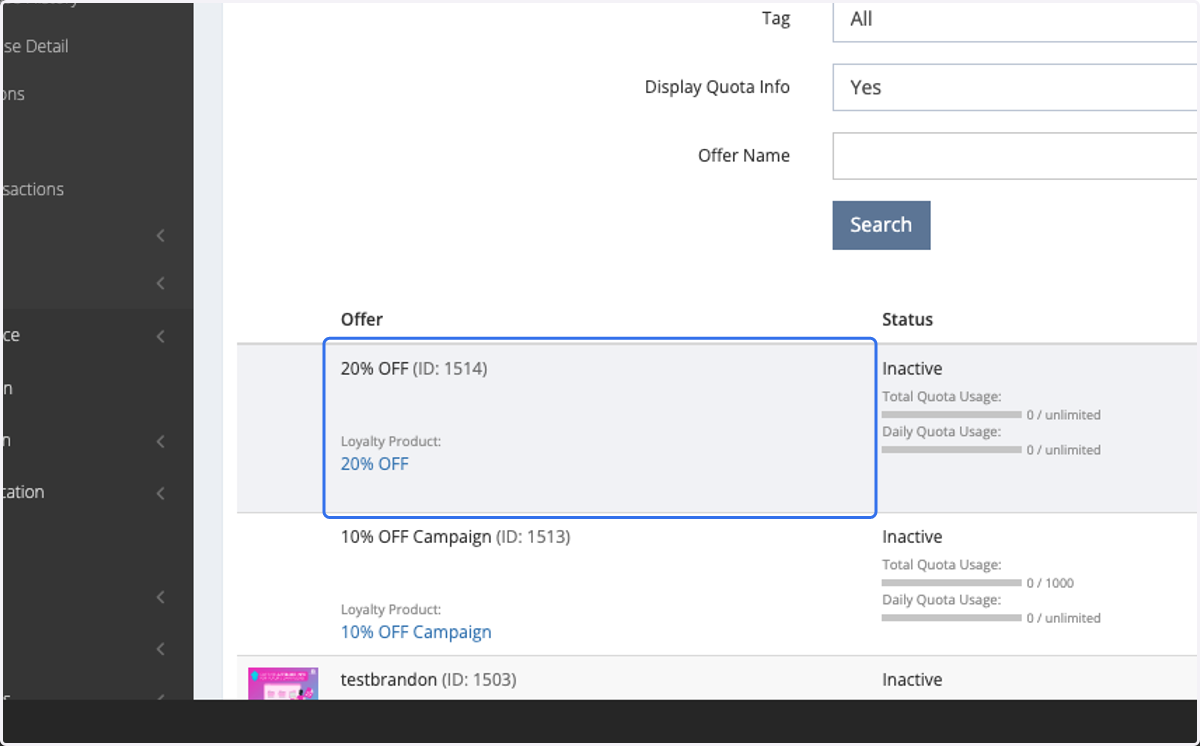
17. Click on Edit
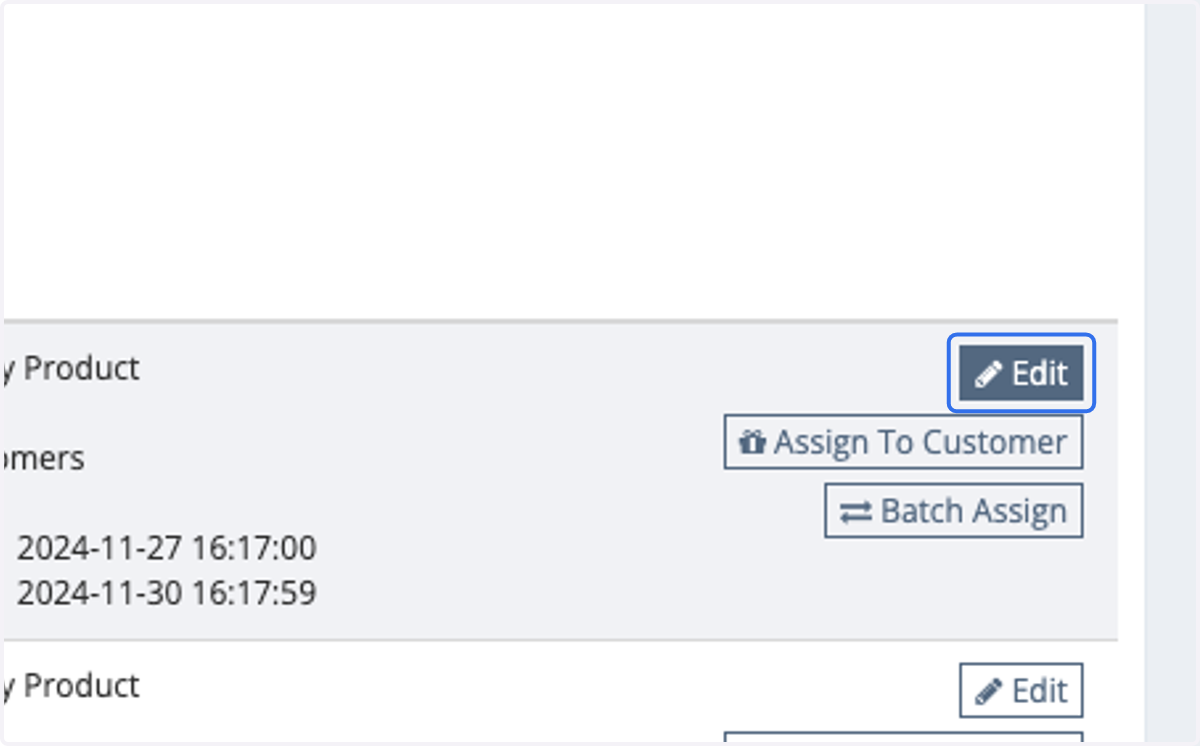
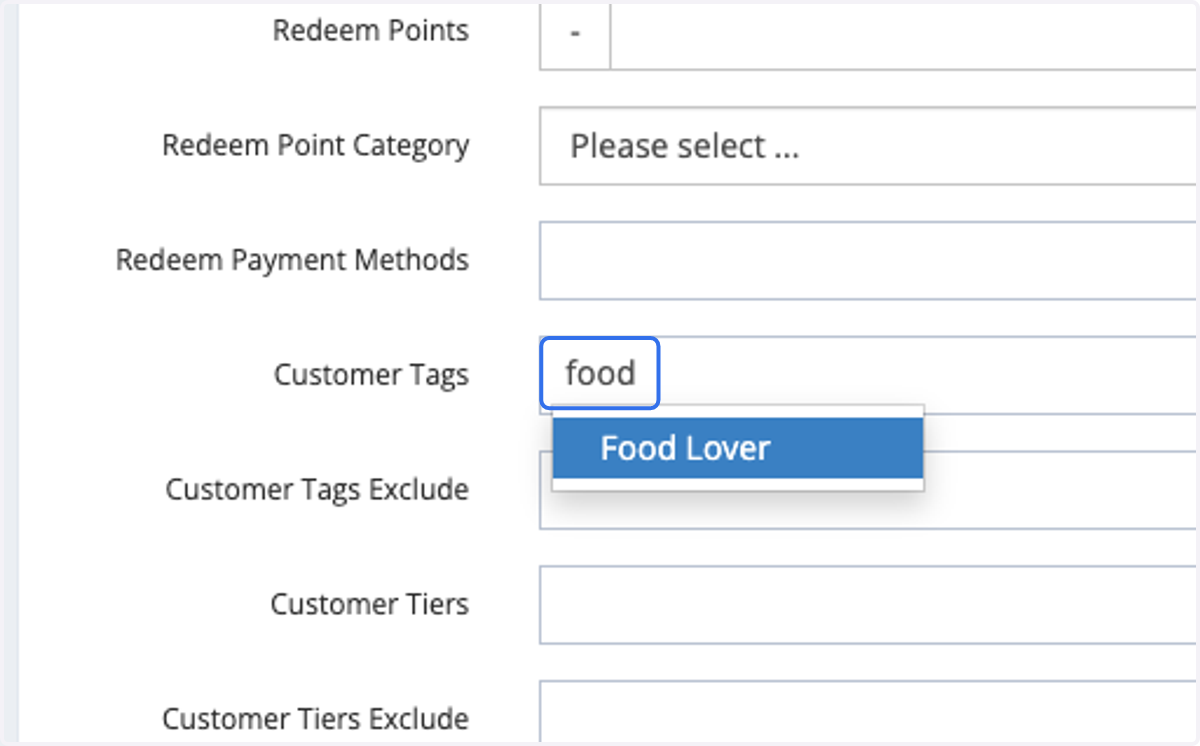
18. Include the tag that you would like to apply to this offer.
Members with this tag will be able to access this offer.
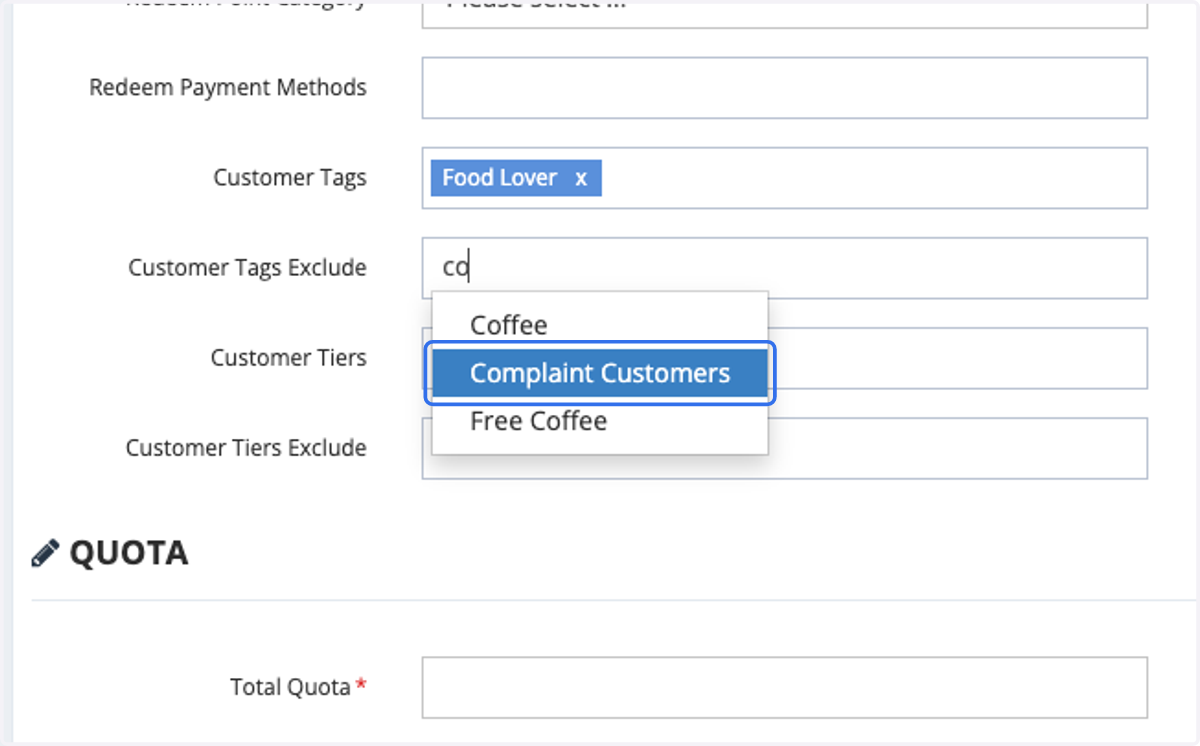
19. Include the tag that you would like to exclude in this offer.
Members with this tag will not be able to access this offer.
20. Click on Submit