DAISEY - How to Delete Forms
daisey.cete.us
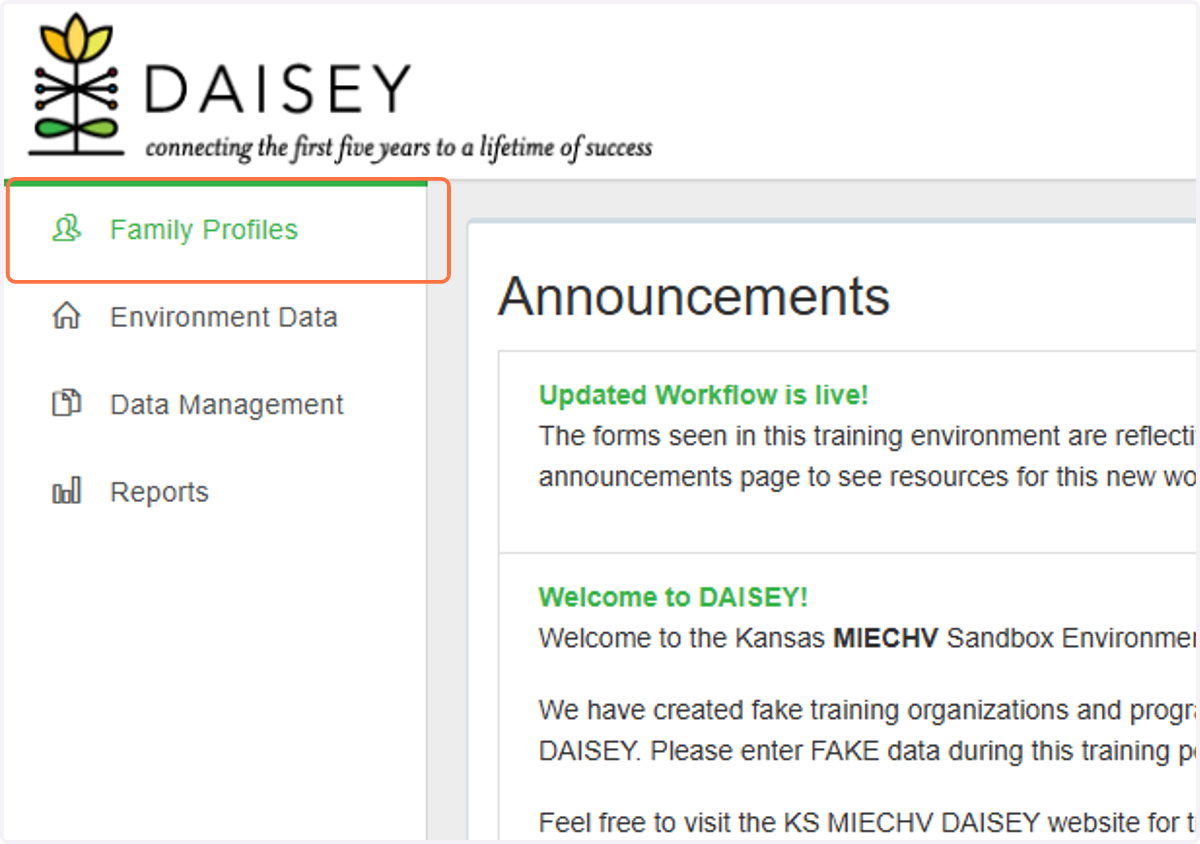
1. Click on Family Profiles
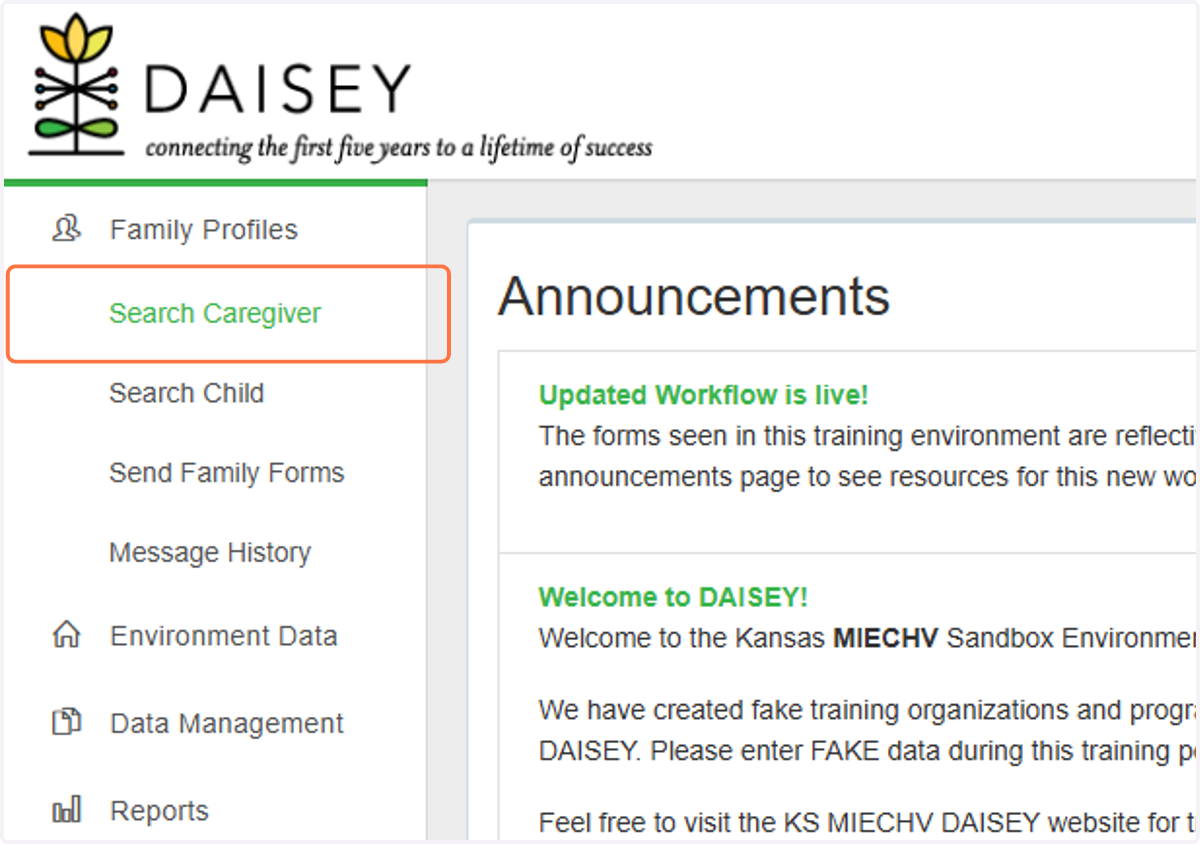
2. Click on Search Caregiver
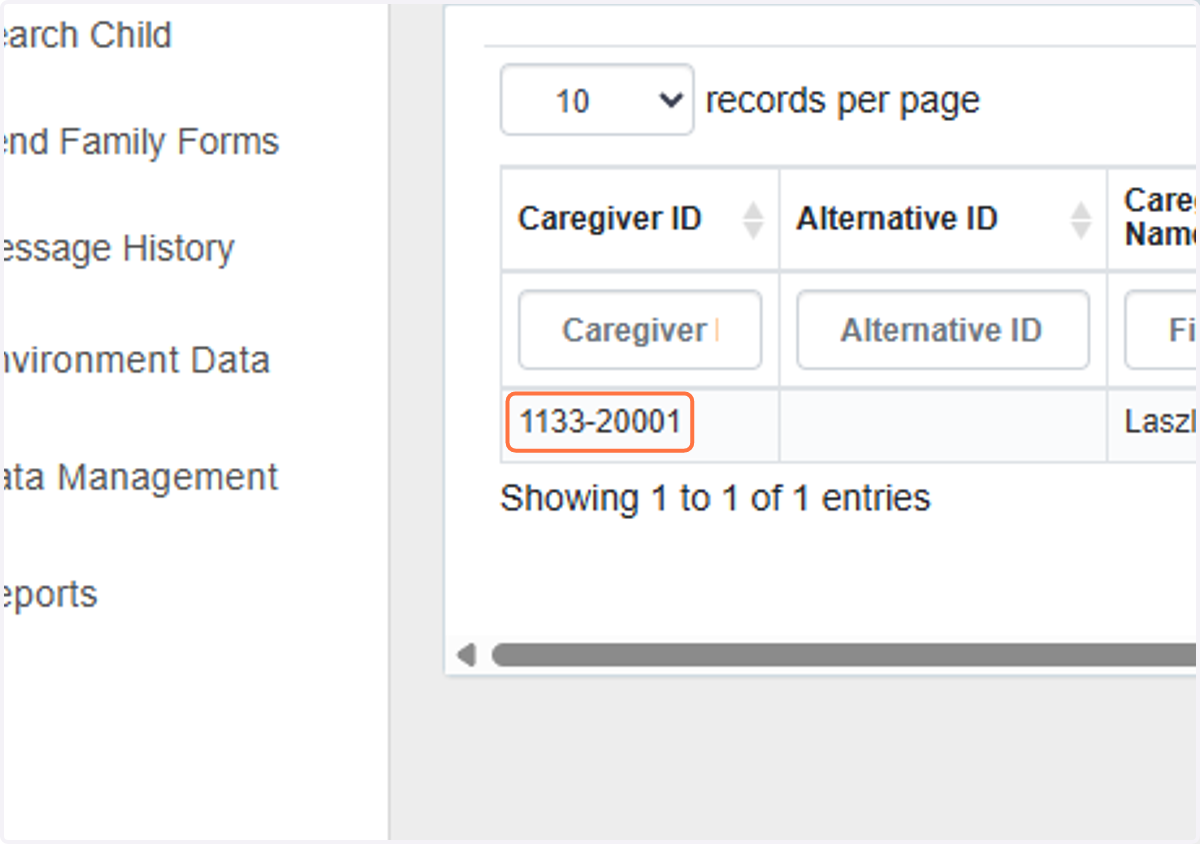
3. Locate the Caregiver or Child you wish to delete
4. Under Family Association, find the profile you wish to delete
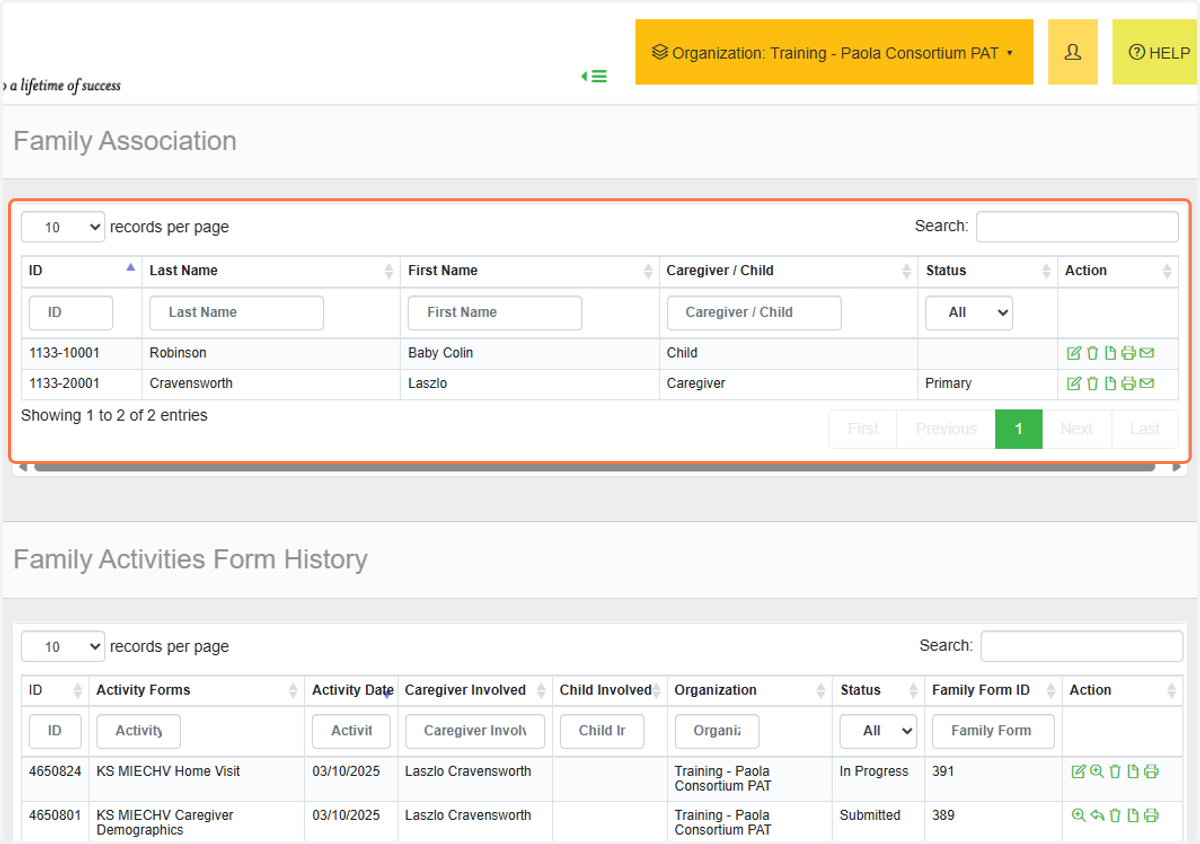
5. Under Family Activities Form History, find the forms associated with this profile.

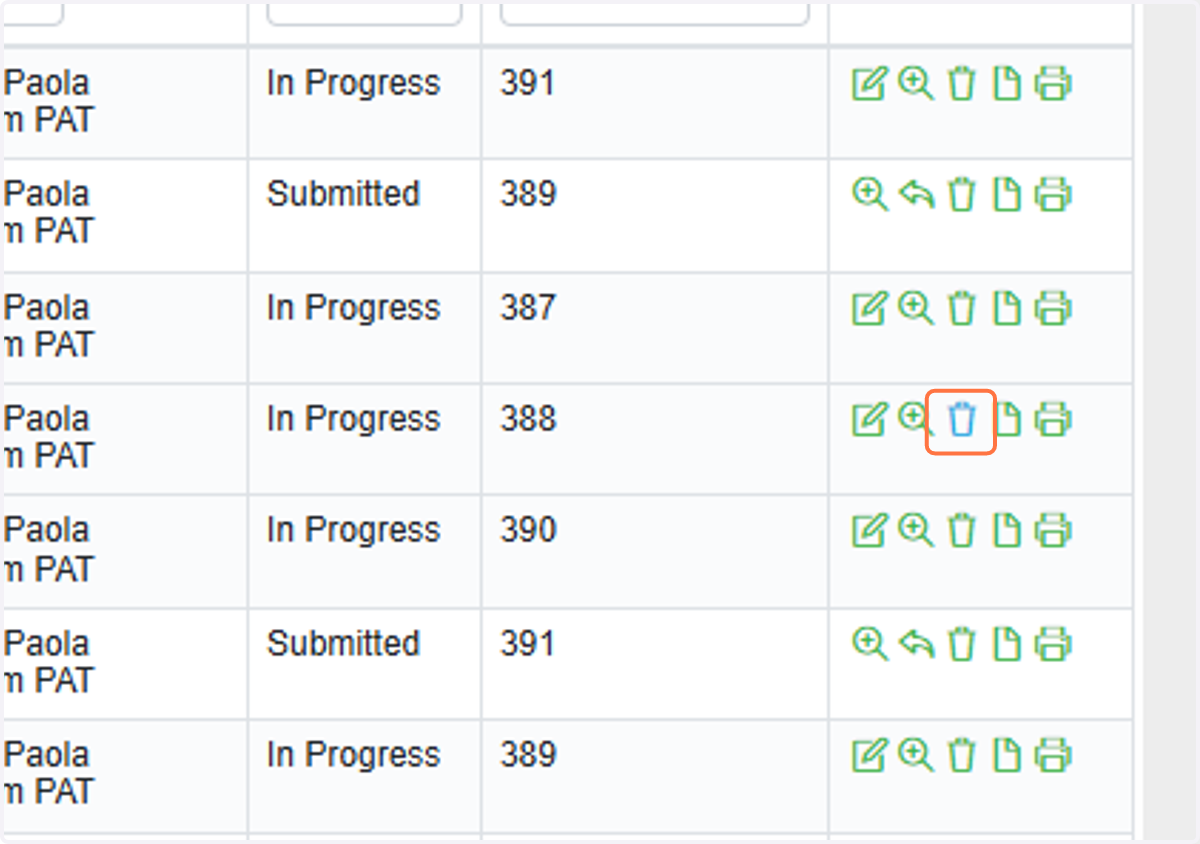
6. Click the Trash Can icon next to the activity form you wish to delete
Note: Some DAISEY roles may not be able to delete forms - please contact your organization's program administrator for support if you do not have access to delete forms.
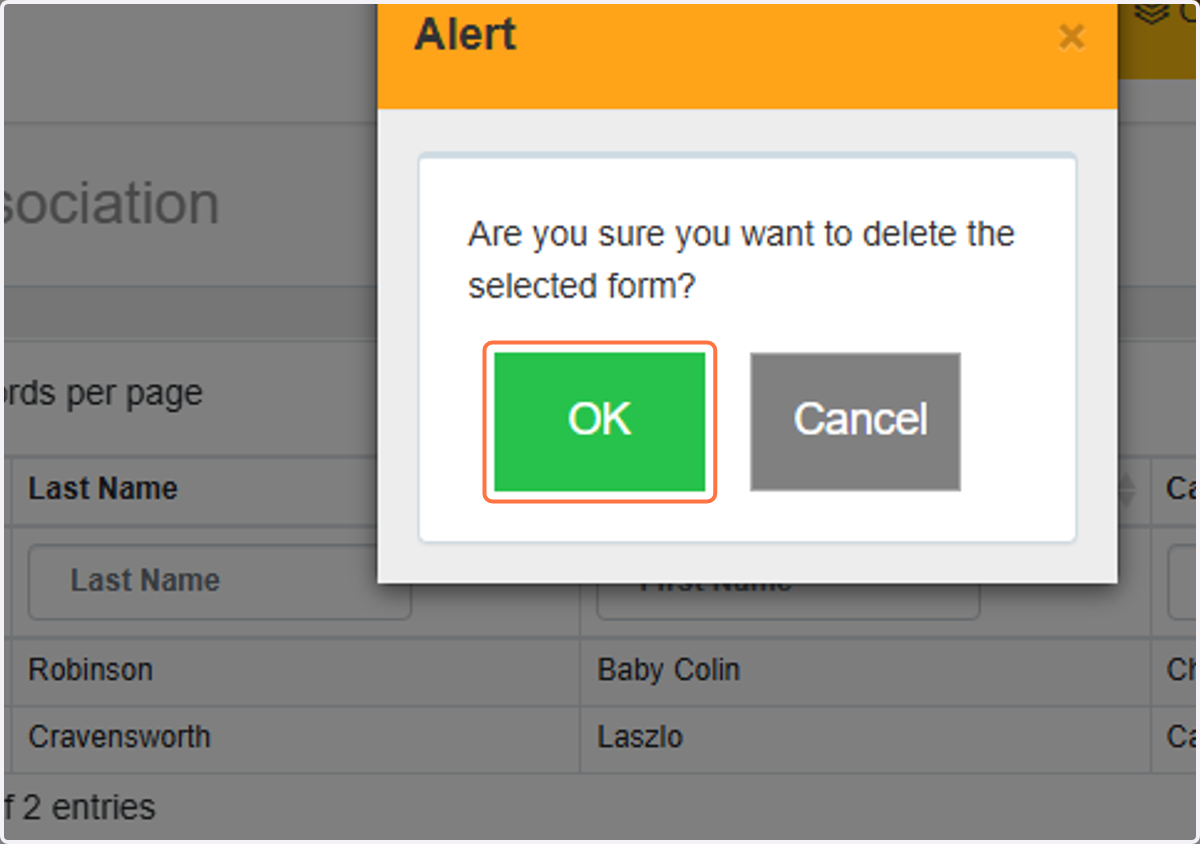
7. Click on OK to delete form