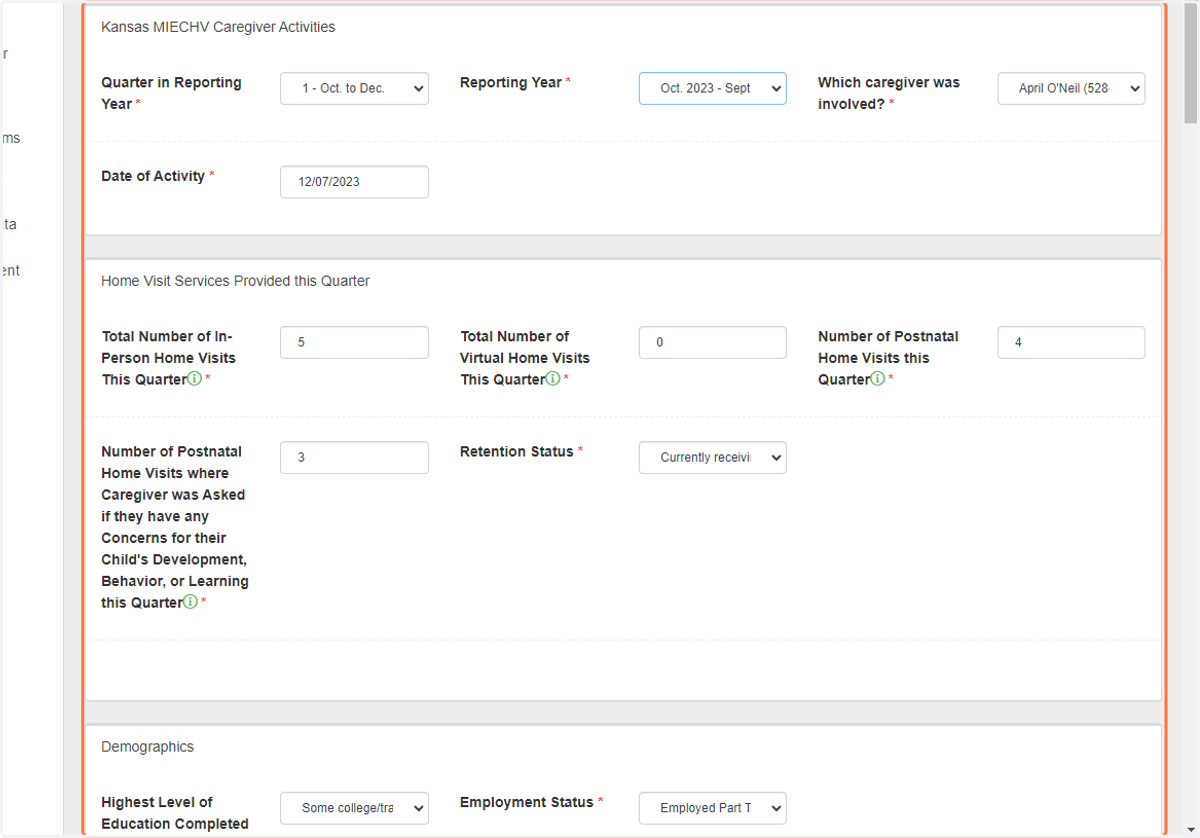
DAISEY - How to Edit Forms
daisey.cete.us/kehs/familyActivities
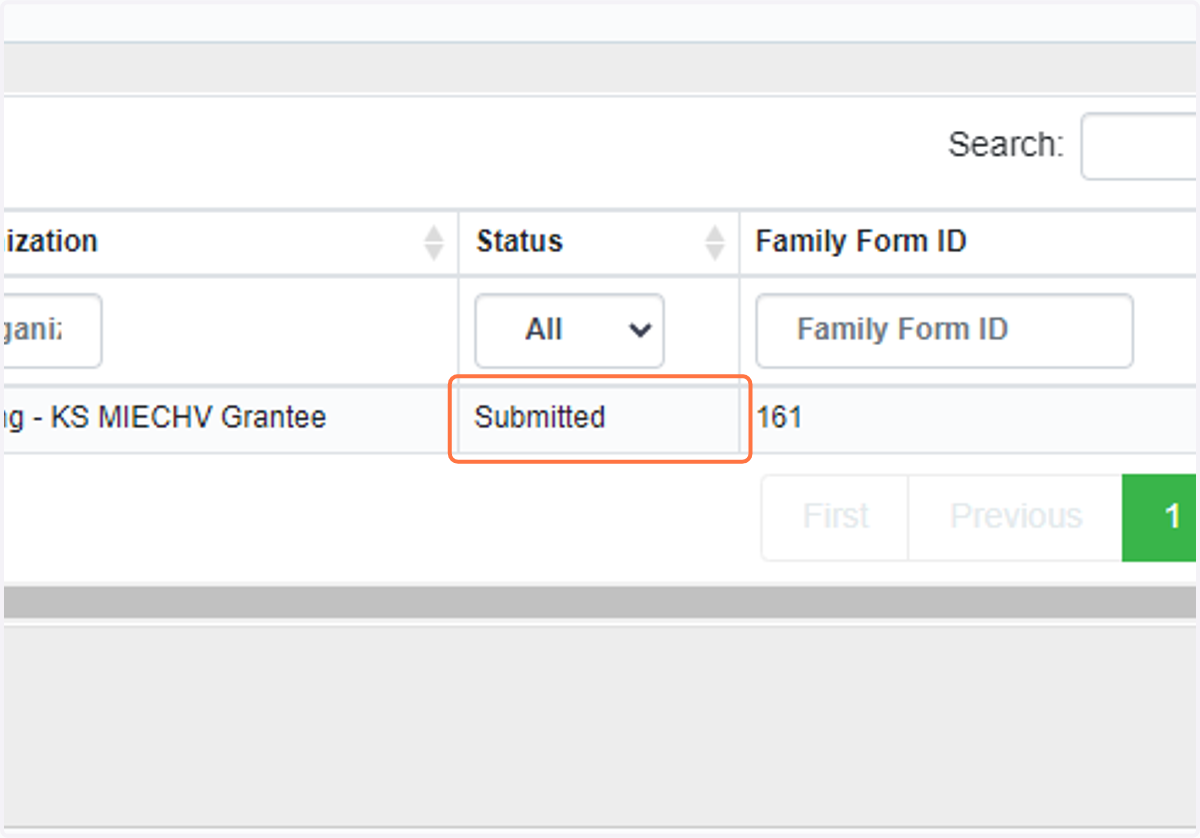
1. If you have already submitted the form you wish to edit, it will appear with the Submitted status. Please skip to step 4, if the form shows as In Progress.
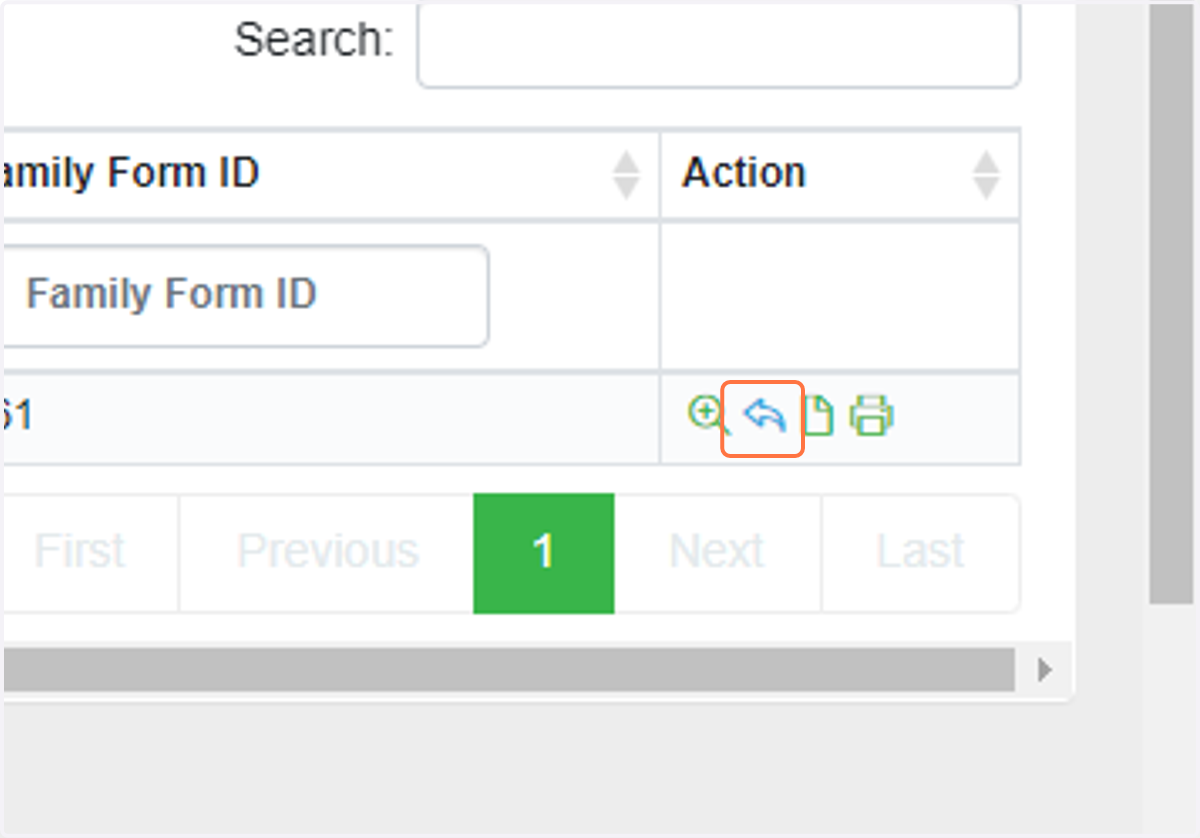
2. To edit, click on the arrow under the Action column to Revert the form.
If you do not see the arrow icon, you will need to reach out to your supervisor to Revert the form before you will be able to edit.
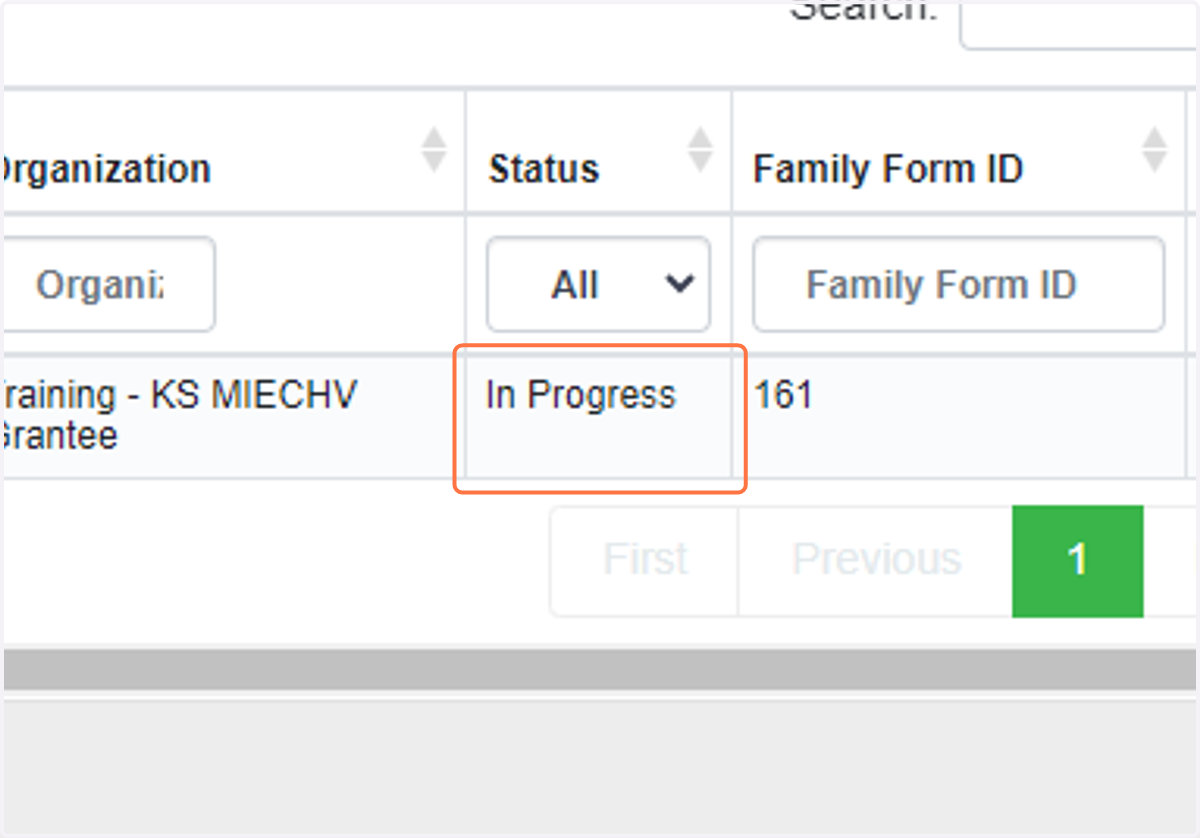
3. Now the form Status will show as In Progress and you can edit the form.
4. Click on the pencil and paper icon under the Action column to edit the form.
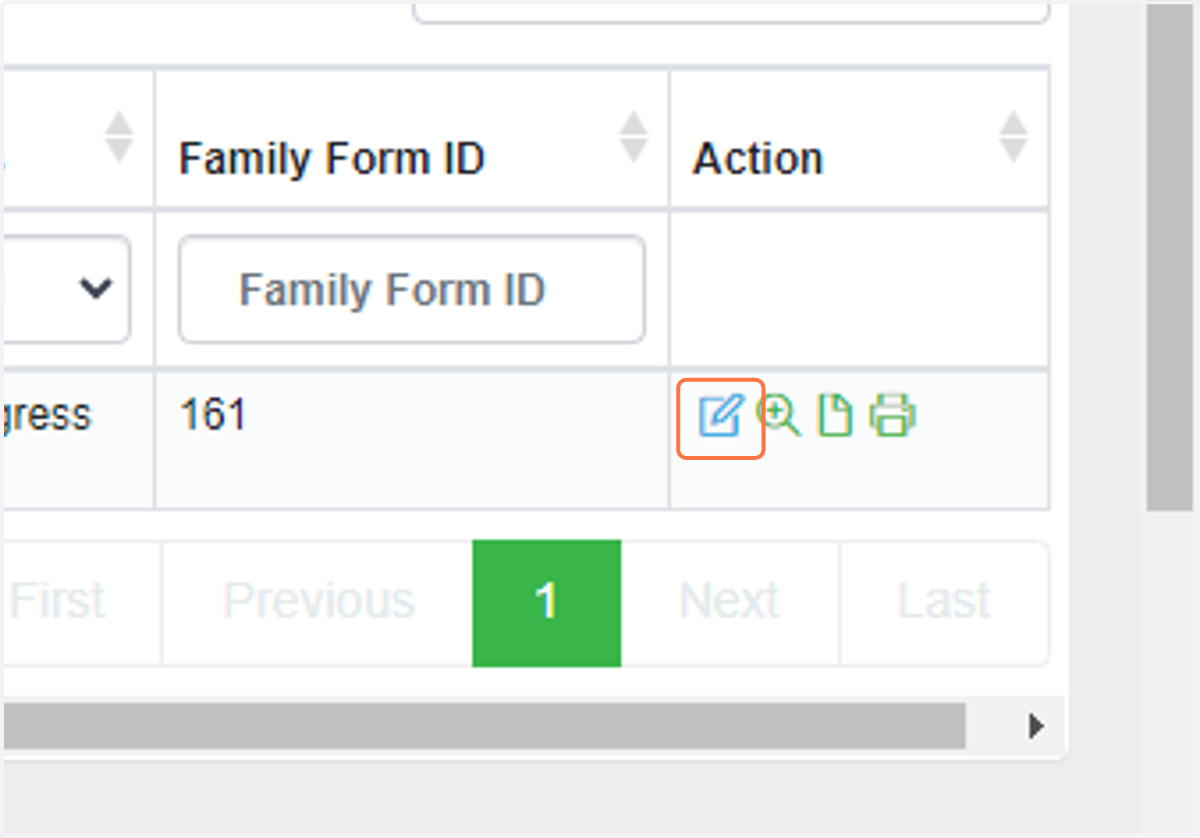
5. The form is now available to edit