Complete Off-Campus Lottery Application in StarRez
Log onto your StarRez Student Portal
Go to my.fairfield.edu, search and launch the StarRez Student Portal. If you are directed to the StarRez Student Portal login page, click on the Fairfield SSO option to log in with your Fairfield Net ID and password.
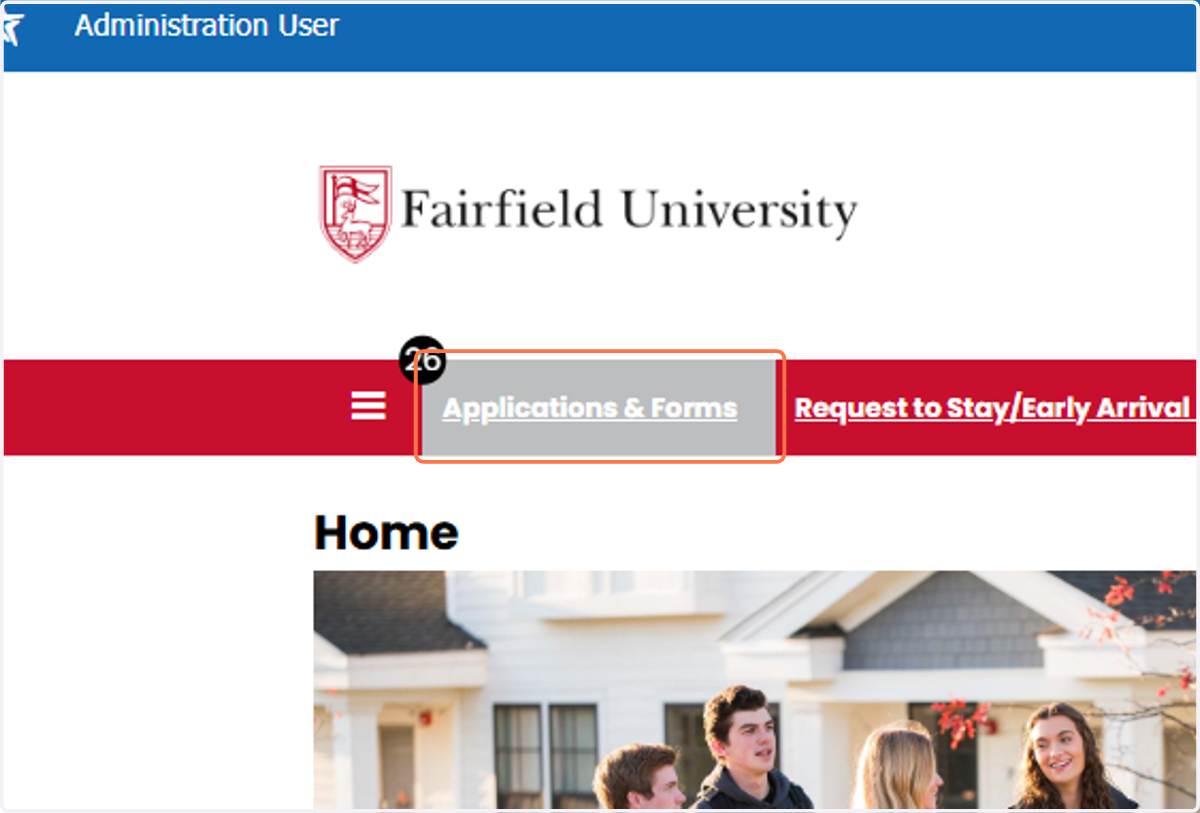
1. When logged in, click on "Applications and Forms"
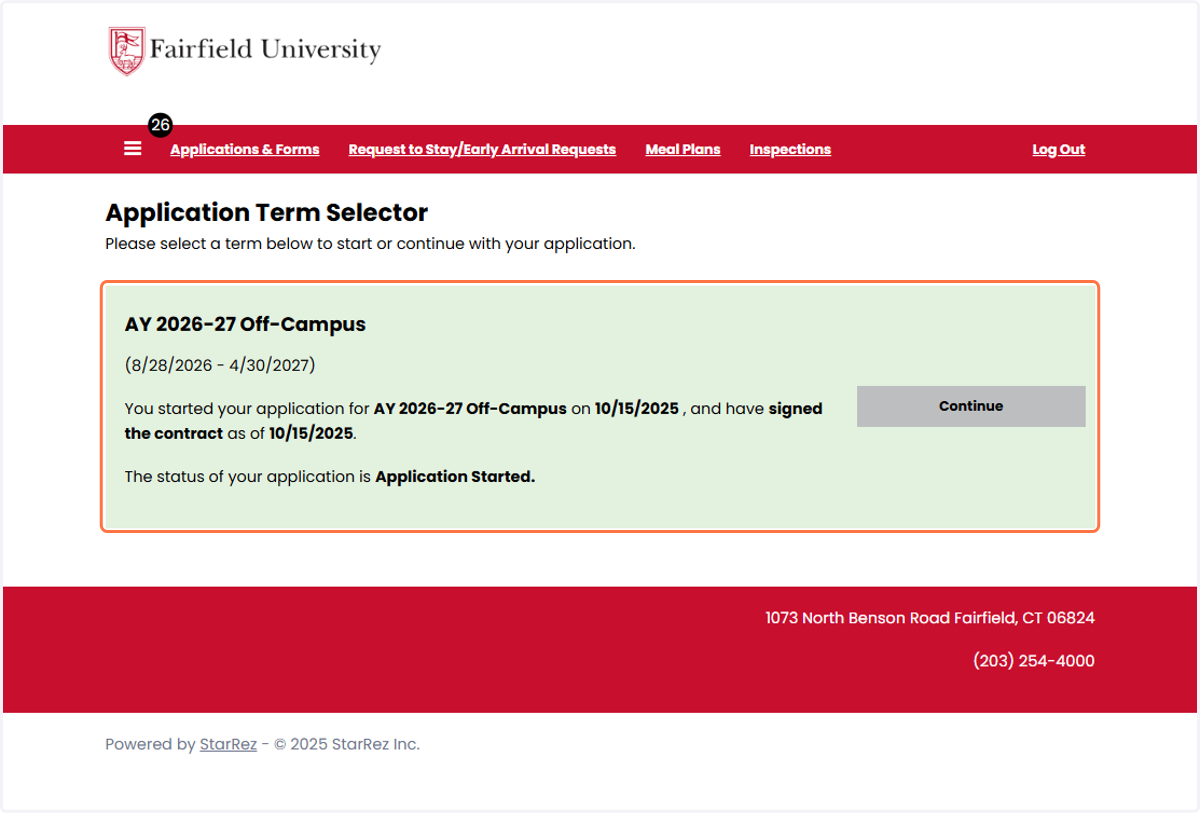
2. To apply to be released off campus for the 2026-27 academic year, click the Continue button that corresponds with term "AY 2026-27 Off-Campus" to complete the Off-Campus Lottery Application
If you do not have access to select this term, you may not be eligible to apply to live off-campus for the 2026-27 academic year. If you believe this is a mistake, please contact the Office of Residence Life.
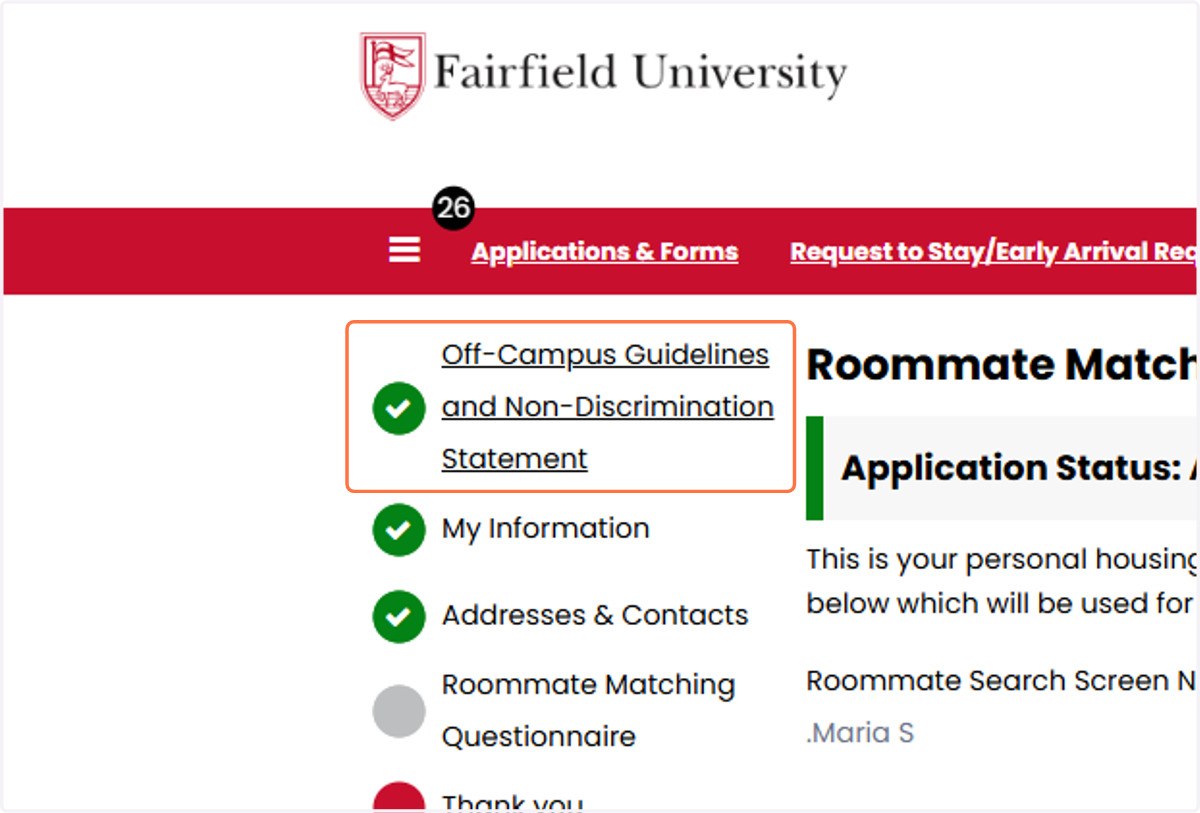
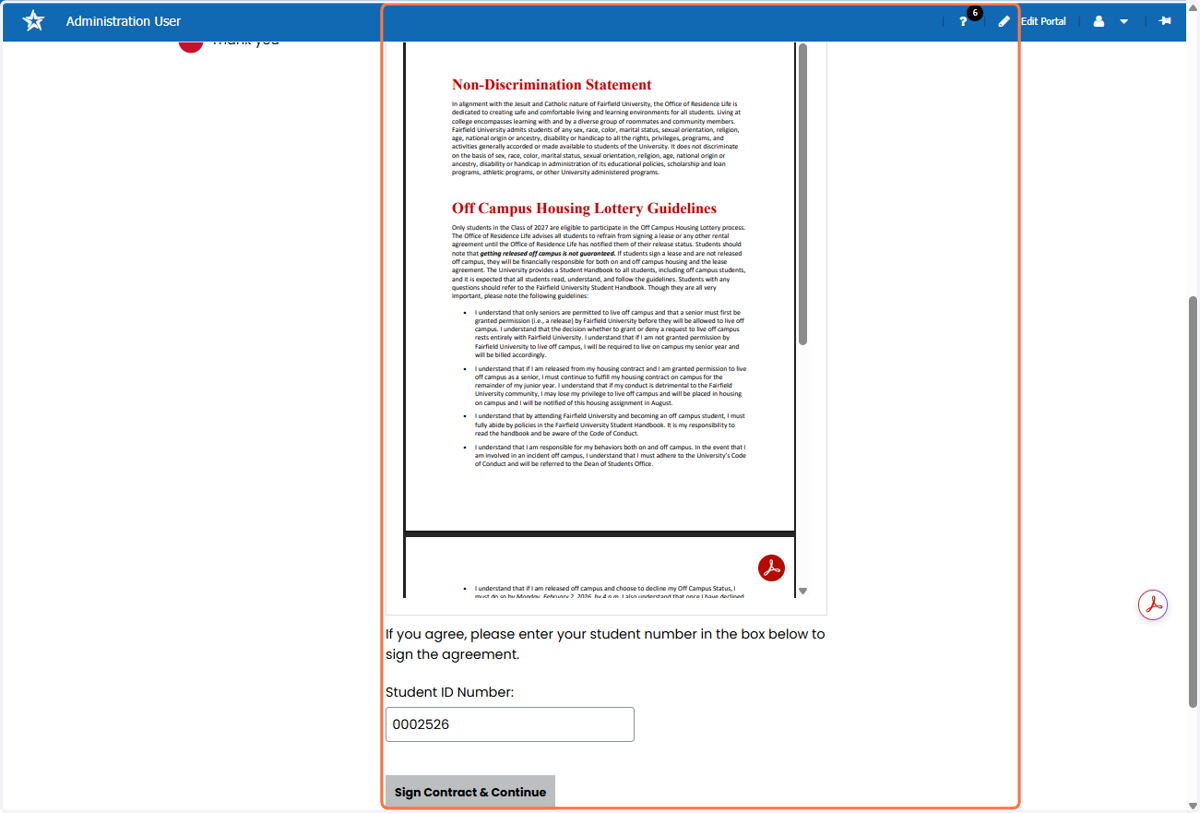
3. Begin completing the application starting with reviewing and acknowledging Fairfield University's Off-Campus Guidelines and Non-Discrimination Statement
4. To sign the Off-Campus Guidelines and Non-Discrimination Statement, you must enter your Student ID number and then click the "Sign Contract and Continue" button.
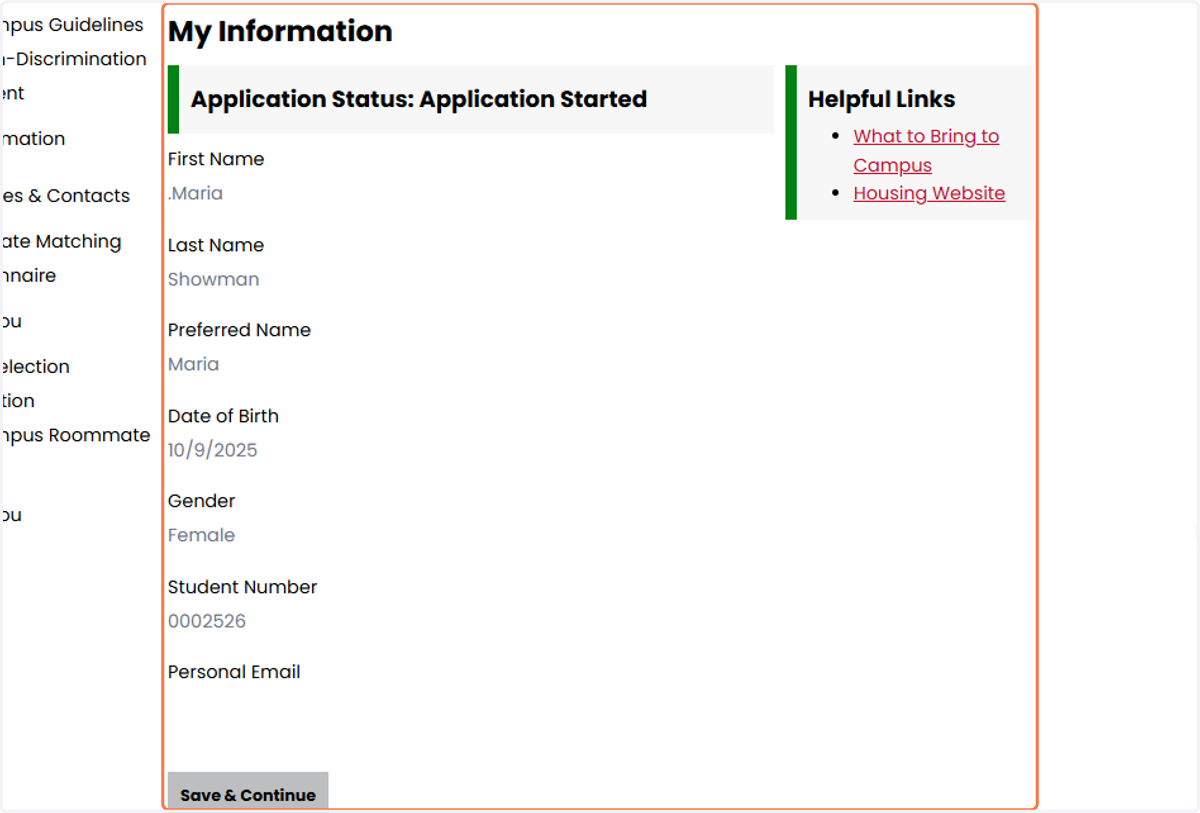
5. Review your personal information that is auto-populated. If any of the information on your My Information page is incorrect, please contact the Registrar's Office so this information gets updated in both Workday and StarRez. If information is correct, click "Save and Continue."
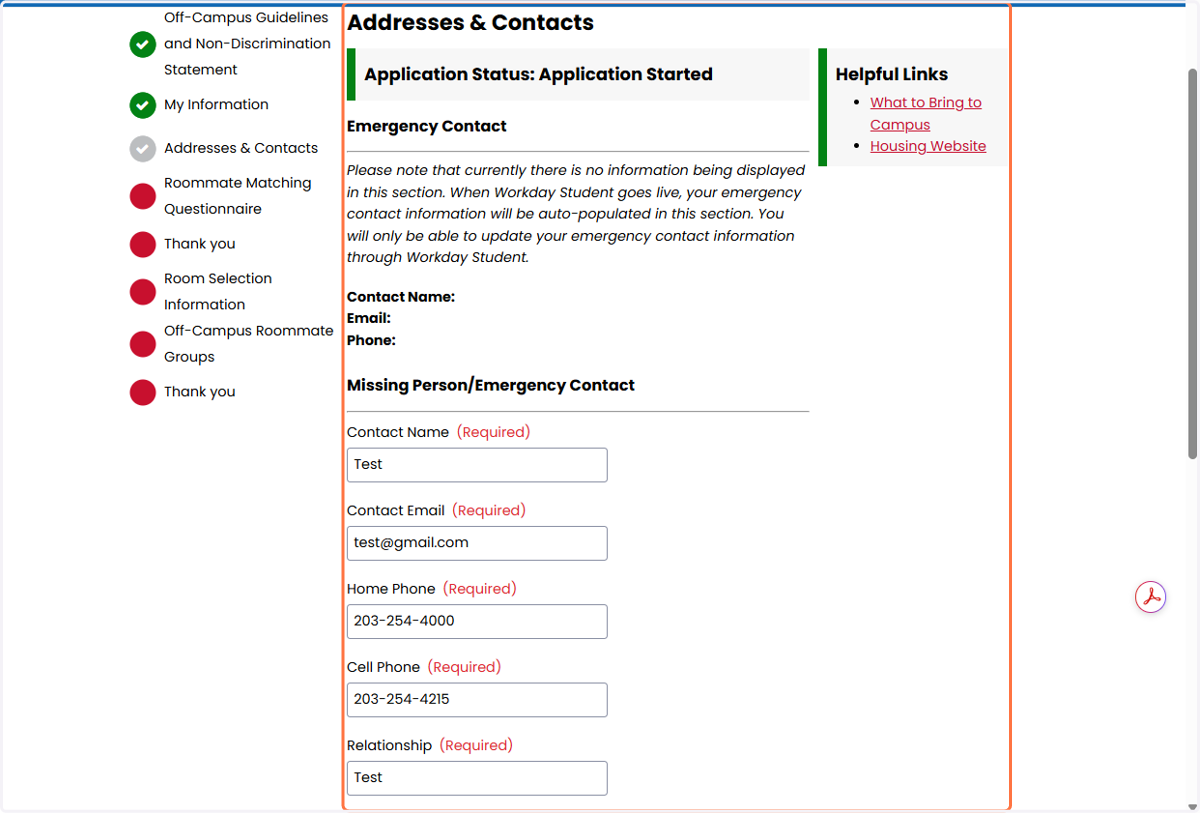
6. Review and update or confirm your Emergency Contact information. Once complete, click the Save and Continue button.
7. Review and update and/or confirm your Roommate Questionnaire. If you plan on entering the Off-Campus Lottery as a group, please ensure the "Display in Roommate Search results" box is checked so you're prospective roommates can search for and make a roommate group with you.
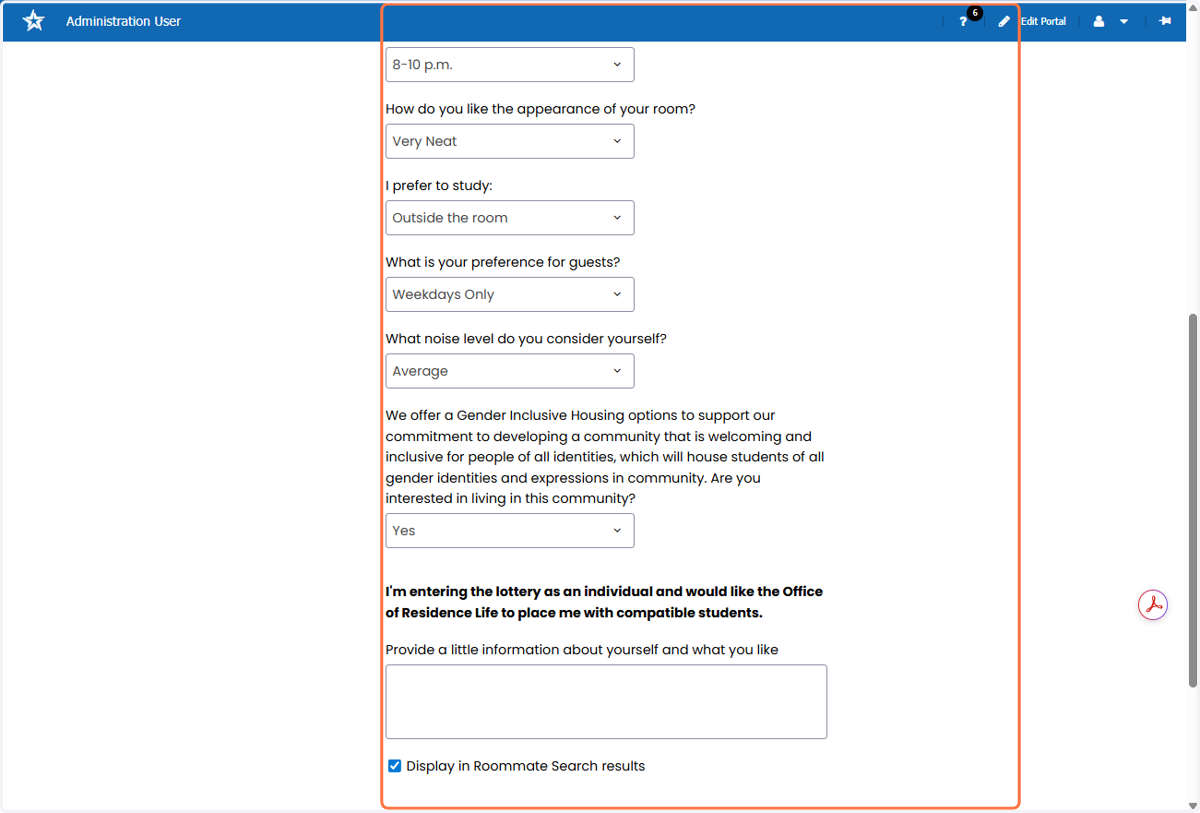
8. After completing your Roommate Questionnaire, click Save and Continue.
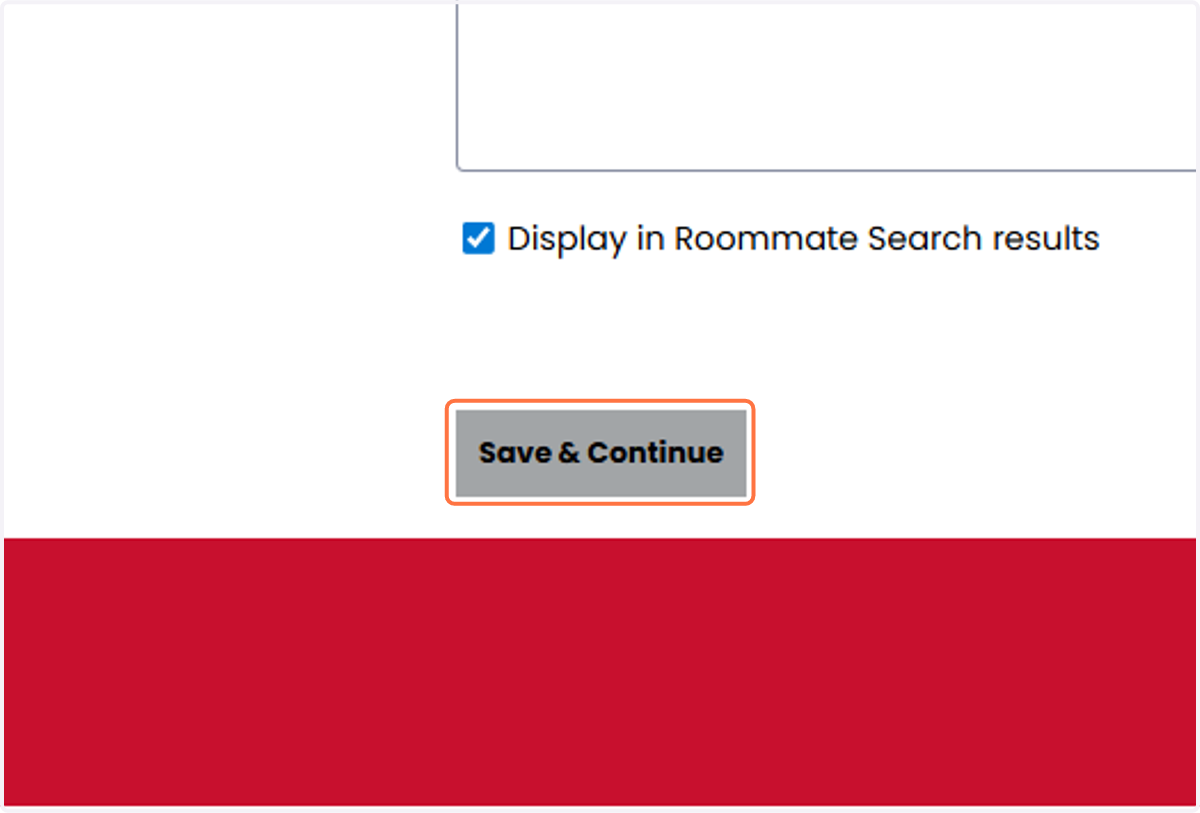
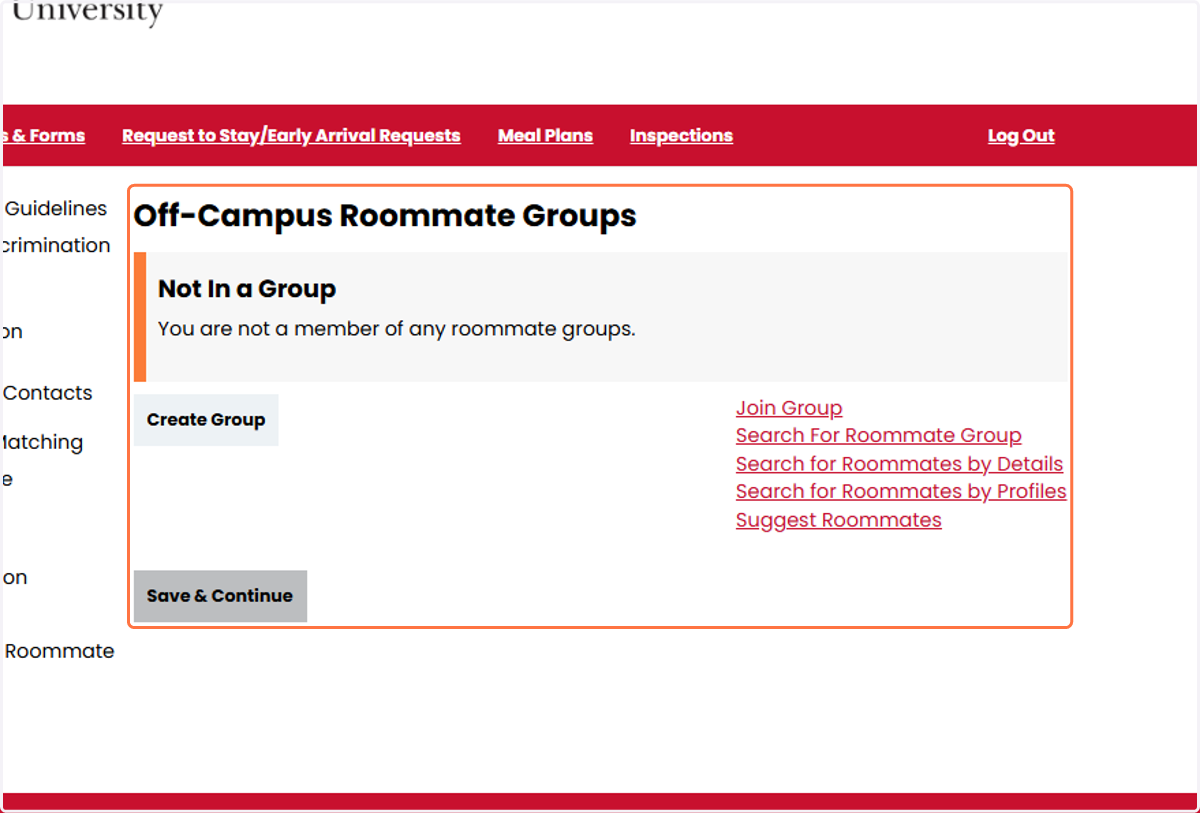
9. Your Application is now complete and you will receive a confirmation email. If you plan to enter the Off-Campus Lottery as a roommate group, review the StarRez Roommmate Matching process.
Link to the Roommate Matching Step-by-Step Guide: https://app.tango.us/app/workflow/Step-by-Step-Guide-for-Roommate-Selection-in-StarRez-Portal-26e47ac8da014ae3bb2808bd9fb71365
Note, only students who completed the Off-Campus Lottery Application and checked the "Display in Roommate Search results" box can be found/selected to build roommate groups in StarRez. If you or your prospective roommates are having issues with matching with or finding one another in StarRez, please contact the Office of Residence Life.
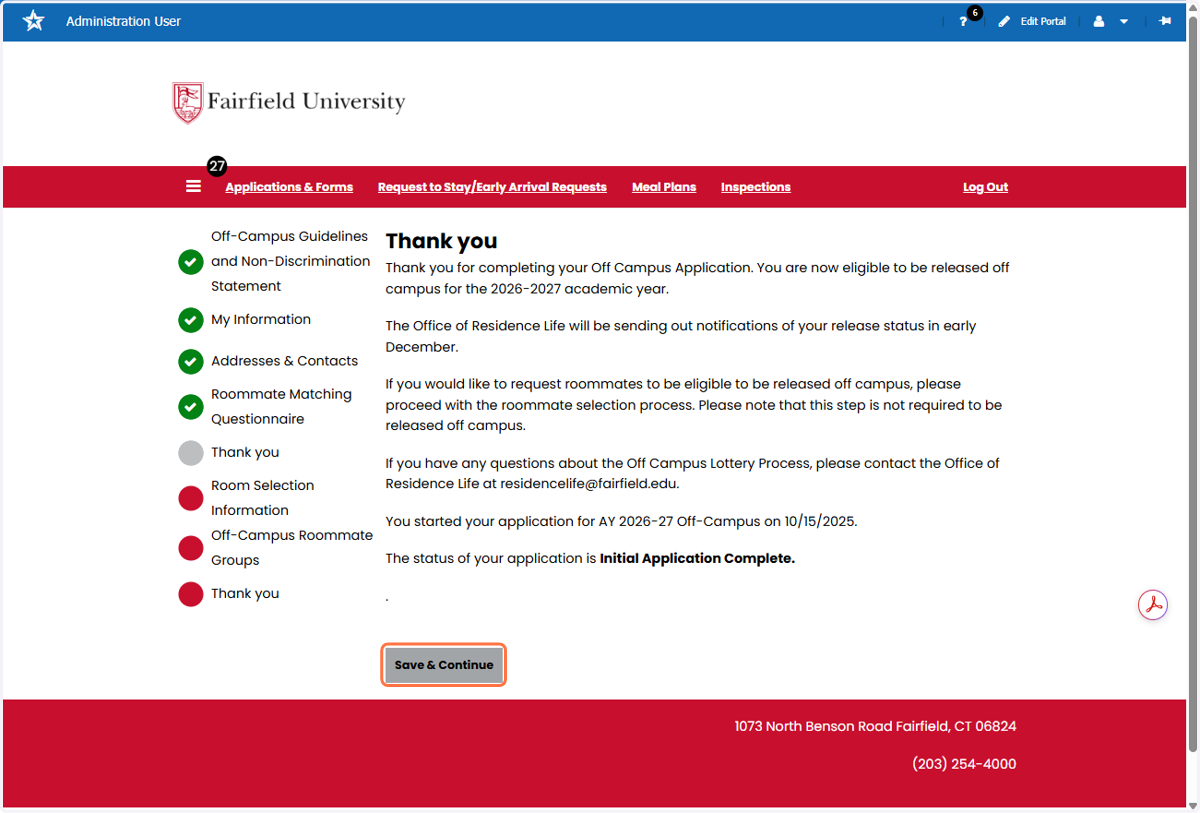
10. Click on Room Selection Information
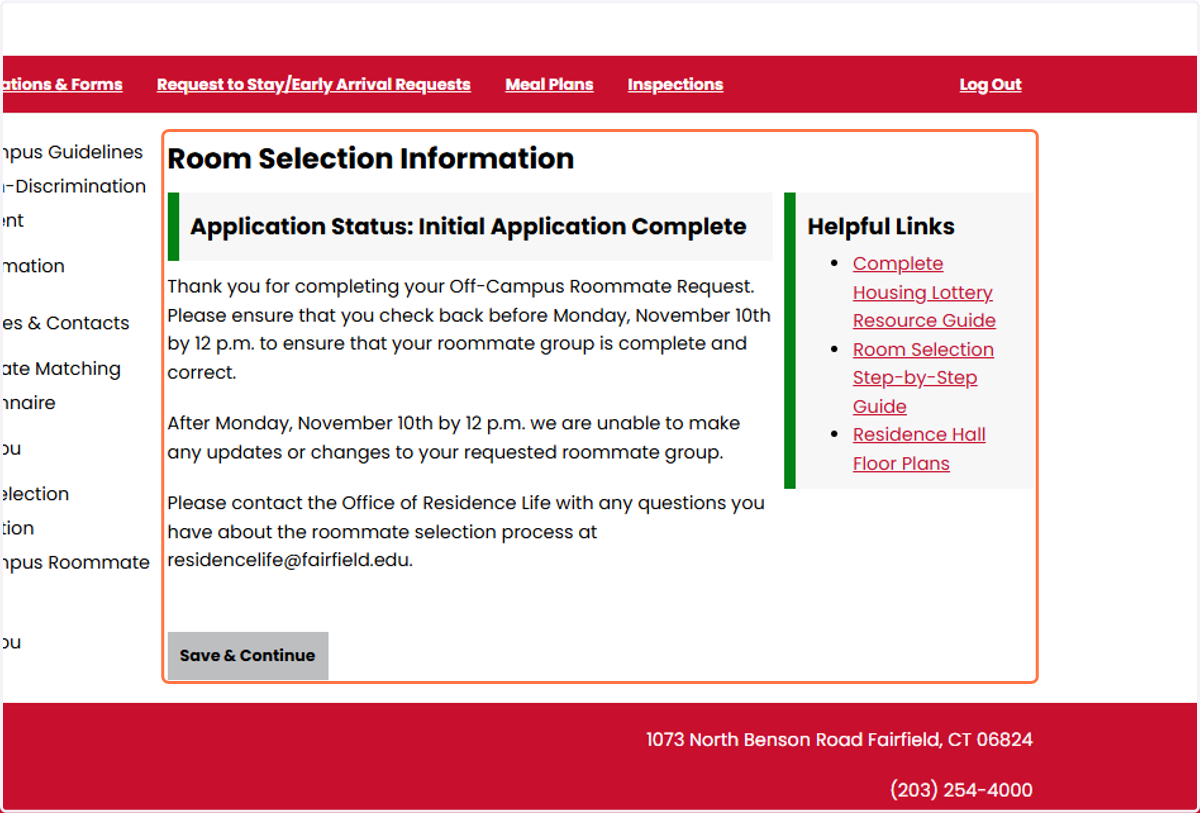
11. Click on Save & Continue
12. Click on Off-Campus Roommate Groups