Step-by-Step Guide for Roommate Selection in StarRez Portal
Log in to the StarRez Student Portal access your Housing Application.
Visit my.fairfield.edu, search for StarRez and select StarRez Student Portal. Log in with your OKTA Username and Password. Once on the homepage, click Applications & Forms.
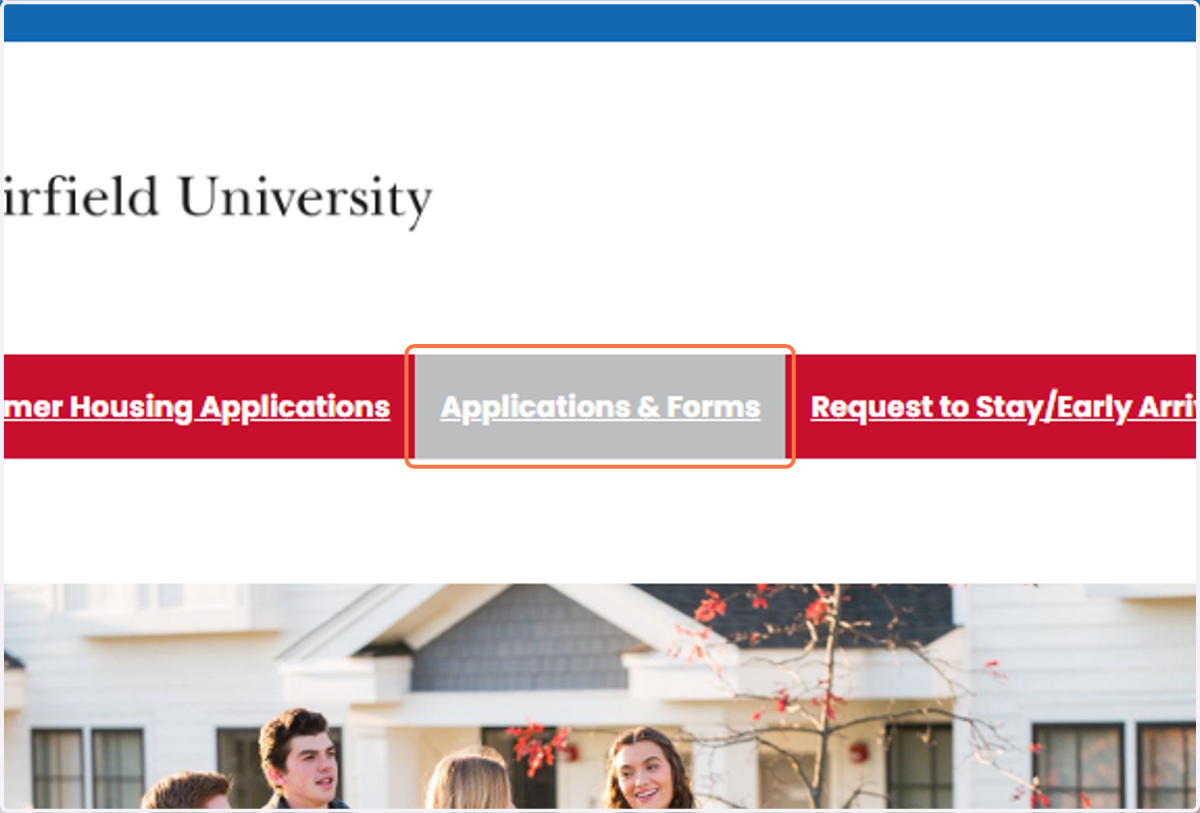
1. Click on Applications & Forms
2. Select 2026-27 Housing Application from Select Next Step dropdown
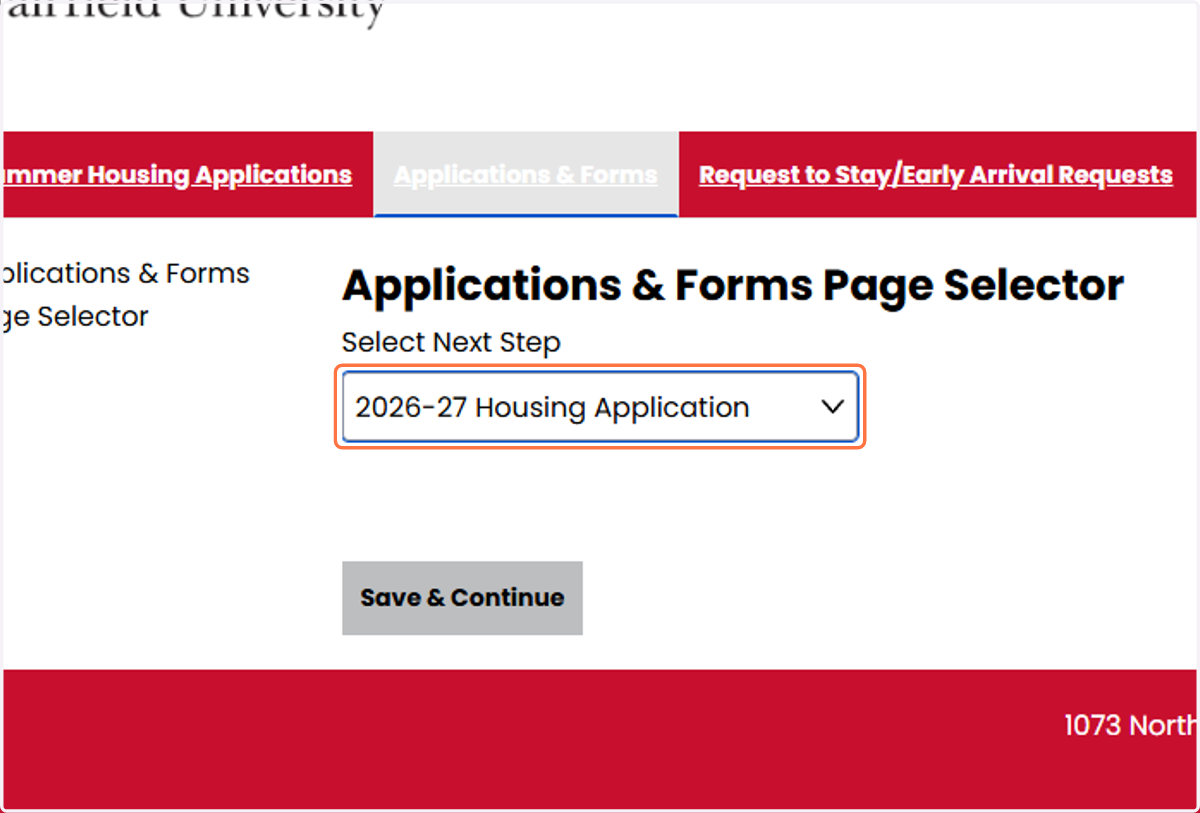
3. Click on Save & Continue

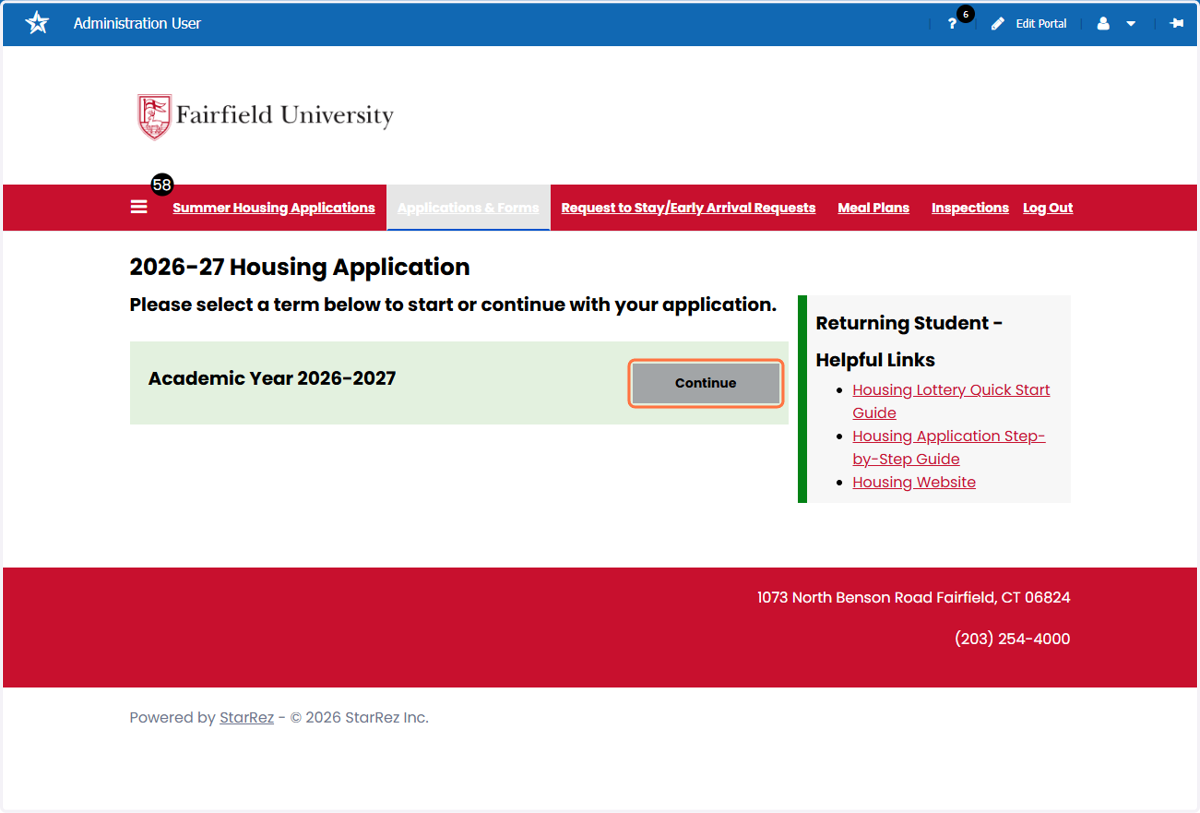
4. Click on Continue for Academic Year 2026-2027
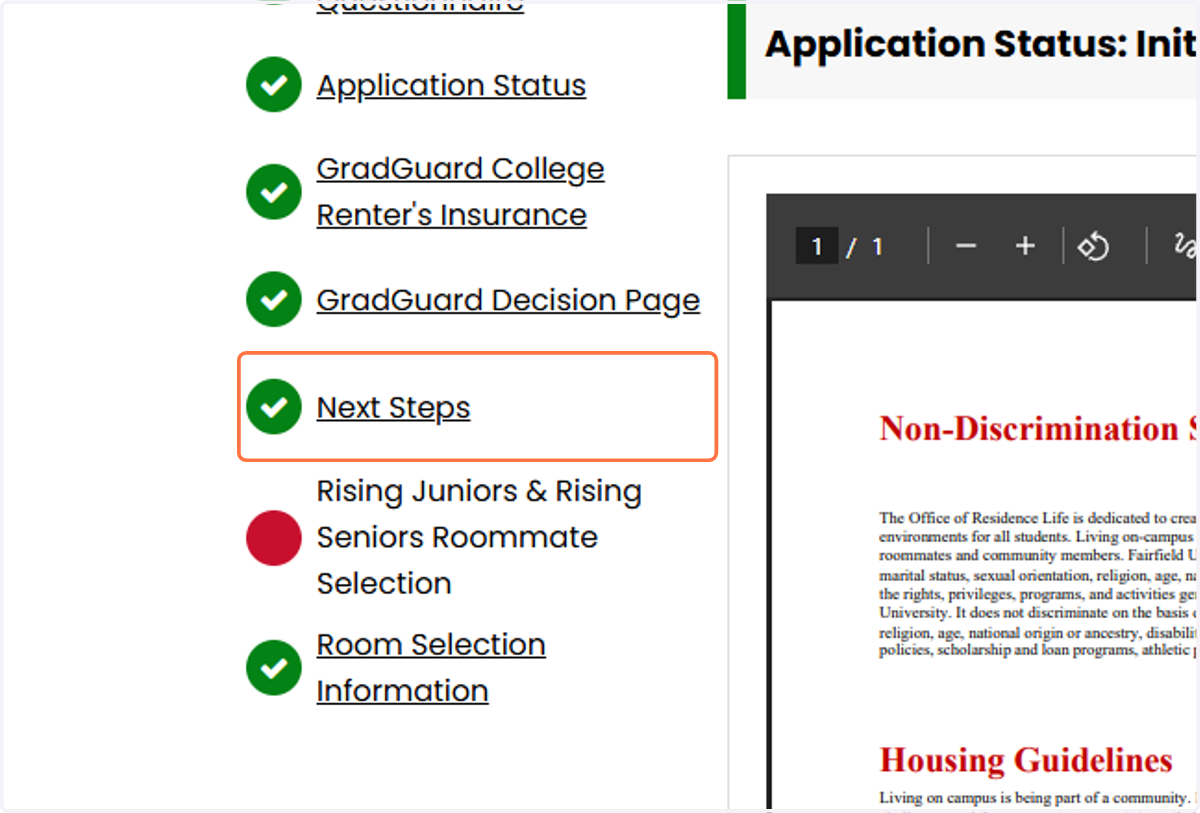
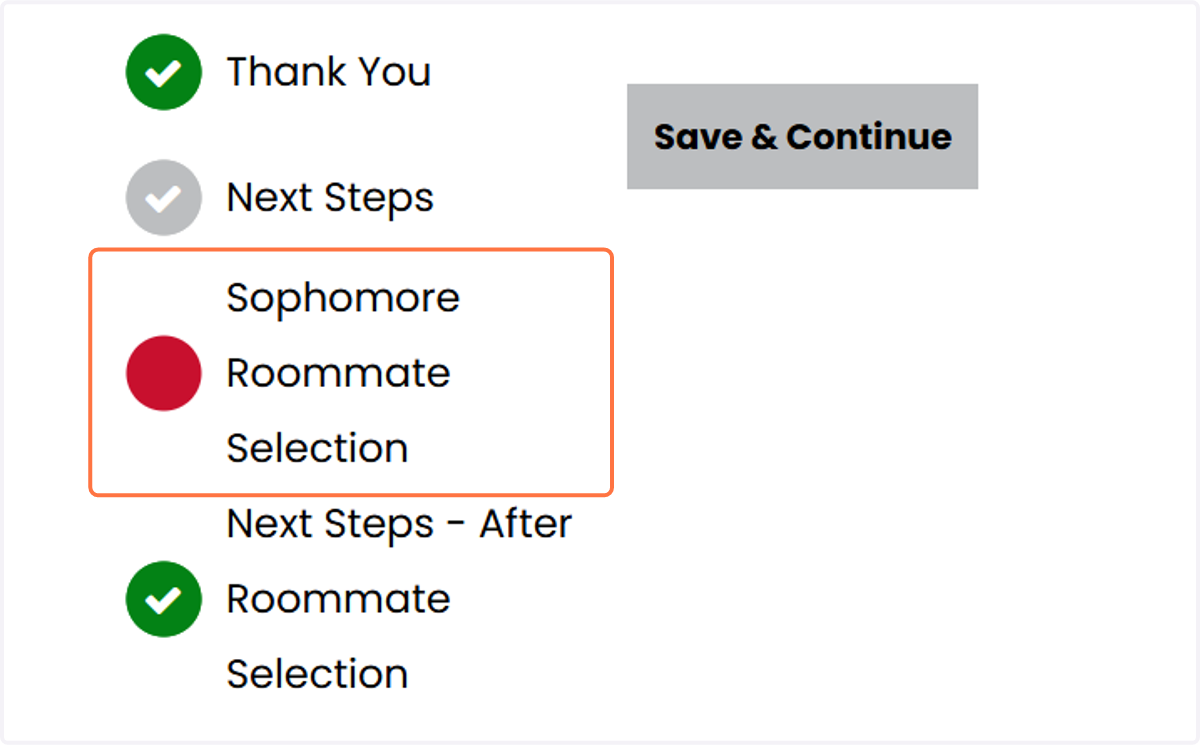
5. If you have already completed your Housing Application (including your roommate questionnaire and accepted/declined renter's insurance coverage, click Next Steps in the process steps.
If you did not complete the housing application, you will need to do this first before moving on to the roommate selection process.
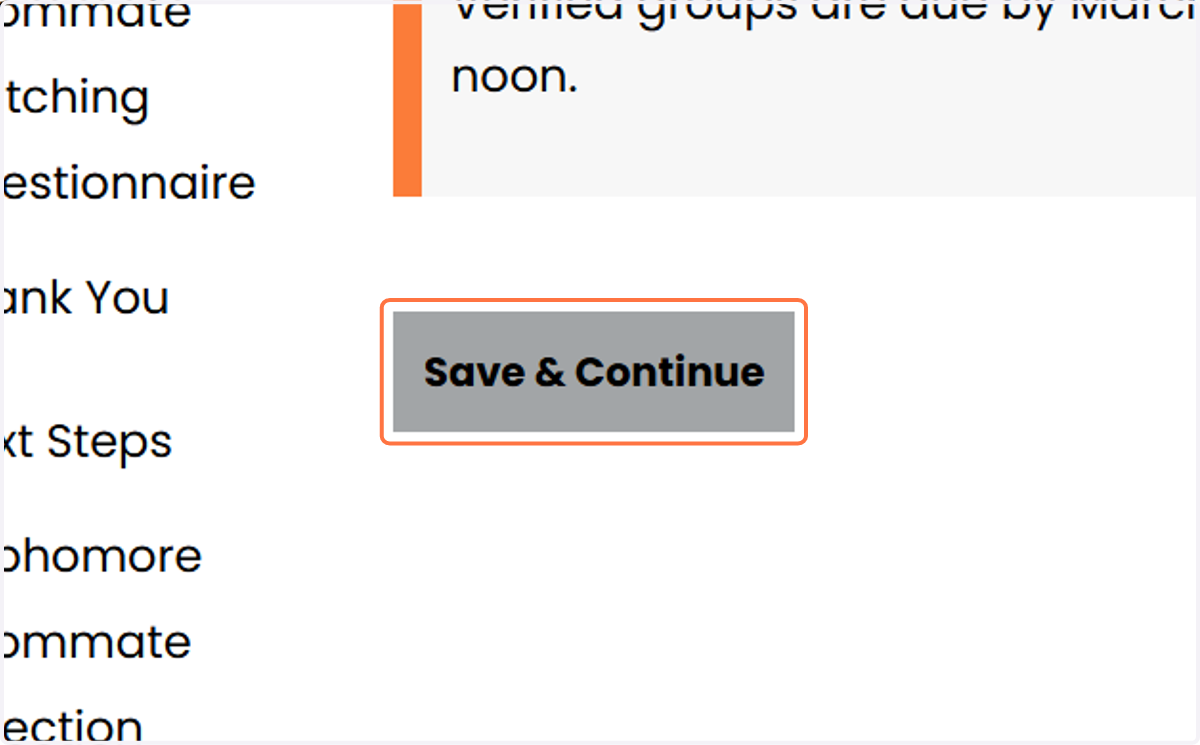
6. Click on Save & Continue
Once you click Save and Continue, you will be able to search for roommates in 3 different ways.
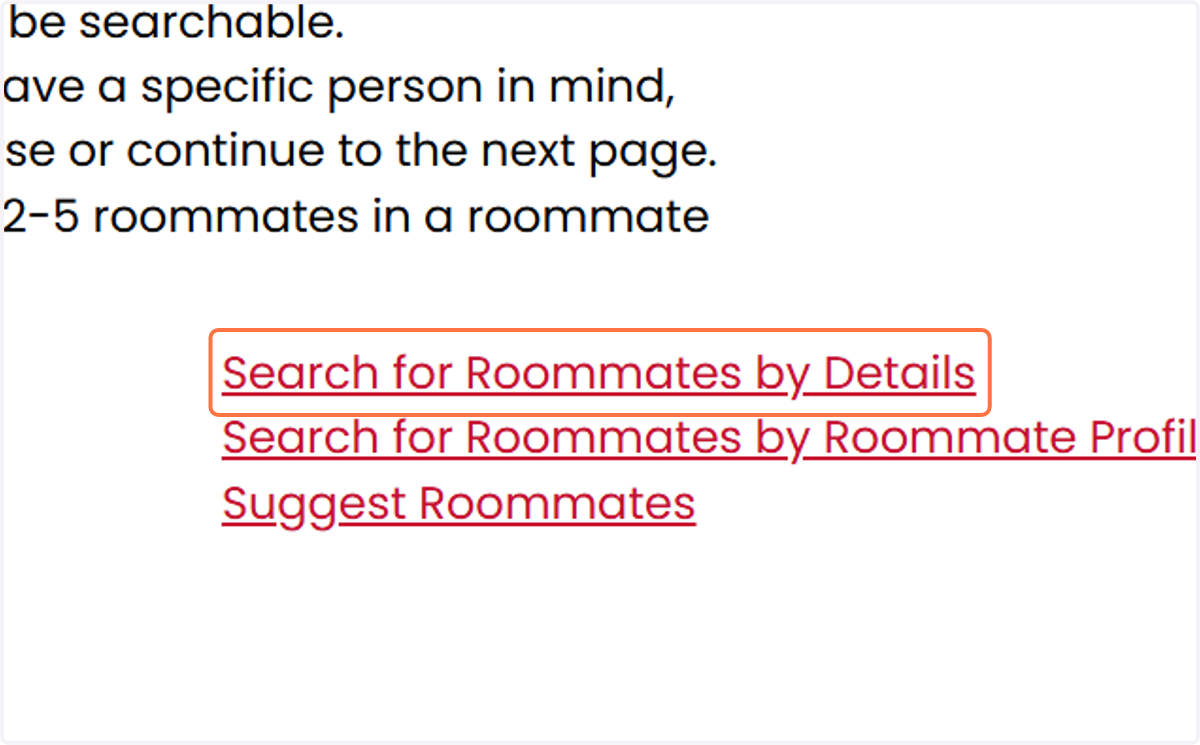
7. Option 1: Search for Roommates by Details
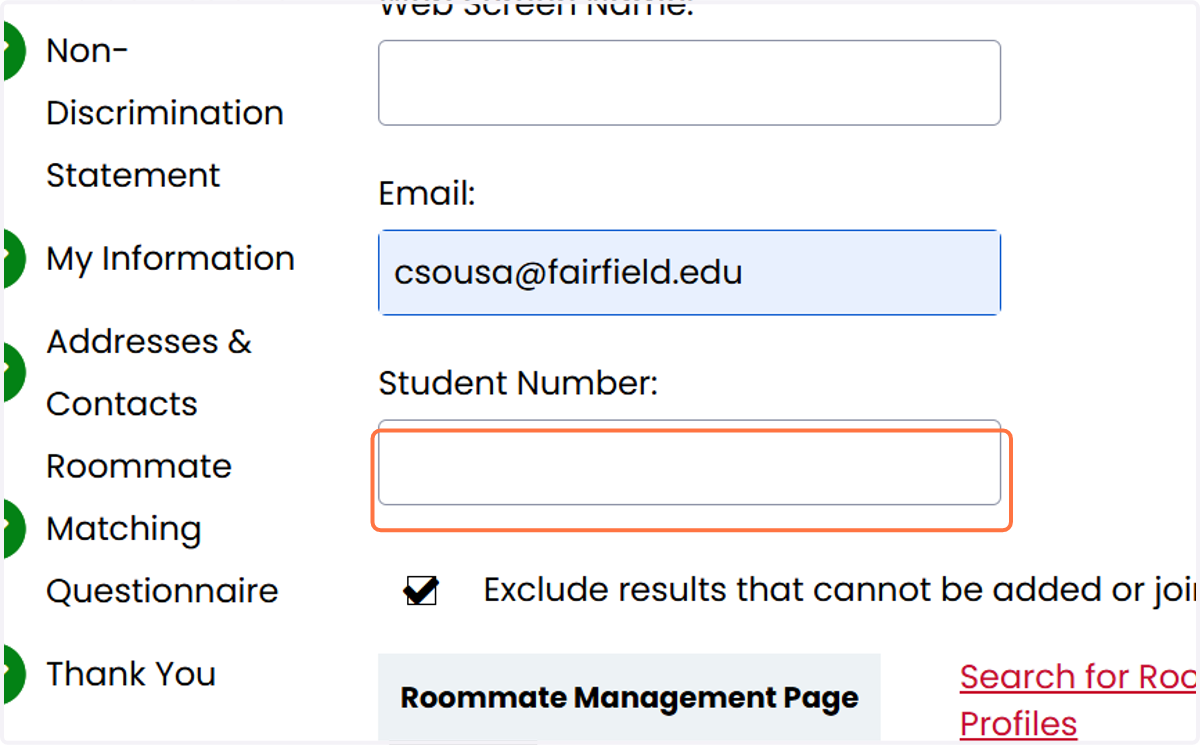
This screen allows you to search for your roommate(s) by screen name (usually First Name and Last name initial), email address, or Student Number (ID#).
8. Search for your roommate(s) by screen name (usually First Name and Last name initial), email address, or Student Number (ID#).
9. Click on Search to find your requested roommates

10. Option 2: Search for Roommates by Roommate Profiles
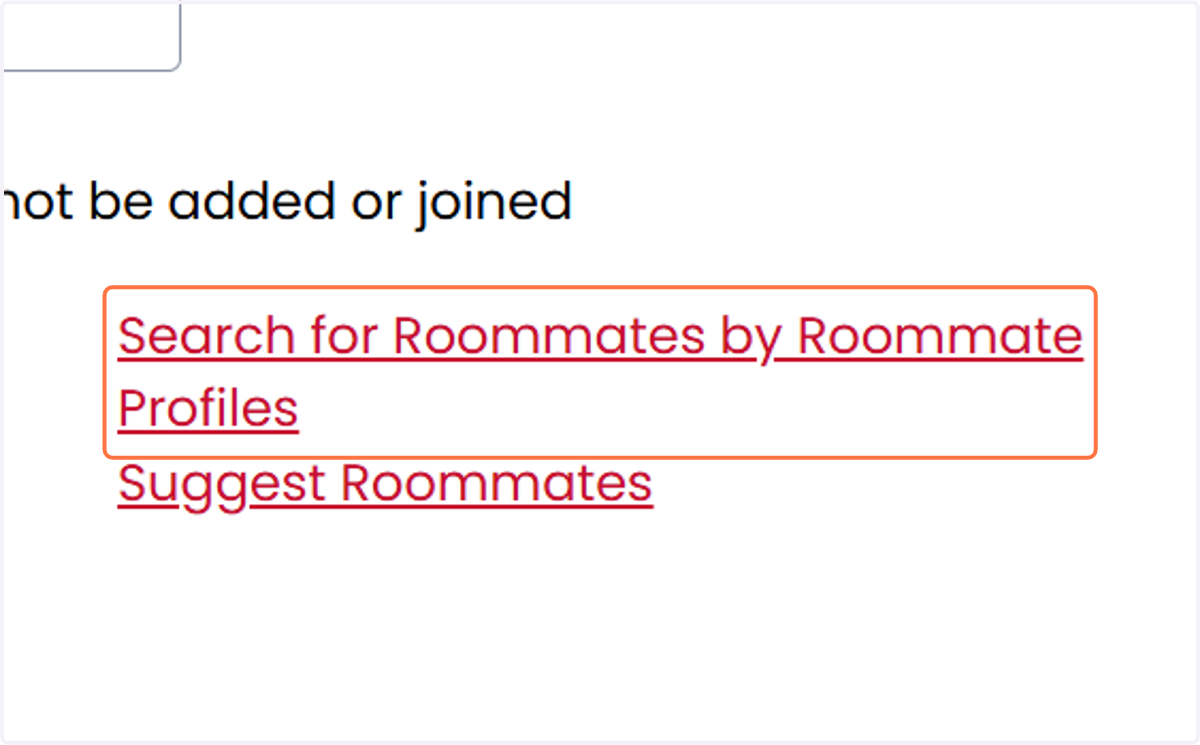
11. Select the answers to the questions about the living preferences you would prefer or require of your roommate.
You do not need to answer all of the questions, just the ones that you would deem most important.
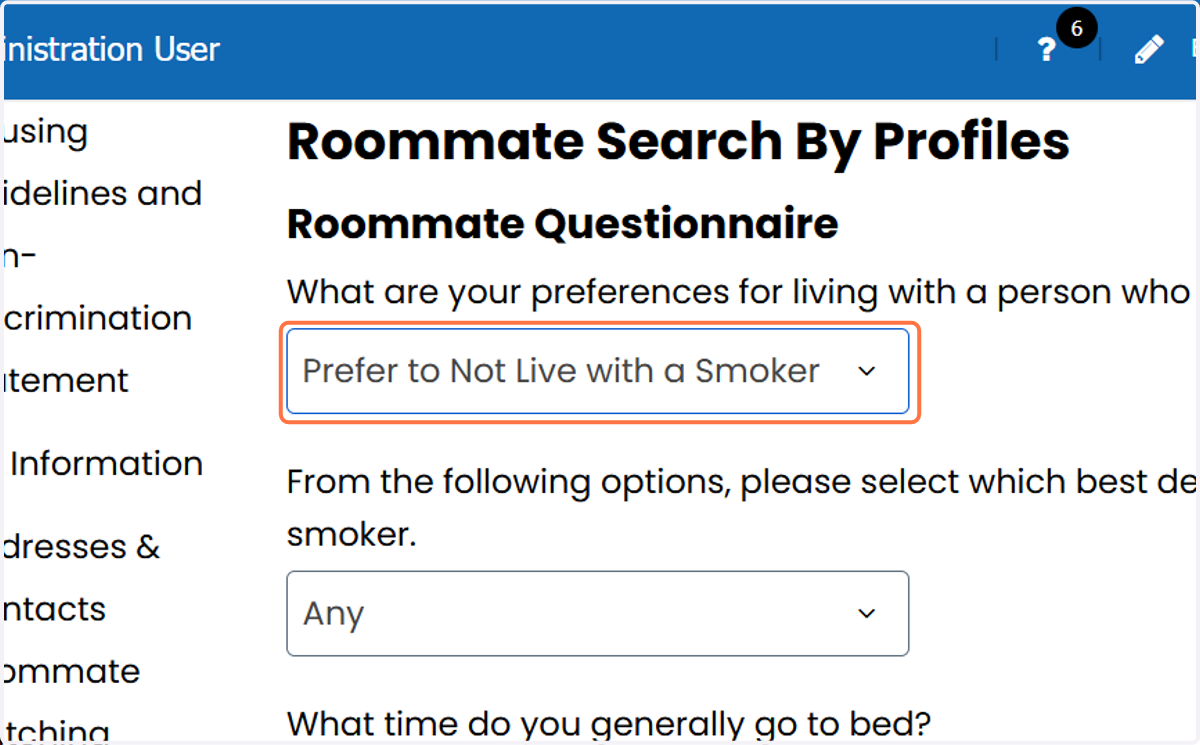
12. After you have selected your preferences, click the search button for a list of roommates.

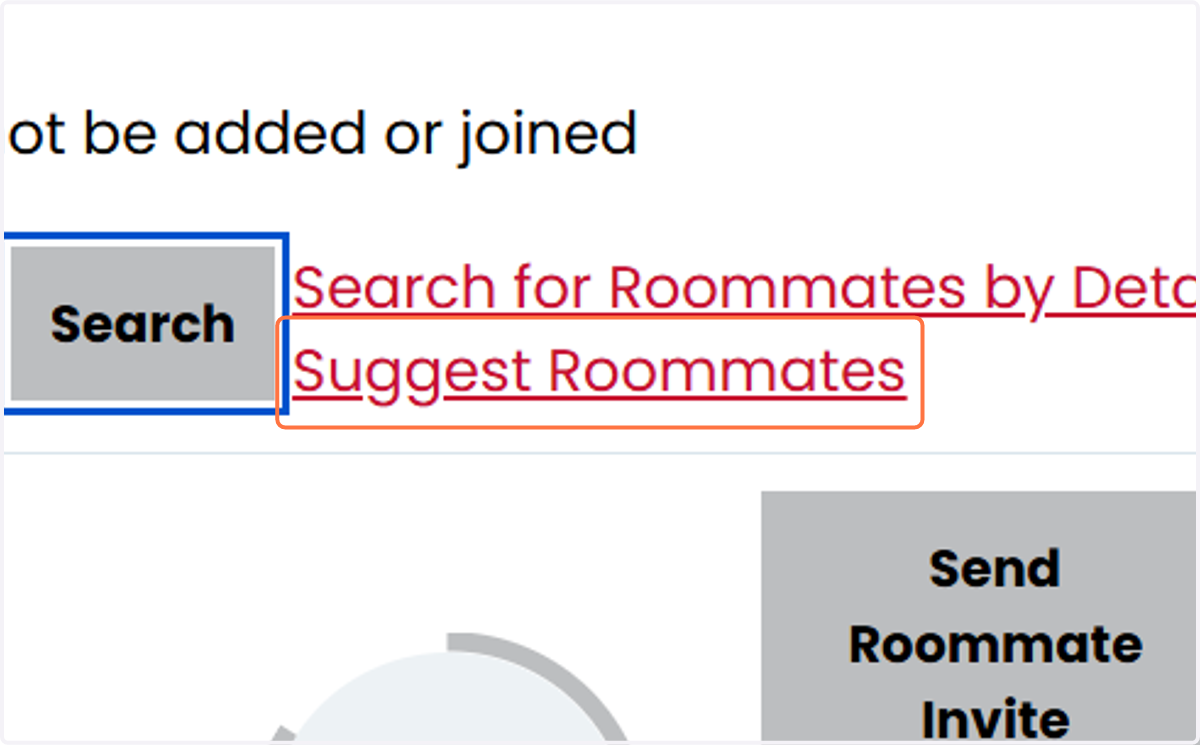
13. Option 3: Suggest Roommates
Star Rez gives you the ability to find roommates based on how you answered your roommate questionnaire along with the percentage match/compatibility of each suggested roommate listed has with you.
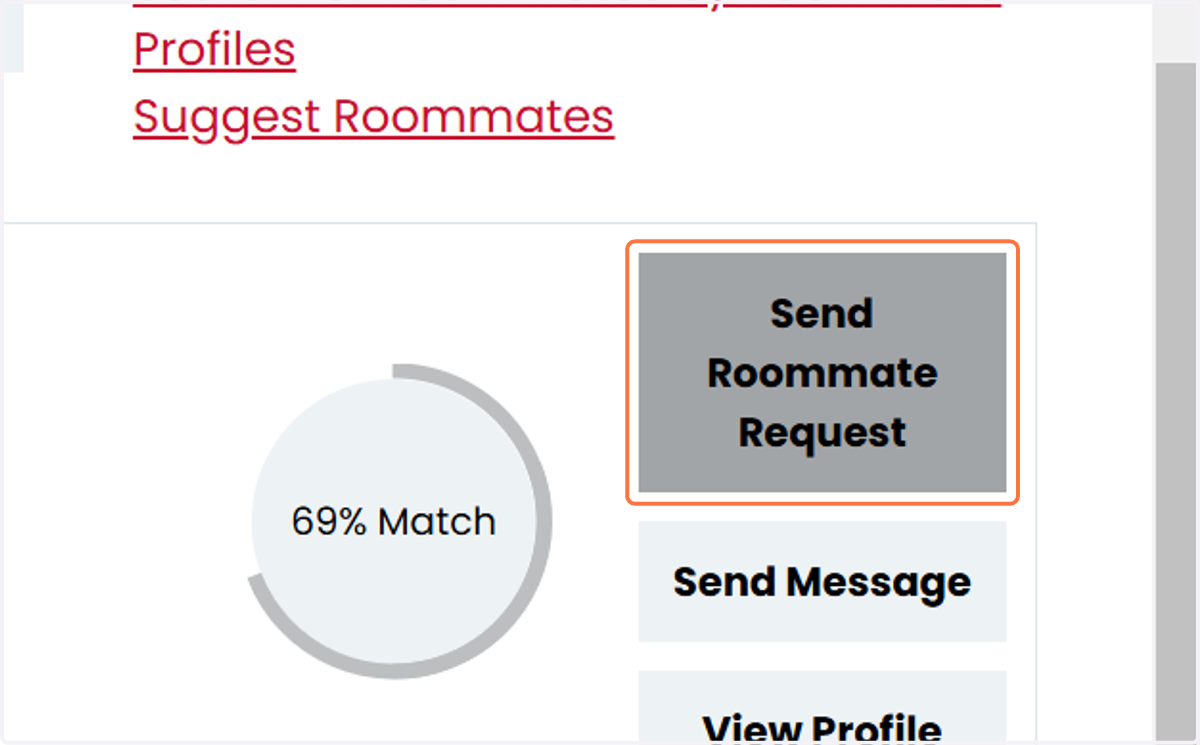
14. For all 3 options, once you have found the person that you would like to request to live with, click on Send Roommate Request
Please note that you are able to send potential roommate(s) messages before you request them.
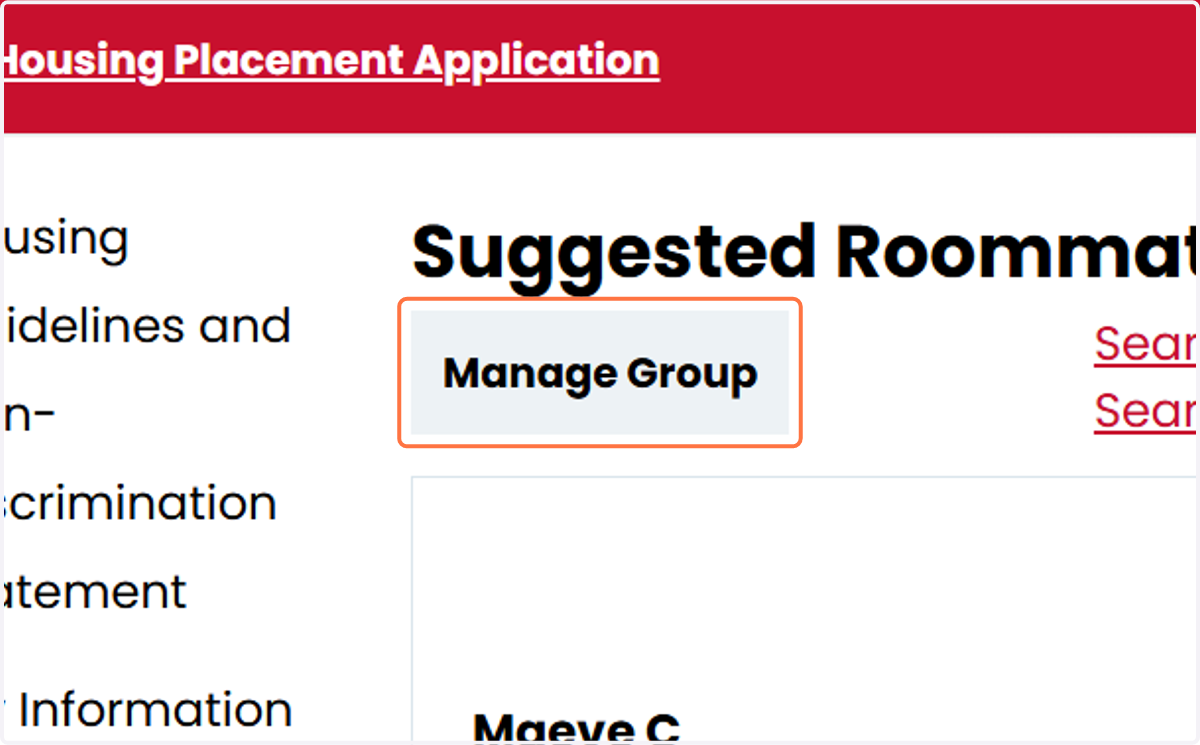
15. To see your roommate group and its status, click on Manage Group.
From this Manage Group page you will be able to see your group leader, requested roommates, their status as members of your group, add or delete members.
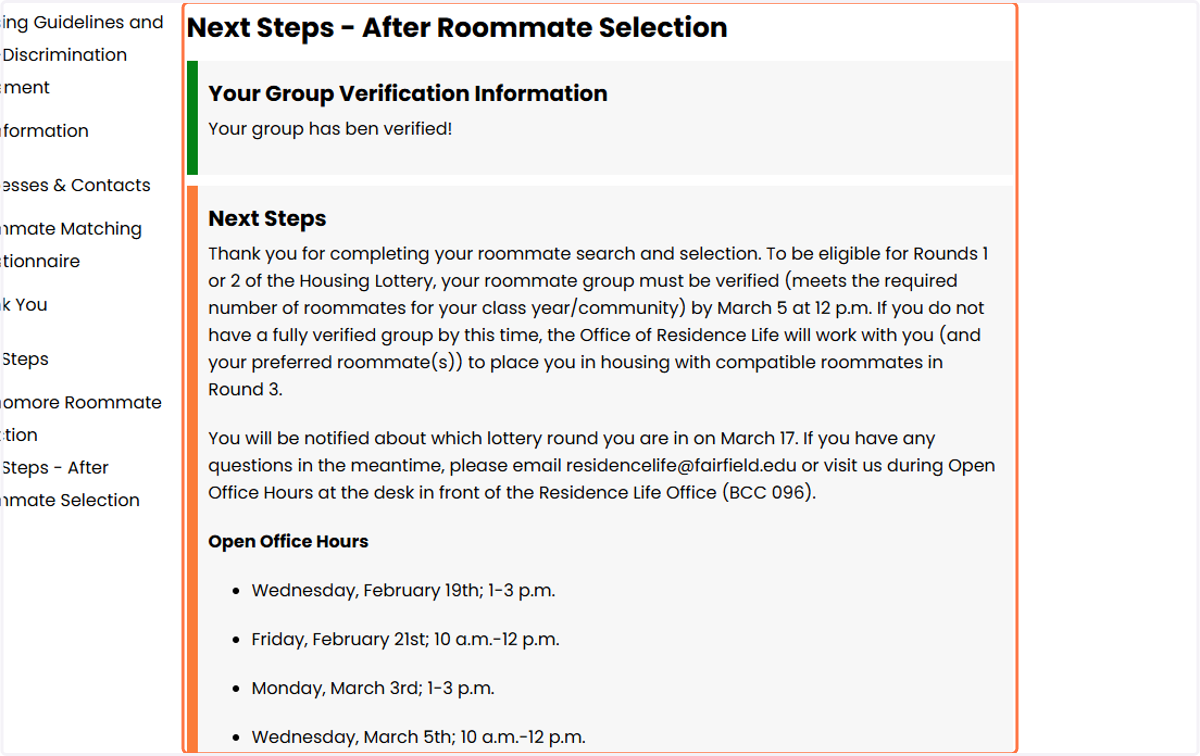
16. After you complete your Roommate Selection, click on Next Steps to finalize your roommate selection process.
17. To Confirm a Roommate Request.
Students who receive roommate invite requests, must go to the Roommate Selection part of their housing application to review and accept or decline roommate requests.
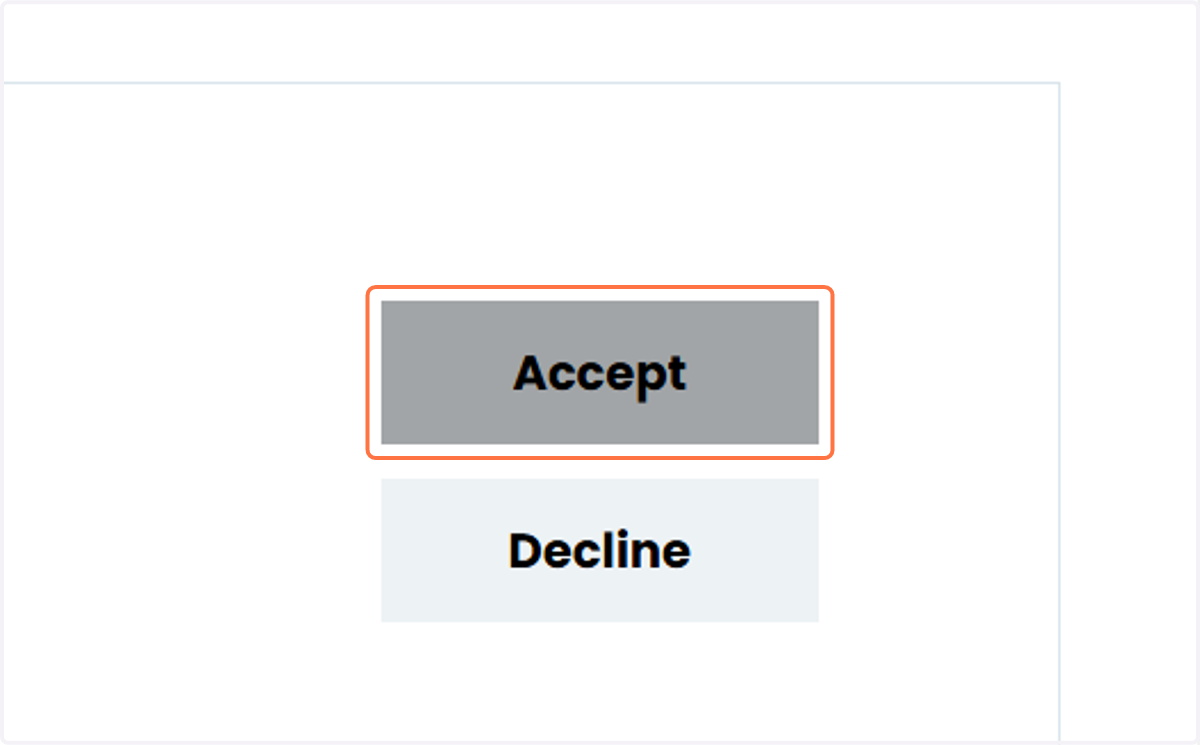
18. Review and Accept/Decline Roommate Requests
If you see the roommate requests that you would like to like to live with, you just need to hit the "accept" button. If you receive a request from someone that you do not want to live with you, just need to hit the "decline" button.
19. Group Leader
Please note that the person who initiates the Roommate Request, will automatically be assigned the role of Group Leader in StarRez. If you would like to change the group leader, the current group leader will need to assign the role to another member of the group by clicking on Make Leader. Group leaders cannot be found in roommate search if the "Exclude results that cannot be added or joined" is checked in the Roommate Search by details page.

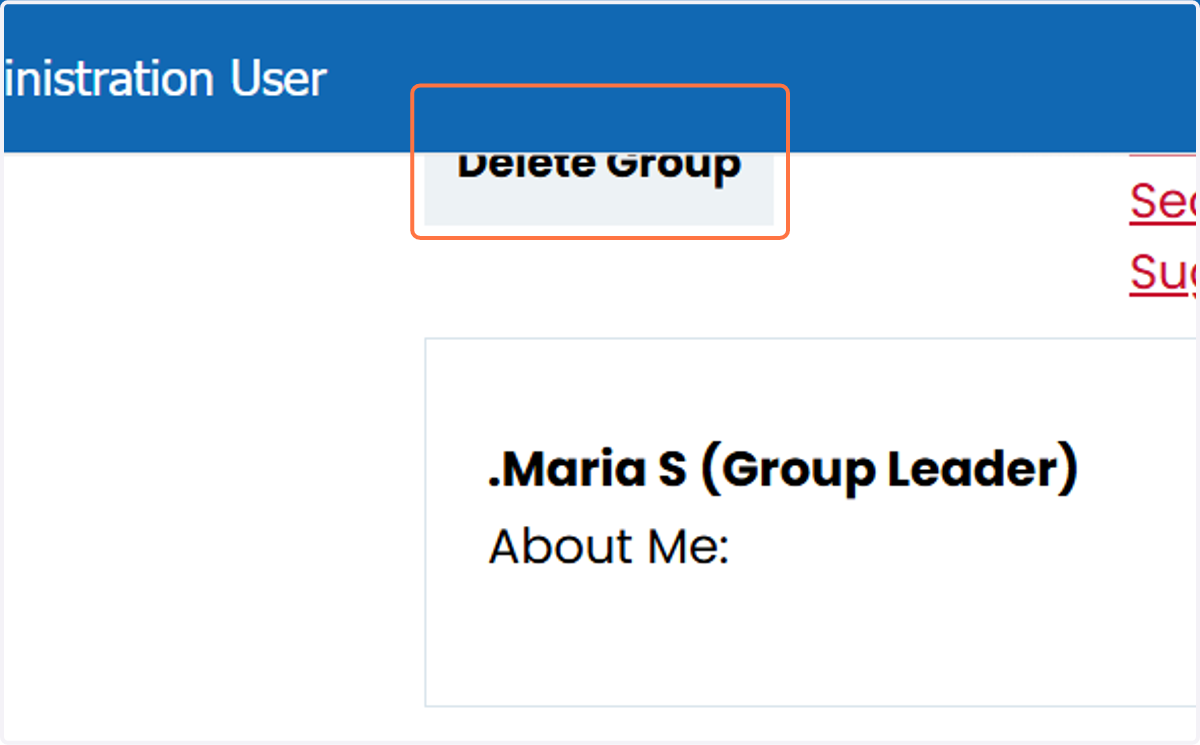
20. Group Leaders can also delete the entire group, so be careful if this is not your intention.
21. Verified Group
For Off-Campus Housing Lottery Participants: Your group size can be from two people to five people. The maximum number of students allowed in a group for Off-Campus Lottery is five people (you plus four roommates).
For On-Campus Housing Lottery Participants: If your group size matches any room type size for your class year (i.e. Traditional Sophomore Housing has units for 2-5 roommates, Junior/Senipr Housing has units for 4-10 roommates), your group will automatically become a "Verified Group" on the "Next Steps - After Roommate Selection" page. If your group is not verified here, there your roommate group size does not match an available room type size for your class year.