8. Submitting Contacts for Enrichment
Be sure to have completed Step 7. Setting up Enrichment before completing this step
Submit a contact for enrichment
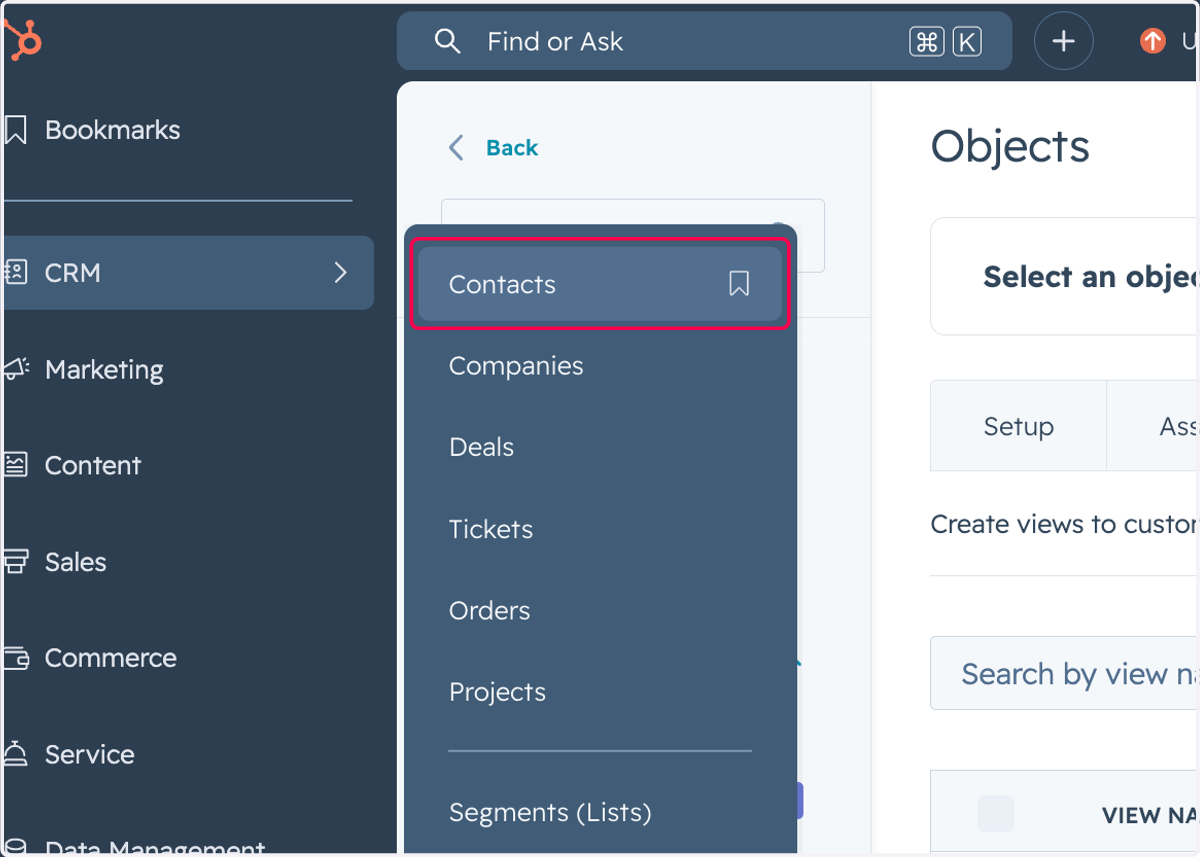
1. Click on Contacts
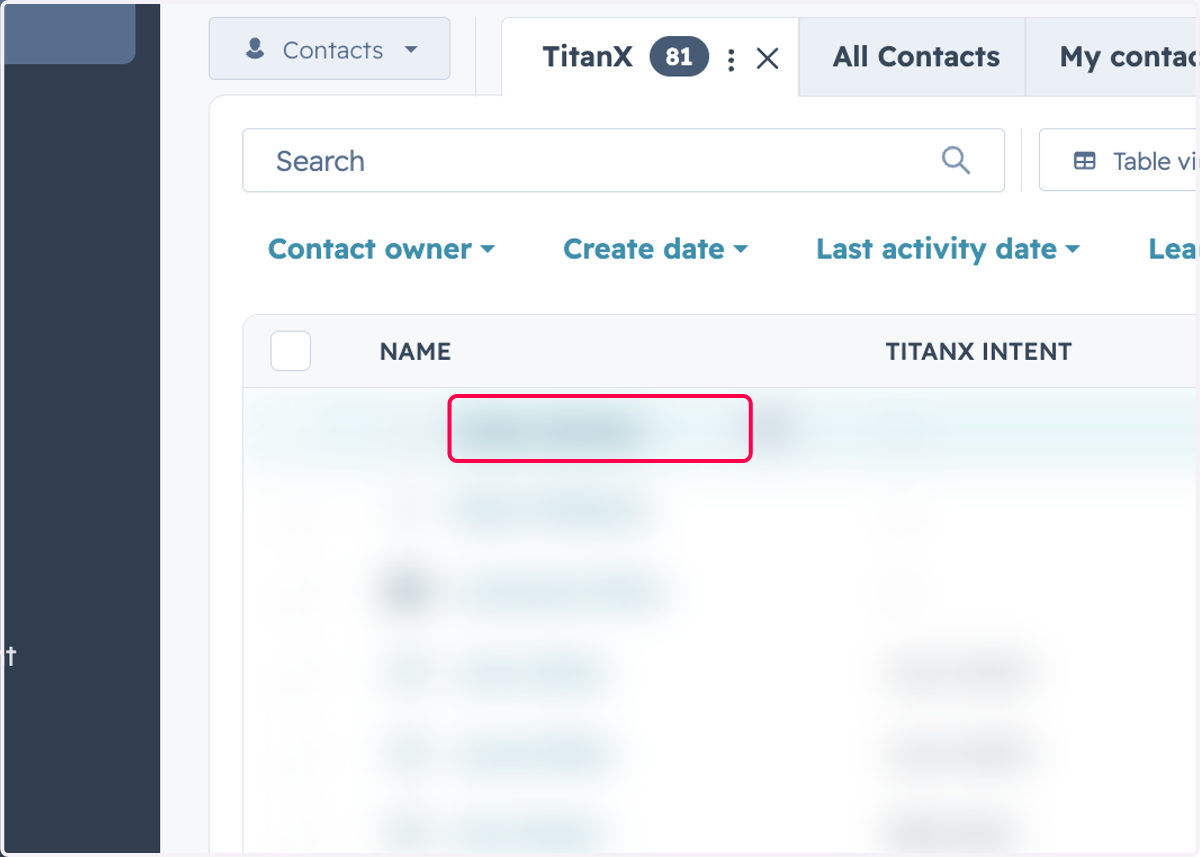
2. Click on any contact you'd like to enrich
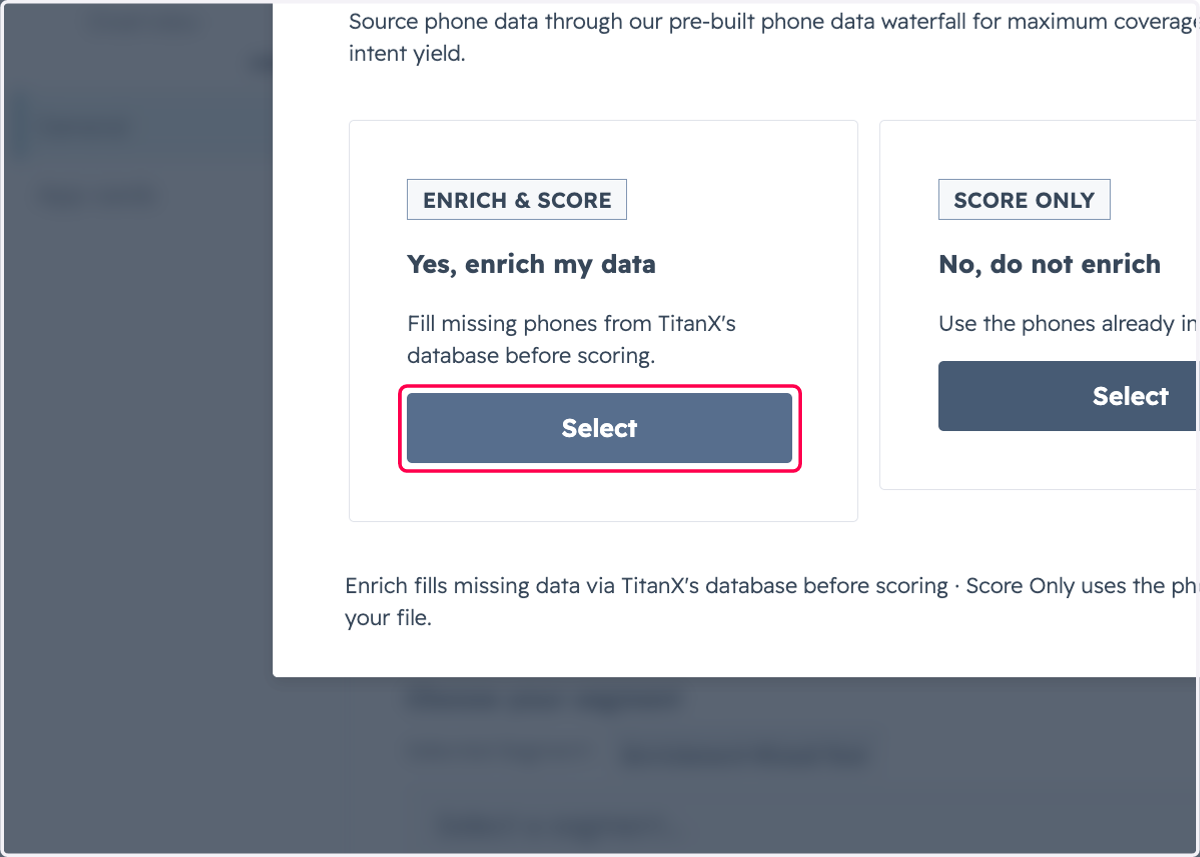
3. A. Click on Select under Yes, enrich my data
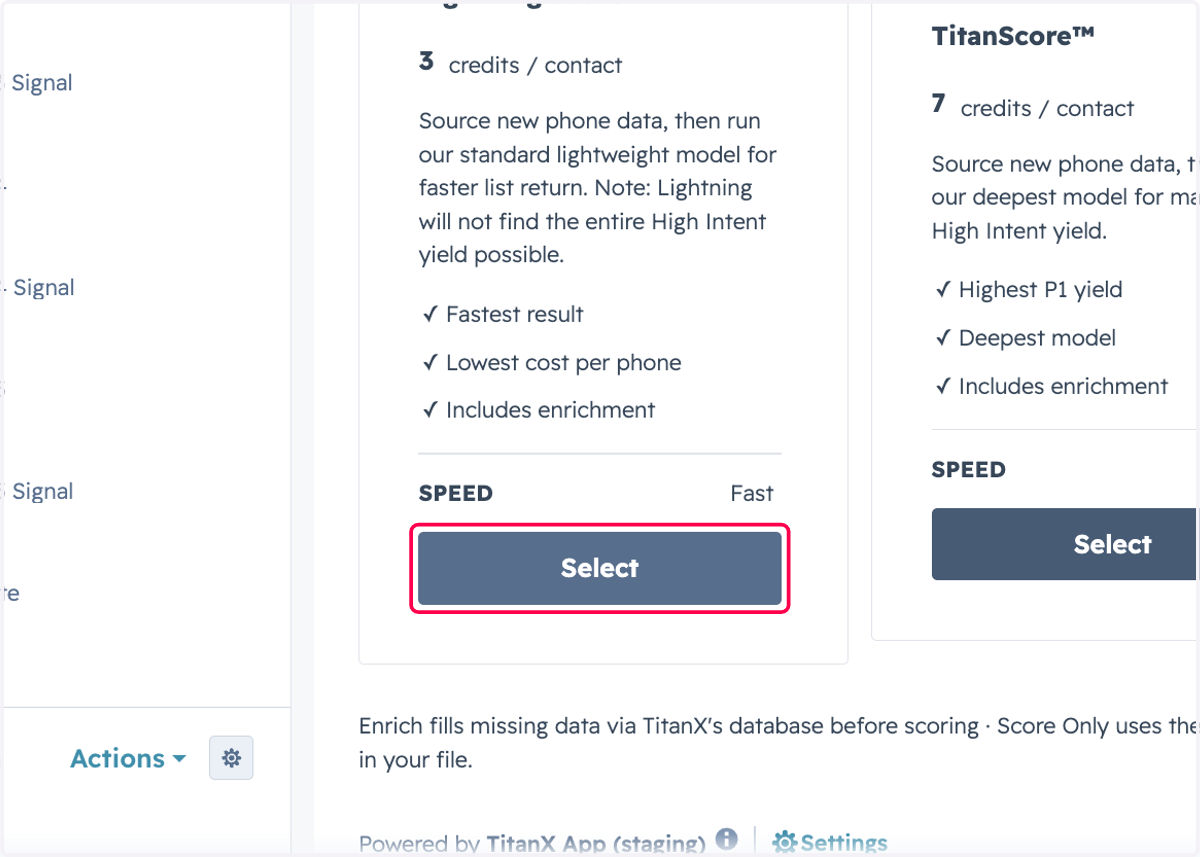
3. B. Choose the scoring model
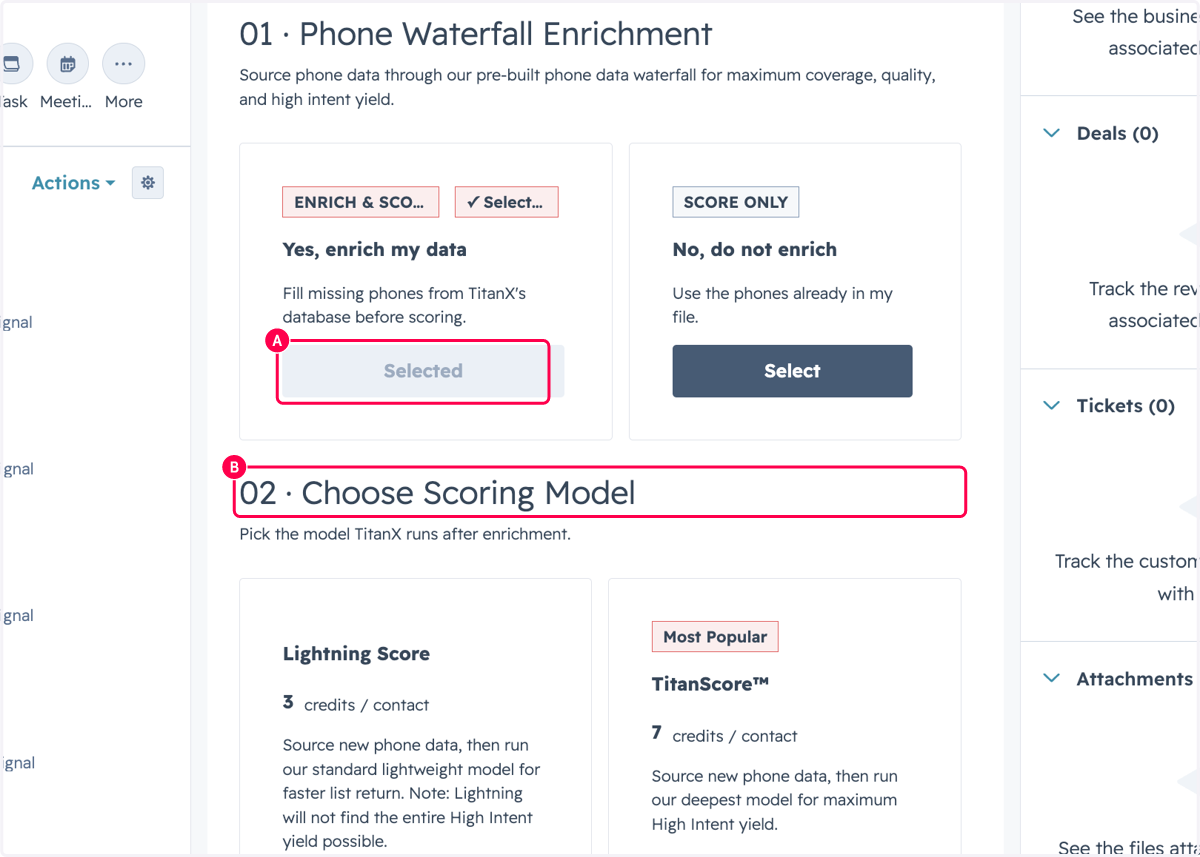
4. Select your scoring model
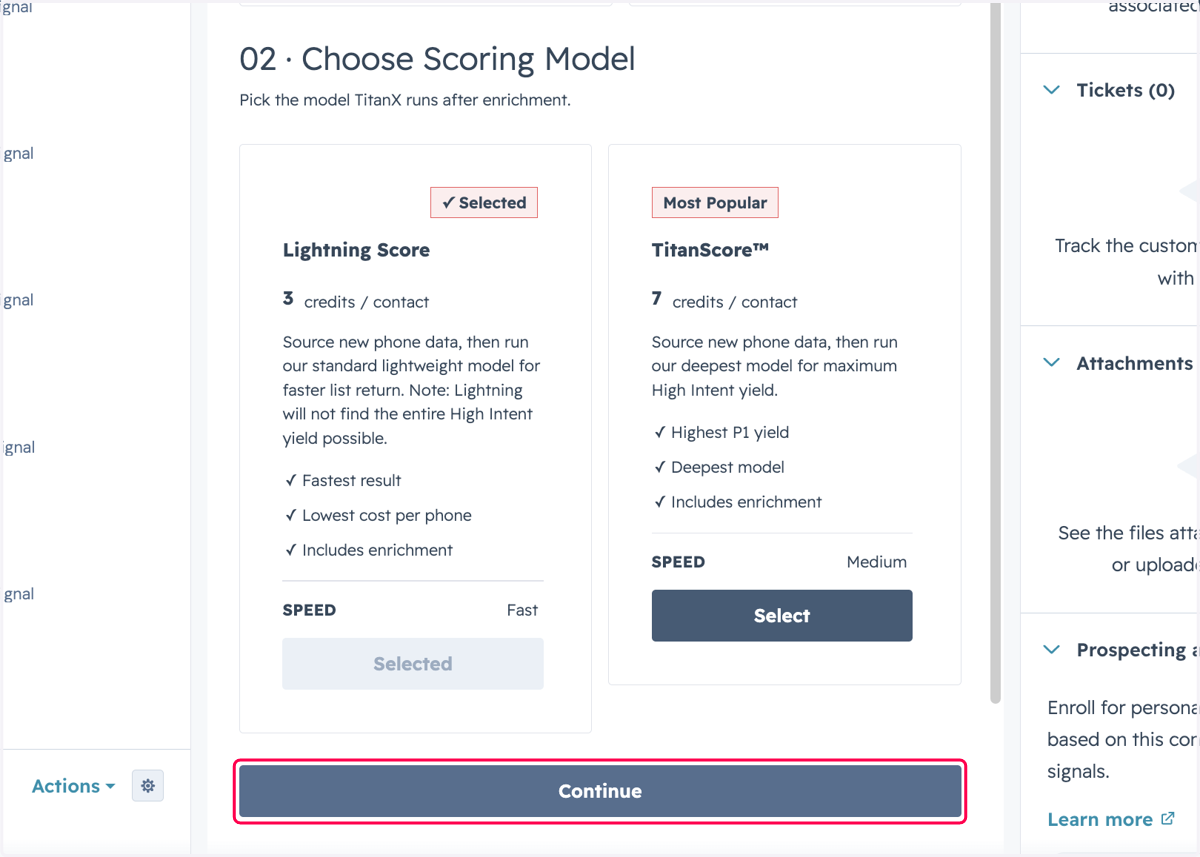
5. Click on Continue
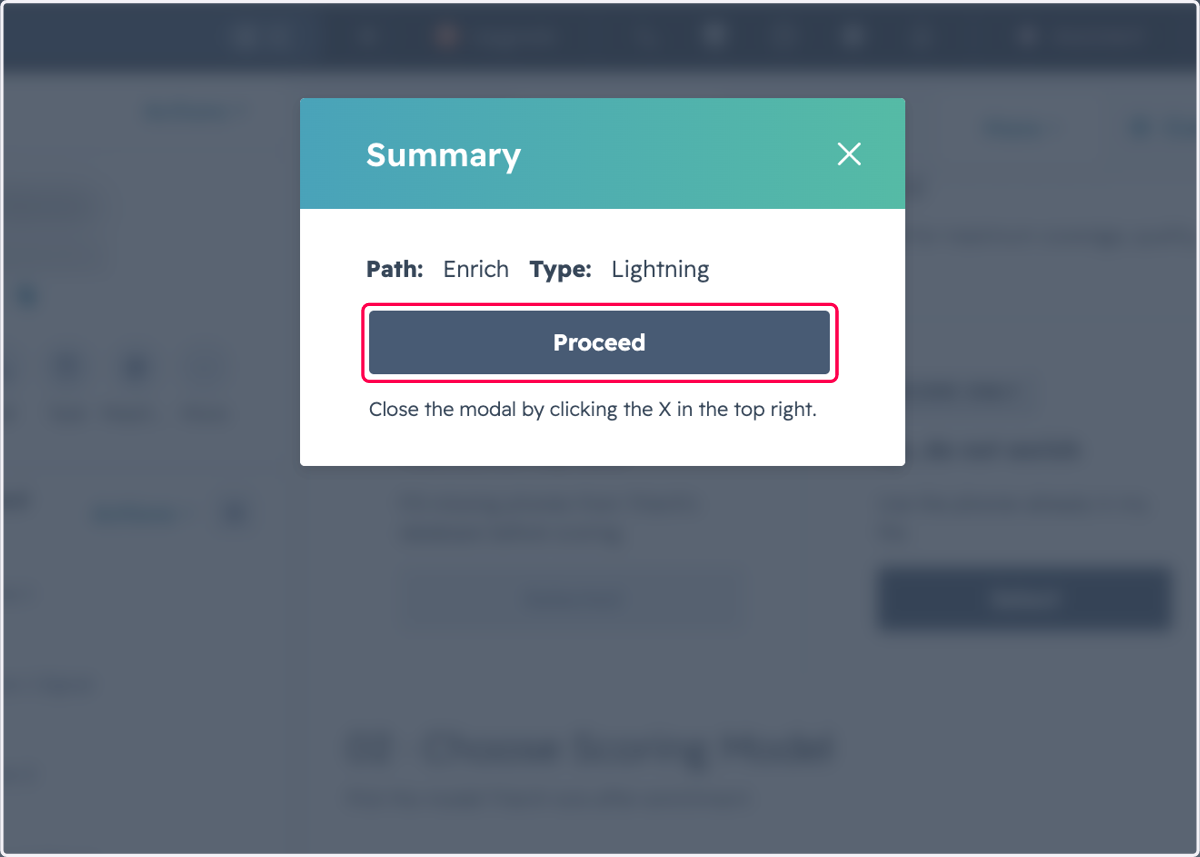
6. Click on Proceed
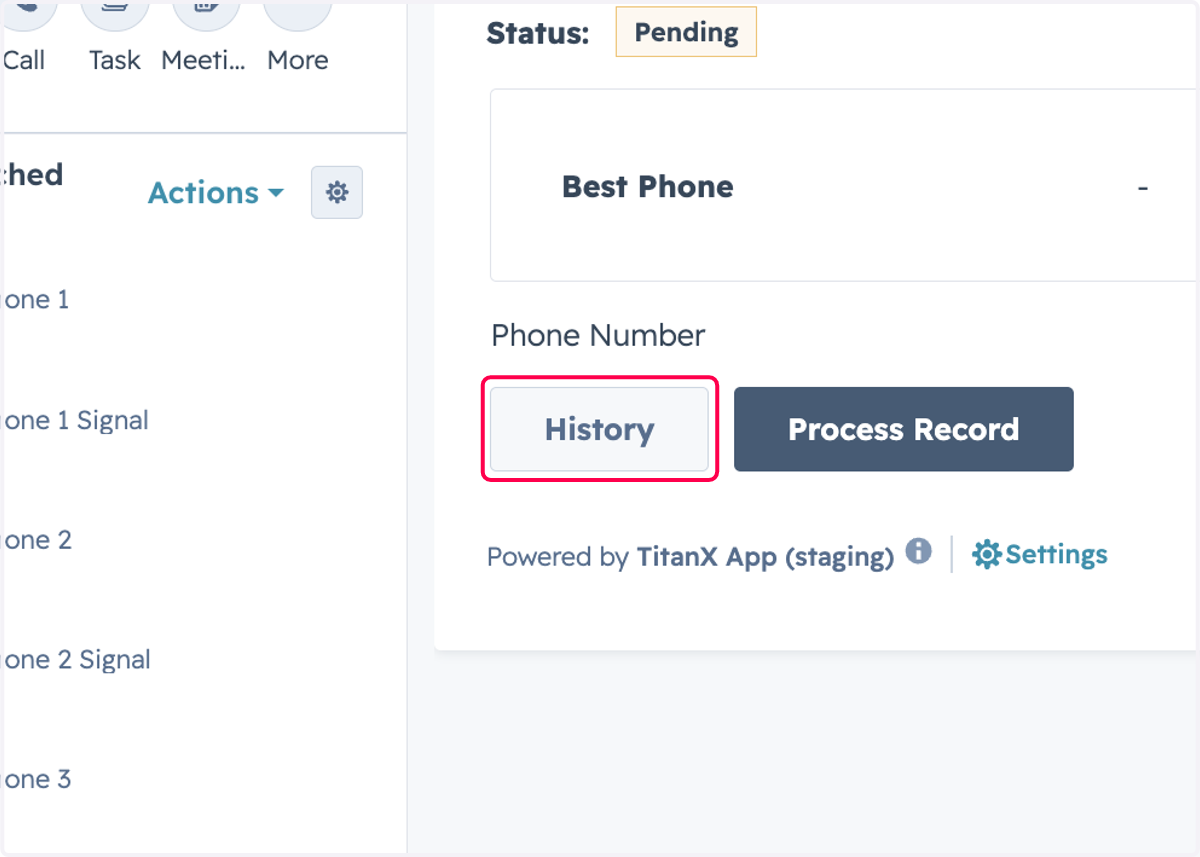
7. After submitting, you can review the History
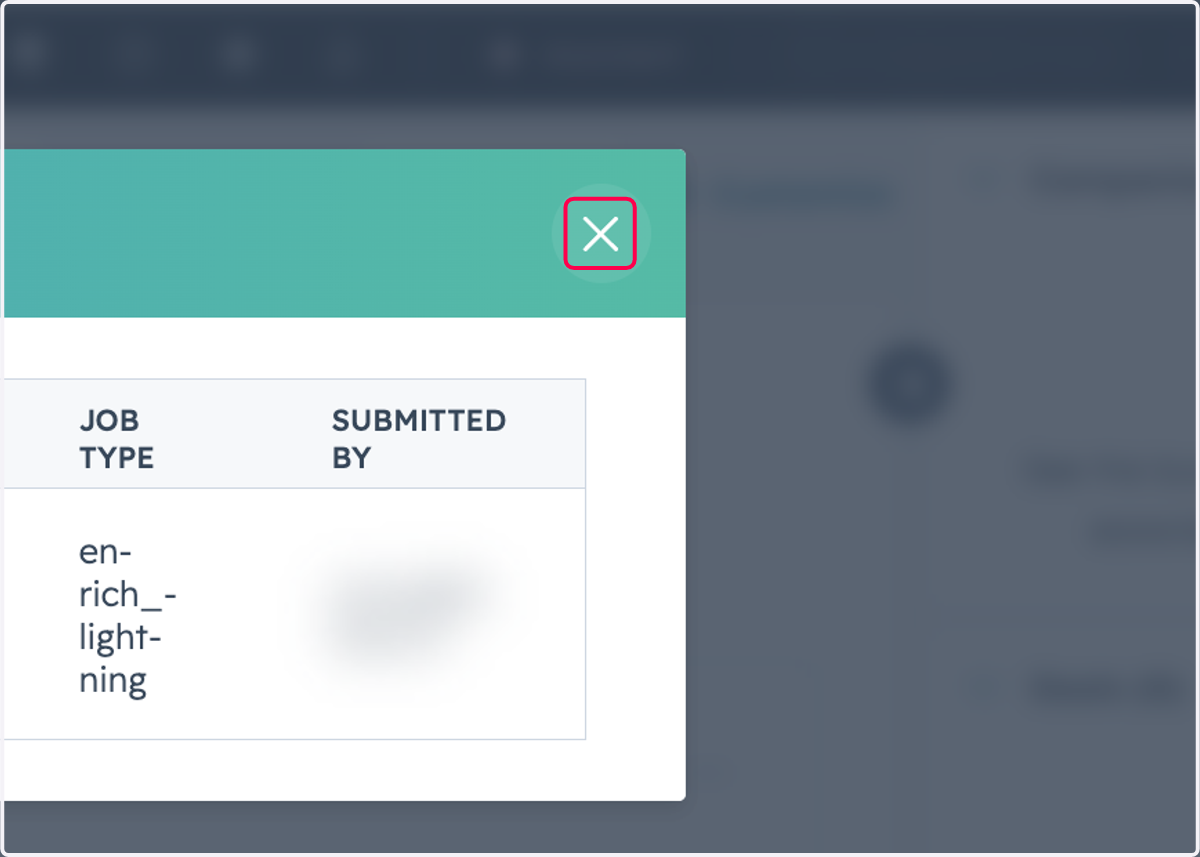
8. Click on Close
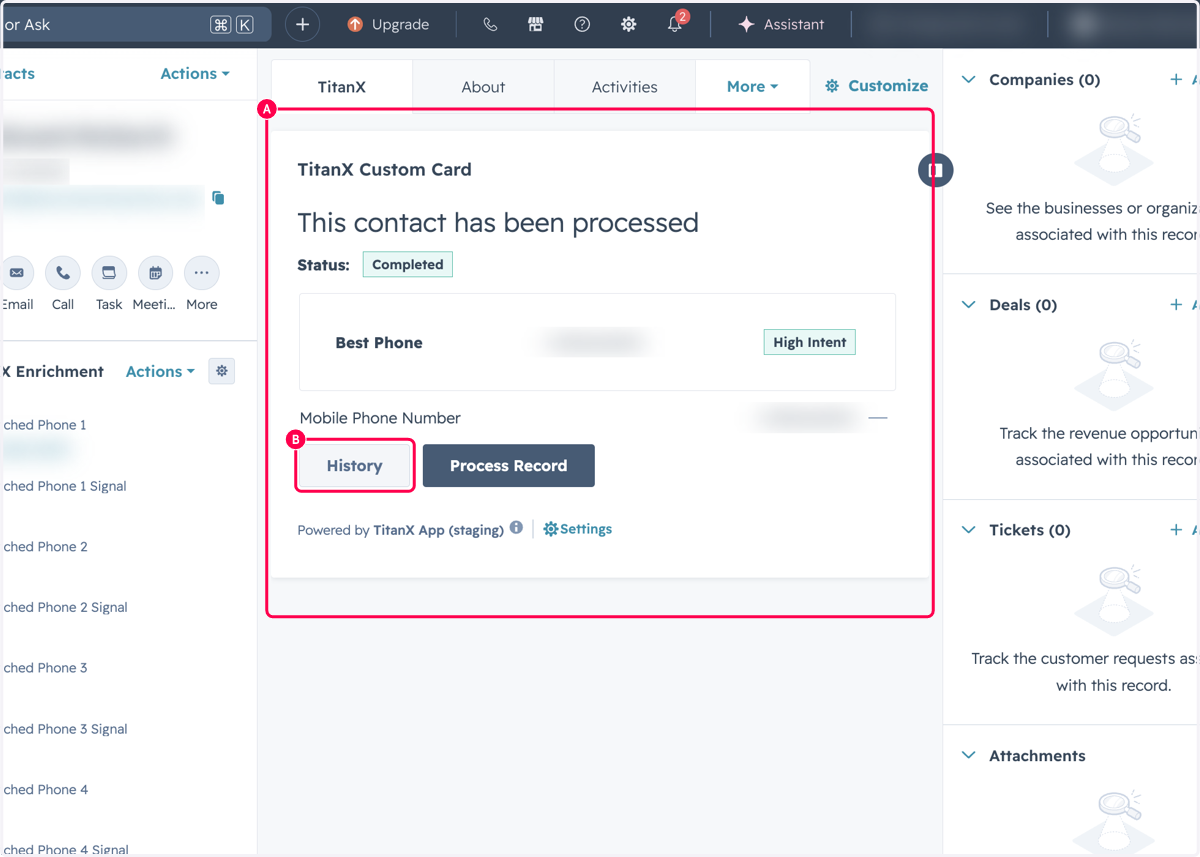
9. A. Once the job has completed, you can review the history again
9. B. Click on History
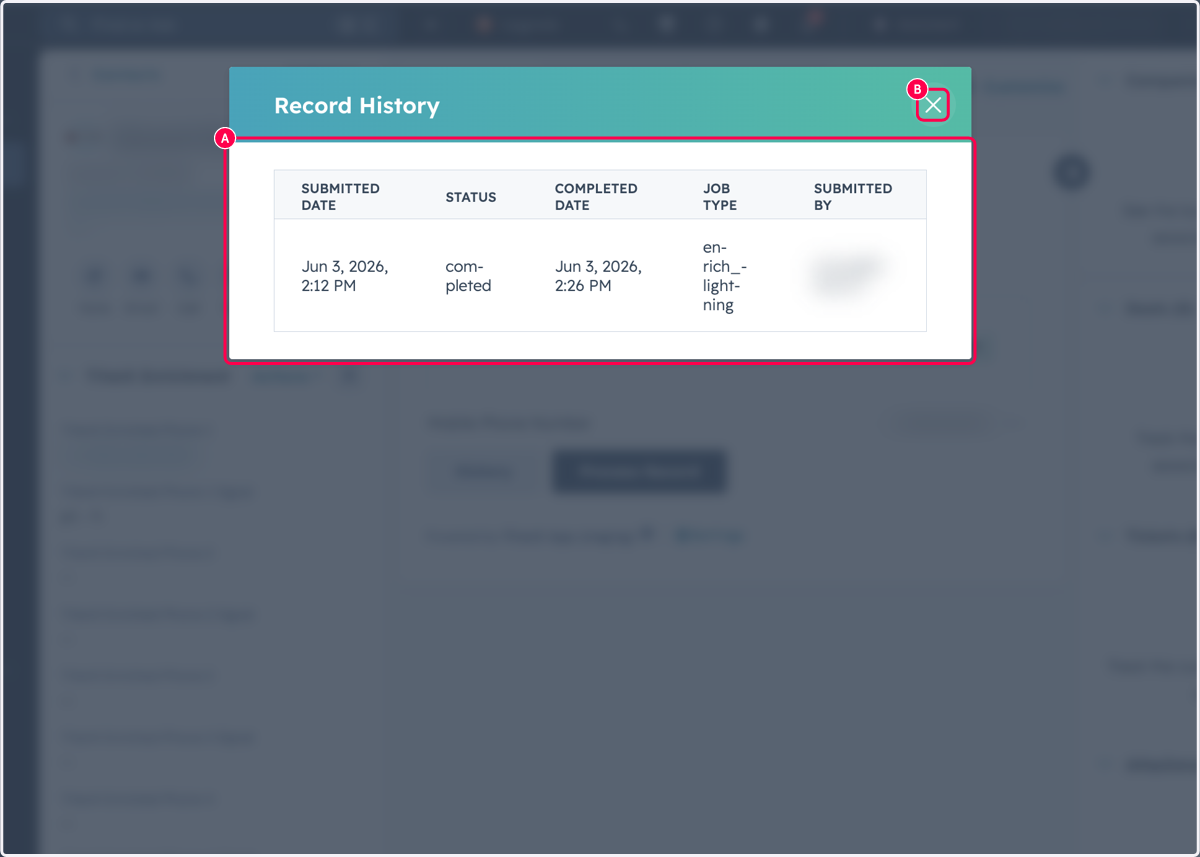
10. A. Click on SUBMITTED DATE STATUS COMPLETED DATE JOB TYPE SUBMITTED BY…
10. B. Click on Close
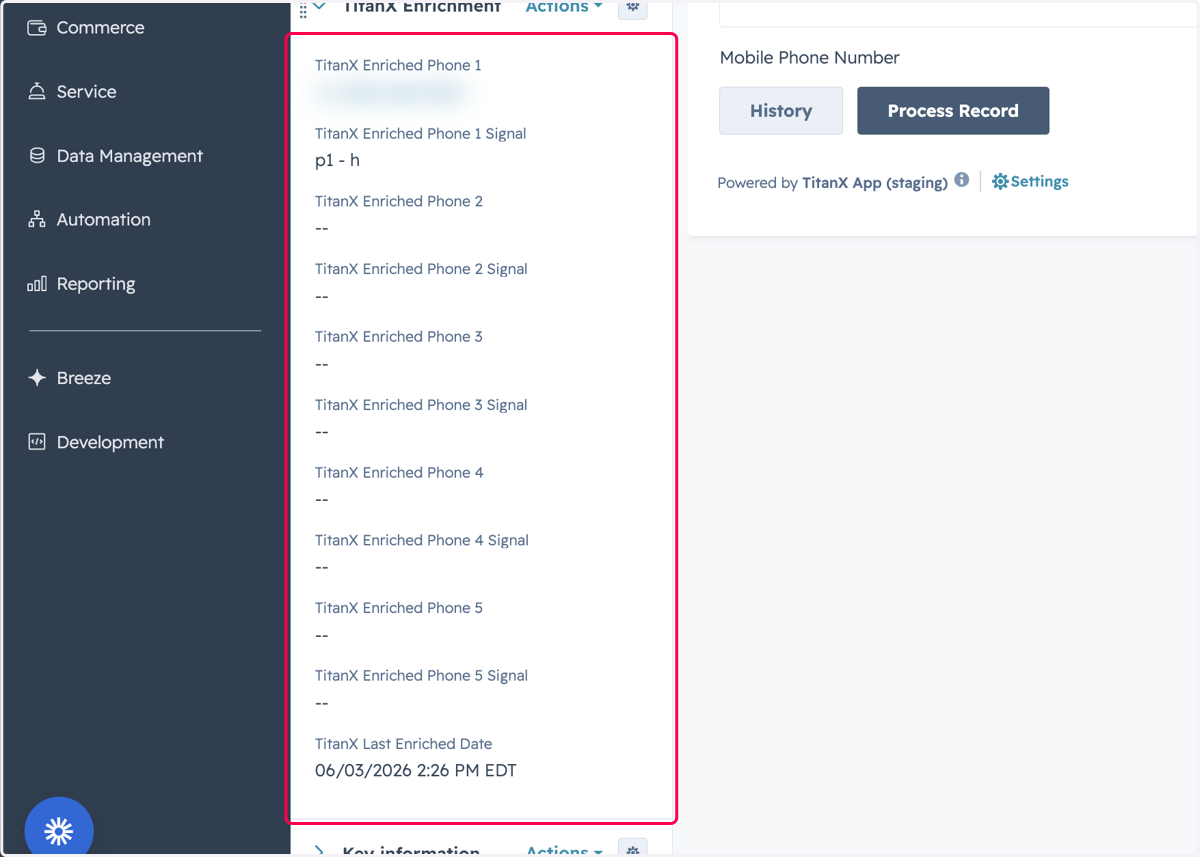
11. You can view the results in the TitanX Enrichment Card you created
Navigate to TitanX Settings/Home Page
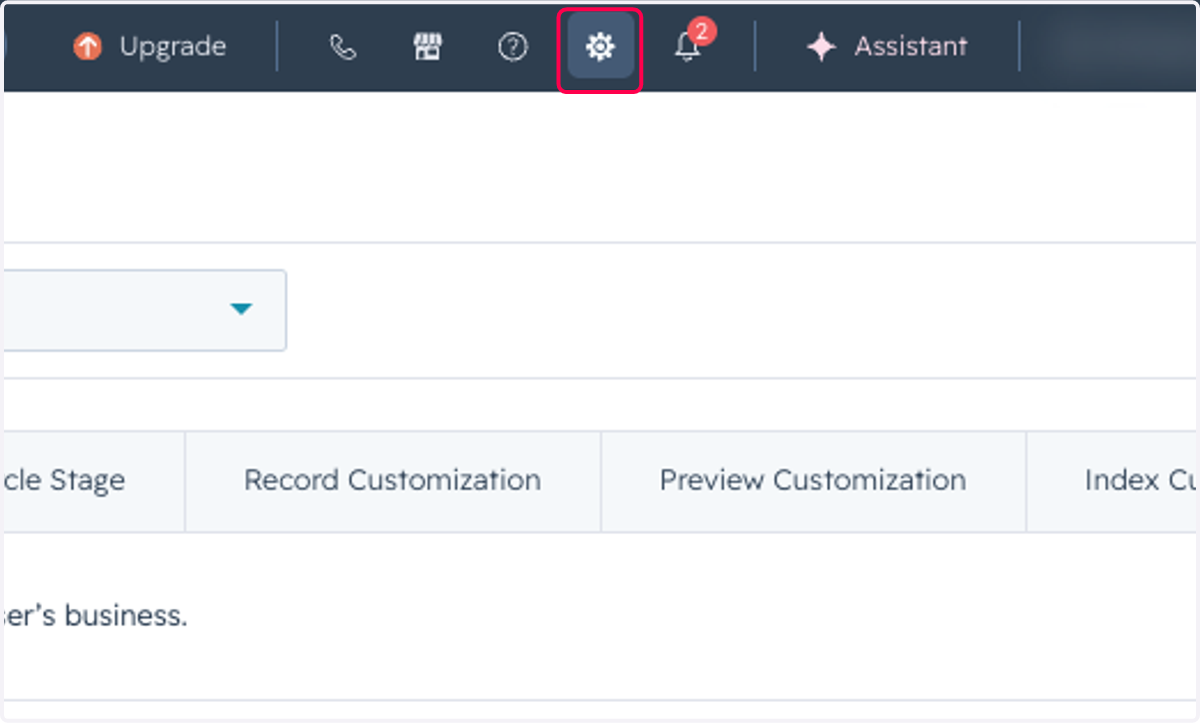
12. Click on Settings
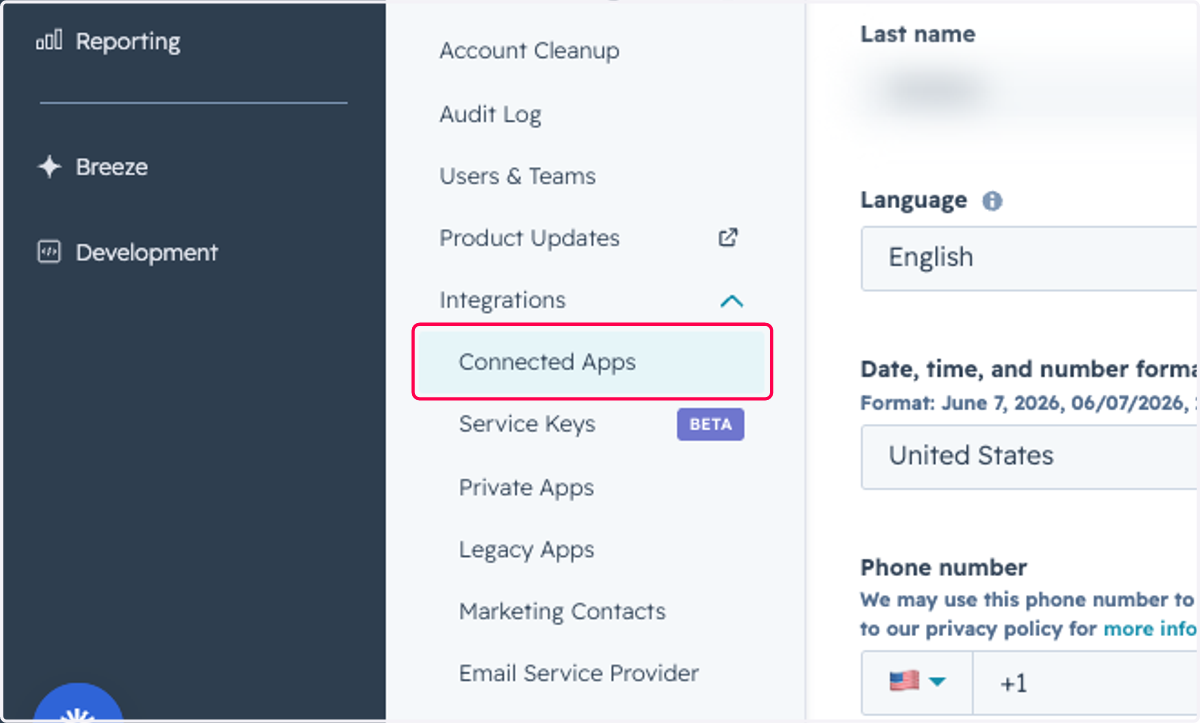
13. Click on Connected Apps
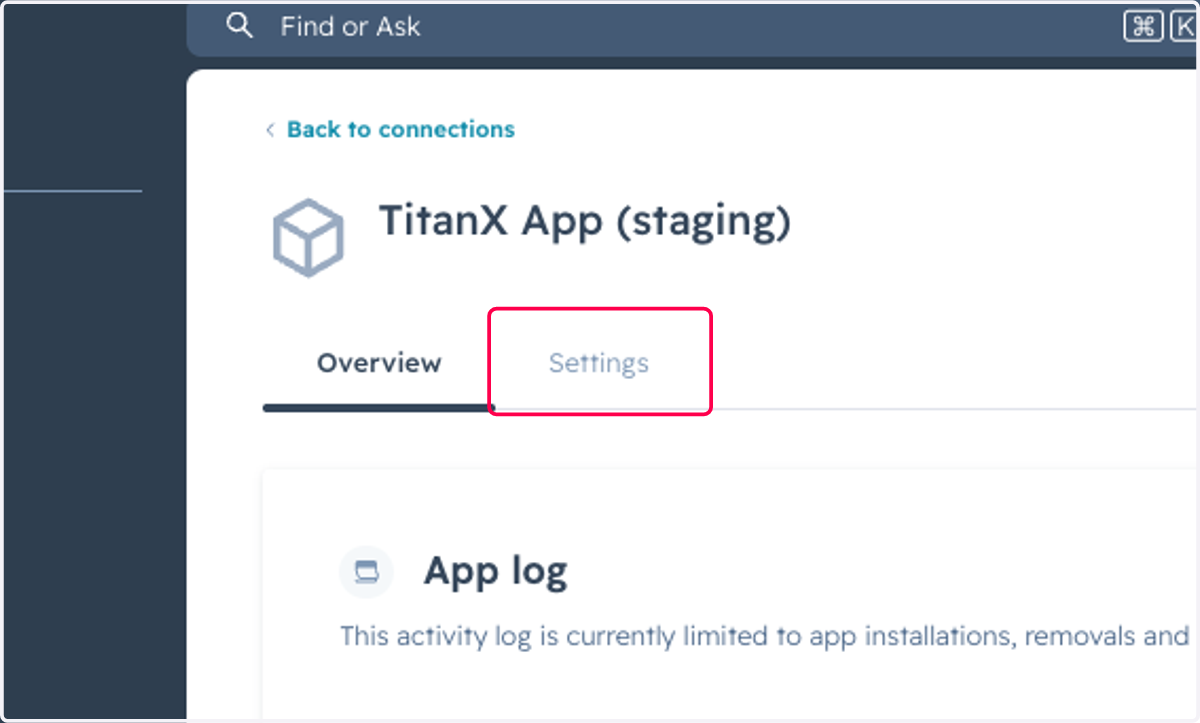
14. Click on Settings
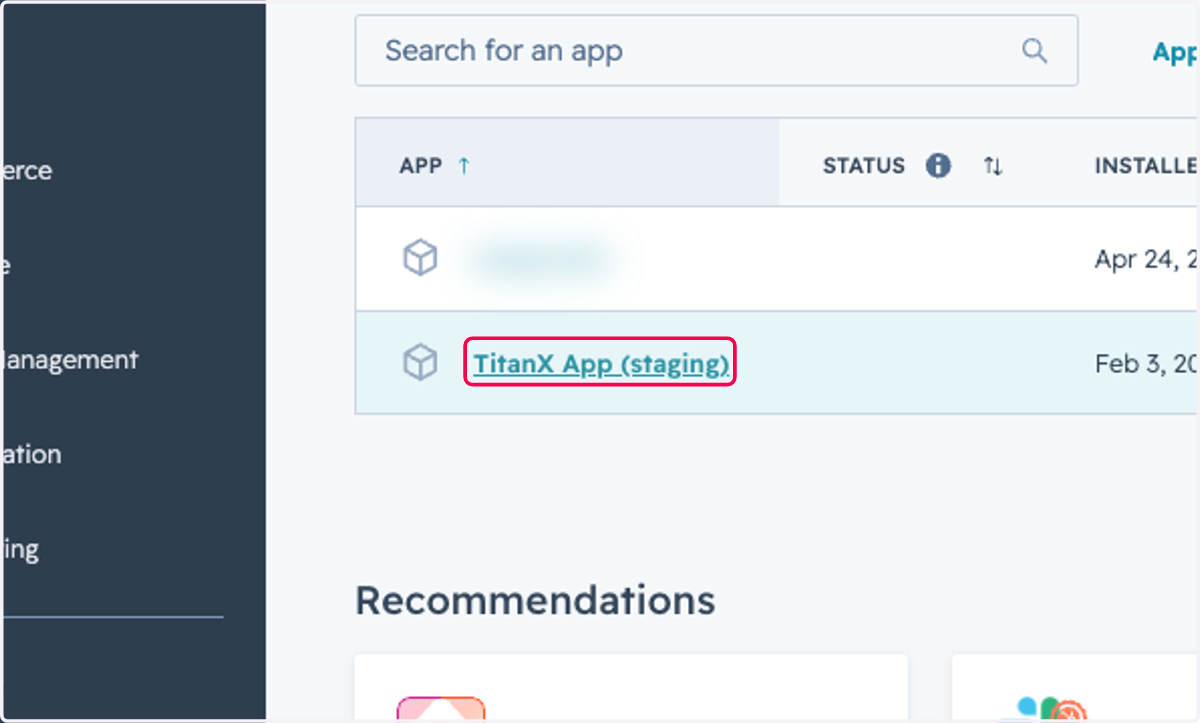
15. Find and Click on TitanX App
Submitting a Segment for enrichment
You can also send a segment of contacts for enrichment
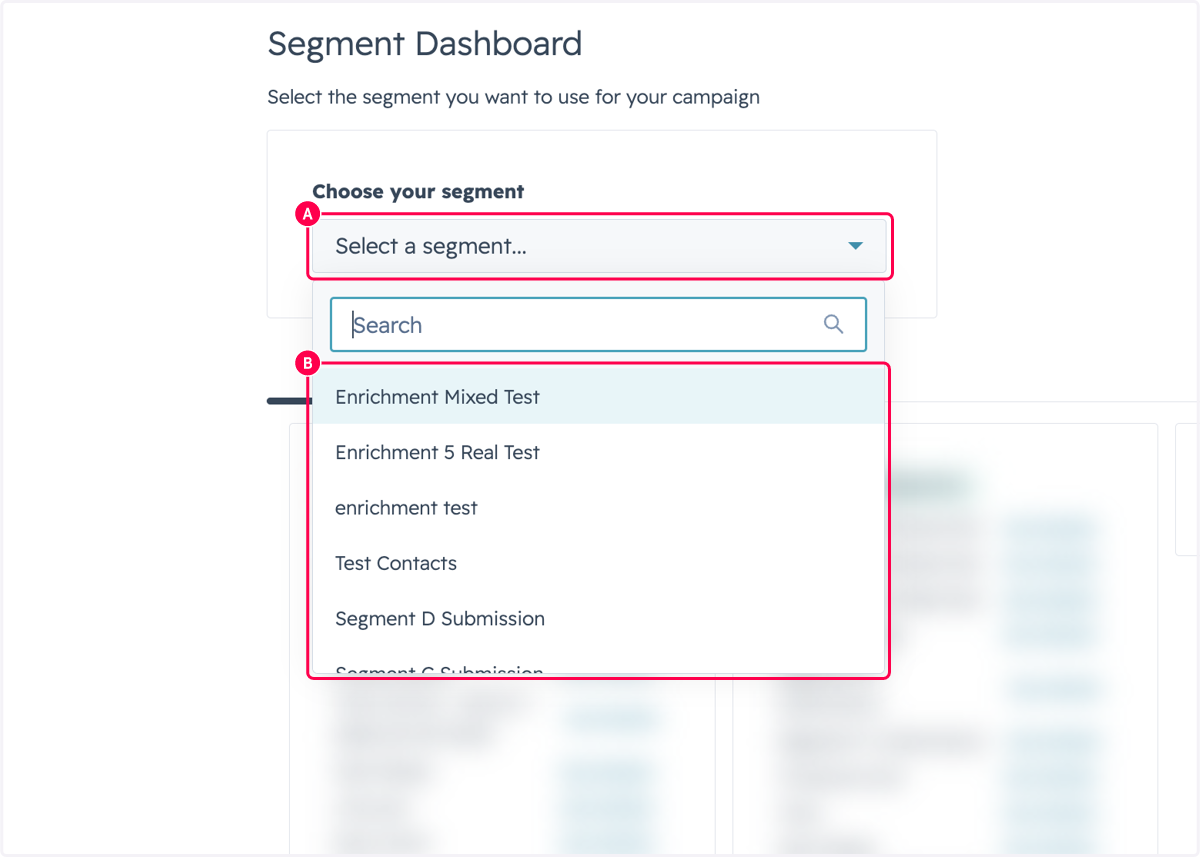
16. A. Click on Select a segment...
16. B. Select the Segment you want to enrich
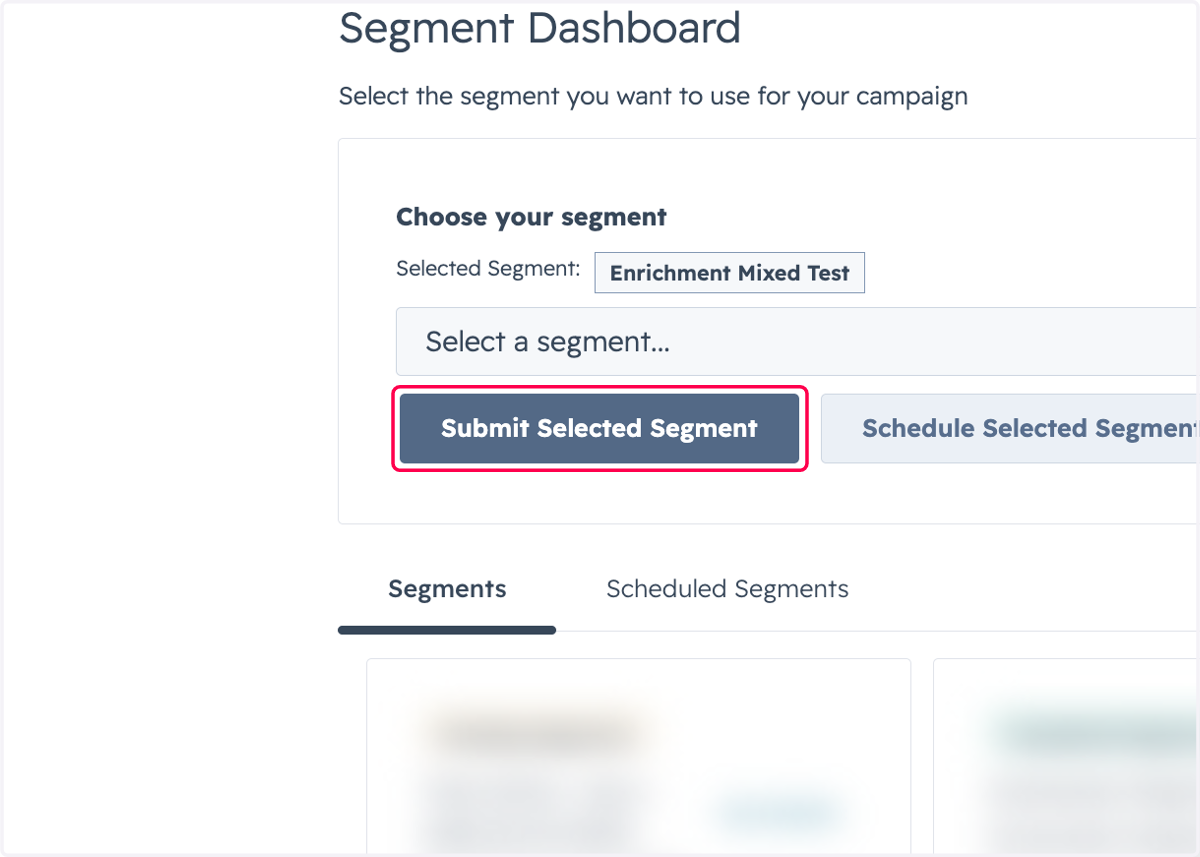
17. Click on Submit Selected Segment
18. Click on Select and follow the same process as you normally would