Submitting work done BY HAND
The Nomadic Professor
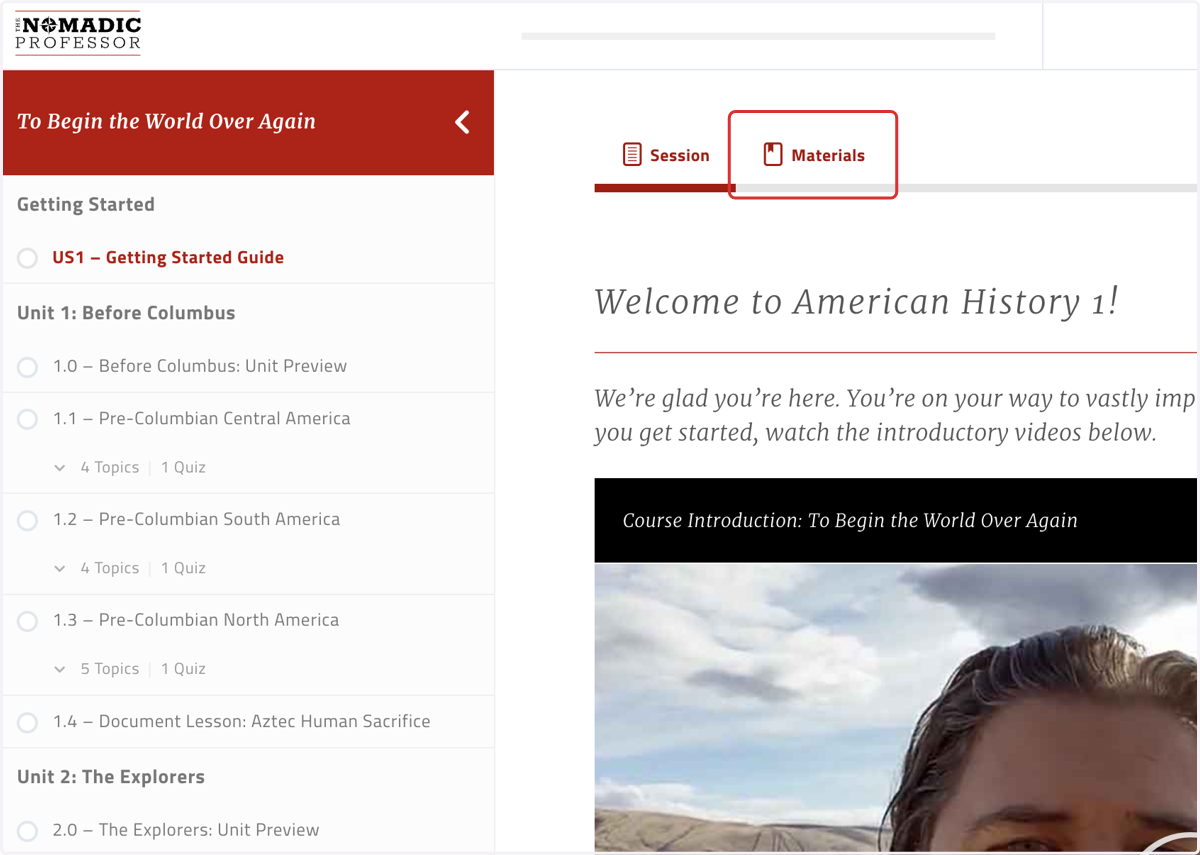
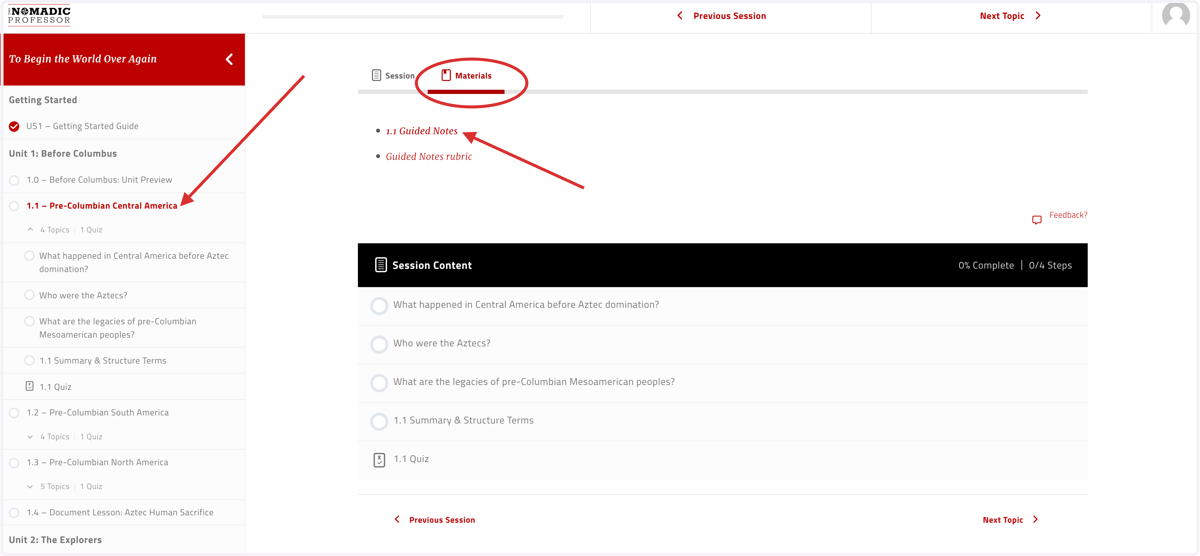
1. Click on the "Materials" tab in the Getting Started Guide for the course in question
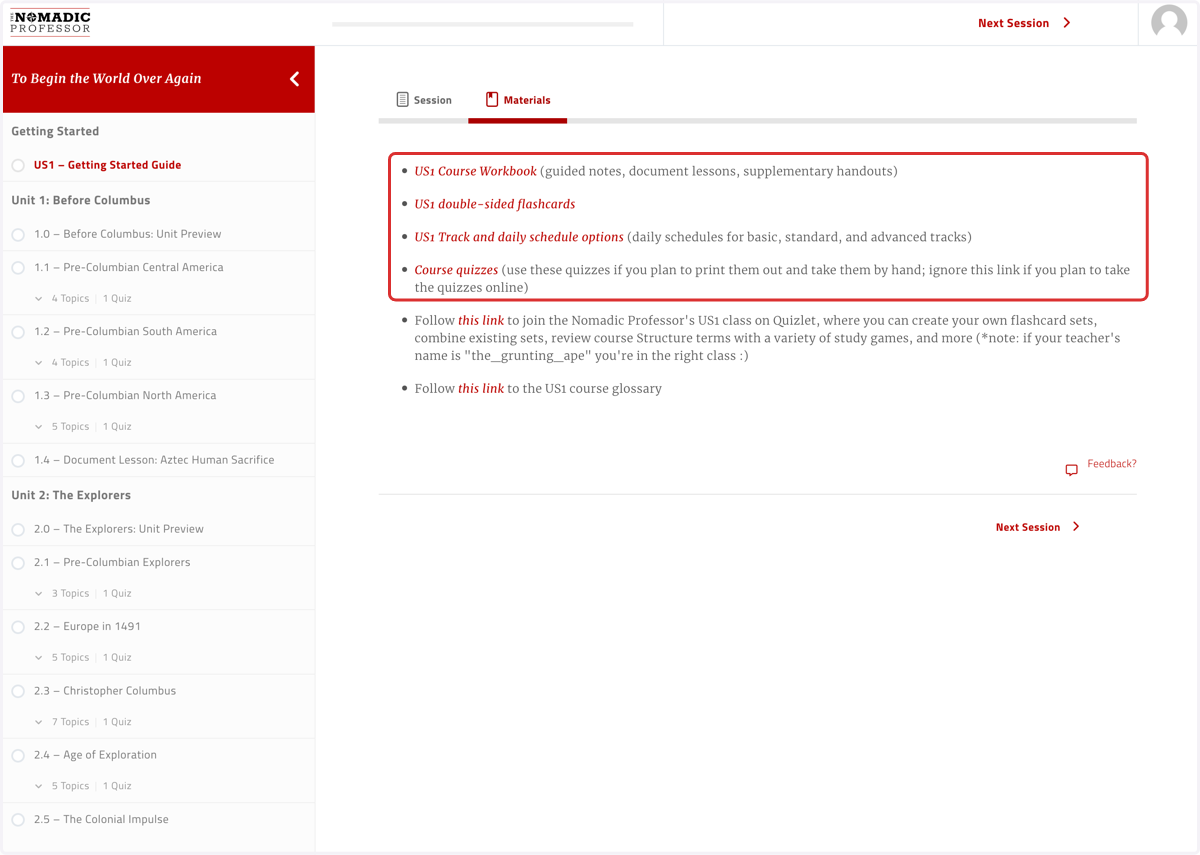
2. Students can view and print out the relevant "Course Workbook" if they'd like to print out all assignments at once; they can also view and print out hard copies of each of the "Course quizzes"
3. Click on Session
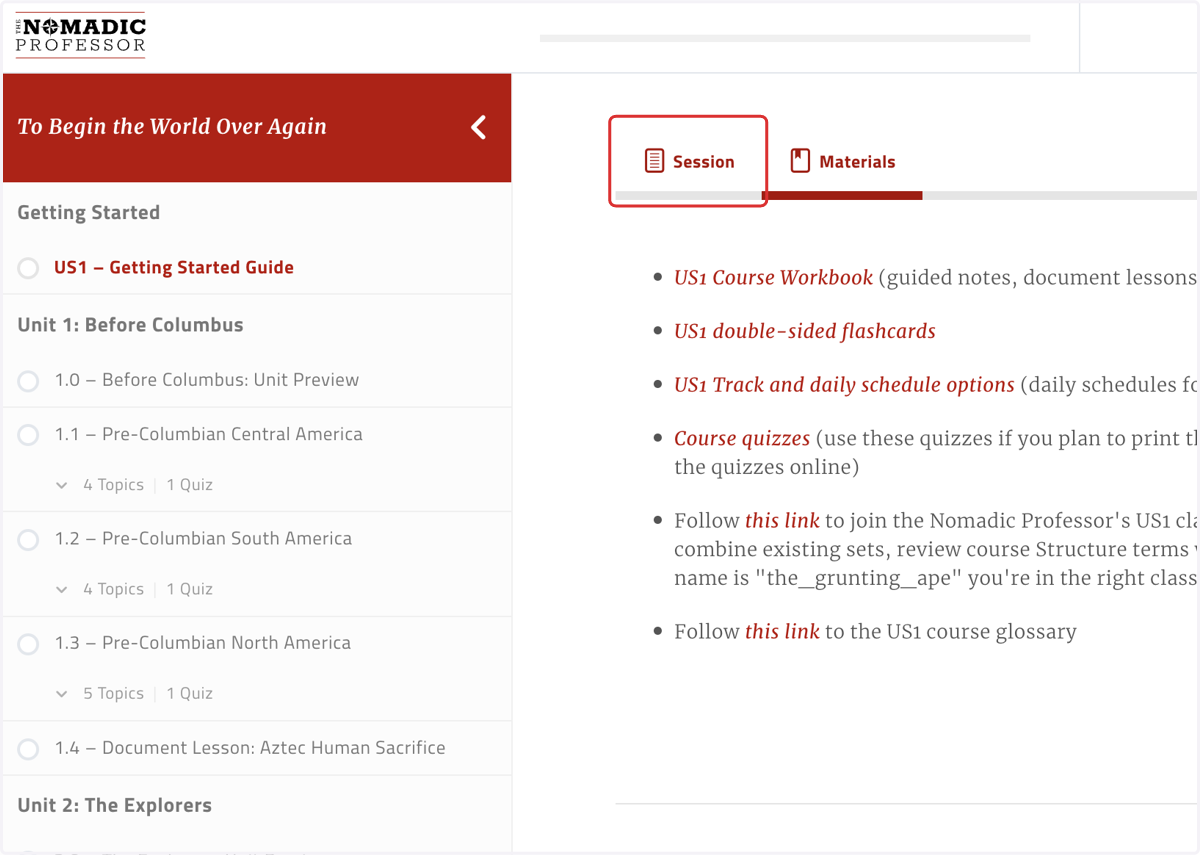
4. When users are in an individual session, rather than the course Getting Started Guide, they'll see links to the assignments for just that session; users can decide to print all assignments at once from the Getting Started Guide, or one at a time from the individual sessions
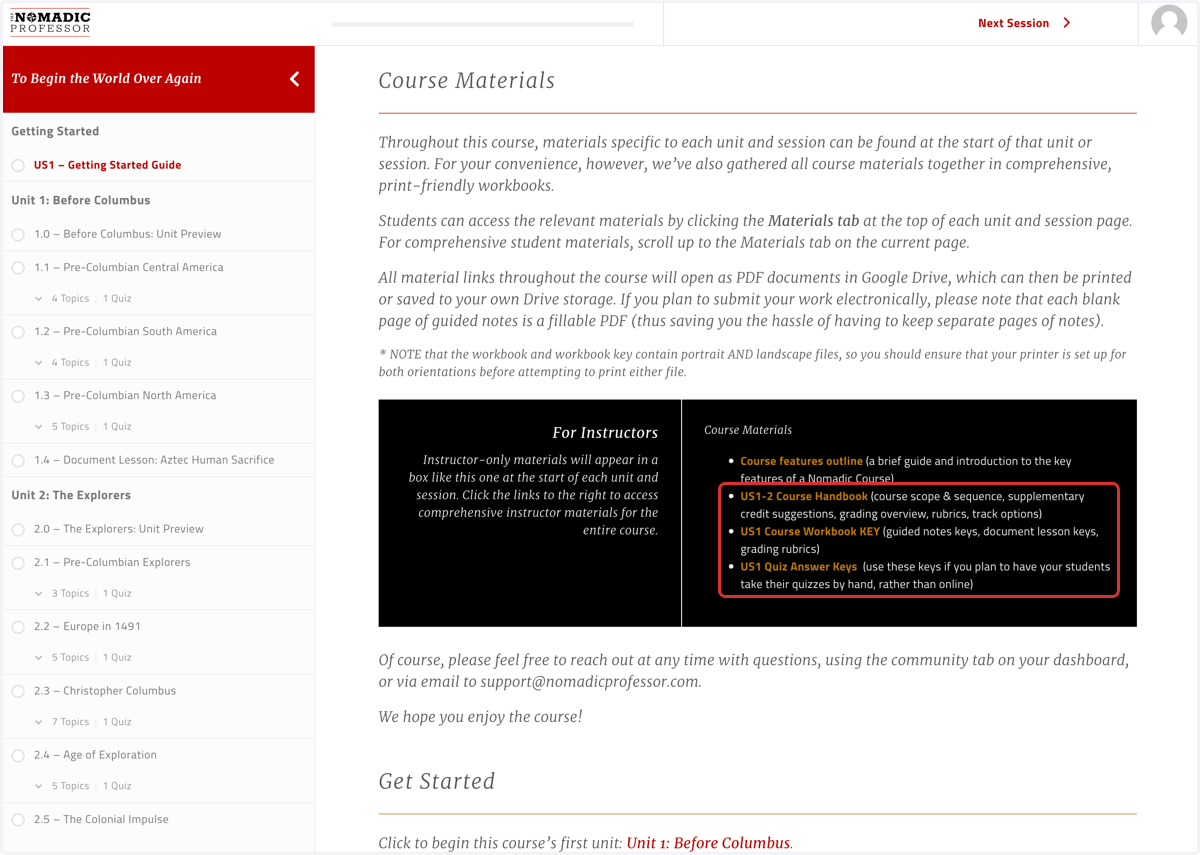
5. Instructors will be able to view the Workbook Answer KEY as well as Quiz Answer Keys from the "For Instructors" box in the Getting Started Guide, or the individual sessions in question
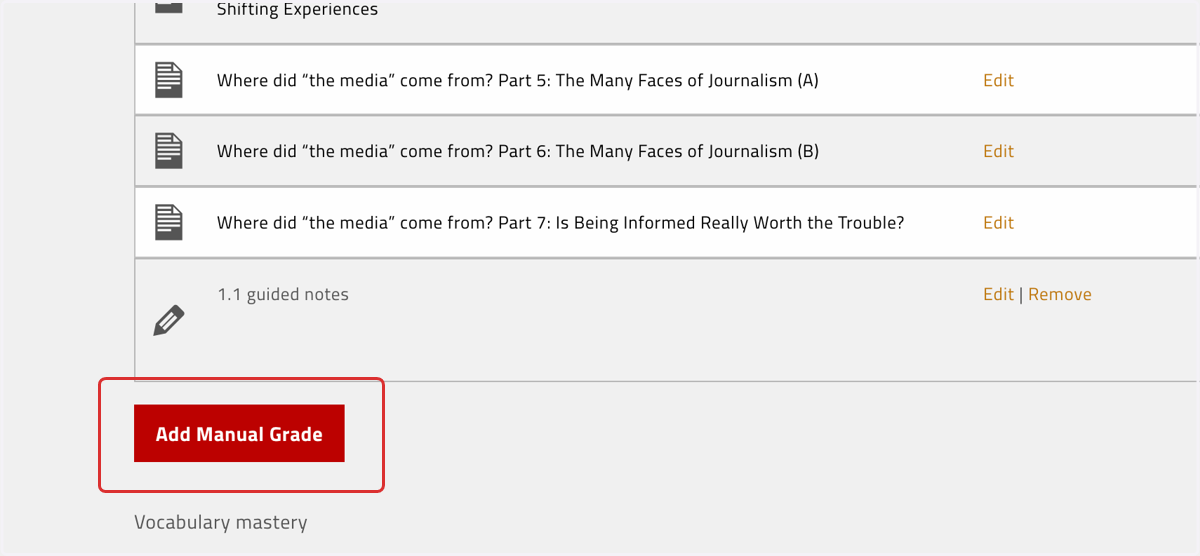
6. Instructors/parents can still enter scores for work submitted by hand
To view our guide on entering manual grades, click here