Adding MANUAL GRADES for any assignment type
The Nomadic Professor
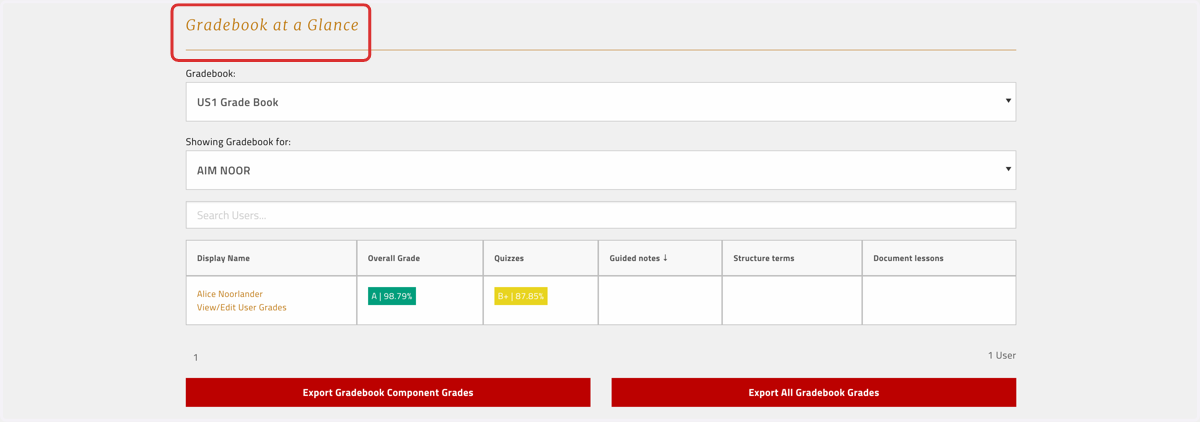
1. Make sure you've selected the right gradebook
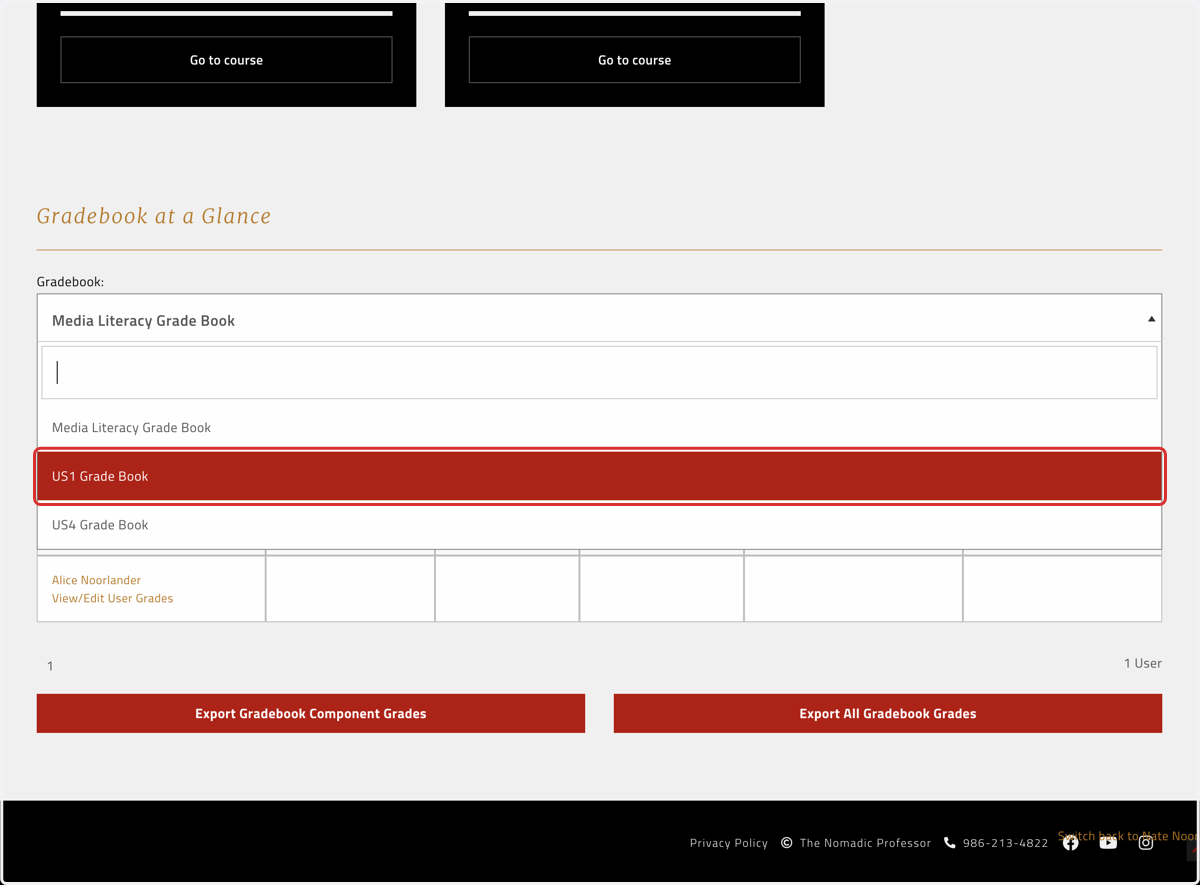
2. Click on View/Edit User Grades for the student in question
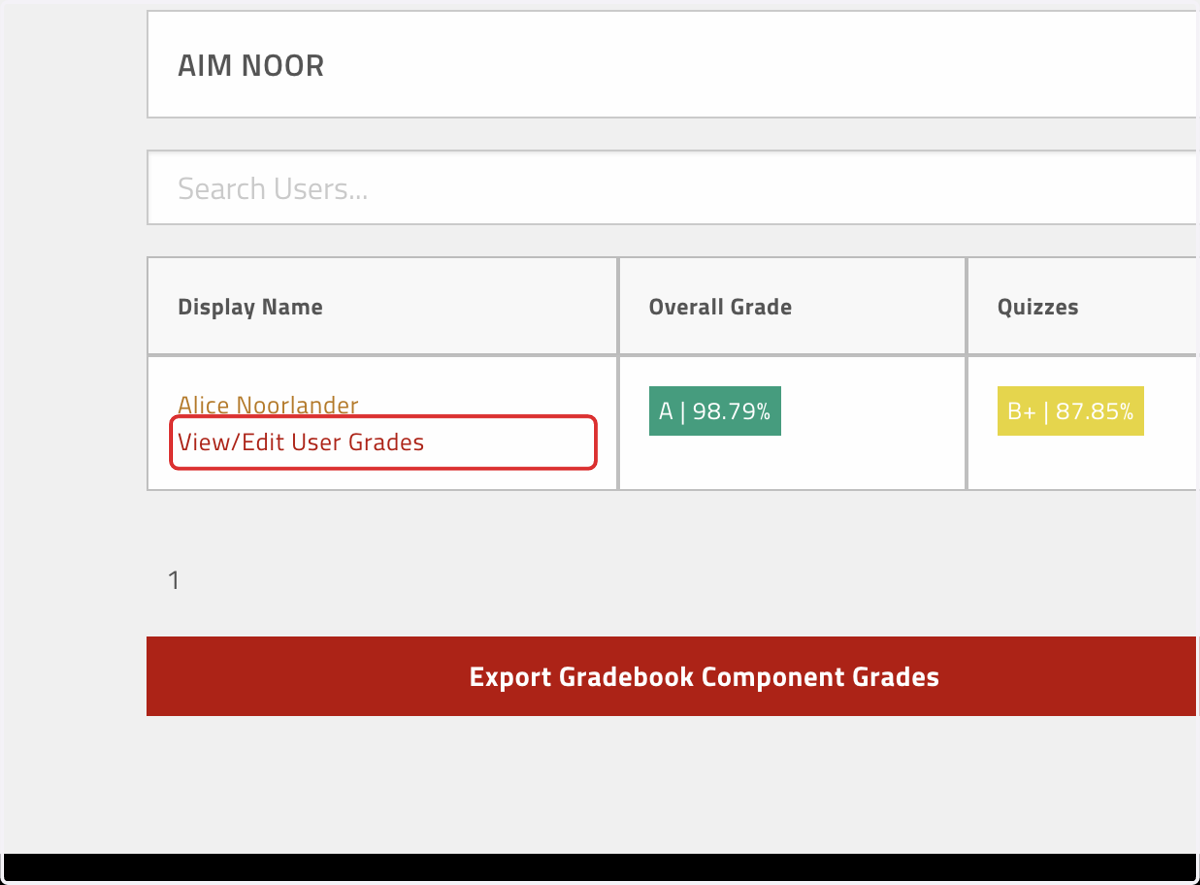
3. Click on Add Manual Grade under the assignment type you're trying to add
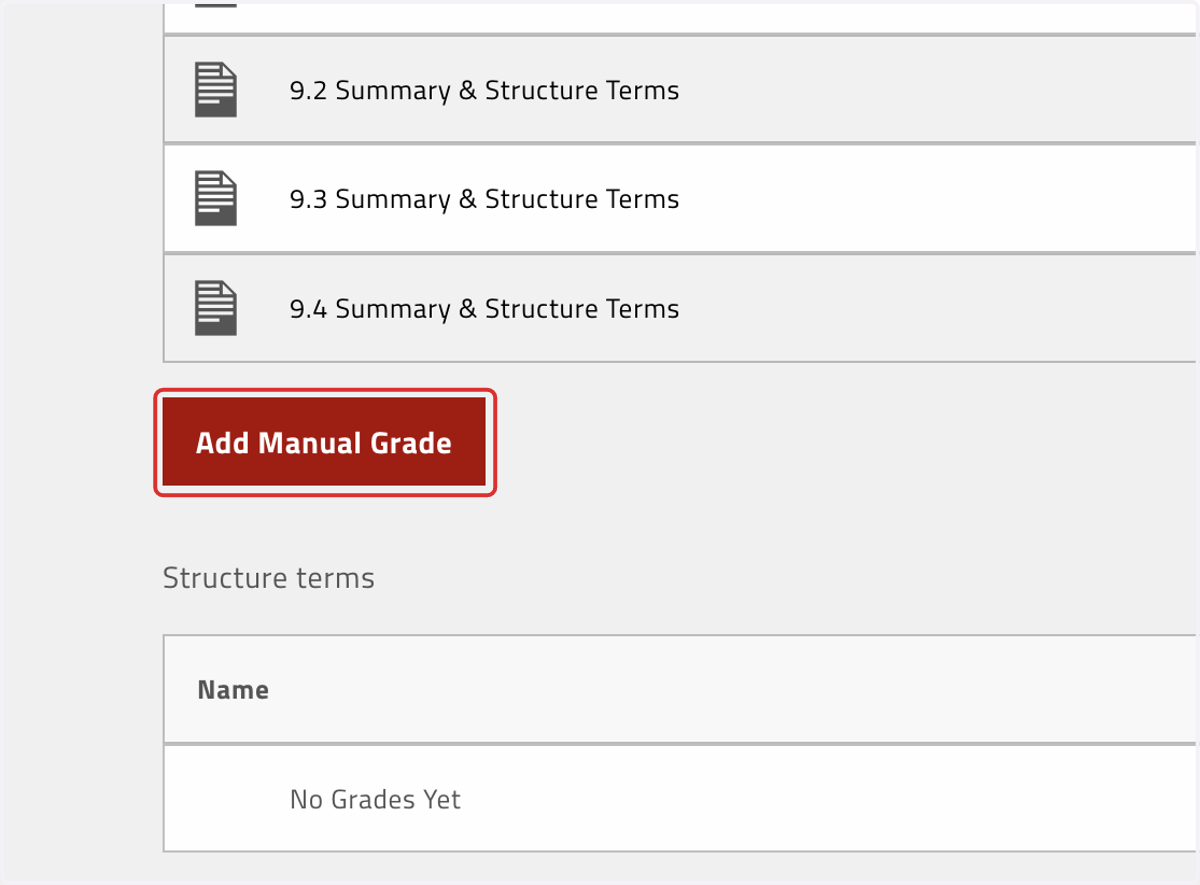
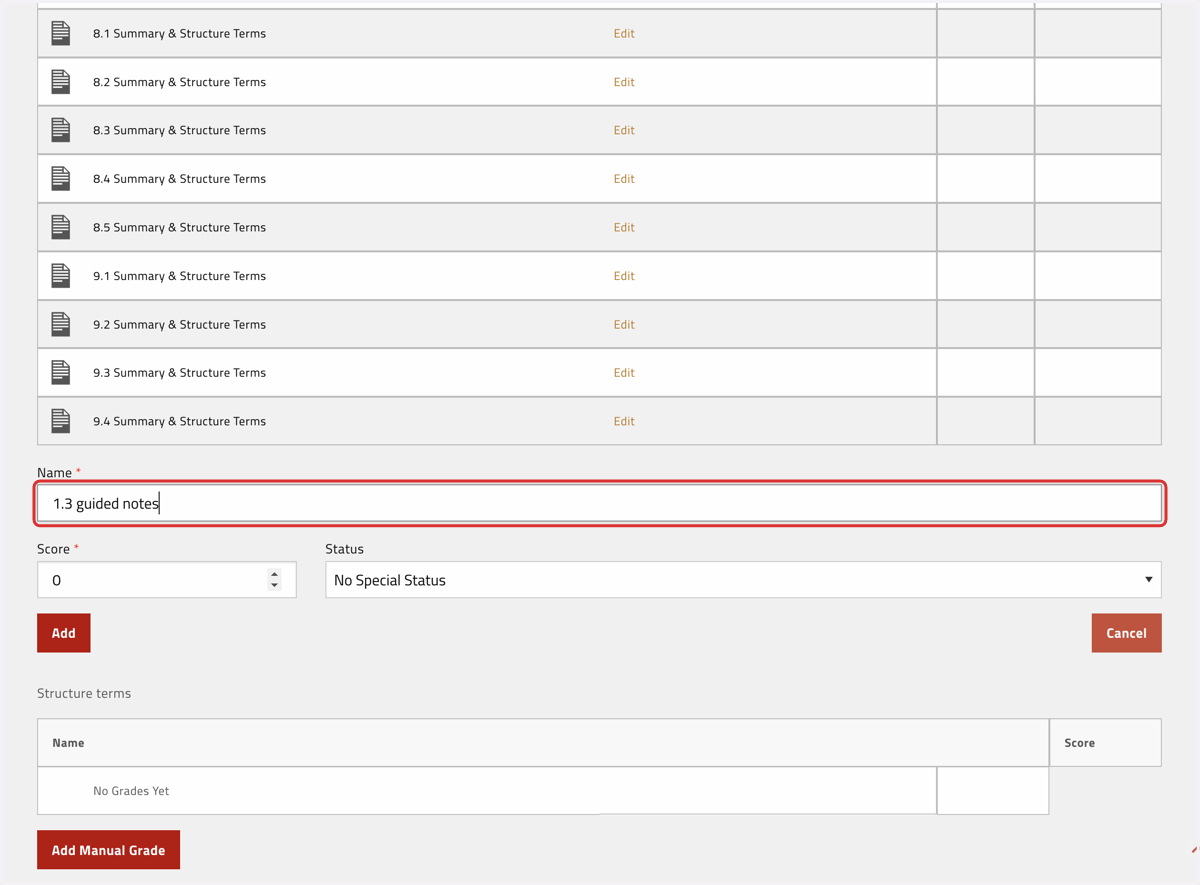
4. Name the assignment
You can name the assignment anything that will help you identify it—Session and Topic numbers are easy defaults
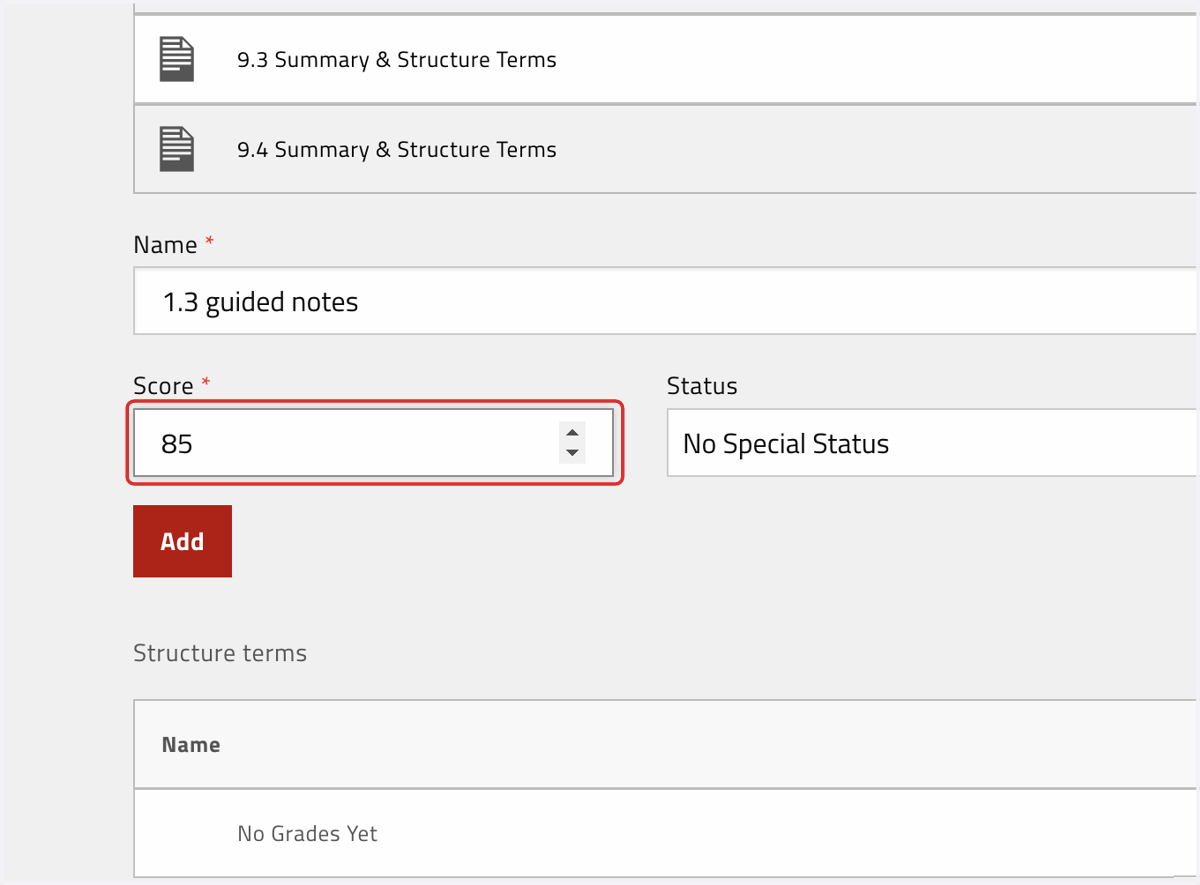
5. Enter the score AS A PERCENTAGE, not a numerical score
For example, if the student earned 11/13 on a guided notes assignment, their PERCENTAGE score would be approximately 85%
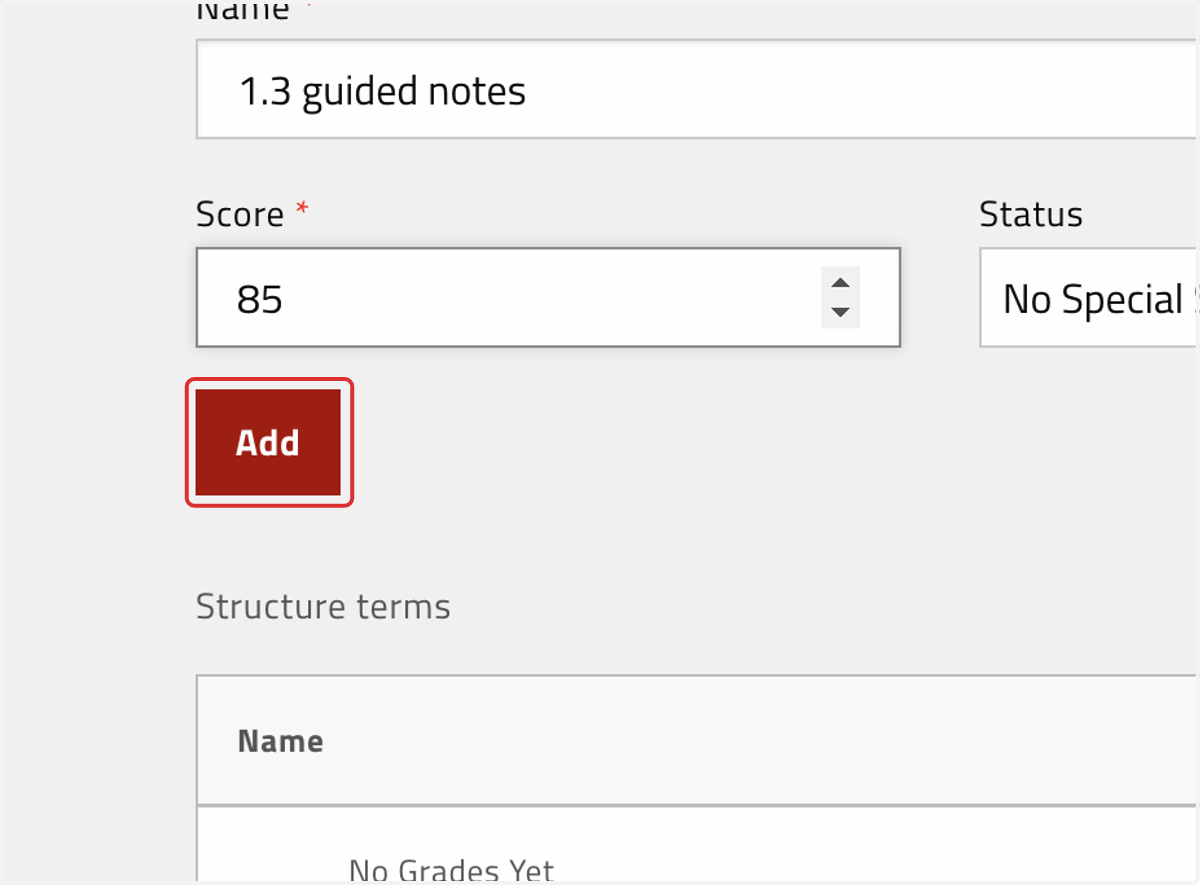
6. Click on Add
7. The new weighted grade will be reflected in the individual student view
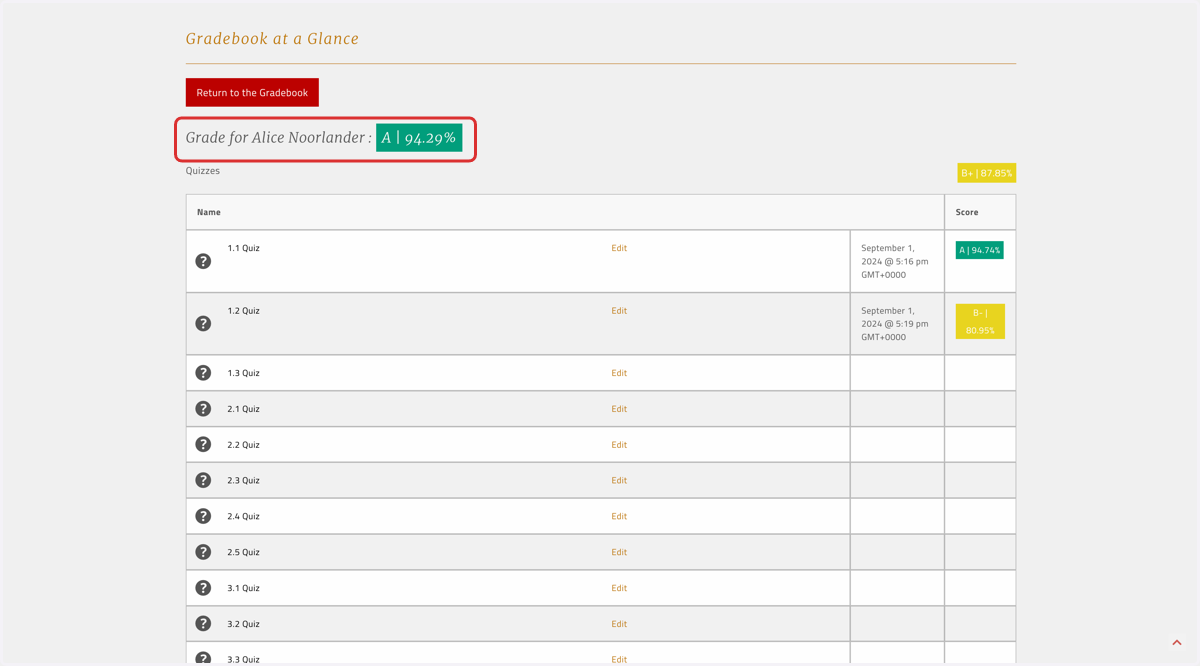
8. The new weighted grade will also be reflected in the dashboard "Gradebook at a Glance" view showing all students in your classroom