Divergent Wealth | Set up your Client Portal
Our client portal gives you 24/7 secure access to your portfolio summaries, key documents, and direct messaging with our team.
Before you begin:
Ensure you use the email address registered with us, and you have provided your DOB for secure data matching.
Have your preferred authenticator app ready (e.g., Microsoft Authenticator or Google Authenticator) to set up two-factor authentication (2FA). We have instructions on how to set this up if you don't have one.
For easy access on your phone or tablet, save the Client Portal directly to your home screen, details provided.
Divergent Wealth Client Portal
You can access it by going to app.divergentwealth.com.au or if you get stuck, head to our website and select Client Portal in the navigation menu bar.
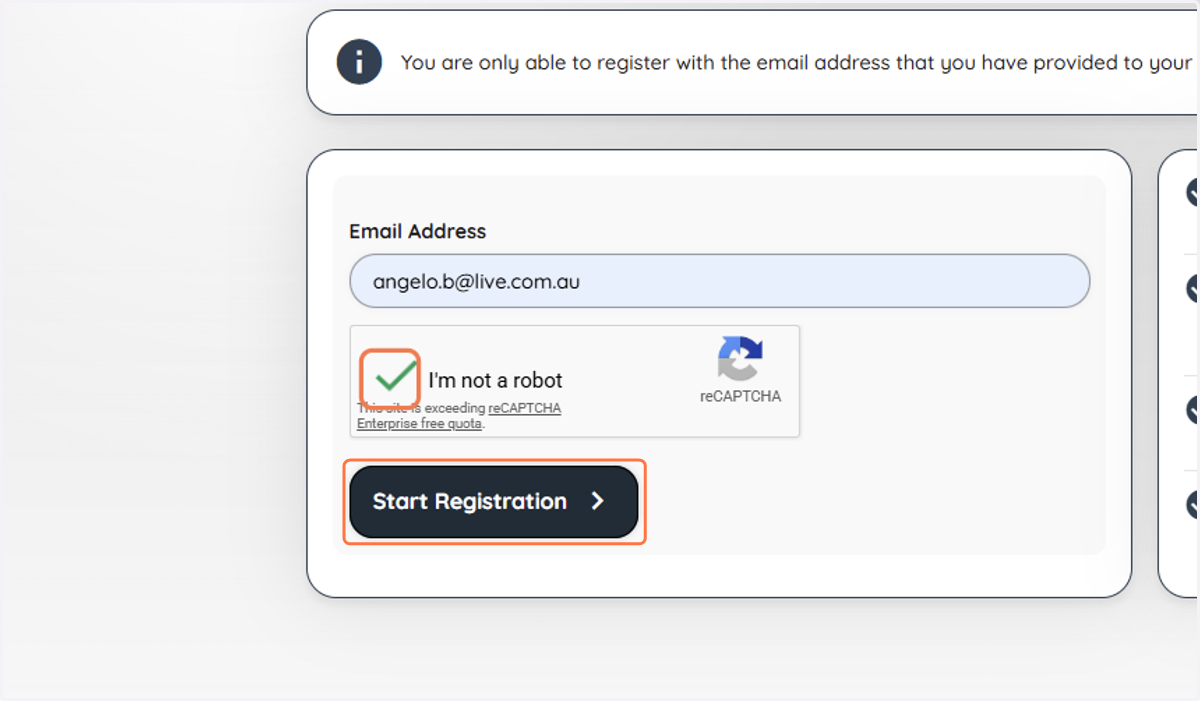
1. Click on Register
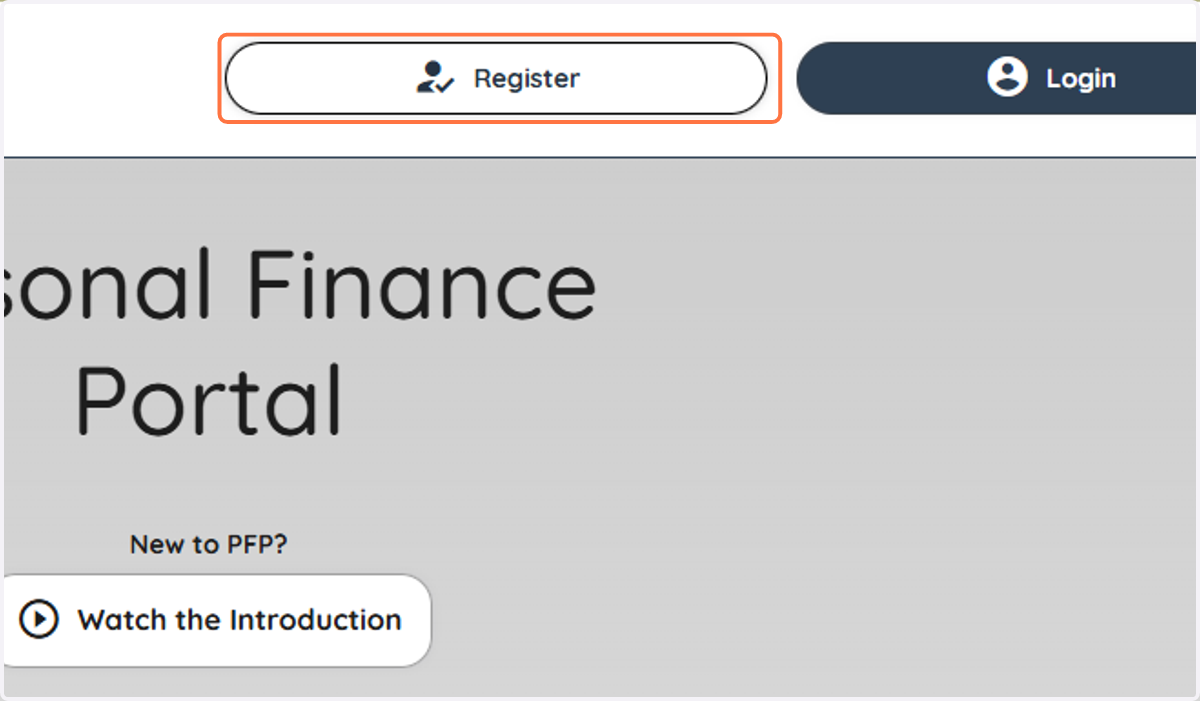
2. Click on Email Address
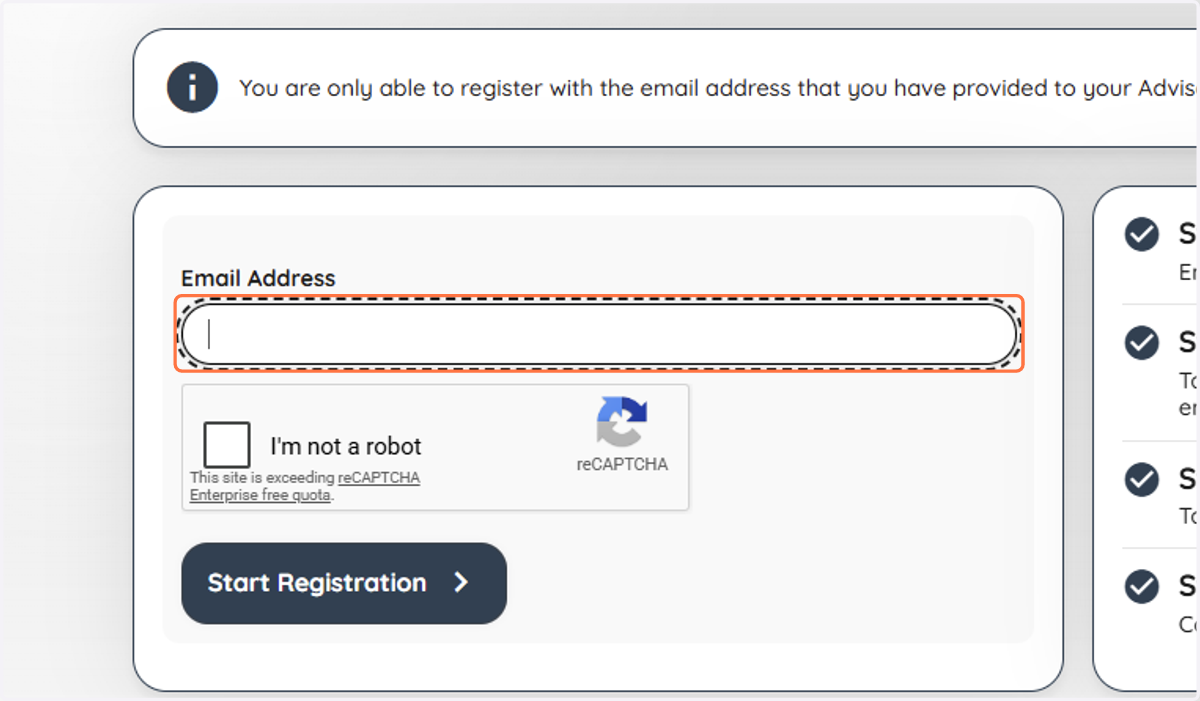
3. Click on I'm not a robot
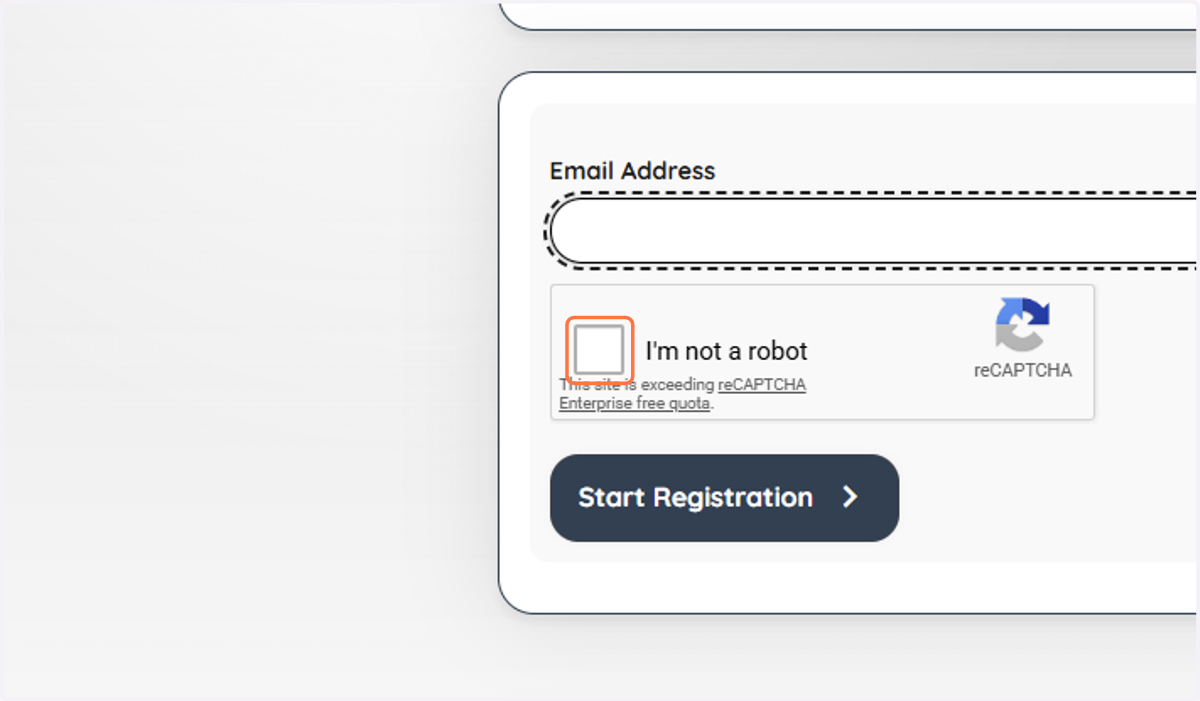
4. Click on Start Registration
An activation link will be sent if your email address is registered in our system.
If it does not arrive within a few minutes, verify that your email address was entered correctly or contact our office.
📧 Check your email inbox
Open the email from us and click the activation link. Please ensure you click the link on the same device or browser you used to register.
Please also check as activation emails occasionally land in "Junk" or "Promotions" folders.
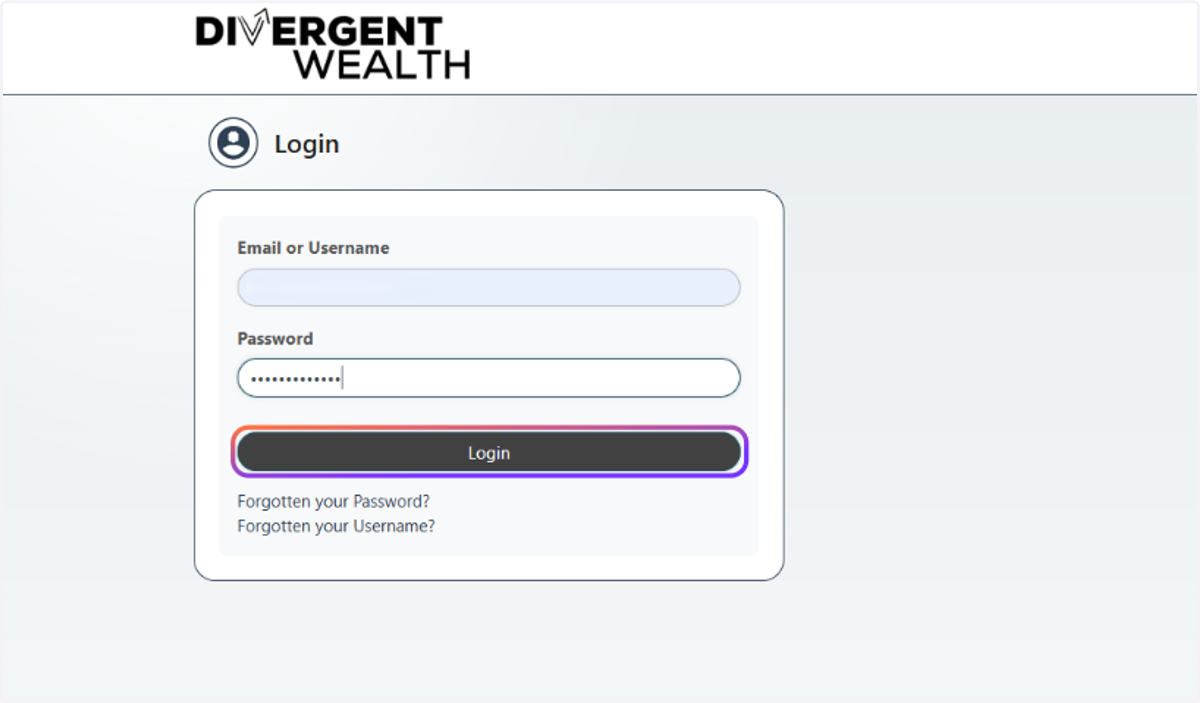
5. Click on Login
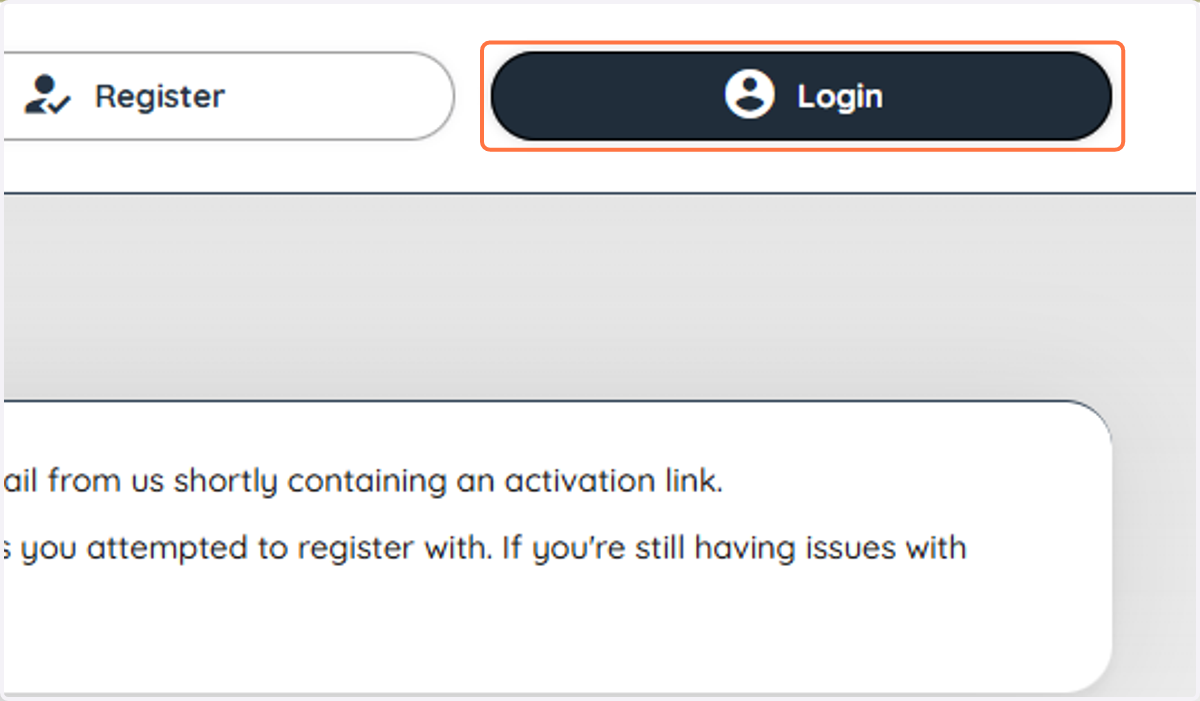
6. Click on Login
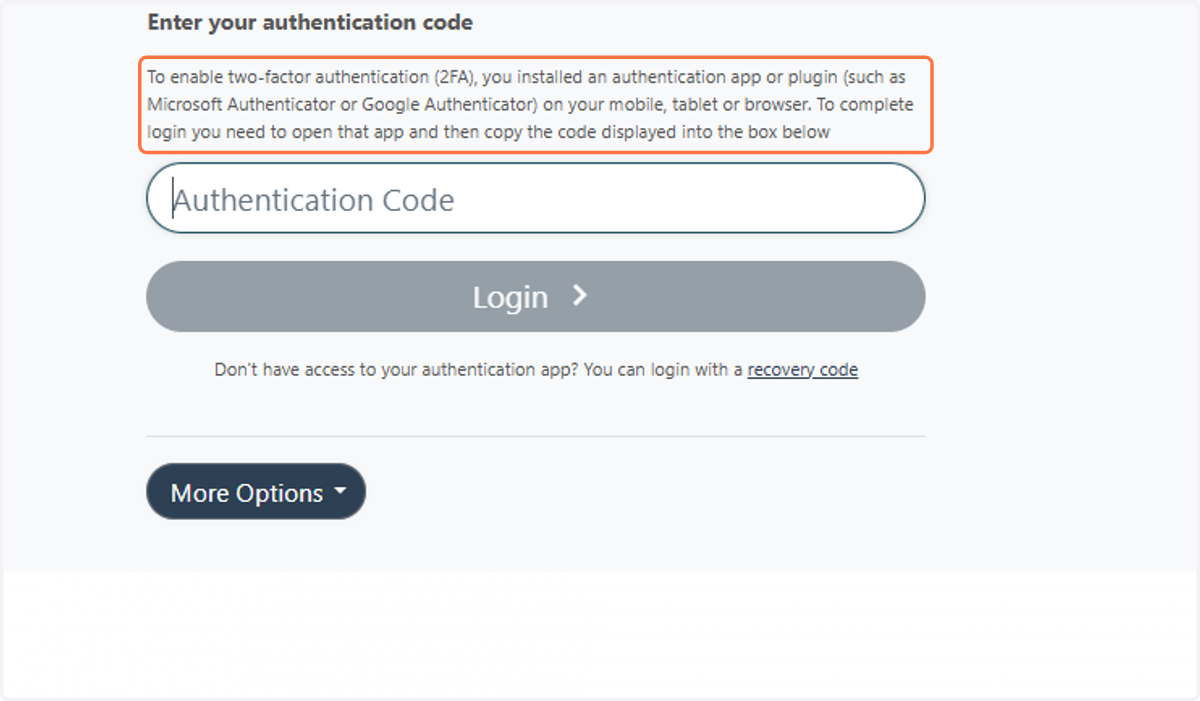
7. Set Up Two-Factor Authentication (2FA)
Set up your code with your preferred authenticator app. If you do not have one, please see the next instruction.
8. You're all set!
Your Divergent Wealth Client Portal is now ready to use.
From your portal, you can:
Connect your bank accounts to keep your financial information up to date.
Complete or update your Profile so we have the information we need to provide advice.
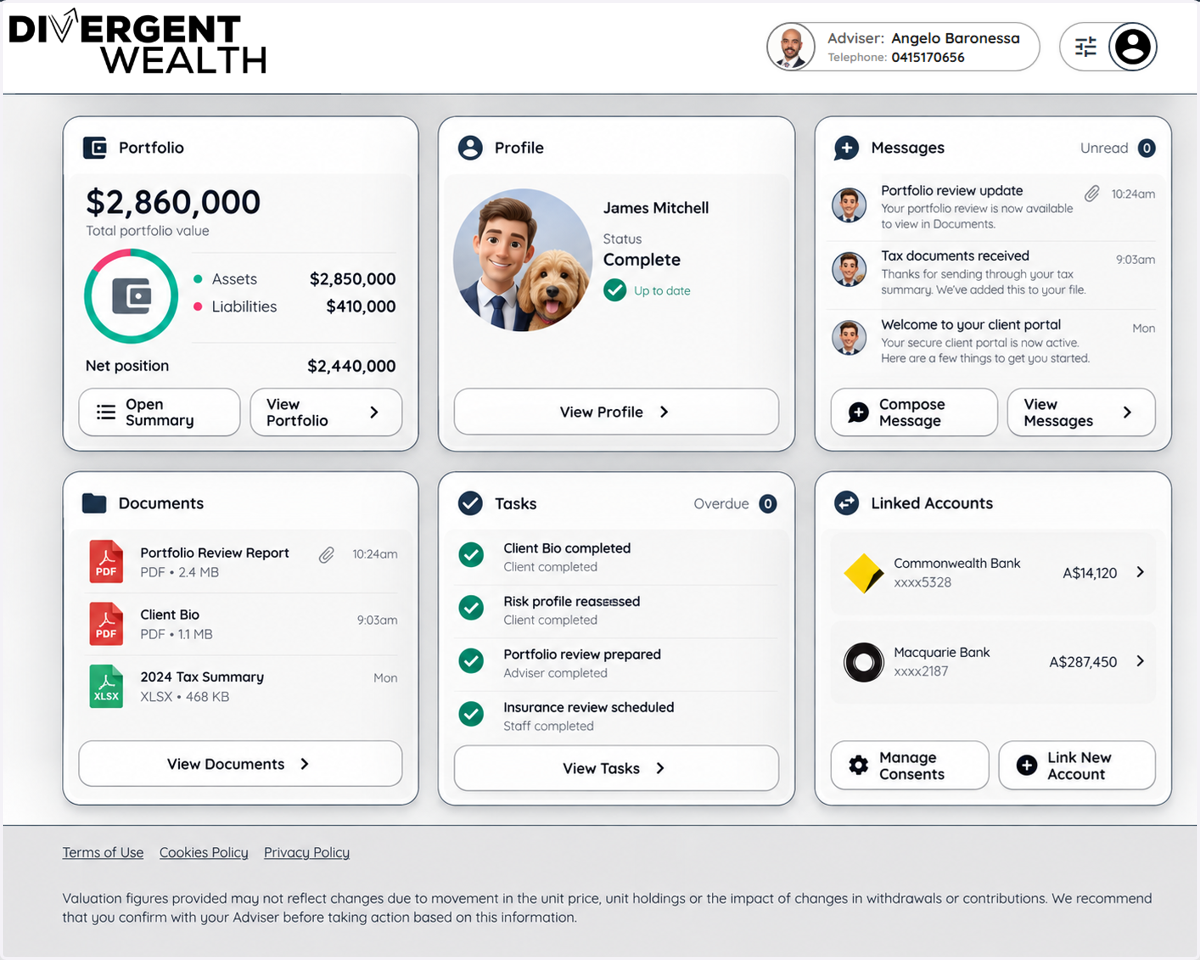
View your portfolio and keep track of your investments in a single view.
Upload and receive documents securely.
Send us secure messages directly through the portal.
View and complete tasks.
You don’t need to do everything at once. We’ll let you know when there’s something specific we need from you.
Next: Connect your bank accounts (click here for the guide) or complete your Profile.