Registering for Squash Australia National Events
Home - Squash Australia
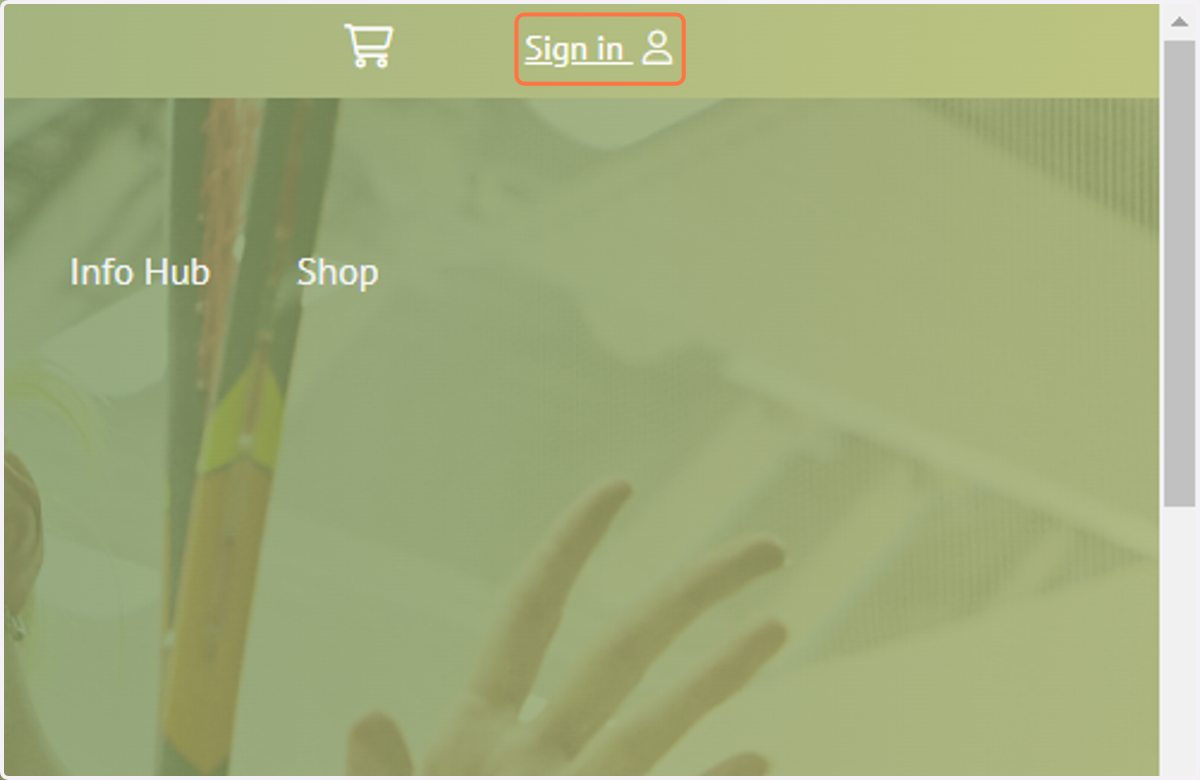
1. Check your Membership level by signing into the Squash Australia website
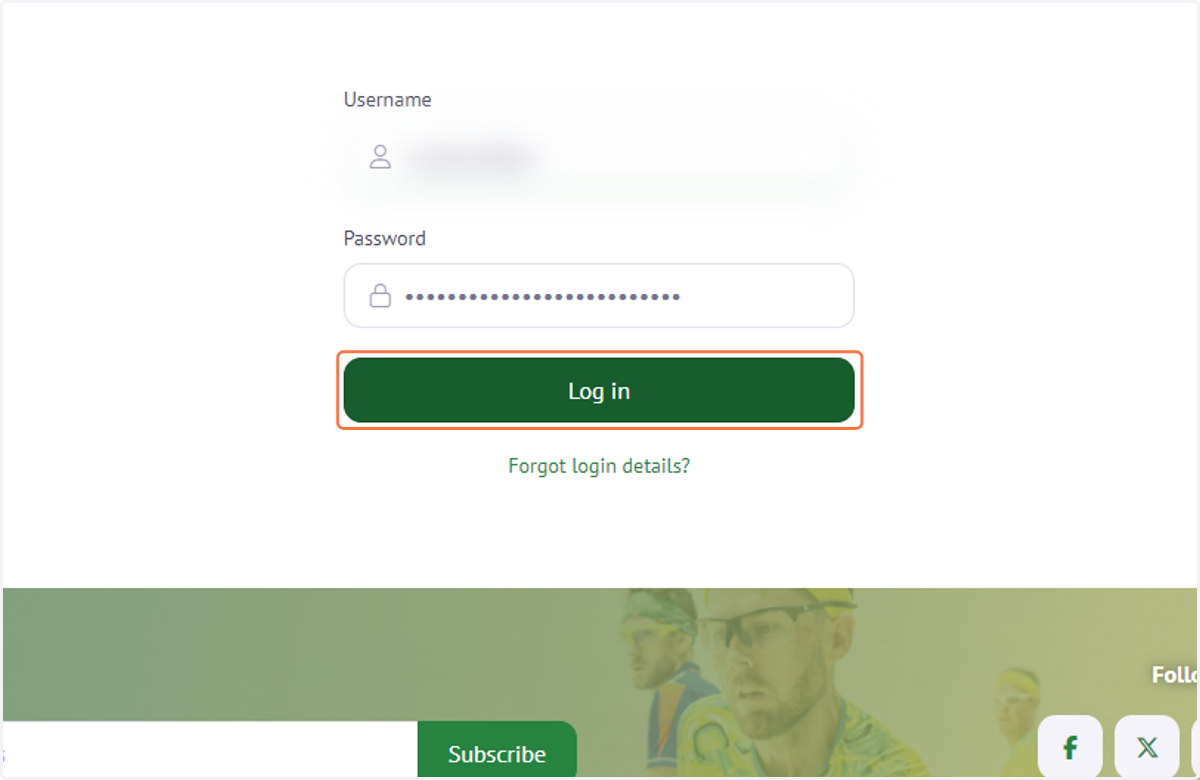
2. Enter in your username and password then Click on Log in
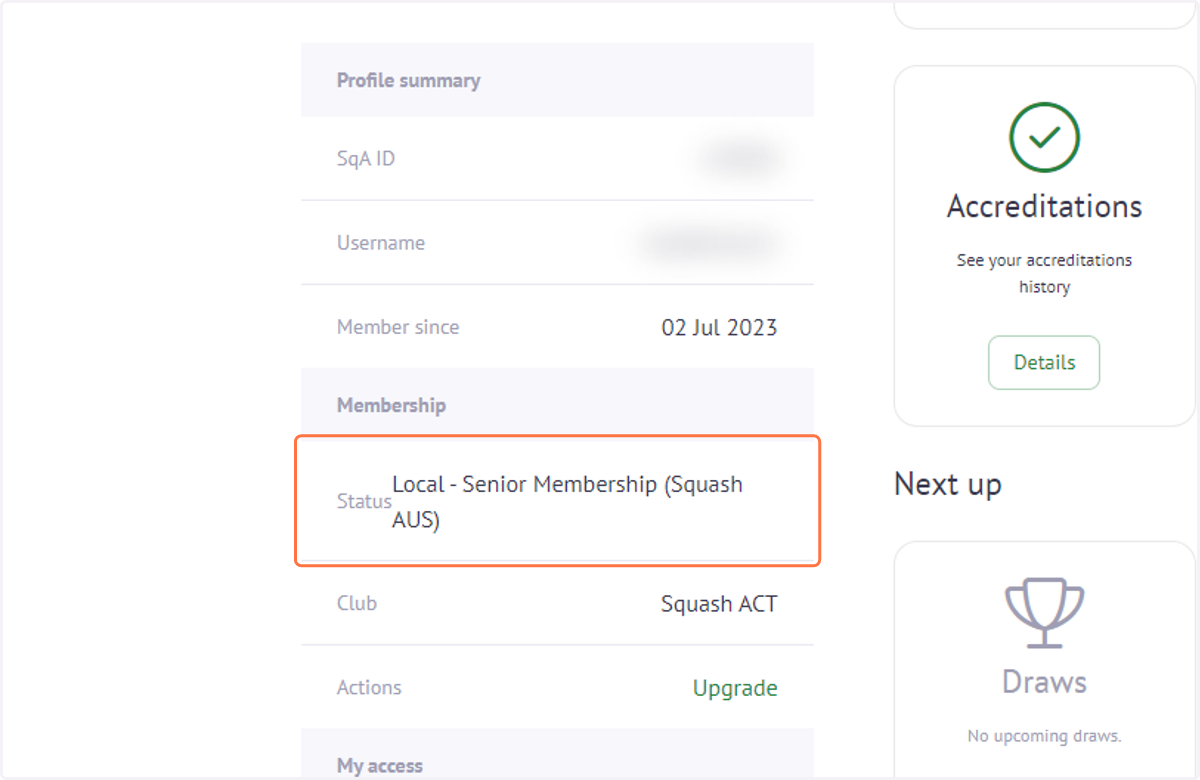
3. Review your Membership status.
4. Click on Home or the Squash AUS image to return to the Squash Australia homepage
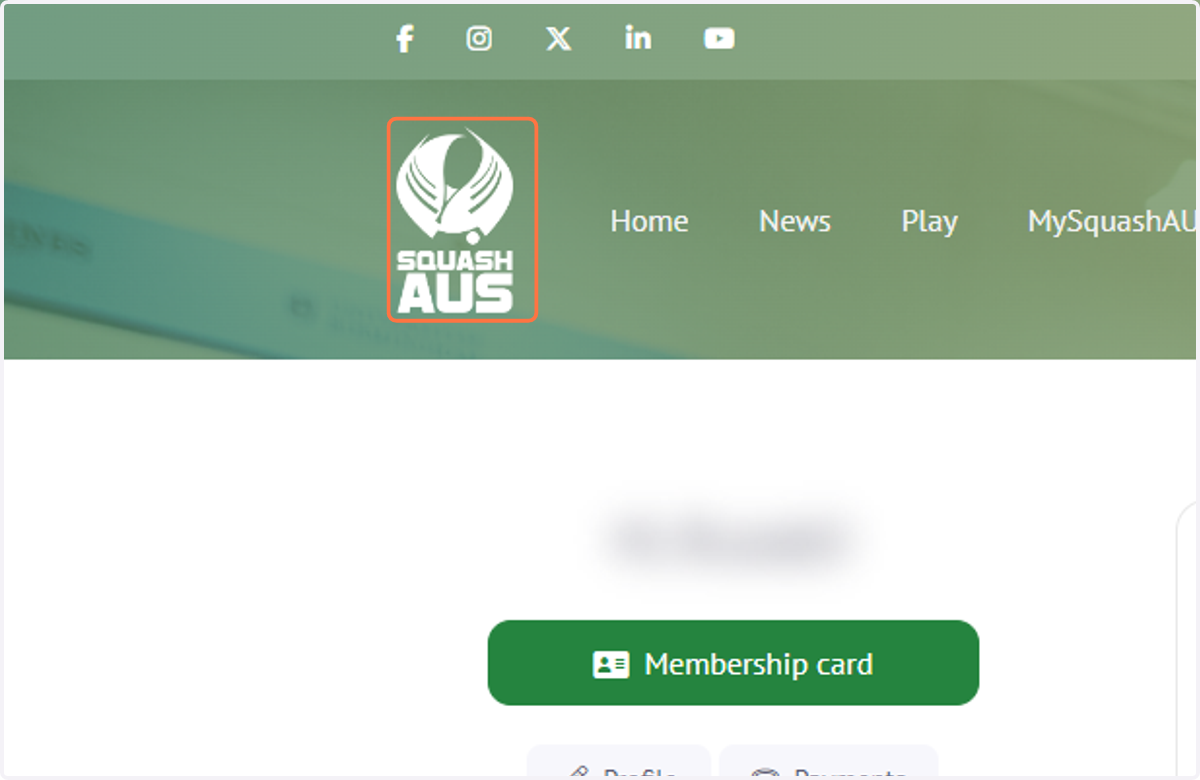
5. From the Squashaus.com.au homepage - Click on the Upcoming events tile.

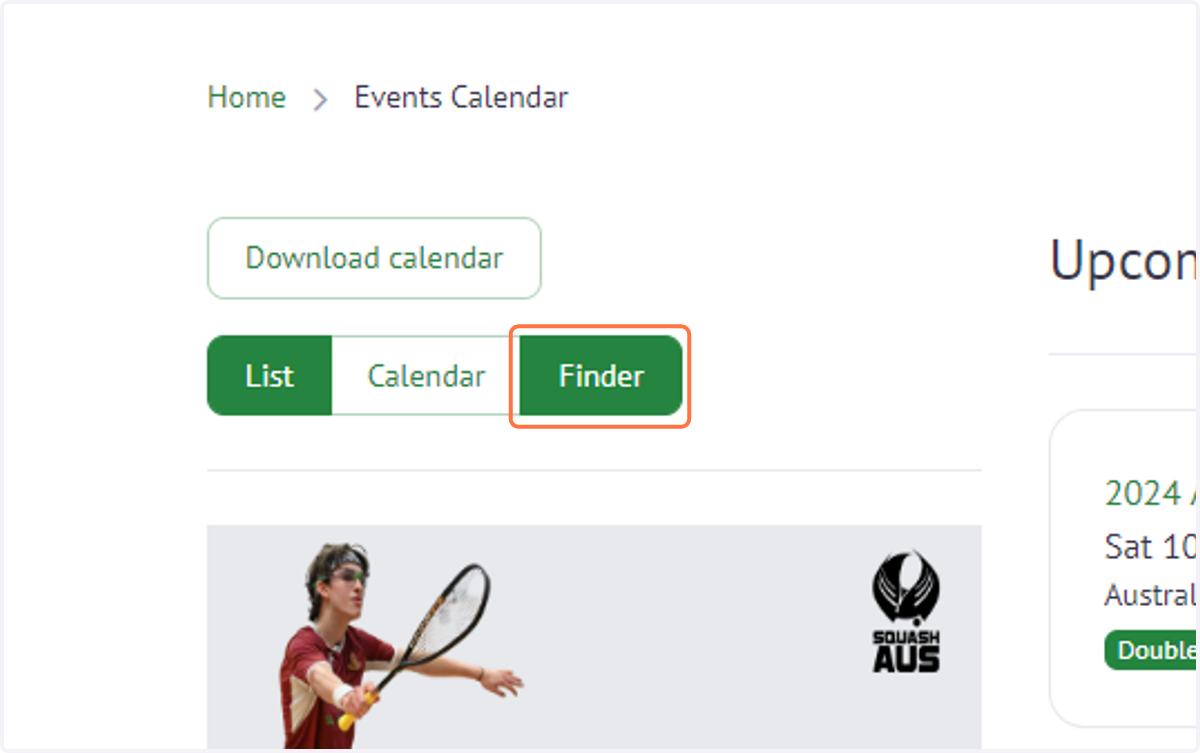
6. Scroll to find event or use 'Finder' to search for the event
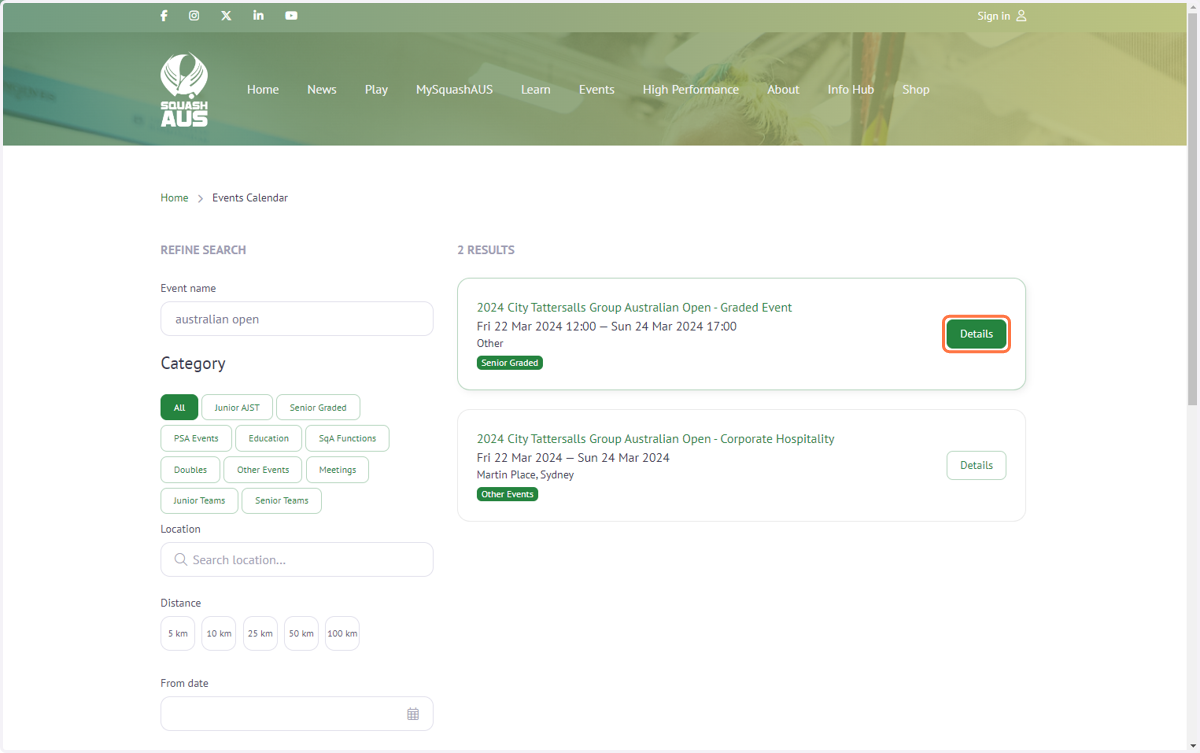
7. Click on 'Details' of your chosen event.
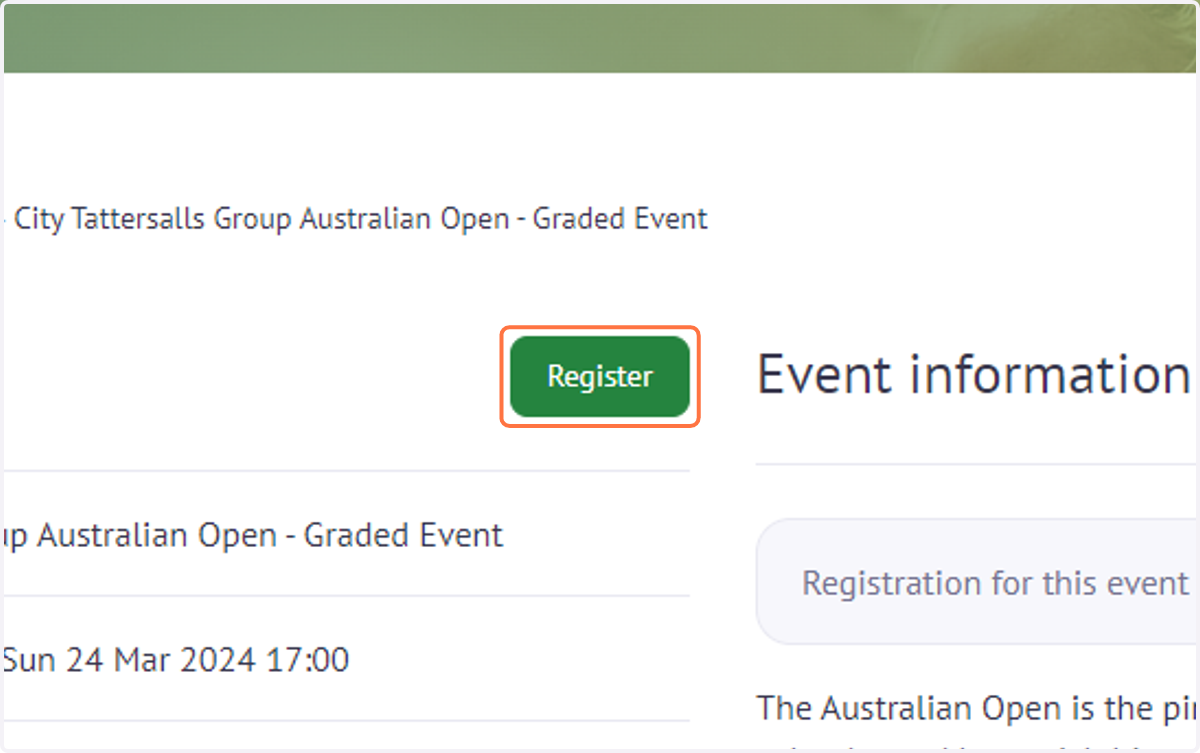
8. Click on "Register" at the top of the page.
9. If you are not a member, click 'Sign up' and follow the steps. If you are already a member, log in using your username and password.
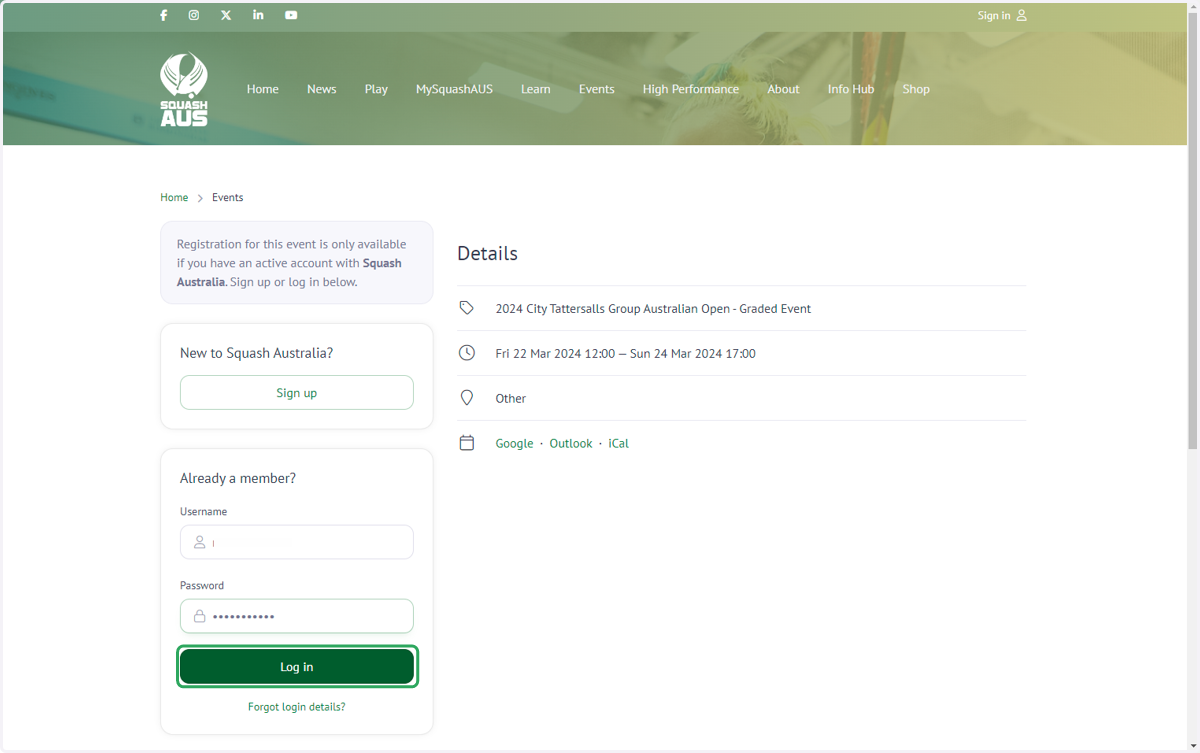
10. If there are no registration options shown as below, then you will need to upgrade to either a "Local" or "Compete" membership category at the national level
Note: For national level events such as AJO, OJC and AJC you will require a 'Compete membership'.
This workflow will show you how to upgrade your membership from your local club page.
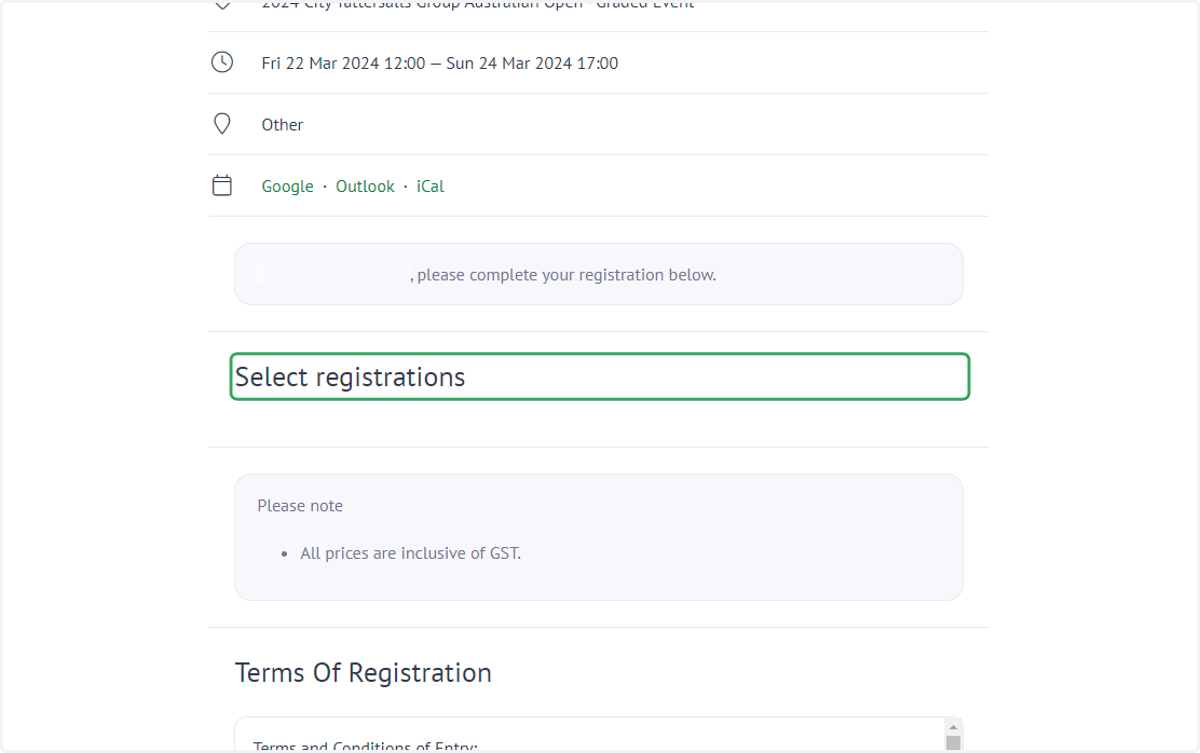
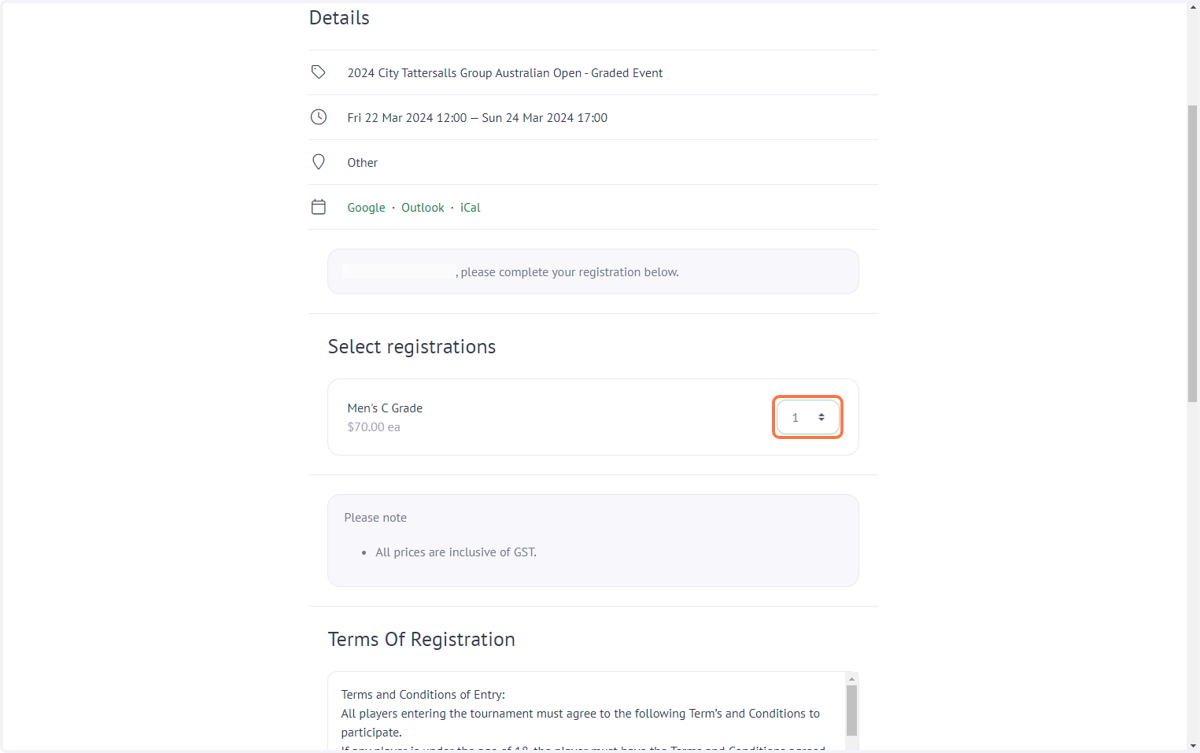
11. Select "1" next to the division you want to enter.
Note: Only divisions you are eligible to enter will appear here.
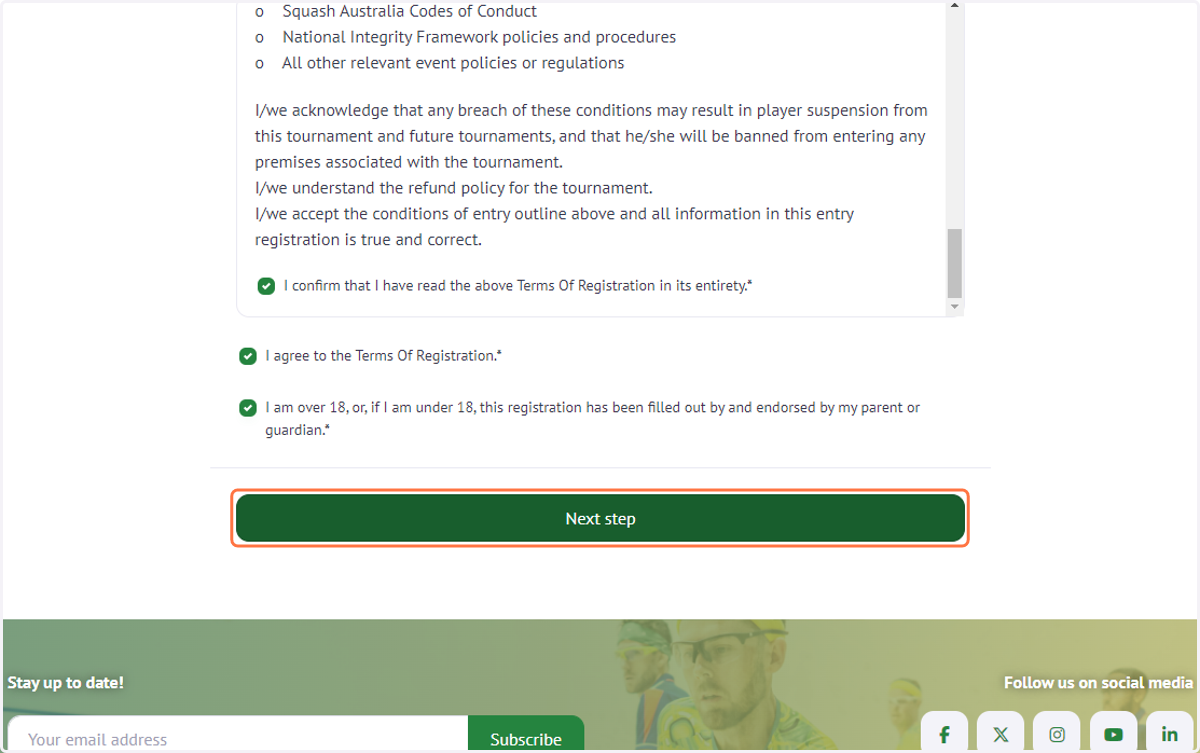
12. Scroll down and read the "Terms Of Registration".
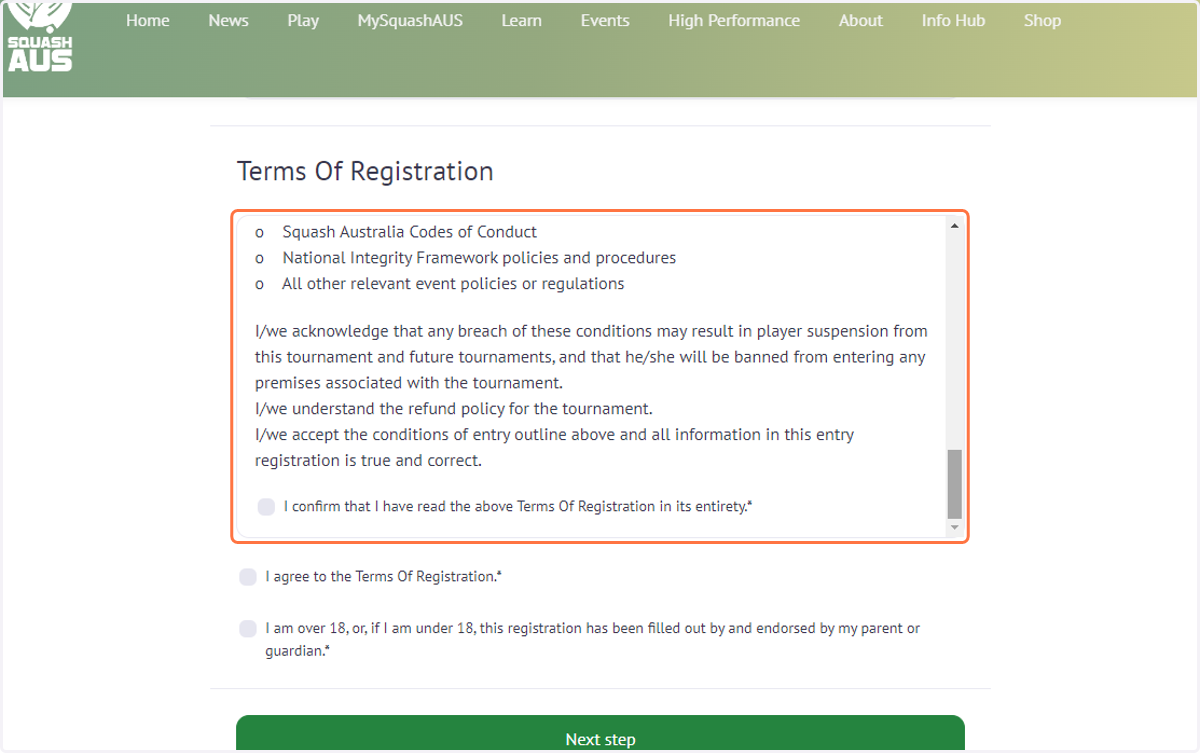
13. Select all relevant confirmation boxes and click 'Next step'
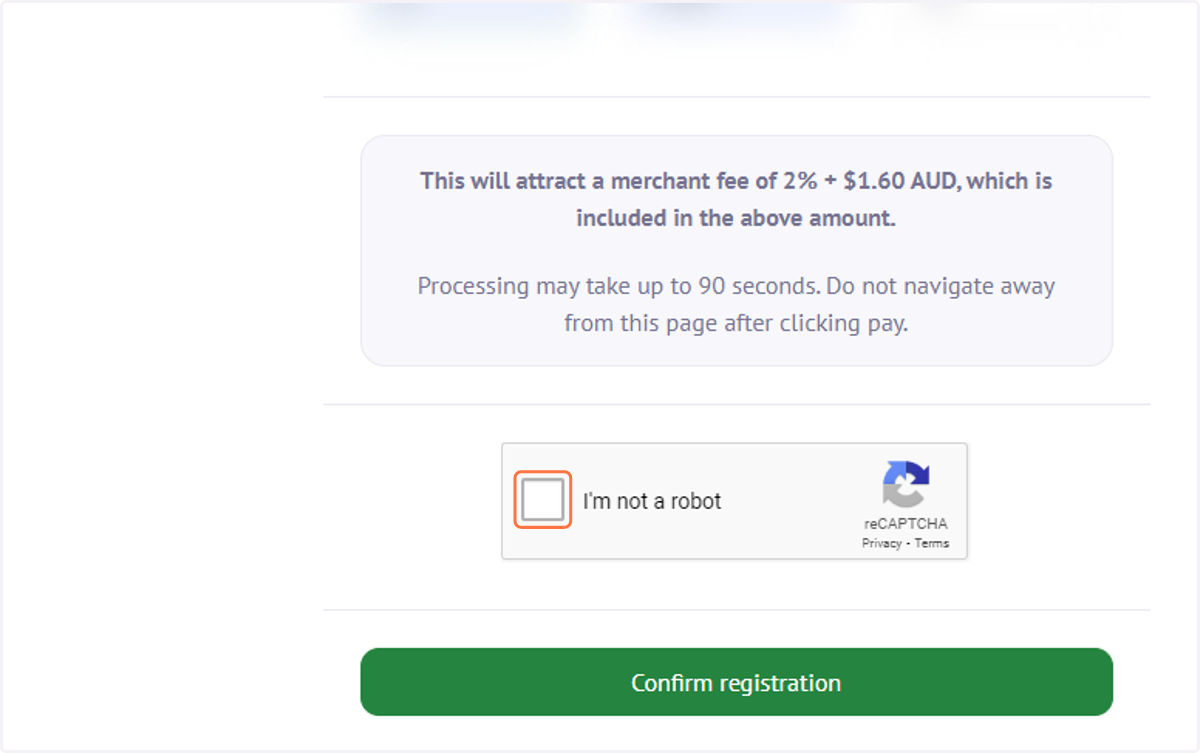
14. Complete payment information and confirm registration details then Click on "I'm not a robot" and then "Confirm registration".
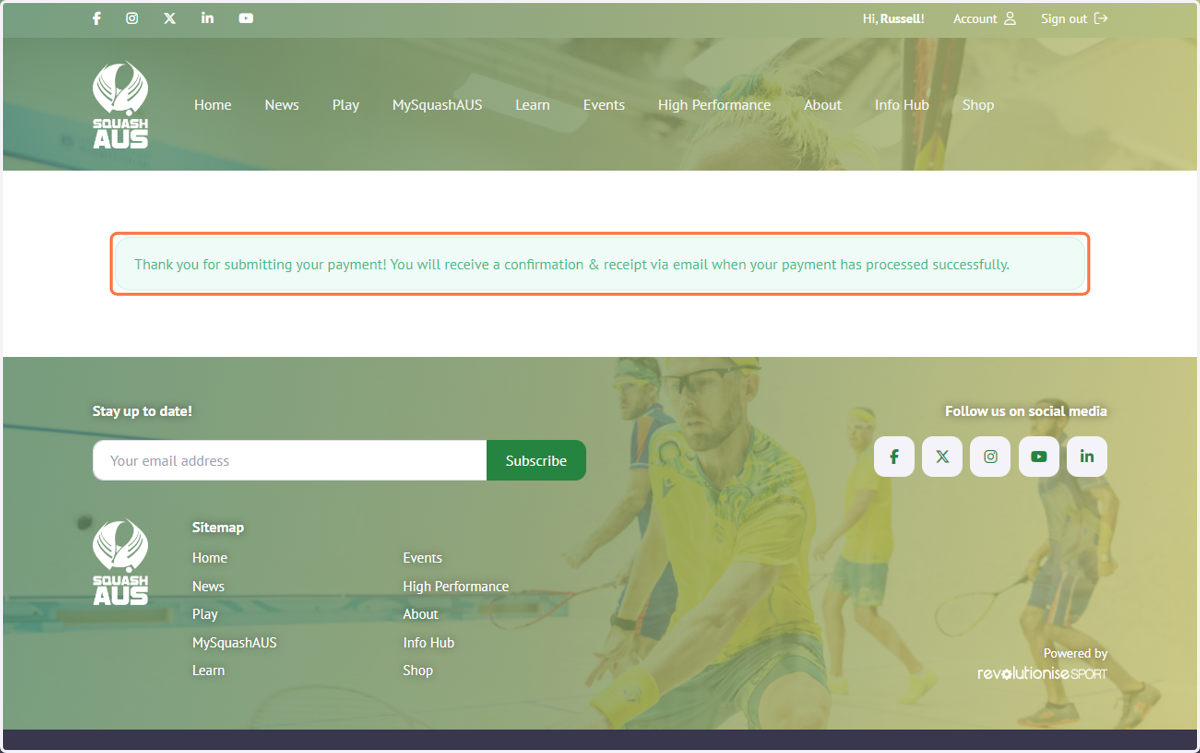
15. You will get a "Thank you for submitting your payment! You will receive a confirmation & receipt via email when your payment has processed successfully." message.