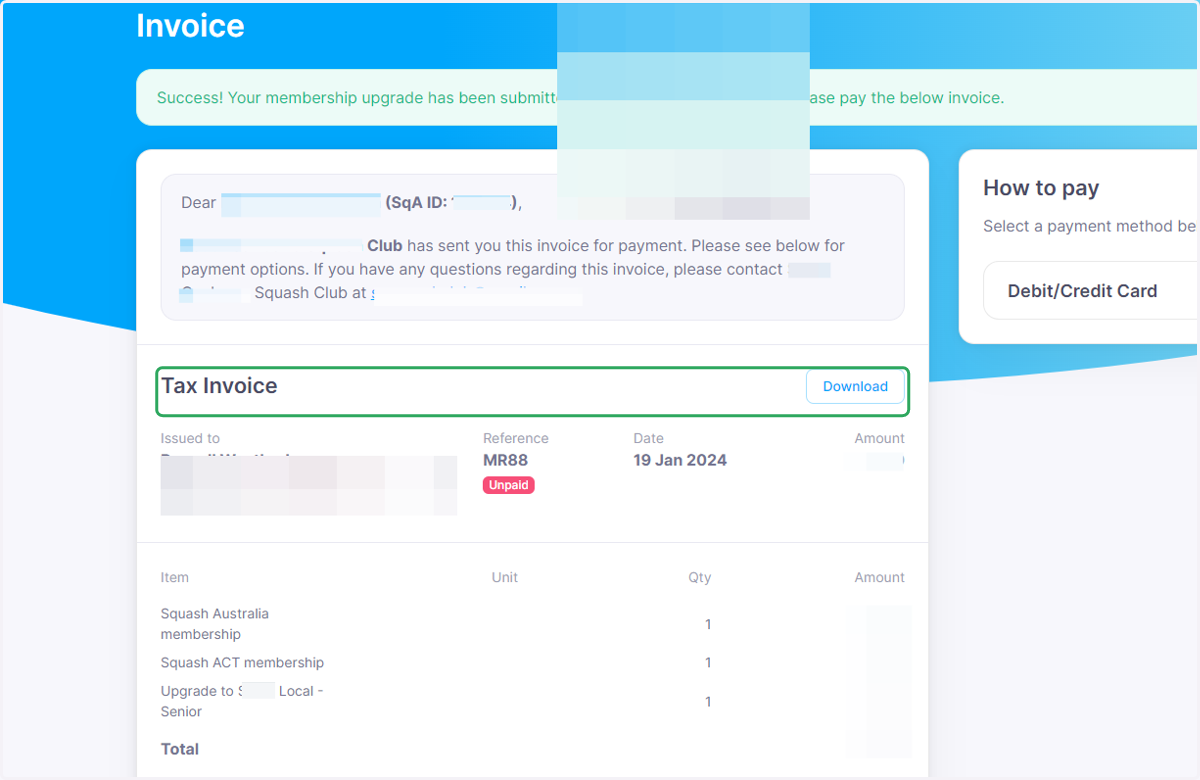
Upgrading your membership
Home - Your Club - revolutioniseSPORT
Log into your Club website, not the registration page.
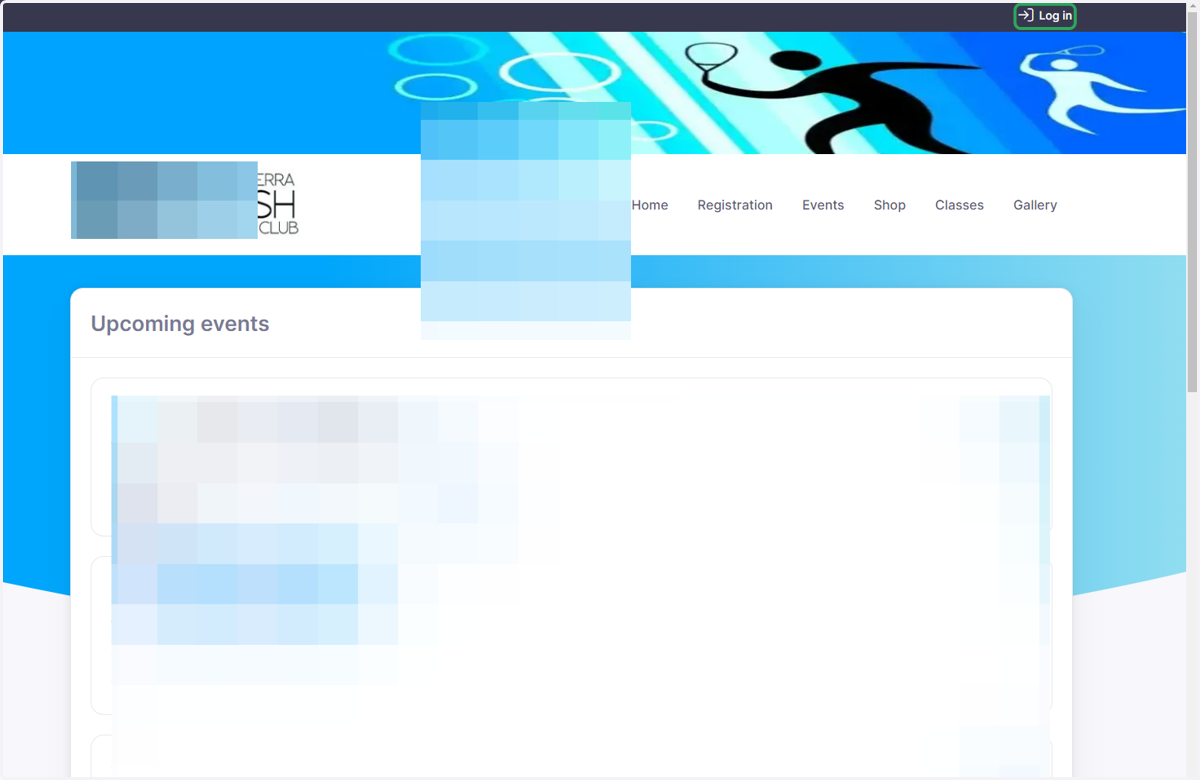
1. Click on Log in
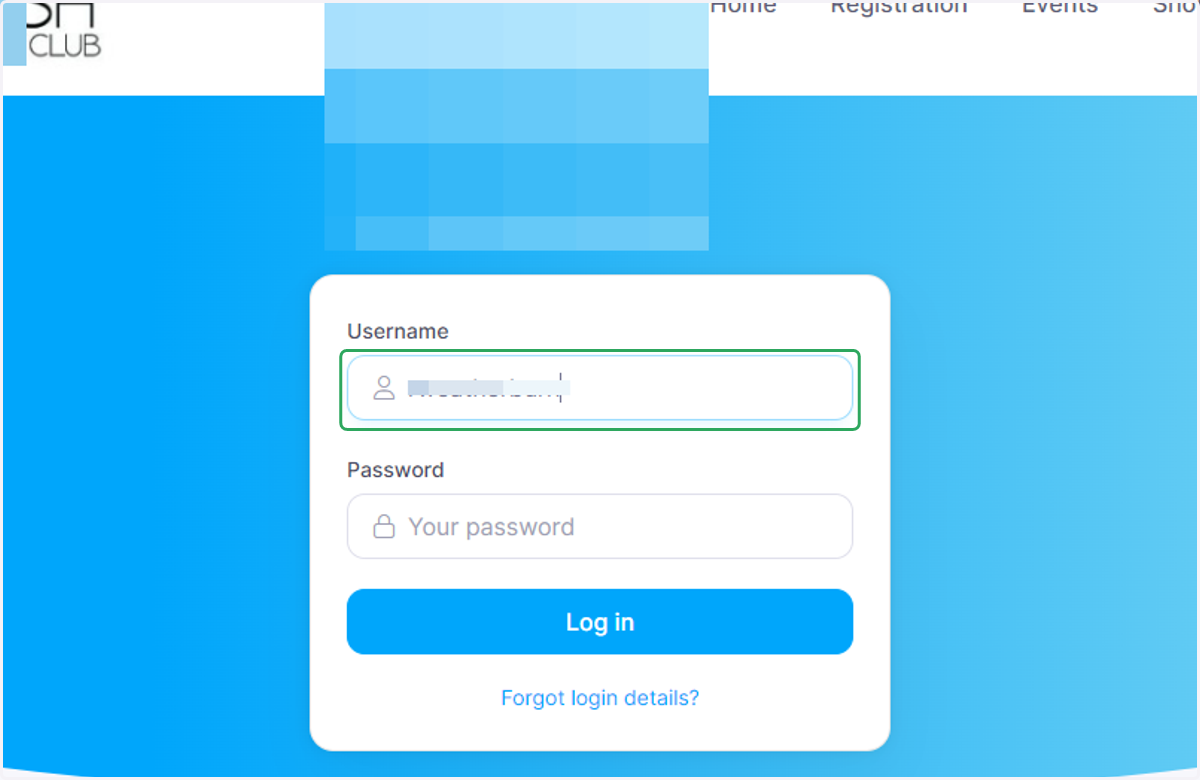
2. Enter your username and password then log in
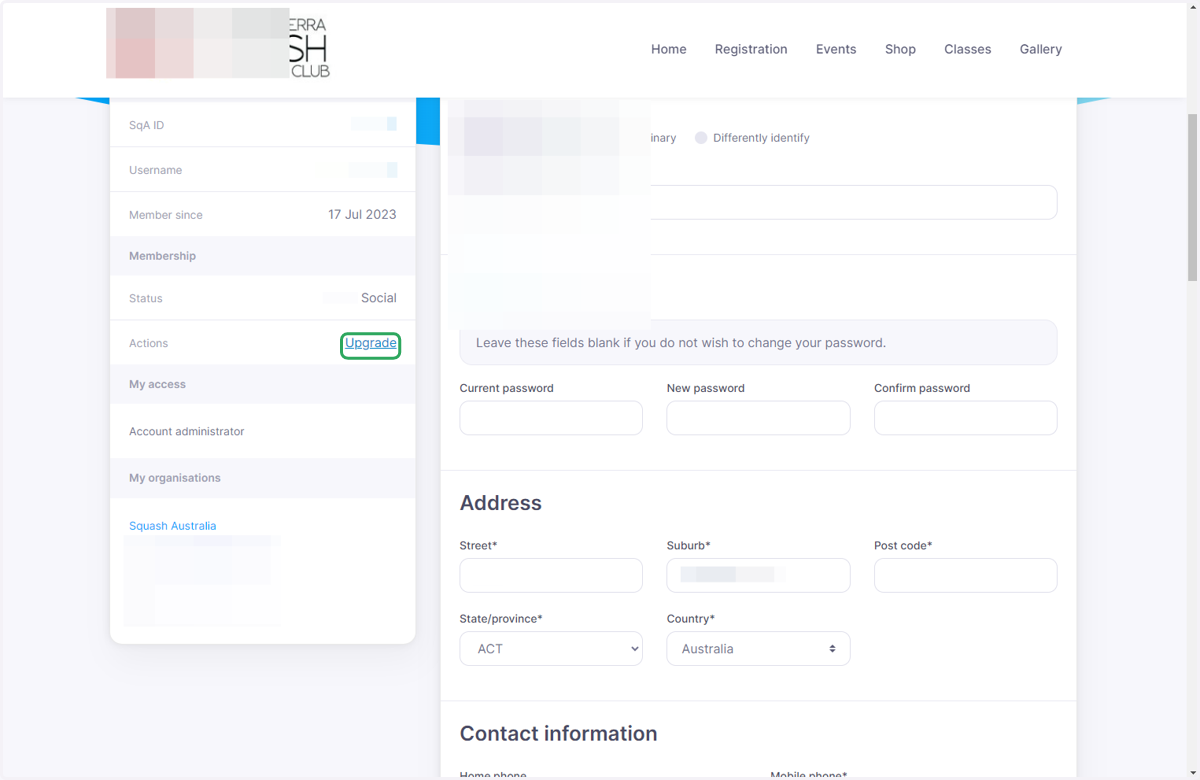
3. Click on the Upgrade link
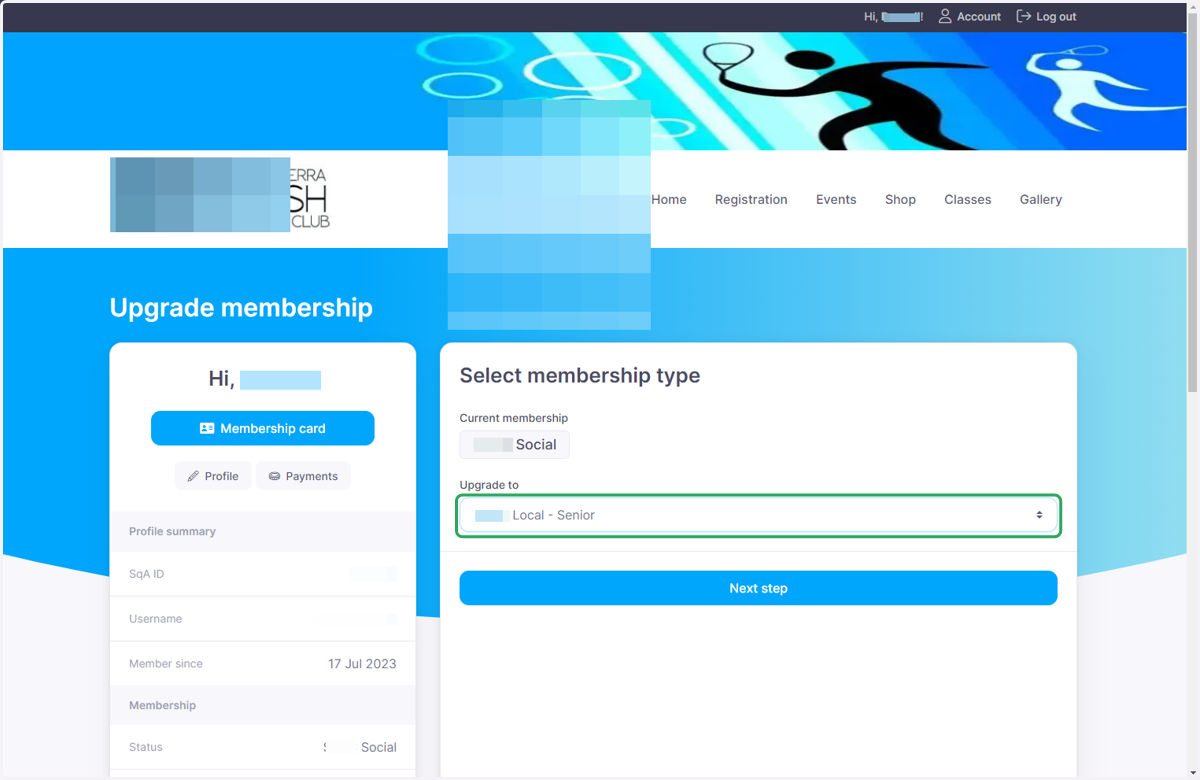
4. Select Local - Senior from Upgrade to
Note: The selection will depend on which membership level you want to upgrade to
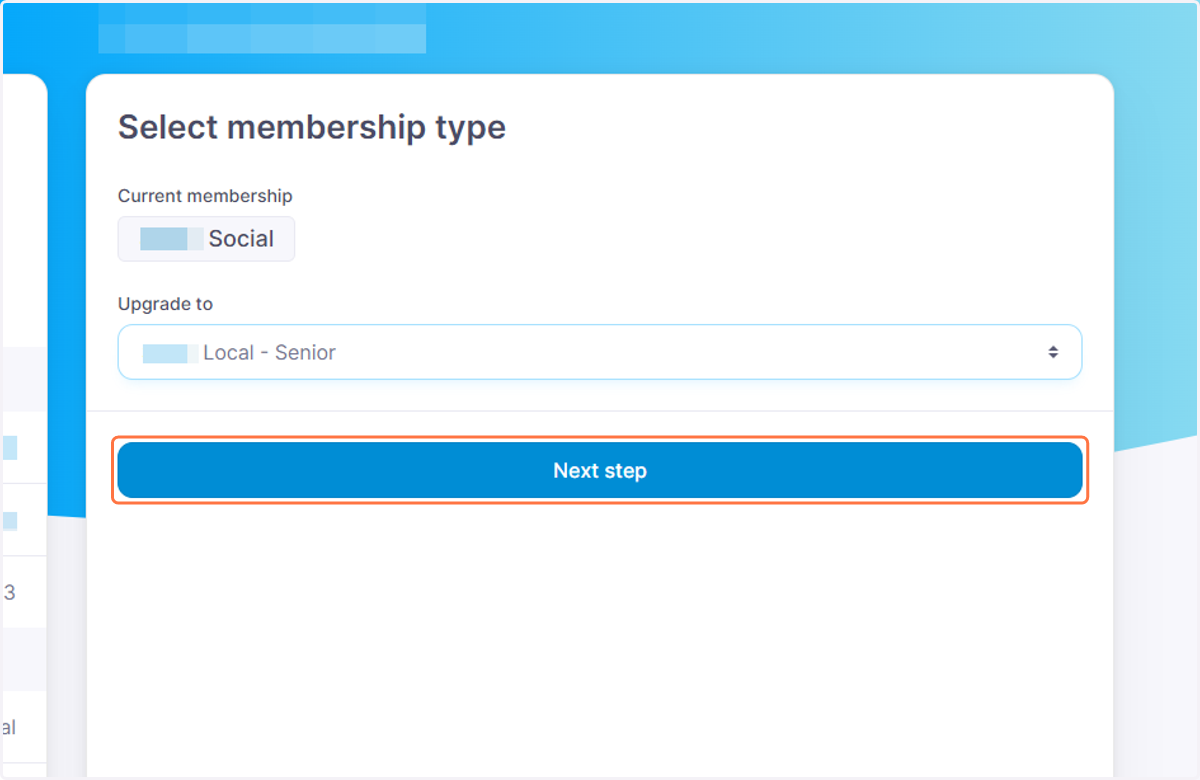
5. Click on Next step
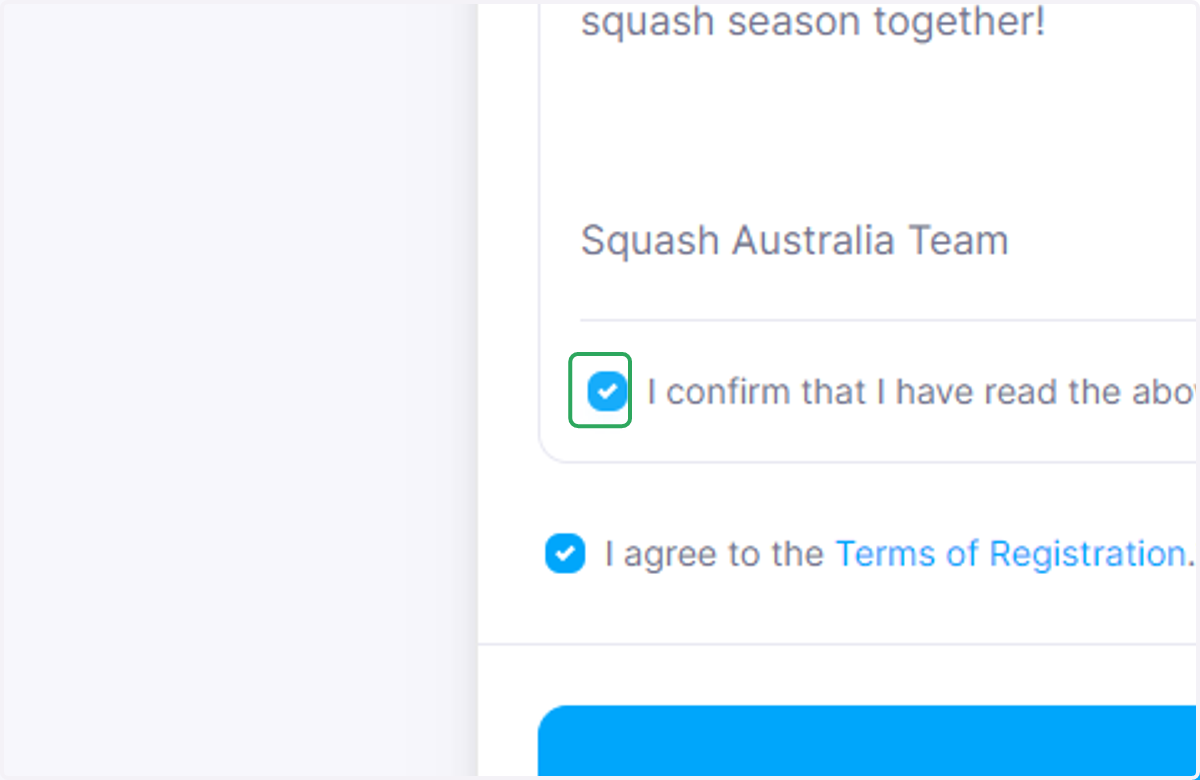
6. Check I confirm that I have read the above Terms in their entirety.*
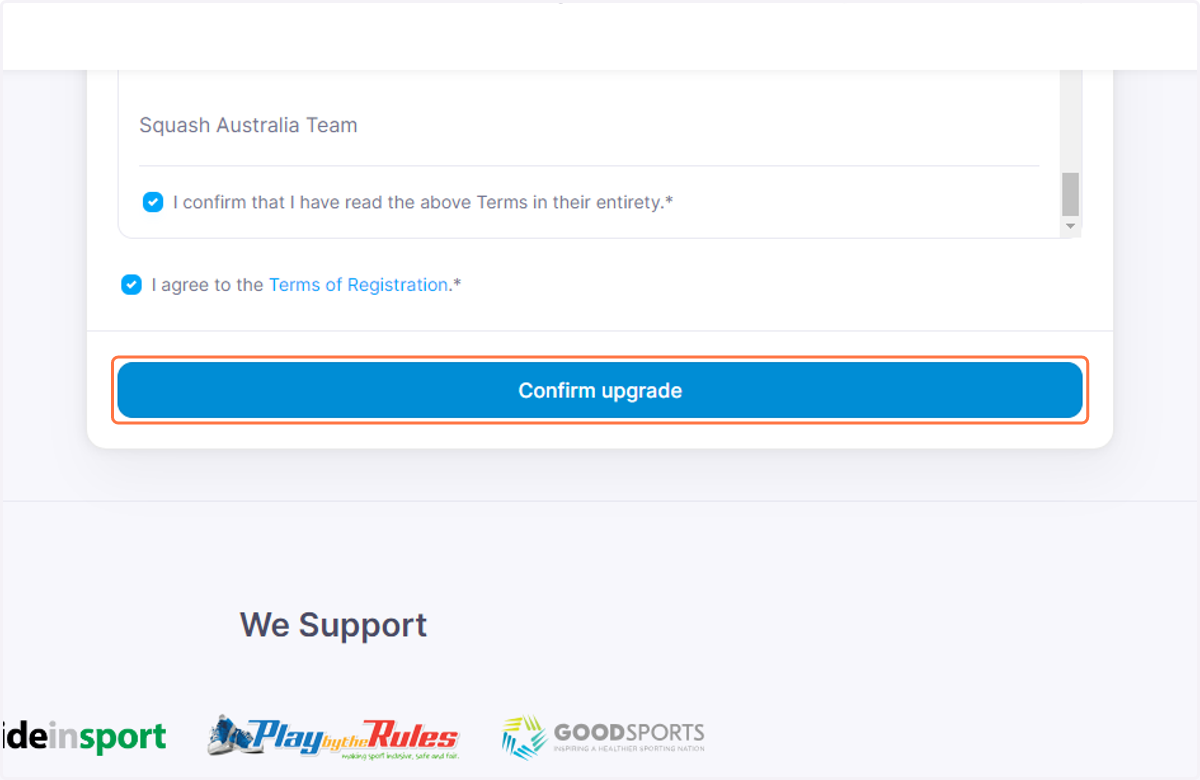
7. Click on Confirm upgrade
8. Click on Tax Invoice…