How to invite others to your Workspace
Tango
1. Go to Your Workspace homepage.
2. Click on Your Workspace…
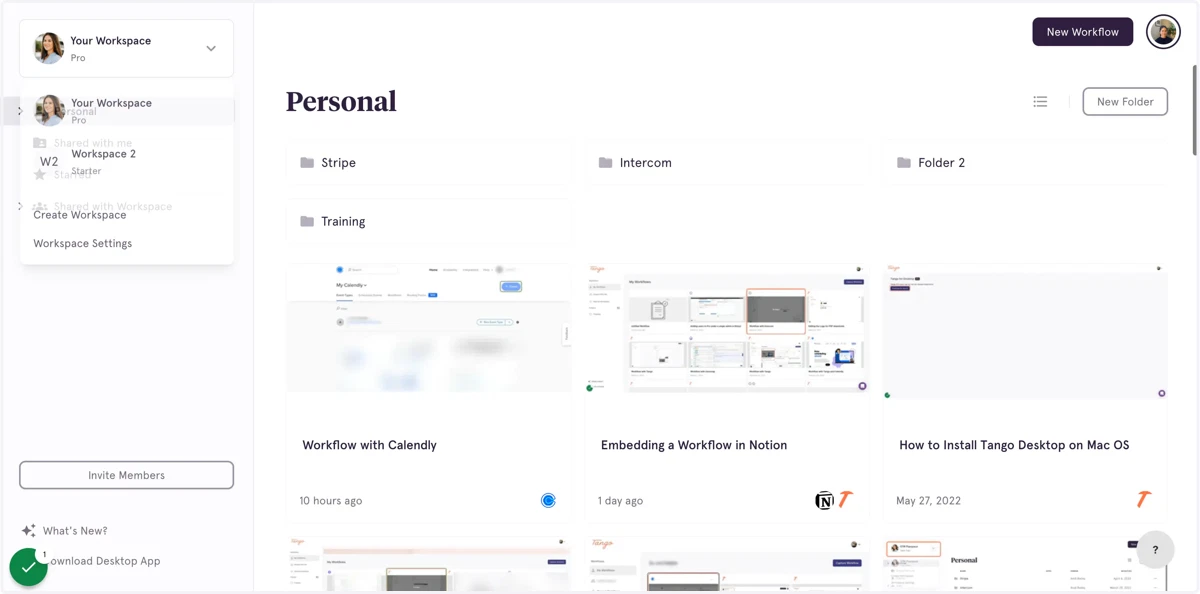
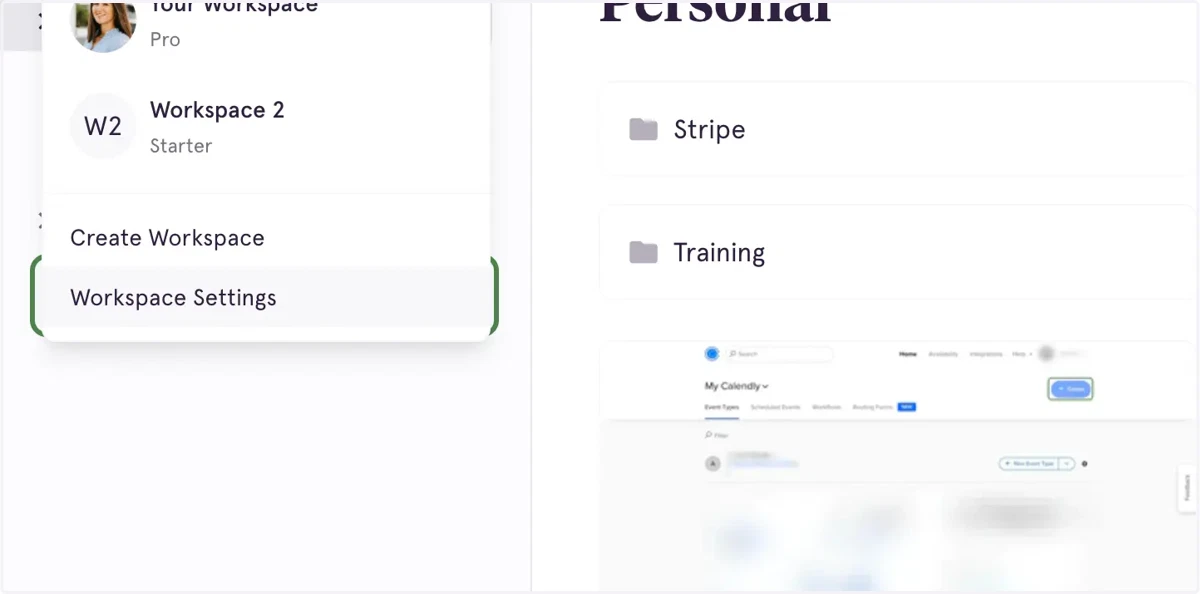
3. Click on Workspace Settings
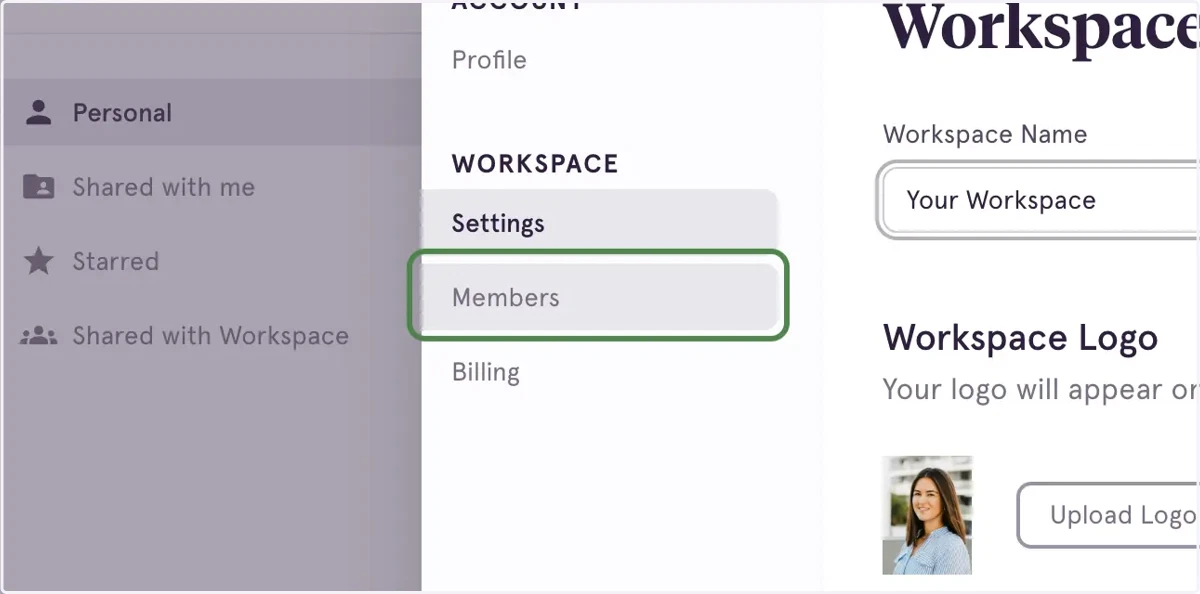
4. Click on Members
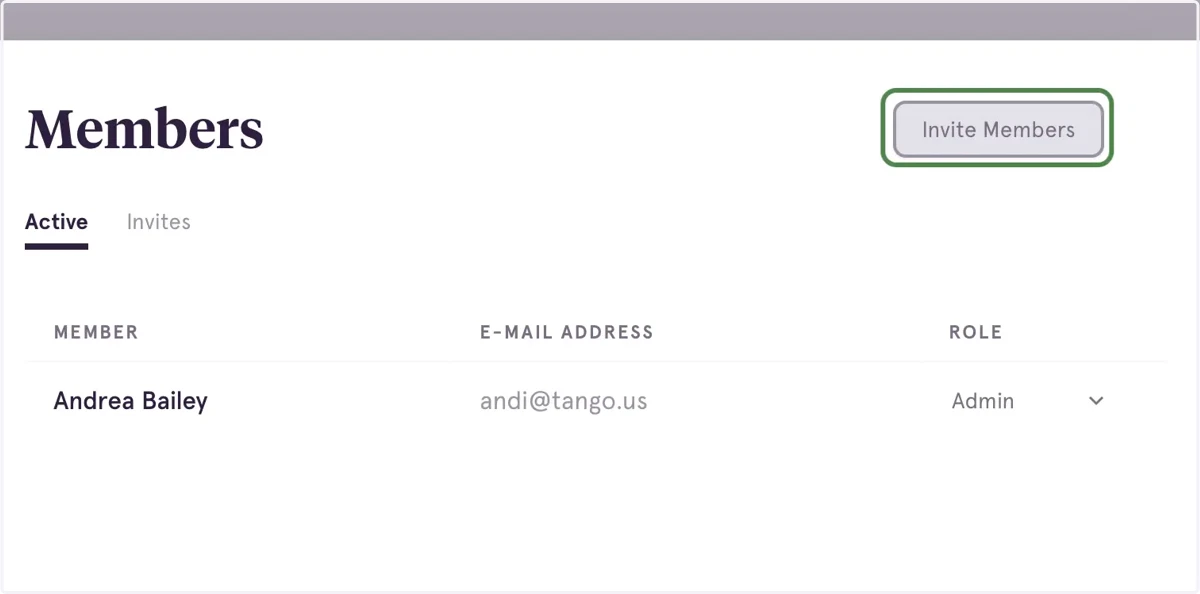
5. Click on "Invite Members"
You can also see who you've already invited on this screen under Invites.
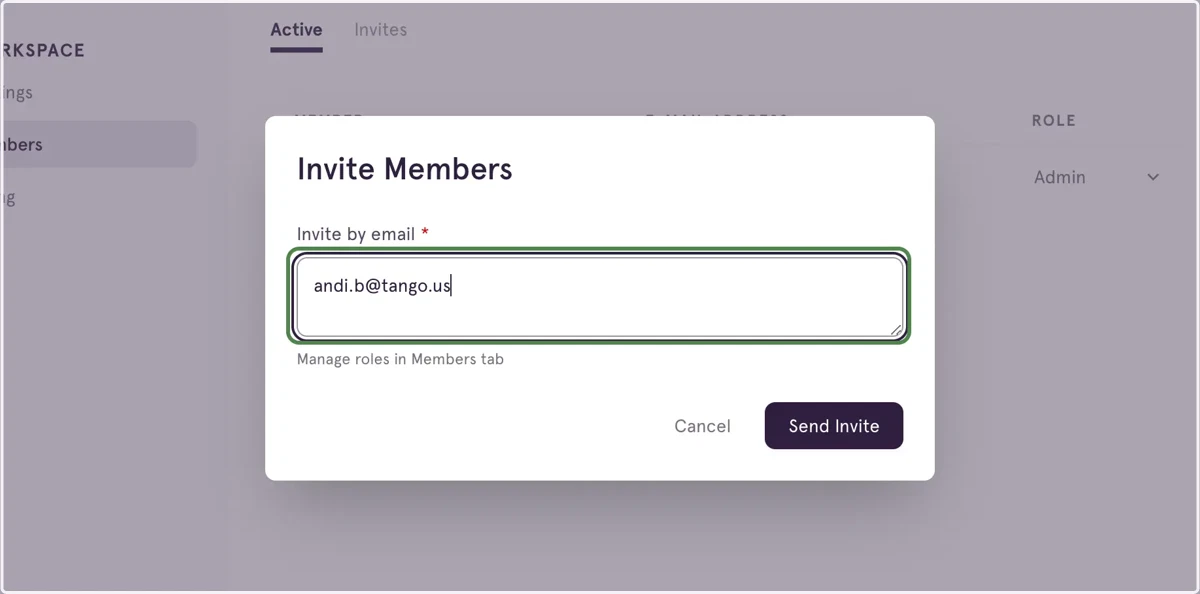
6. Type the email address of the user you'd like to invite
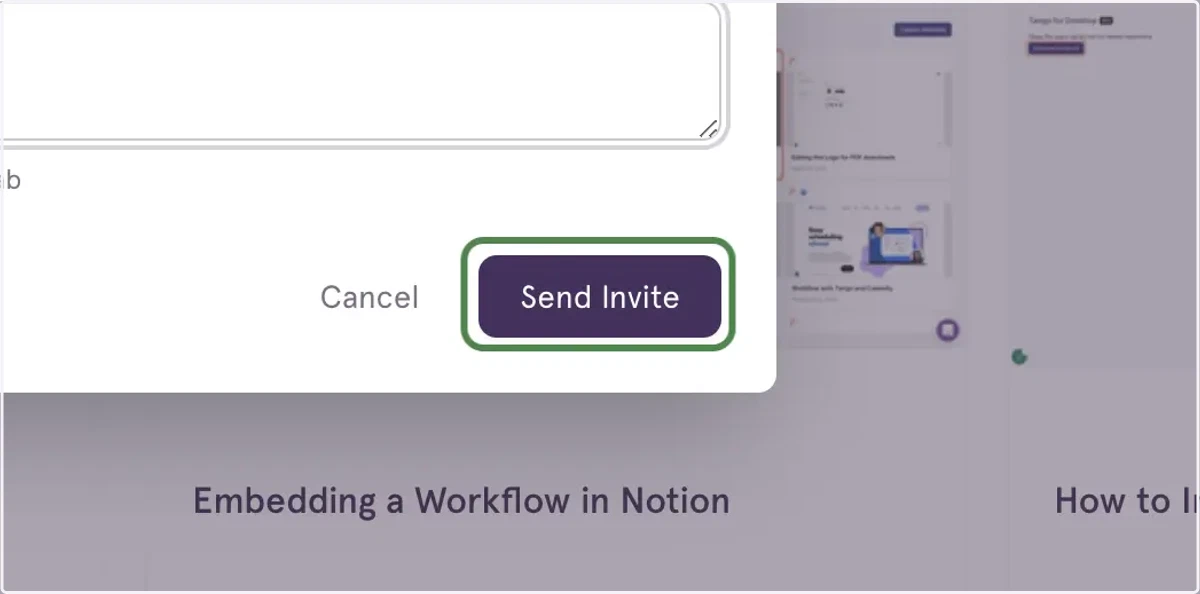
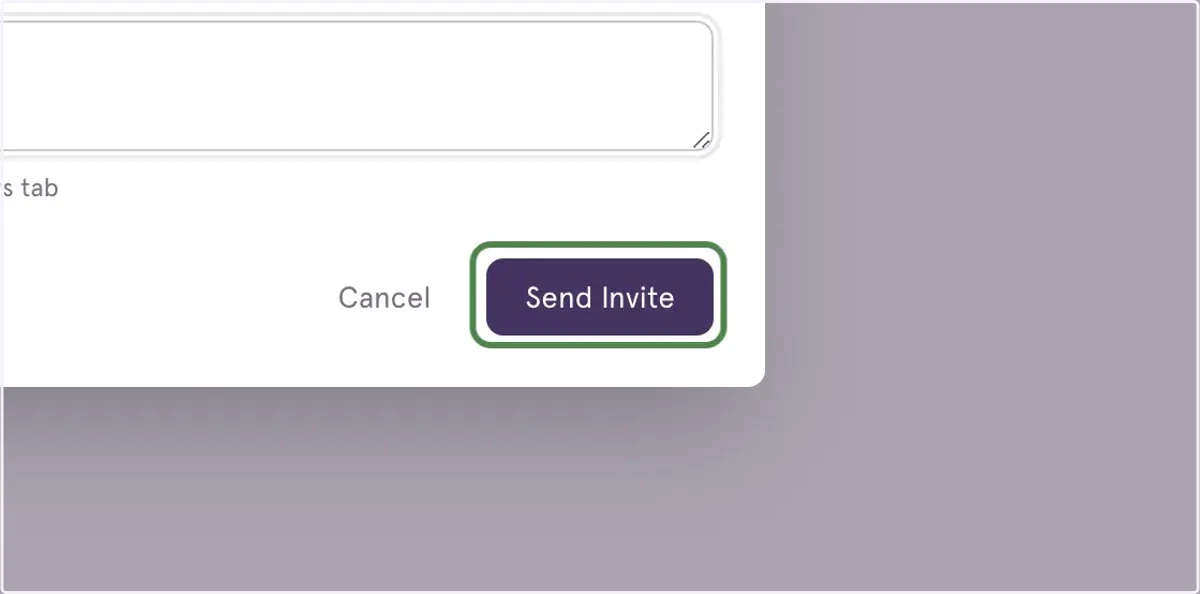
7. Click on Send Invite
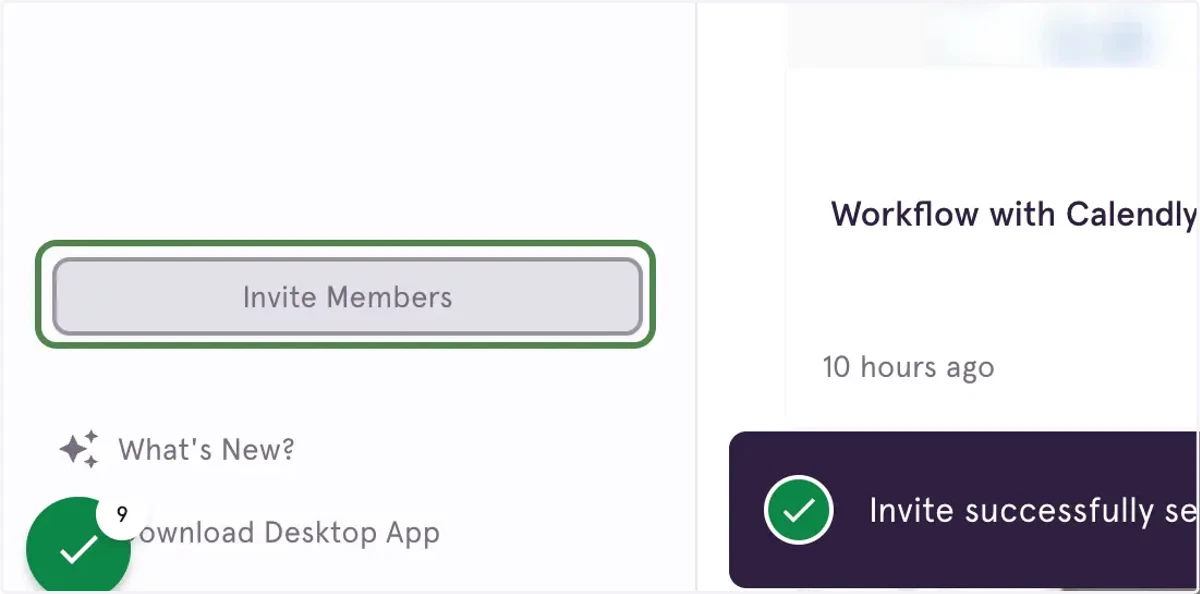
8. You'll see a pop-up when the invite has successfully been sent
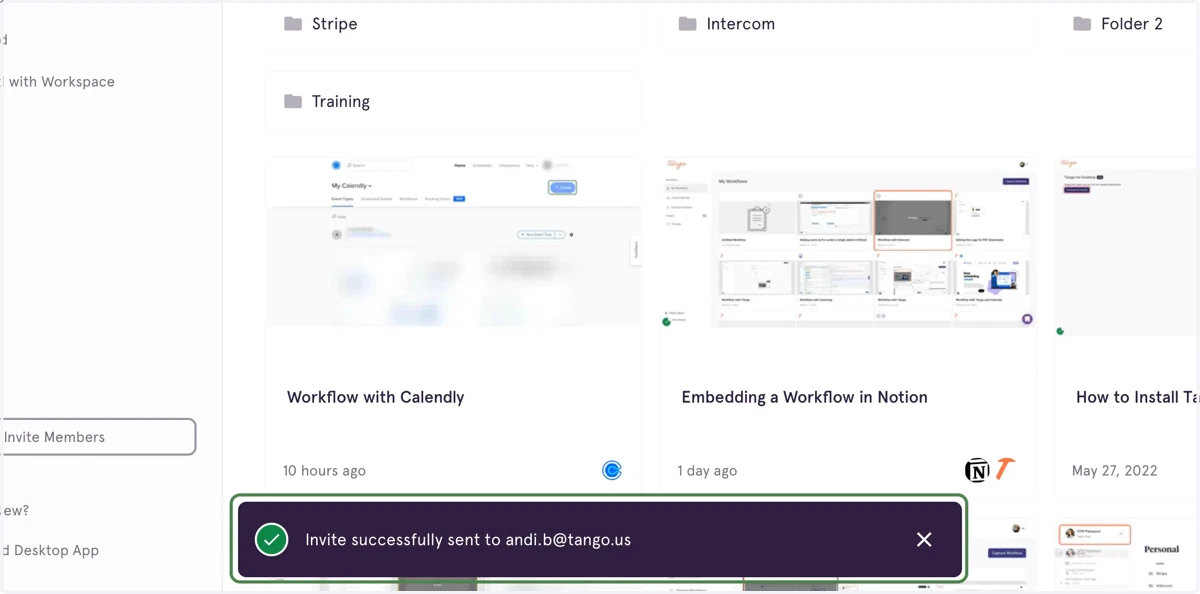
9. You can also invite users by clicking on Invite Members on the bottom left of your screen
10. Type the email address of the user you want to invite.
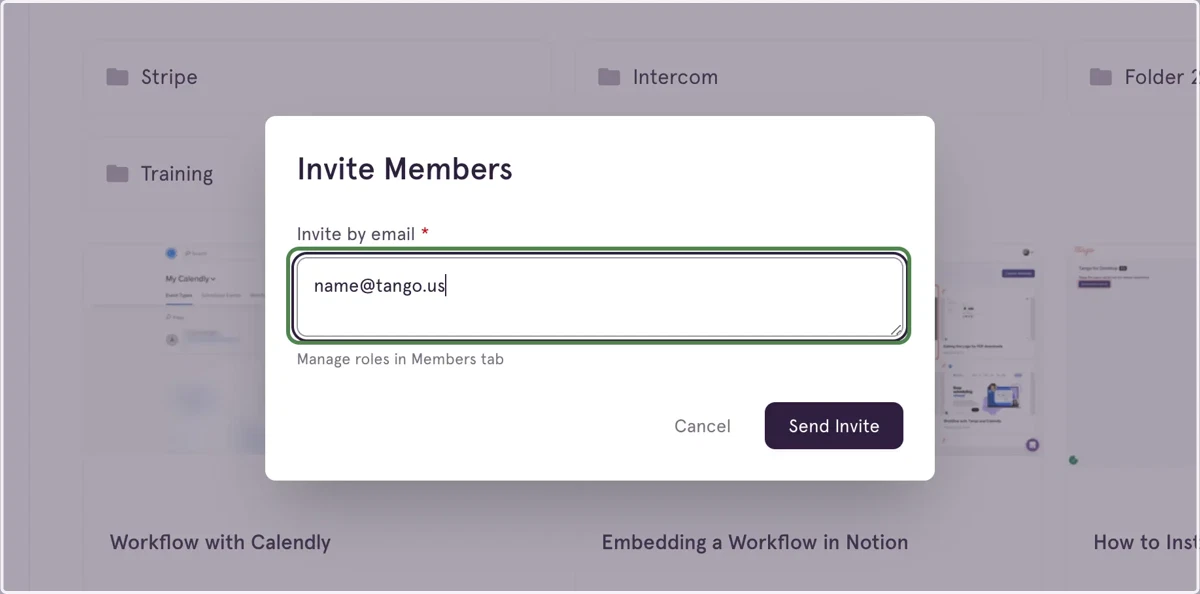
11. Click on " Send Invite"