iOS - How to Create a Discord Account and find Your Username
This Tango Guide will show you how to download and create a Discord account on iOS.
Downloading for your iPhone
1. Go to the app store on your phone and search for the app Discord.
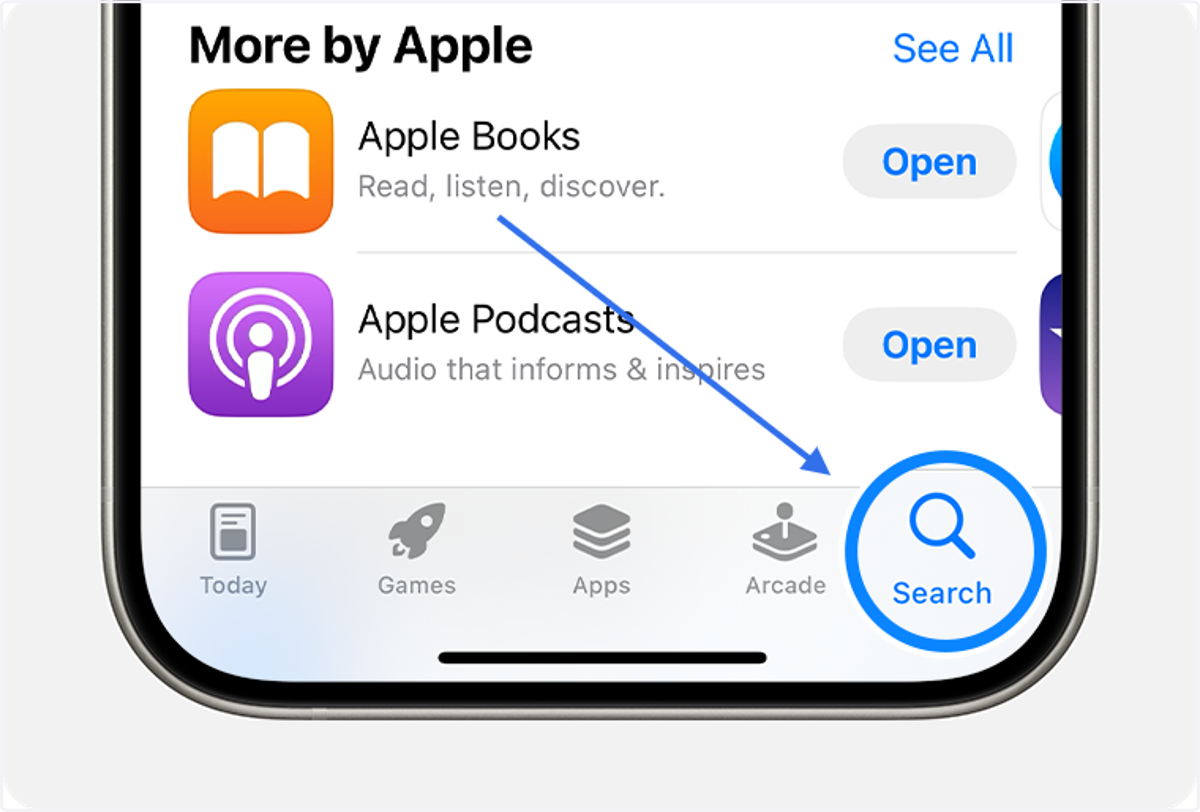
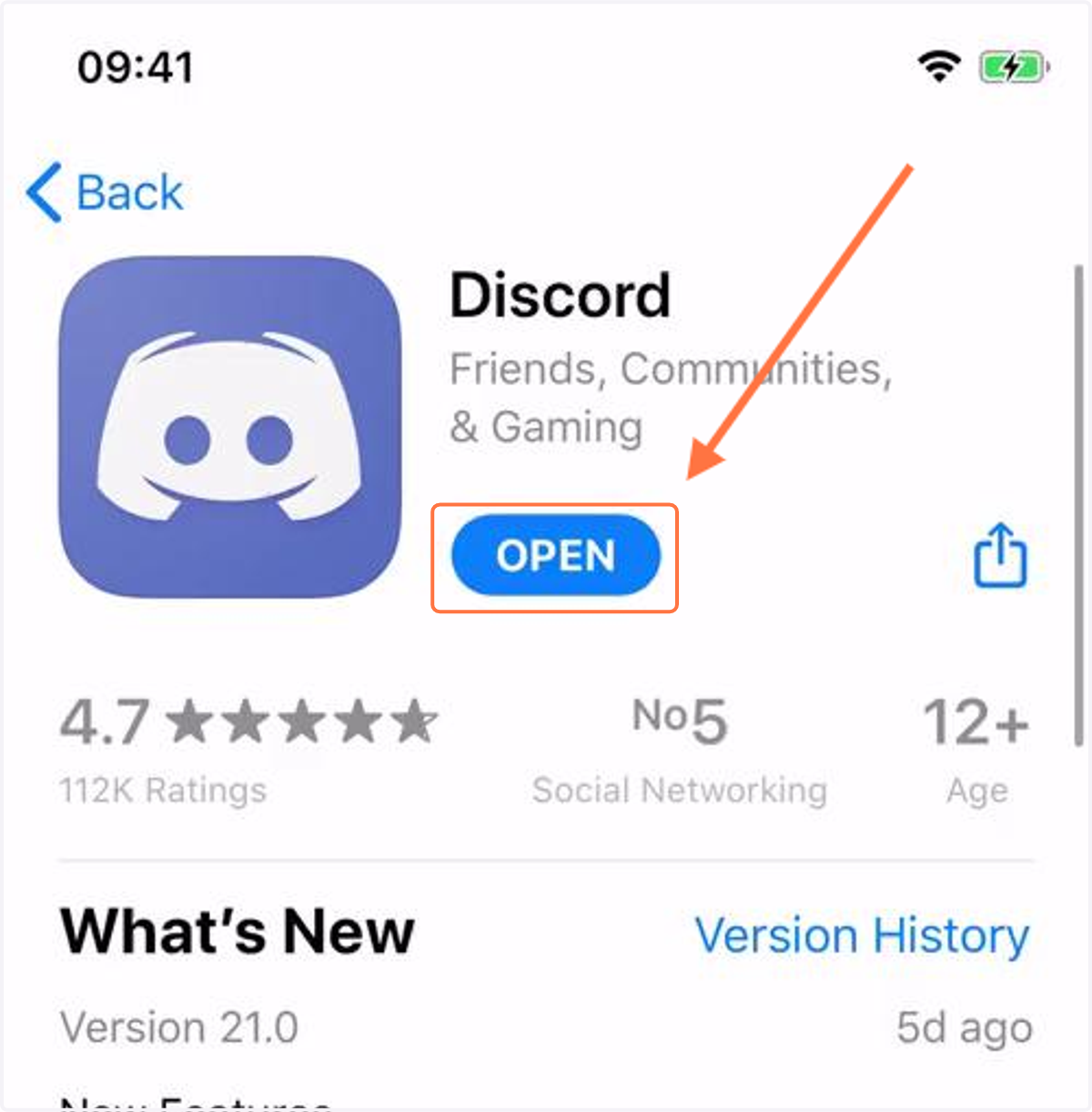
2. Make sure to download the app and open it once it's ready.
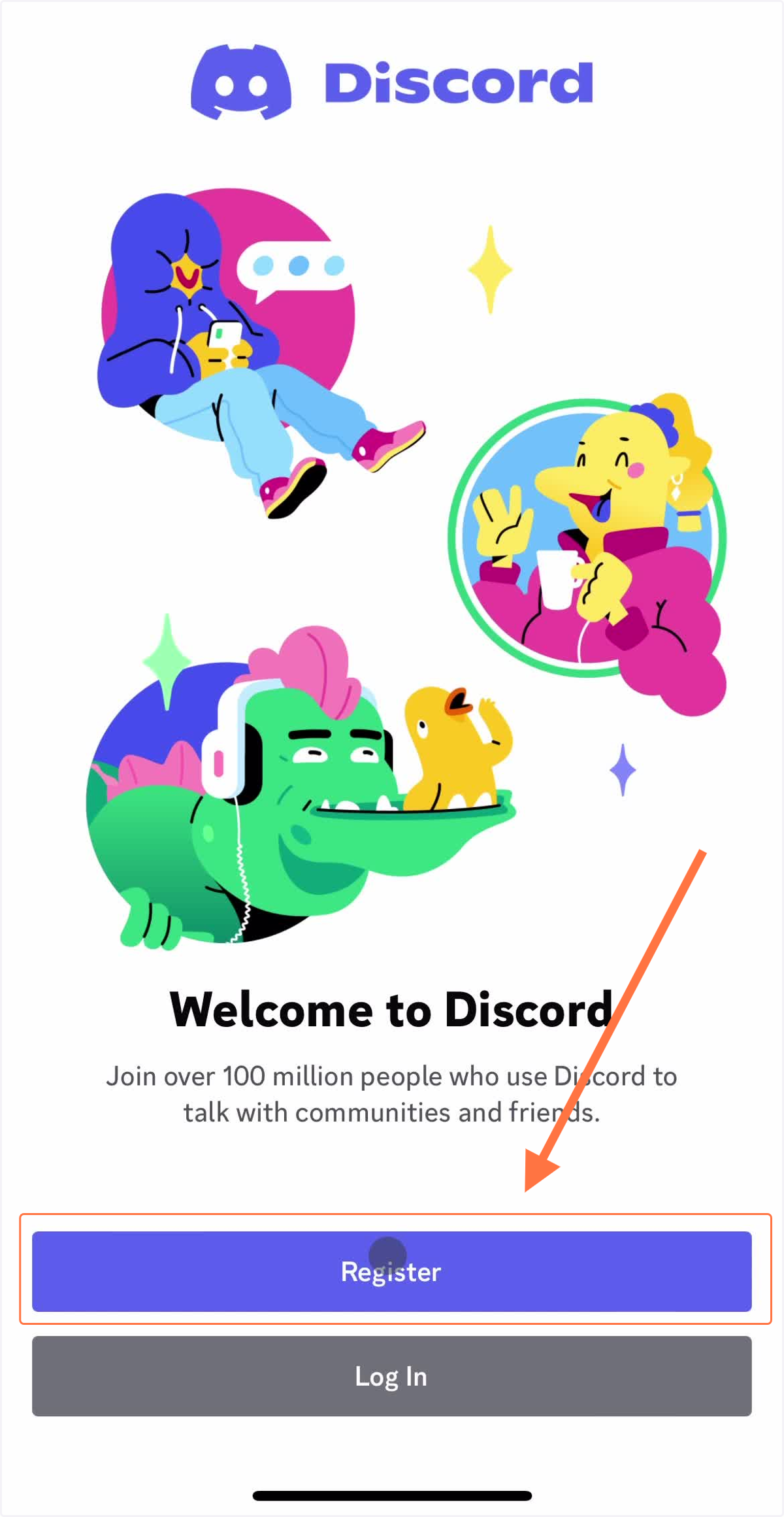
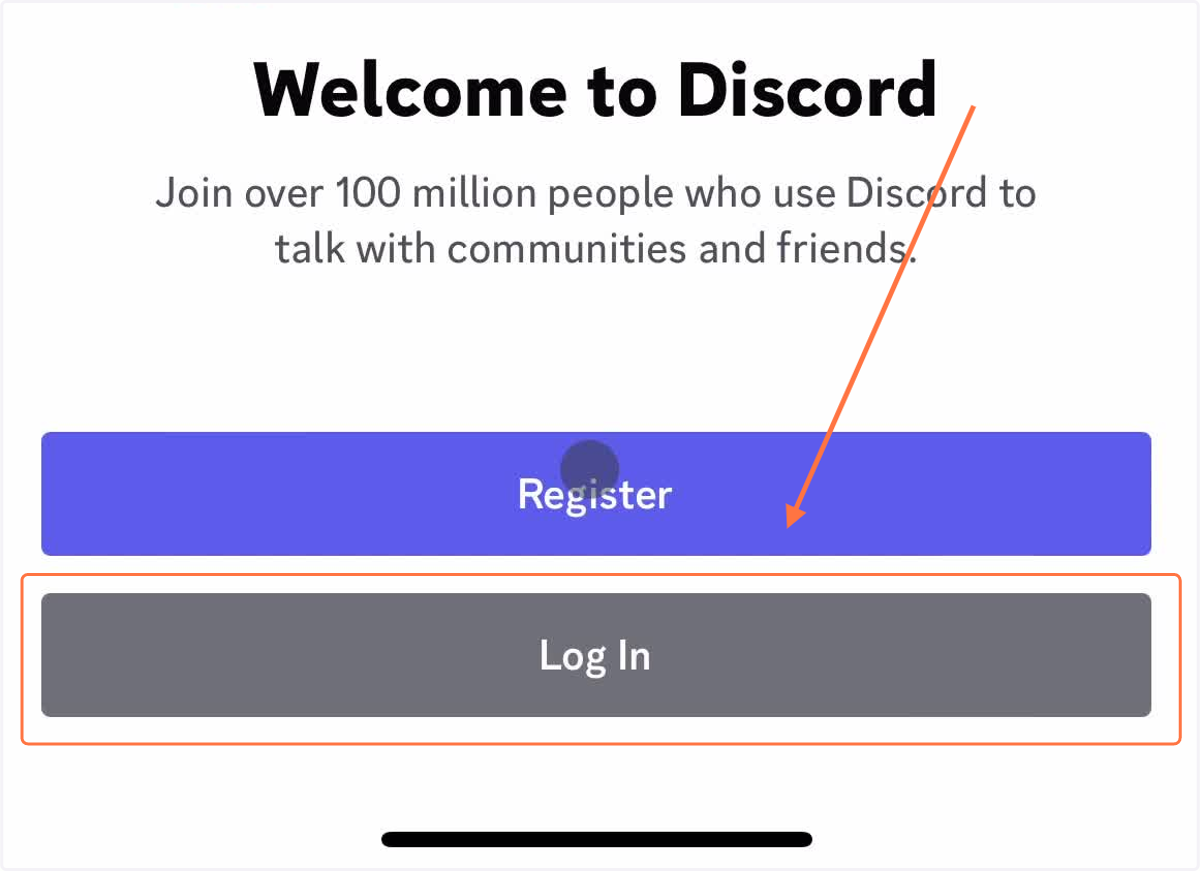
3. Once you open the app, create an account by registering. Below are some helpful info!
Email:
Display name: (This is a name that everyone will recognize you as. You can make it your name, something important to you, or even a favorite color!)
Username:
Password:
DOB:
4. Once you register go ahead and log in!
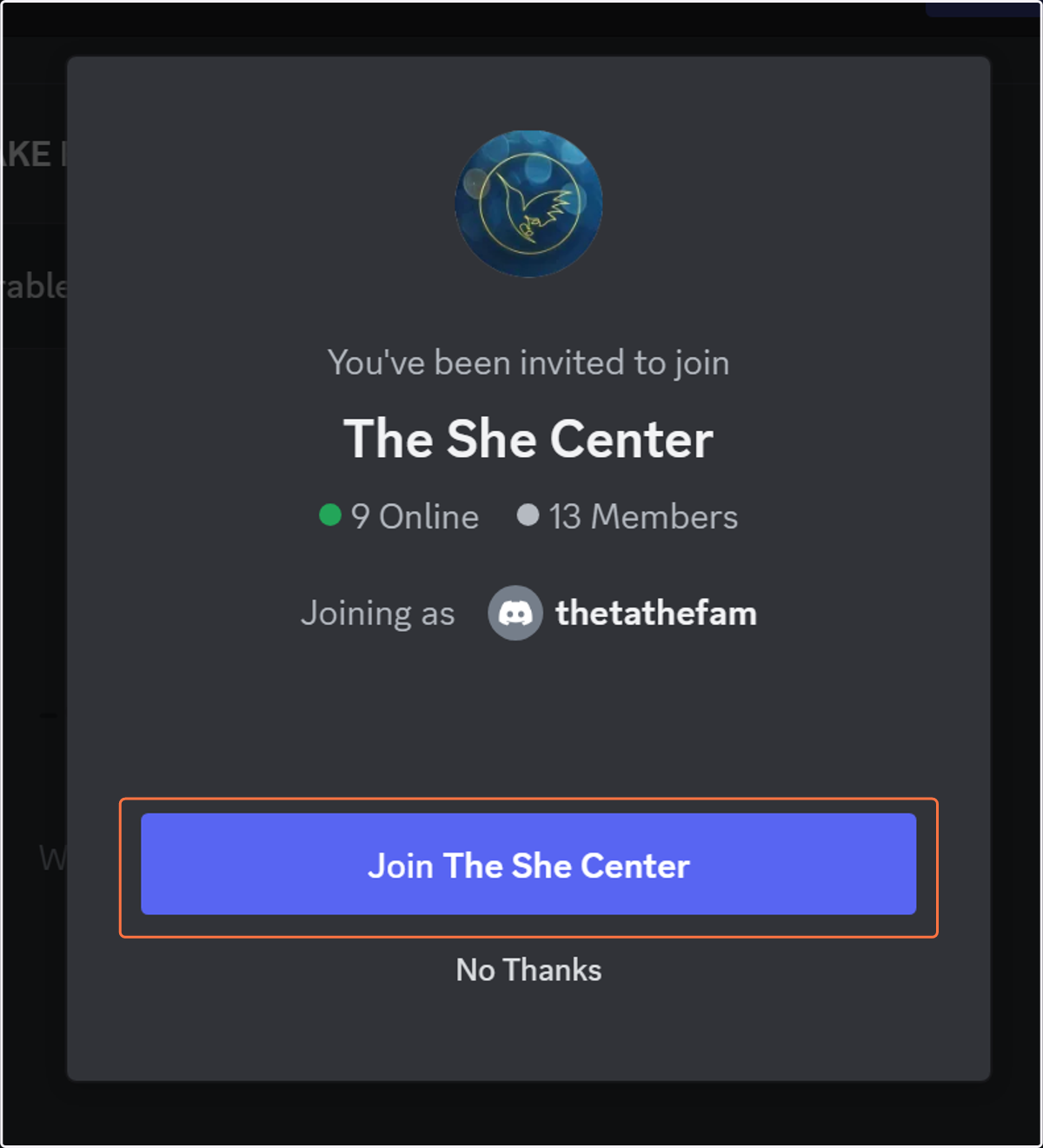
5. After you login, click on the link below to join The She Center server!
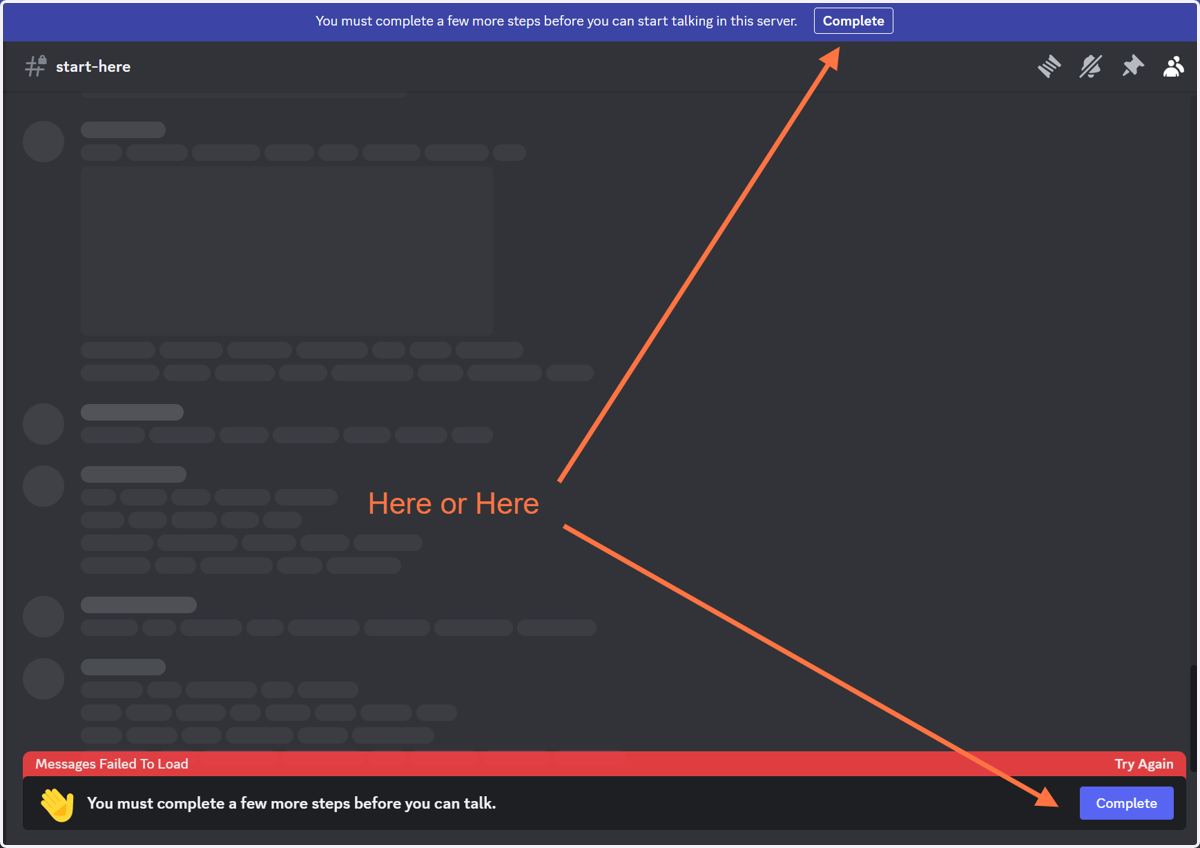
6. If you see this, make sure to click complete and accept the rules of our server!
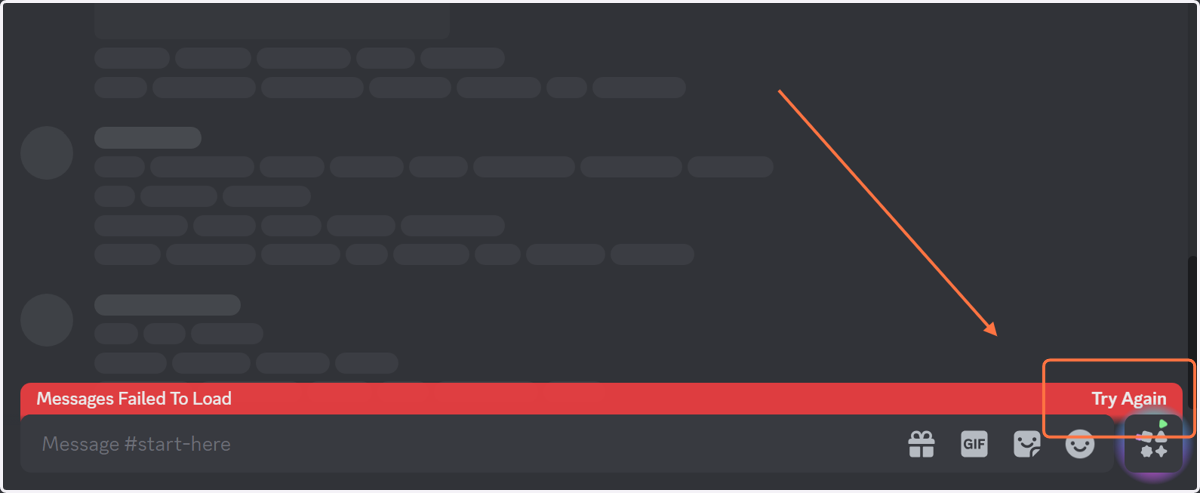
7. Click Try again if the message isn't loading!
8. Read through our welcome message and fill out our discord form! The message there will guide you on what to do next!
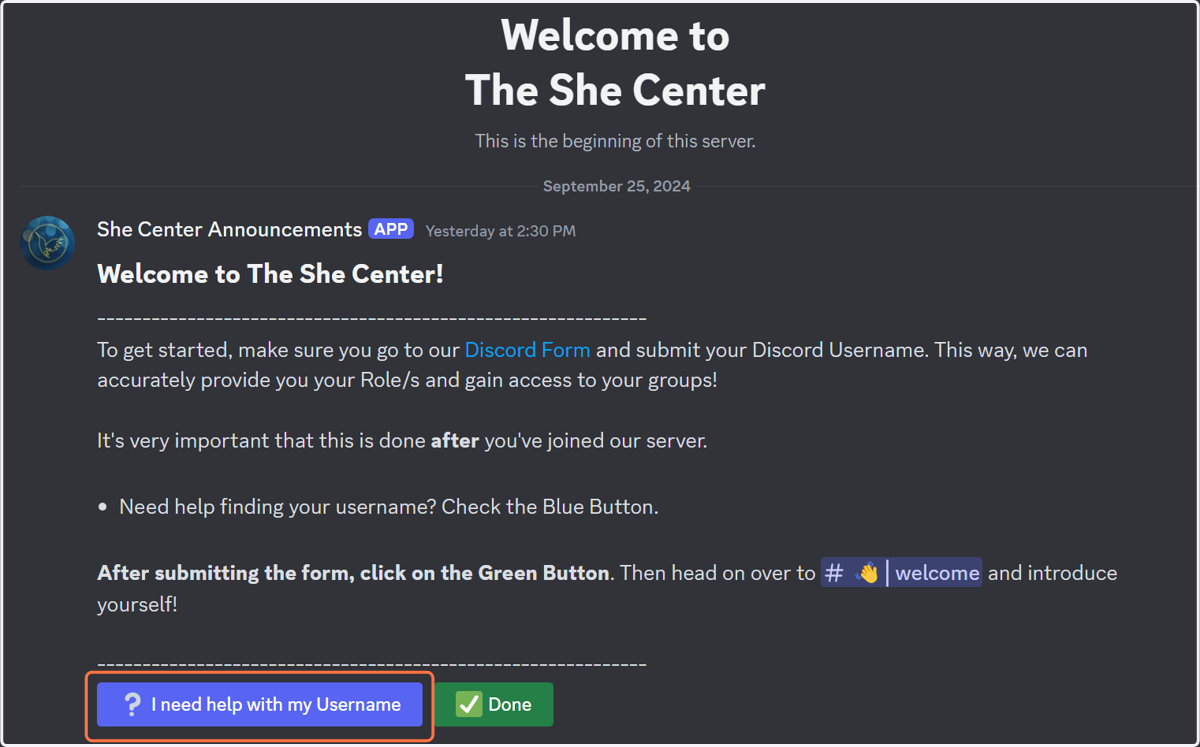
Filling out our Form
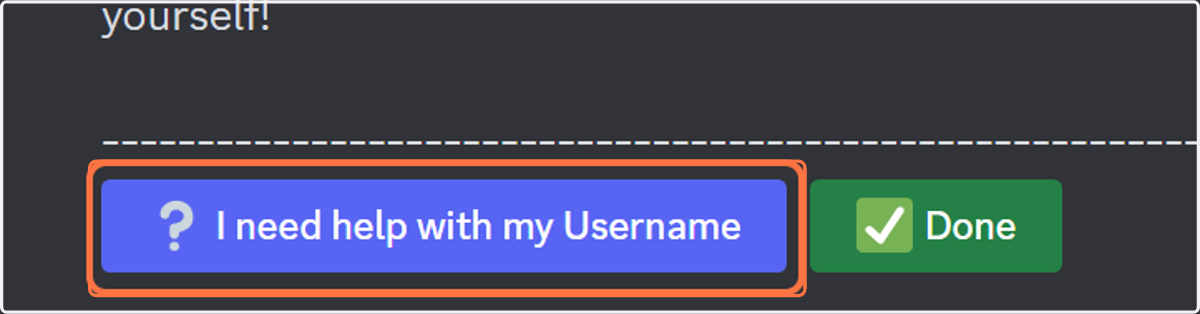
9. If you need help finding your username, click on this button in our discord message!
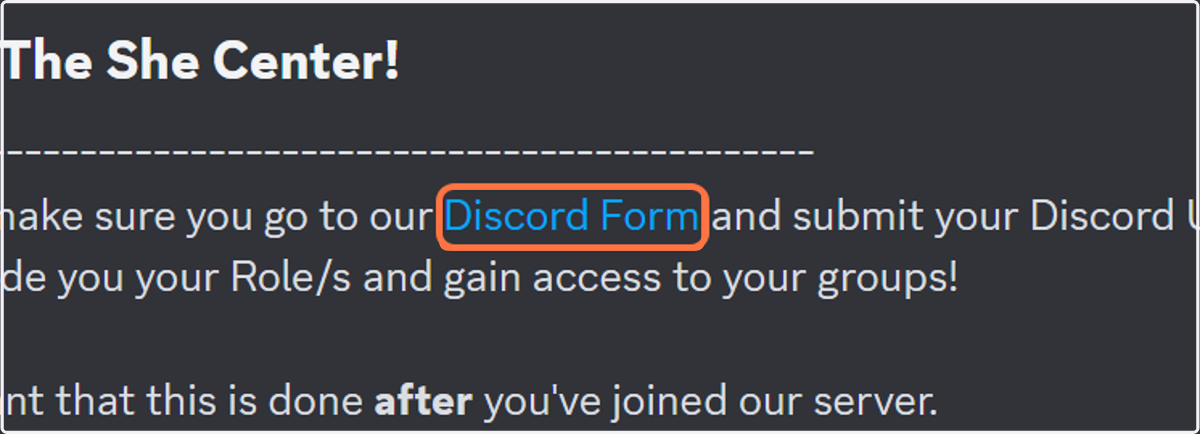
10. Click on the text Discord Form to open it in your browser!
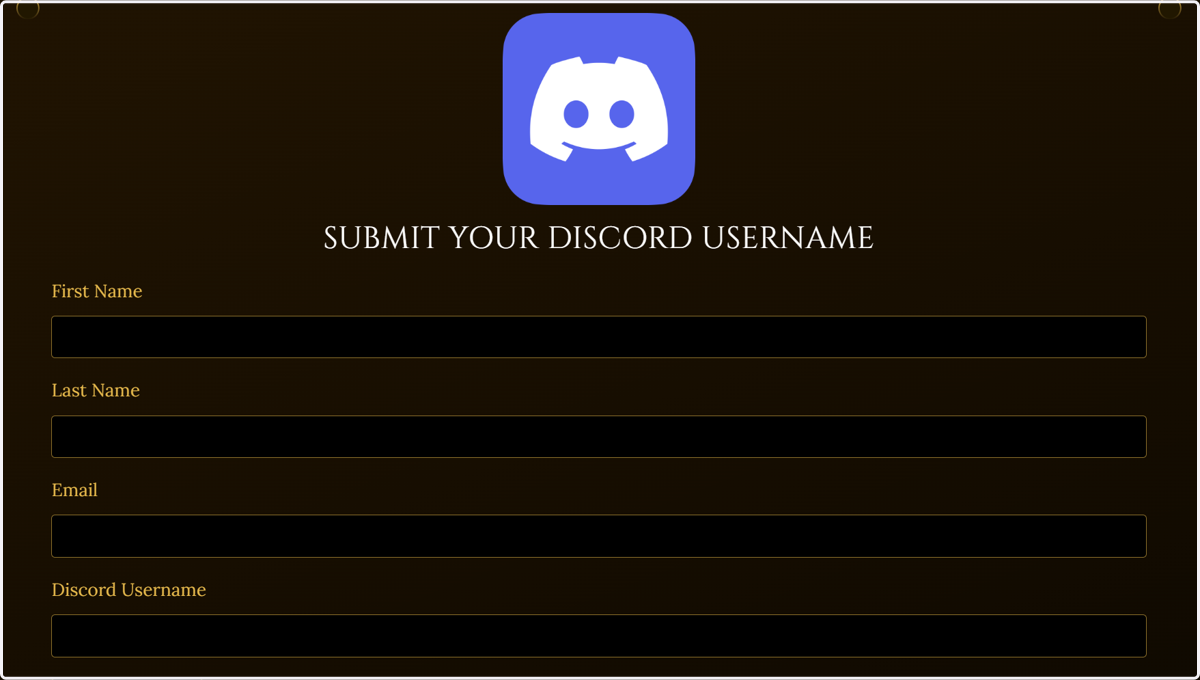
11. The form will look like this. Here's some help on what to fill out.
First Name: Your full First Name
Last Name: Your full Last Name. If you have 2 names, simply put a dash.
Email: The email address at which you receive emails from The She Center, to ensure we can connect your profile accurately.
Username: The Username provided to you via our message.
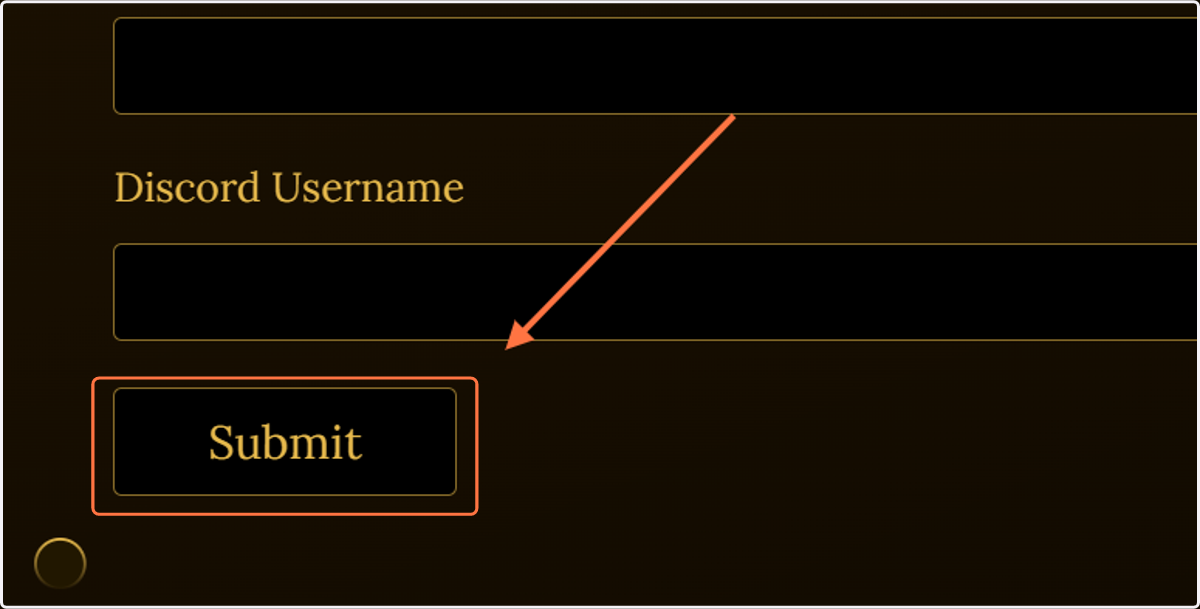
12. Once you're done, click Submit!