Purchasing LUSD One2One Chromebook Coverage Slide Guide
Lammersvilleschooldistrict
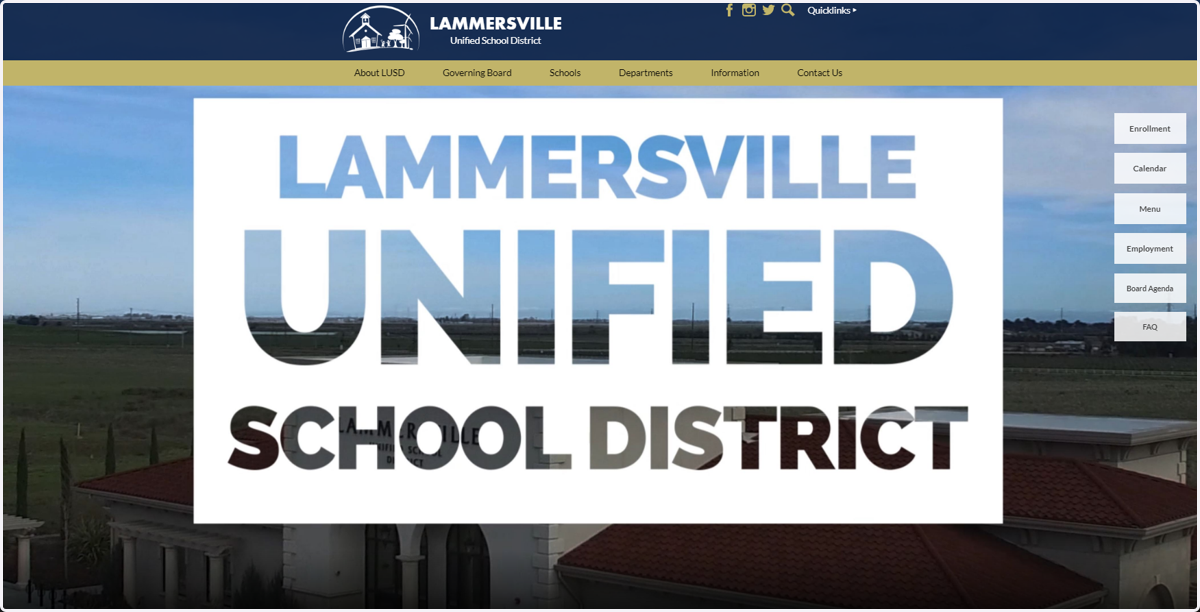
1. Go to Lammersville Unified School District
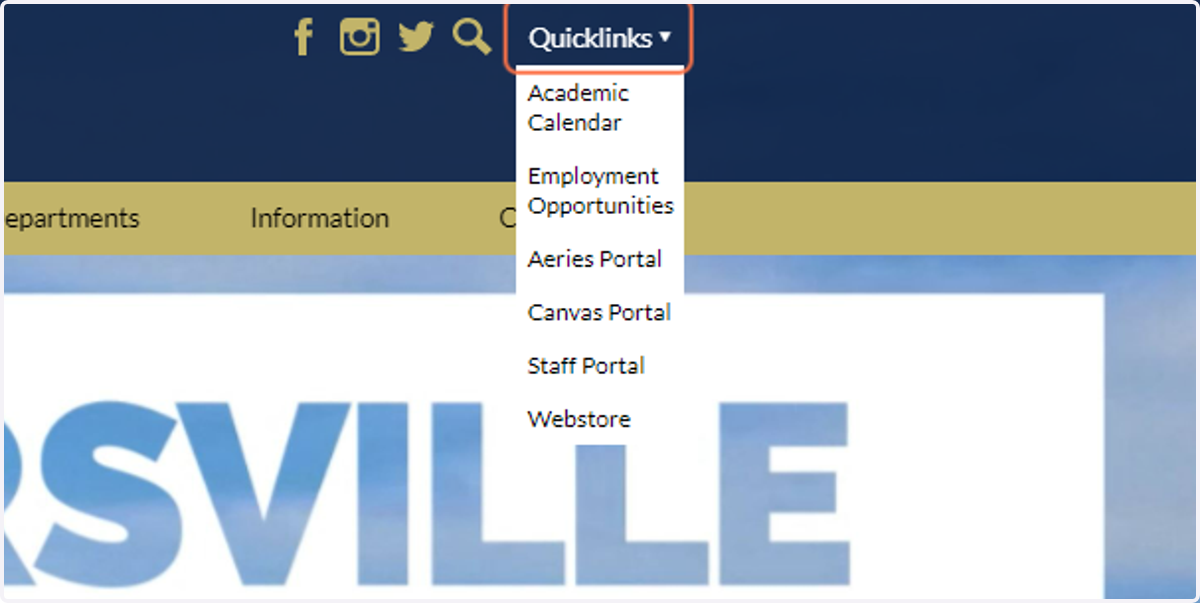
2. Click on Quicklinks
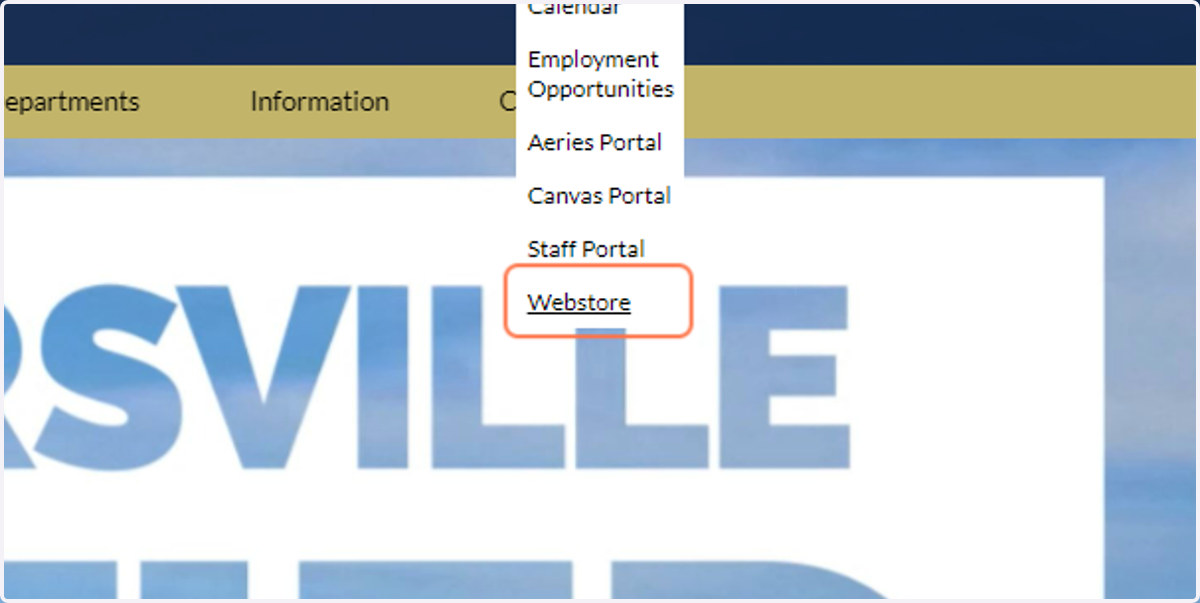
3. Click on Webstore
Graystep
4. Click on Account
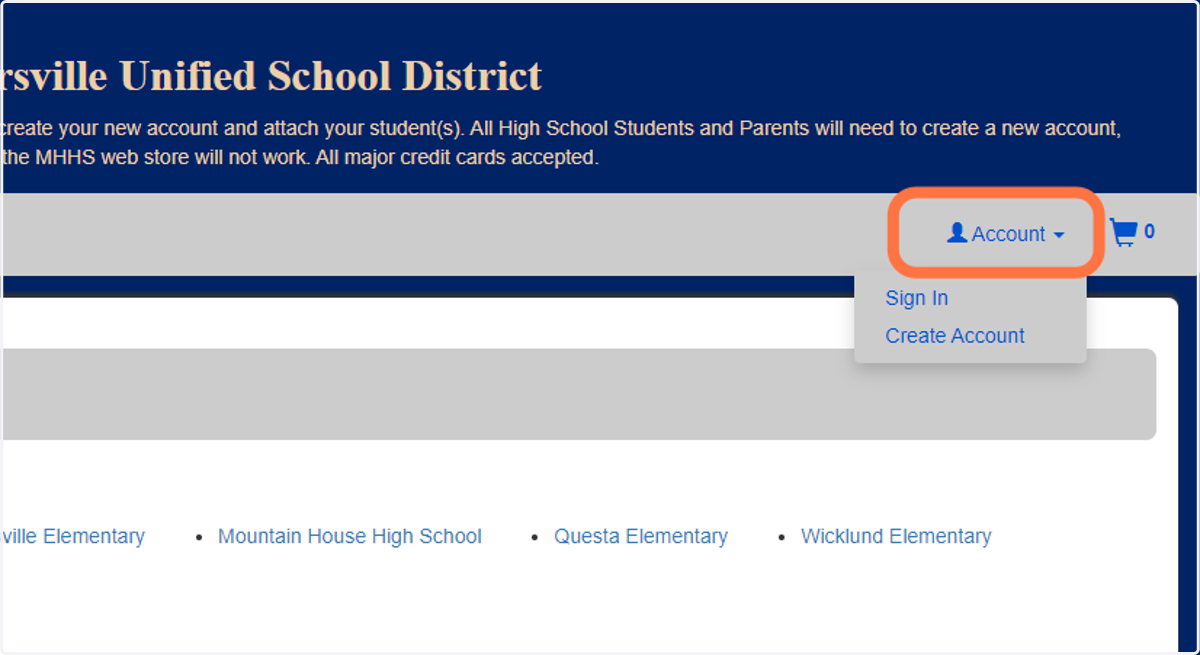
5. If you have already created an account, then you can SIGN IN and advance to STEP 14 to learn how to add FAMILY members
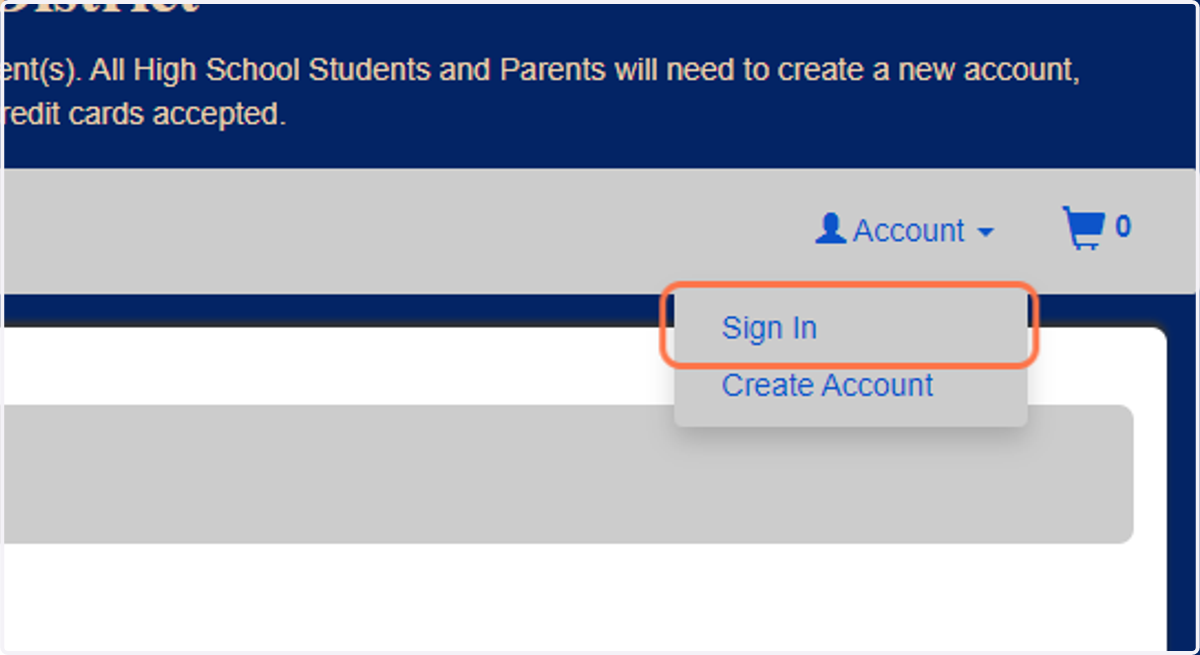
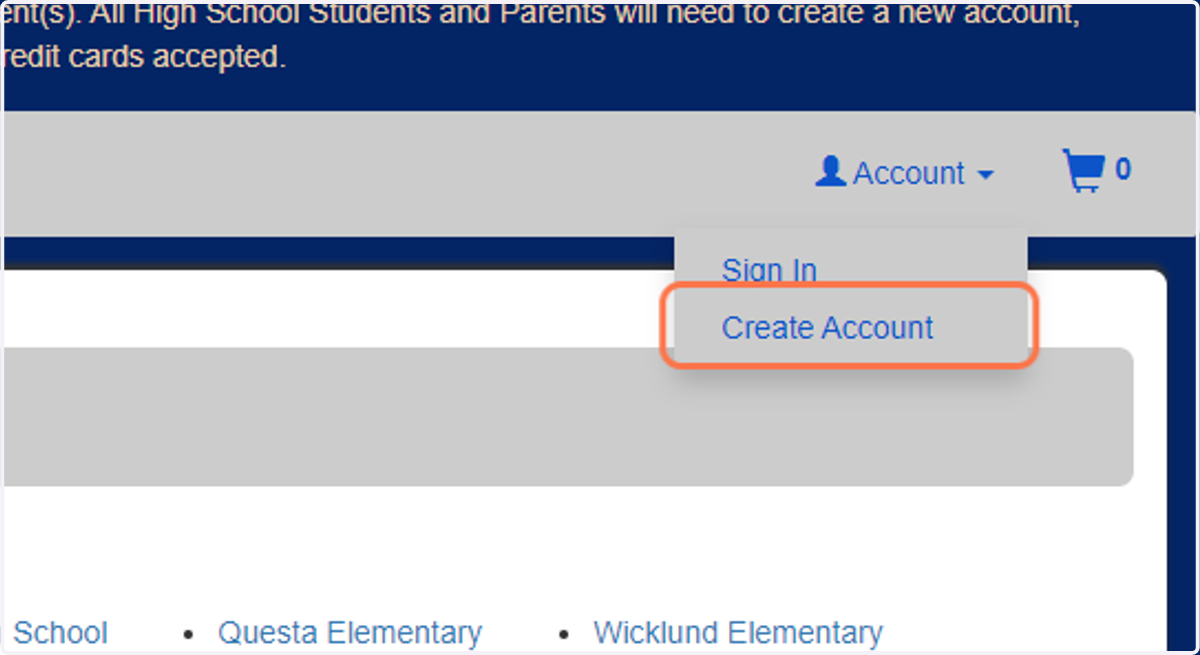
6. Click on CREATE ACCOUNT if this is your first time to the LUSD Web Store.
Lammersvilleschooldistrict
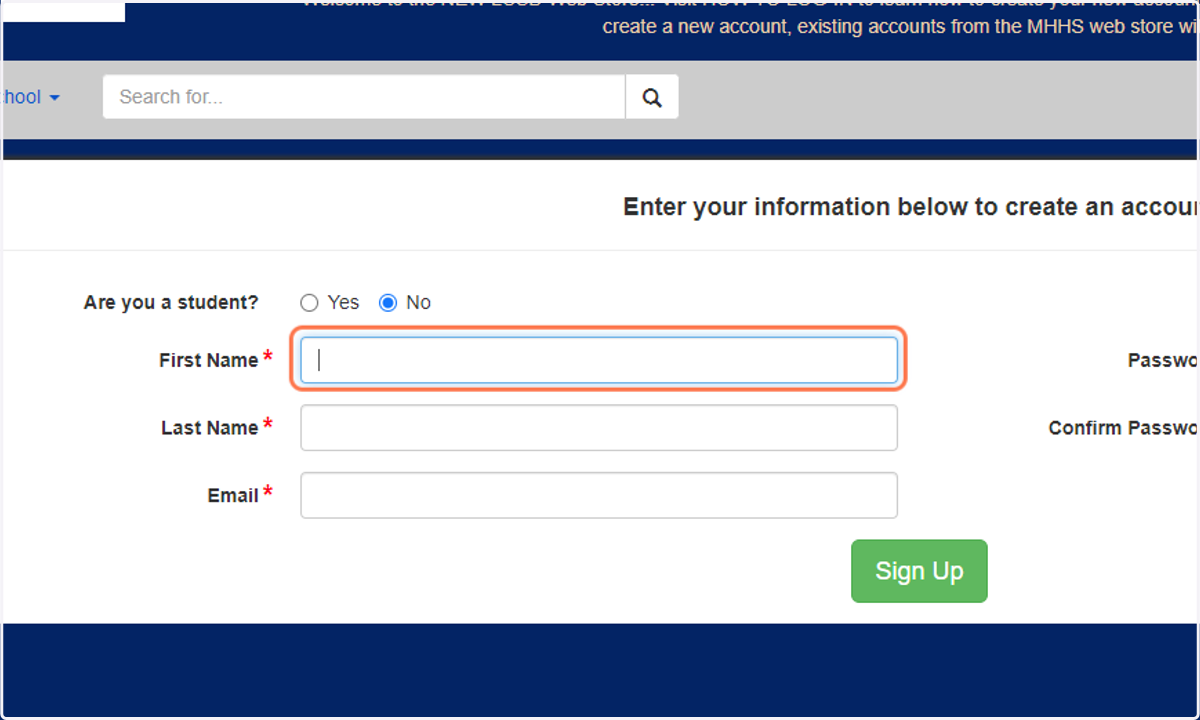
7. Enter your First Name
Graystep
8. Enter your Last Name
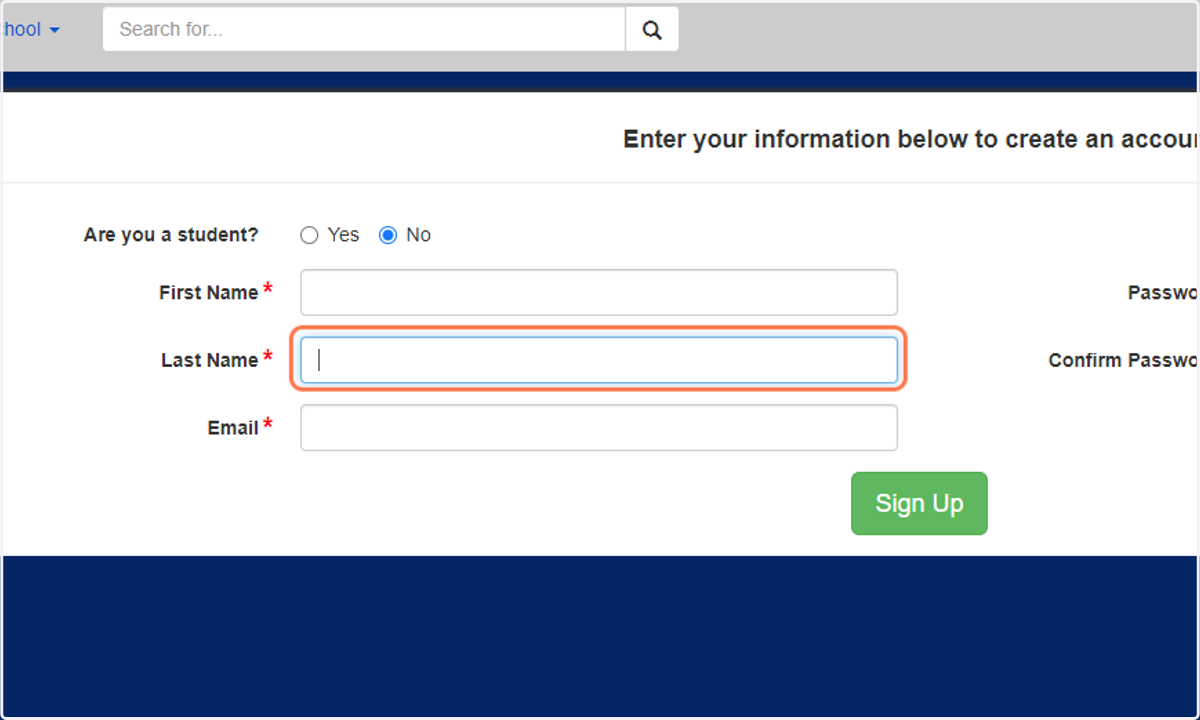
9. Enter your Email Address
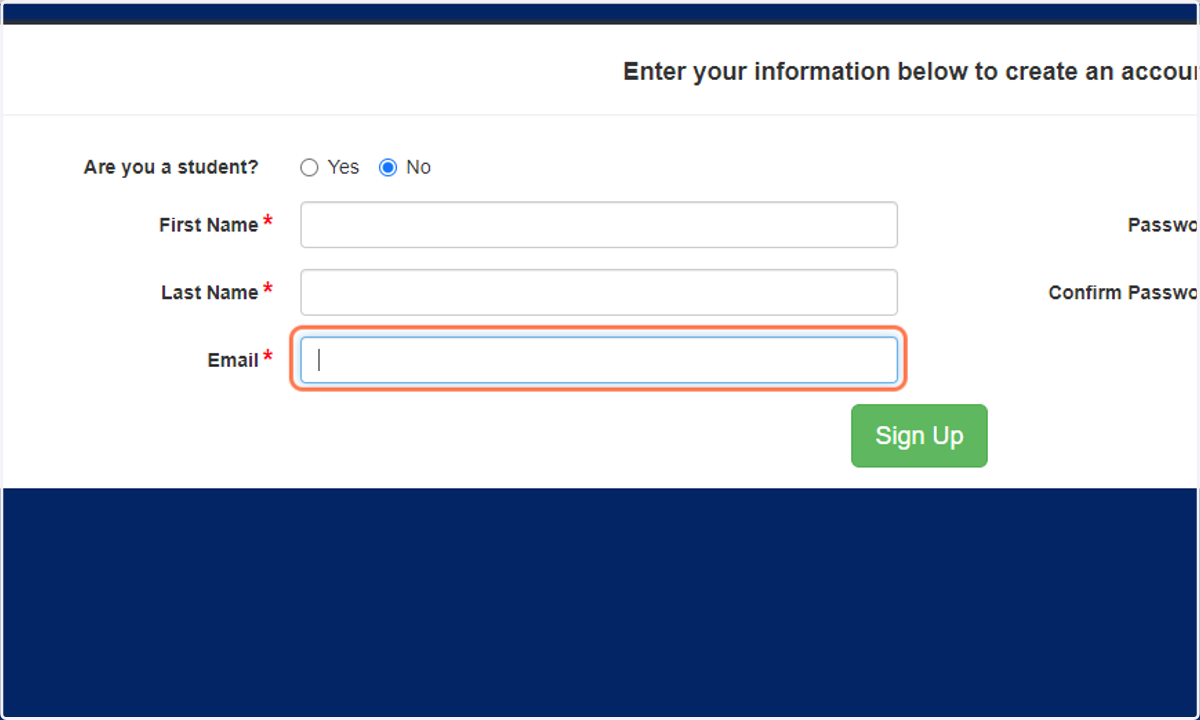
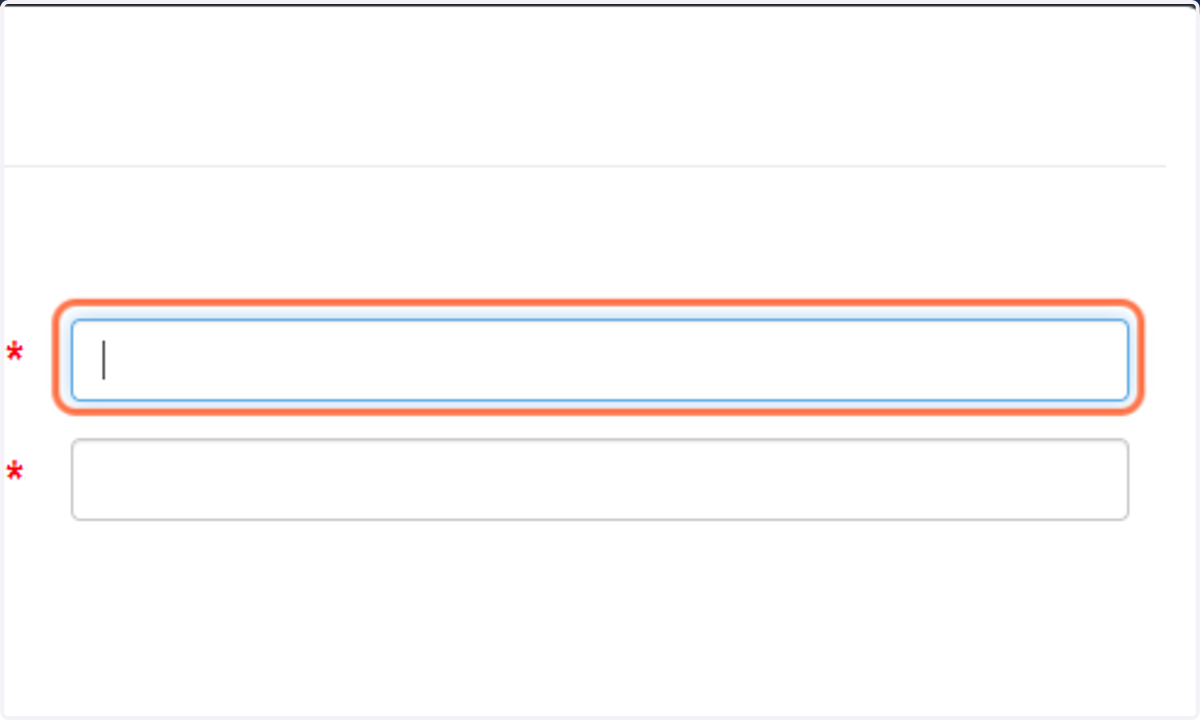
10. Create a Password
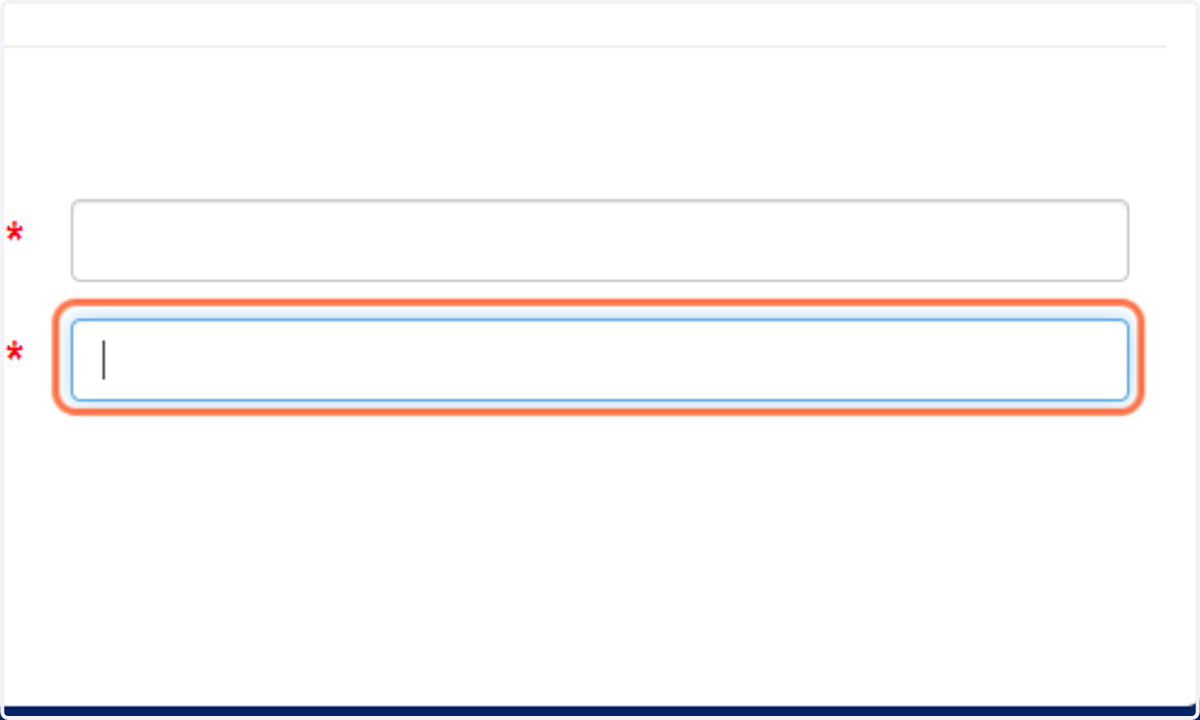
11. Confirm Password
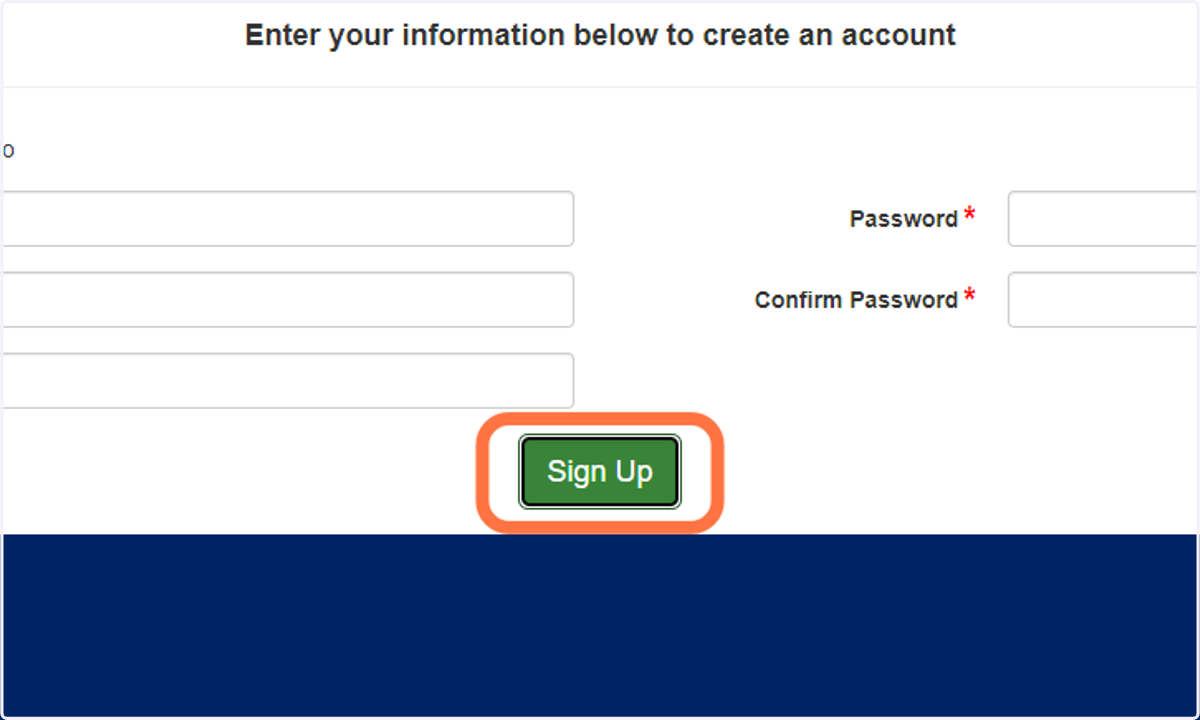
12. Click on Sign Up
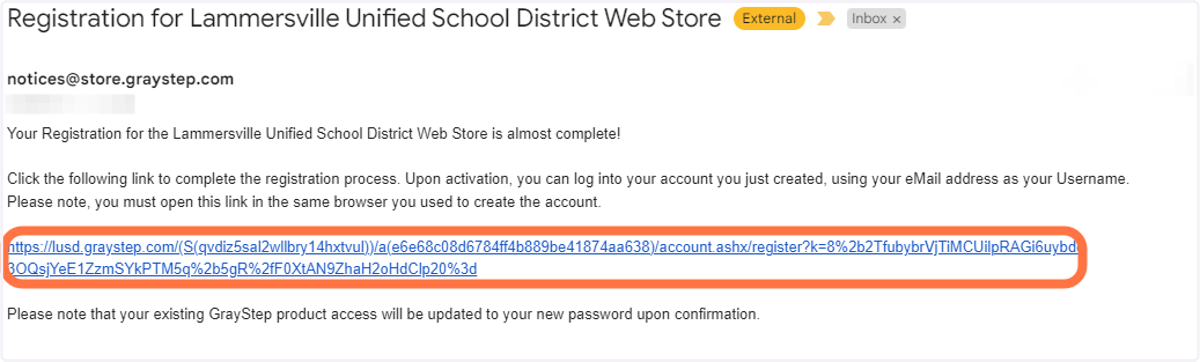
13. Check your email for your account registration confirmation email
Within the body of the email, there will be a customized link that you will need to click to complete the creation of your ASBWorks Webstore Account.
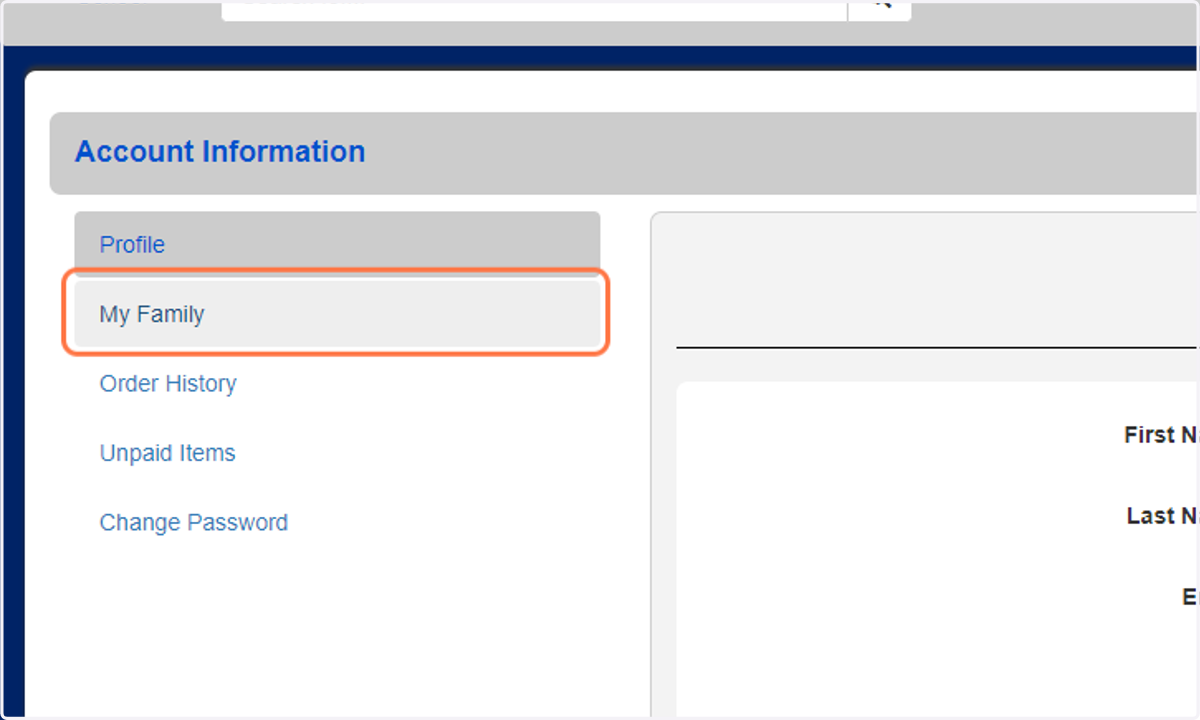
14. Click on My Family
15. Enter in your student's First Name
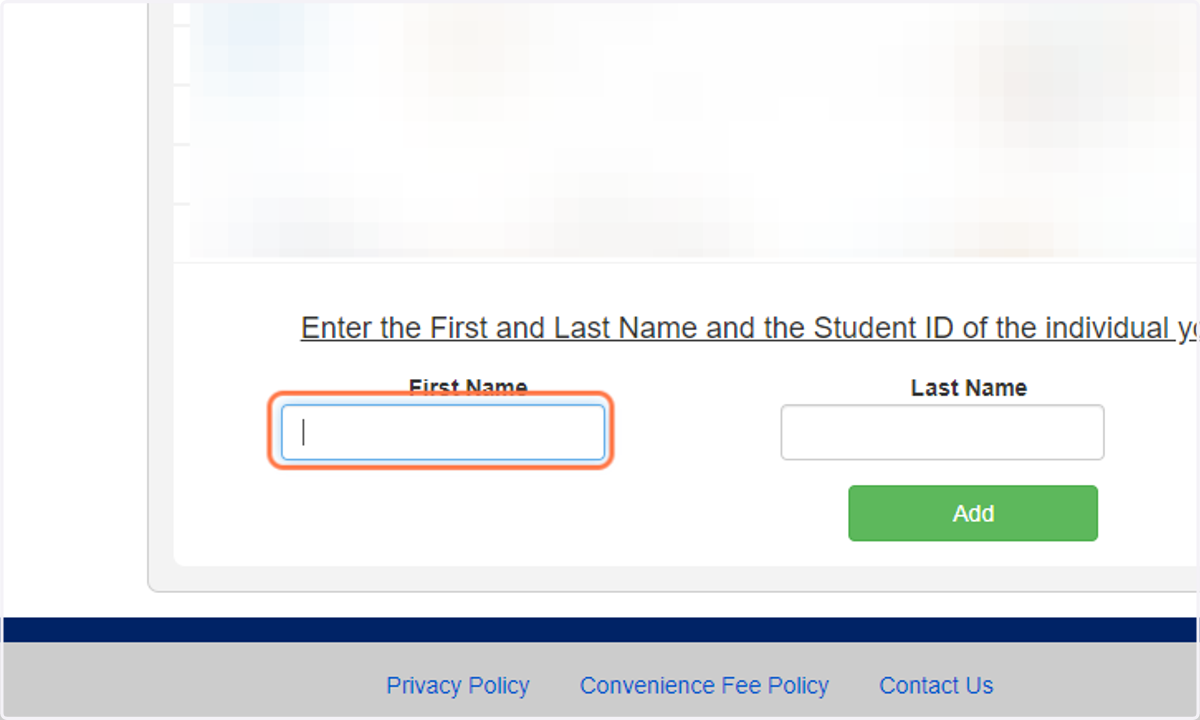
16. Enter in your student's Last Name
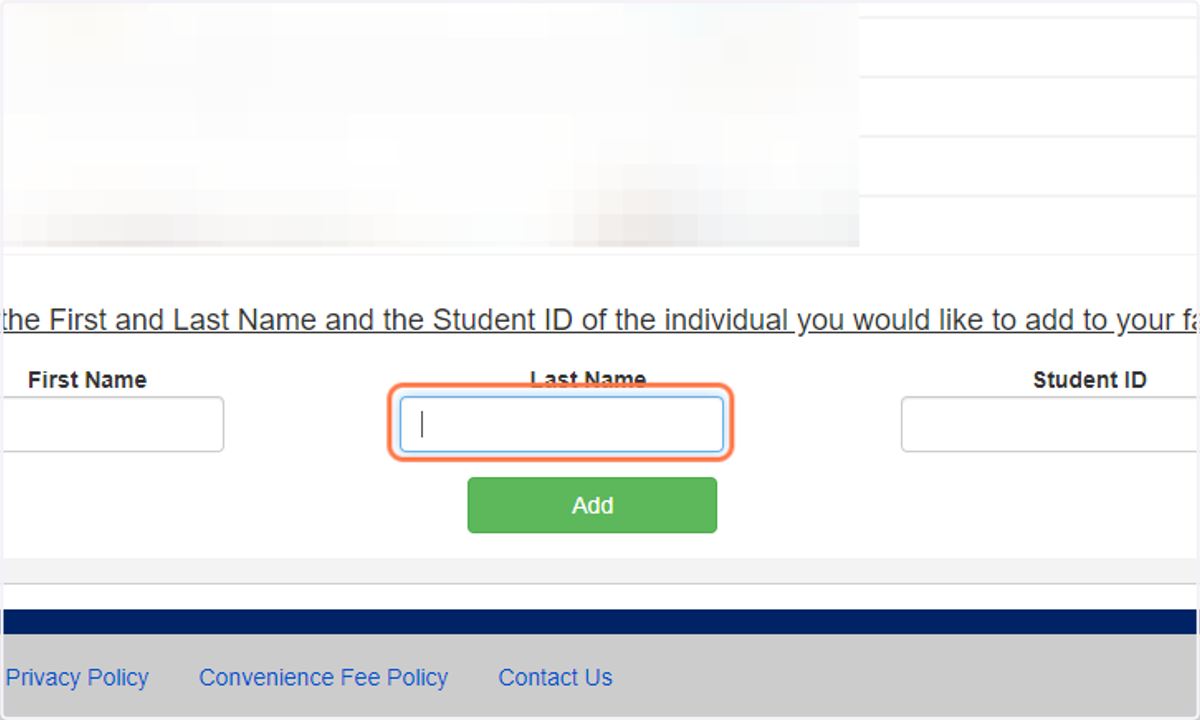
17. Enter in your student's Student ID
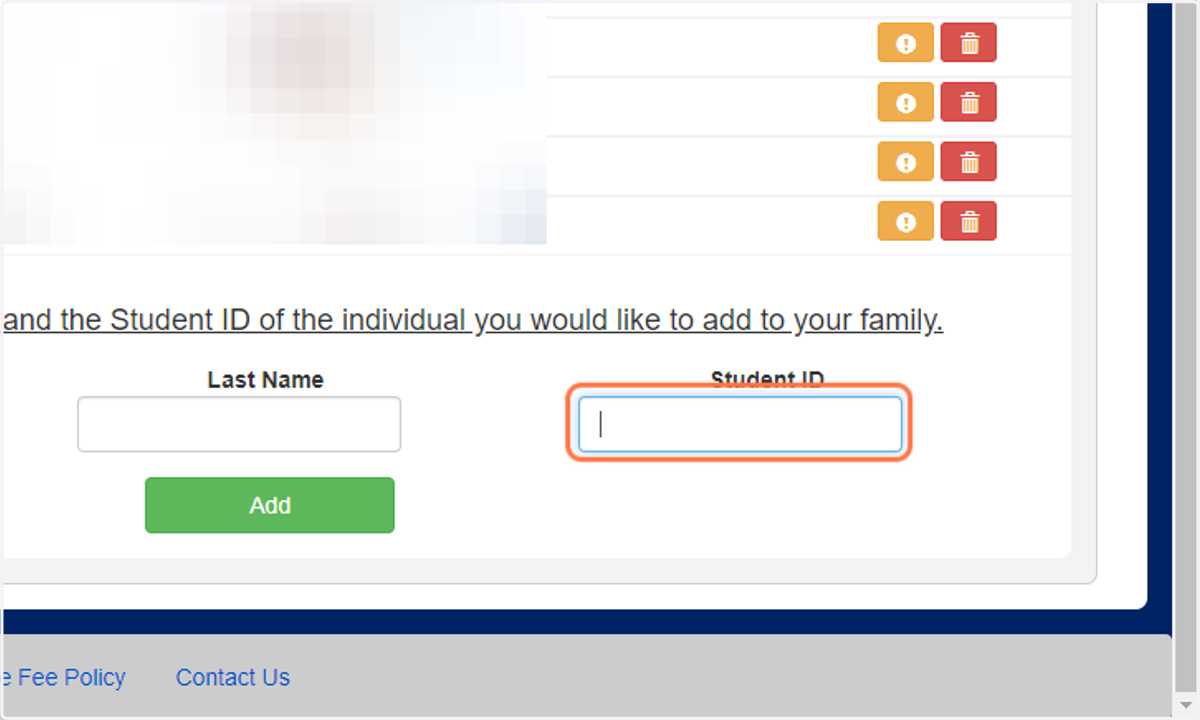
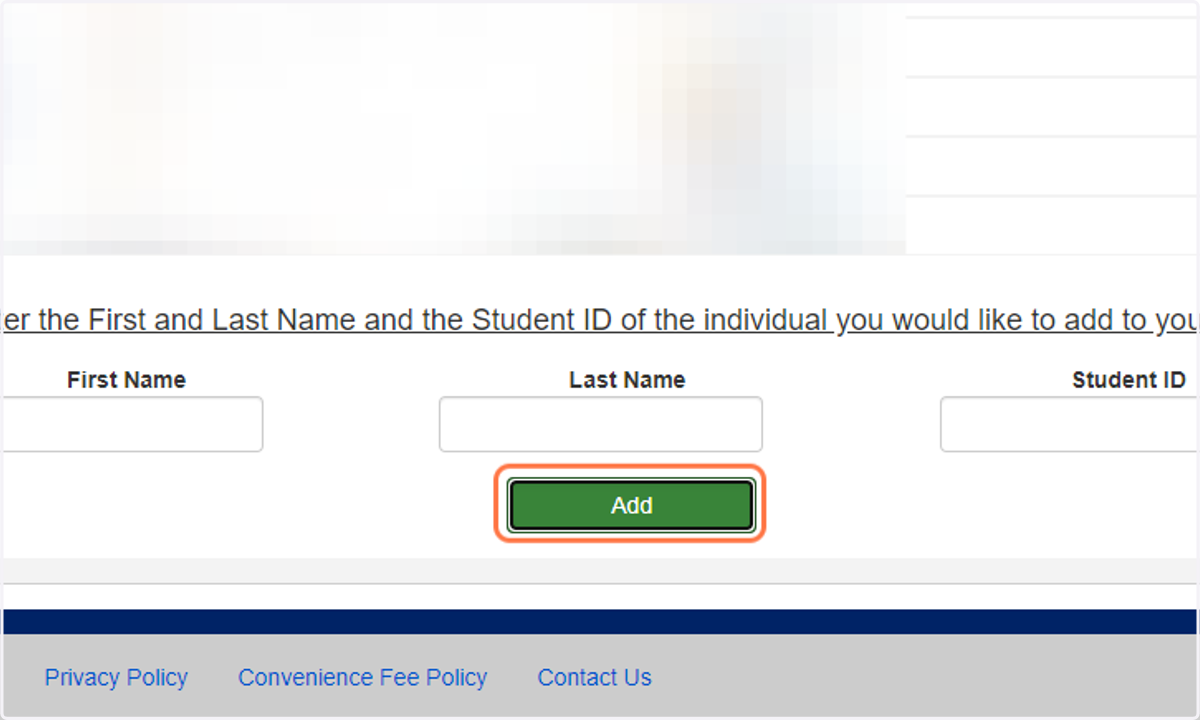
18. Click on Add
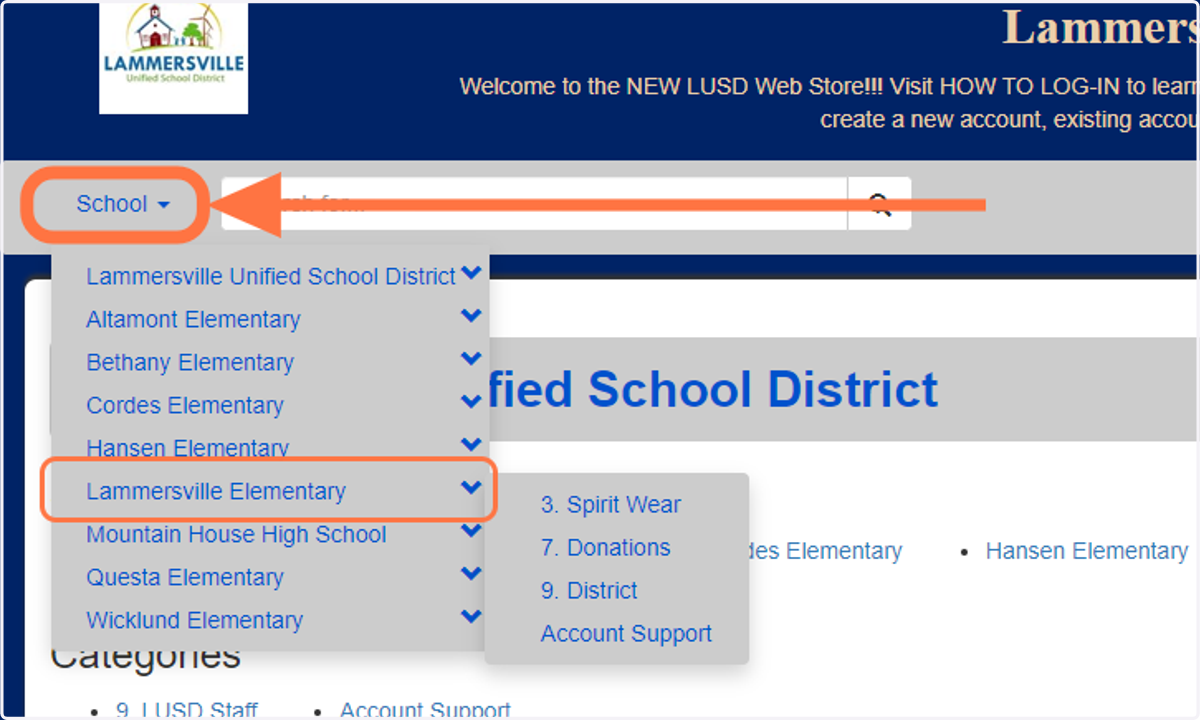
19. From the School Dropdown, select your student's school site.
20. Locate and Click on One2One Chromebook Coverage - View Details
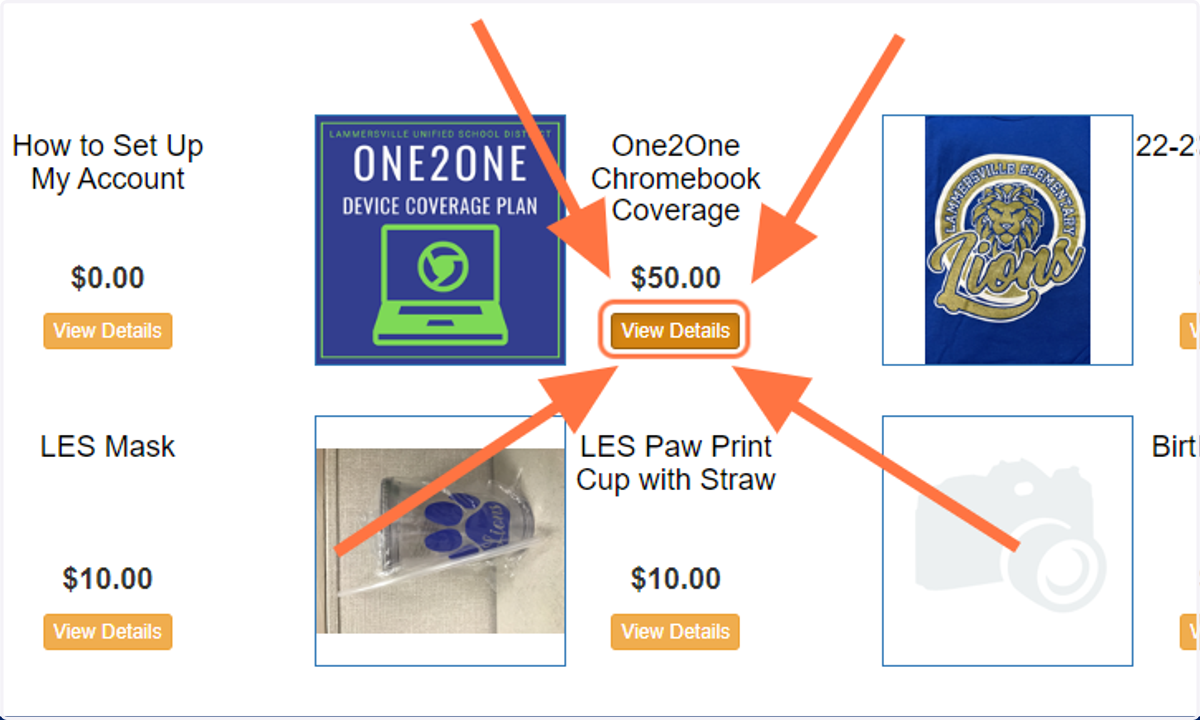
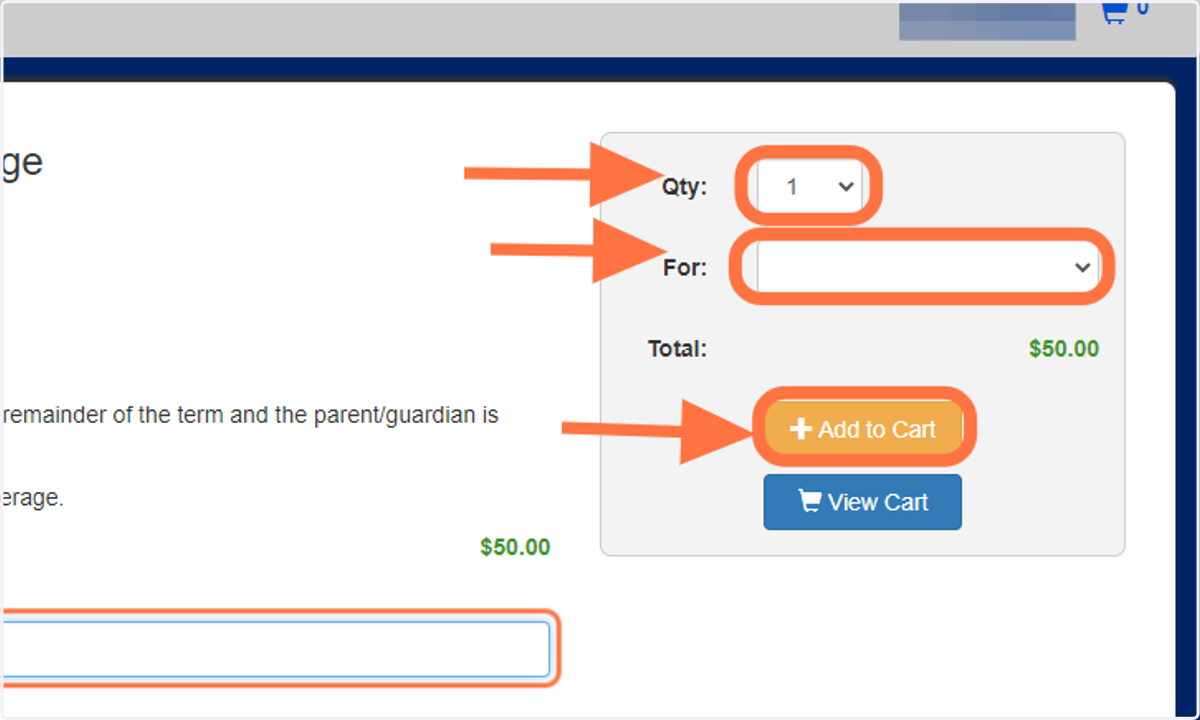
21. Complete the required information, Parent Email, Quantity, Student, + Add to Cart