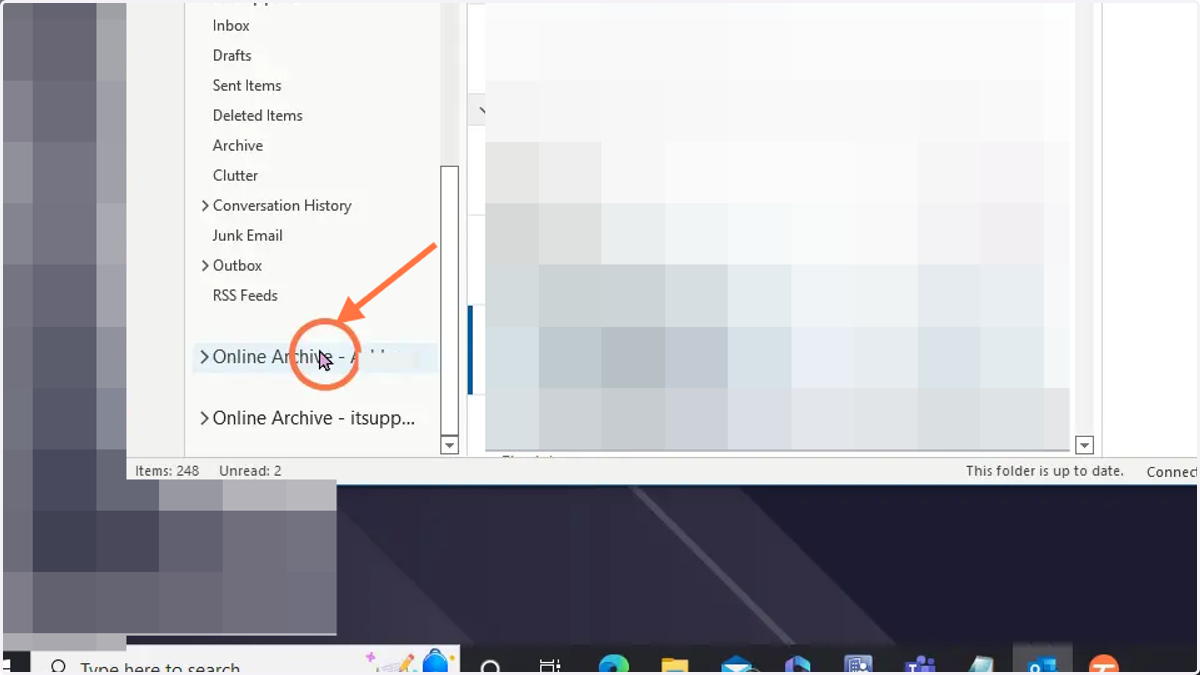
Accessing Outlook online archive
Email older than 2 years can be found in your Outlook Online Archive
windows
1. Open Outlook
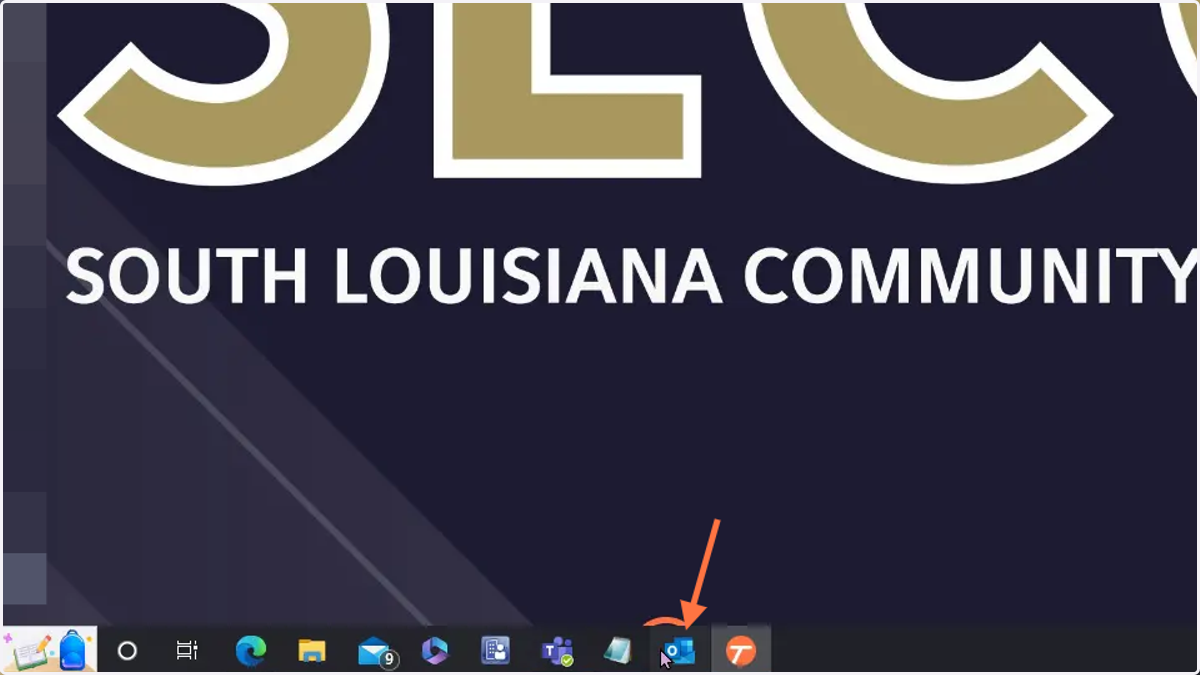
microsoft
2. In Outlook, on the left where your folders are, scroll down
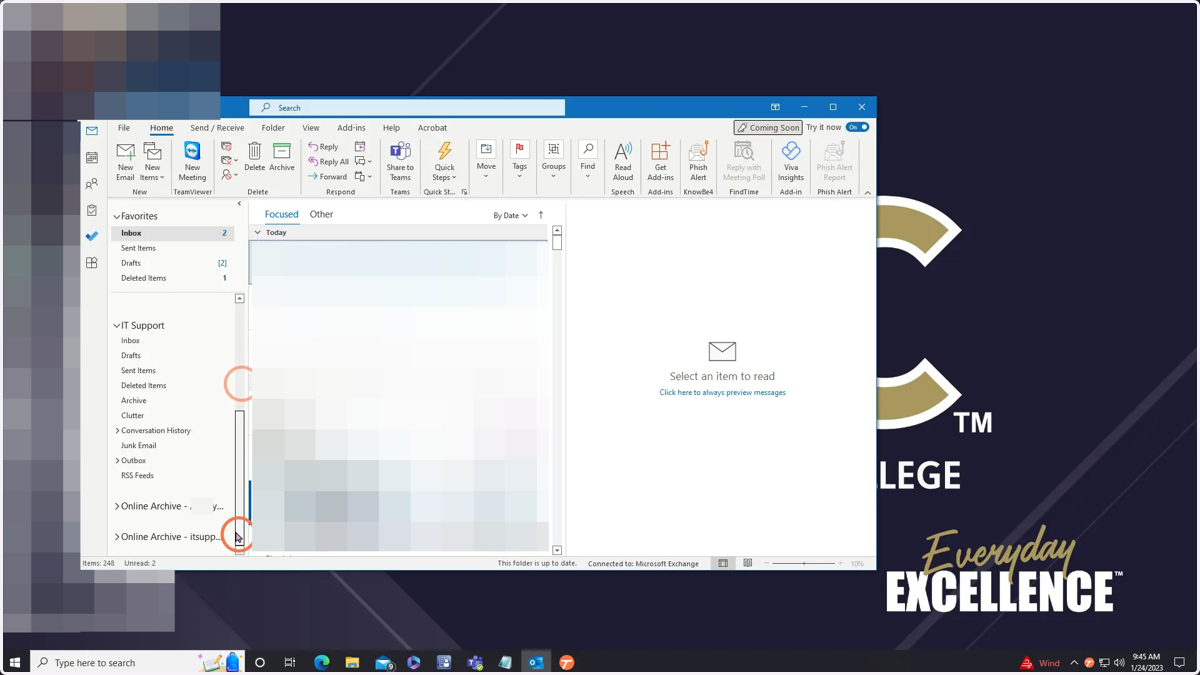
3. Further down, you'll see your online archive. Click it and you'll be able to access your archived email