How to remove a Tango that's been shared with you from a Workspace where you are a guest
Tango
1. Go to app.tango.us
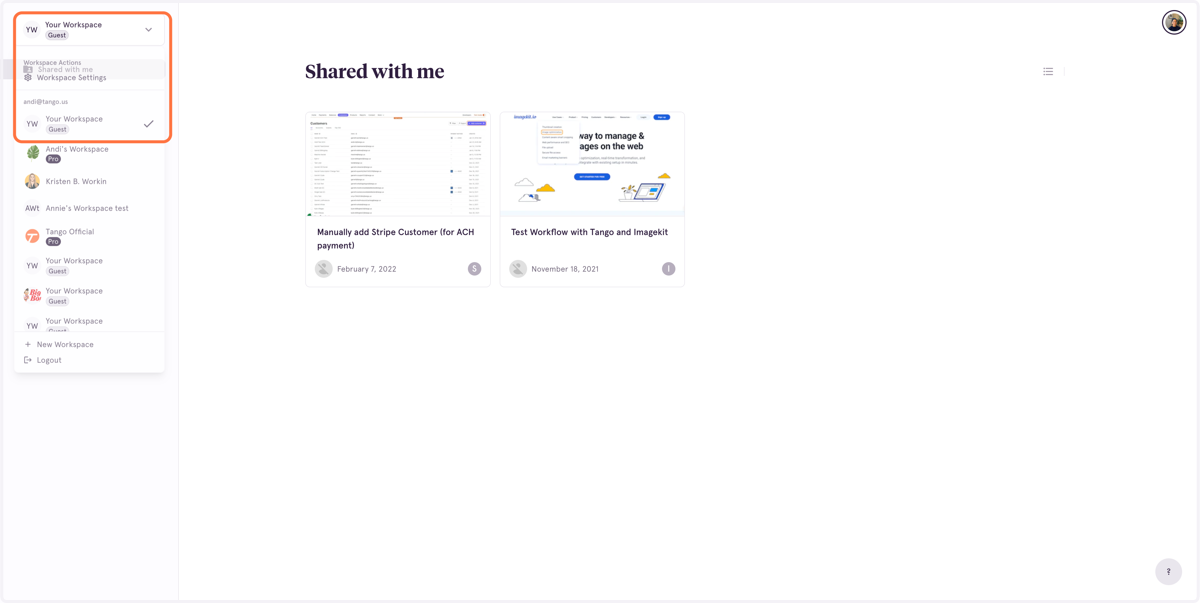
2. From the dropdown menu, select the Guest Workspace where the Tango is shared.
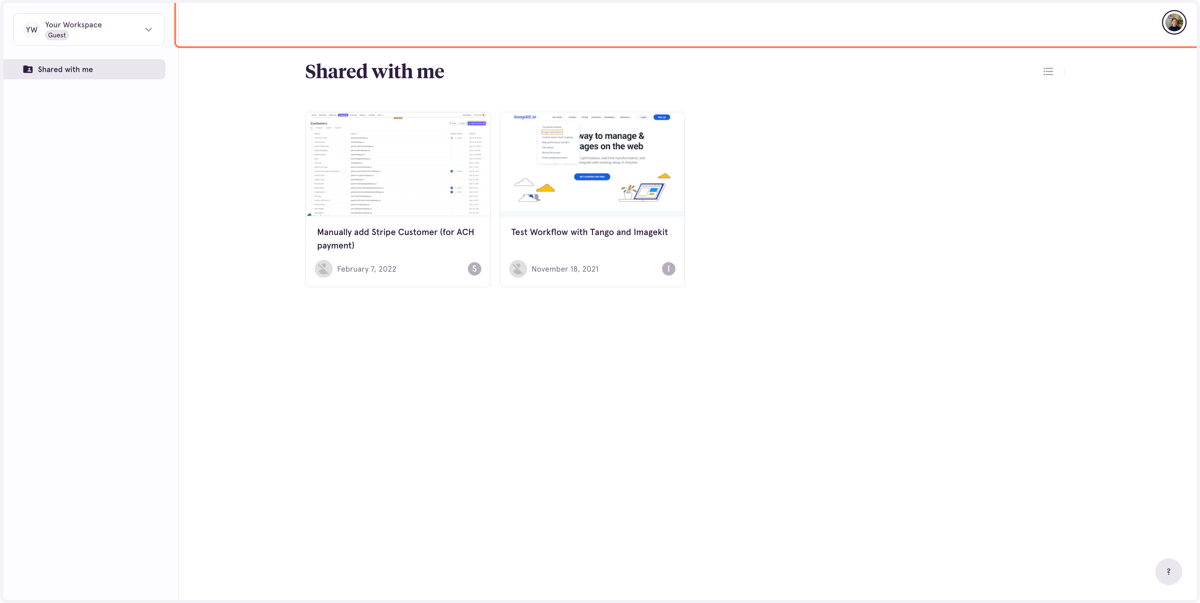
3. You'll see the Workflows that have been shared with you
If you're a Guest in a Workspace, you will not have a Personal or Shared with Workspace Library, you will only see the individual Workflows and Folders that have been shared with you.
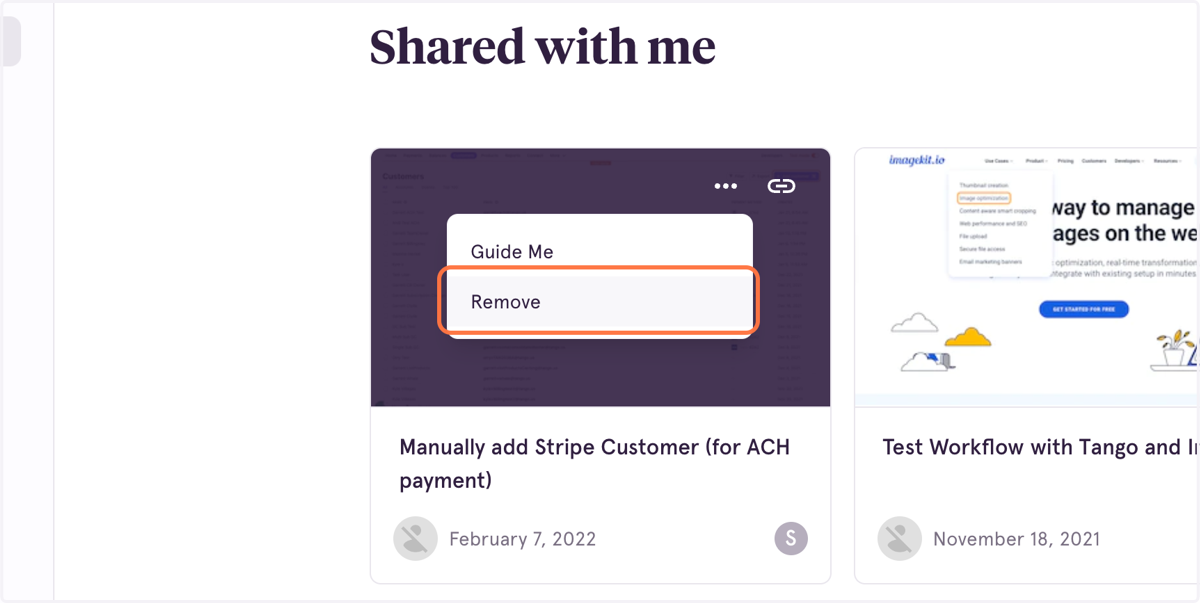
4. Select the ellipses on the Workflow you'd like to remove, and confirm removal
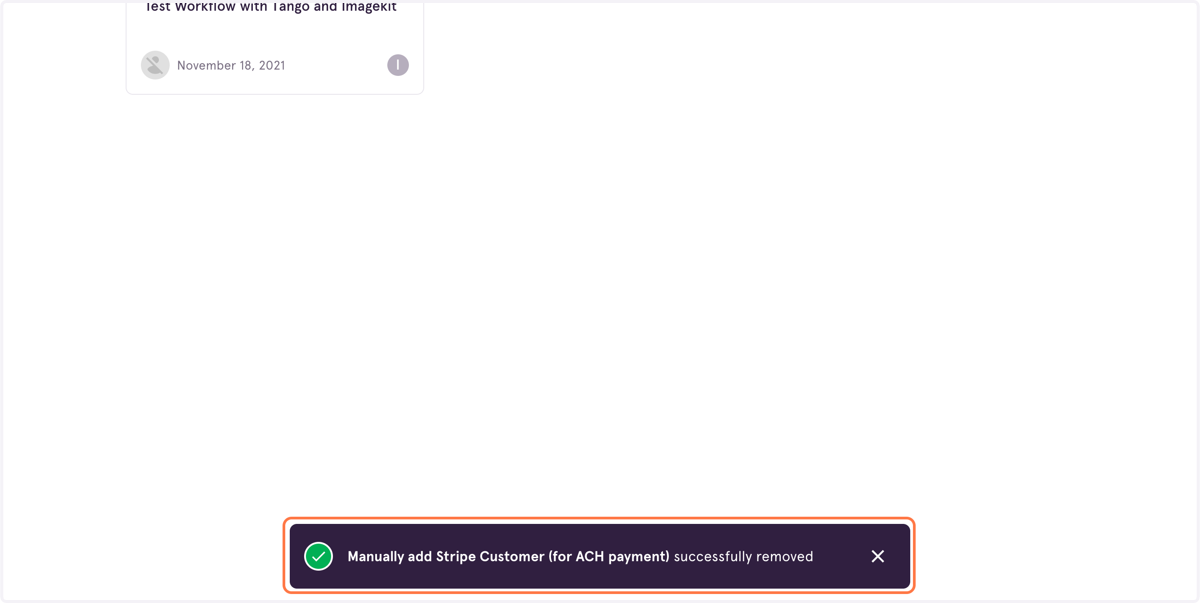
5. You'll see a confirmation at the bottom of your screen that the Workflow was removed