Navigating Privacy Settings and Requesting Data on Totum Platform
Profile - Totum
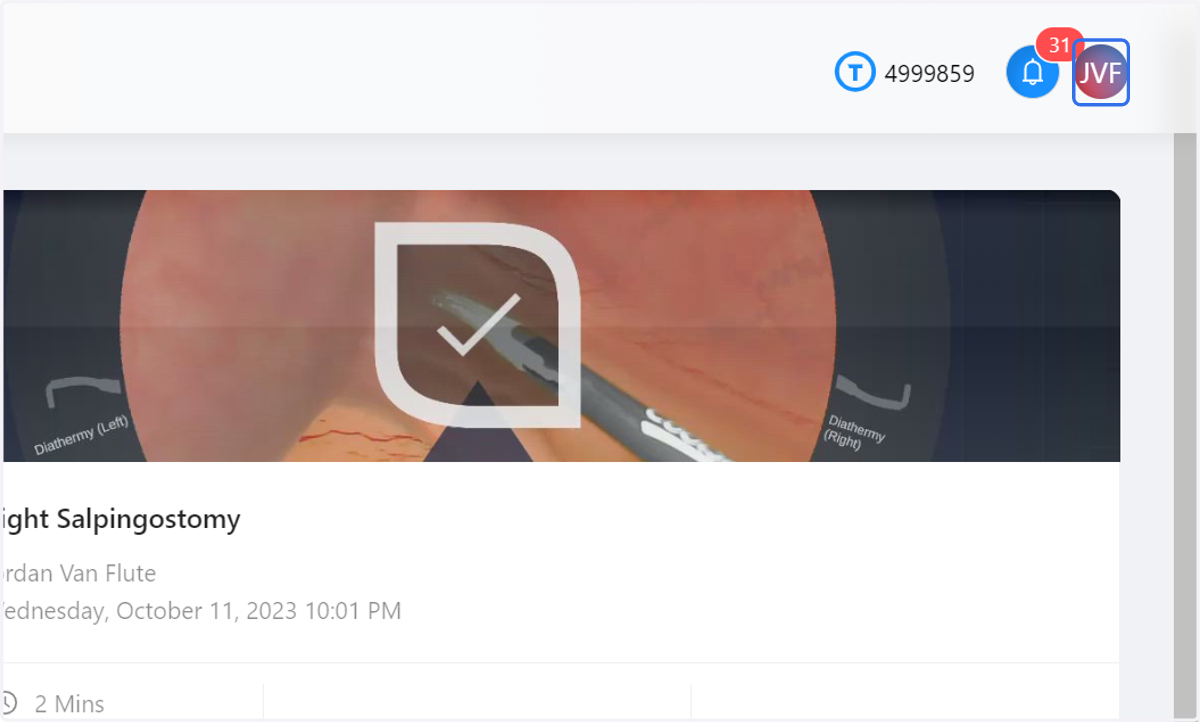
1. Click on your profile avatar
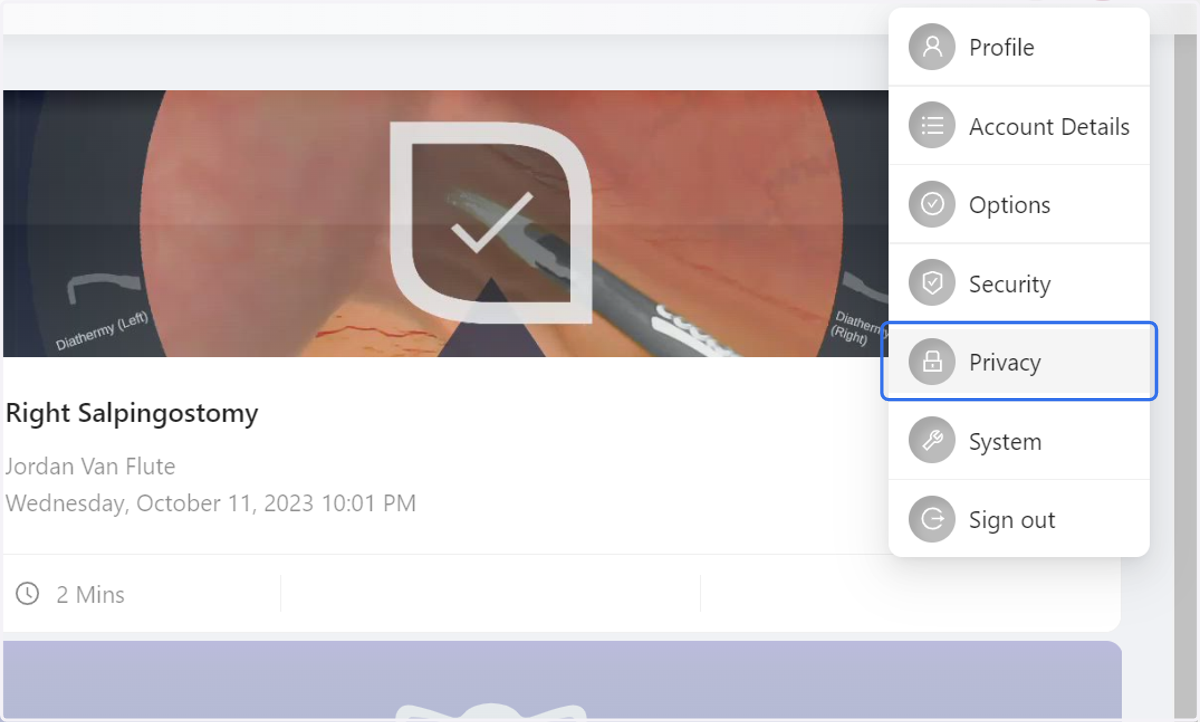
2. Click on Privacy
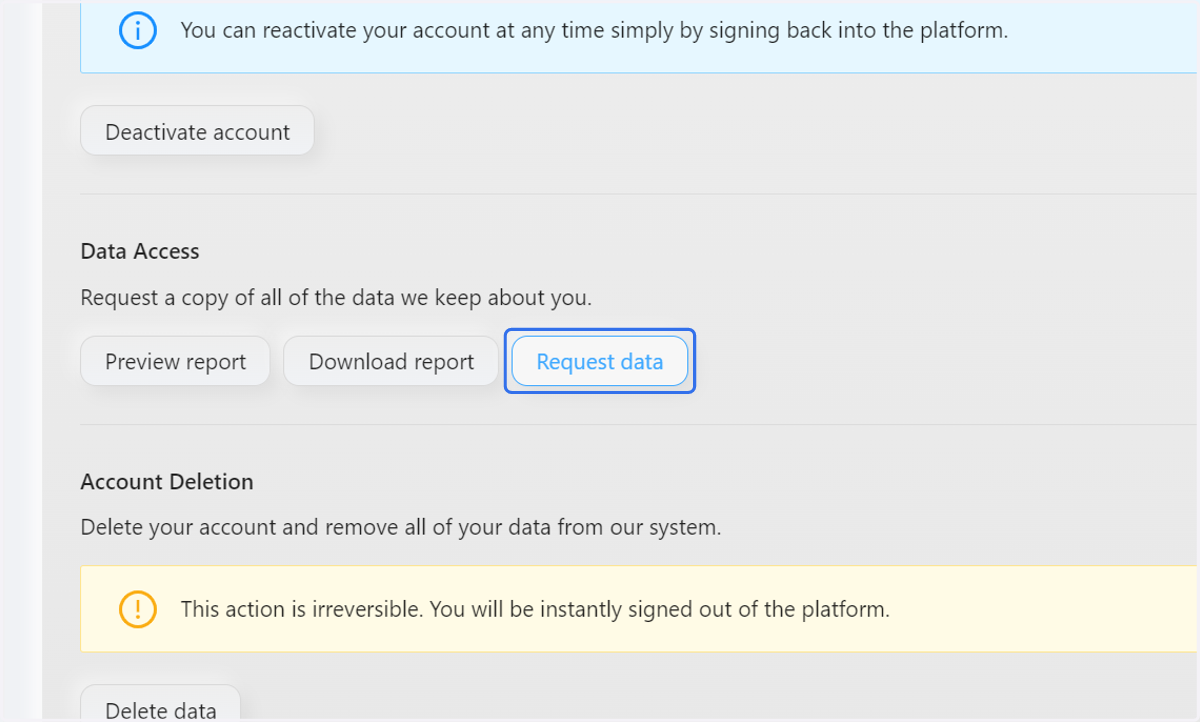
3. Click on Request data
You will recieve a notification when your report has been processed
You will recieve a notification when your report has been processed