Feature How-to: Live Preview Editor
Spotlight on how to access and use the Live Preview Editor within the Page Manager and editing pages.
Feature How-to: Live Preview Editor
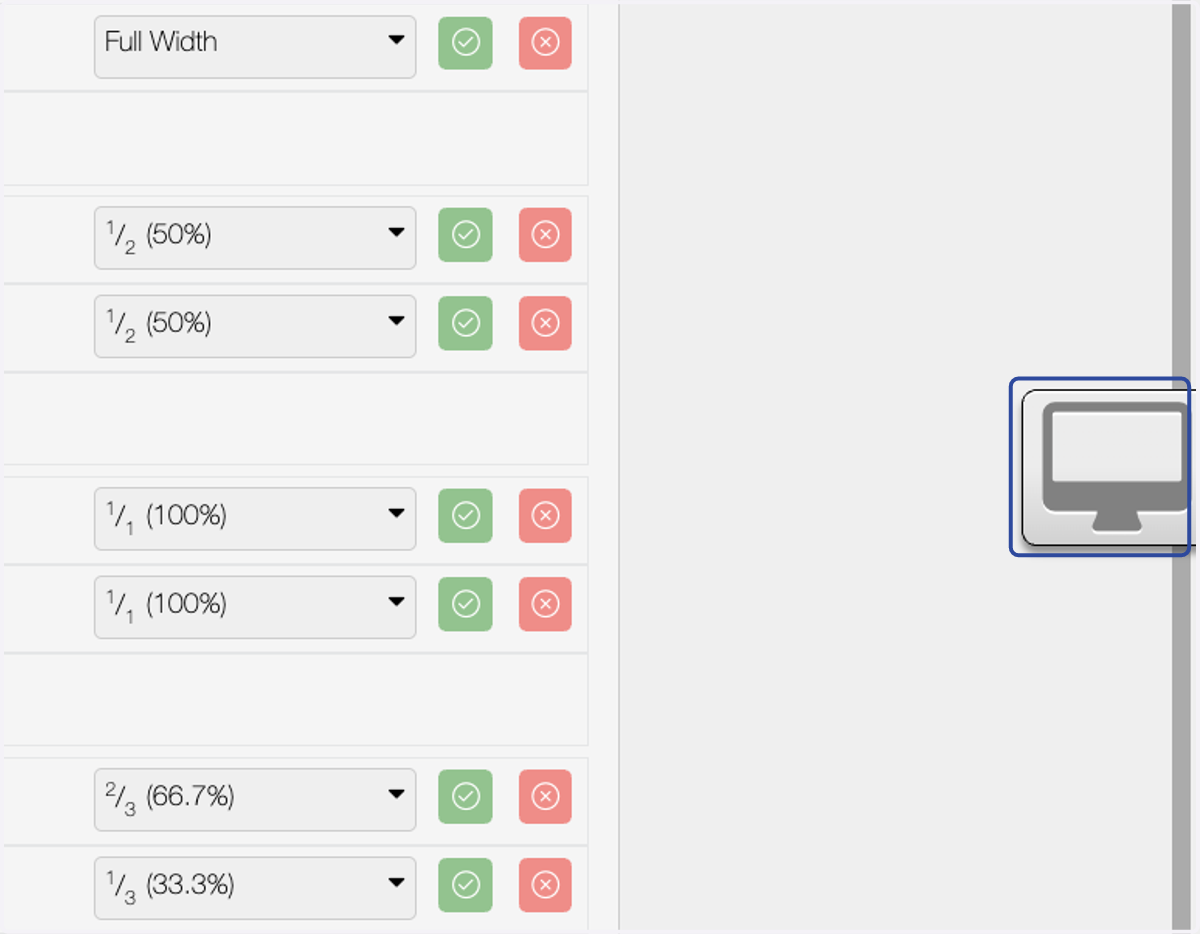
1. Click on highlight
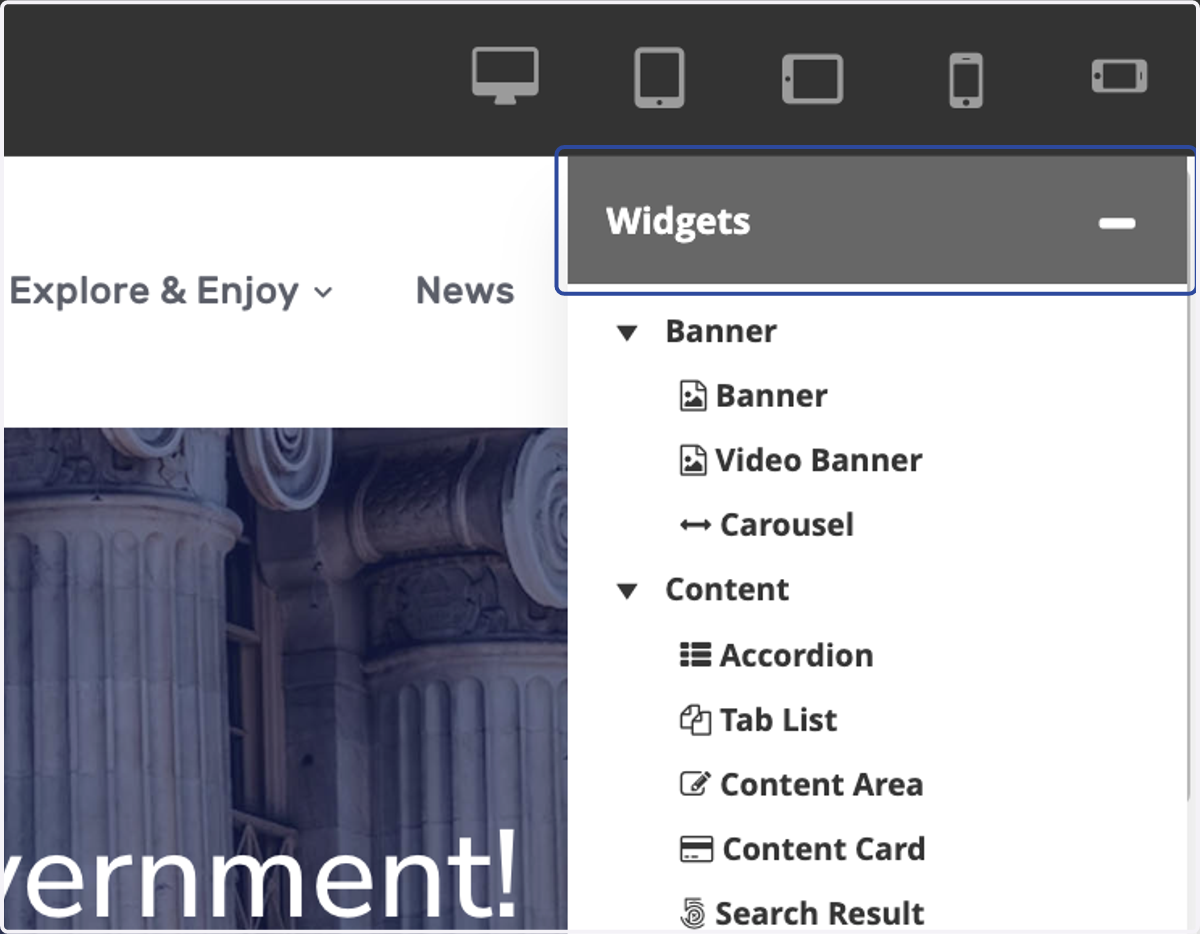
2. Click on Widgets
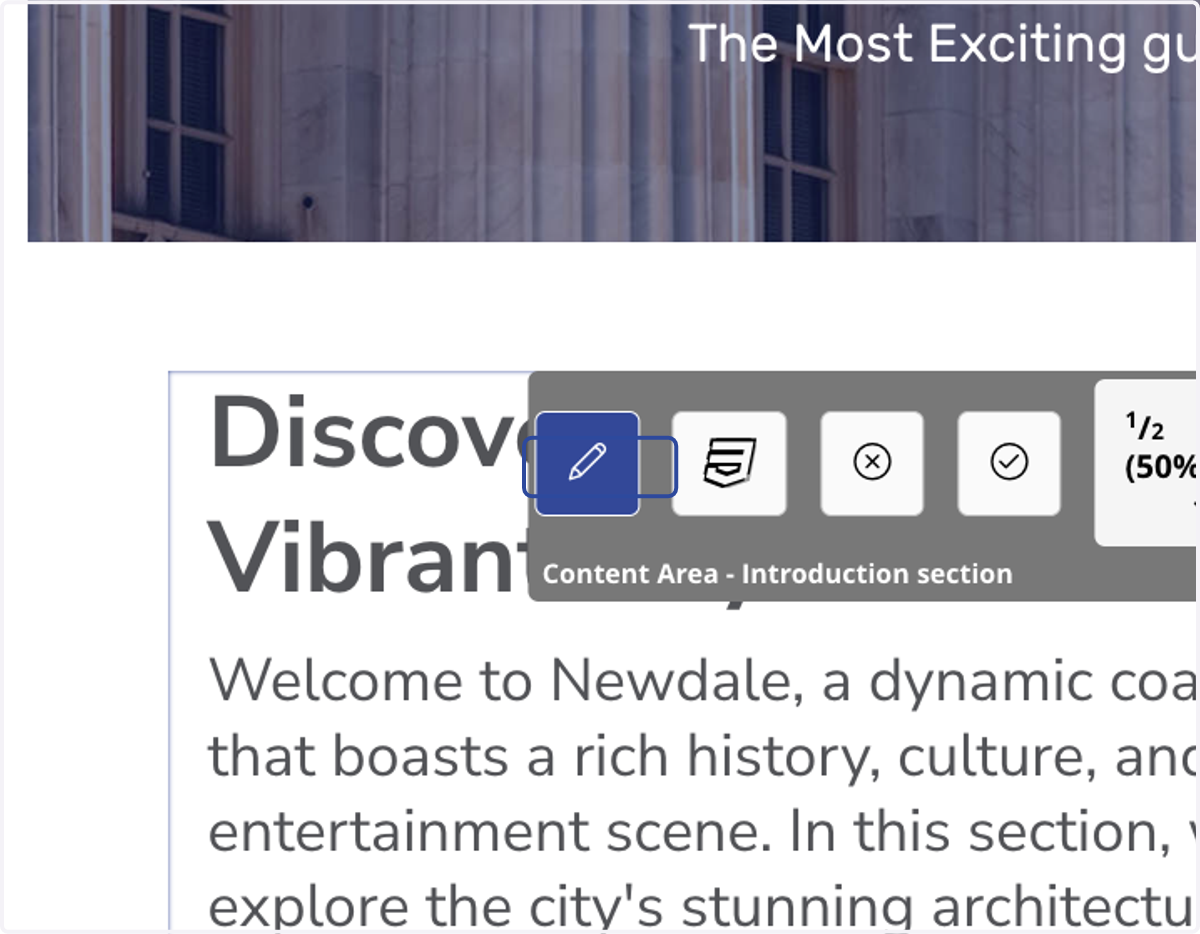
3. Click on Edit
Spotlight on how to access and use the Live Preview Editor within the Page Manager and editing pages.