Creating an Appointment & Appointment Template in Bullhorn
Bullhornstaffing
1. Go to Bullhorn
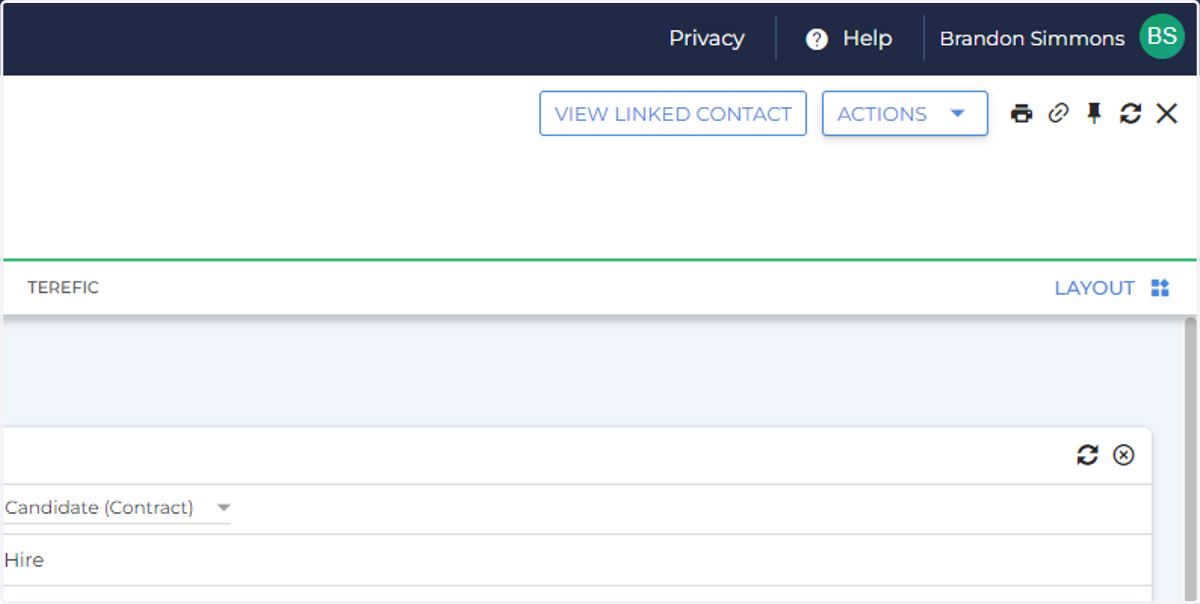
2. Click "ACTIONS"
Click on the "Action" menu on any Candidate Record
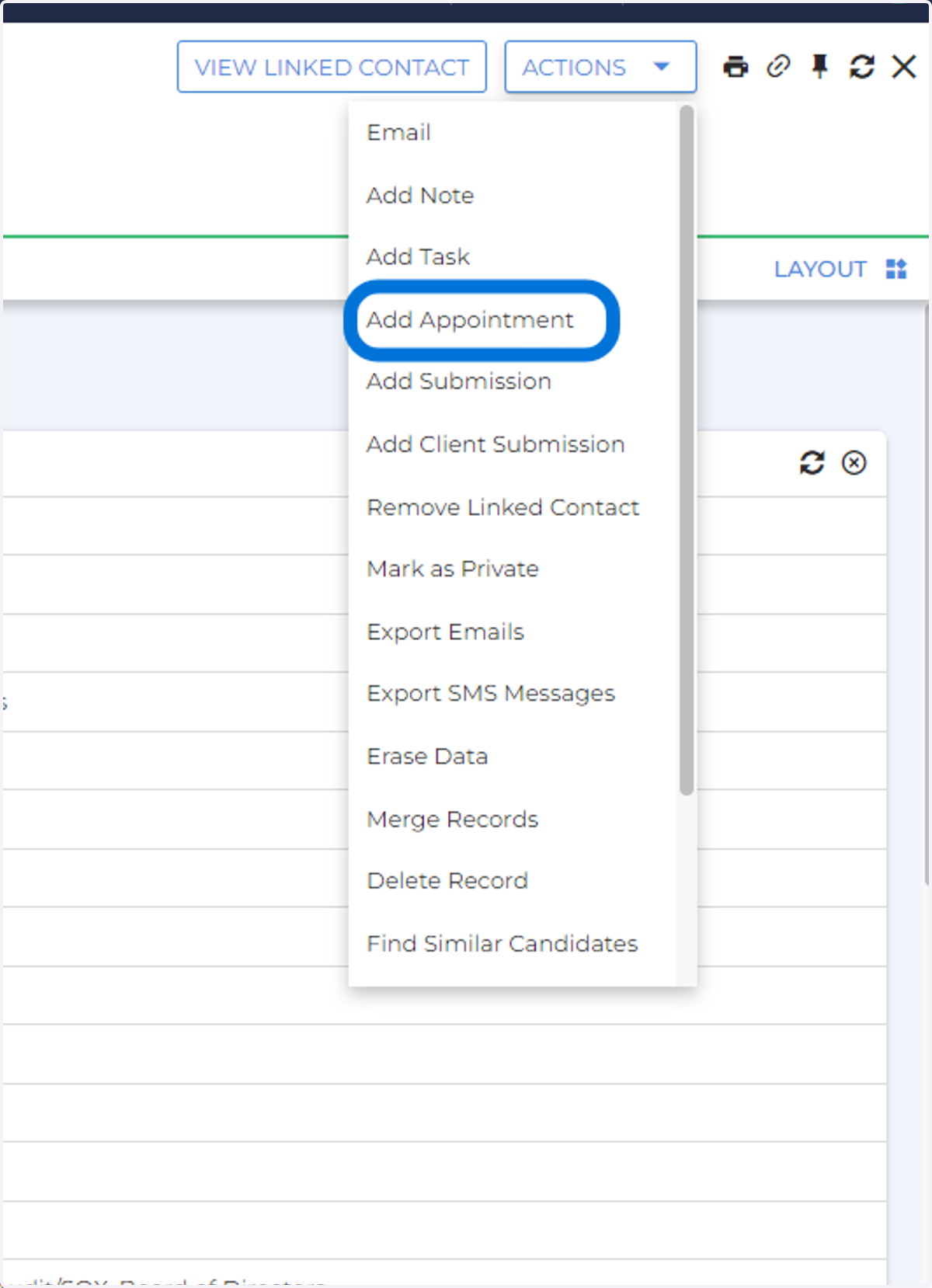
3. Click "ADD APPOINTMENT"
From the Action Menu on the Candidate record, click "Add Appointment"
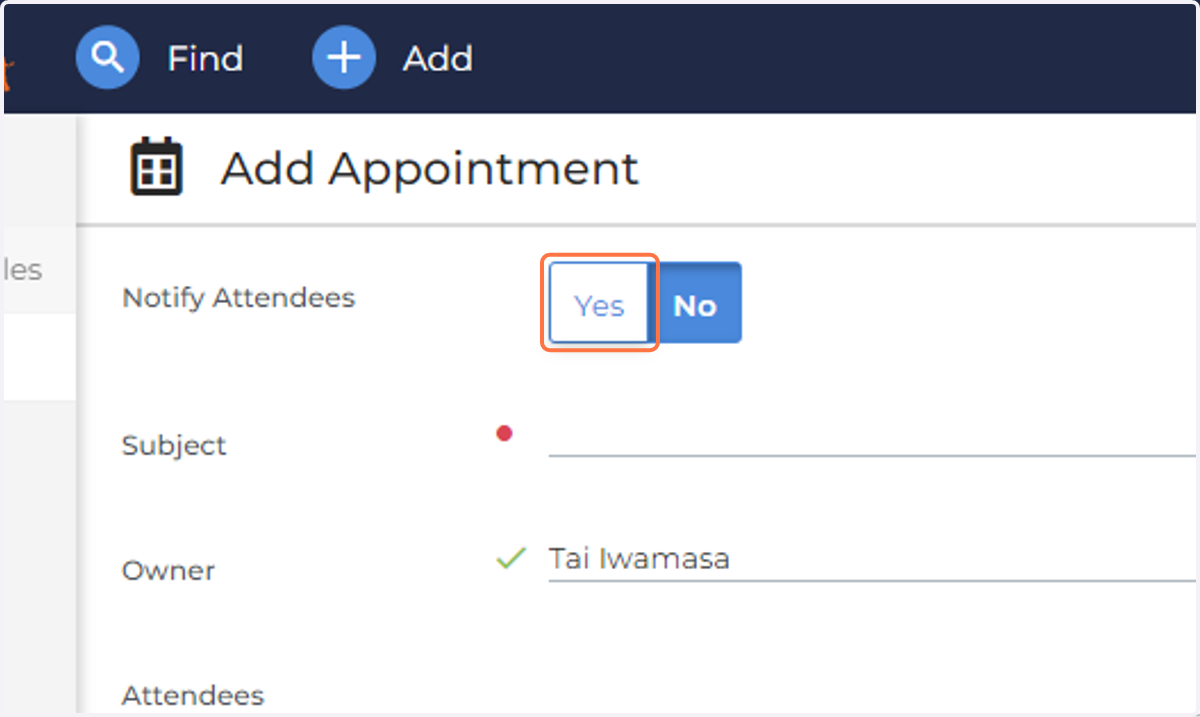
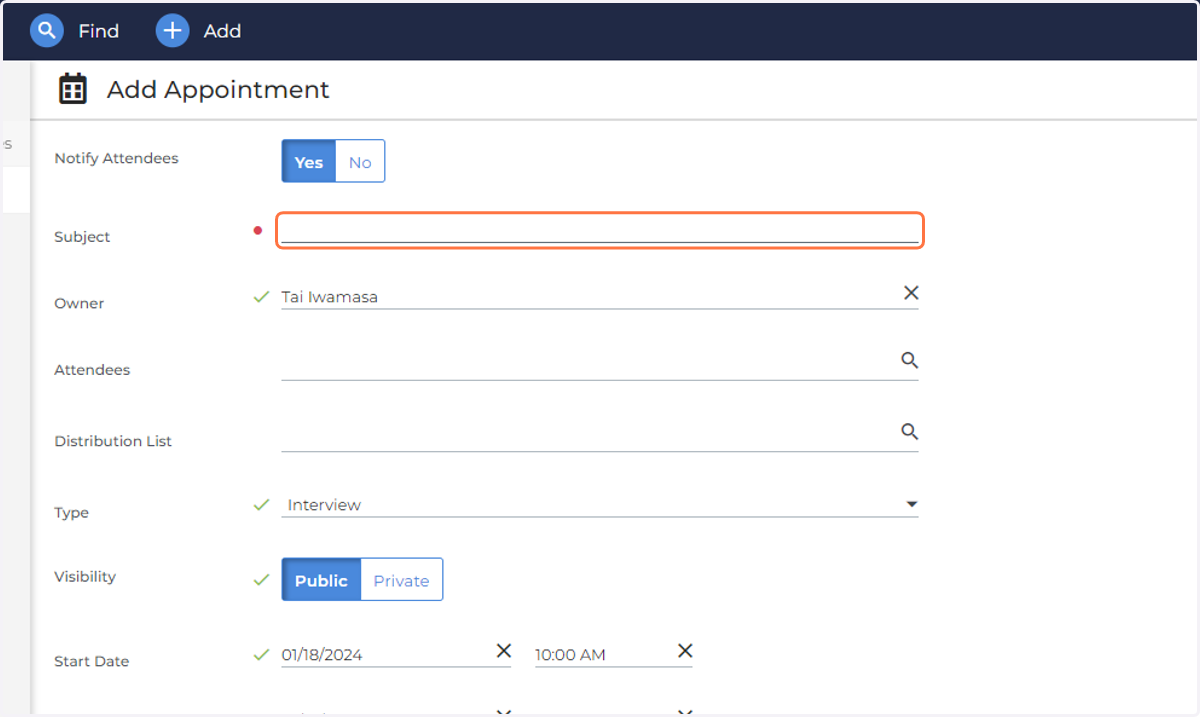
4. If you would like the Attendees to be notified, click Yes
5. Add the Subject
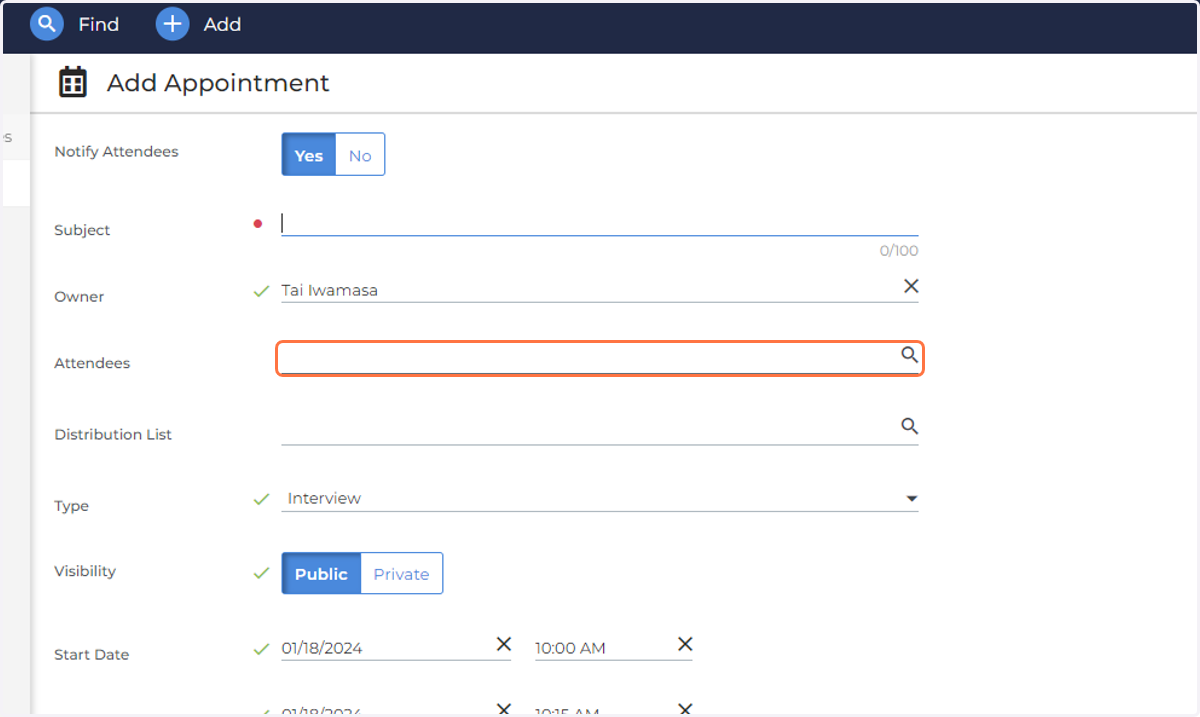
6. Add in Attendees
If using a distribution list, it will list the name of the distribution list. No need to manually add everyone in
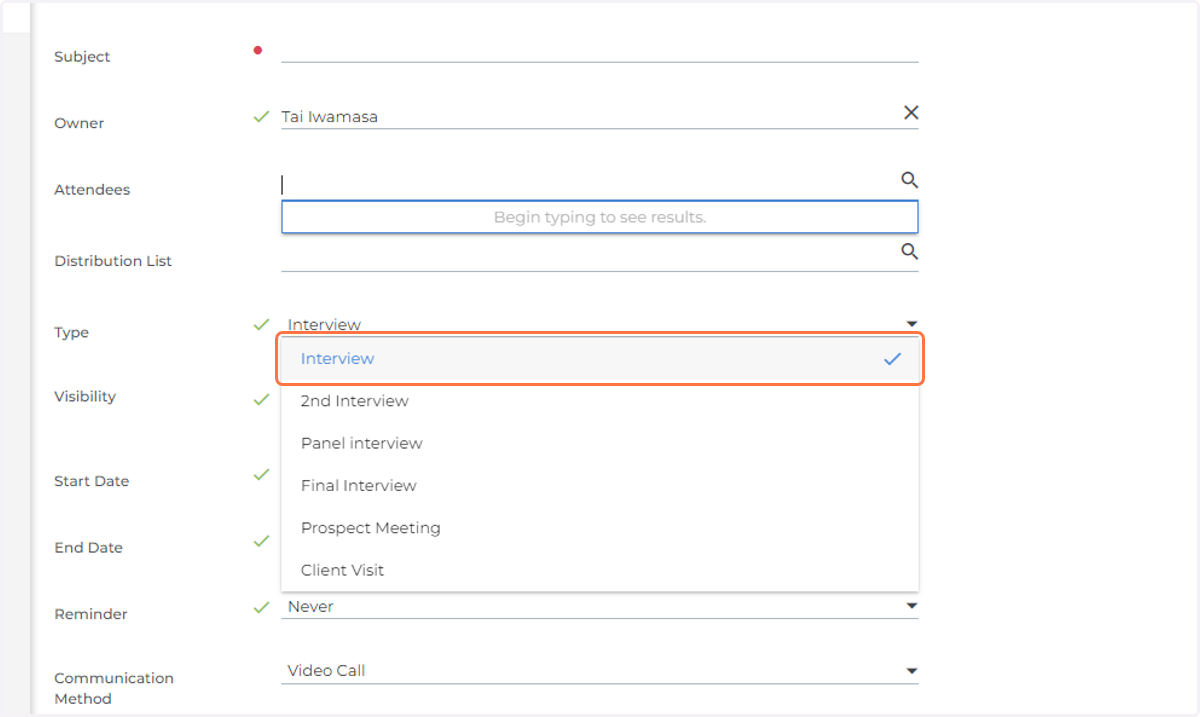
7. Choose the type
8. Add a Description
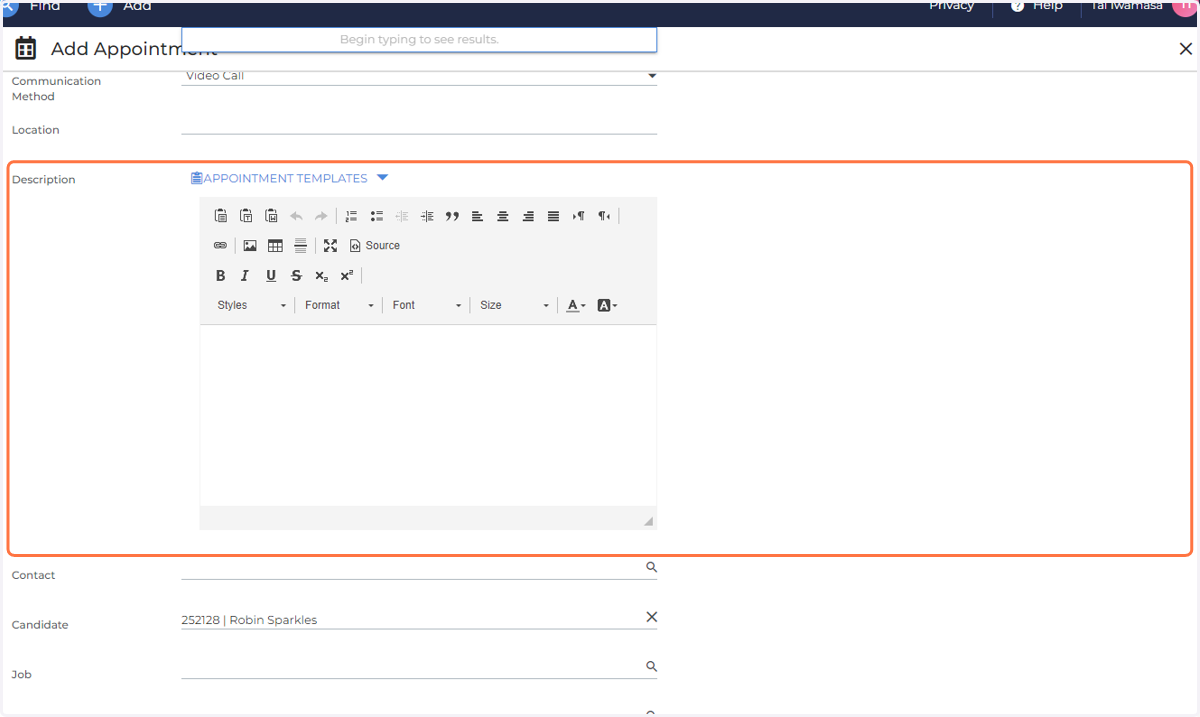
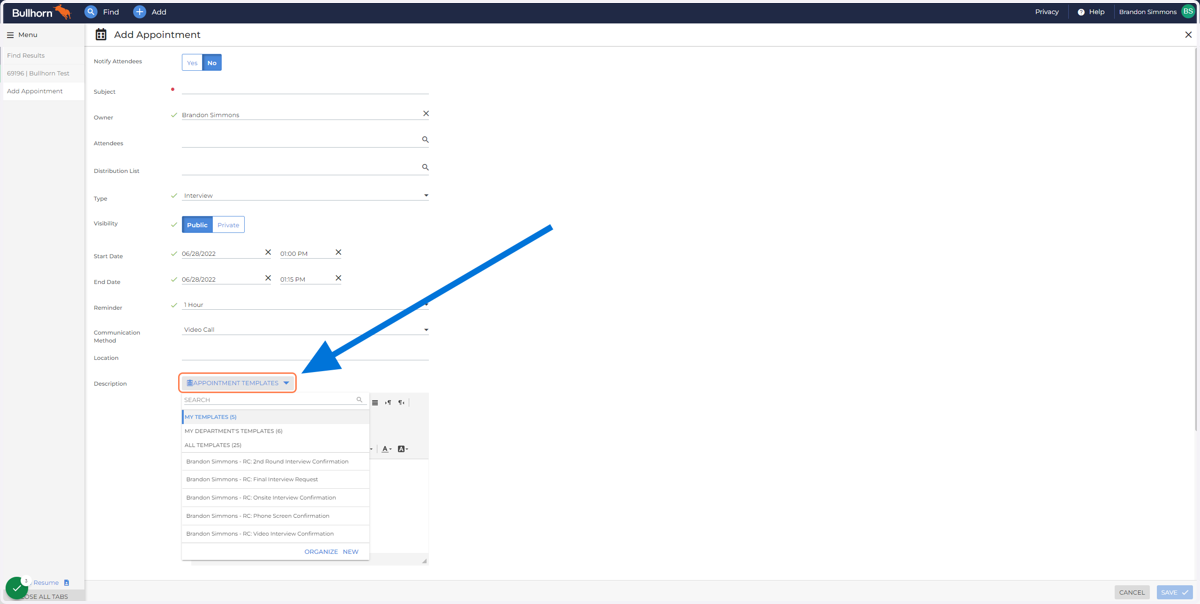
9. To add an appointment template, Click "APPOINTMENT TEMPLATES"
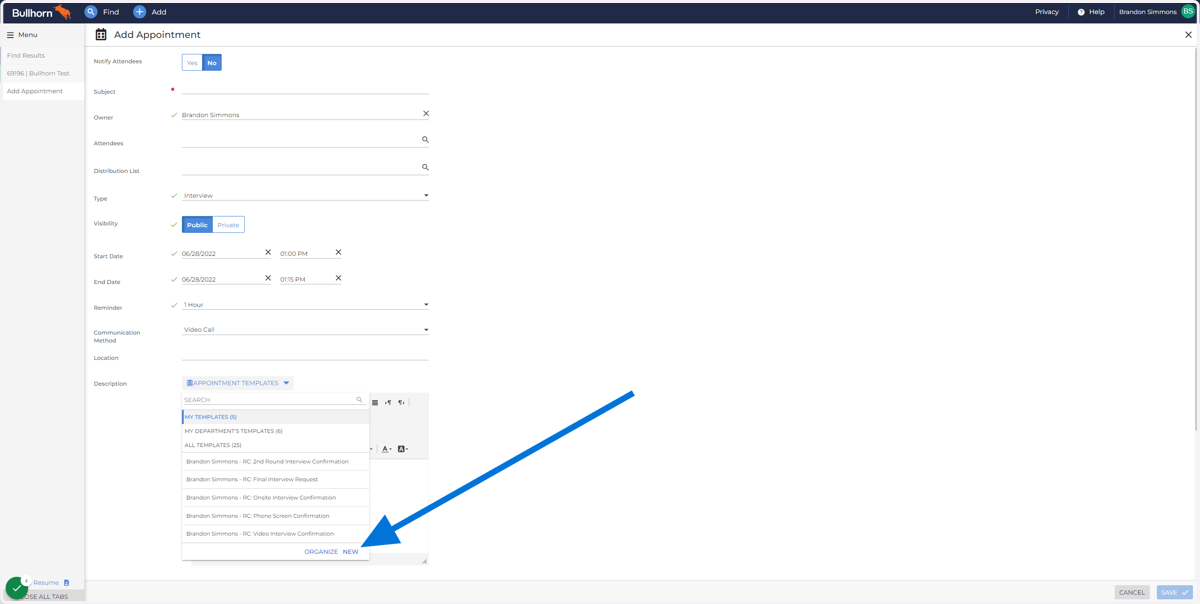
10. Click "NEW"
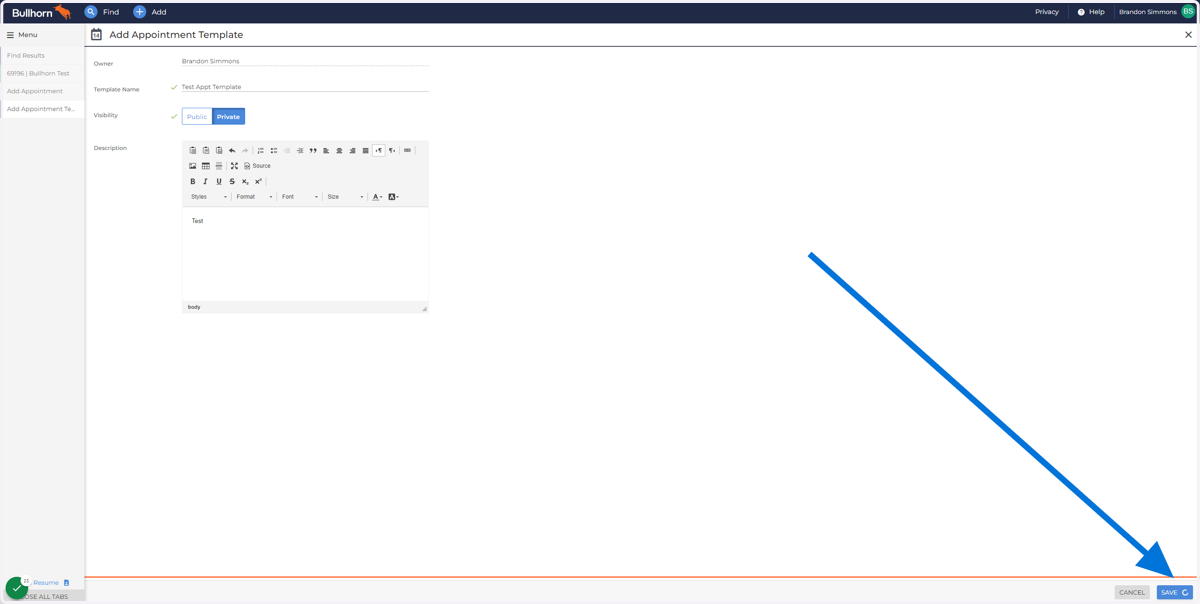
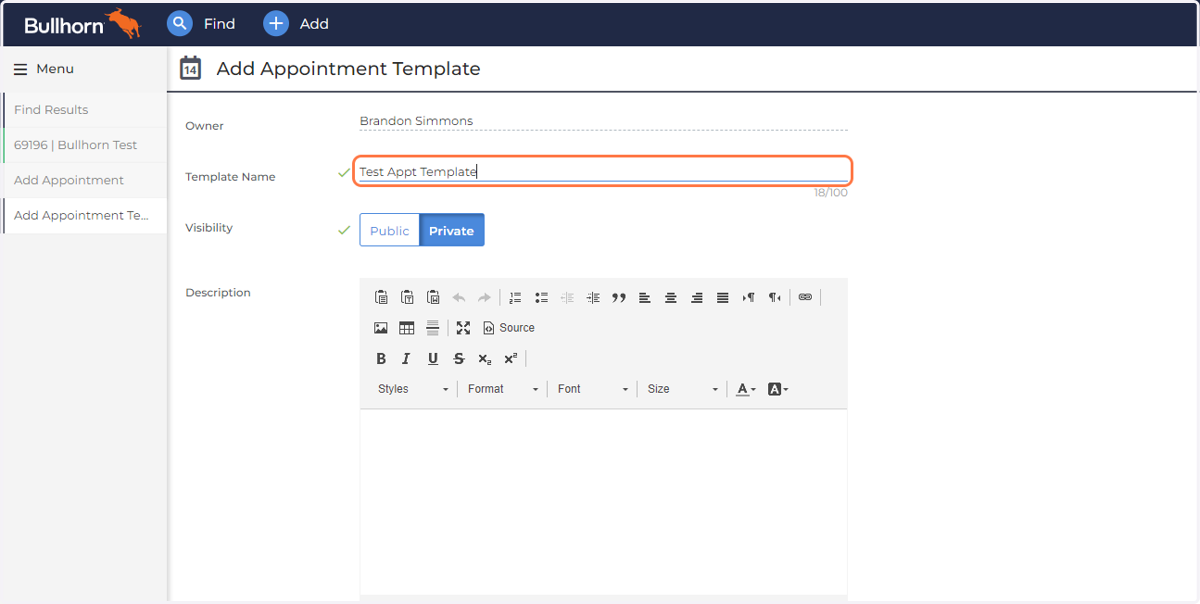
11. Name Your Template
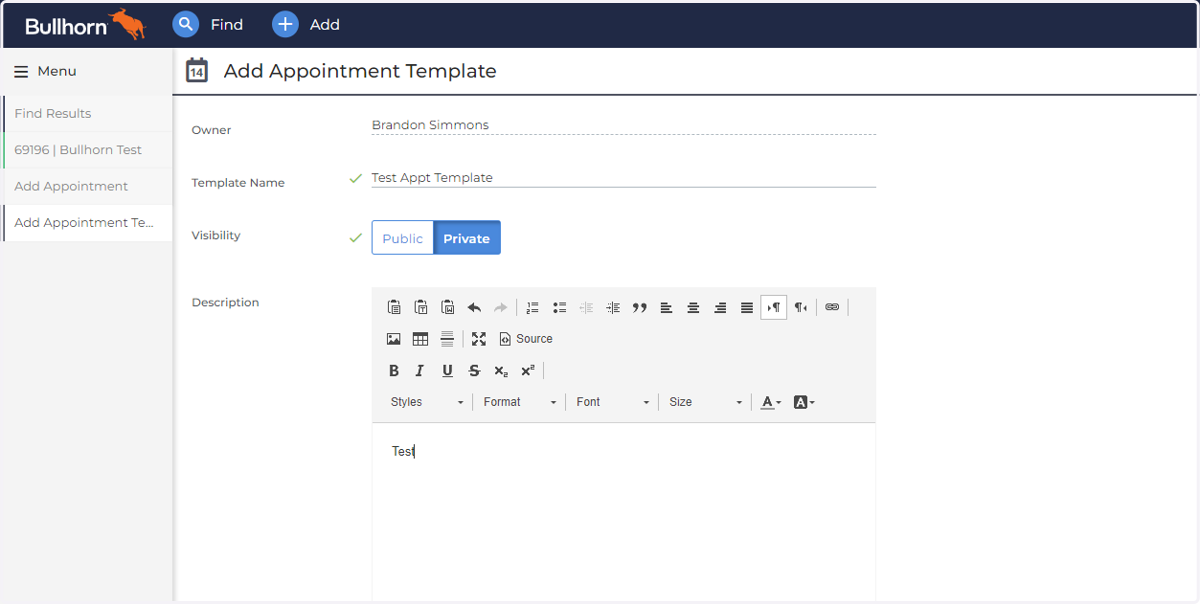
12. Create Description
Write text or Copy and Paste from another Source
13. Click "SAVE"