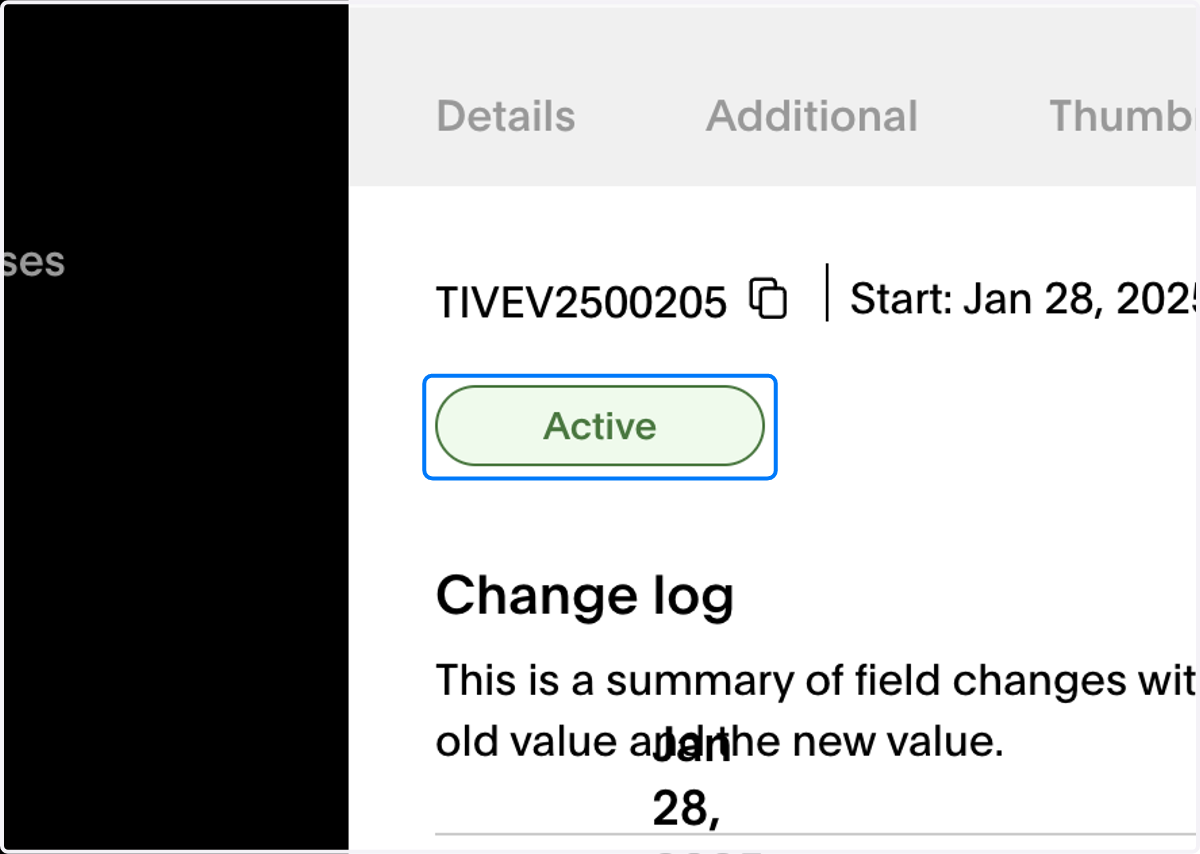
Updating a Vevo videos channel
Go to https://backstage.vevo.com/
1. Search for the video you wish to update in the video search
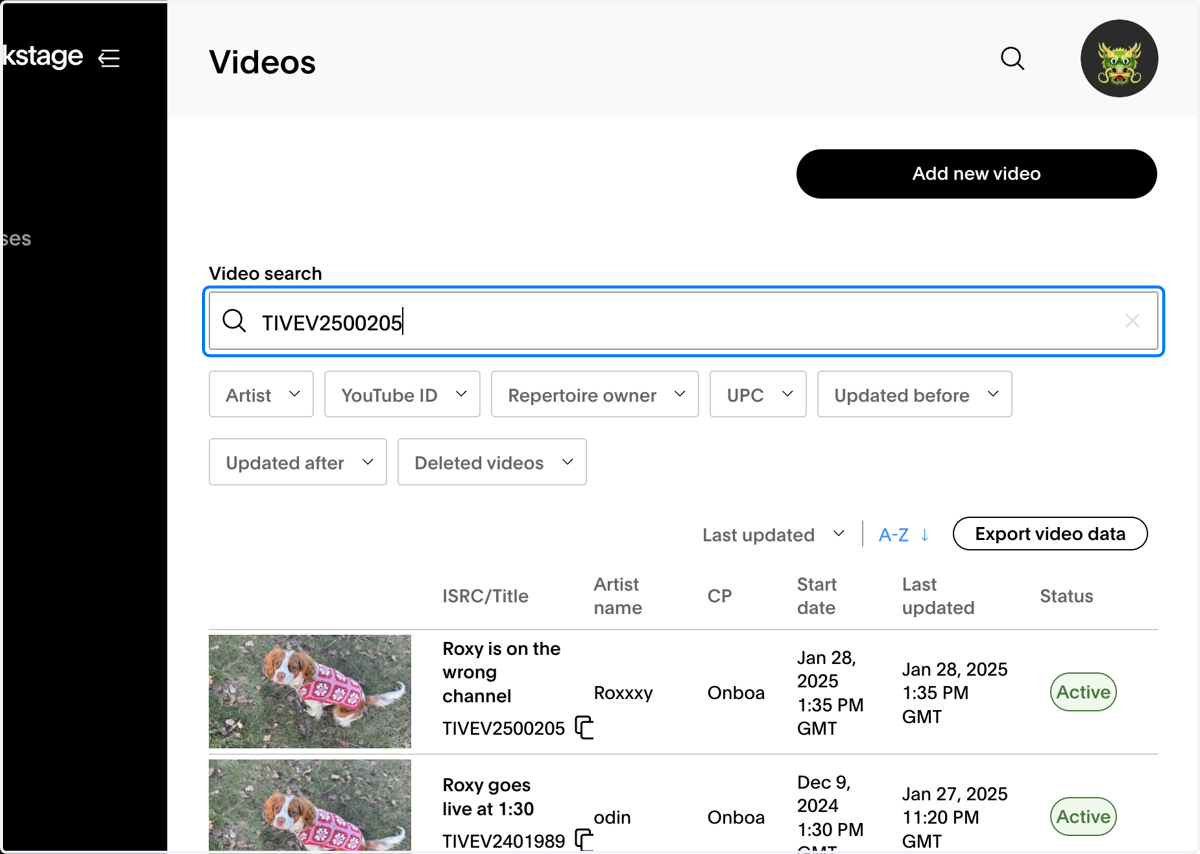
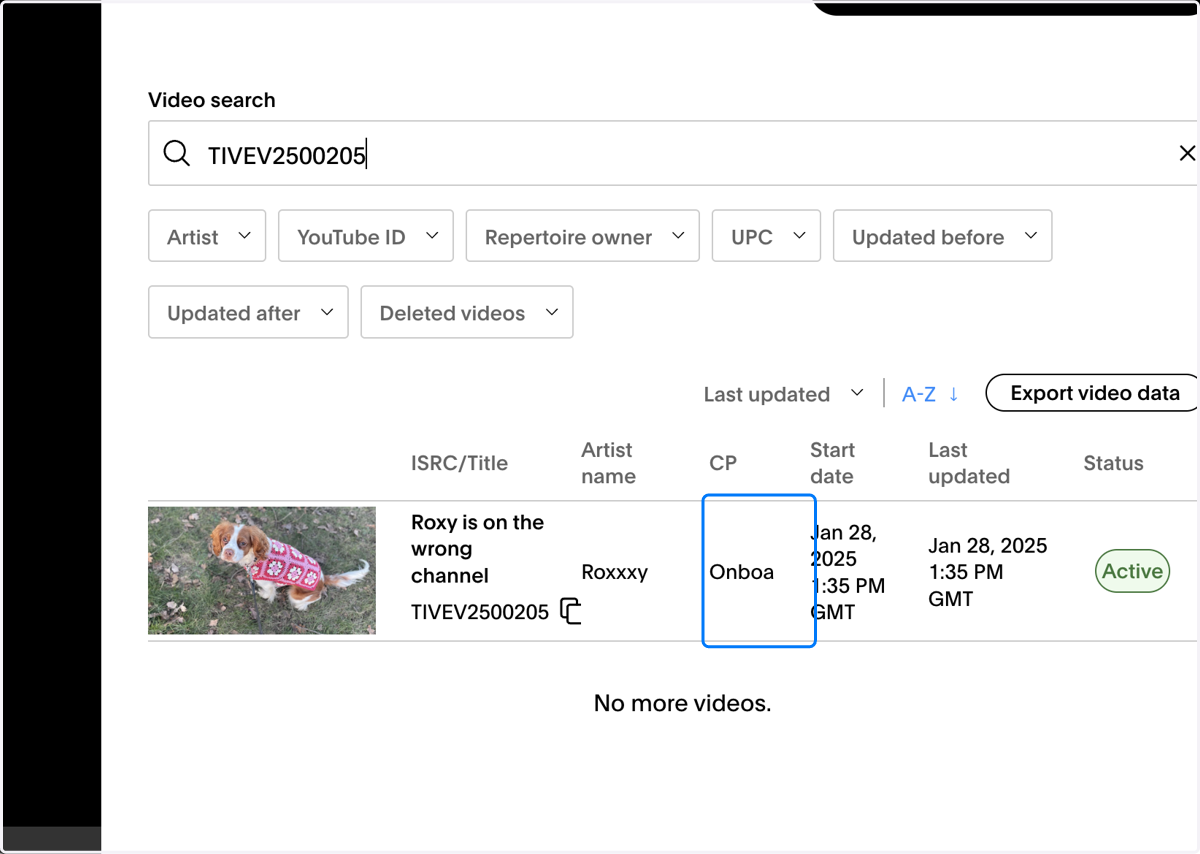
2. Click into the video
3. Scroll down to the channel field and hit edit
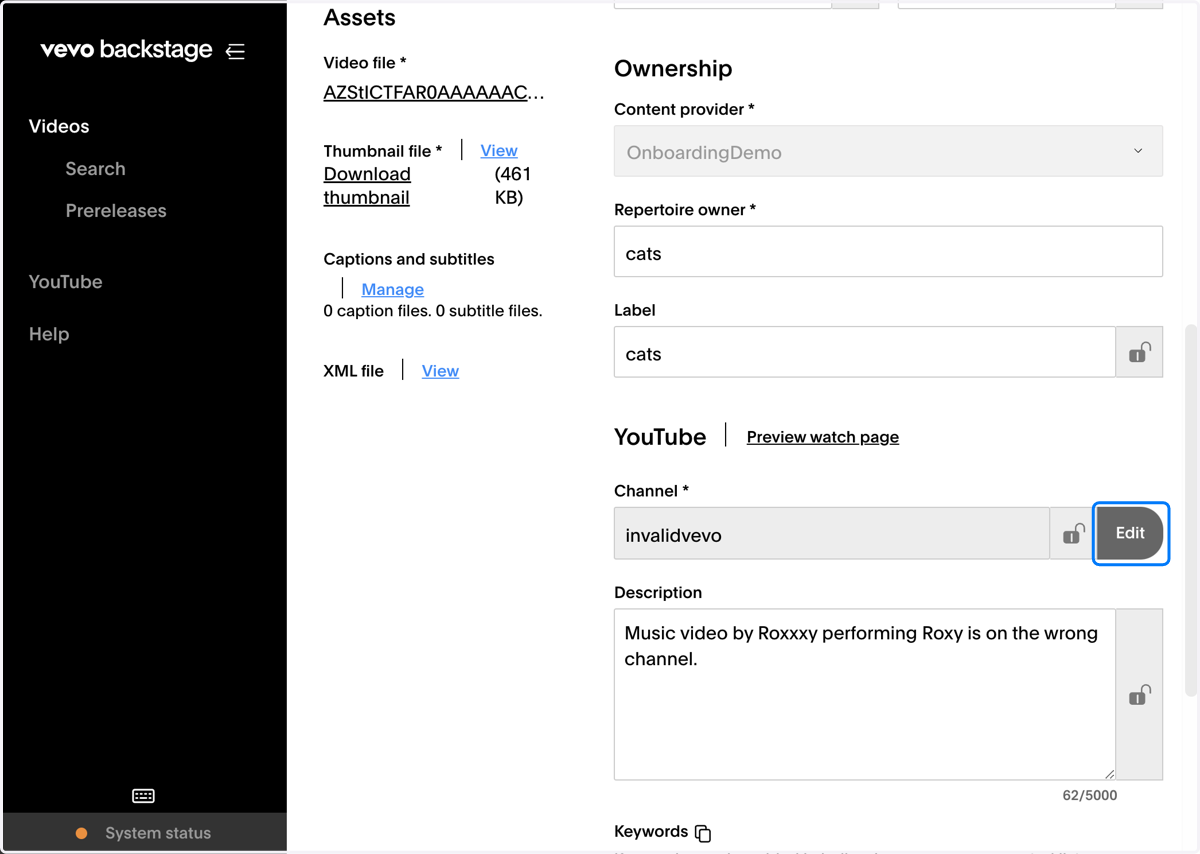
4. Update to the channel name to the artist channel
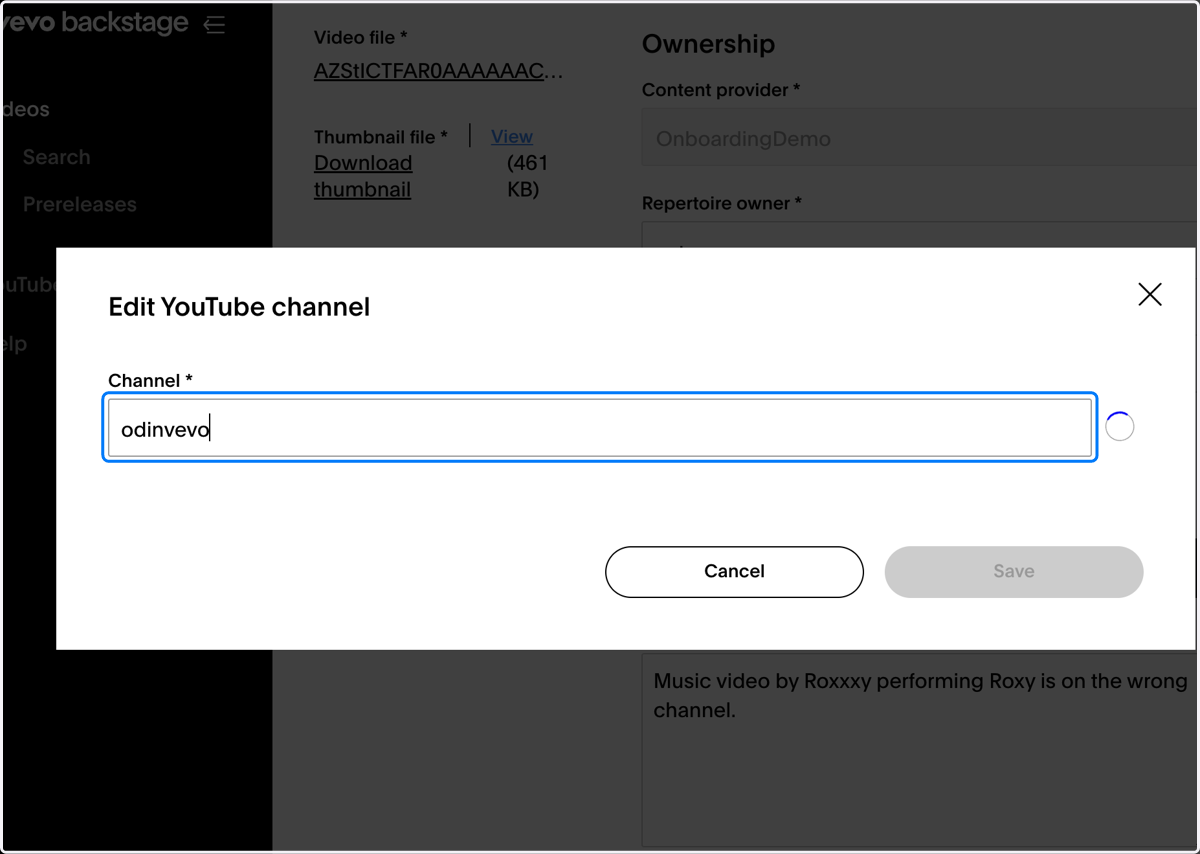
5. Click on Save
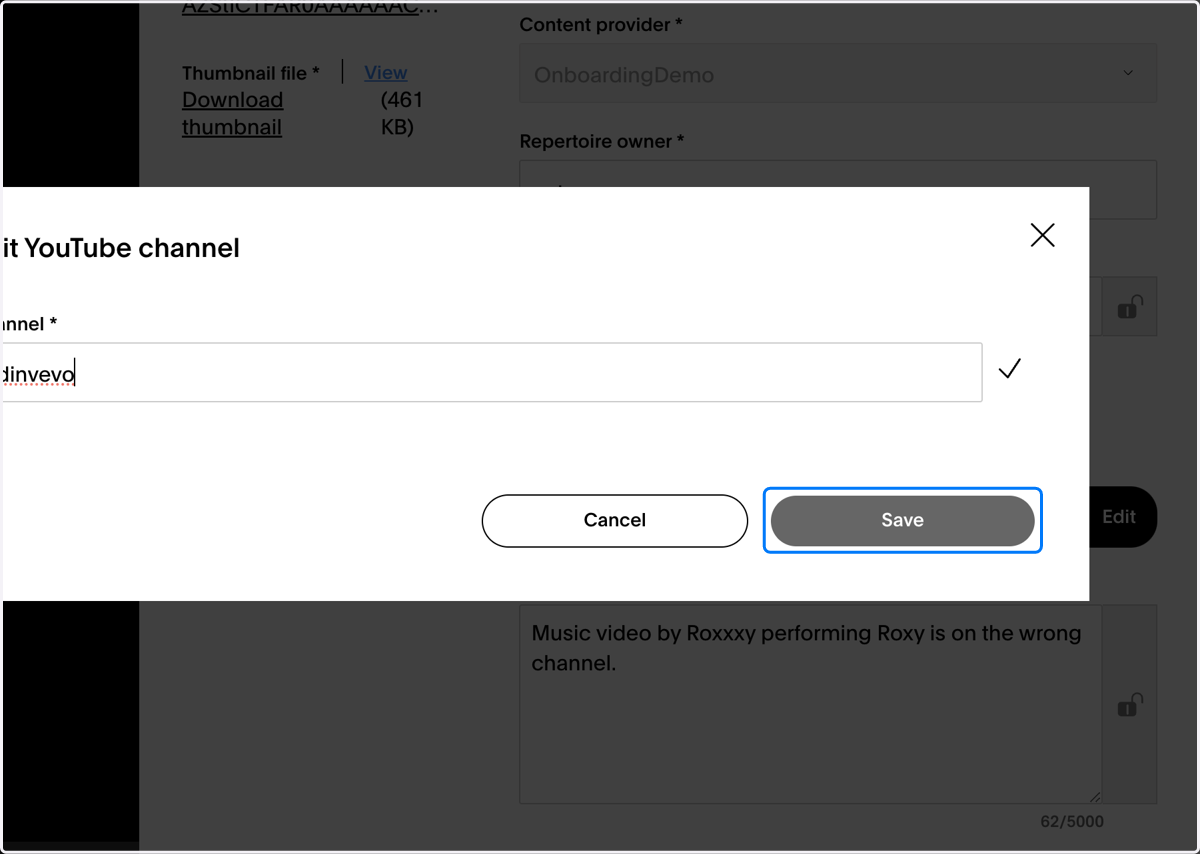
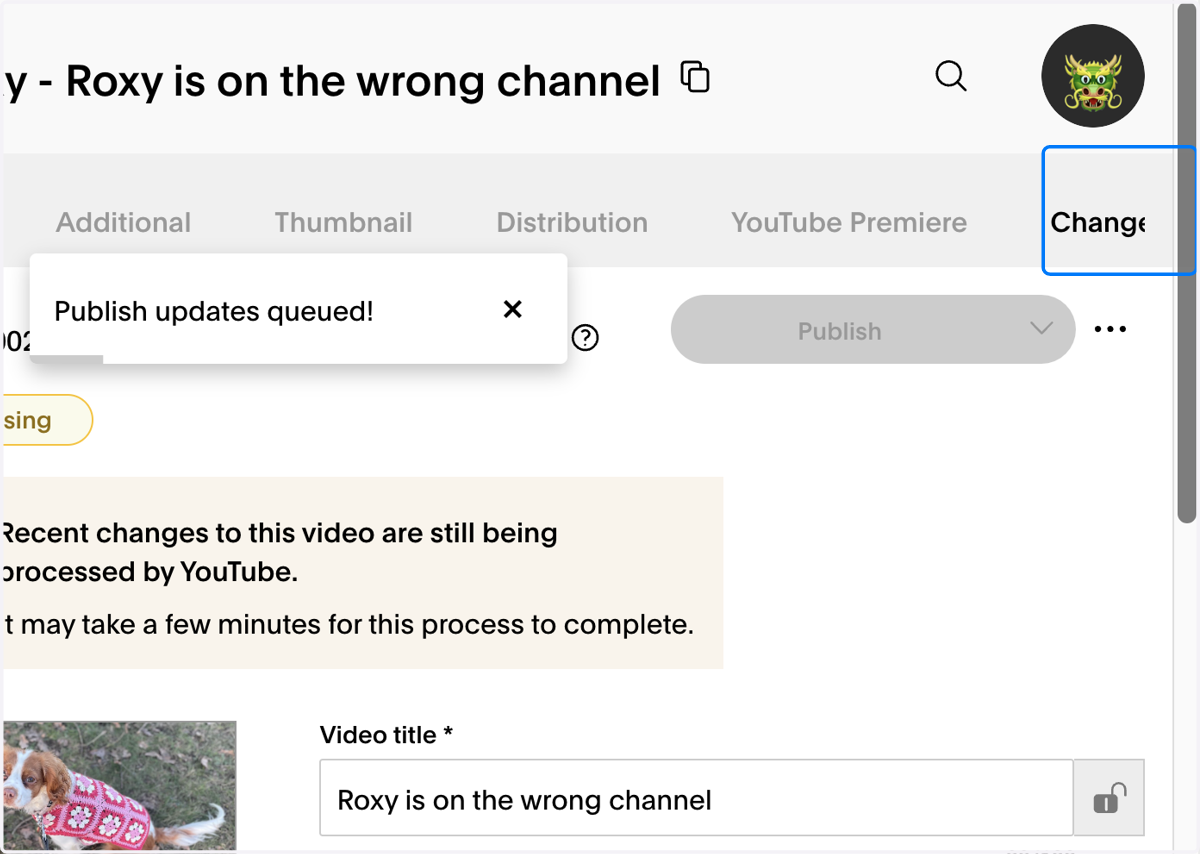
6. Click on Publish
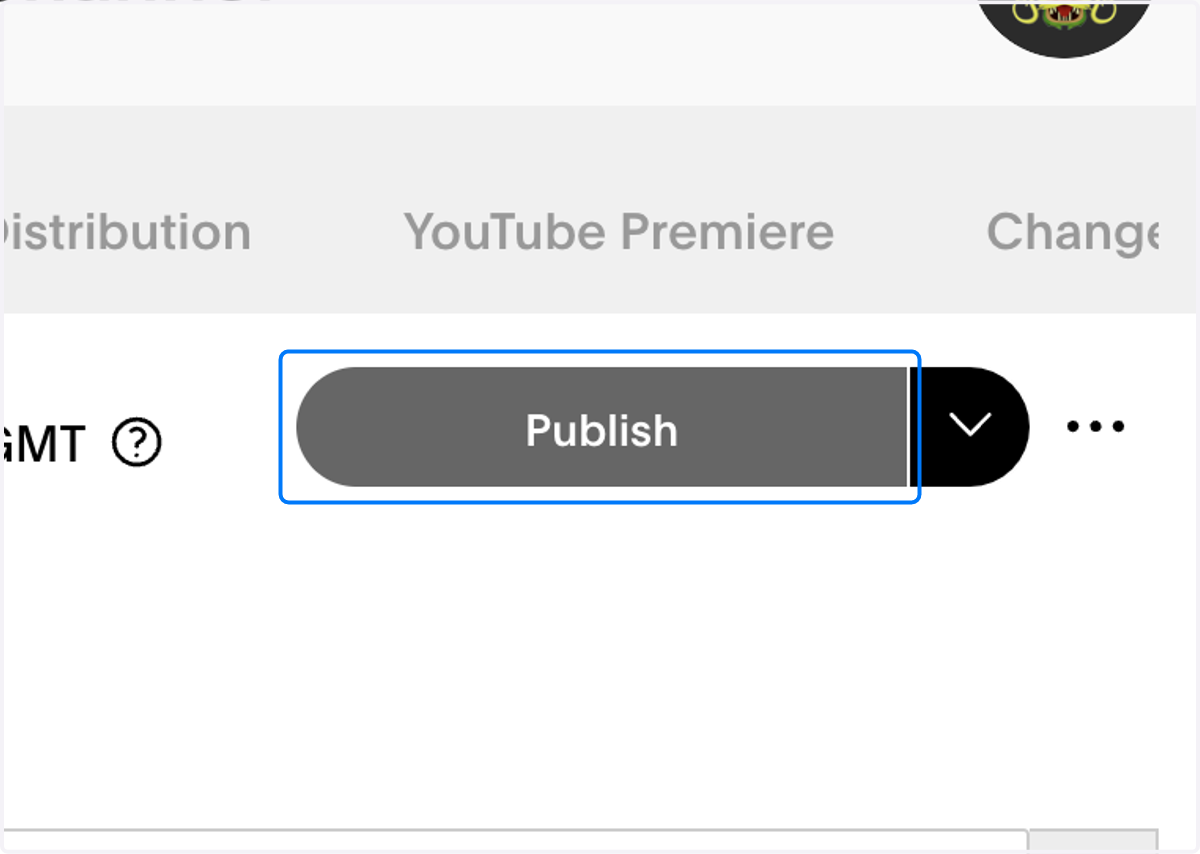
7. If the update has gone through successfully you will see the pop-up below
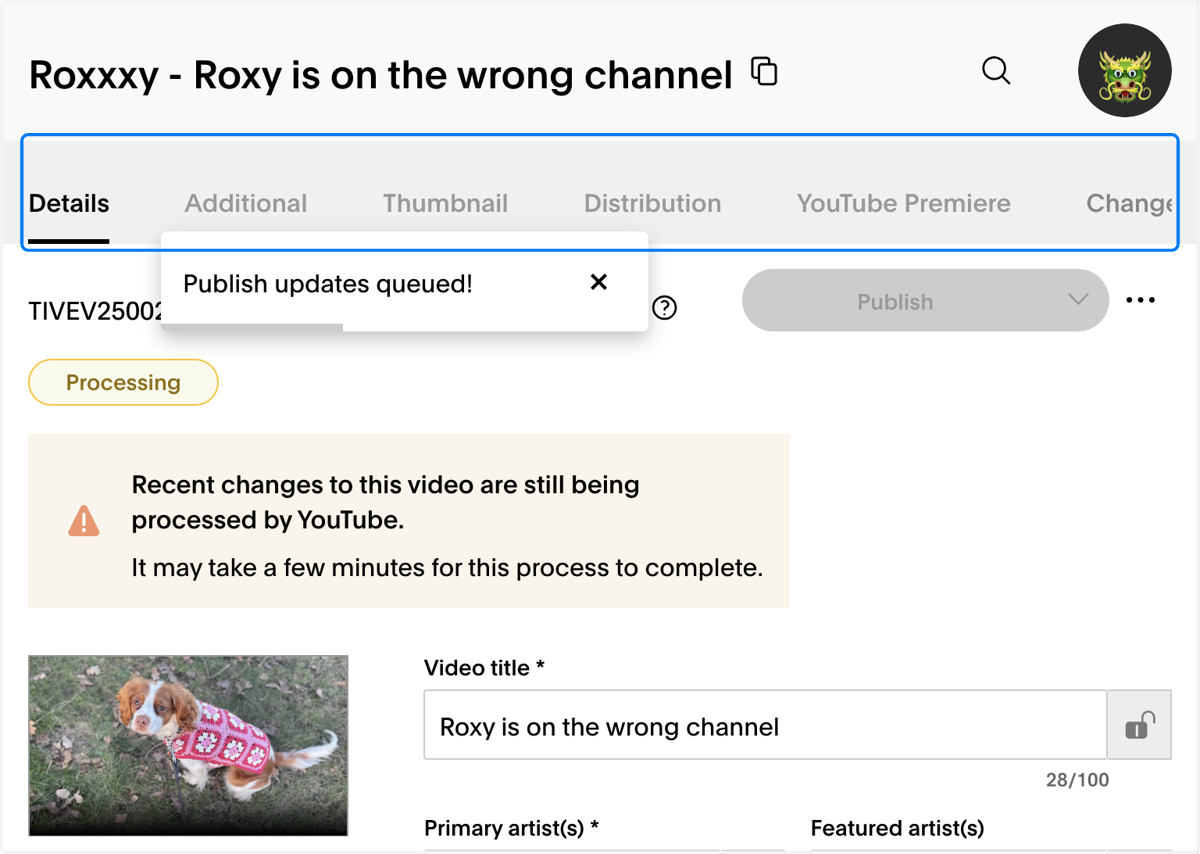
8. You can also check the channel update in the change log by clicking the change log tab
9. And looking at the channel field for the update
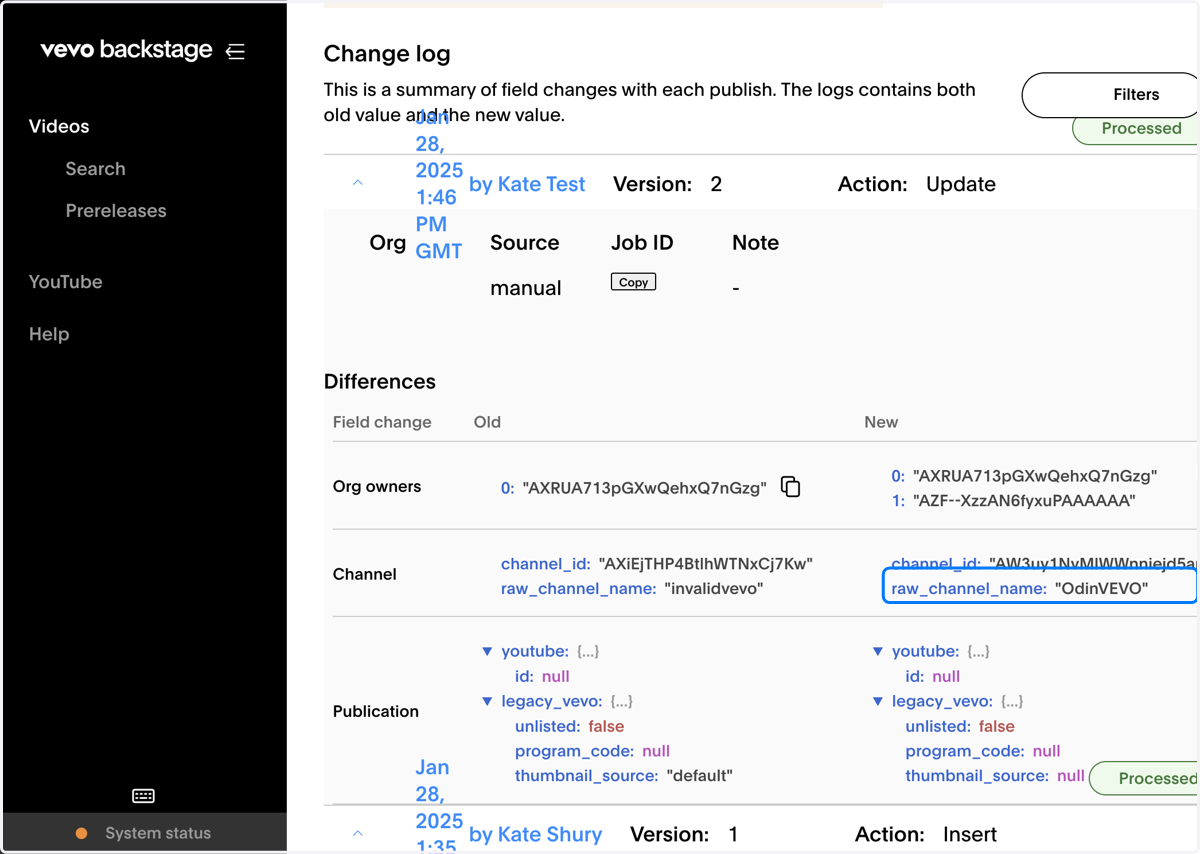
10. Once the update has completed the status will change to active or unreleased if the video is not yet live