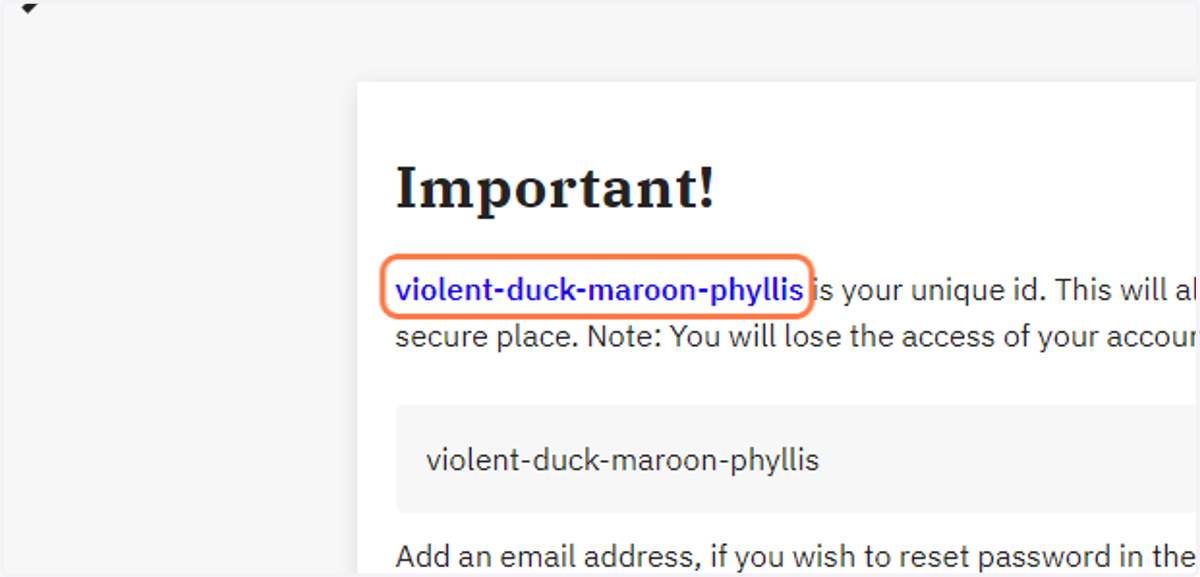
FramerSpace Username
When someone signs up on FramerSpace a unique username is generated. This is how you can access your username after you have signed up.
Framerspace
1. Go to FramerSpace: Global Citizenship Course (GCF)
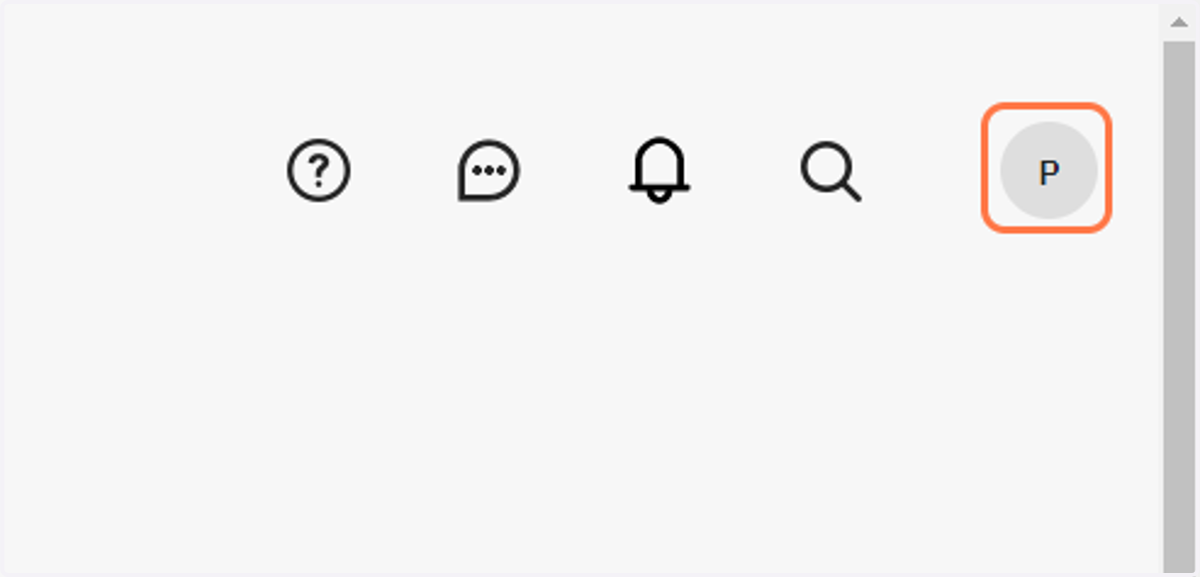
2. Click on P
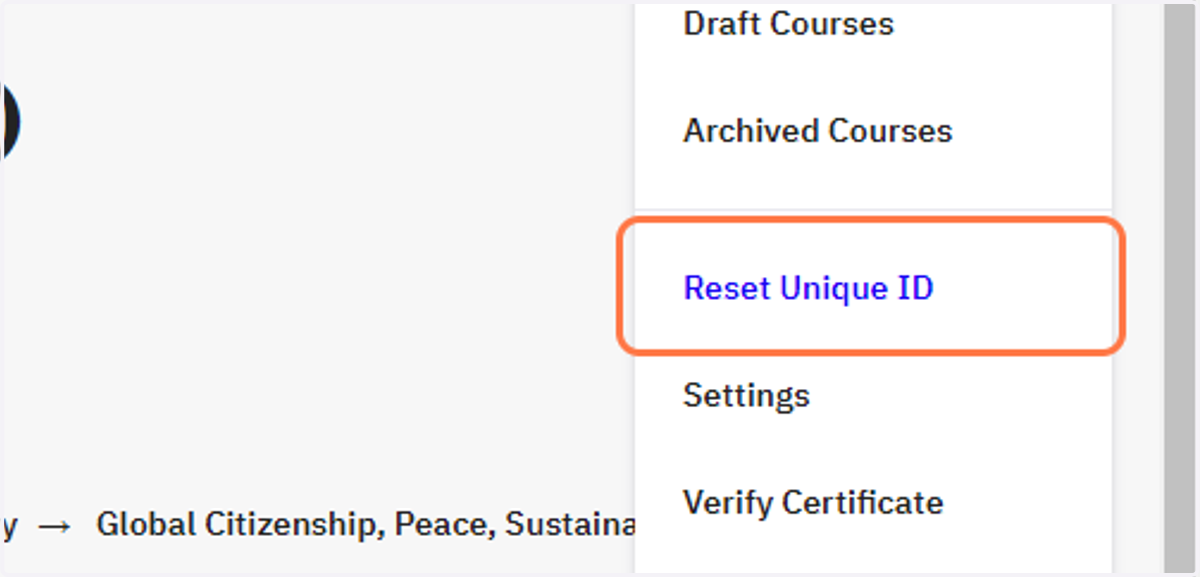
3. Click on Reset Unique ID
4. Drag highlighted element
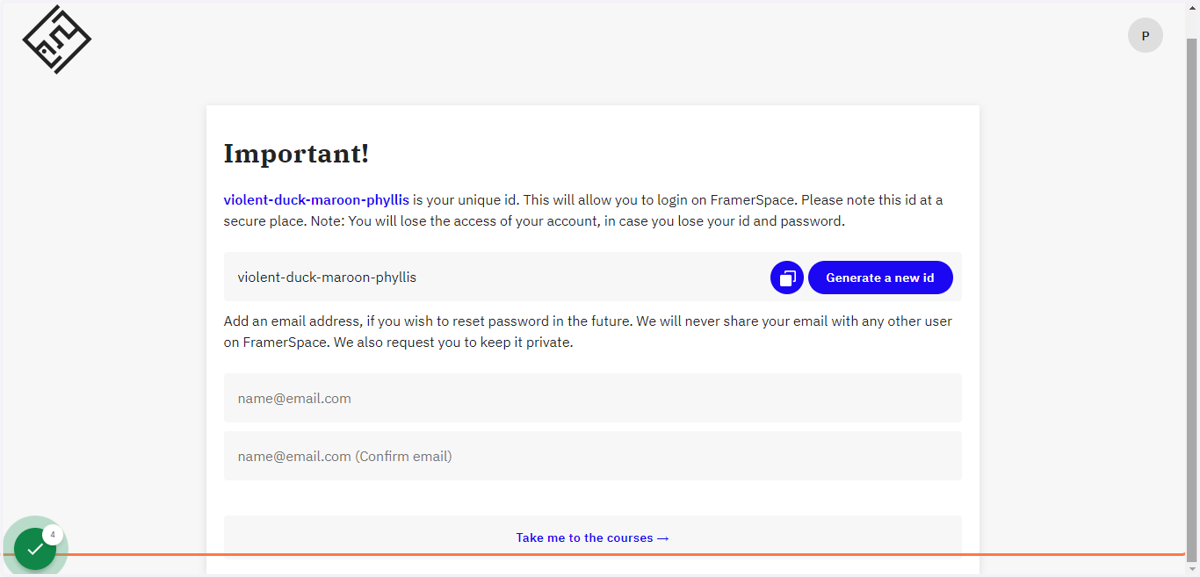
5. Click on violent-duck-maroon-phyllis
This is the unique id that the learner gets and has to use it to in to FramerSpace. Each leaners's unique id should be written in the FramerSpace username column on the student information sheet on the Schools Implementation Tracker.