I can create a shipment straight after an allocation
Jules AI
1. Go to Jules AI
2. In the Allocation module, select the "Purchase", "Sale", and "Containers" you want to allocate
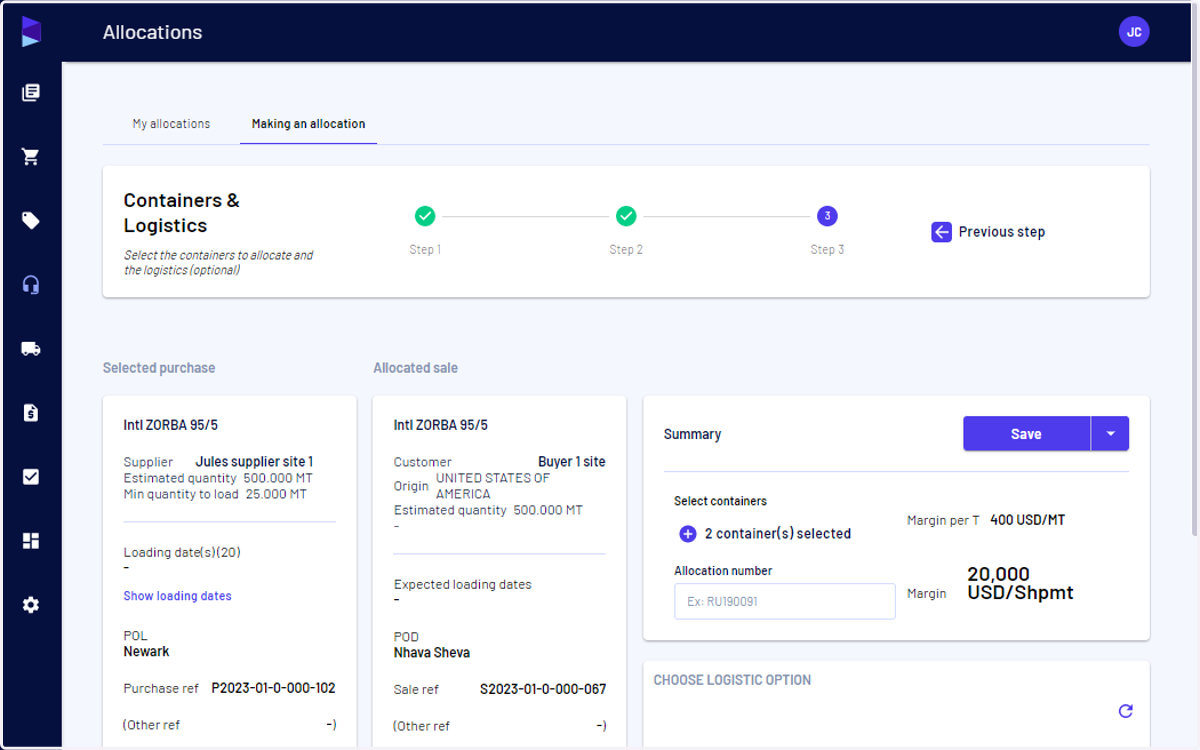
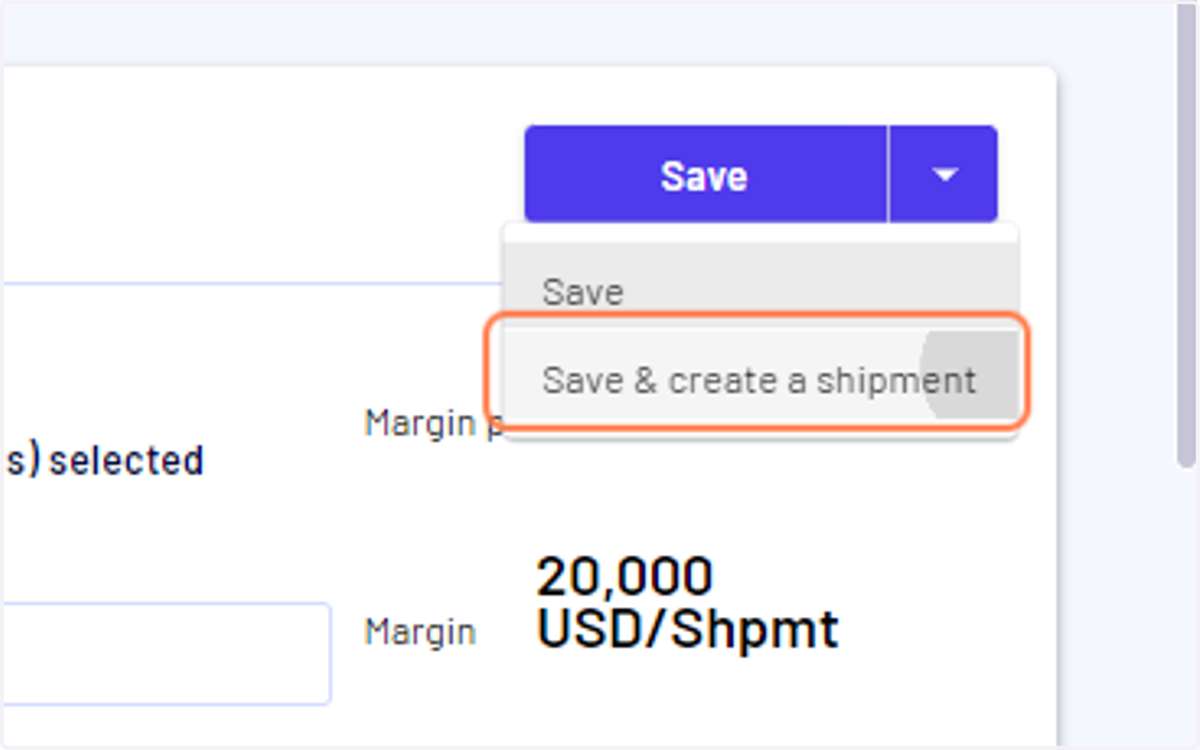
3. Click on the down arrow next to save and select "Save & create a shipment"
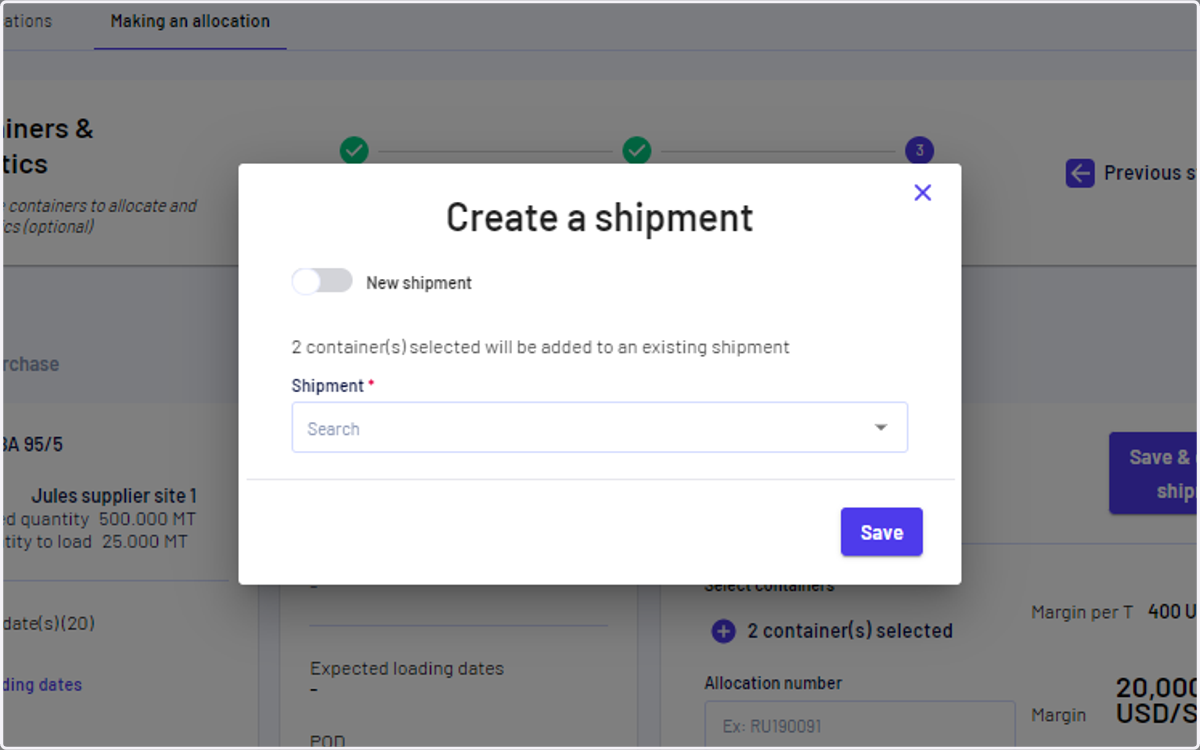
4. You can create a new shipment (toggle on) or add to an existing shipment (toggle off)
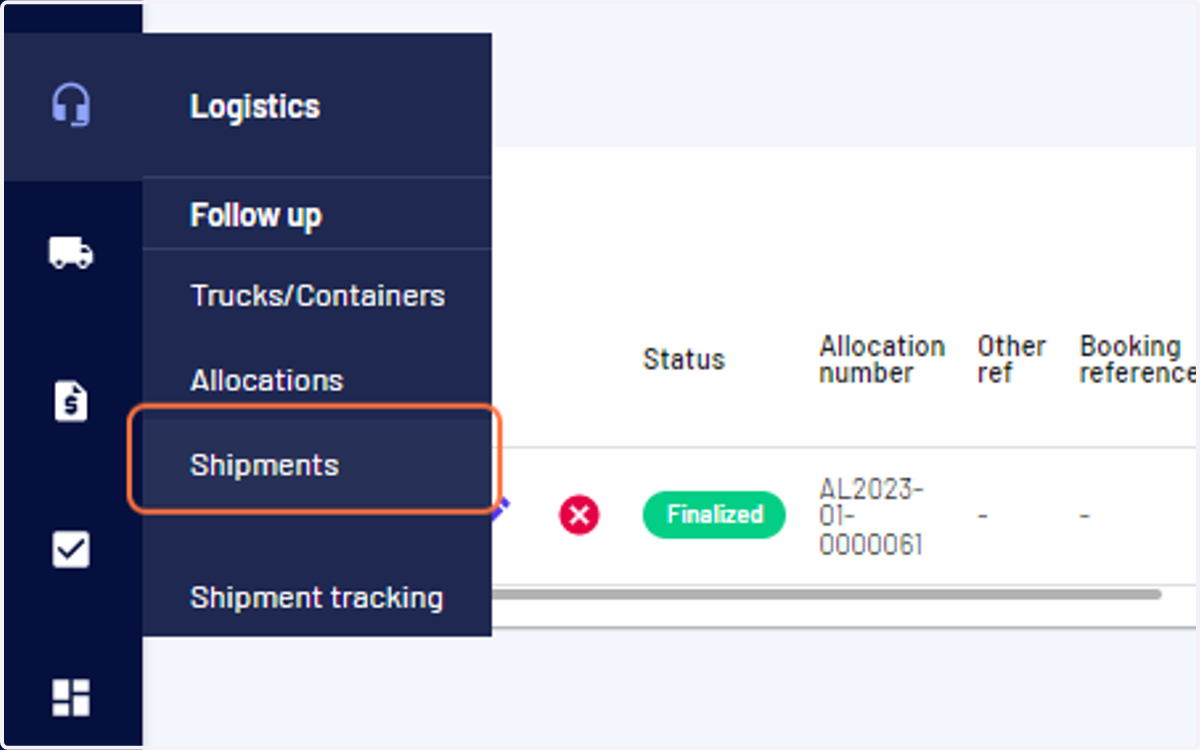
5. To view it, go to the "Logistics" menu and click on "Shipments"