SwagUp x SwagUp: Update Contact
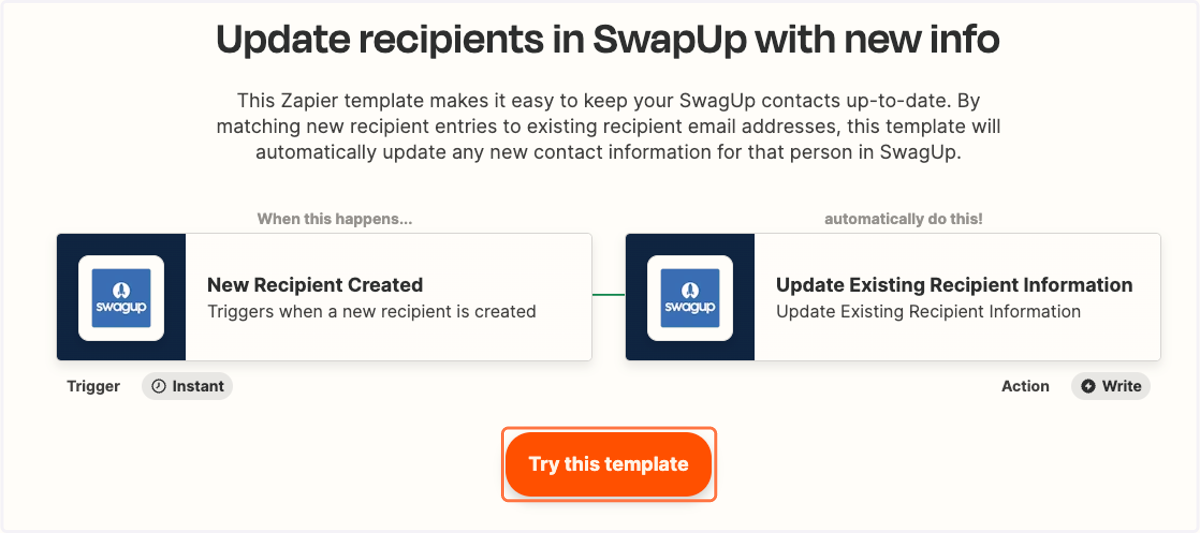
This Zapier template makes it easy to keep your SwagUp contacts up-to-date. By matching new recipient entries to existing recipient email addresses, this template will automatically update any new contact information for that person in SwagUp.
Update recipients in SwapUp with new info
1. Click on Try this template
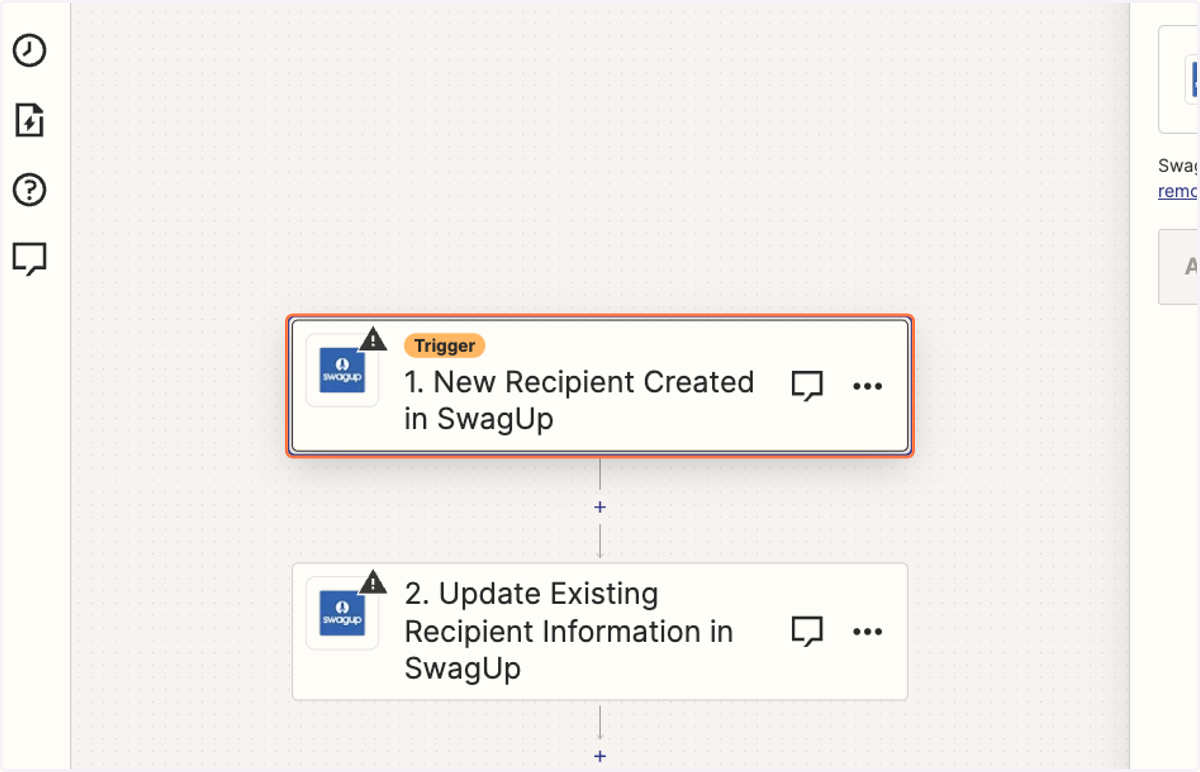
2. Click on Trigger step
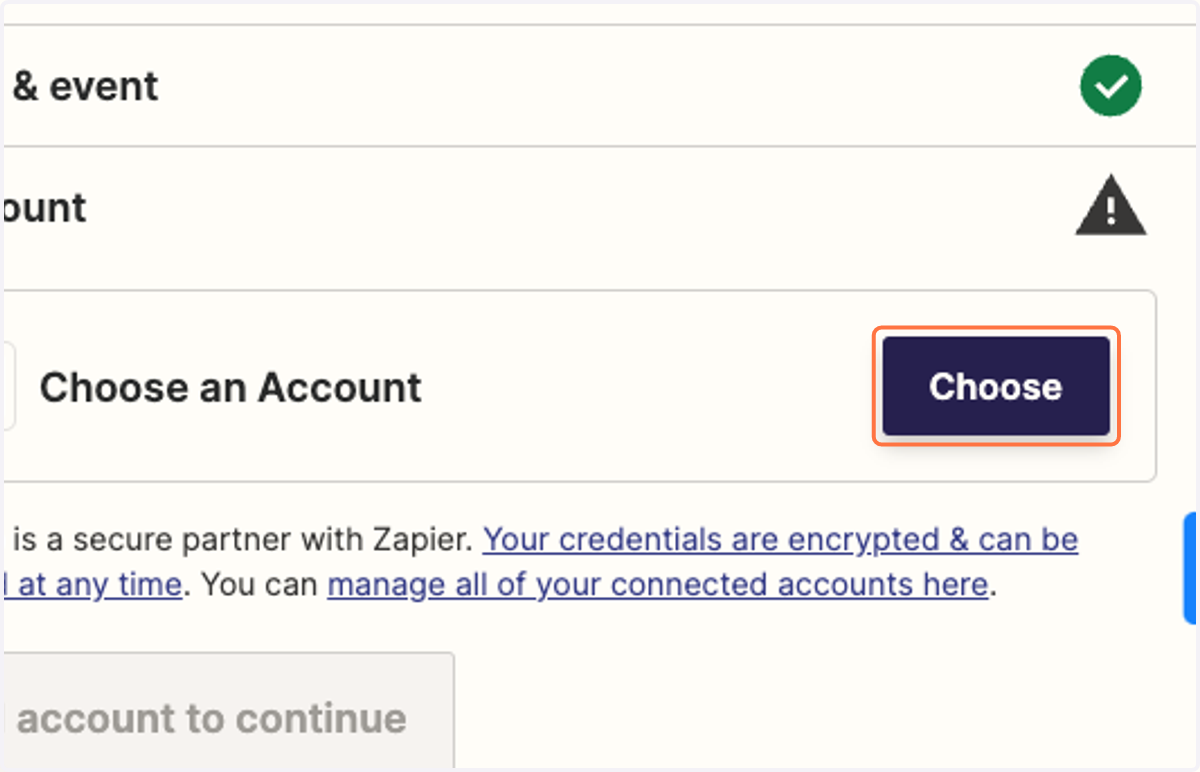
3. Choose SwagUp account to connect
4. Click on Continue
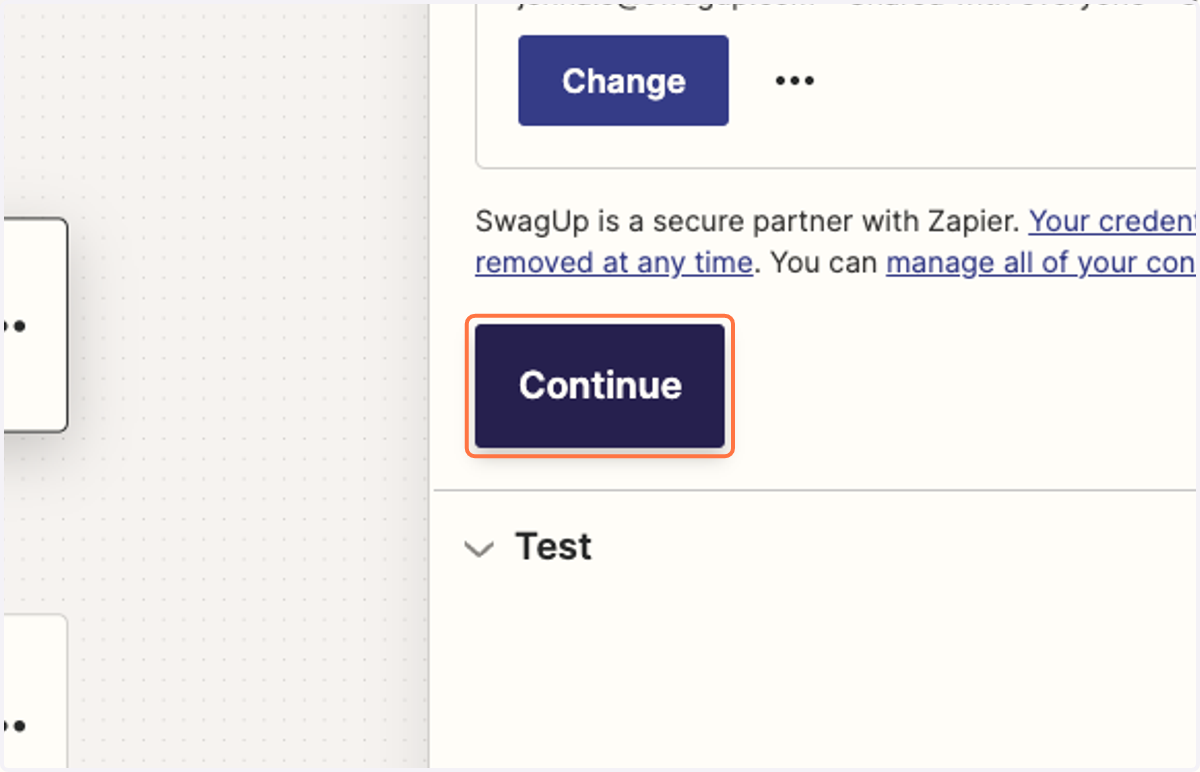
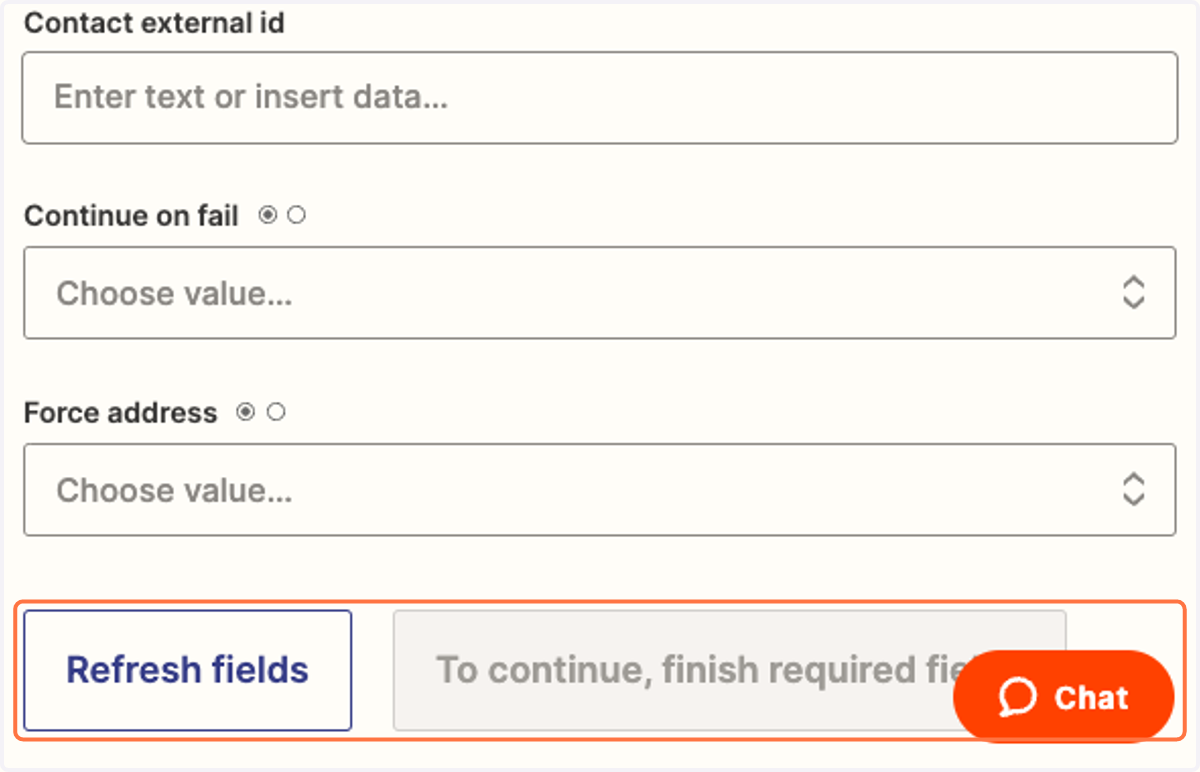
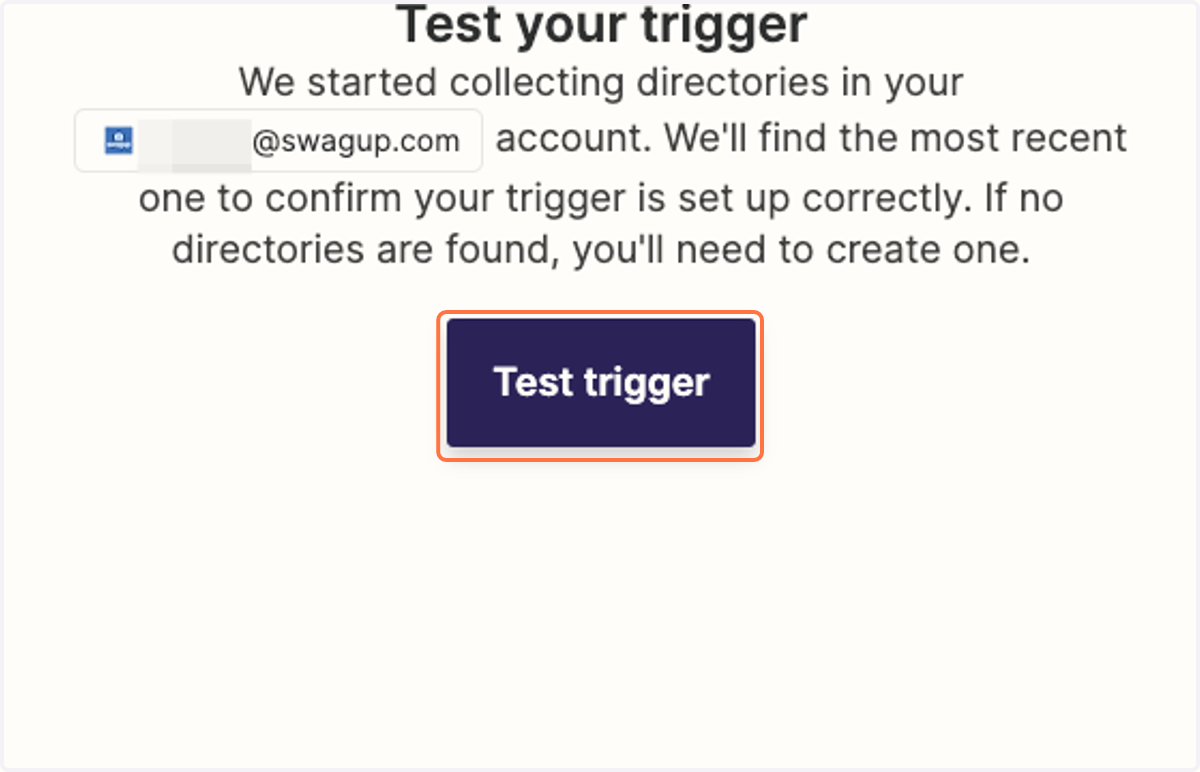
5. Click on Test trigger
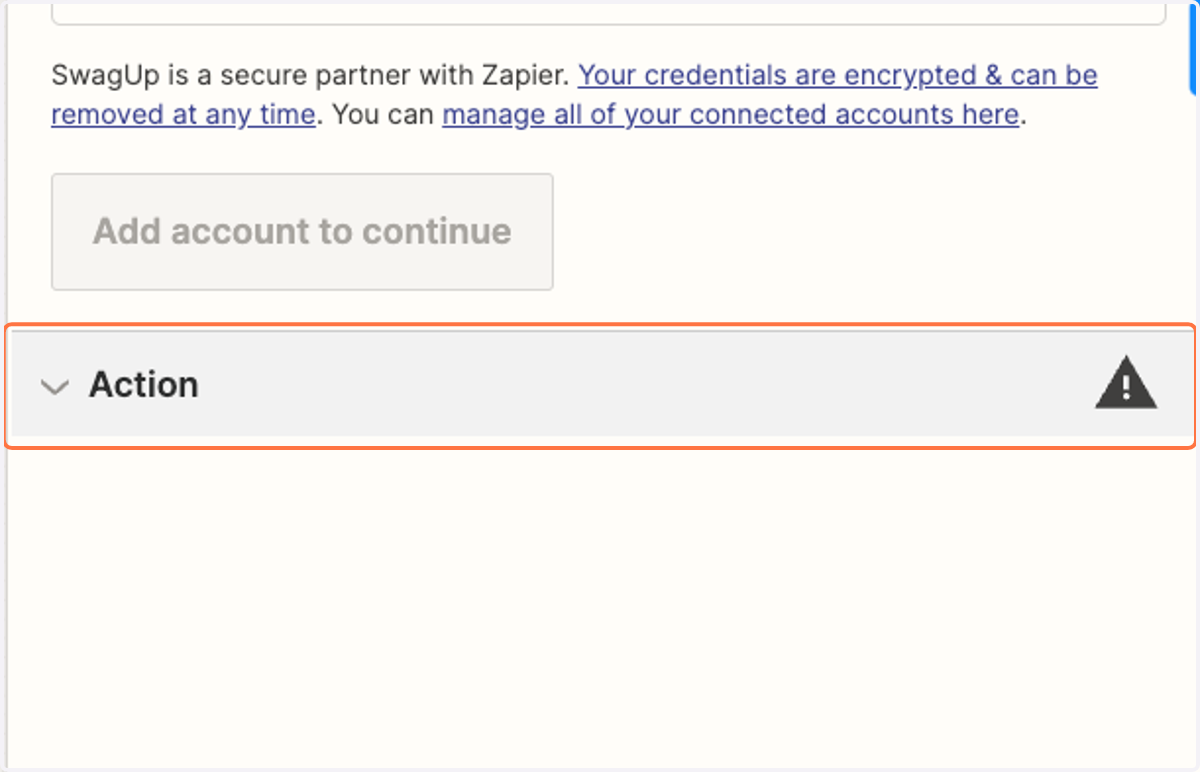
6. Click on Action
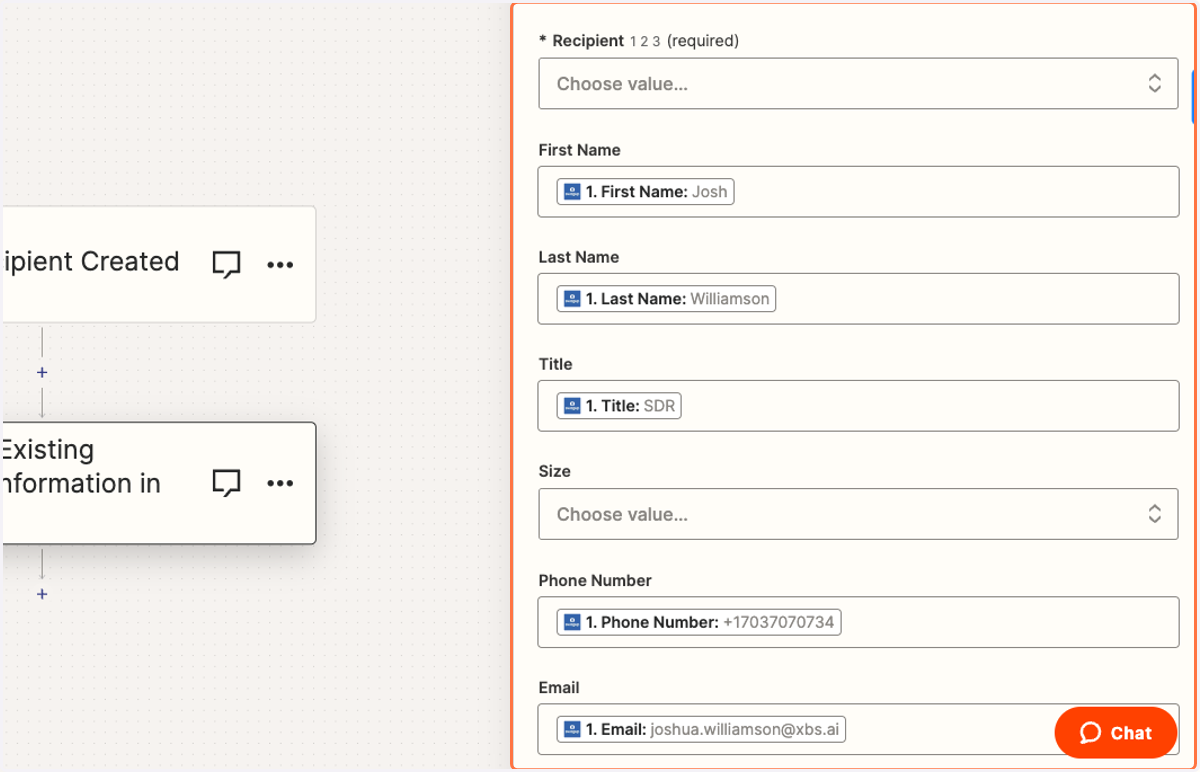
7. Fill out all required fields to update contact information
8. Click on Refresh fields and continue to begin using your Zap