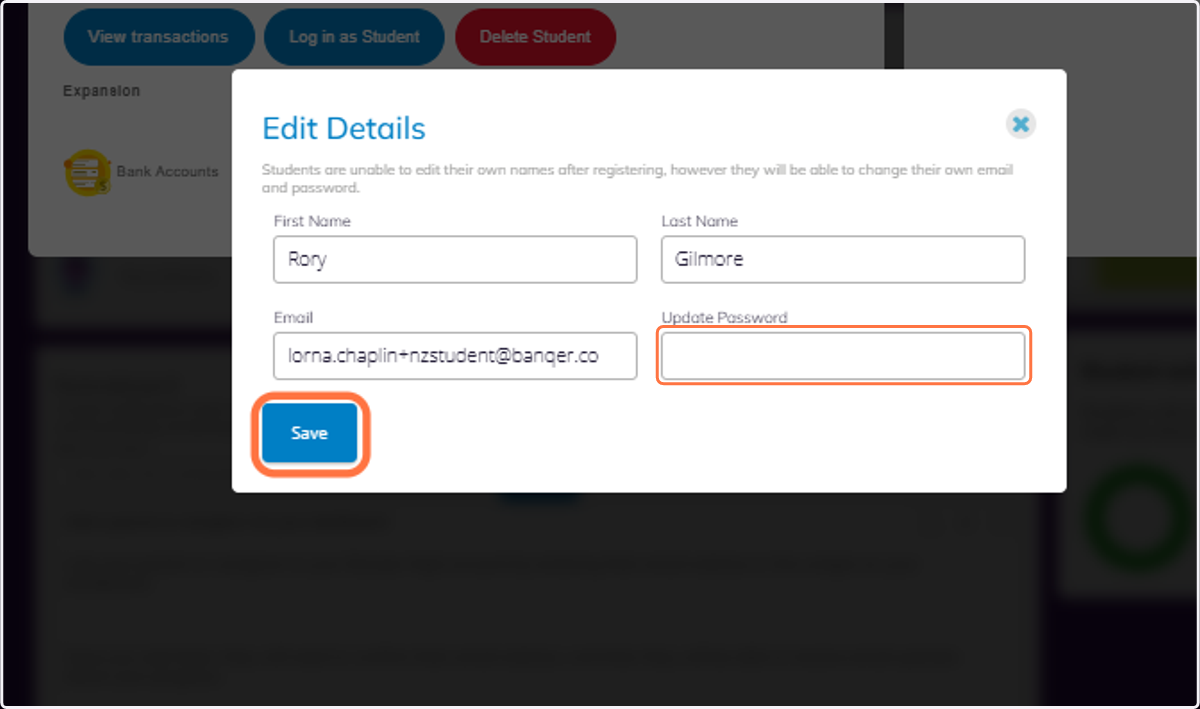
Editing Student Password in Banqer High
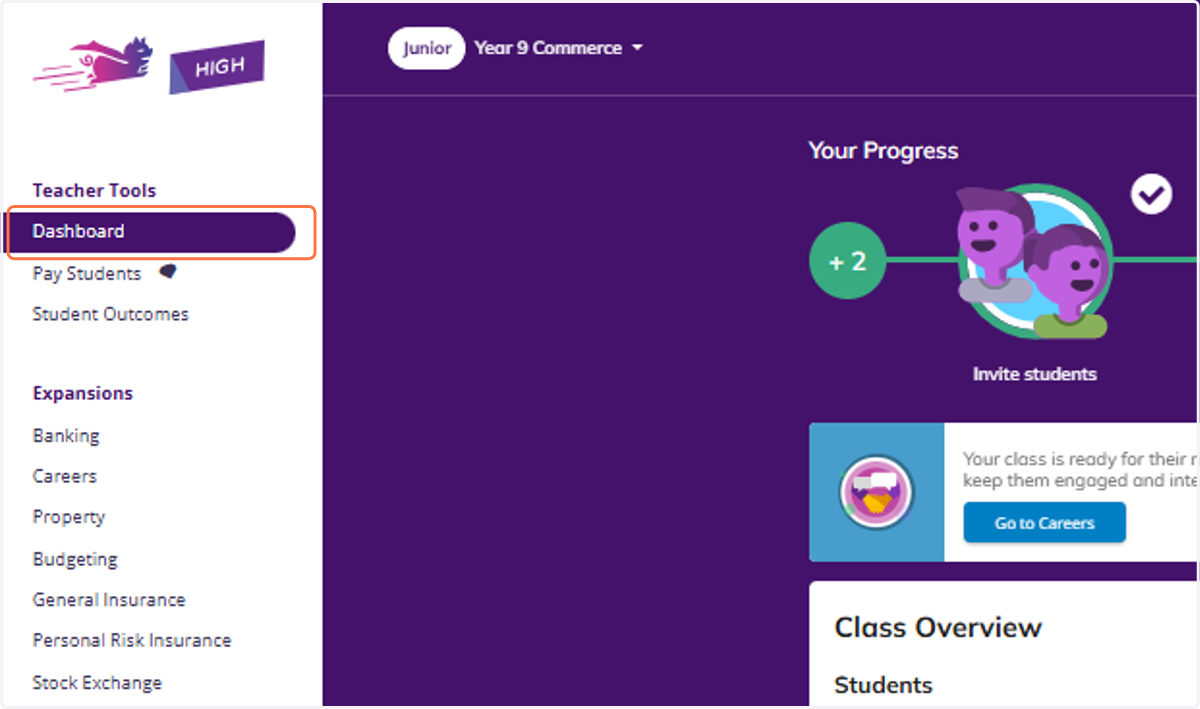
1. Click on Dashboard
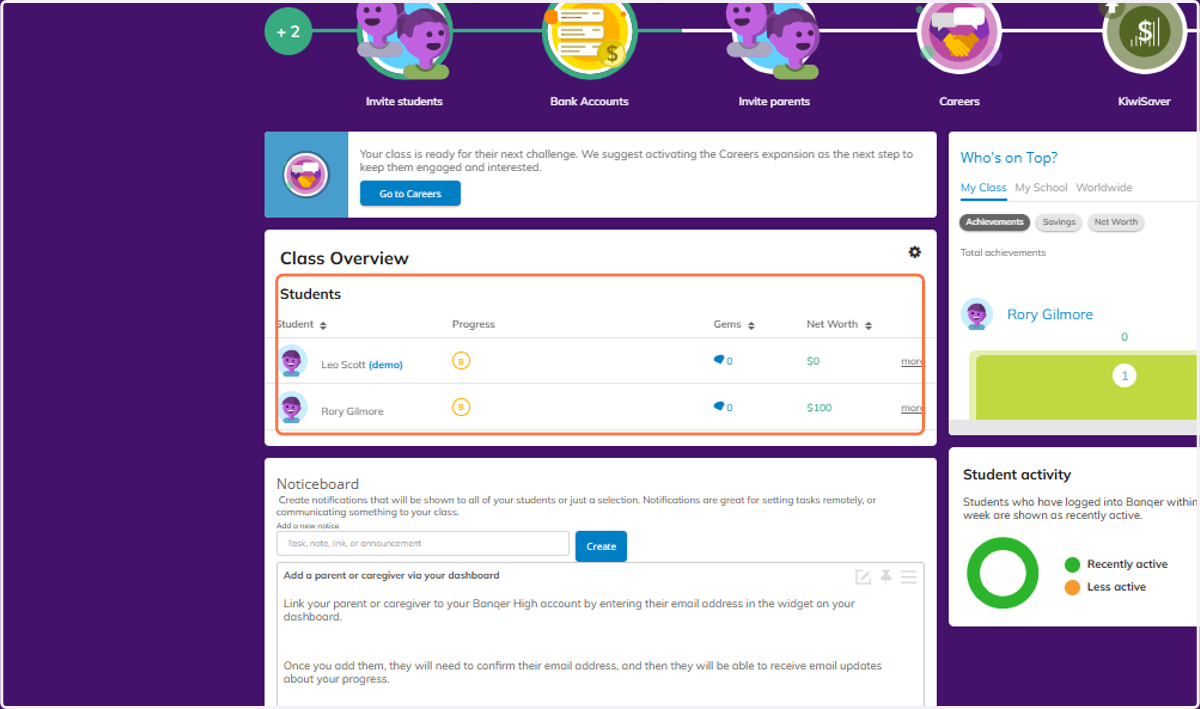
2. You will see your students in your Class overview at the top of your Dashboard.
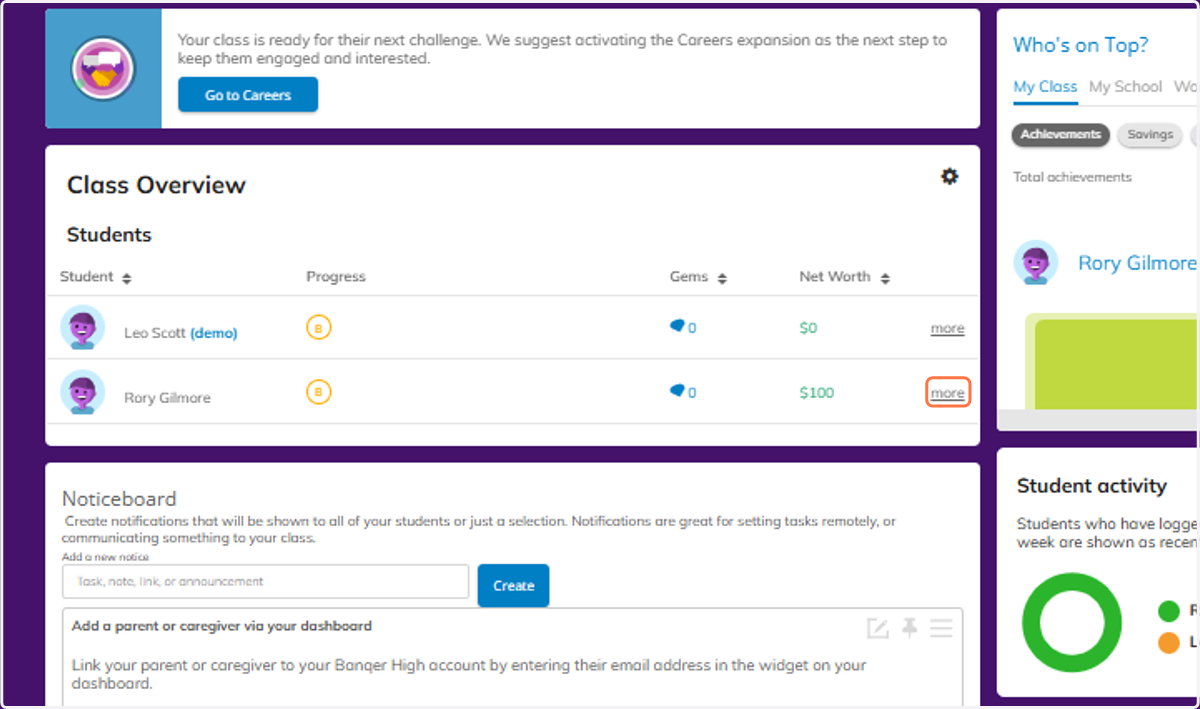
3. Find the relevant student and click the More button.
4. You will firstly see the Student Overview. Click on the Edit Details button.
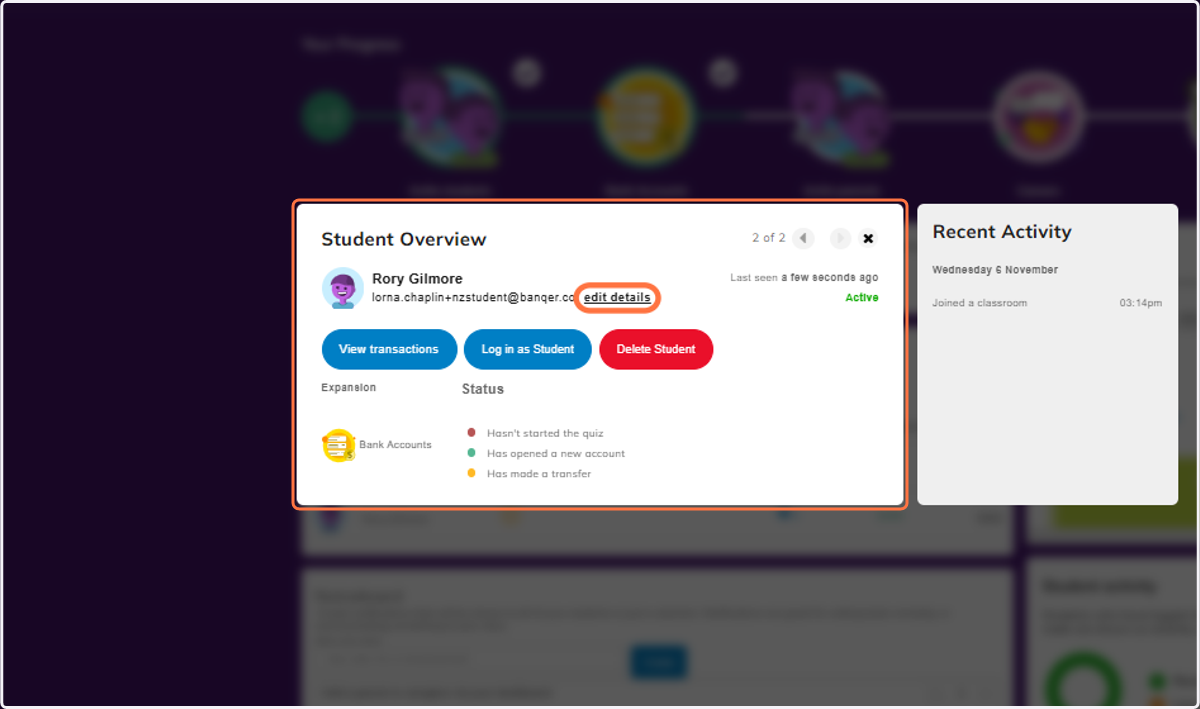
5. From here you can enter a new password for the student and then click Save.