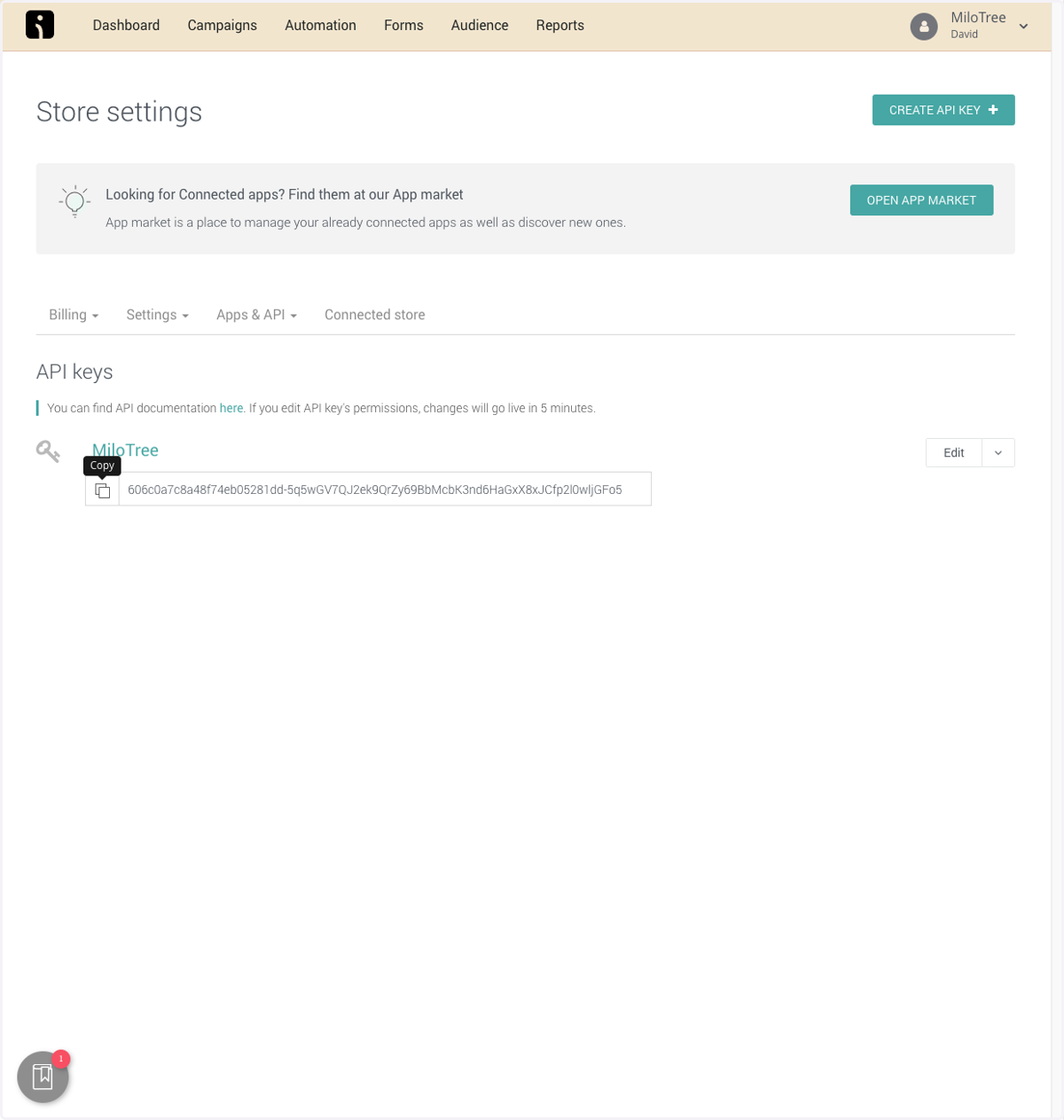
How to Create an Omnisend API Key for Custom Campaign Reports
Omnisend
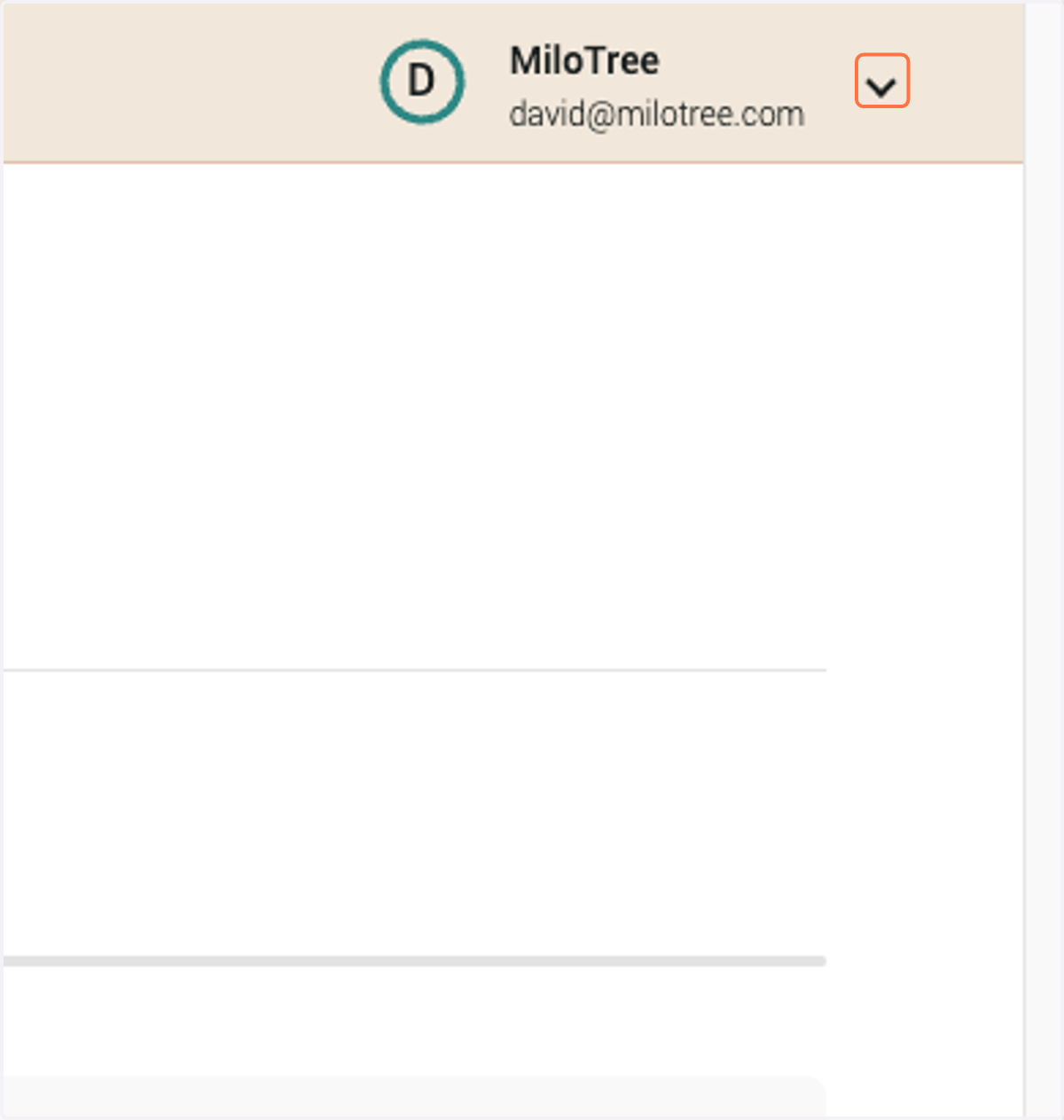
1. Click on your account drop down in the top right
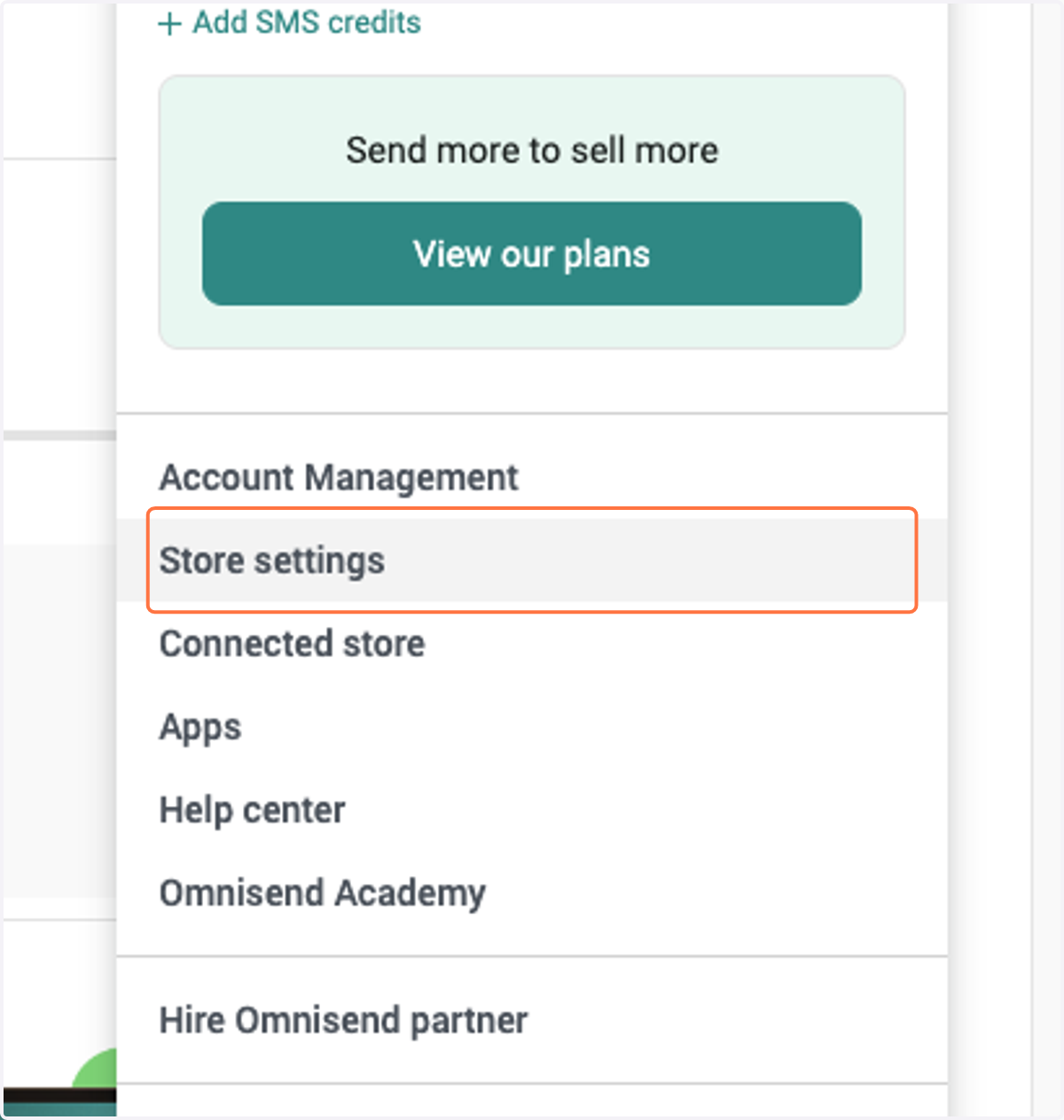
2. Click on Store settings
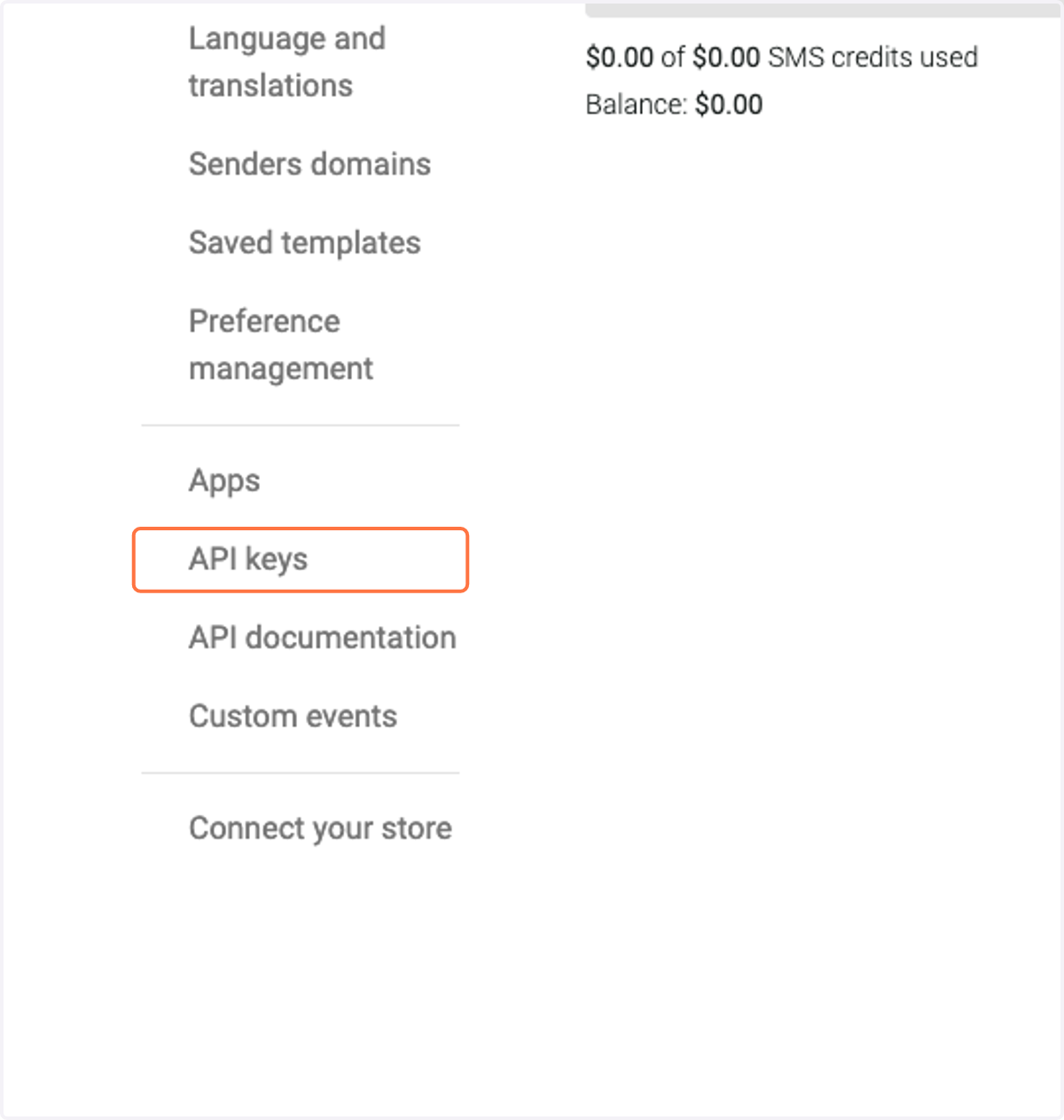
3. Click on API keys
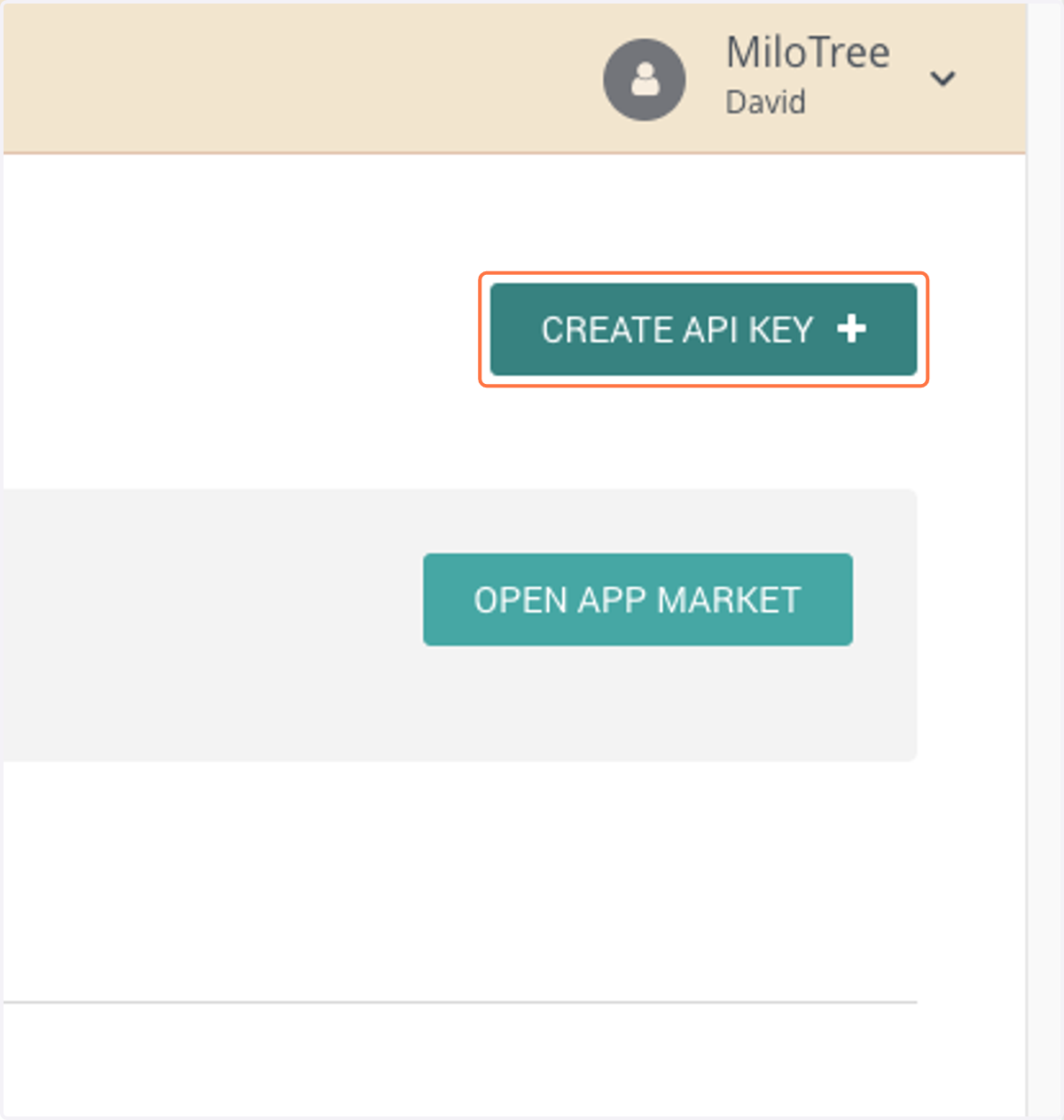
4. Click on CREATE API KEY
5. Type "MiloTree"
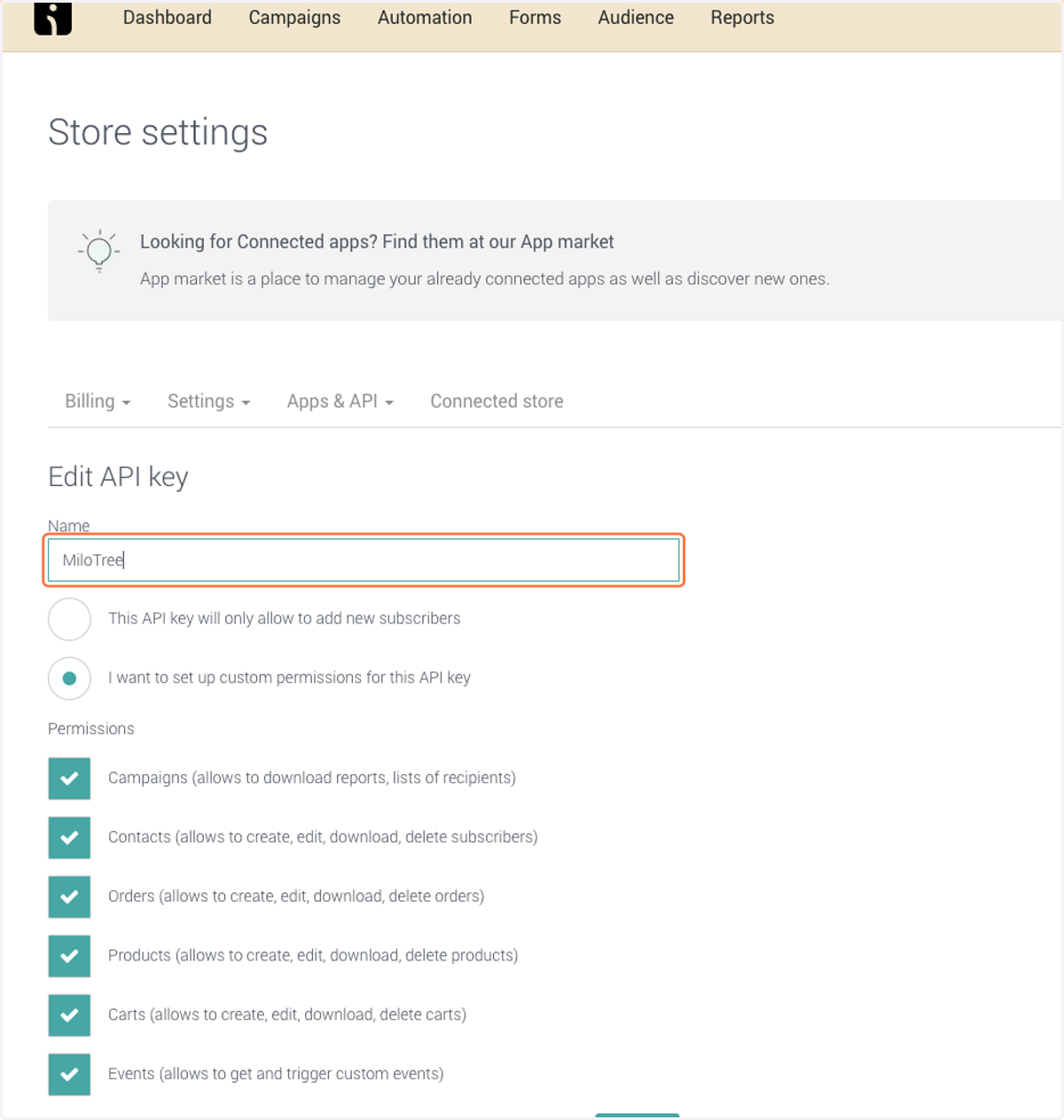
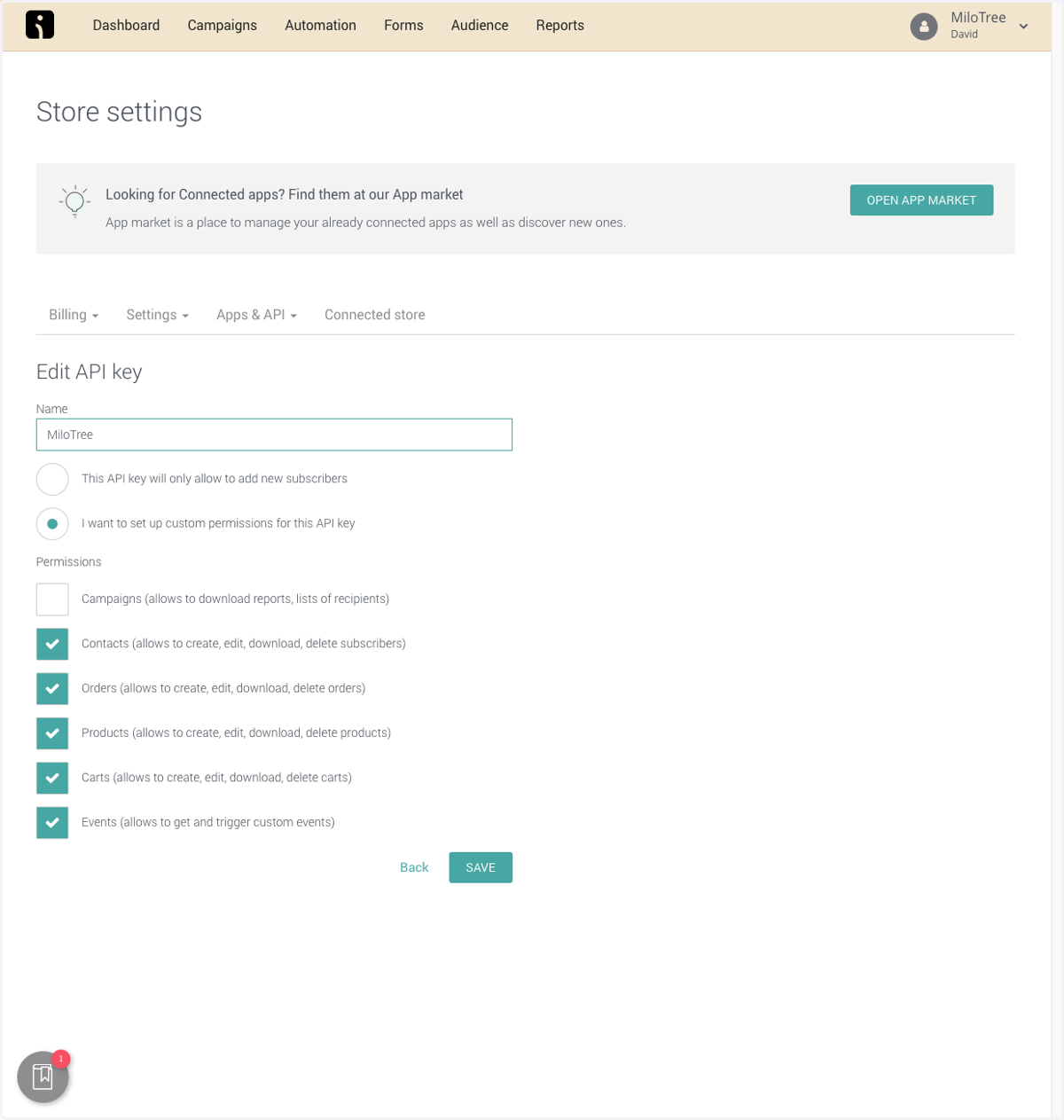
6. Under Permissions, uncheck everything except Contacts
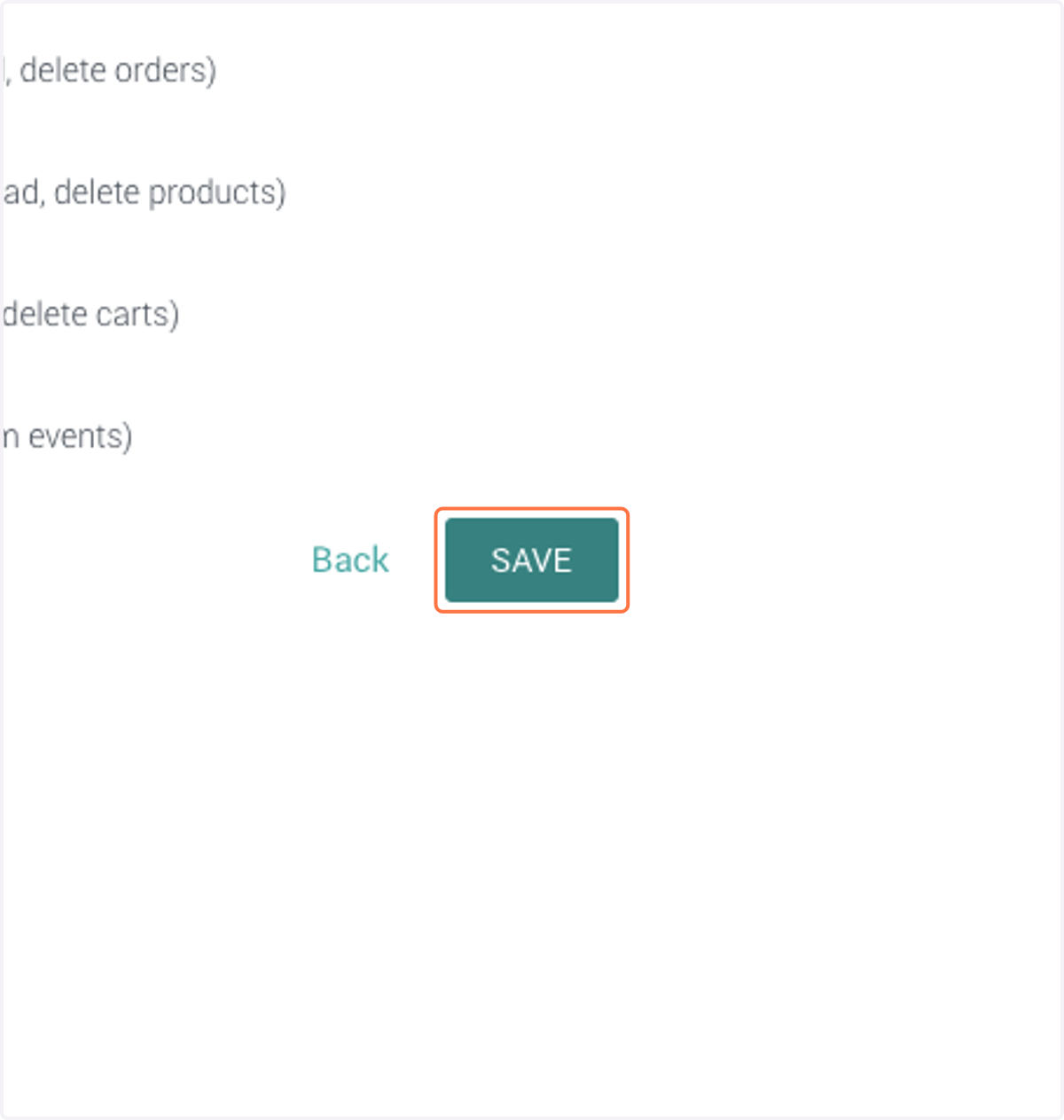
7. Click on SAVE
8. Copy API Key