Configure and enable the default approval workflow
The approval workflow allows you to configure a storefront so that orders placed by certain customers need to be verified by a designated approver prior to being added to the main workflow.
Order approval works in two ways:
Customer submits an order as normal, and approval takes place between submission and order arriving in print operations (Type 1)
Customer creates variable print, submits it for approval and the approval process skips delivery and billing details (Type 2)
Please Note
Registered Customer and Approver must be in the same Department.
Up to three Approvers can be linked to each Department.
Approval can be Storefront wide or against specific products.
1. Our starting point
In this example, we already have certain conditions configured which are required for the approval workflow. Namely:
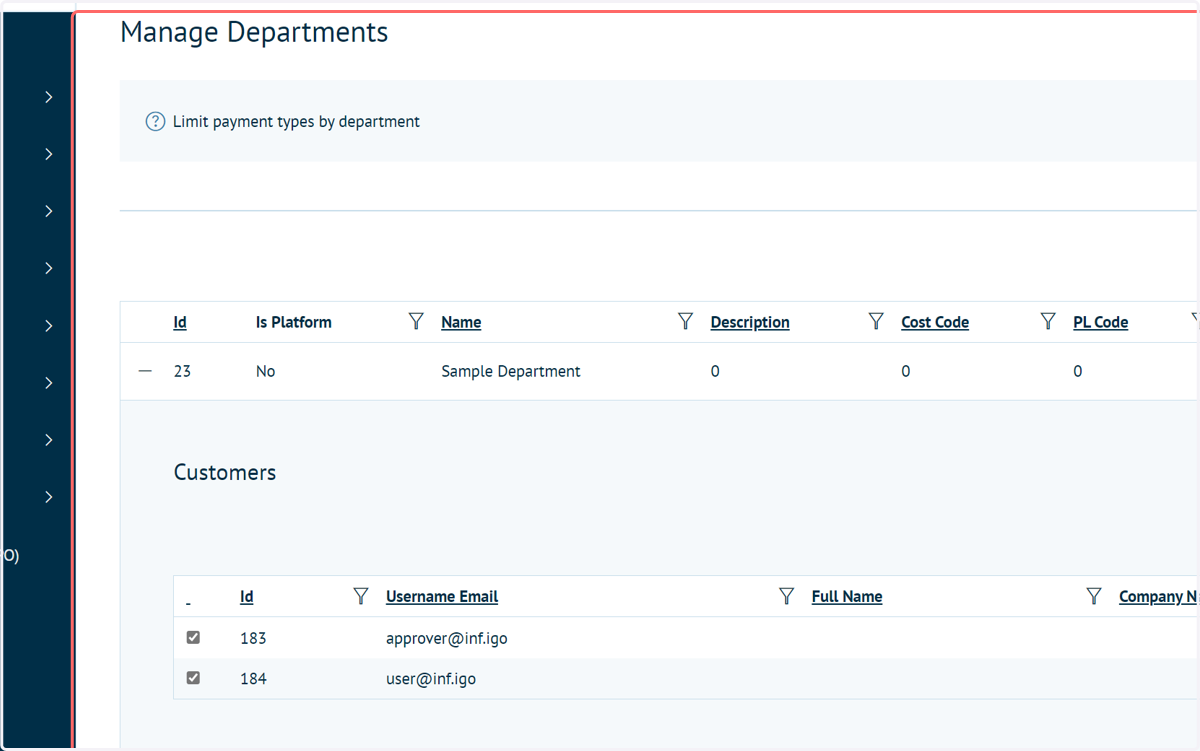
A department has been created
2 or more users have been created, at least one of which will be the designated approver
These users have been placed into the created department.
Other tutorials are available on carrying out these tasks.
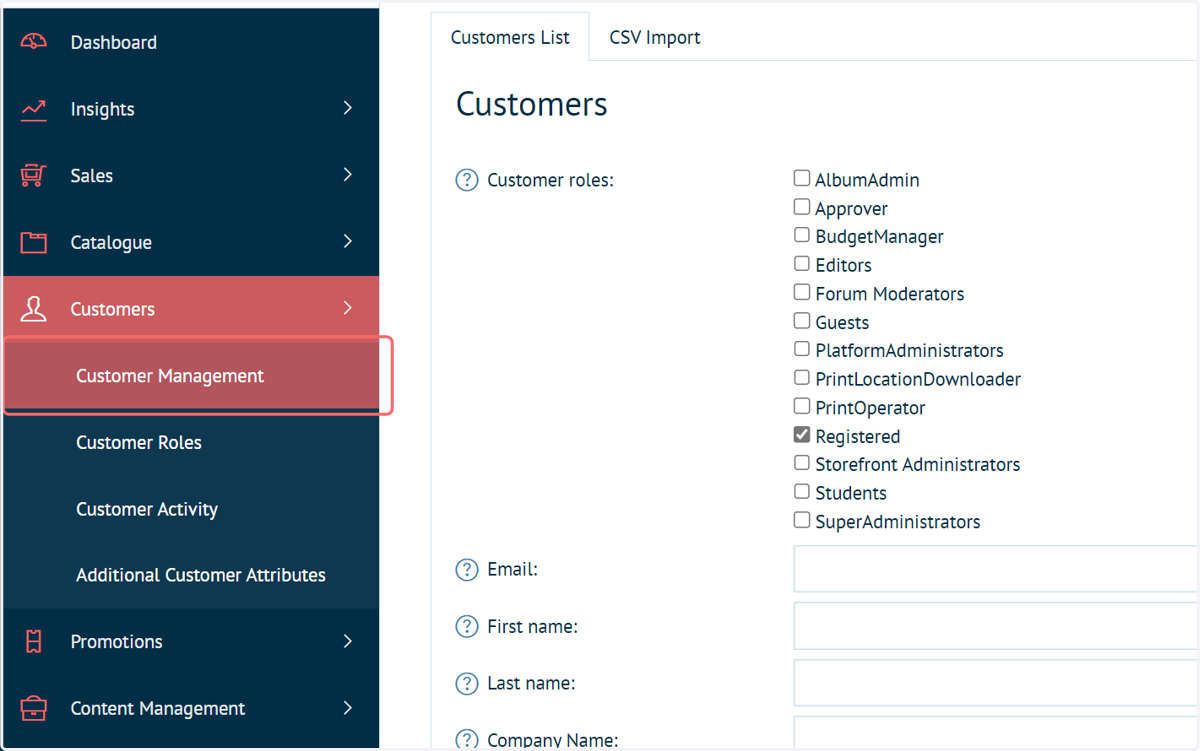
2. Navigate to Customer Management
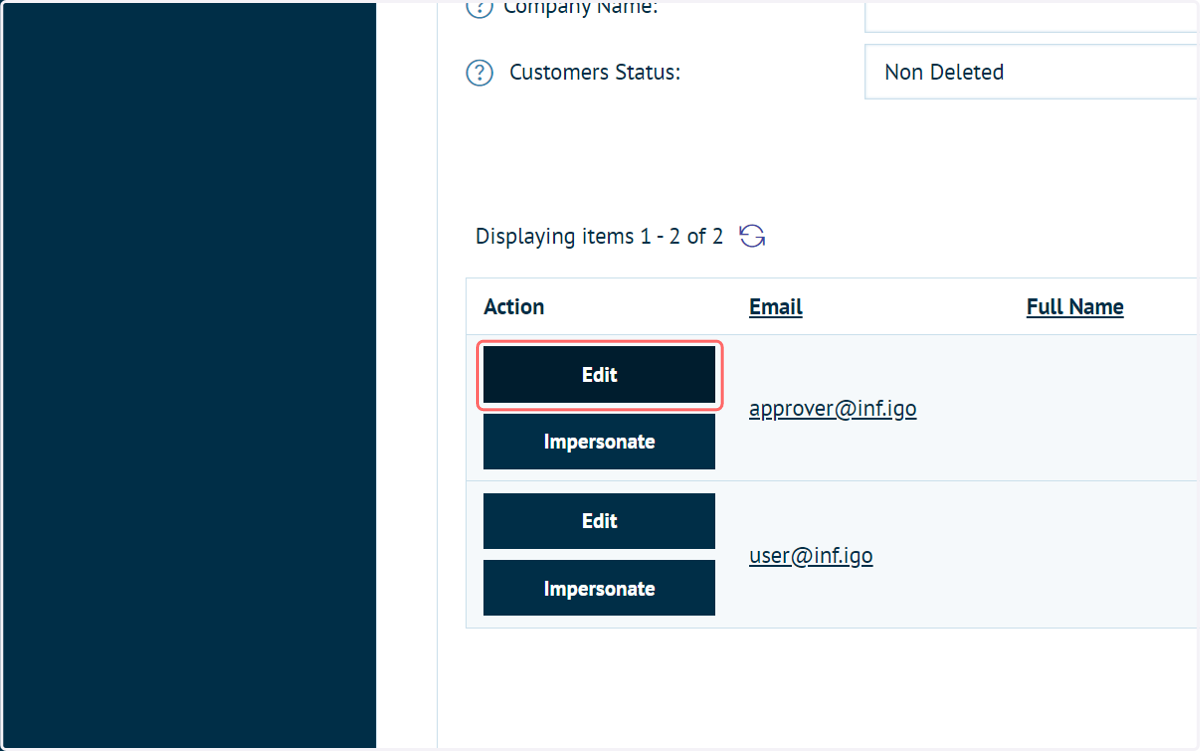
3. Click on Edit next to the customer you wish to set as the approver
This user must be granted Approver status, which is available as a default customer role.
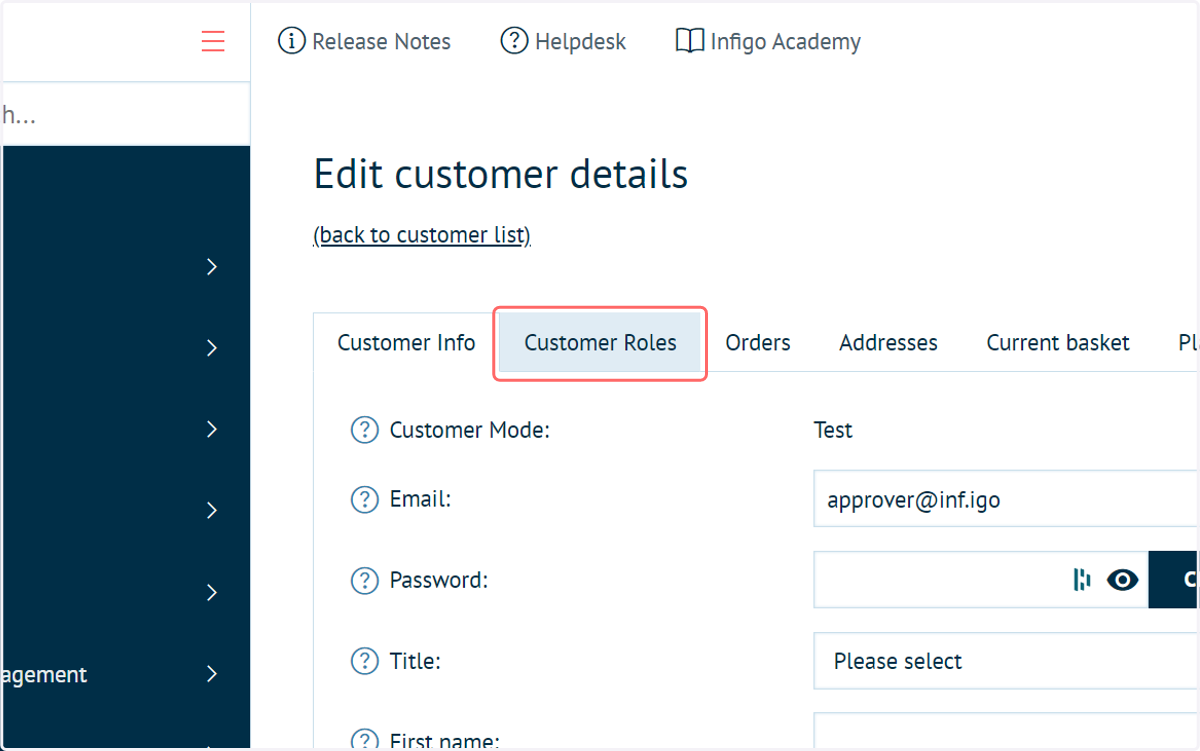
4. Click on Customer Roles
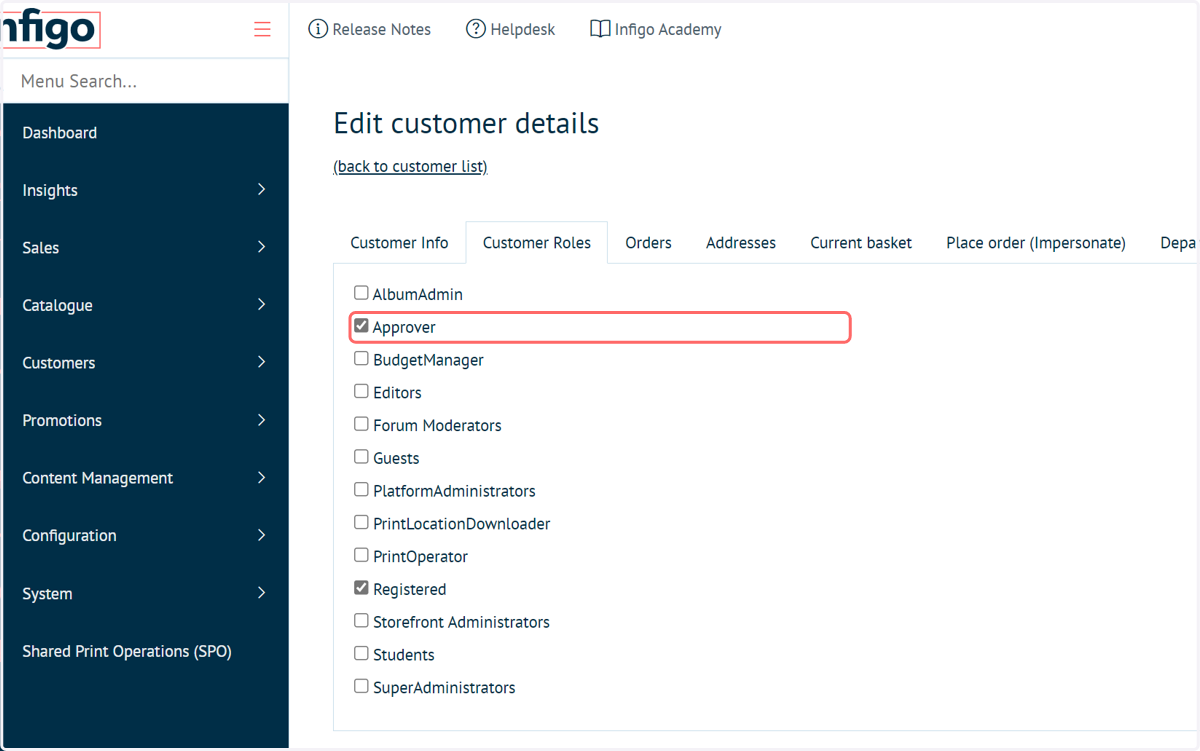
5. Click on Approver
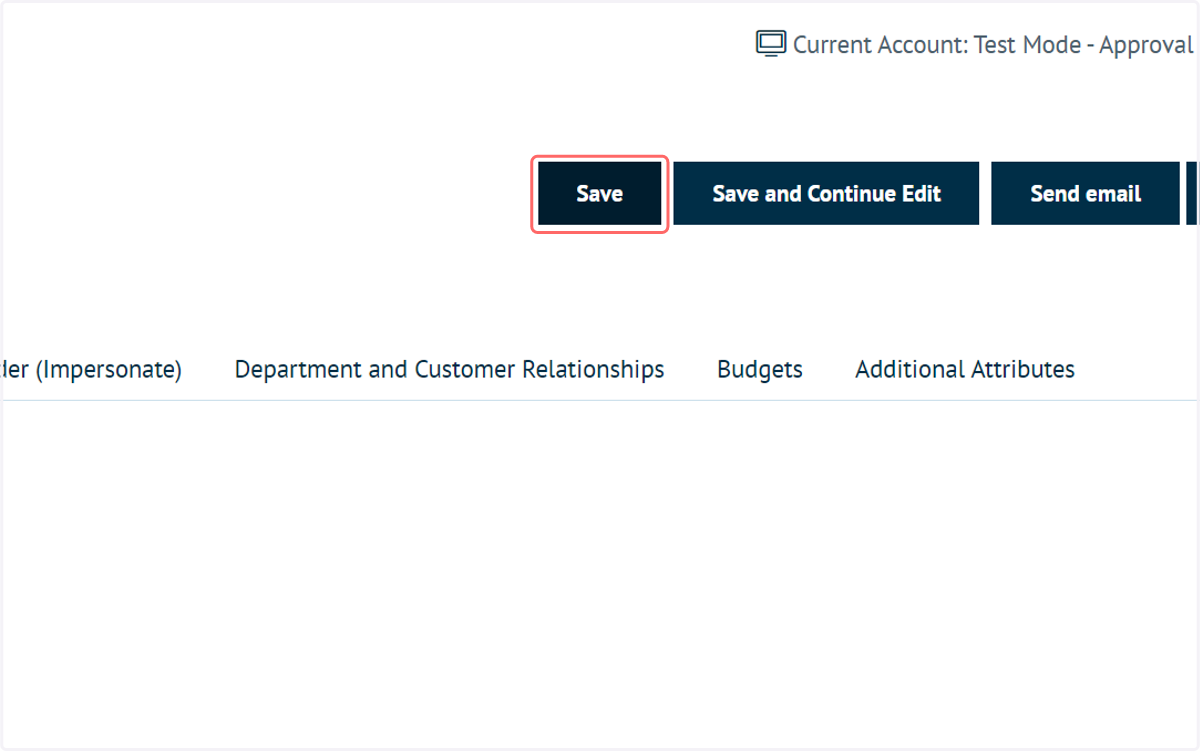
6. Click on Save
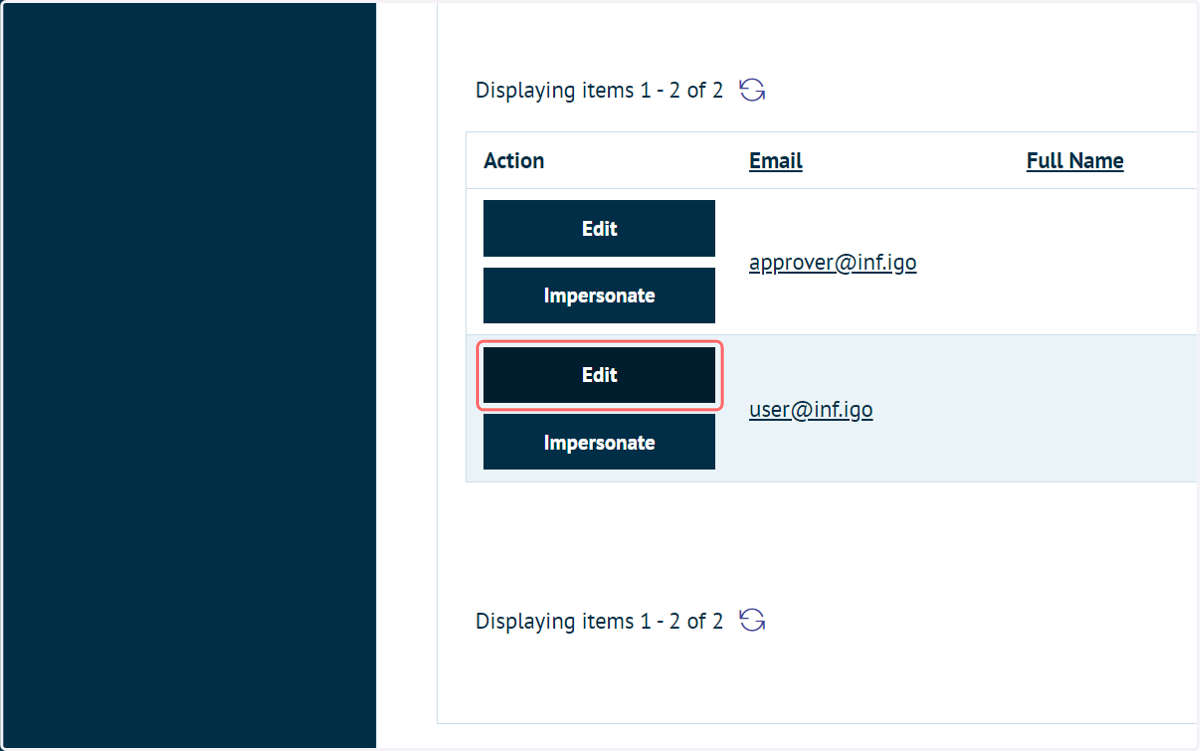
7. Click on Edit next to the registered user (the user who's orders will require approval)
We must now define the approver for general user.
8. Click on Department and Customer Relationships
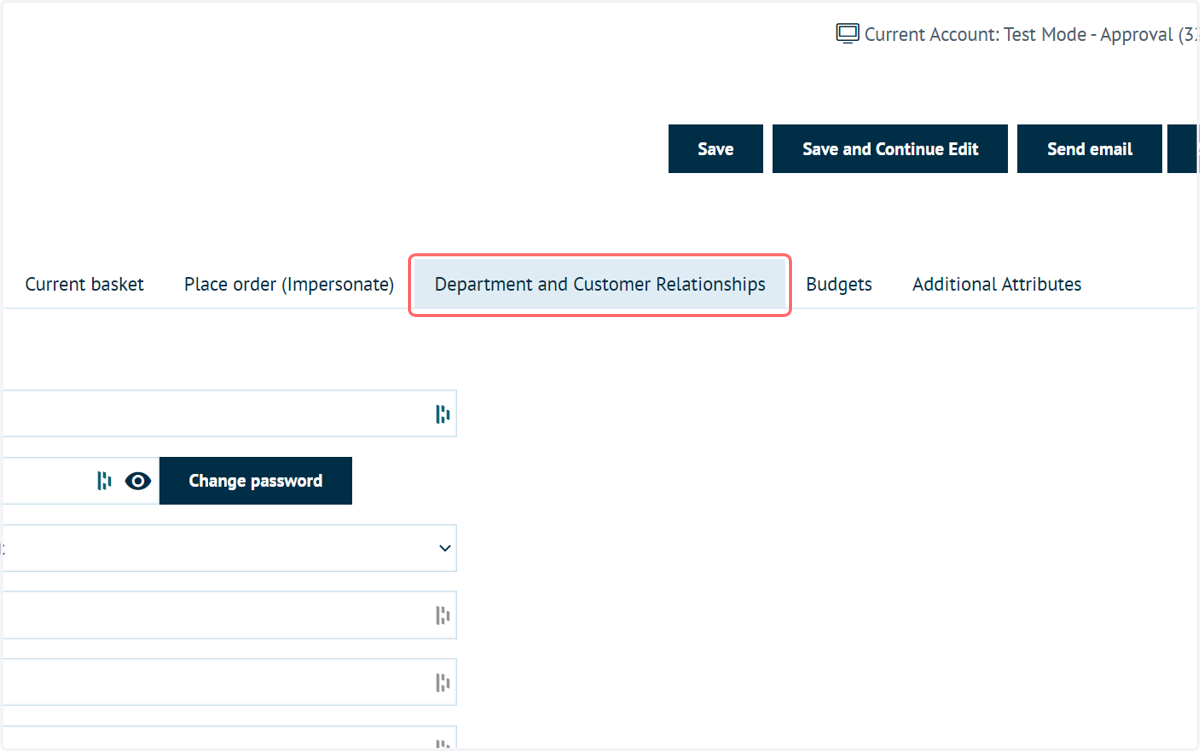
9. Select Approver from the Relationship Types dropdown
A list of customers within the same department will be displayed.
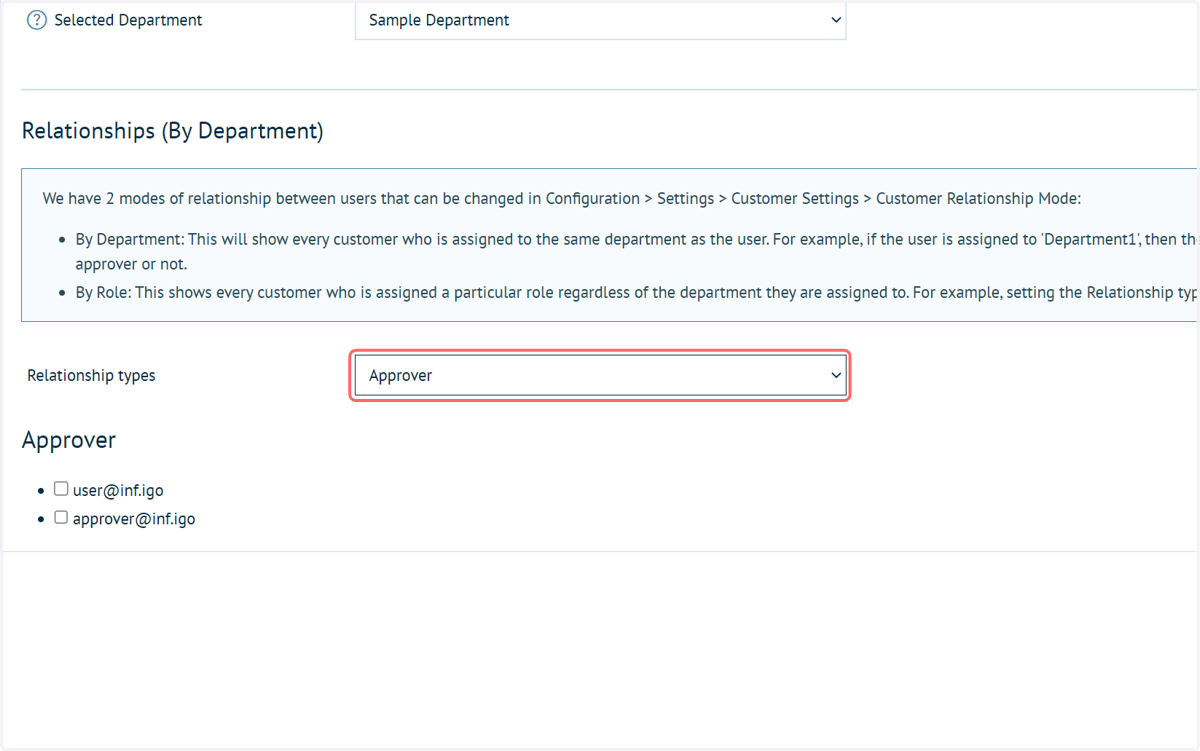
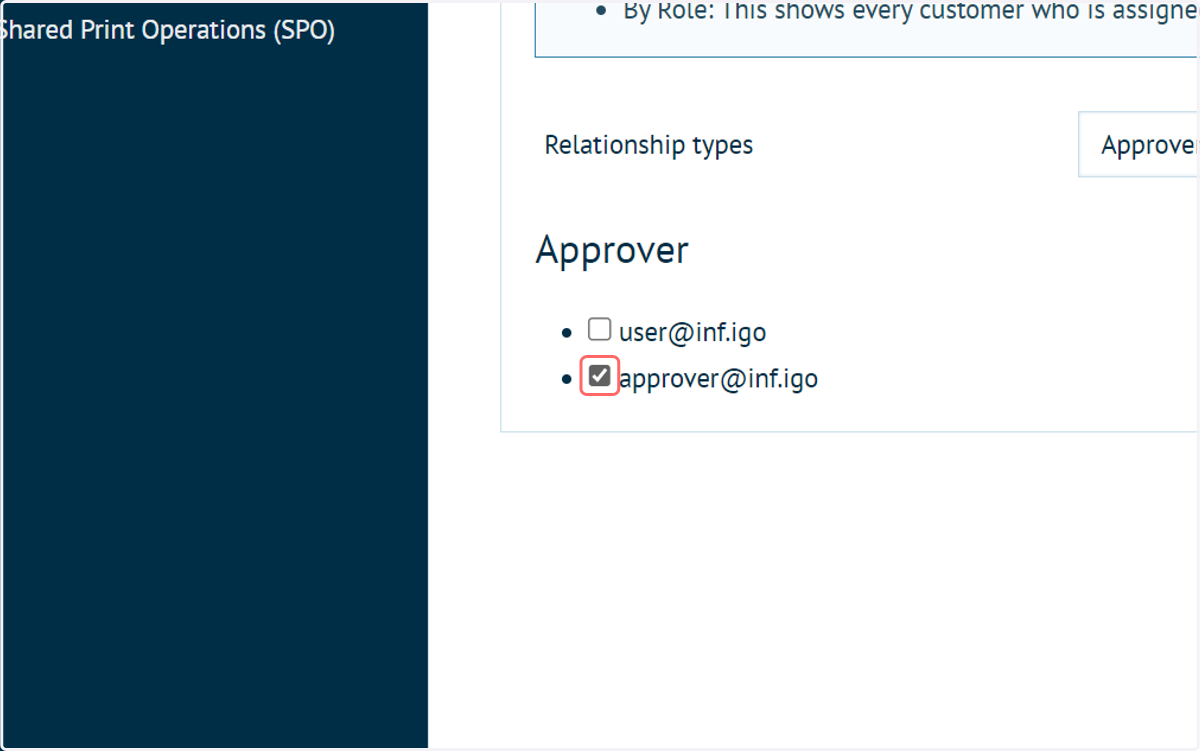
10. Select the customer account to act as approver for this user
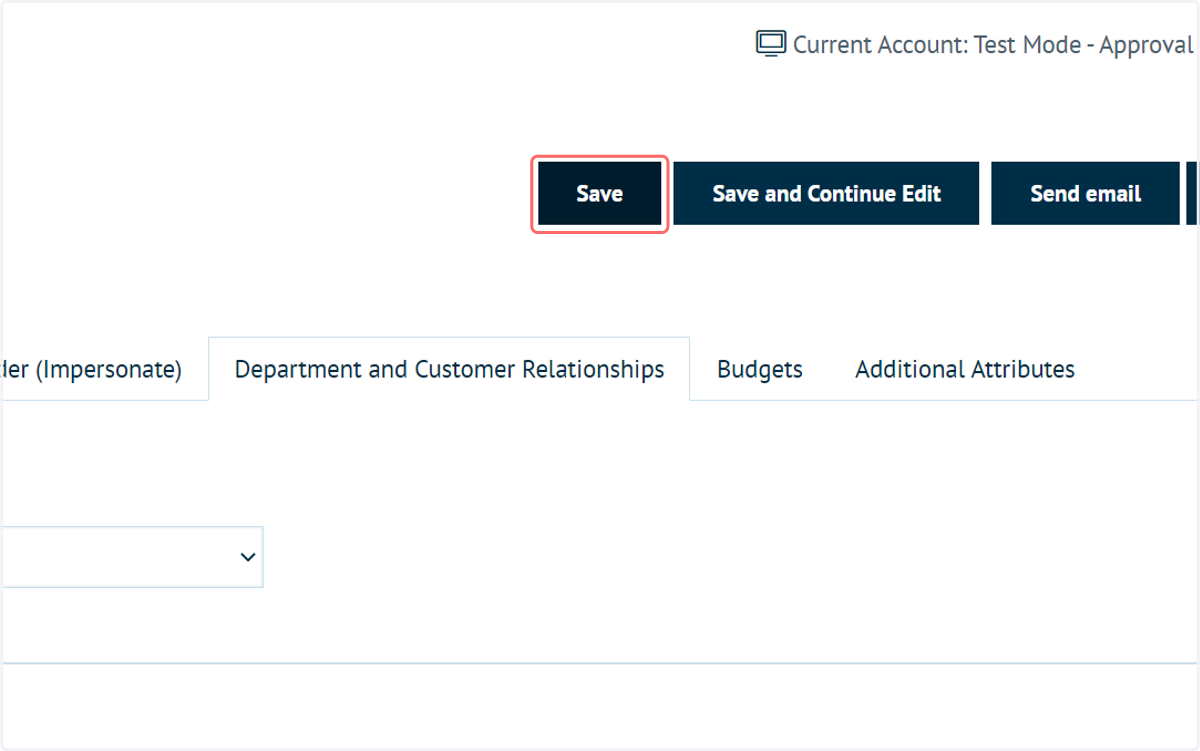
11. Click on Save
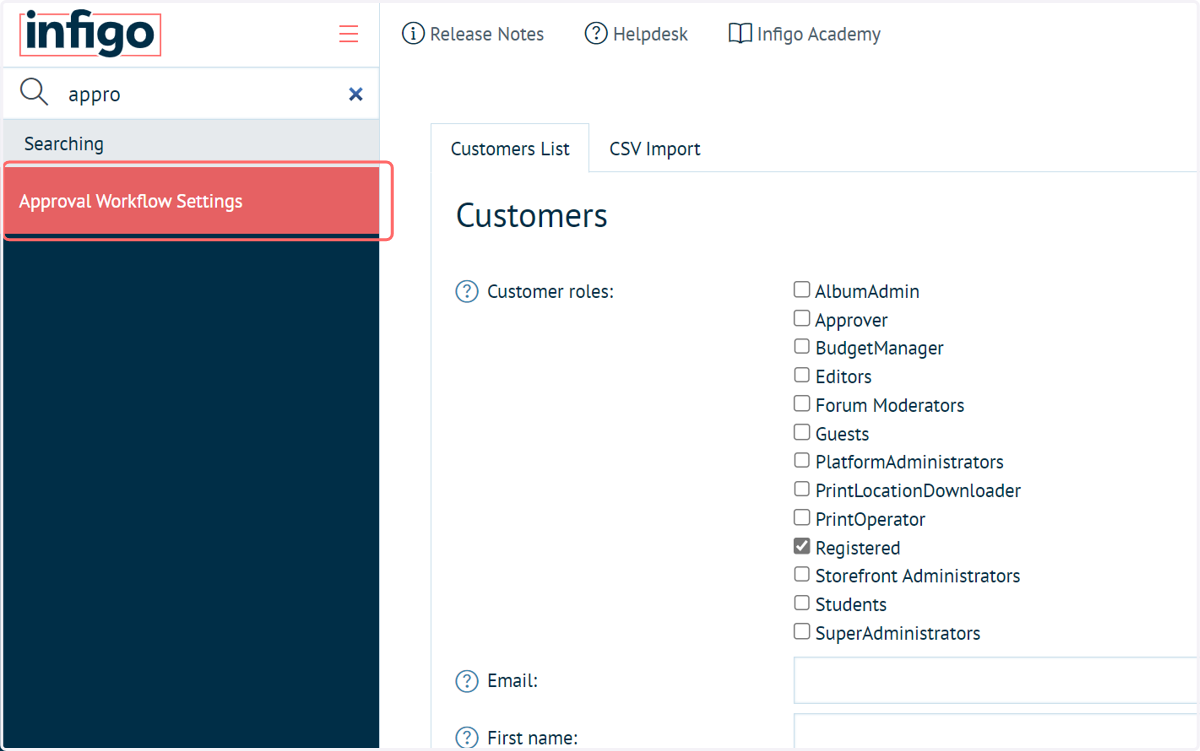
12. Navigate to Approval Workflow Settings
Next, we need to enable the approval workflow
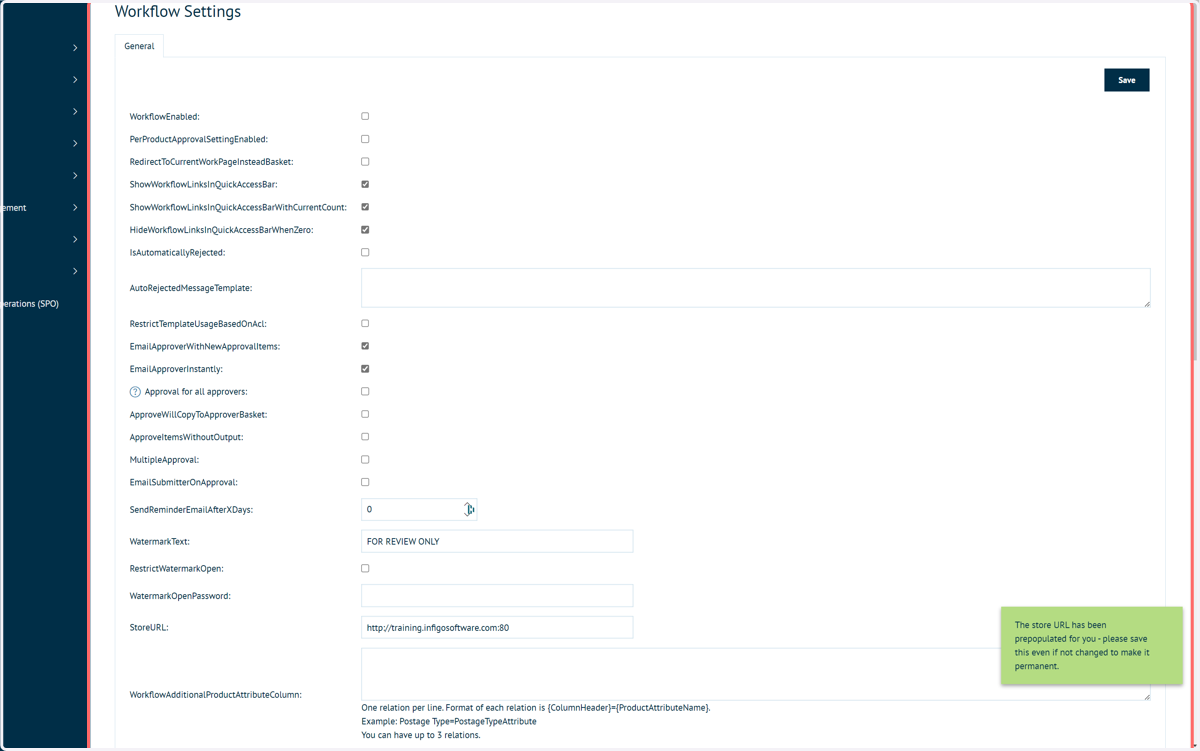
13. Workflow settings
There are a large number of workflow settings.
These will largely be explained and demonstrated in a subsequent tutorial video.
14. Check WorkflowEnabled
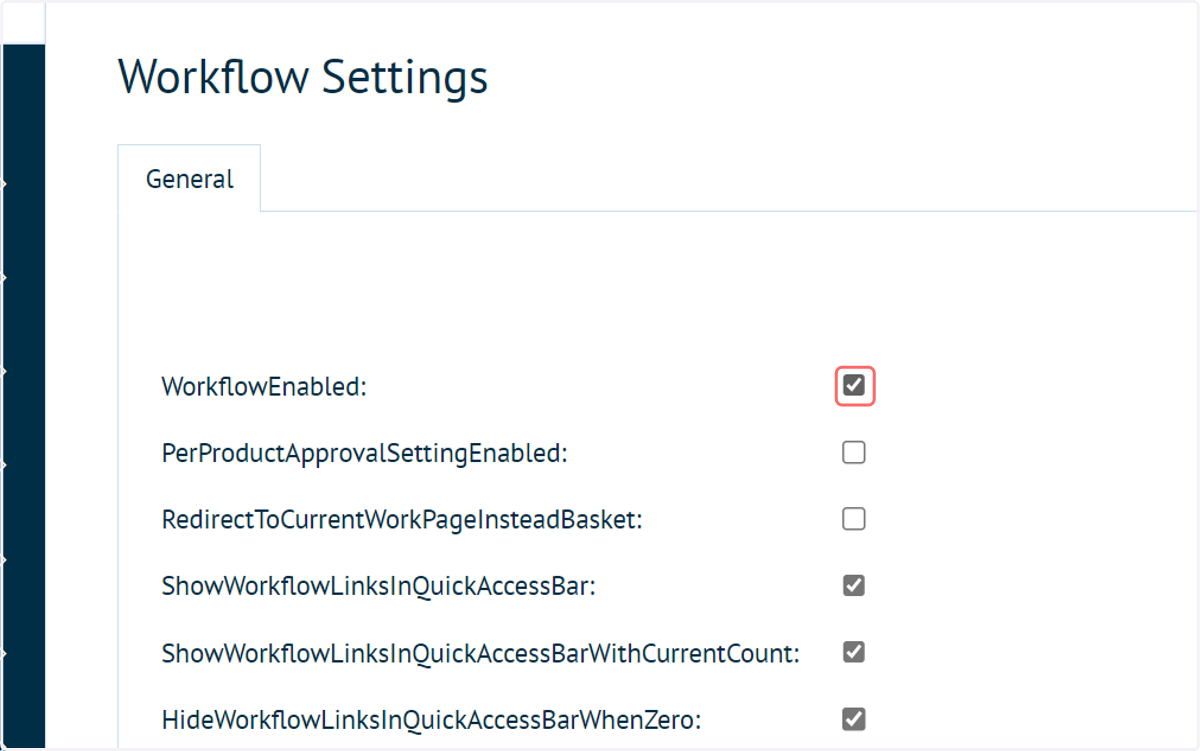
15. Click on Save
The default approval workflow configuration is now enabled on your storefront.