Creator Partnership in Meta Business Suite
Meta Business Suite
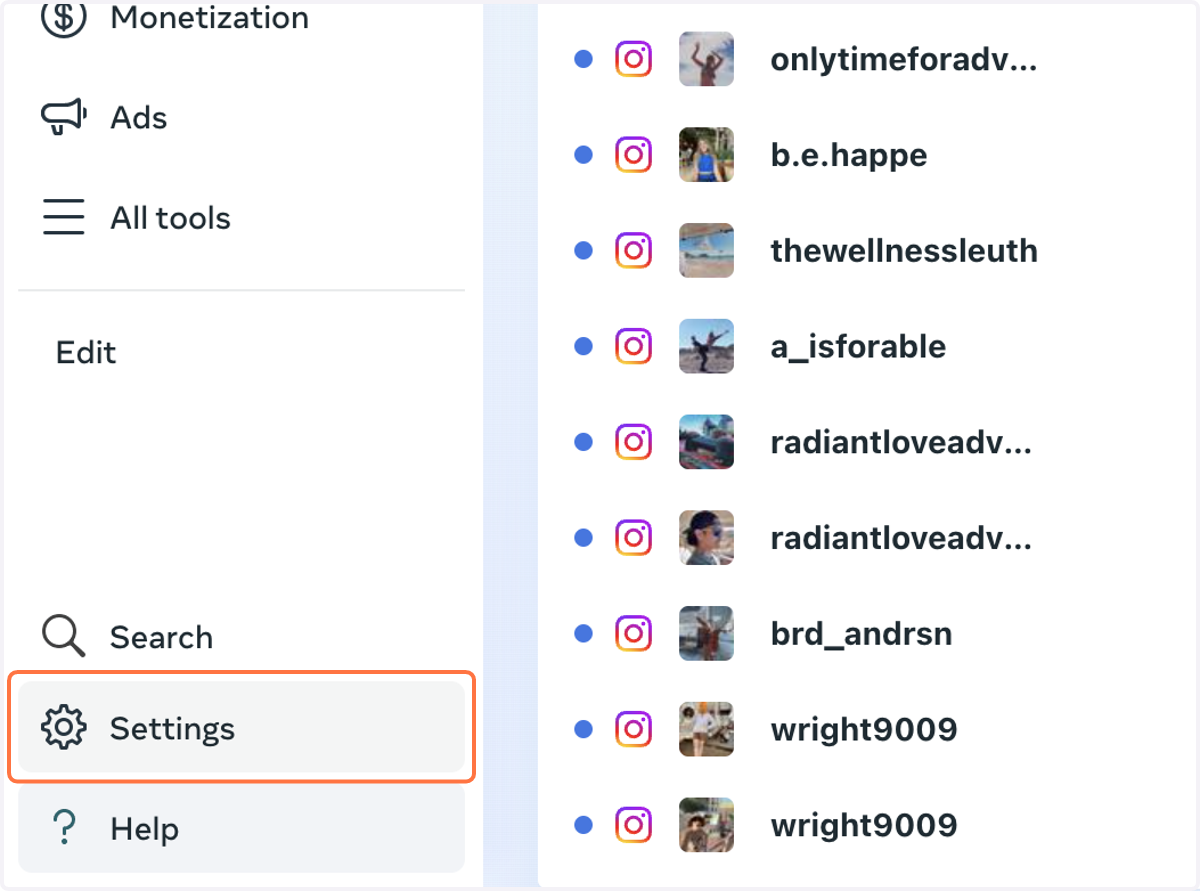
1. Click on Settings
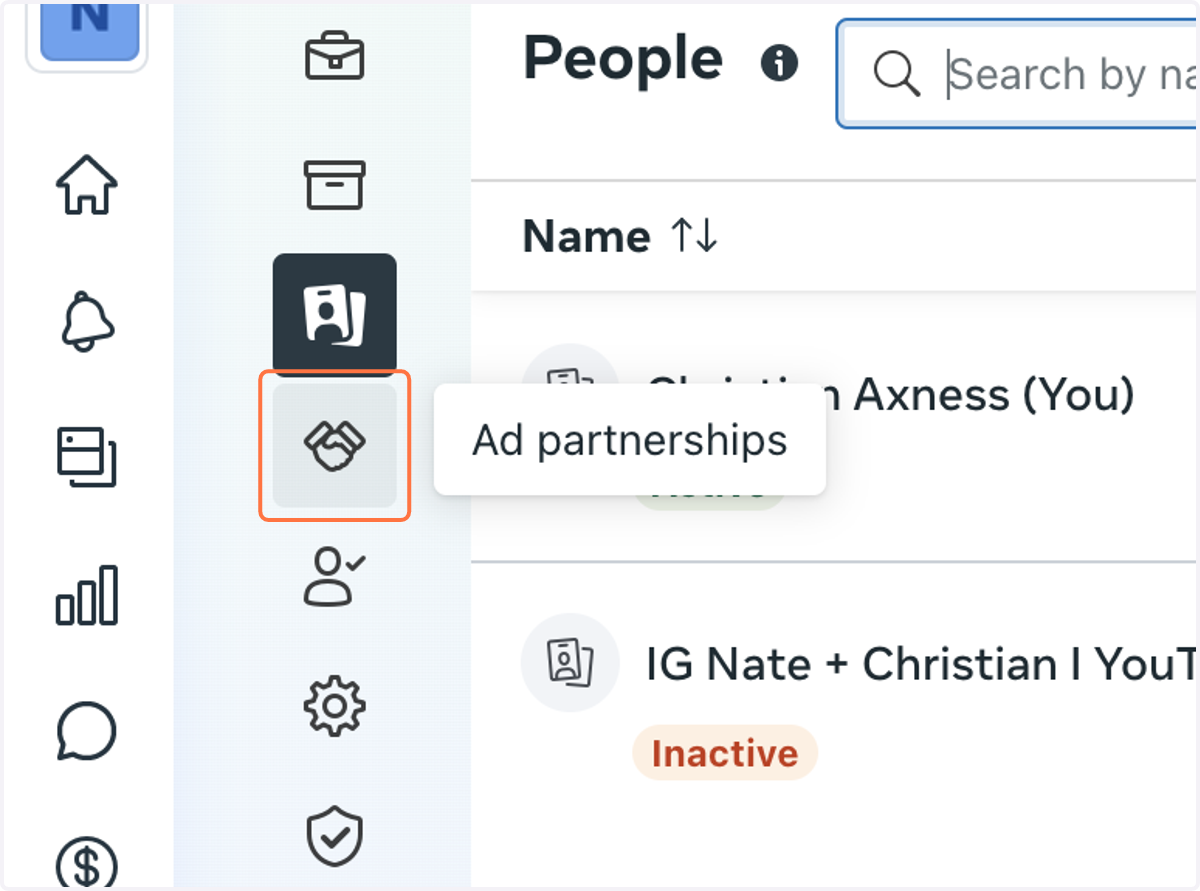
2. Click on Ad partnerships
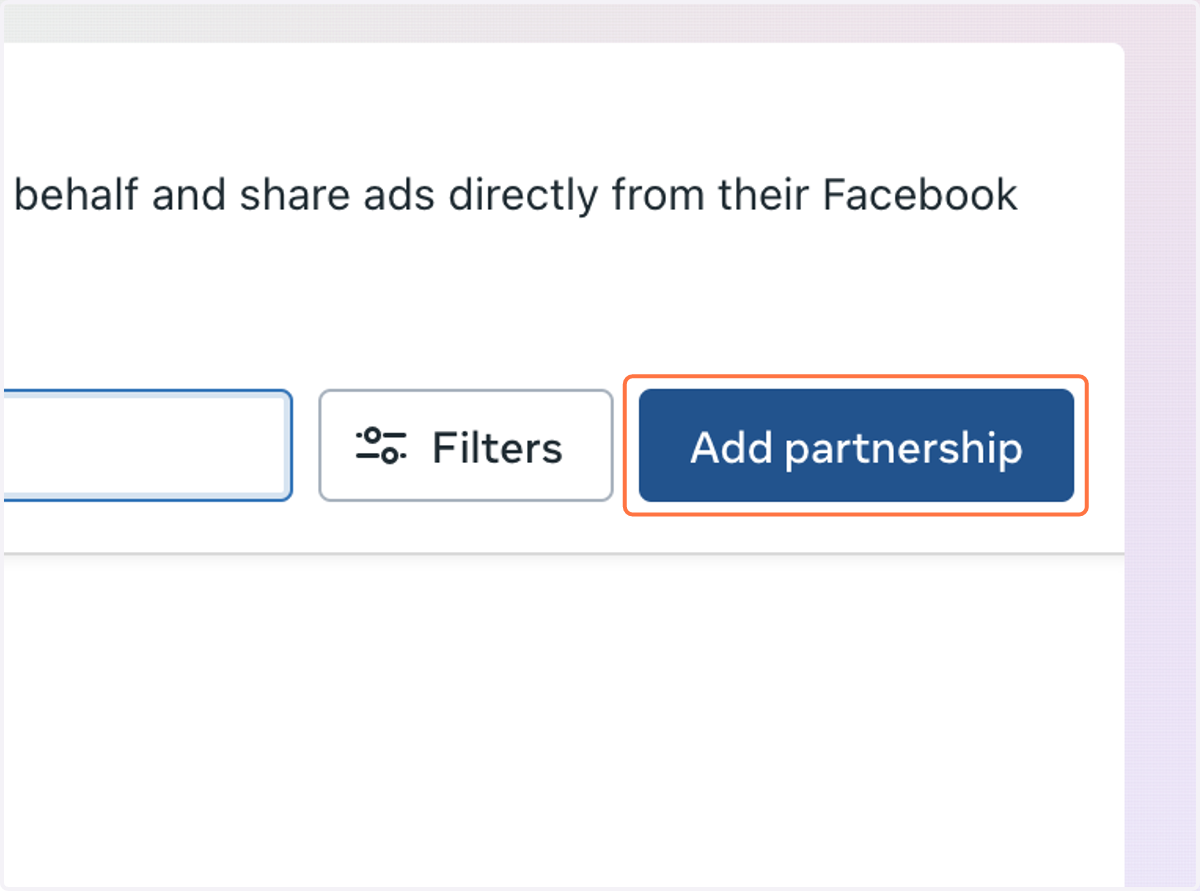
3. Click on Add partnership
4. Click on Select creator’s Instagram account
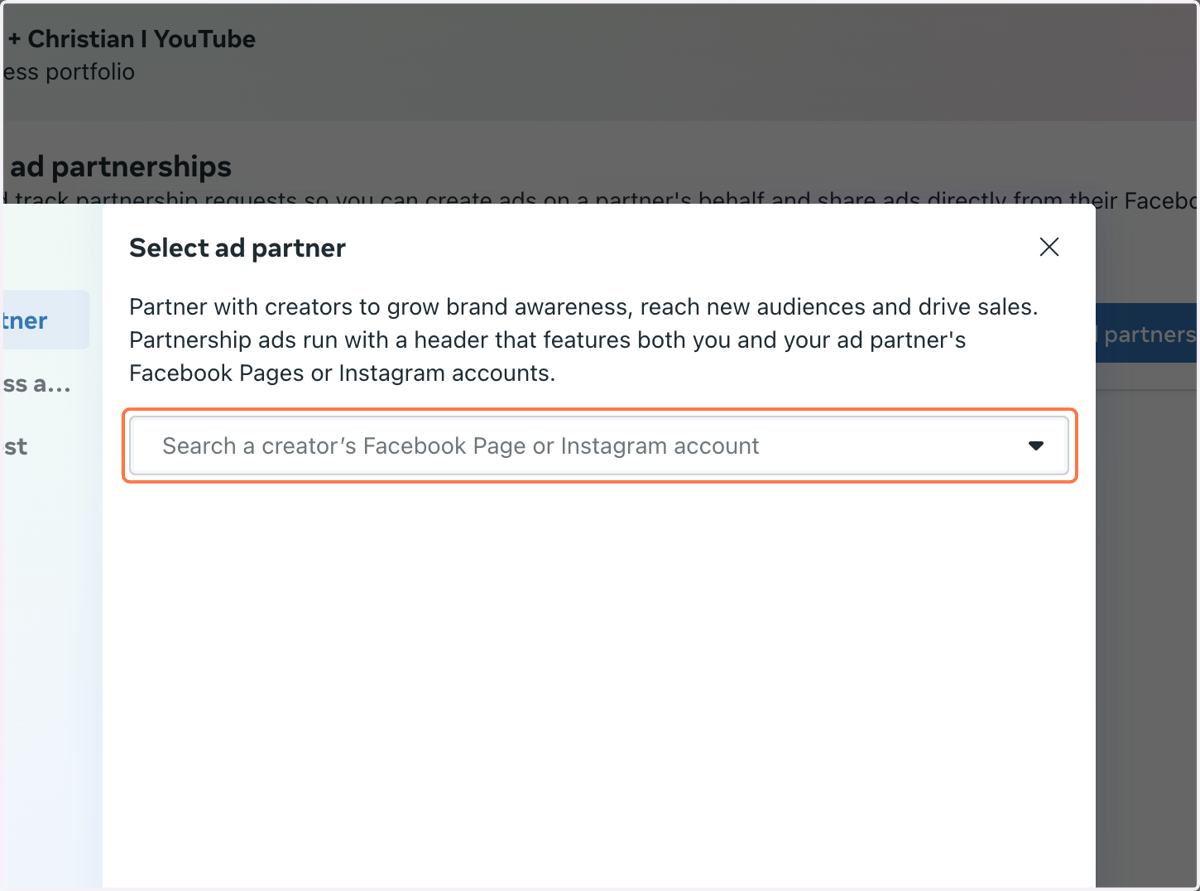
5. Type the Partner that you're working with
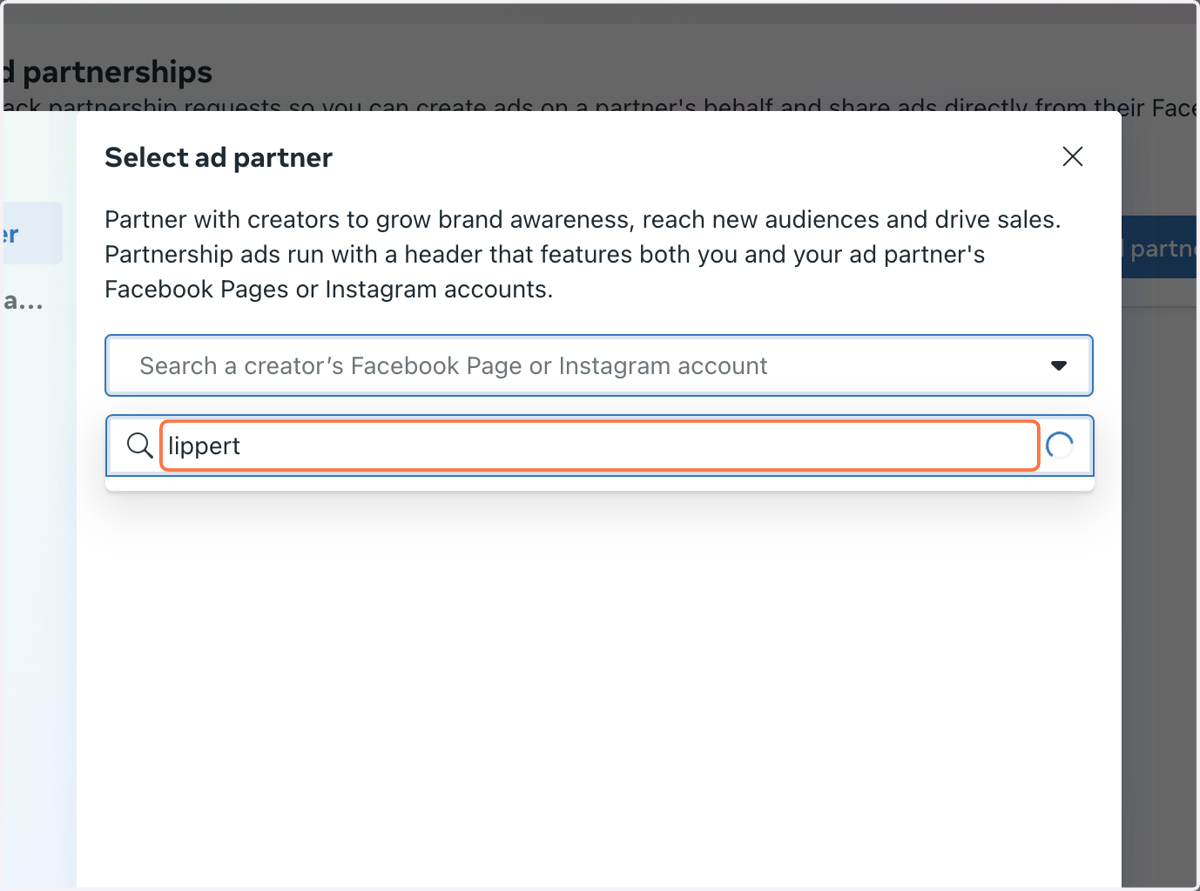
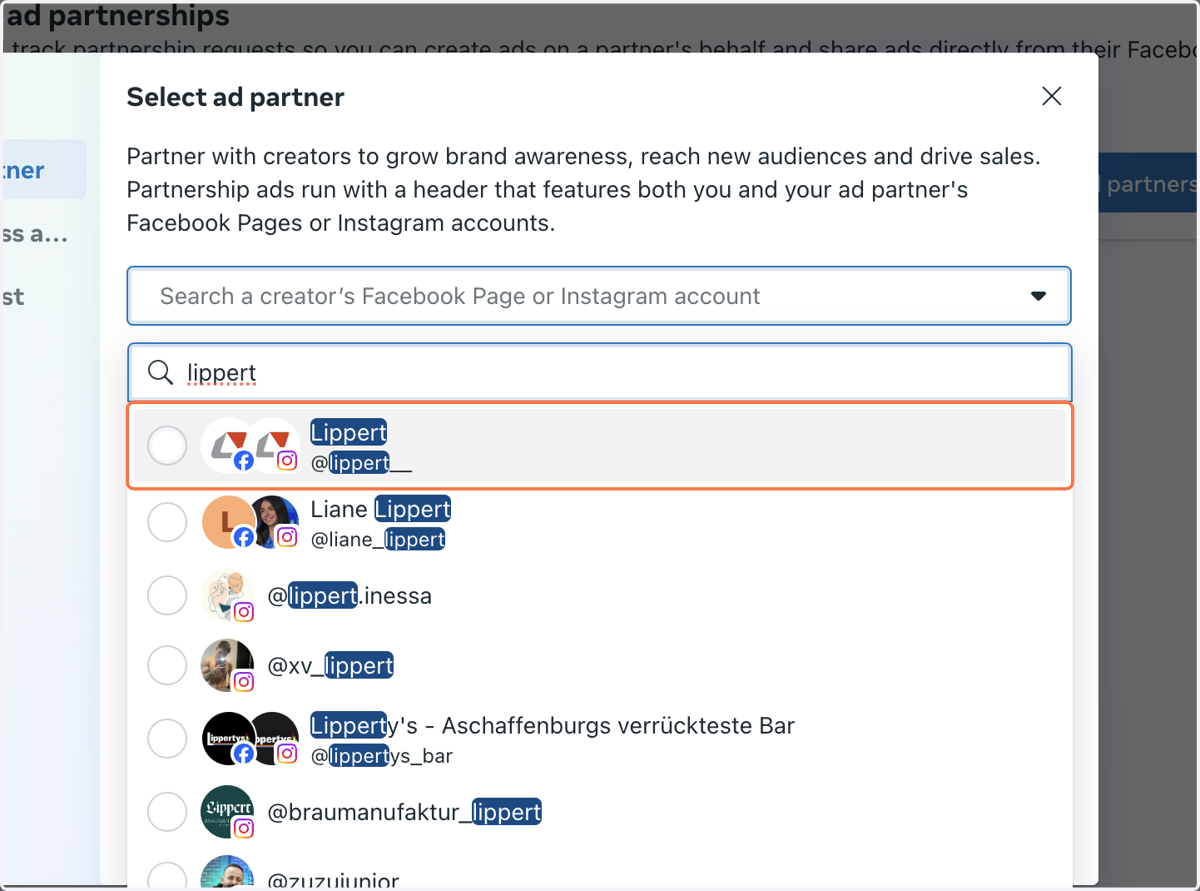
6. Click on the Partner…
7. Click on Next
8. Click on Select business asset
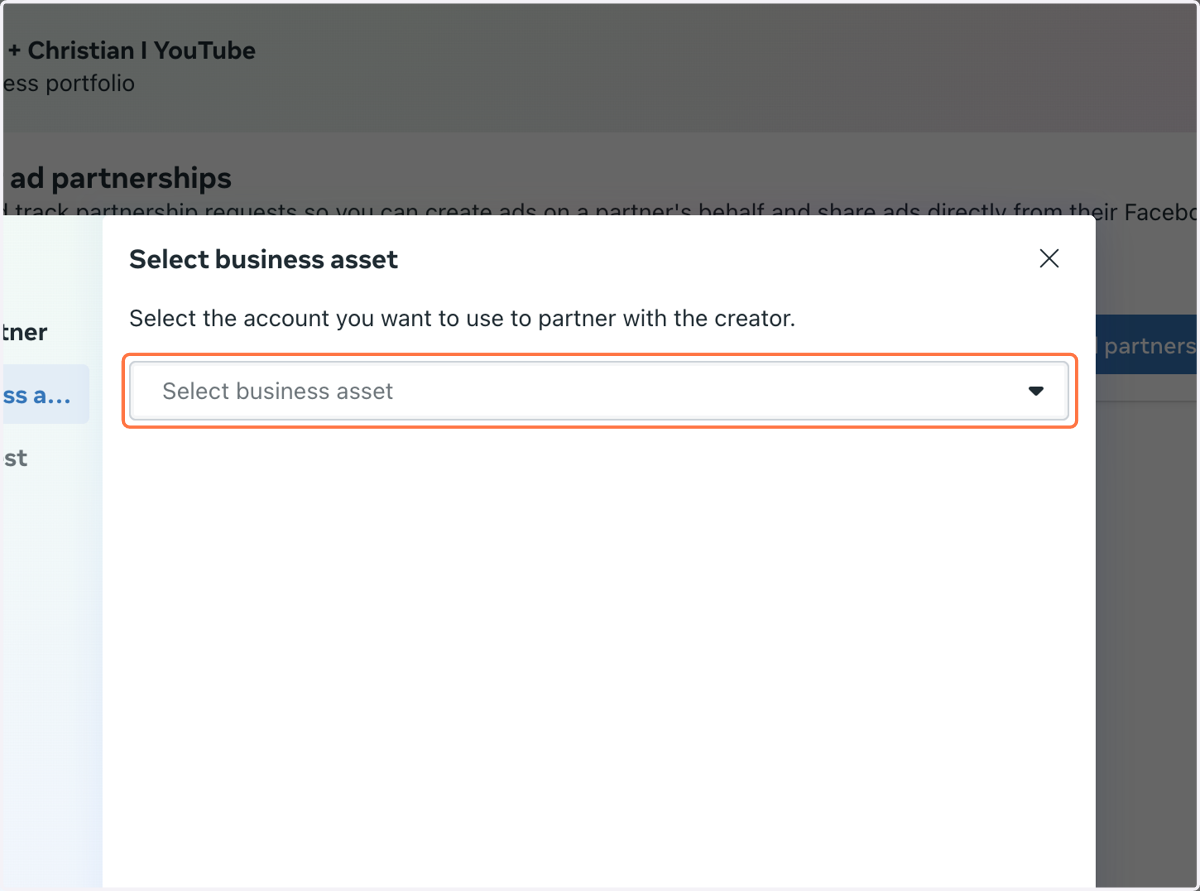
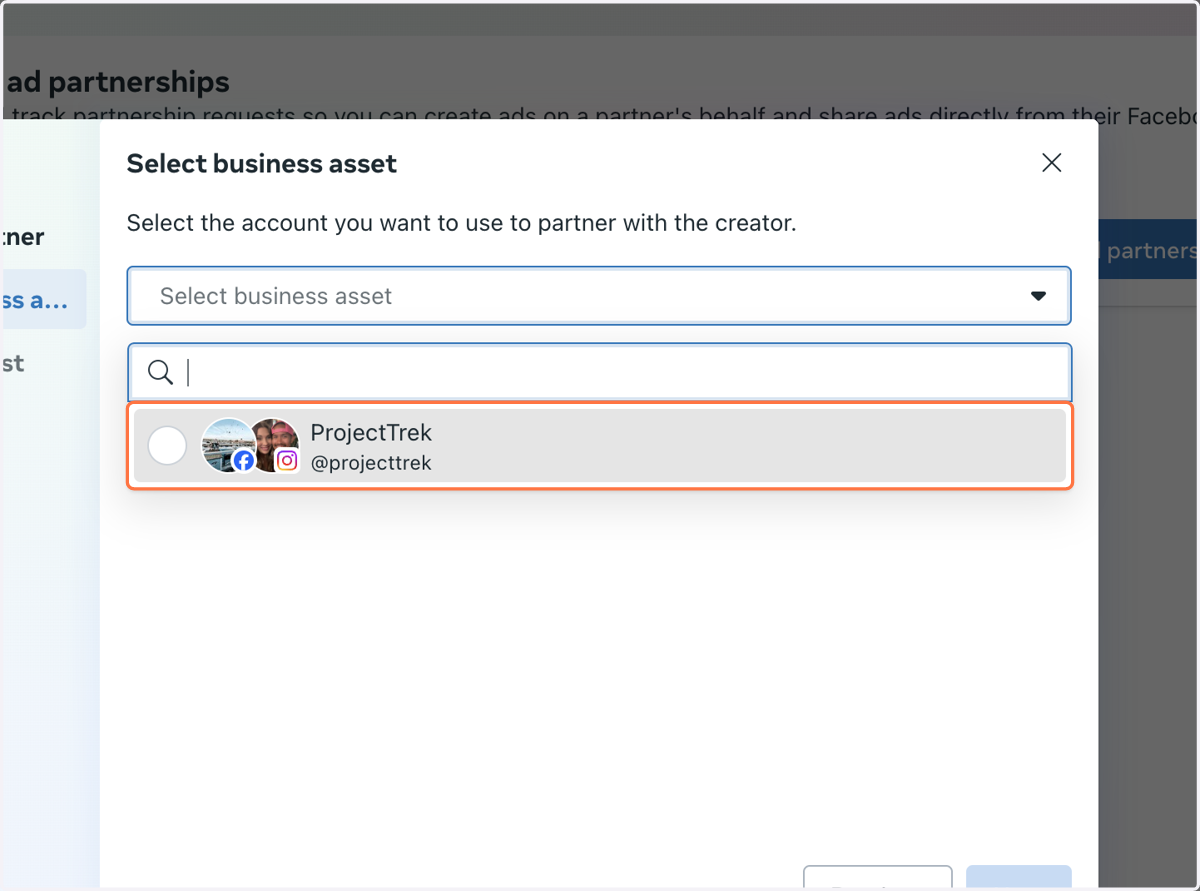
9. Click on the Account you want to use to partner…
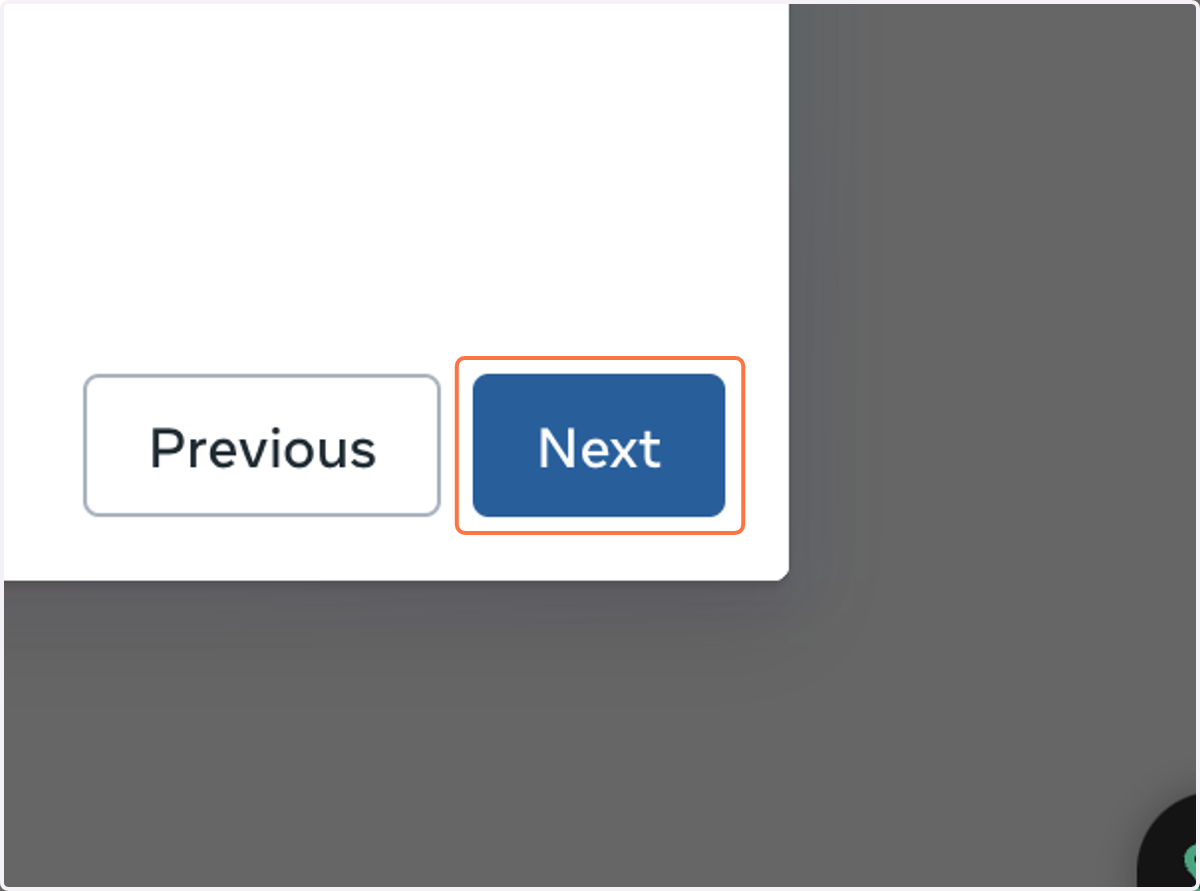
10. Click on Next
11. Click on Done