Register your Full Force Ads Account
Fullforceads
1. Go to Full Force Ads Self-Service page
https://portal.fullforceads.com
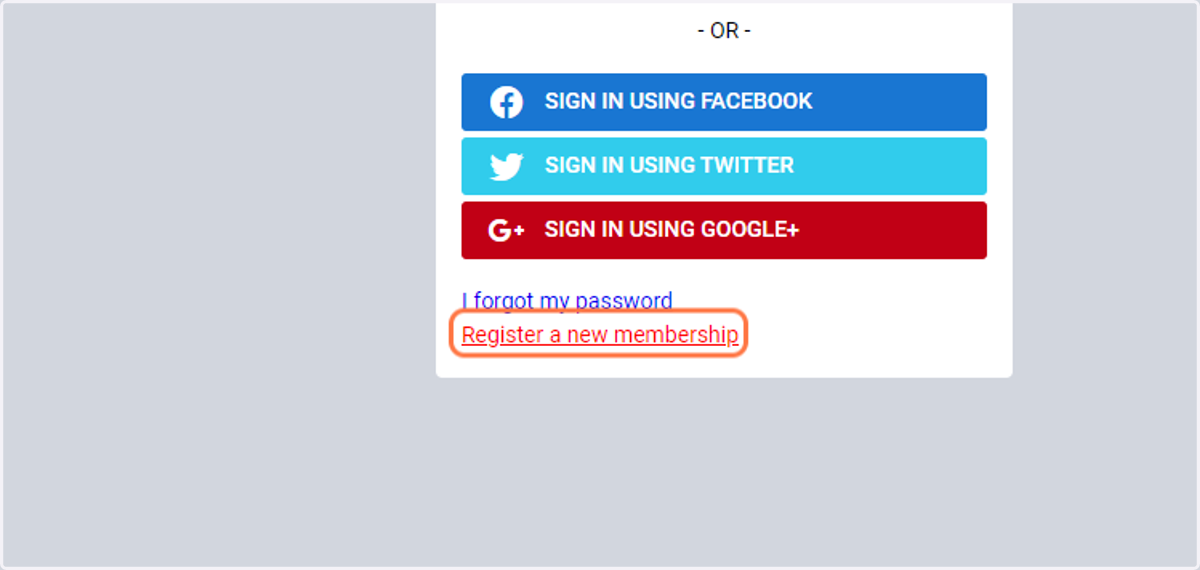
2. Click on Register a new membership
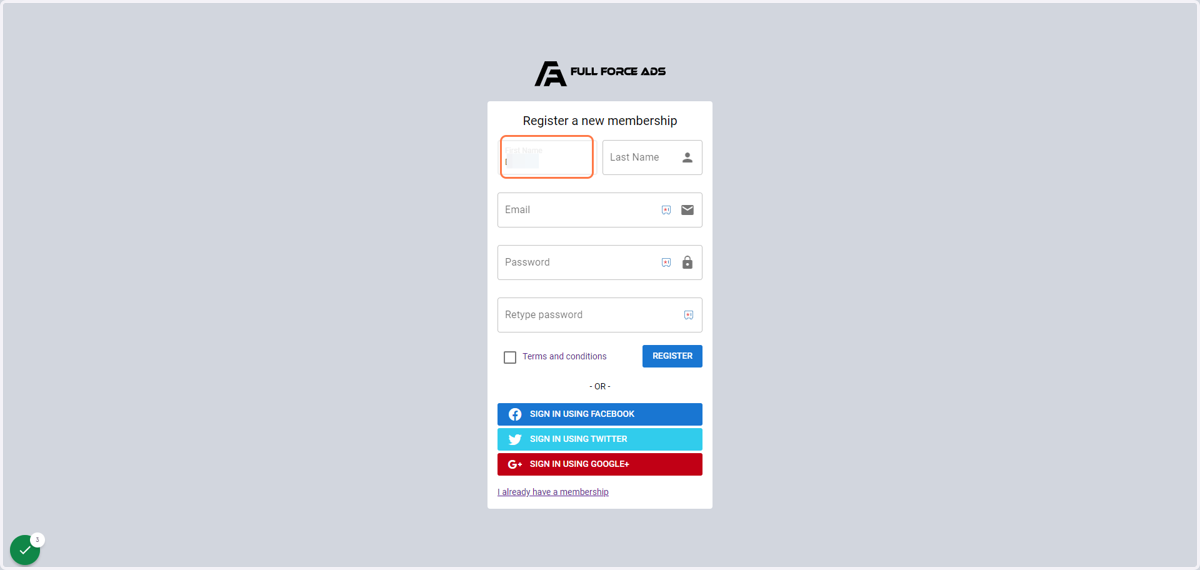
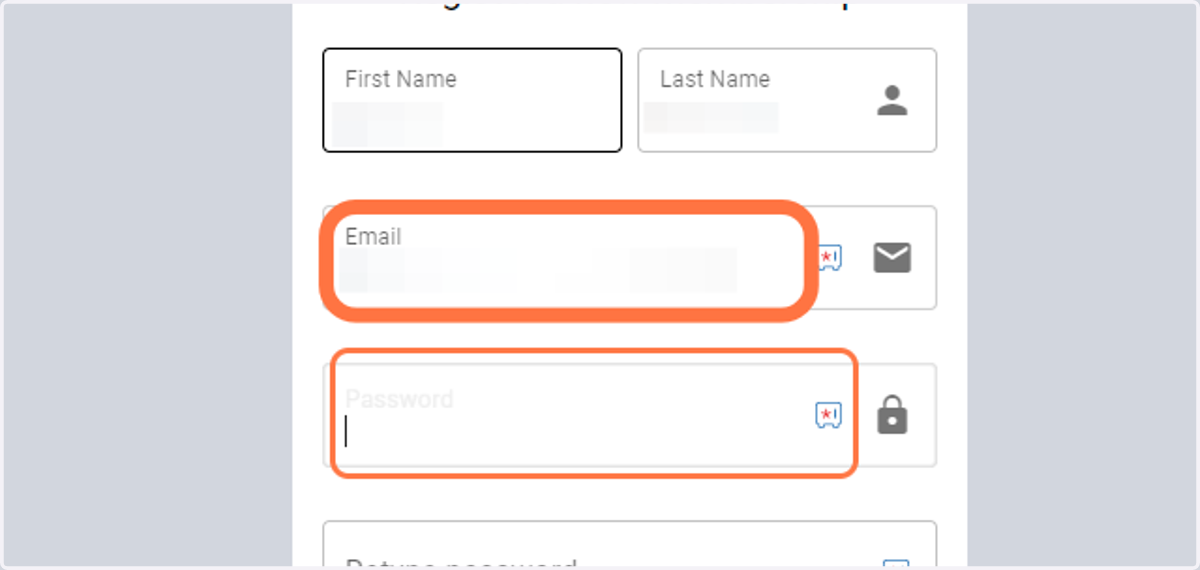
3. Enter your first name
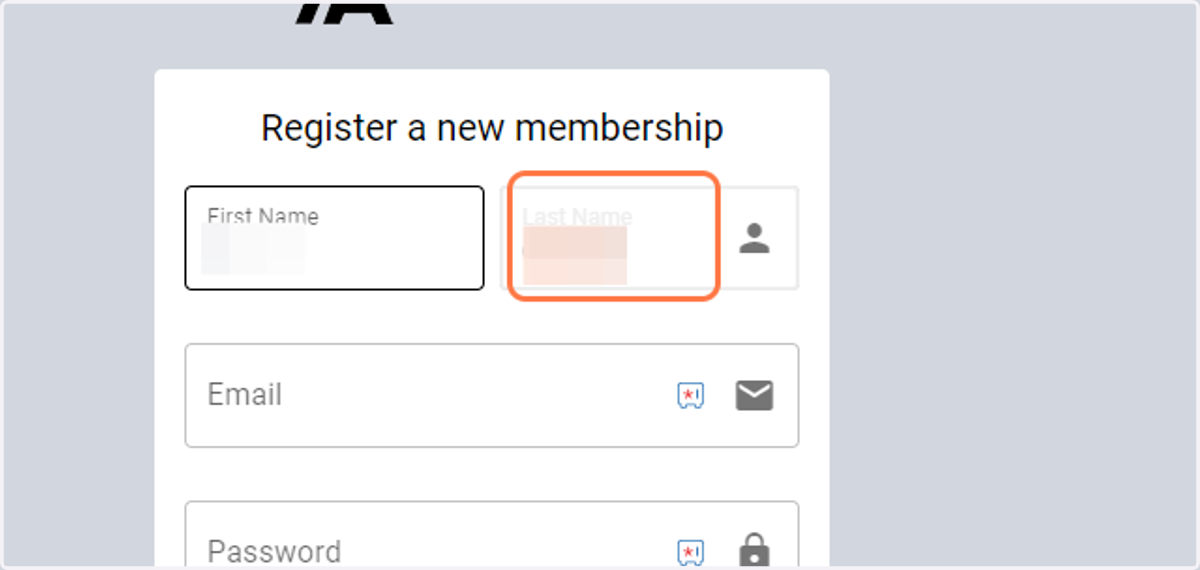
4. Enter your last name
5. Enter your email address & passwords
The password must contain upper, lower, numbers and symbols
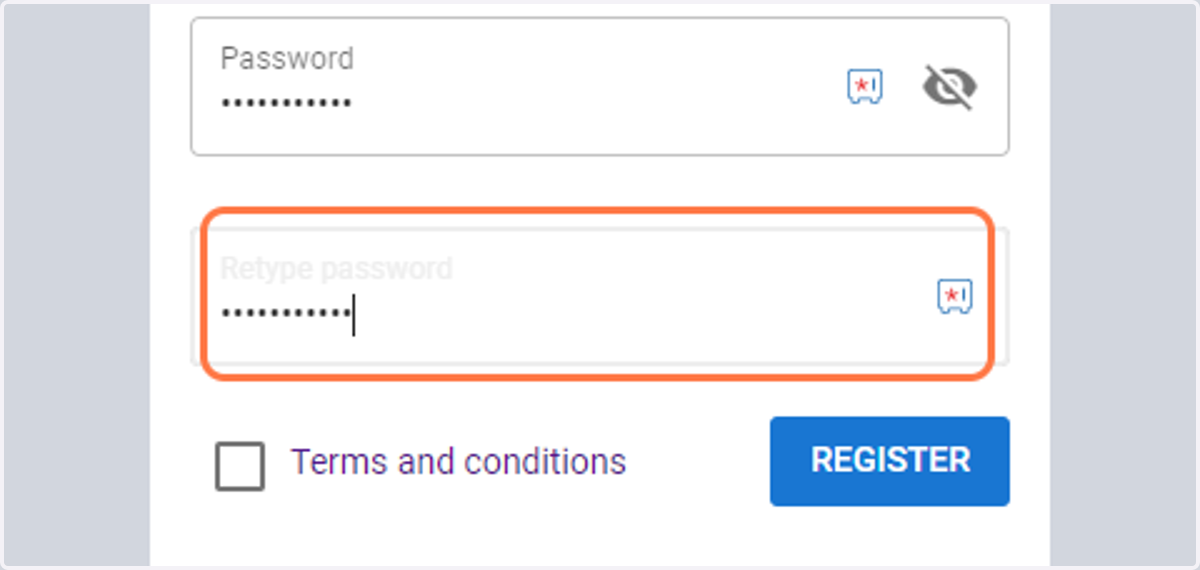
6. Confirm your password
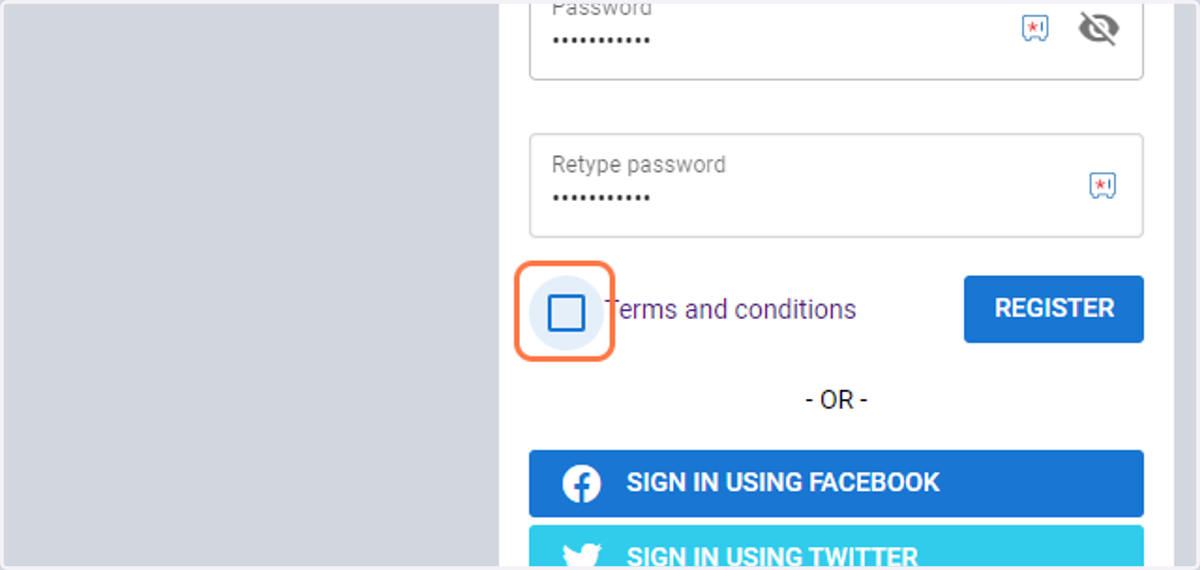
7. Agree to the terms and conditions by checking the box
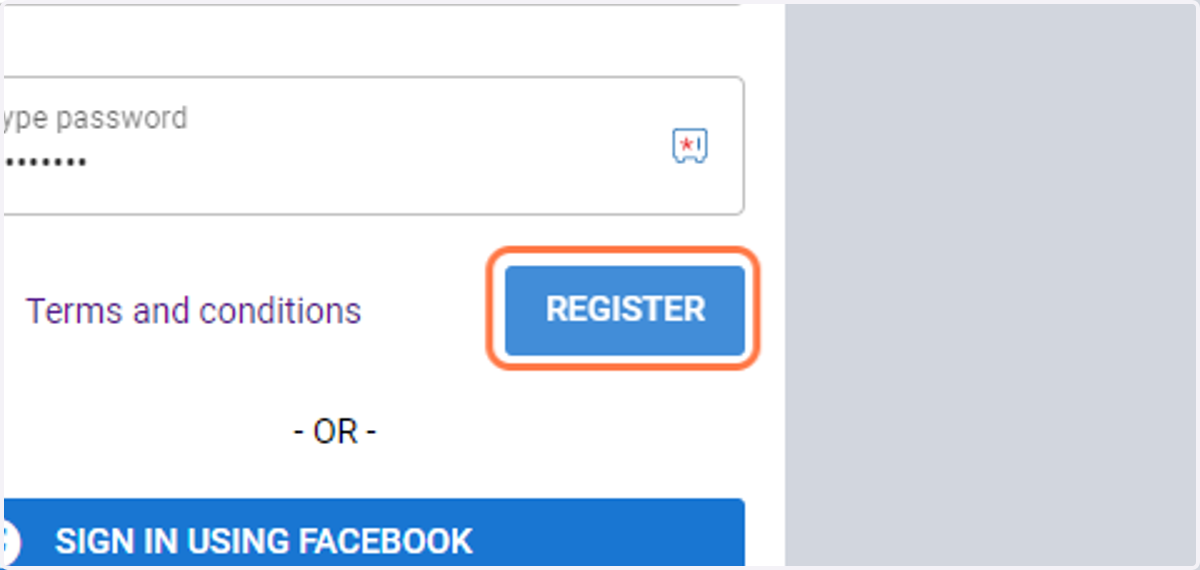
8. Click on REGISTER
Fullforceads
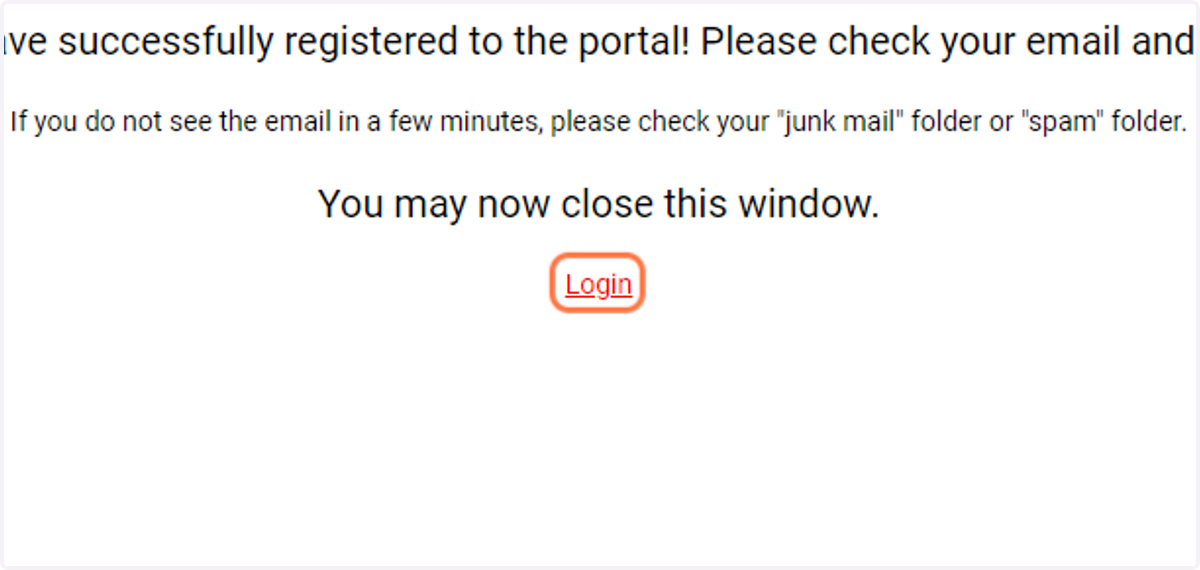
9. Go to your email and verify your account, then click login or the link in the email.
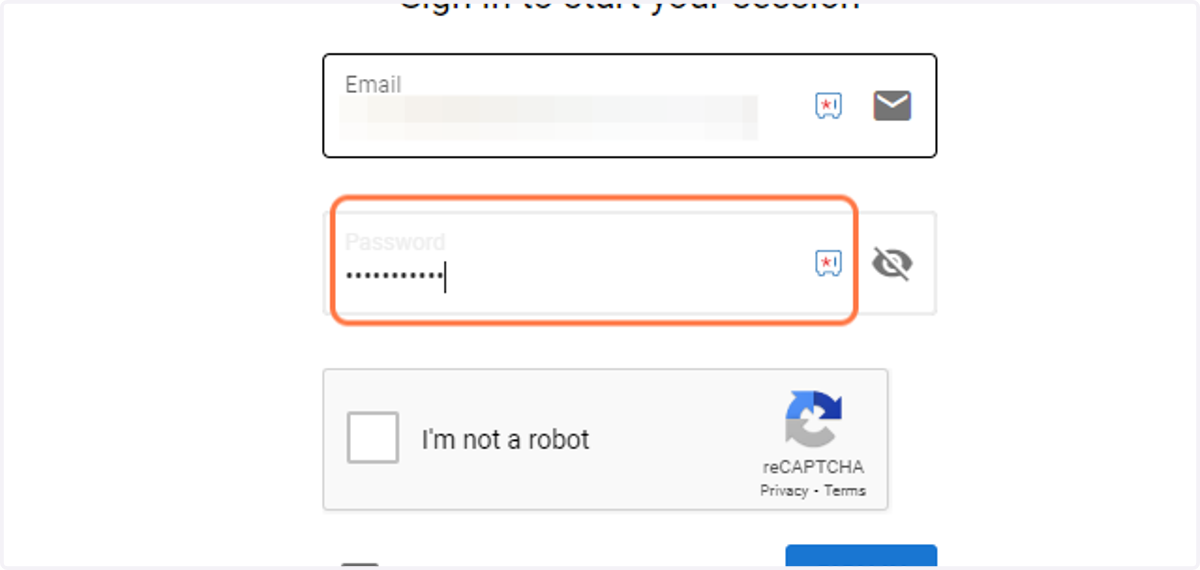
10. Enter your email and password
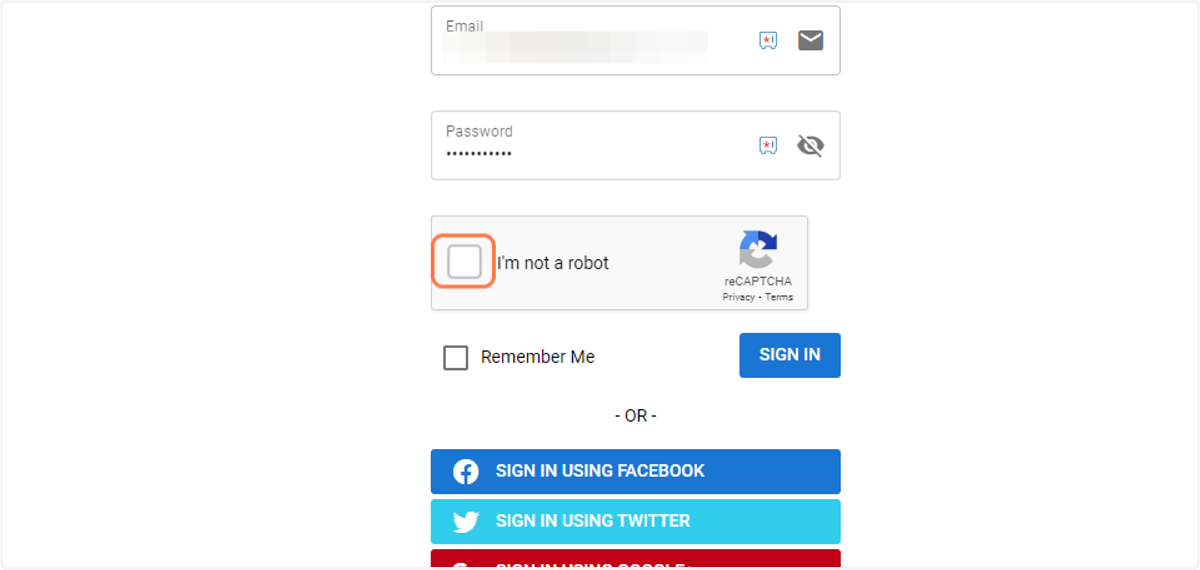
11. Verify the reCAPTCHA
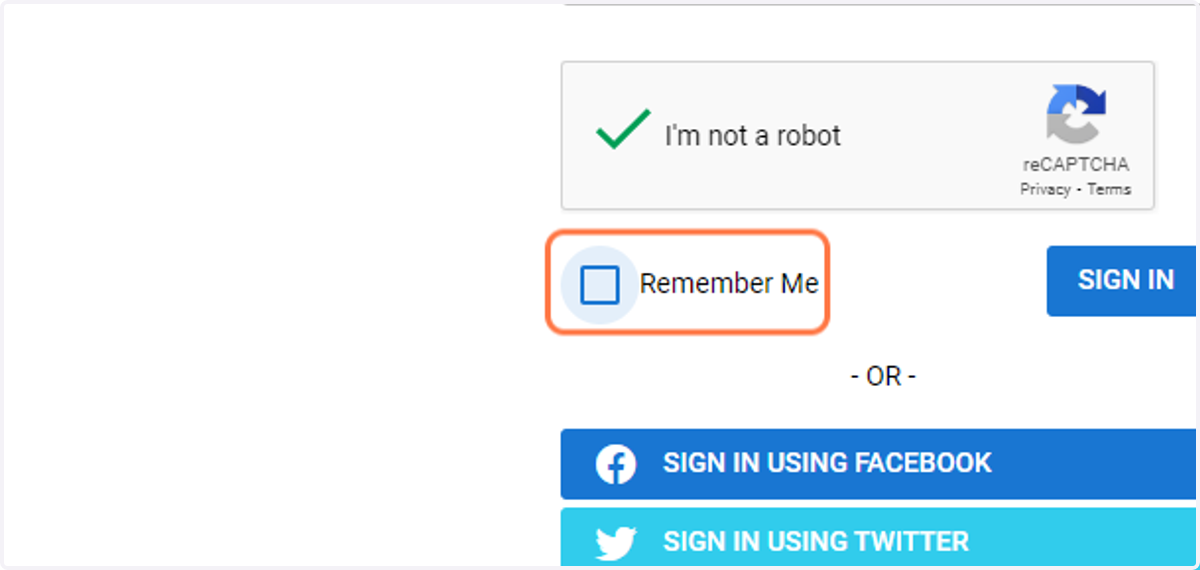
12. Click on Remember Me if you want to stay logged in
Do not do this on public computers to ensure the integrity of your account.
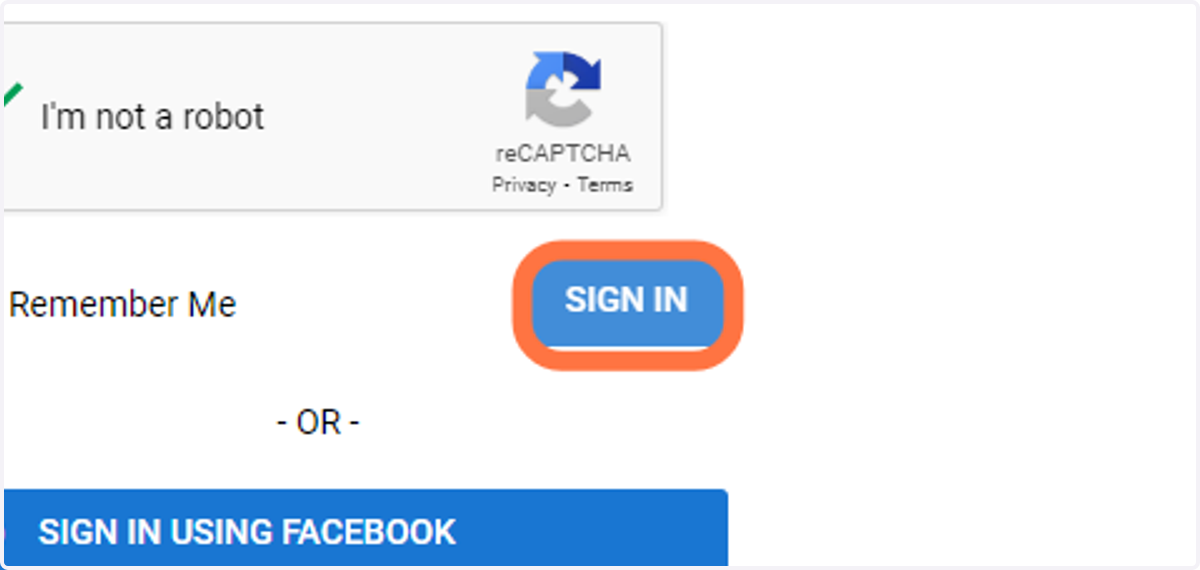
13. Click on SIGN IN