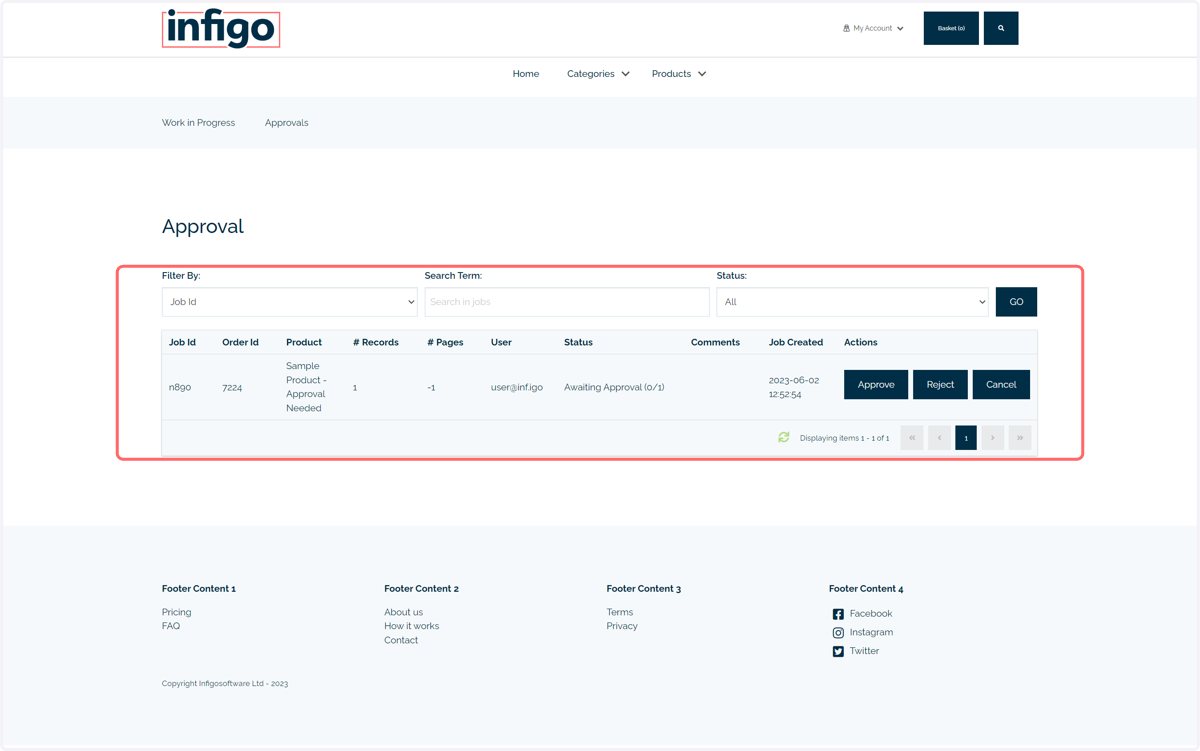
Approval requirements on a product level
Here, we will see how to enable and configure the approval workflow on individual products.
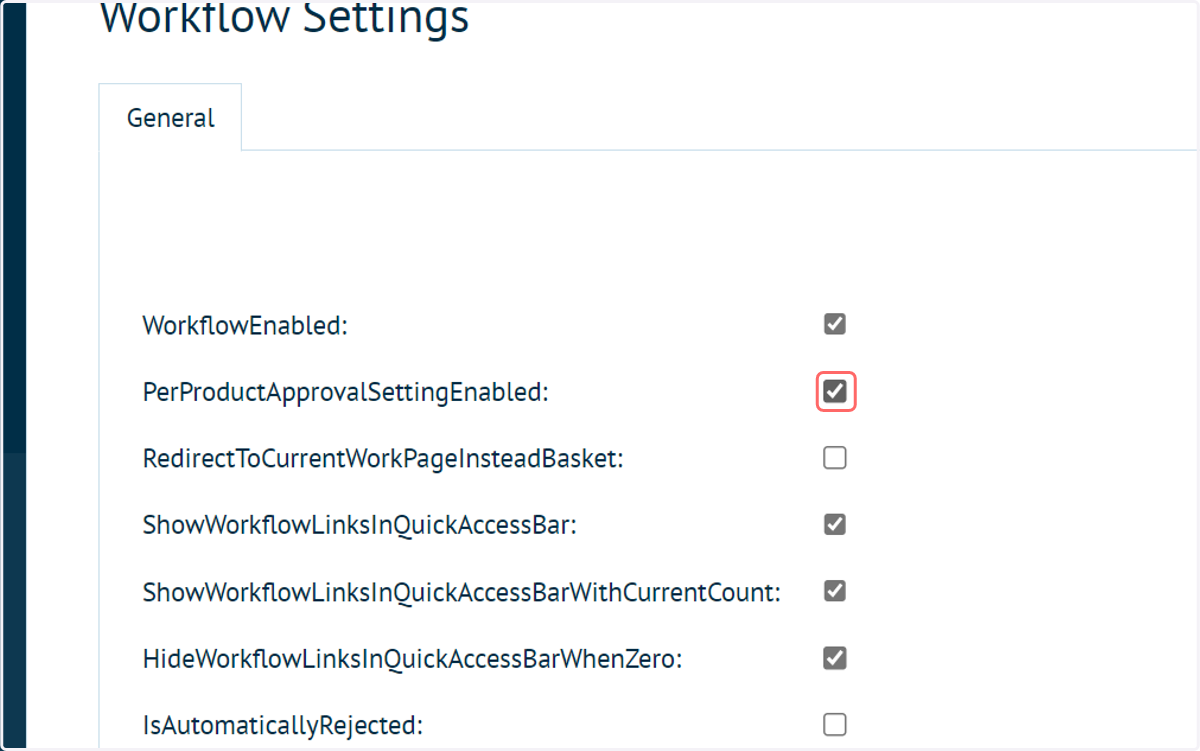
1. Check PerProductApprovalSettingEnabled
Begin in the Approval Workflow Settings and enable the PerProductApprovalSettingEnabled option.
This will override any customer level approval workflow.
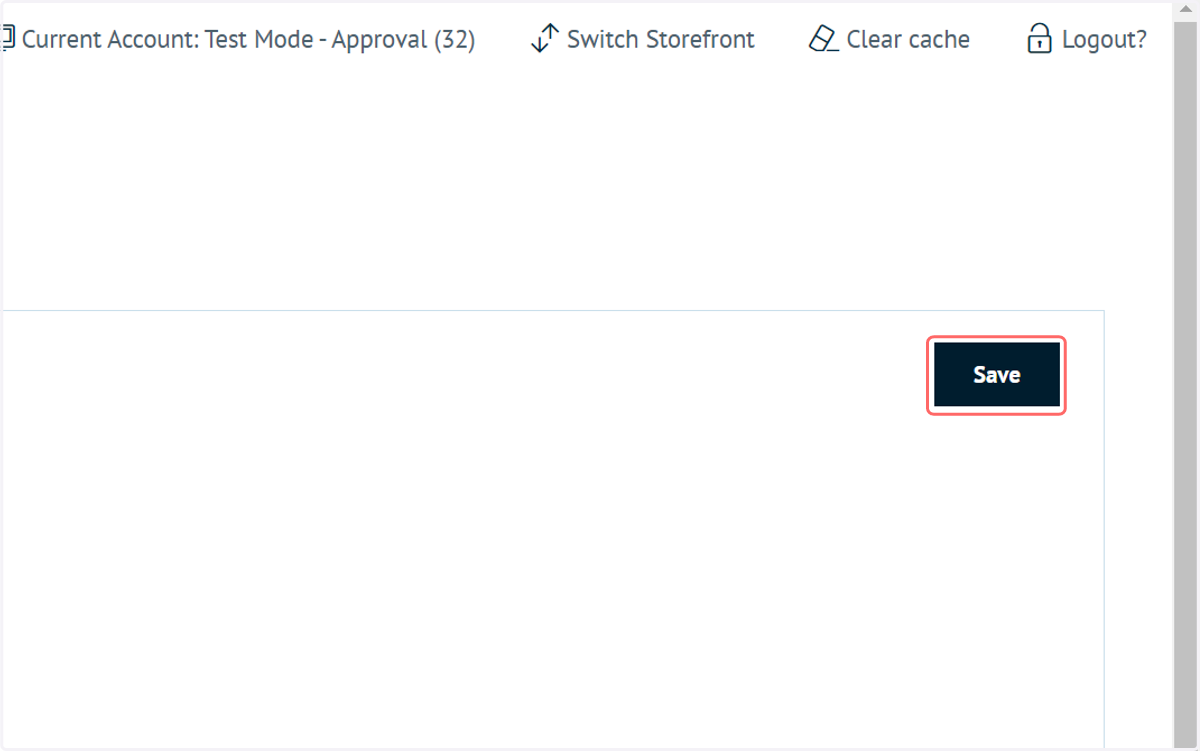
2. Click on Save
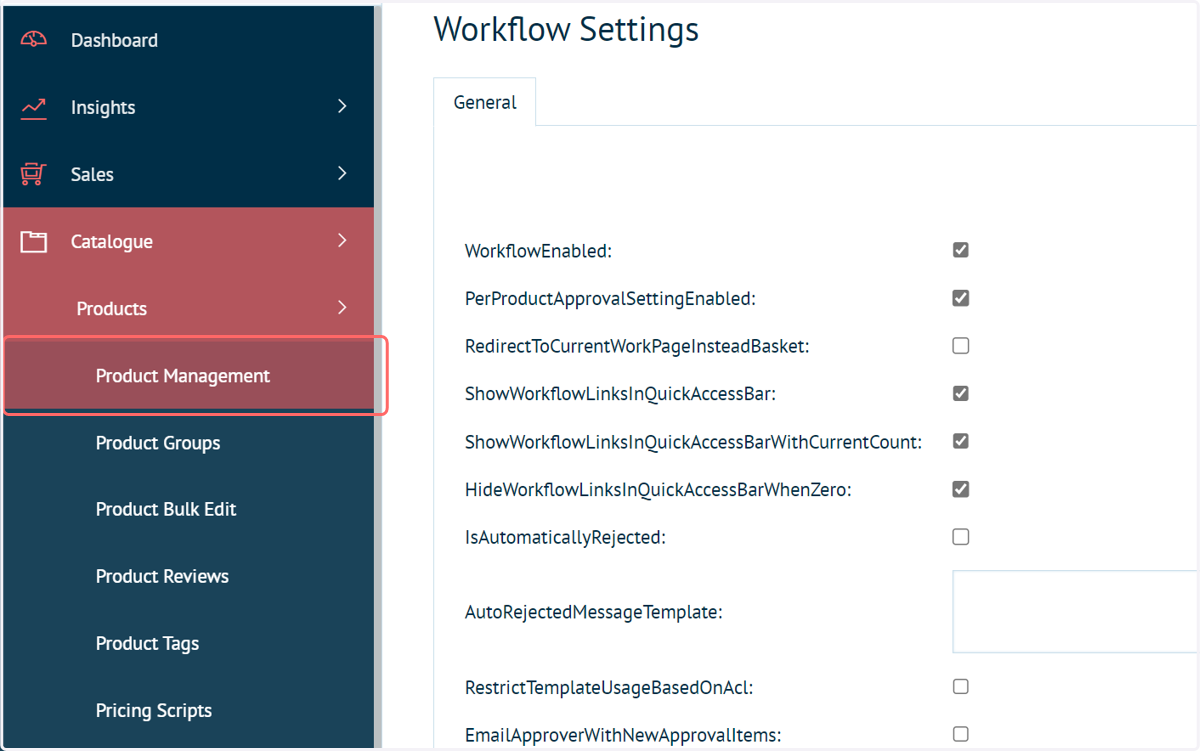
3. Navigate to Product Management
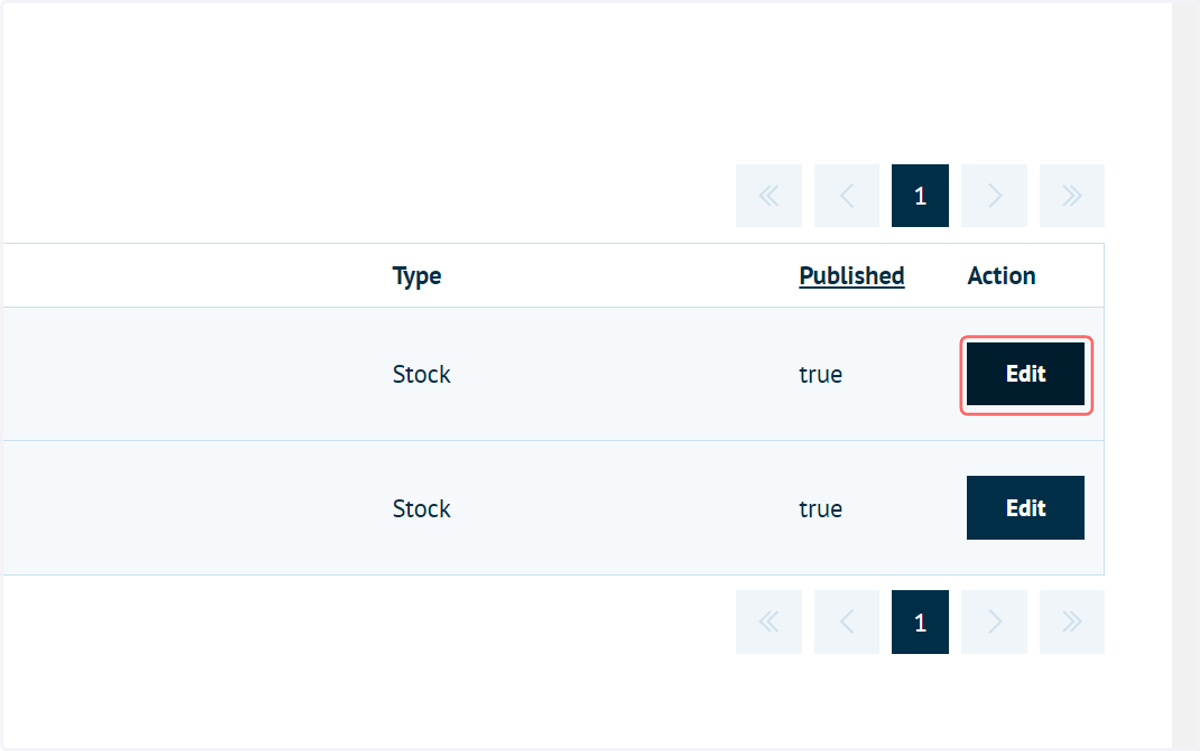
4. Click on Edit on the product requiring approval
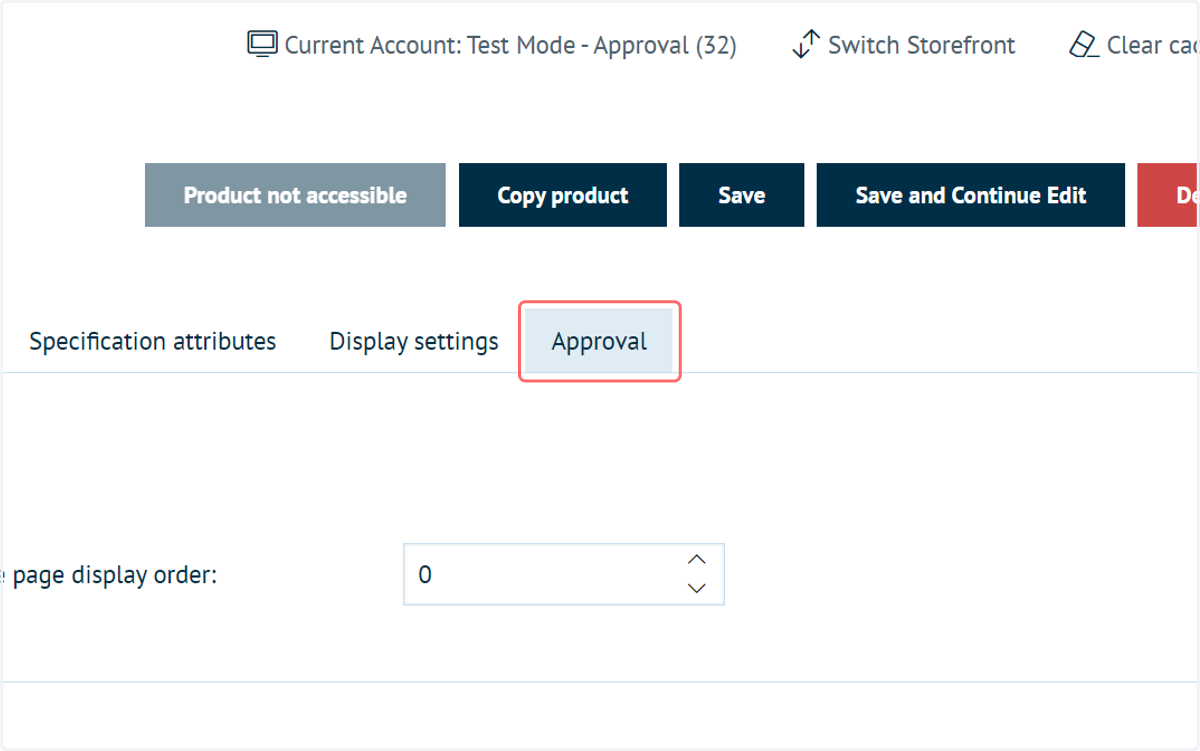
5. Navigate to the new Approval tab
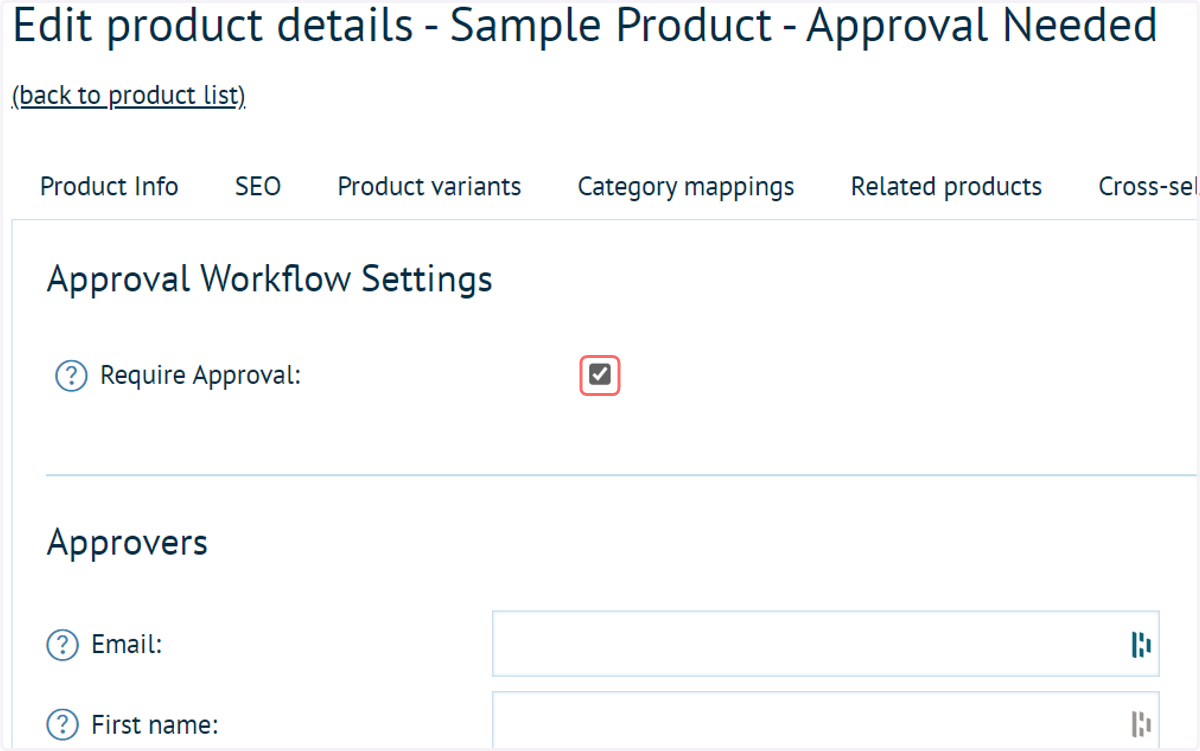
6. Check Require Approval
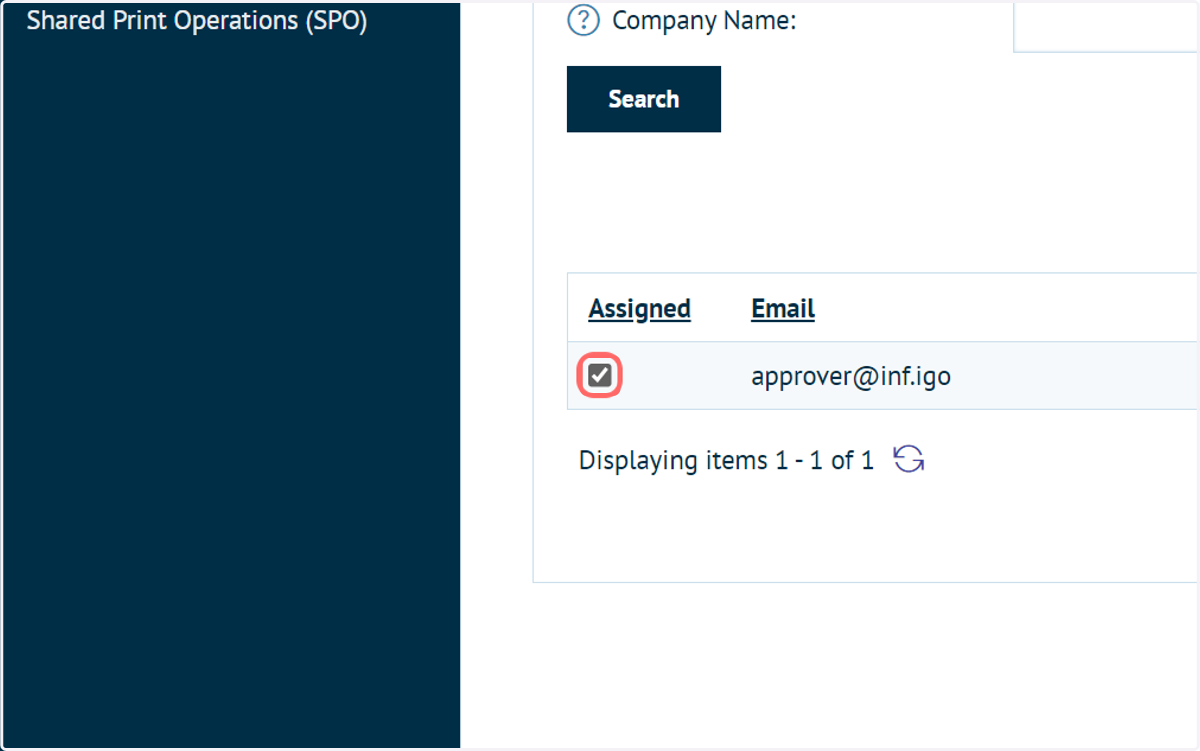
7. Check Assigned
You can then assign approvers for this product, meaning anyone who orders this product will need to be approved by an approver.
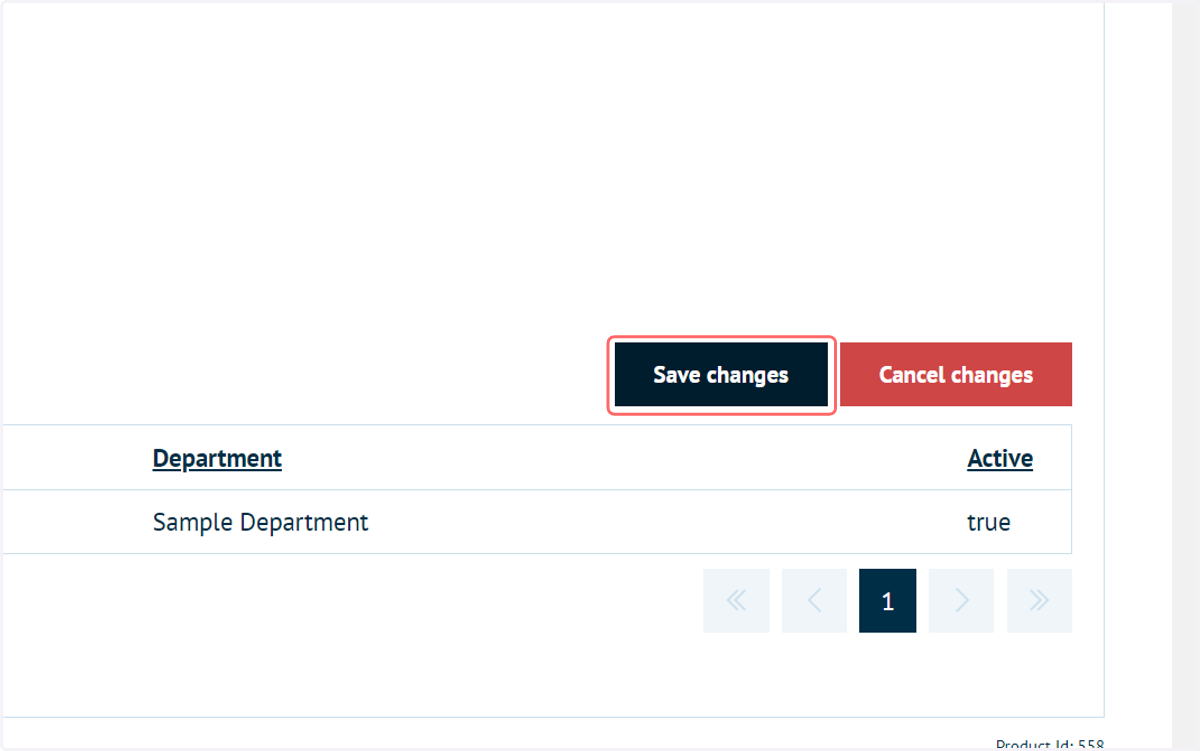
8. Click on Save changes
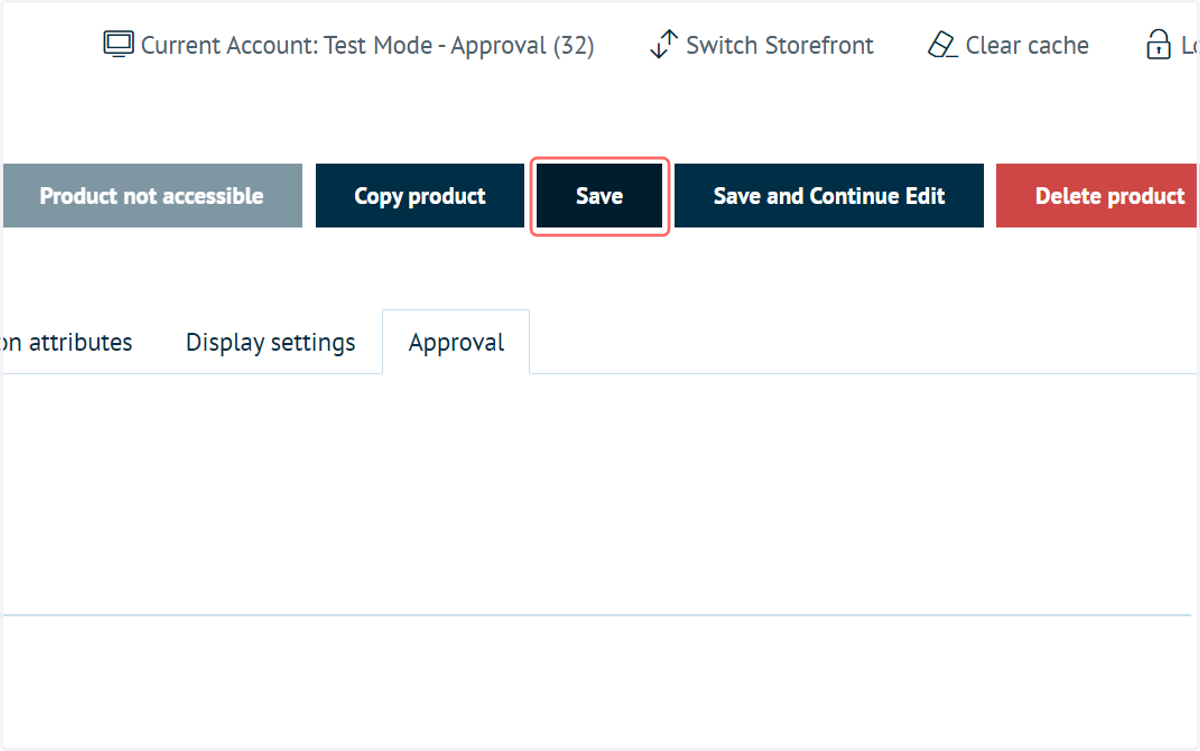
9. Click on Save
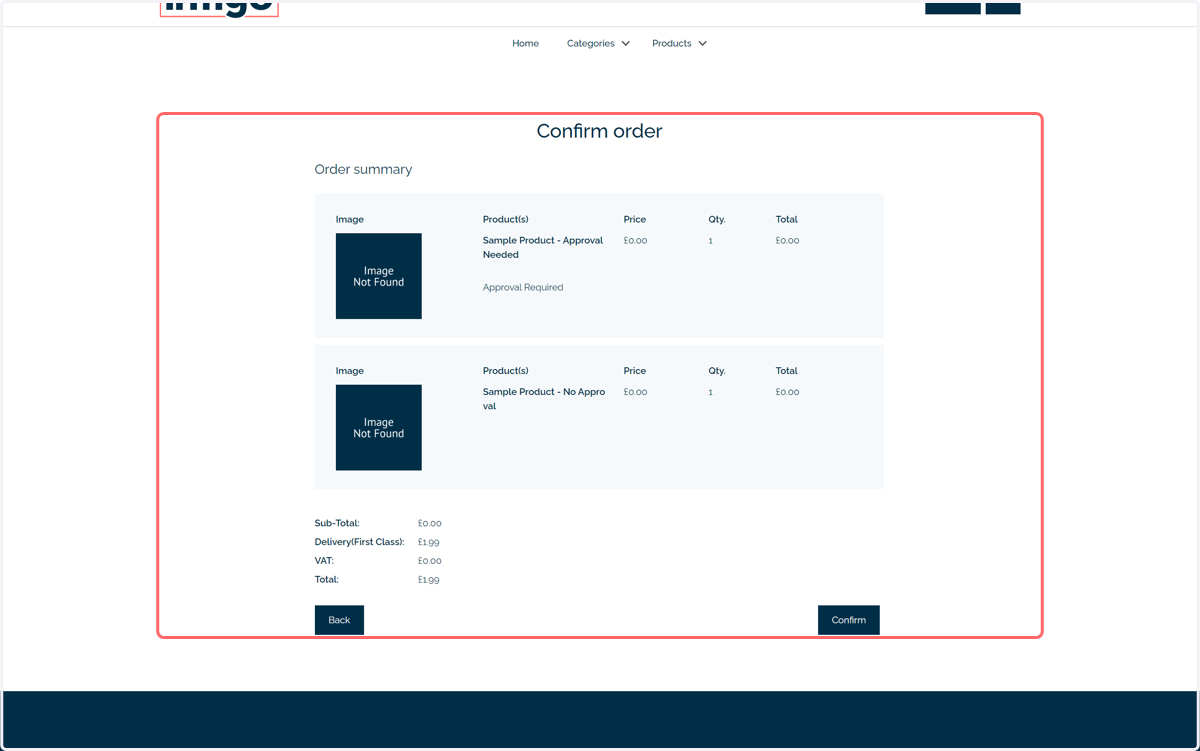
10. From the requester perspective, items requiring approval will be indicated during the checkout process.
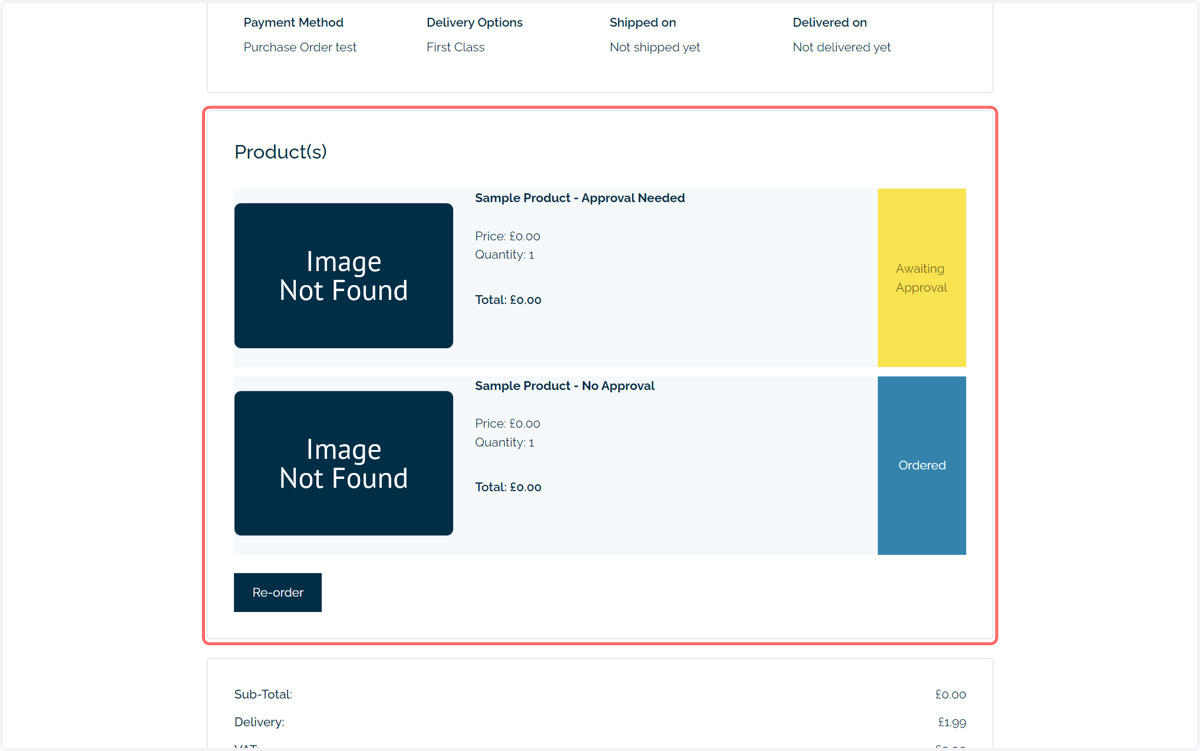
11. They will also be indicated in the orders page
12. From the approver perspective, they will only see the order lines requiring approval