SwagUp x Slack: Low Inventory DM
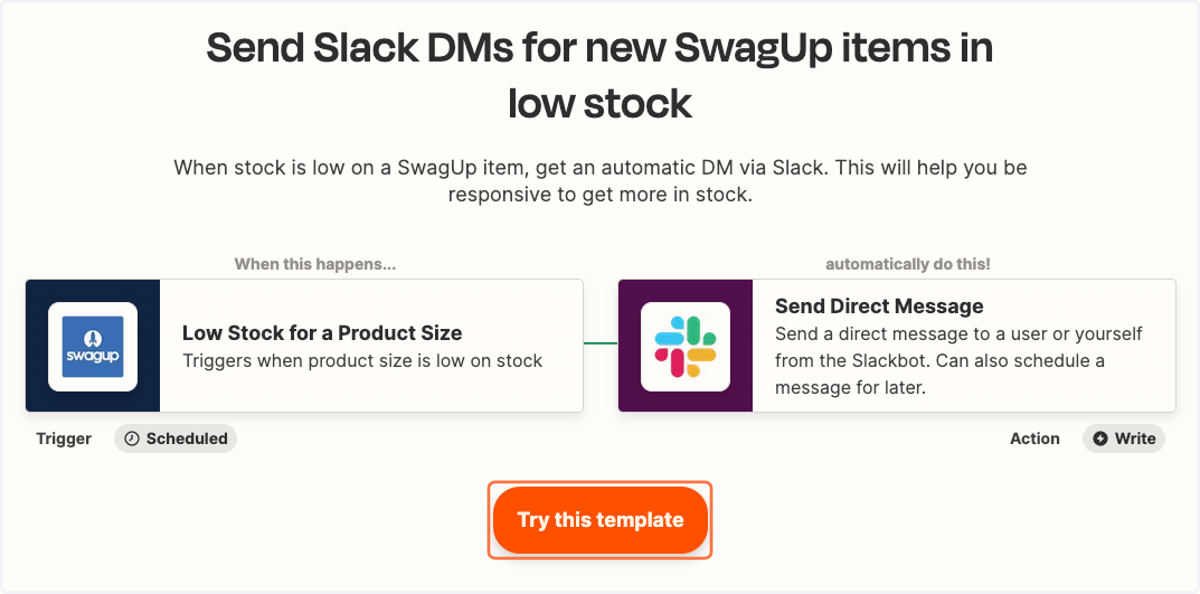
When stock is low on a SwagUp item, get an automatic DM via Slack. This will help you be responsive to get more in stock.
Send Slack DMs for new SwagUp items in low stock
1. Click on Try this template
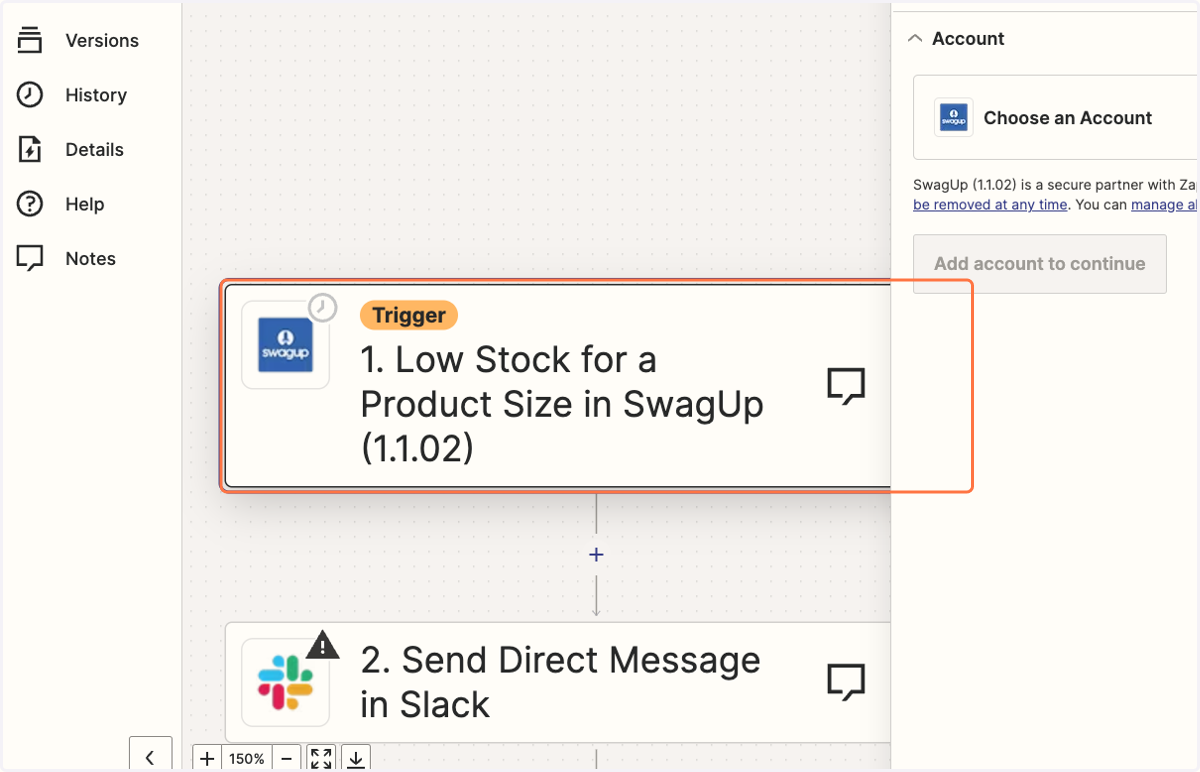
2. Click on Trigger step.
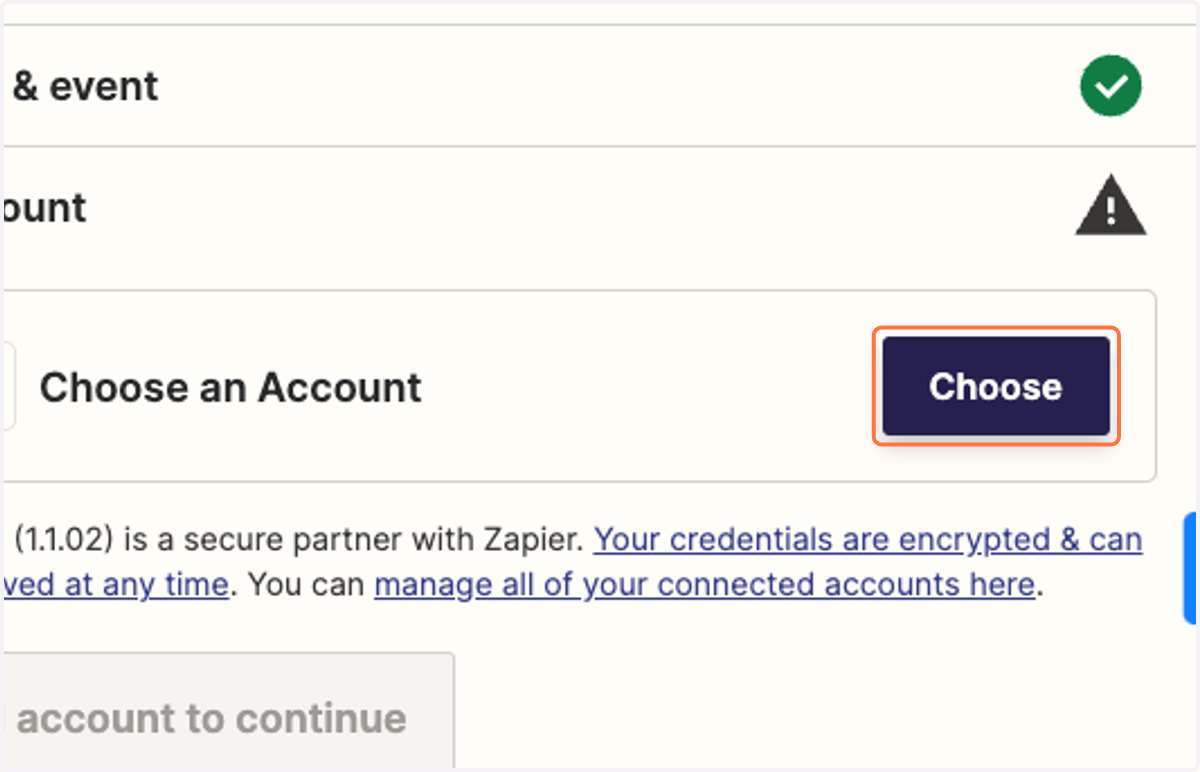
3. Choose SwagUp account to connect.
4. Choose product and size (if applicable) to receive notifications about and click Continue.
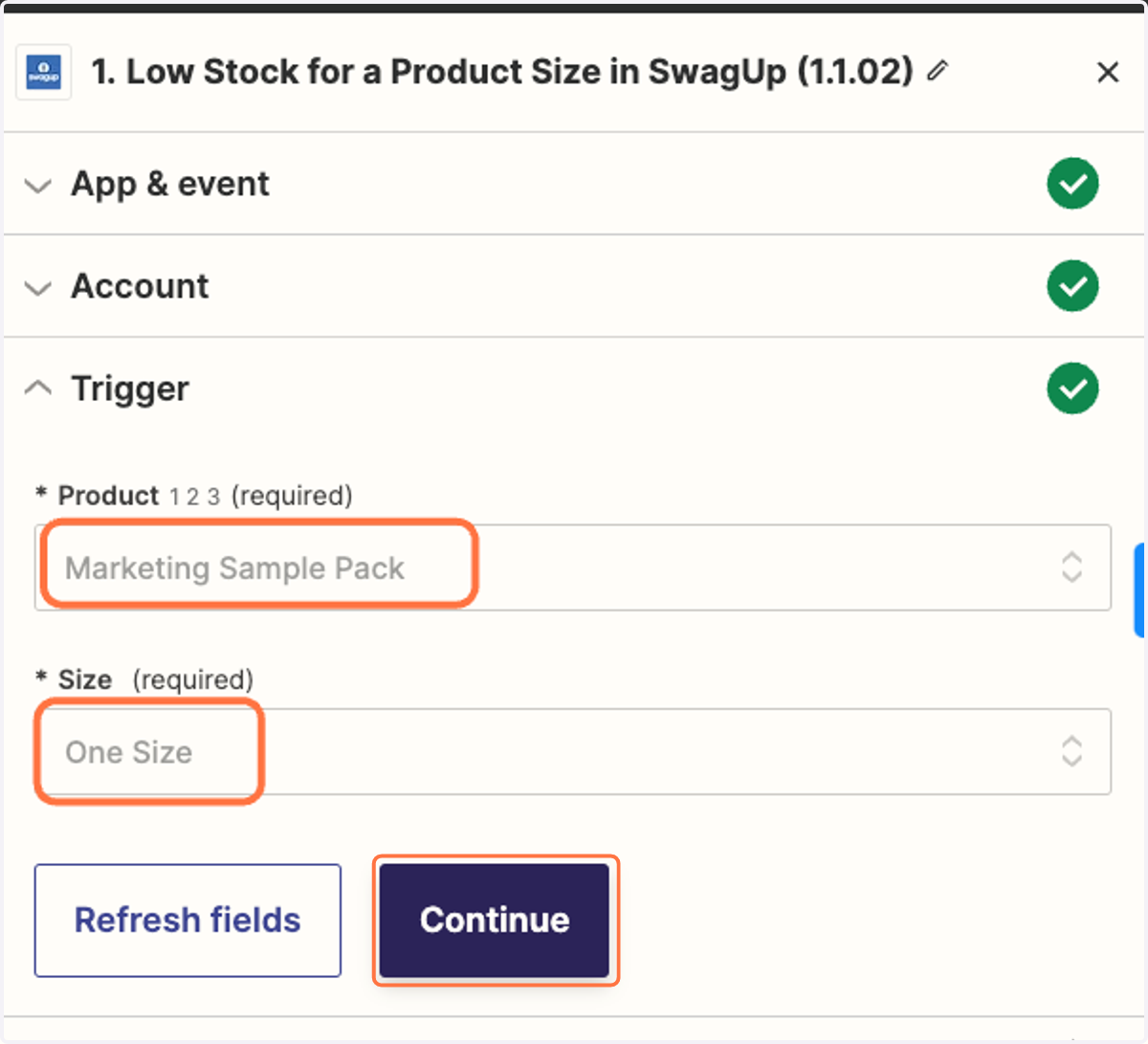
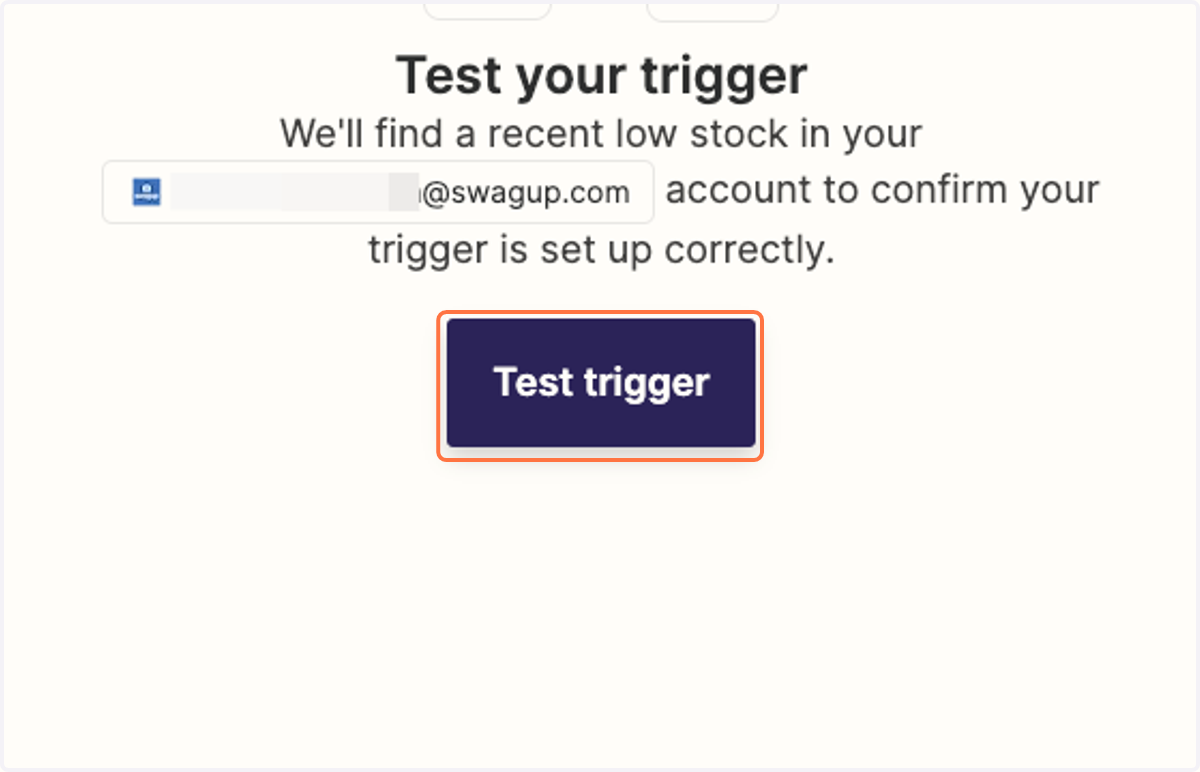
5. Click on Test trigger
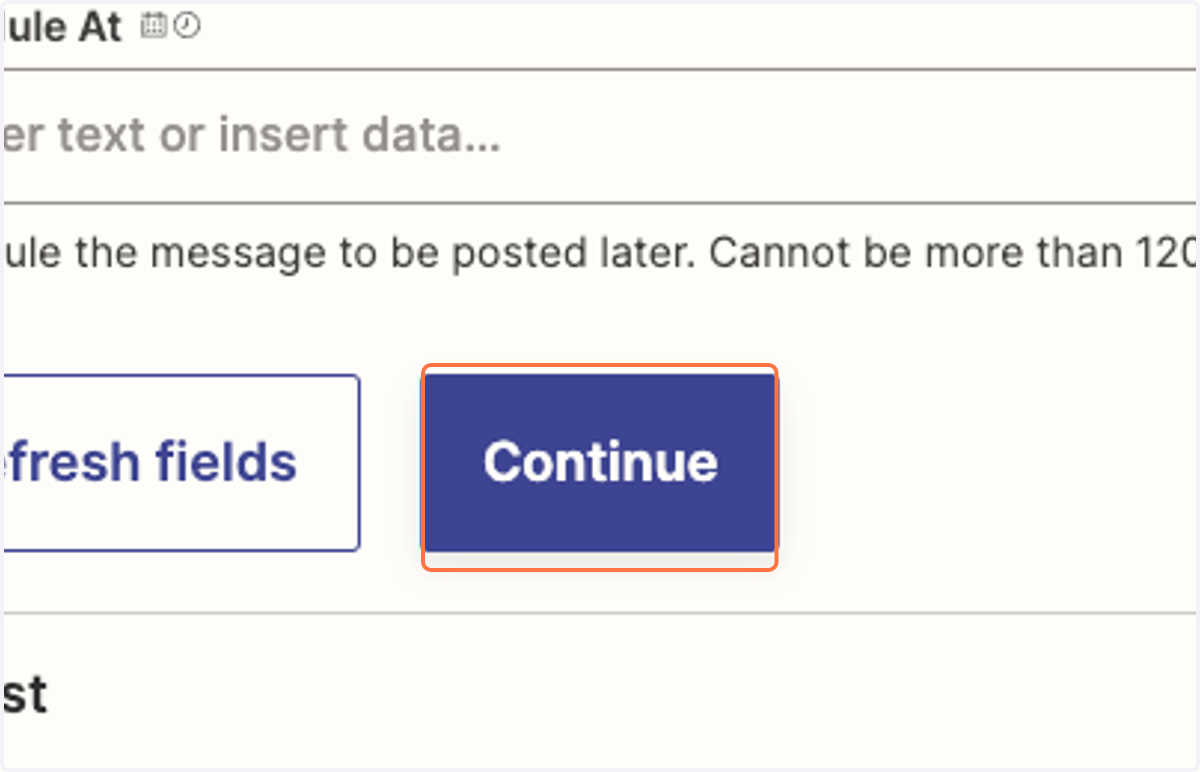
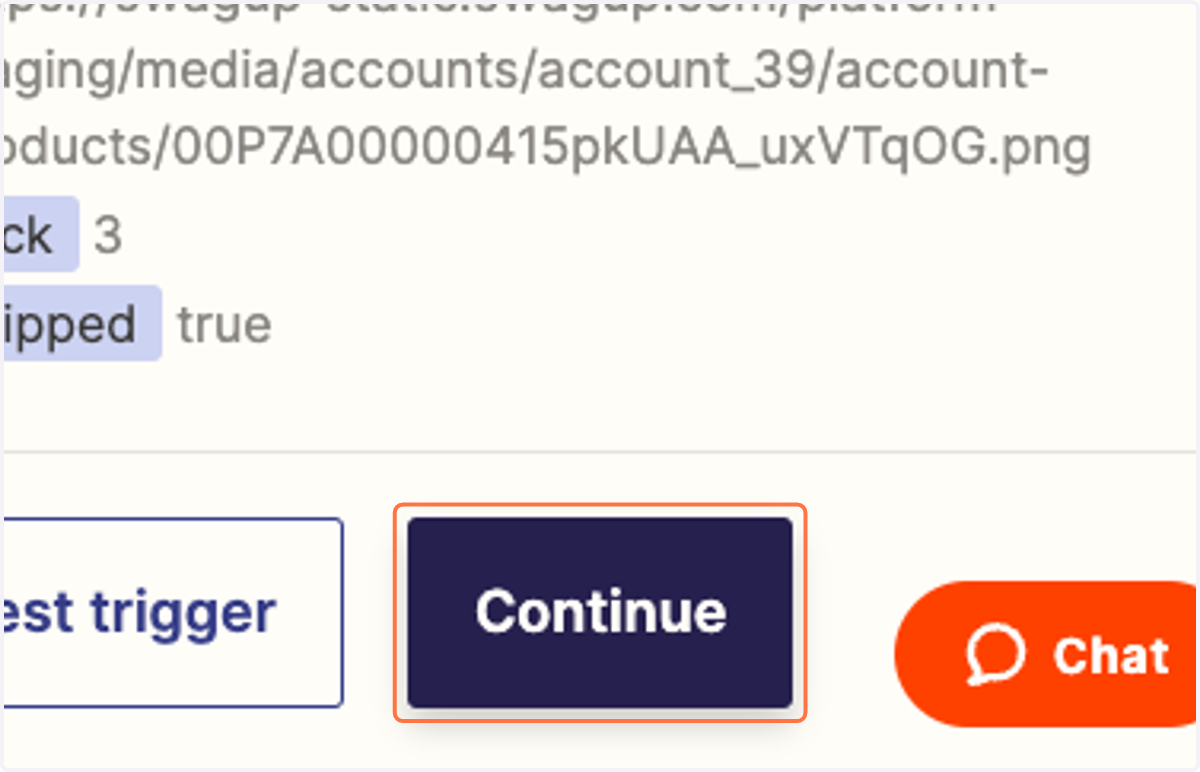
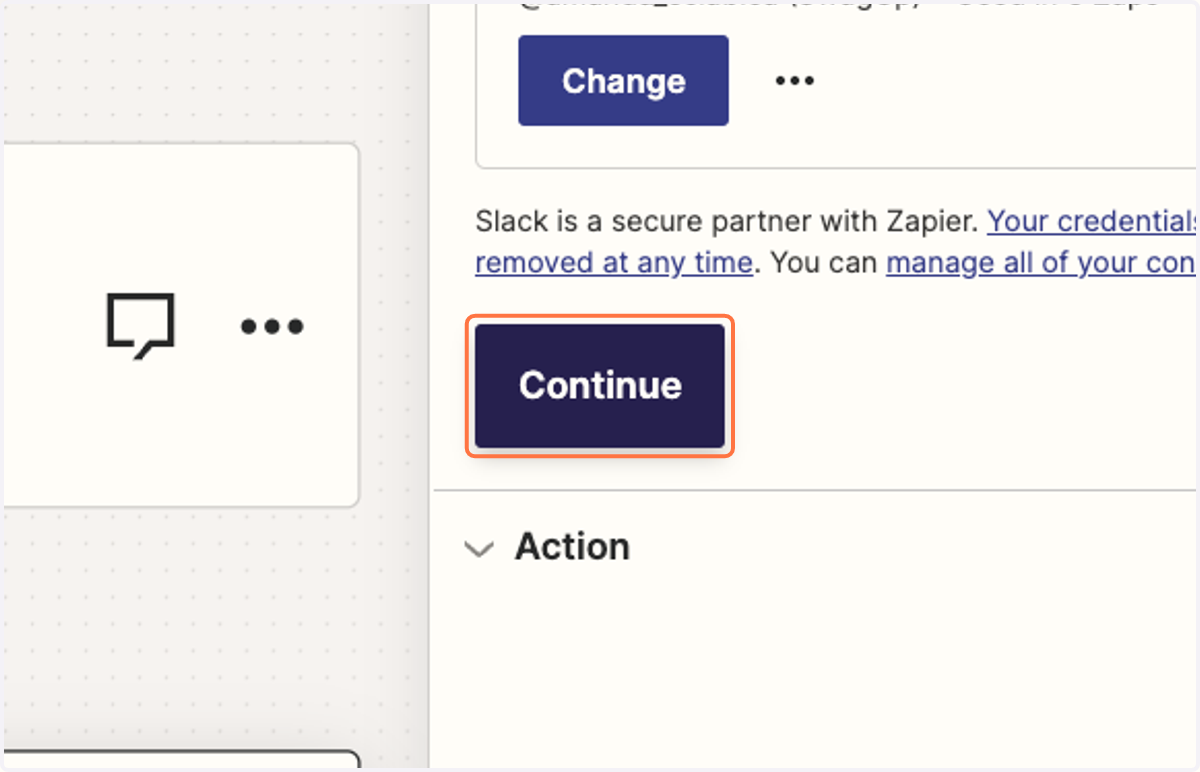
6. Click on Continue
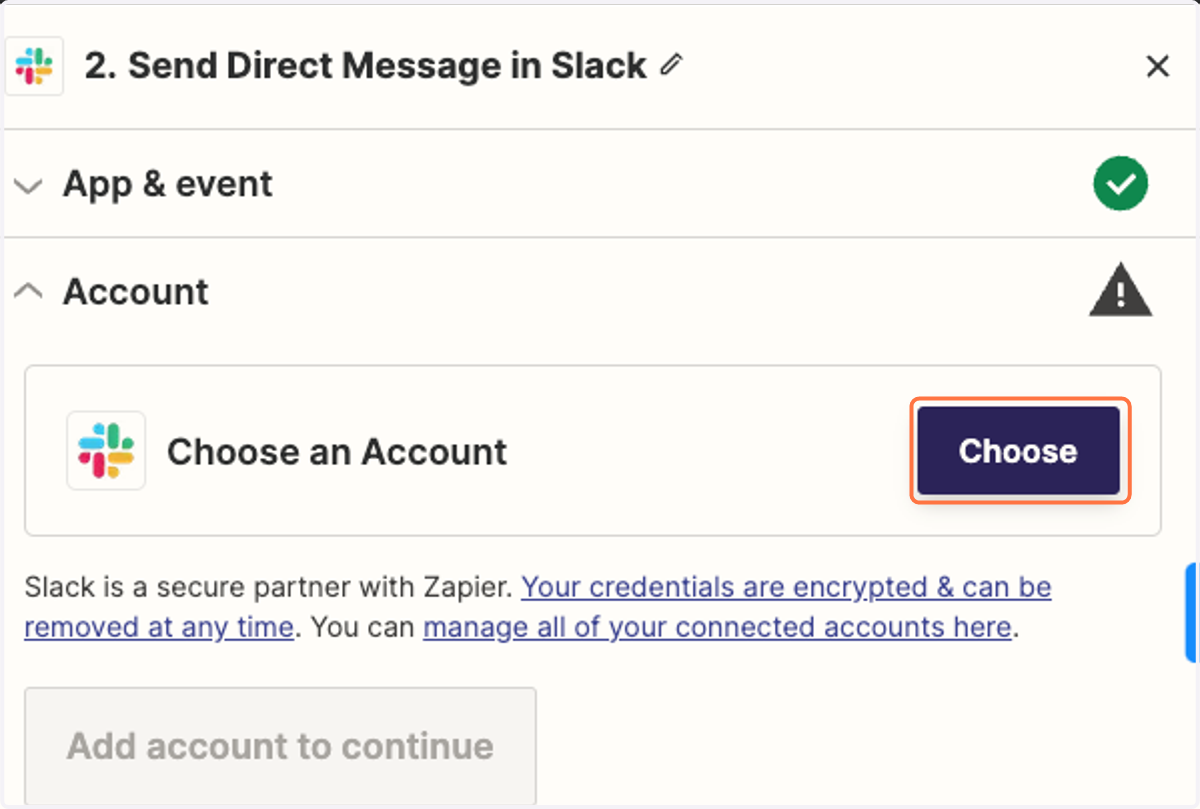
7. Choose Slack account you'd like to connect.
8. Click on Continue
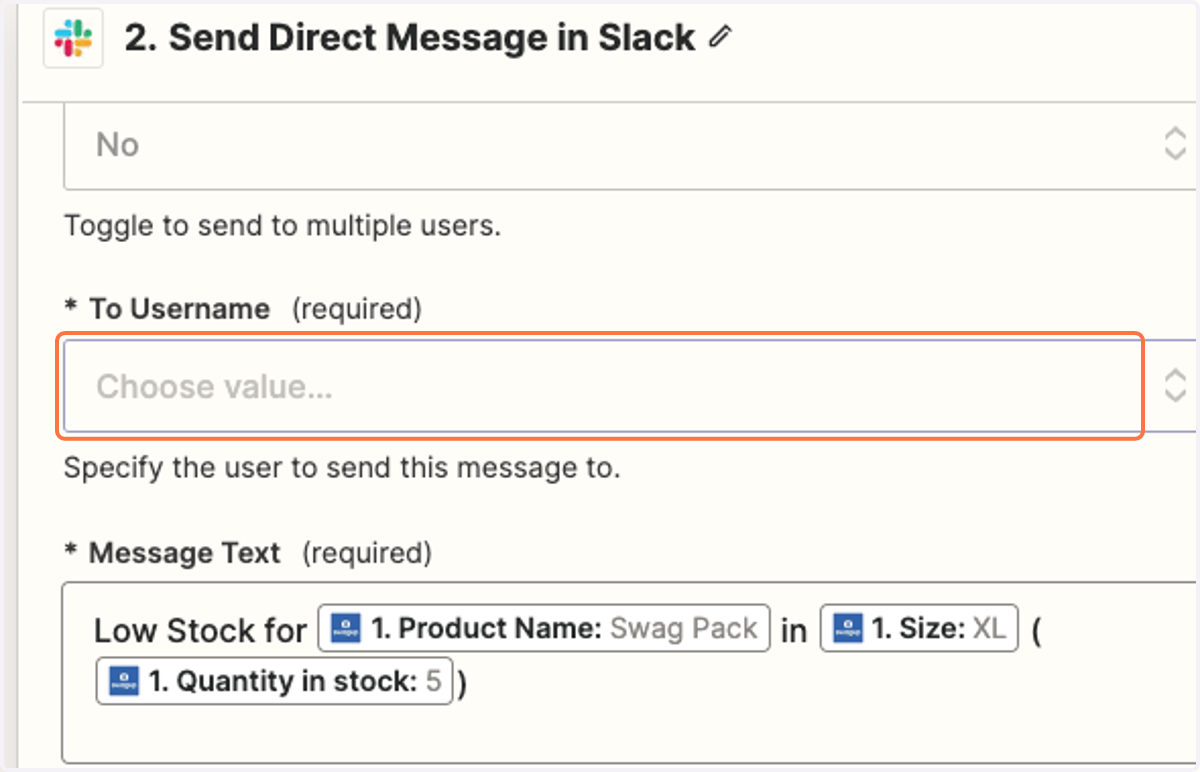
9. Choose user you'd like to send Direct Messages to.
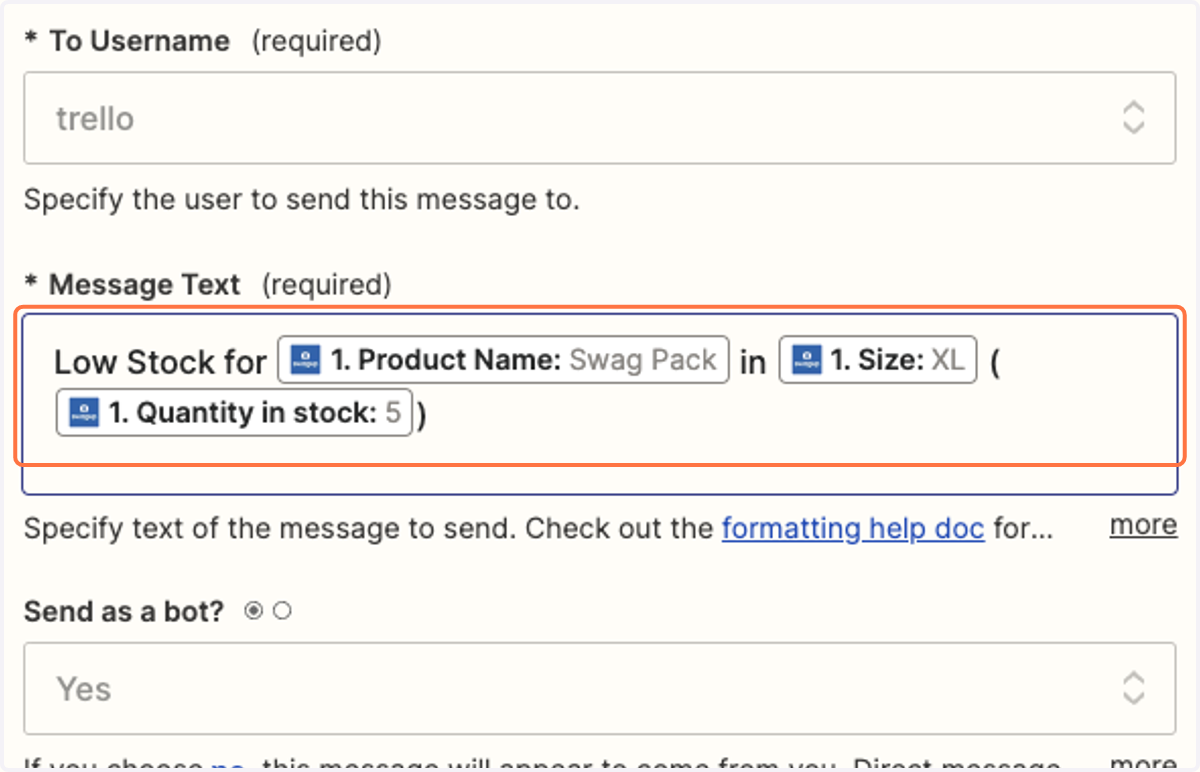
10. Customize Message Text.
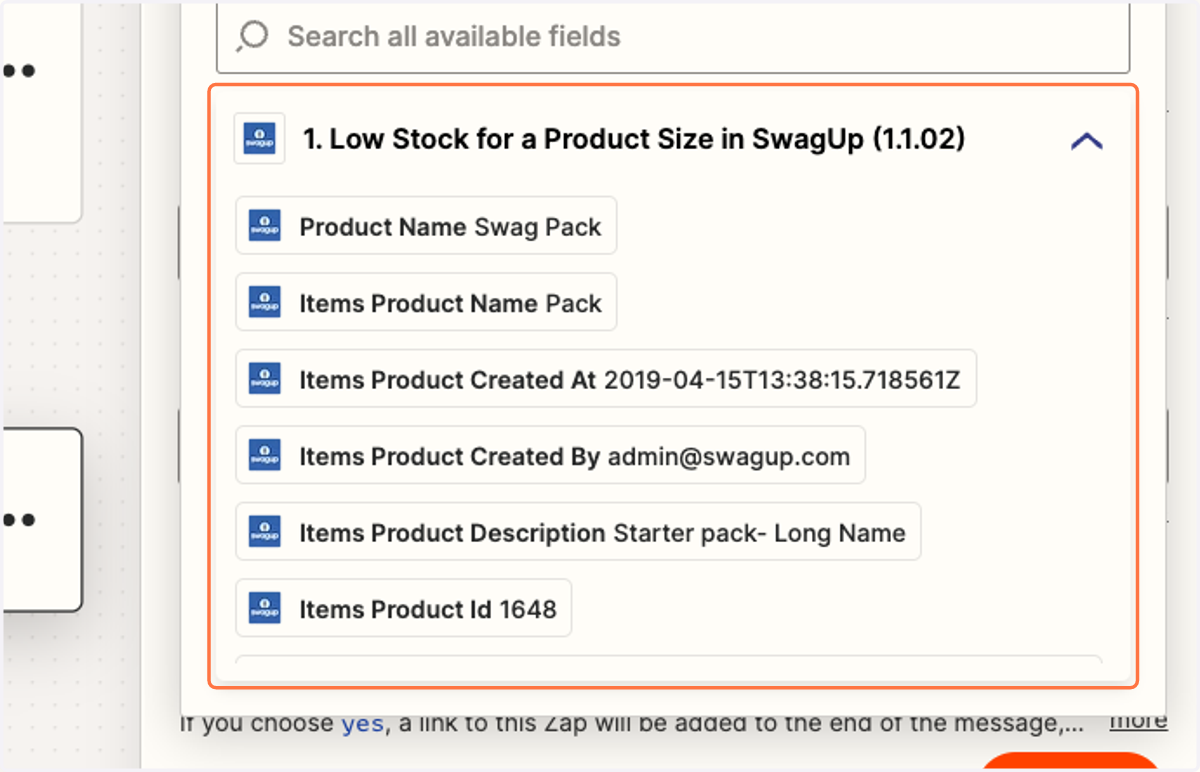
11. Add fields you'd like to populate in your message.
12. Click on Continue and Publish to begin using your Zap.