Navigating MedScout: Provider and Center Searches
A Step-by-step guide on how to search for Providers and Centers in MedScout.
Login to MedScout | www.medscout.io
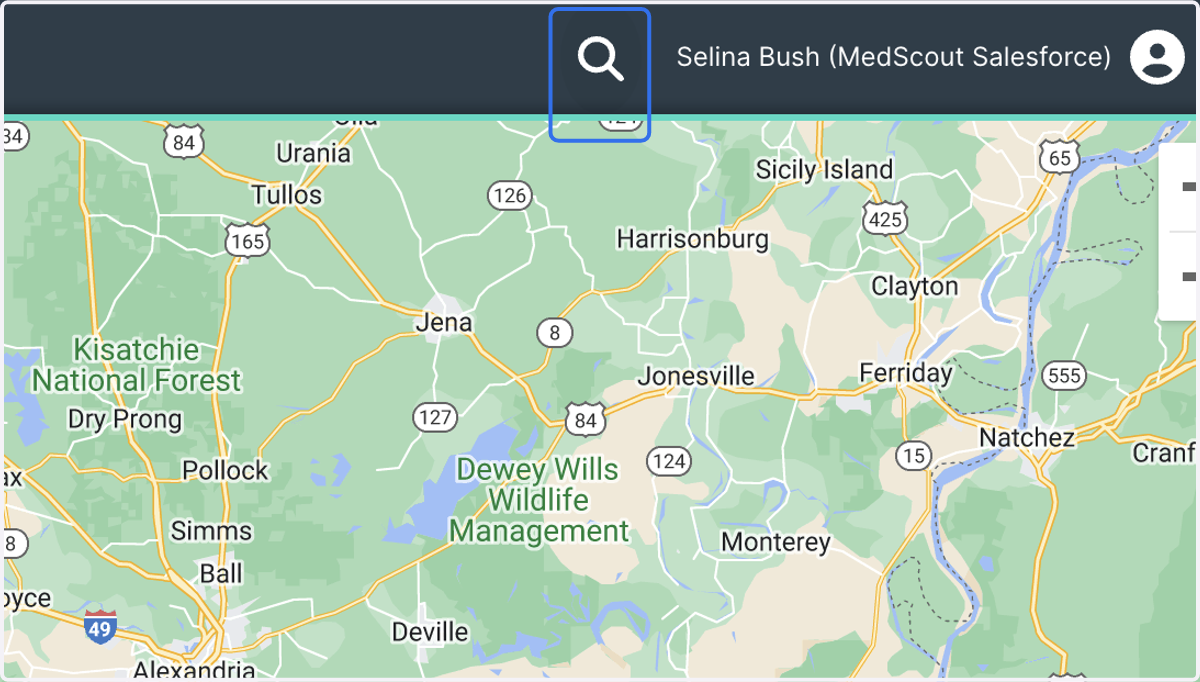
1. Physician and Center Searches now live in the primary navigation header for easier access. Click on the Global Search icon to begin a search.
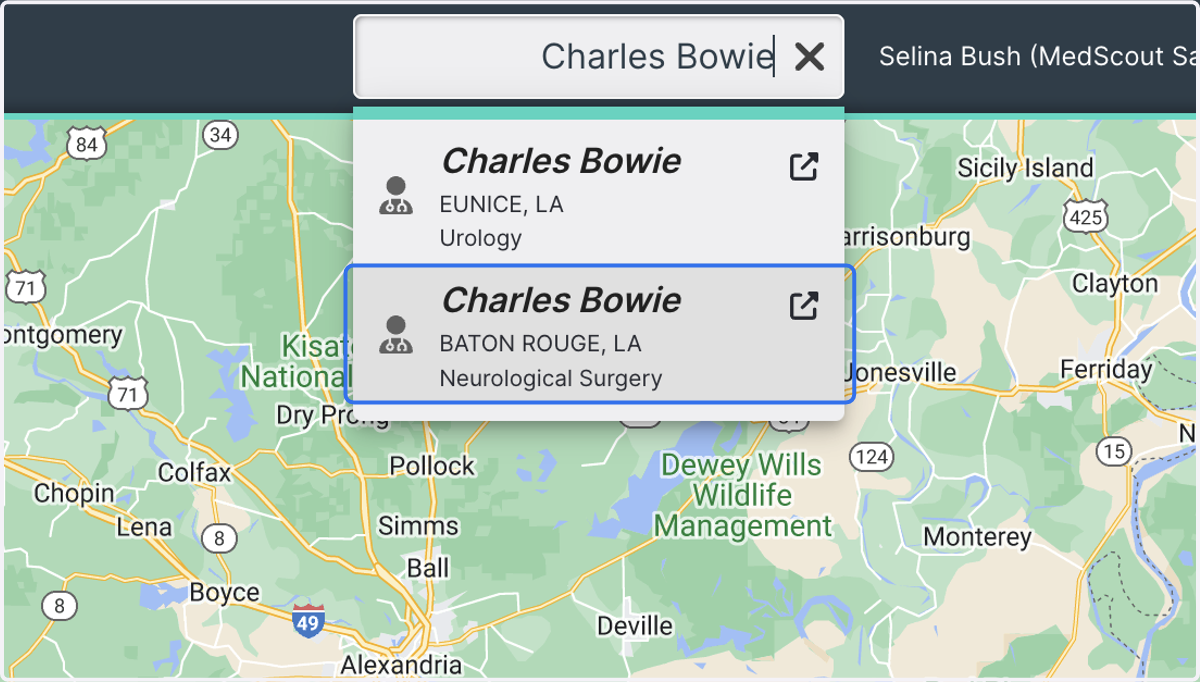
2. Type in a Provider's first and last name, then choose from the options available.
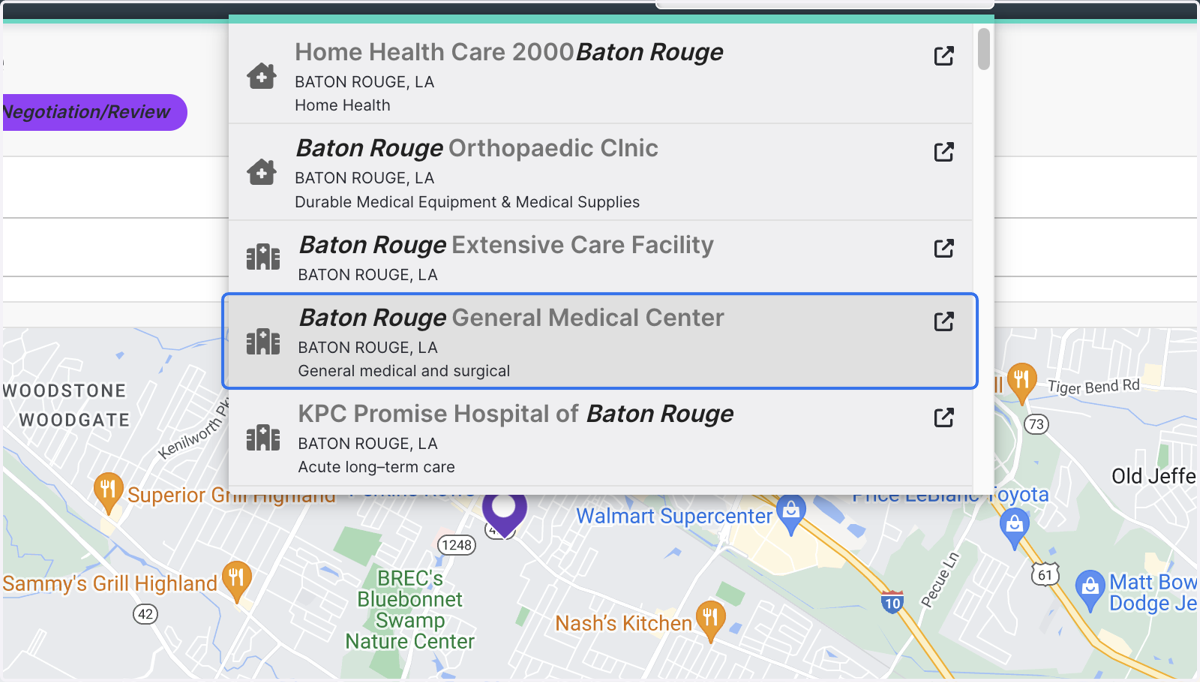
3. Searching for Centers is just as simple! Type in the name of the center or facility you'd like to see. Choose from the options available.