MegaEdit Prep Work
Please note: This is not a tutorial. This is preparation work carried out by our team to facilitate easier understanding in future tutorials.
Informing you of these steps is simply to avoid confusion in future tutorials.
Our MegaEdit product will be prepped by pre-defining some of the basic required elements, namely:
Stock
Canvas
Output Type
Future tutorials will show exactly how these are configured. However without these elements defined, our MegaEdit product will not function on the storefront.
By adding these to our product now, we will be able to review any changes we make on our storefront for better understanding
Infigosoftware
1. MegaEdit product requirements
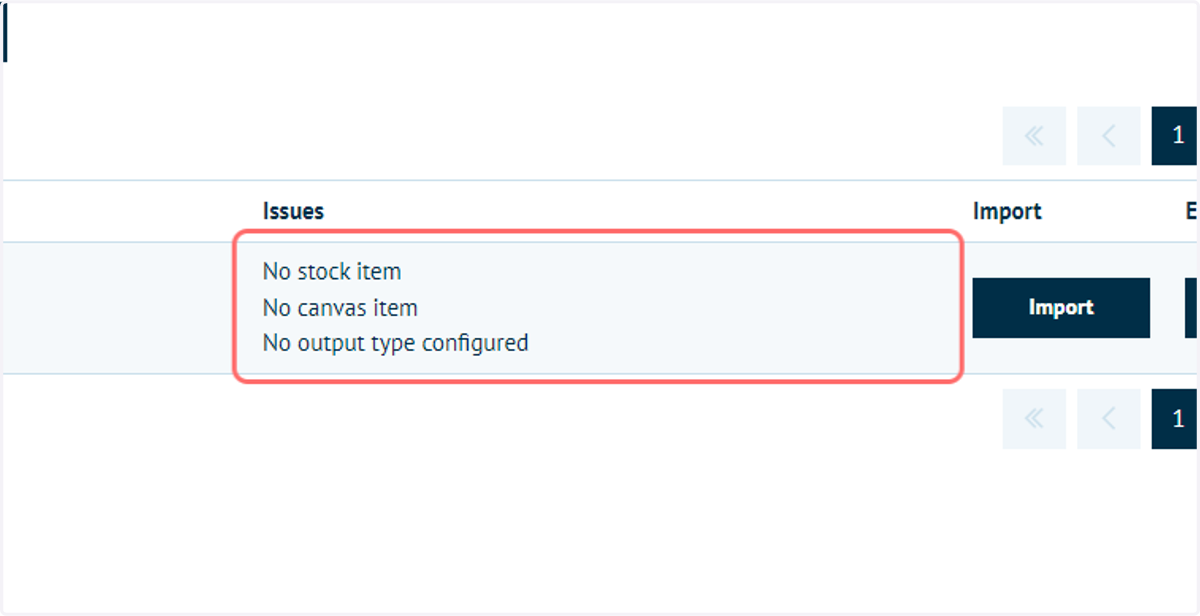
Our MegaEdit product requires a stock, canvas and output type in order to be viewable from our storefront.
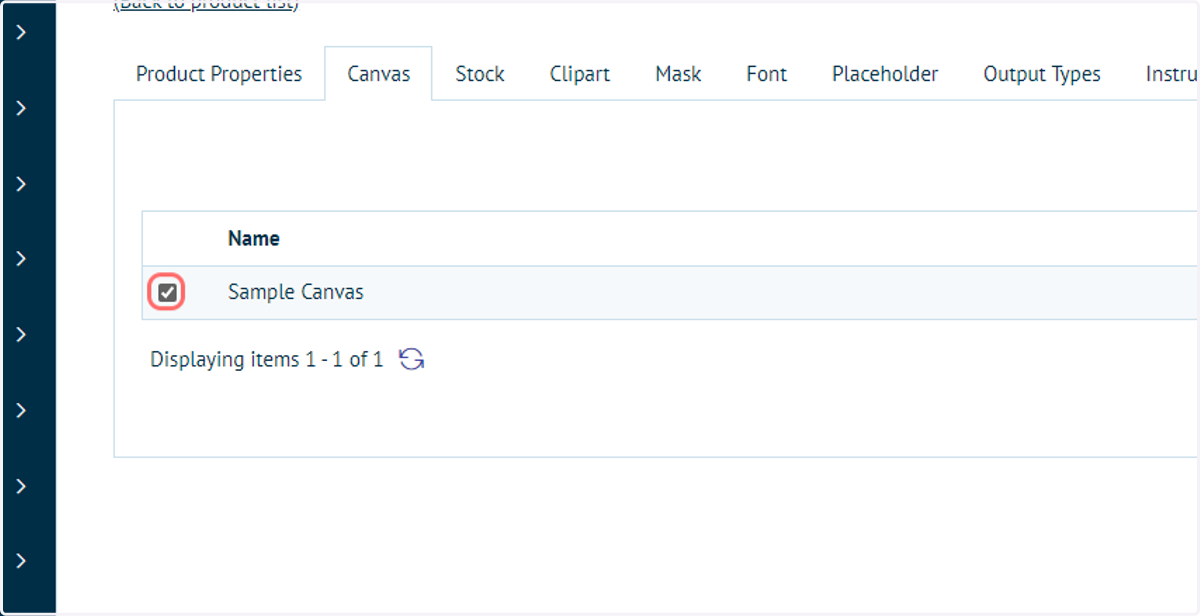
2. A sample canvas has been set up and selected
Infigosoftware
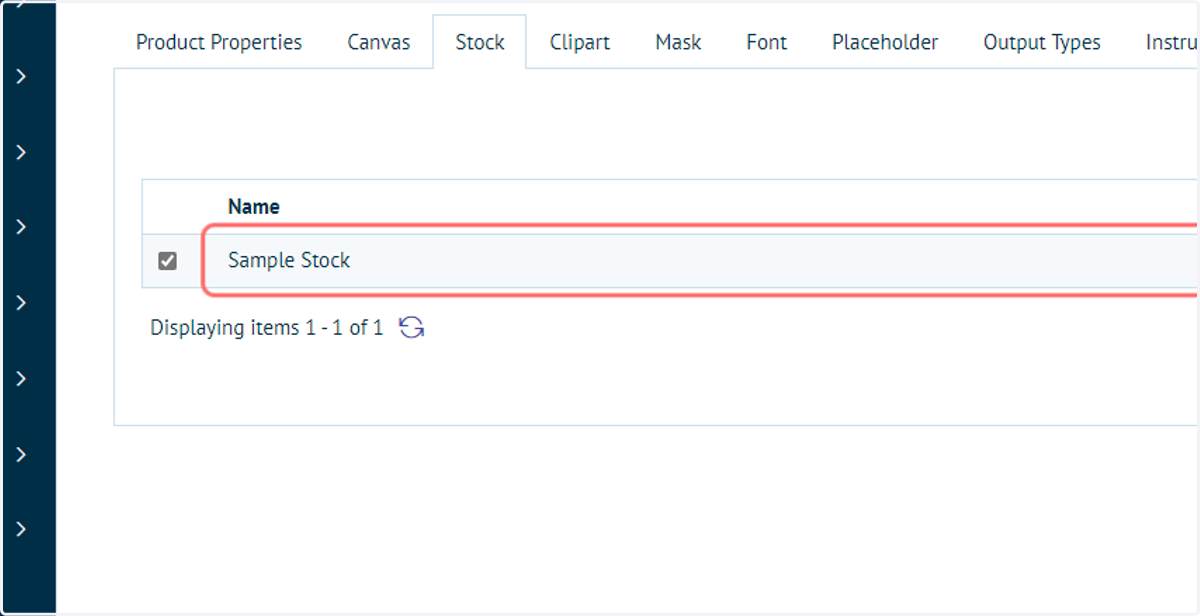
3. A sample stock has been set up and selected
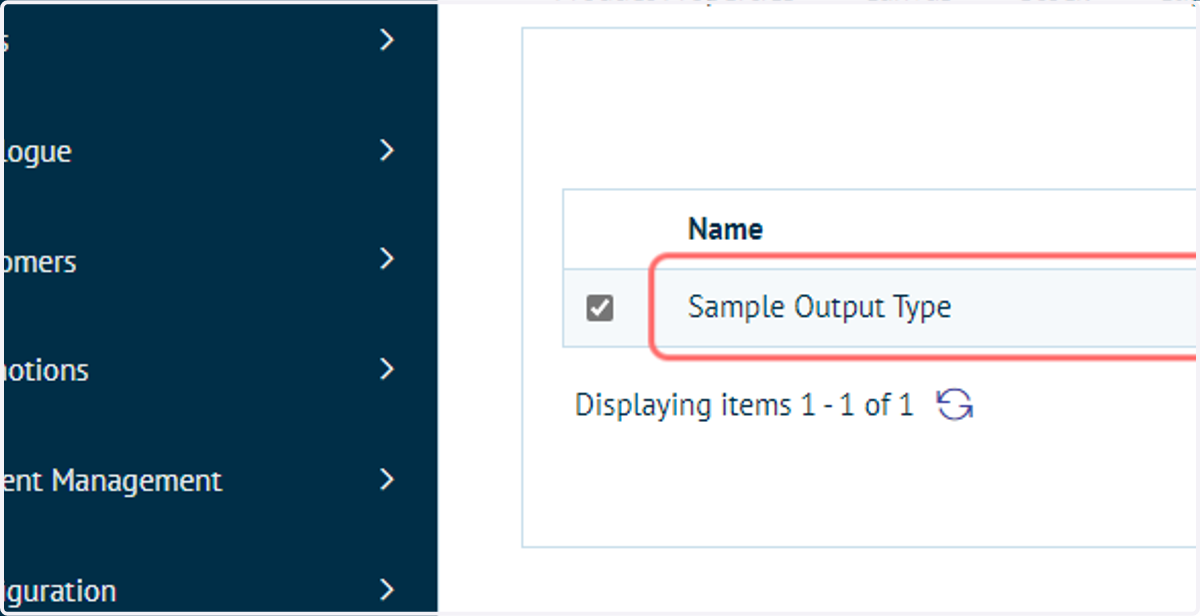
4. A sample Output Type has been set up and selected
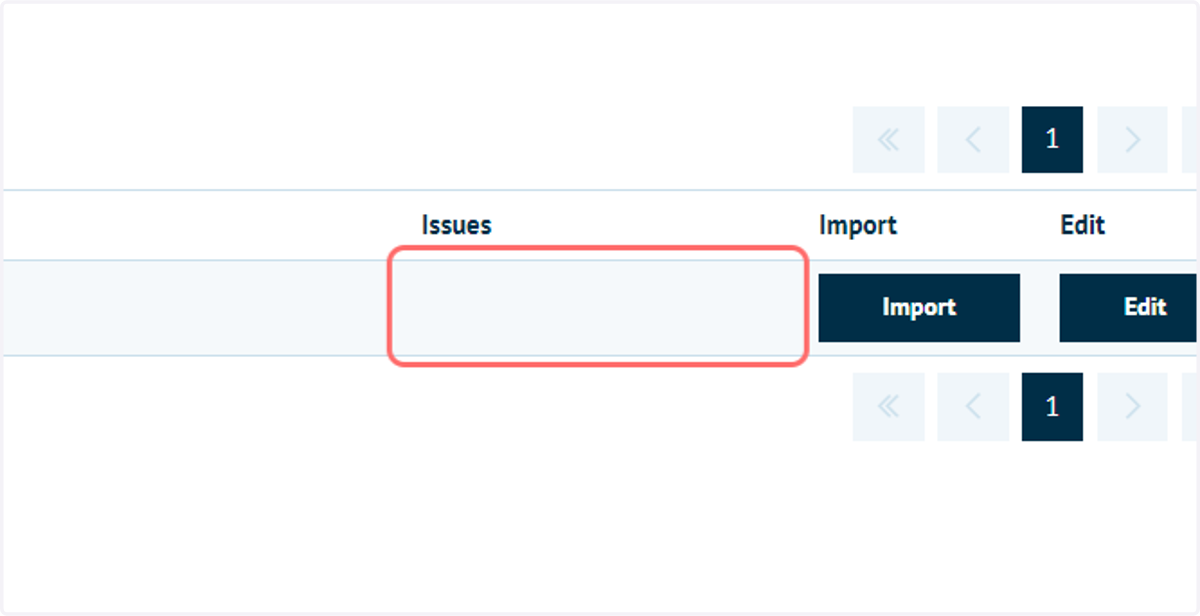
5. Review issues
The above steps remove the Issues on our MegaEdit product and allow it to be viewable from our storefront.
Infigosoftware
6. Click on View product page
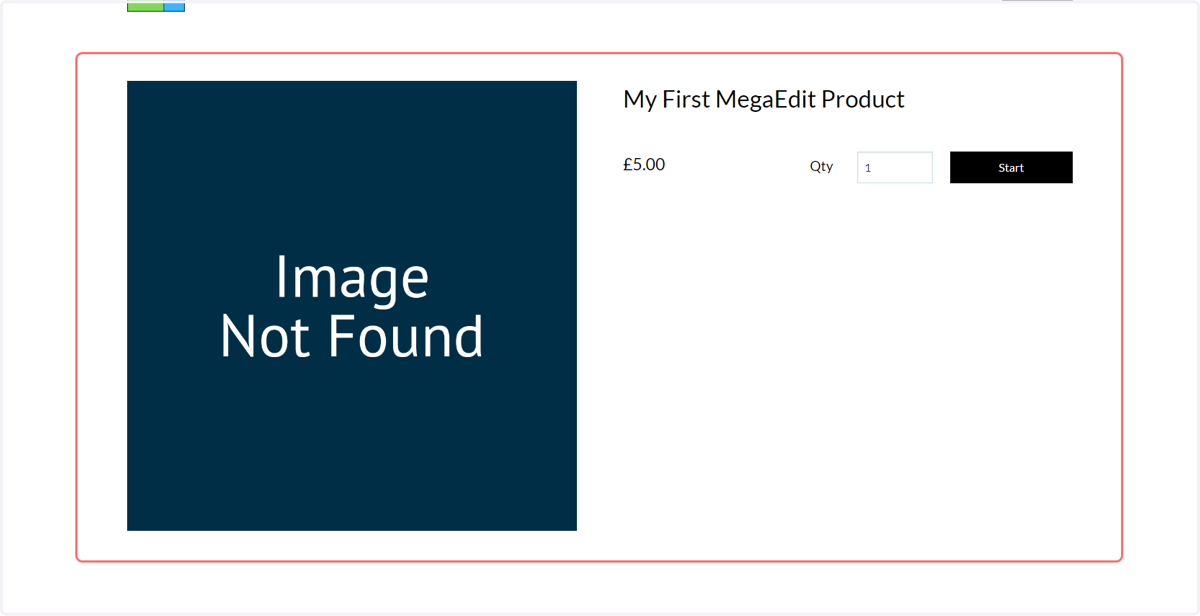
7. MegaEdit product on the storefront