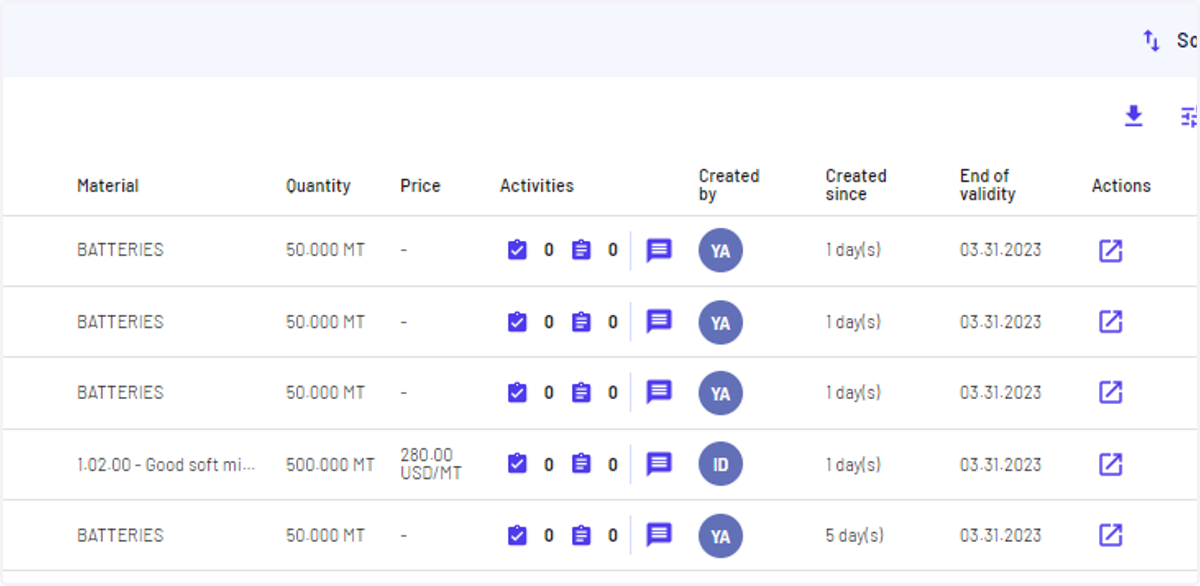
I can add, view, edit, and delete a comment on opportunities
Haroldwaste
1. Go to Jules AI
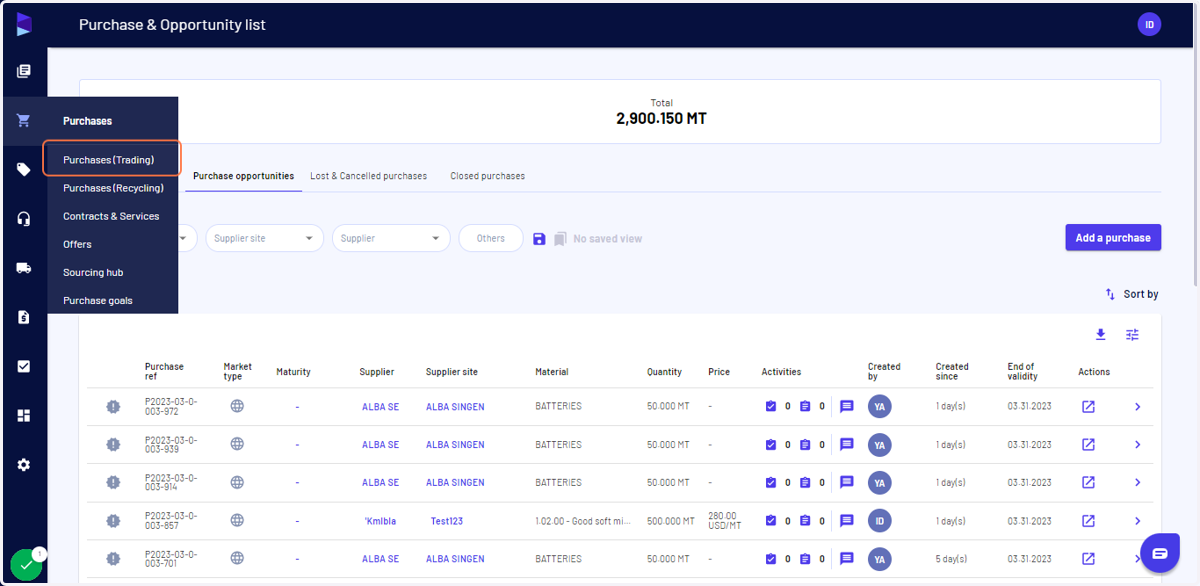
2. Click on "Purchases (Trading)"
Alternatively, you can go to "Sales"
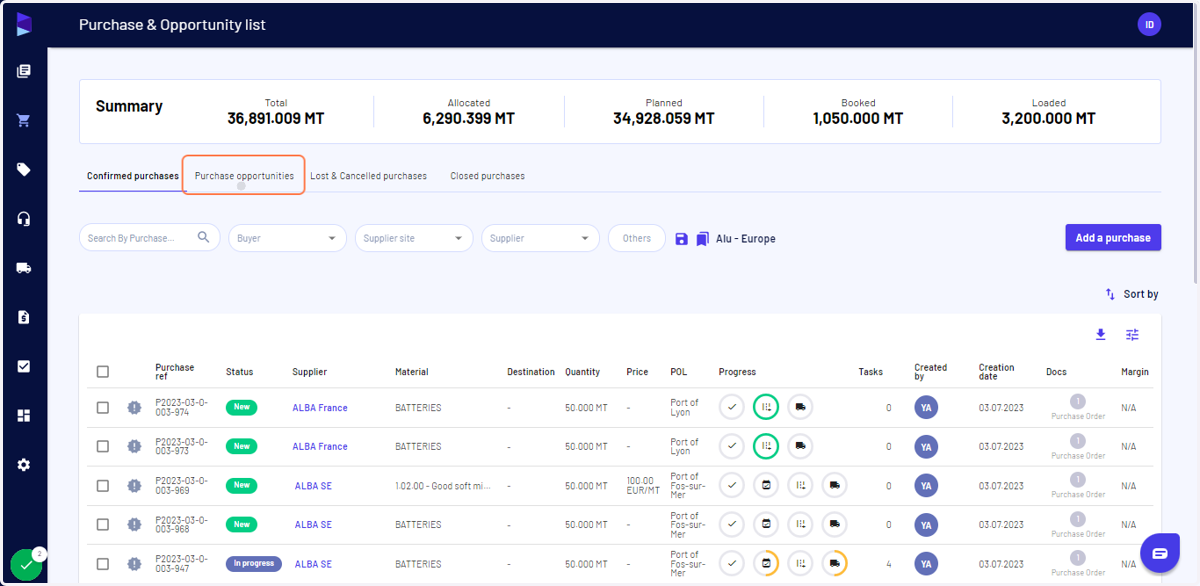
3. Click on "Purchase opportunities"
Alternatively, you can click on "Sales opportunities" in Sales
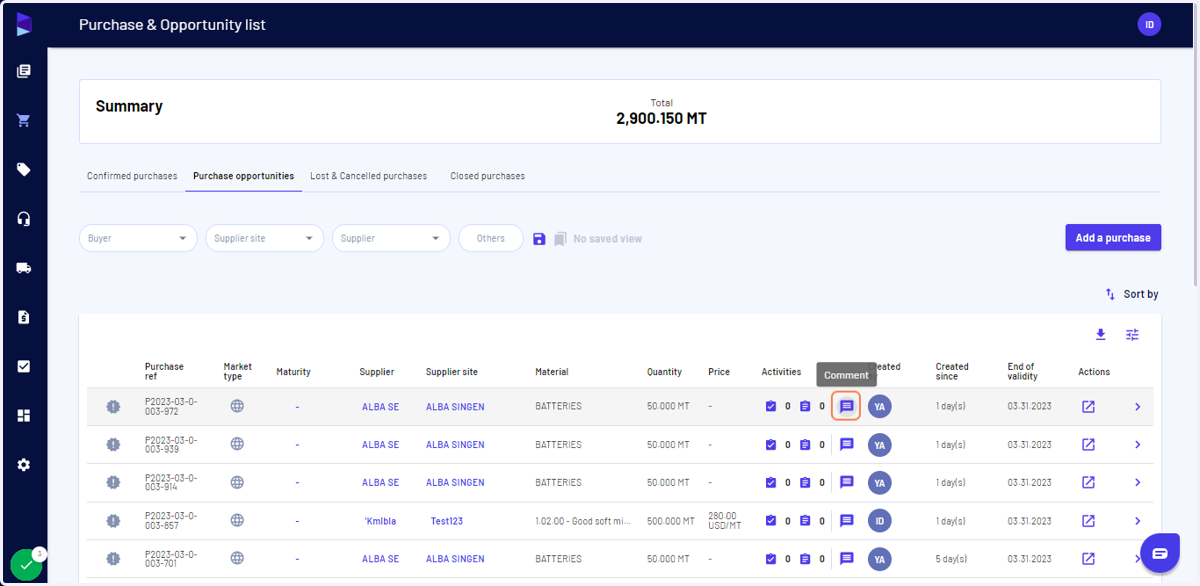
4. Click on the "Comment" to open the message box
5. Write the comment and click on the save icon
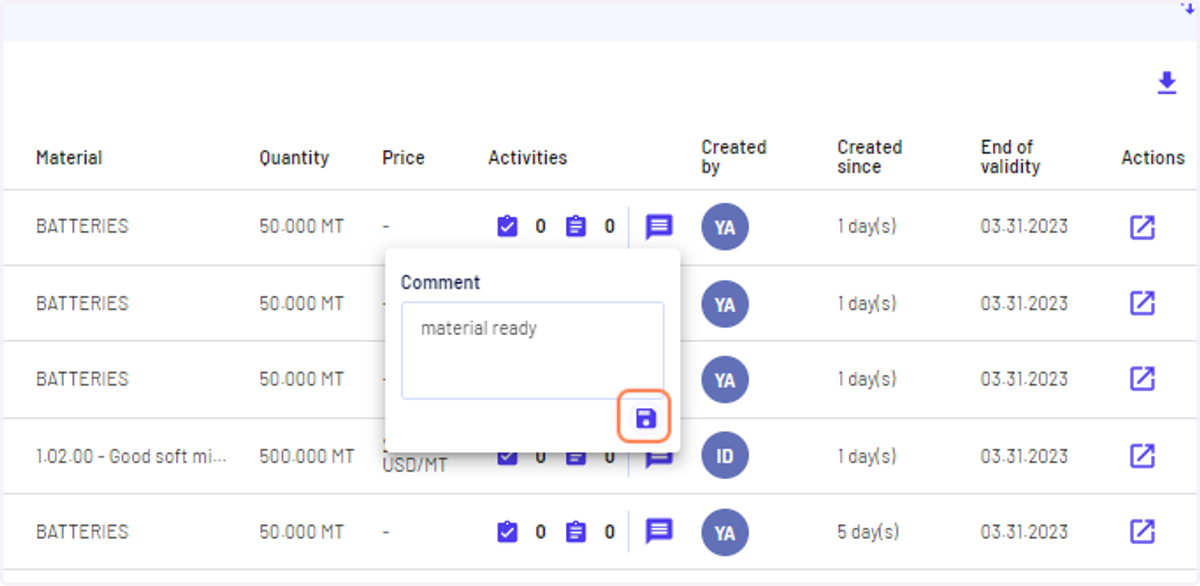
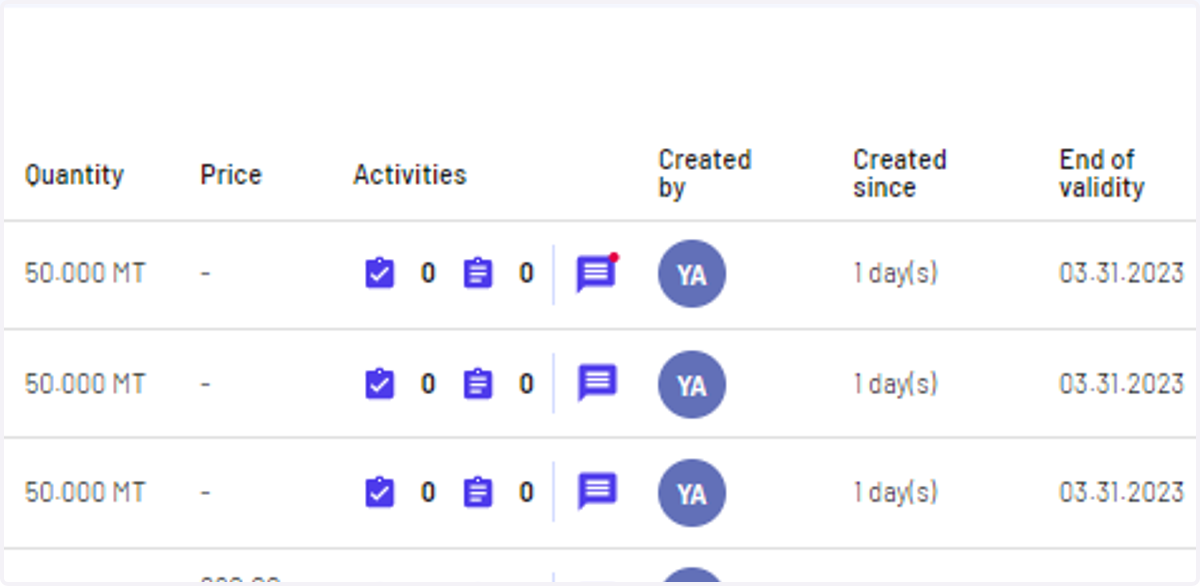
6. Once saved, it will show a red dot as an indicator
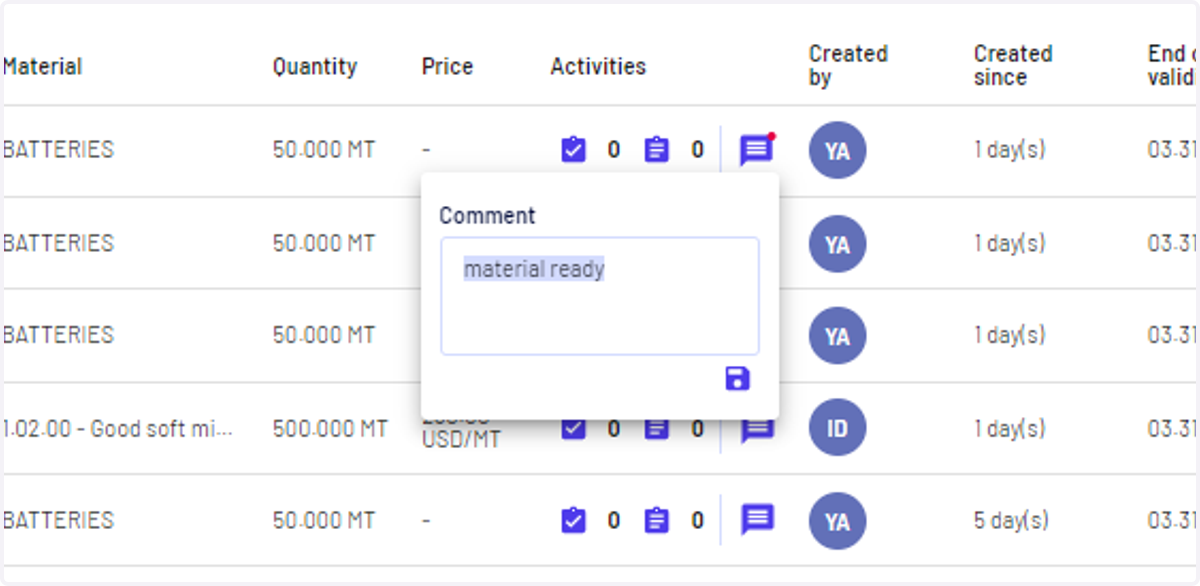
7. Click again on the "Comment" icon to edit your comment
Make sure to click save after edit
8. To delete the comment you can simply erase it and click on the save icon
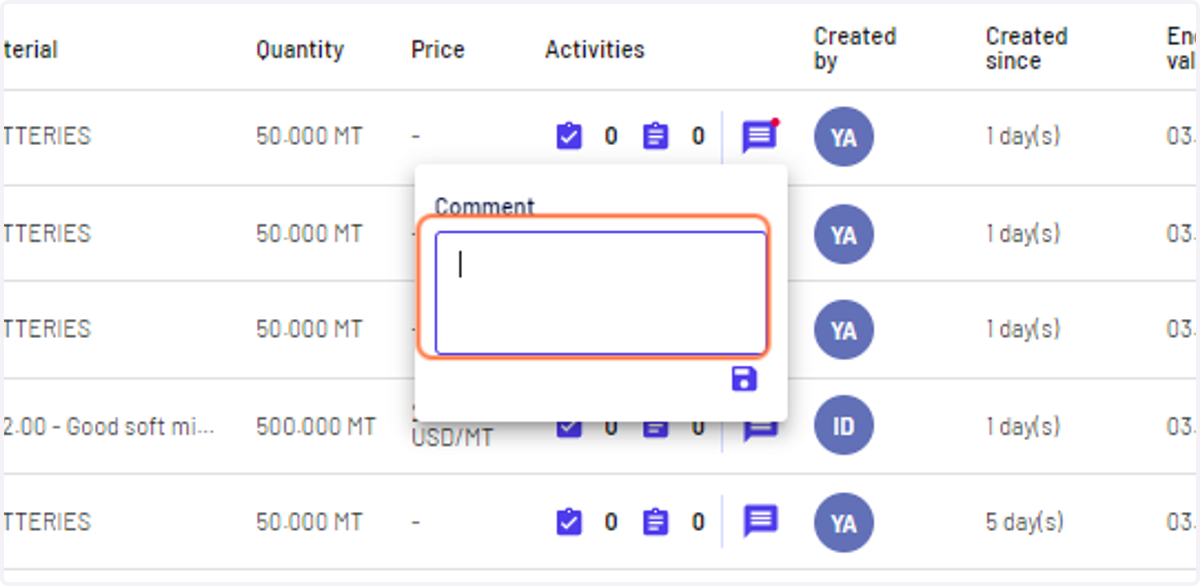
9. Your comment will be deleted