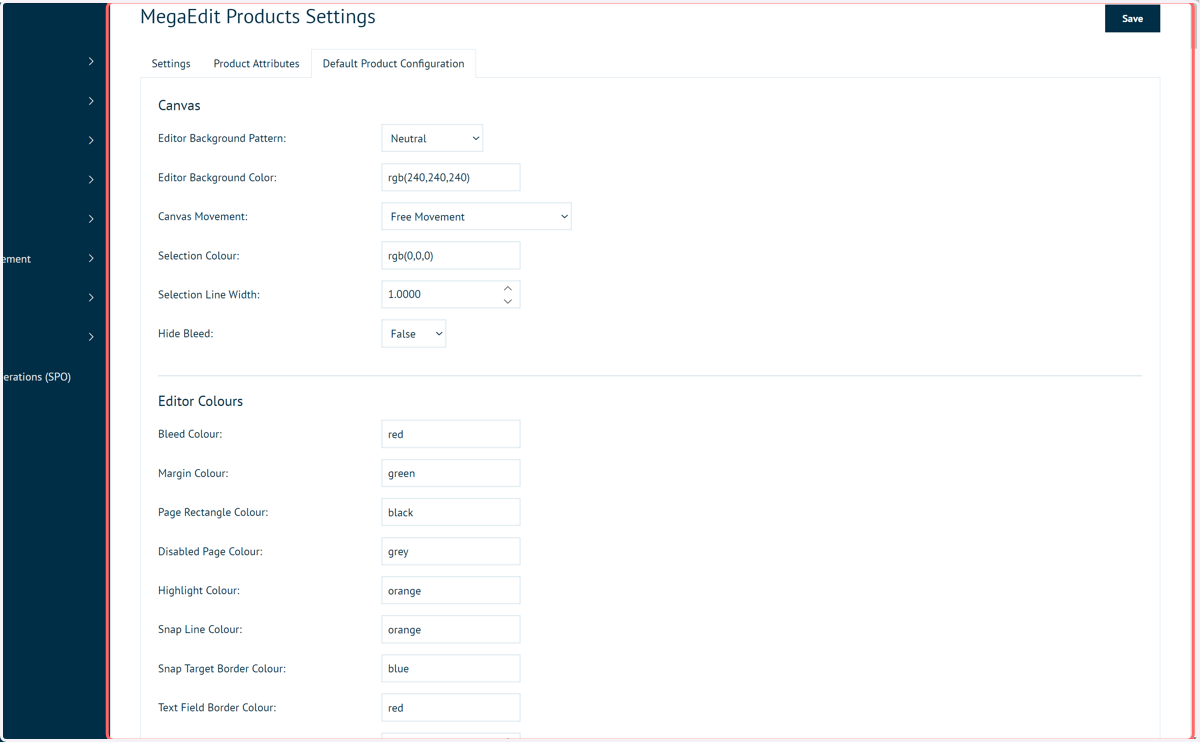
Setting default MegaEdit product settings | ME_028
This short tutorial will show you how to create a default set of product settings for a MegaEdit product.
First, we'll take a look at these settings in one MegaEdit product.
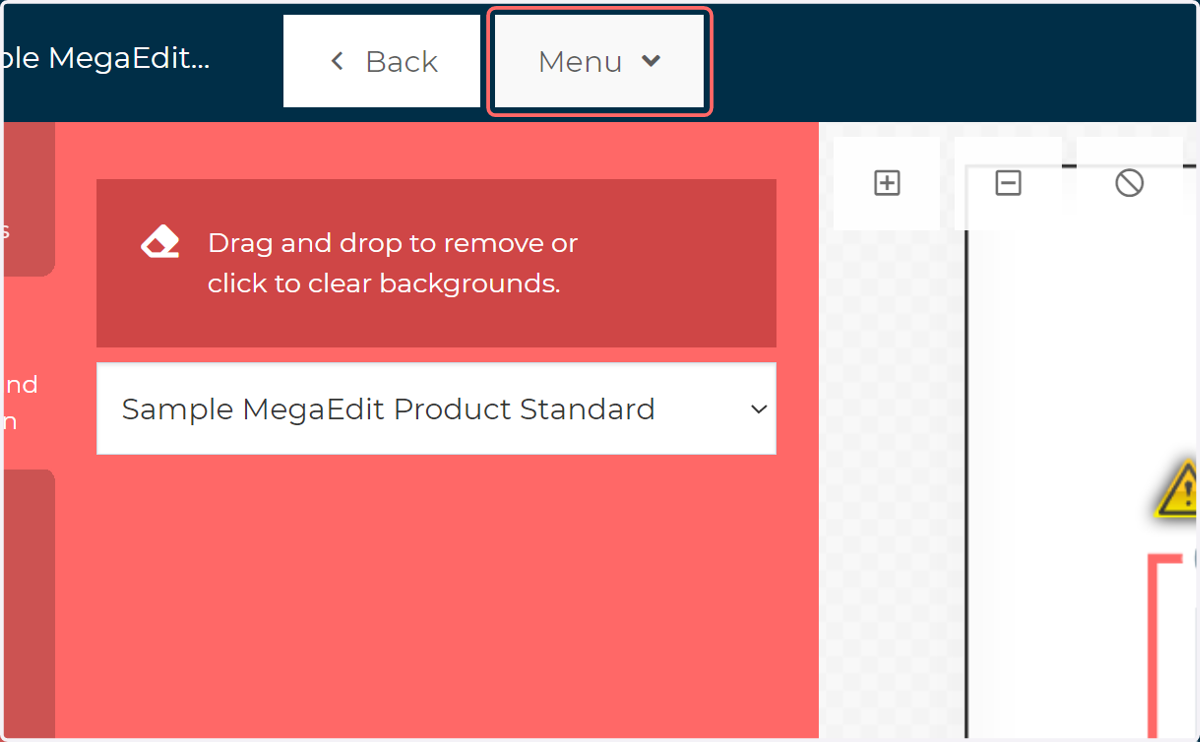
1. Load the MegaEdit editor as an administrator and click Menu
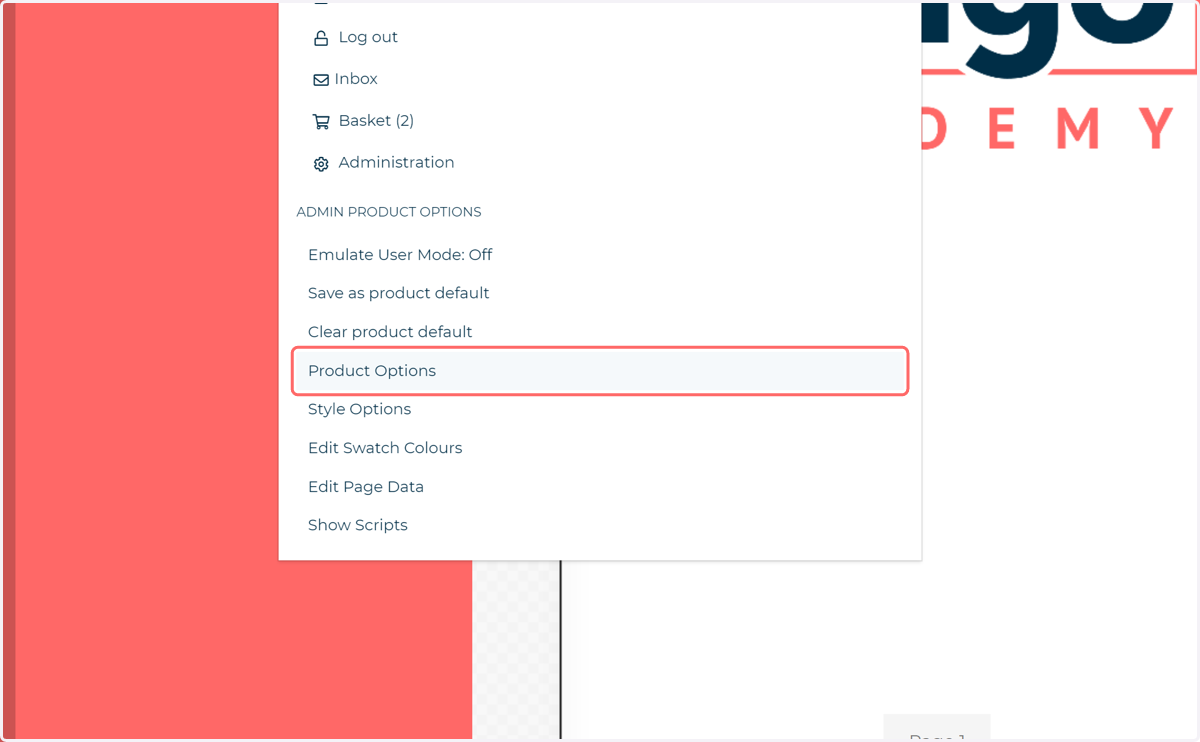
2. Click on Product Options
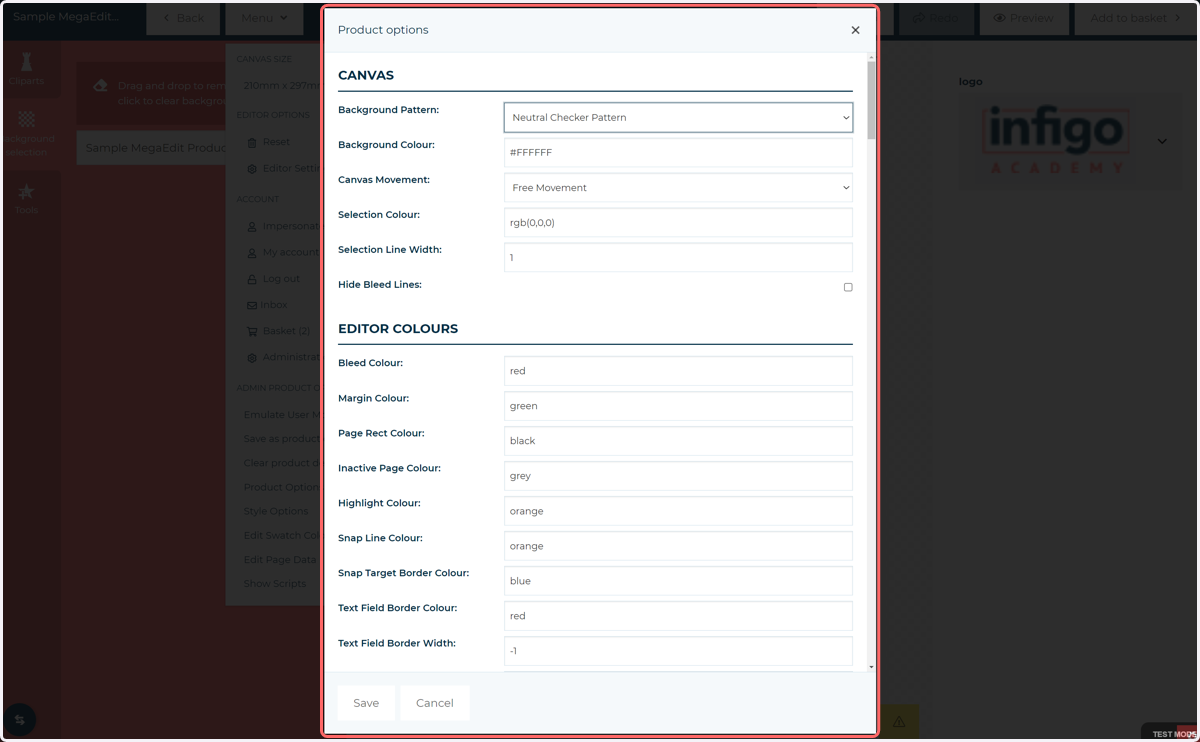
3. Product Options
Accessing the Product Options in this way allows you to modify the settings for this individual MegaEdit product.
The settings contained within this menu are vast, and should be considered your first port of call when looking for settings to modify your MegaEdit product configuration. This menu covers everything from different colour modes to the management of visible tabs on the MegaEdit left pane.
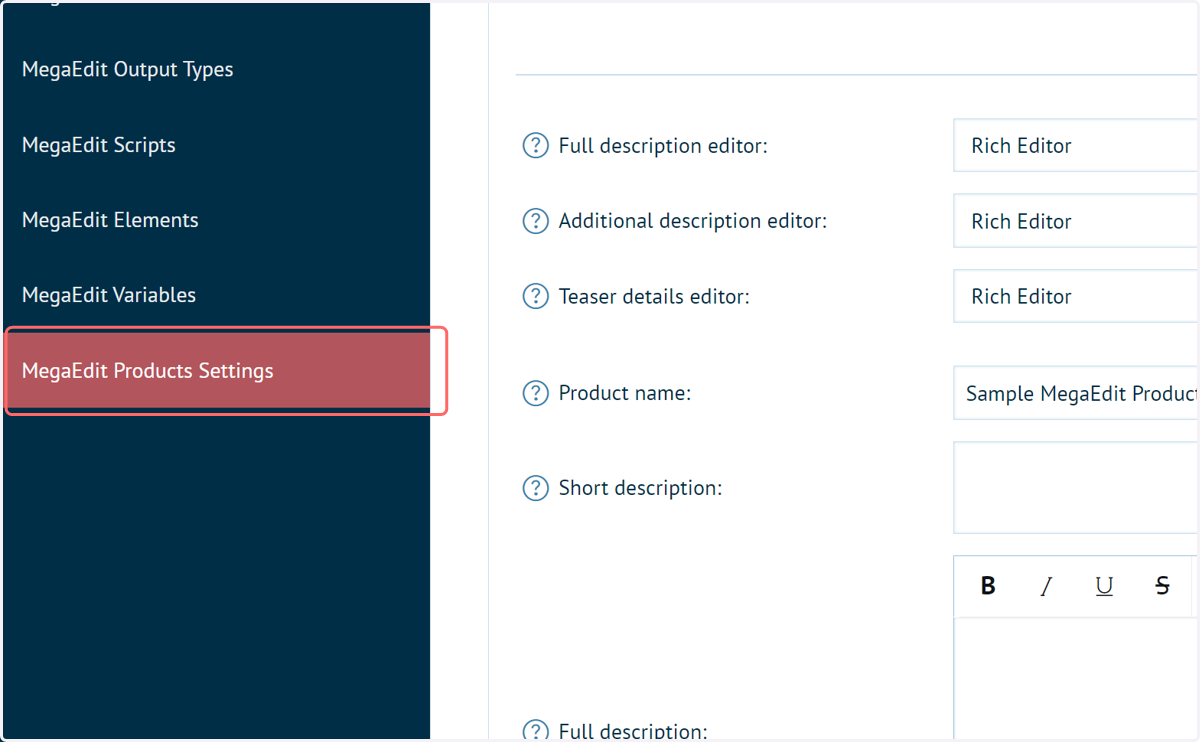
4. In Infigo admin, navigate to MegaEdit Products Settings
Now let's see where we can define these settings globally.
5. Click on Default Product Configuration
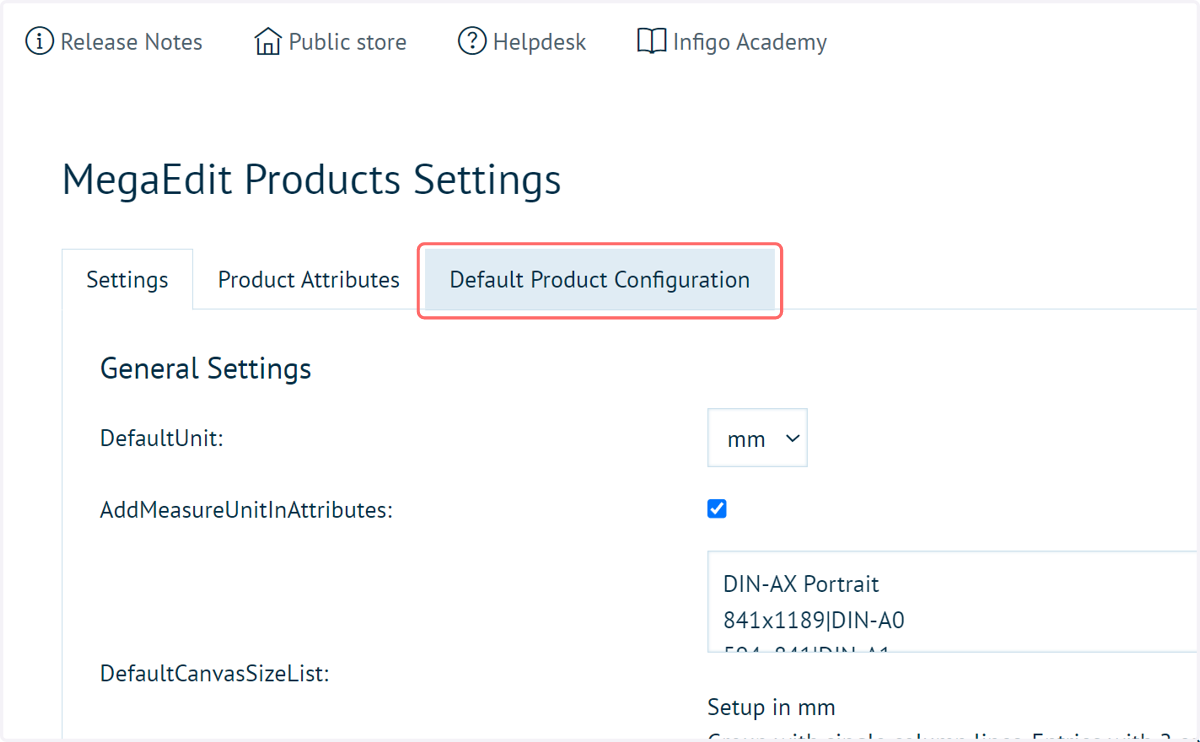
6. MegaEdit Product Settings
This list of settings mimics those seen in the individual MegaEdit products.
When modified and saved, any newly created MegaEdit product will have these settings.
Changes to these settings will not be retrospectively applied to existing MegaEdit products.