Add Coverage Areas to your program
The initial partner database is created with only the zip code, city, state, and county from the Partner Information Form (PIF) as the program's coverage area. The Main Coordinator must add all other coverage areas.
Imagination Library - Administration Area
1. Click on DAILY OPERATIONS
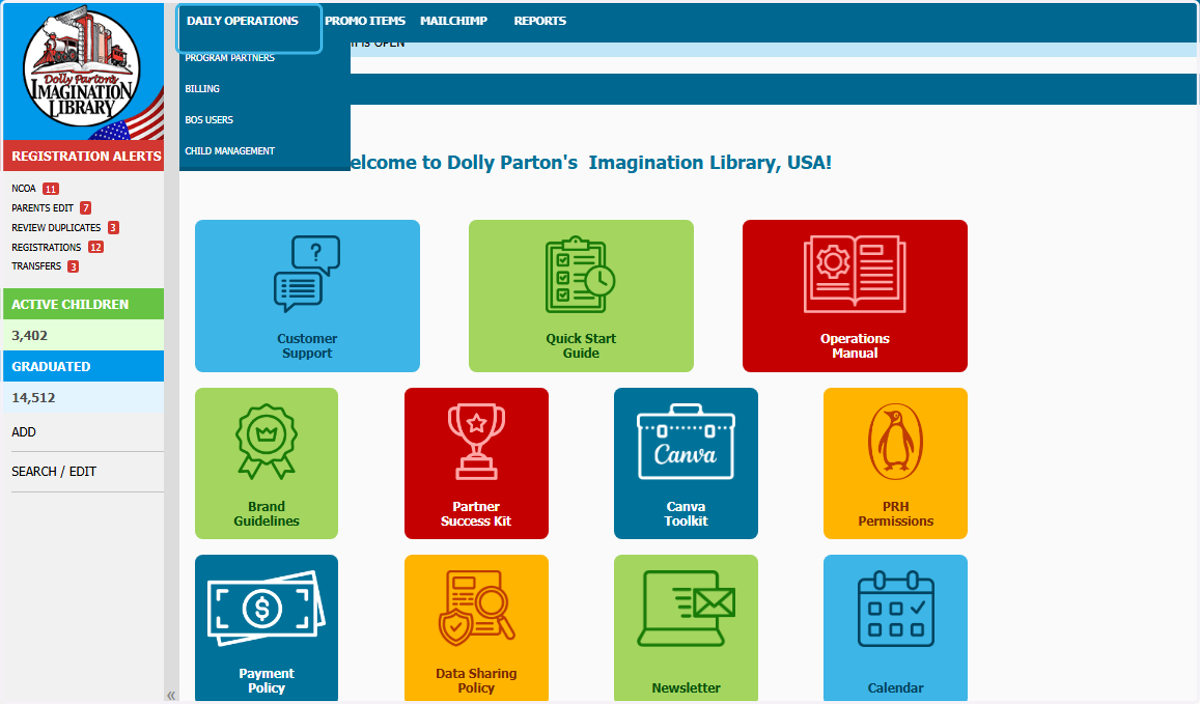
2. Click on PROGRAM PARTNERS
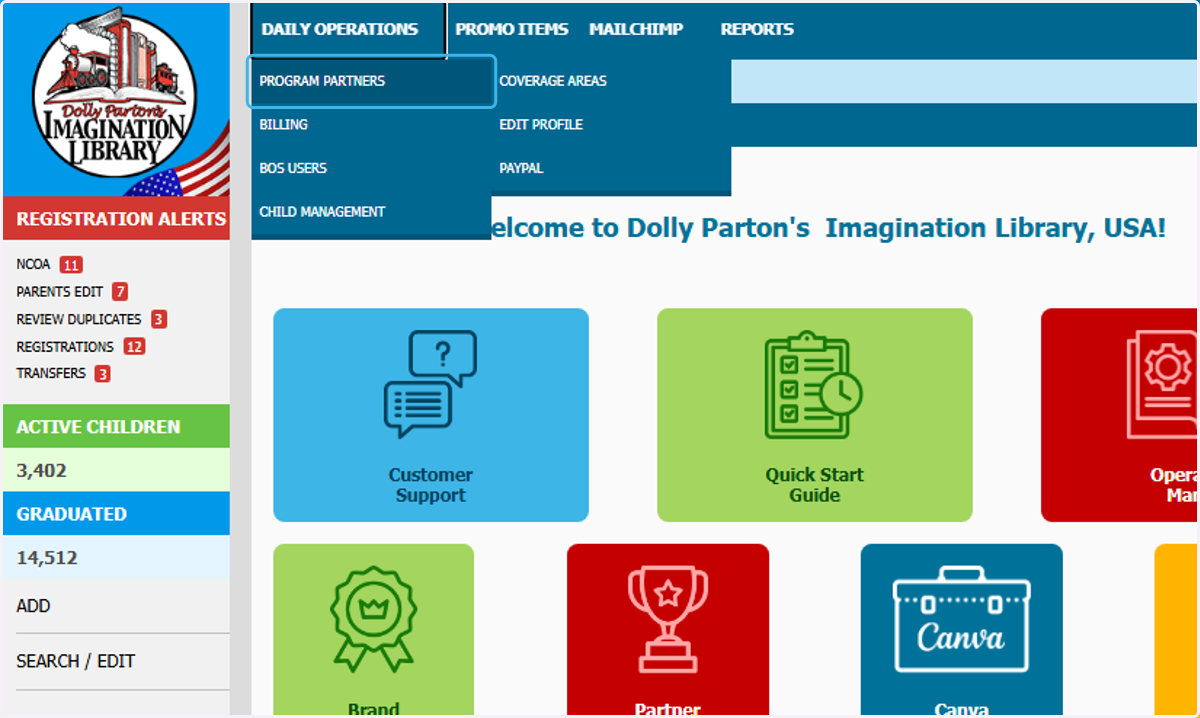
3. Click on COVERAGE AREAS
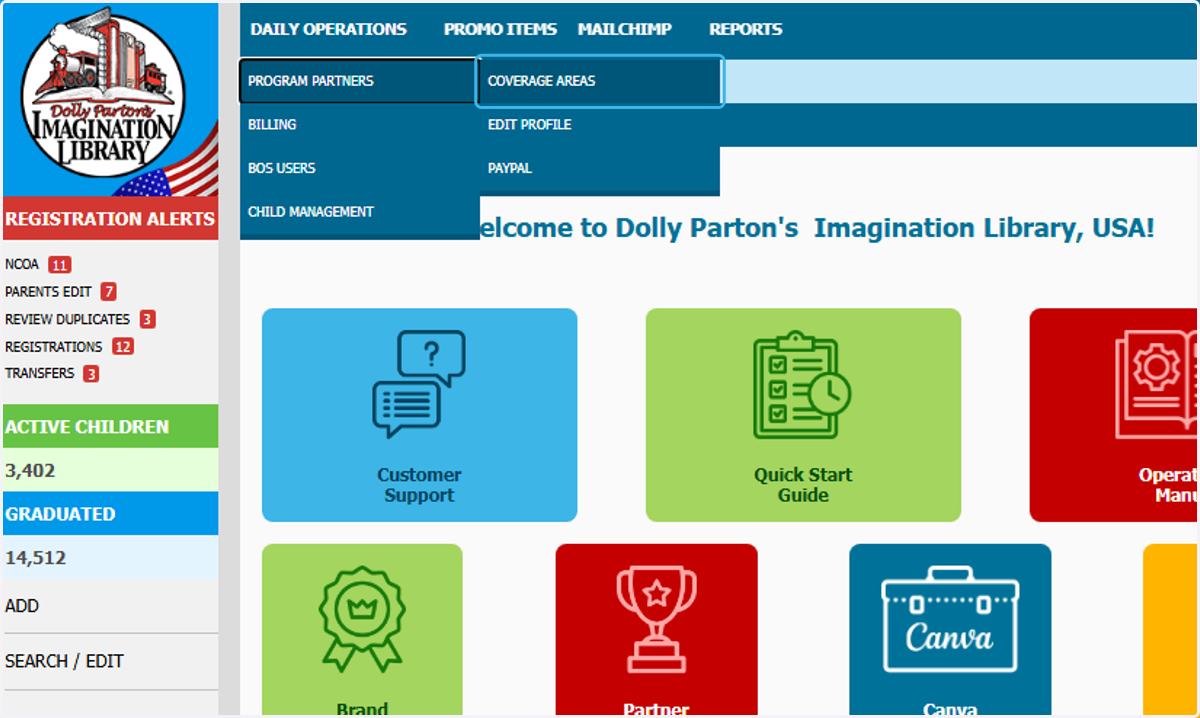
4. Coverage Area
You can view/edit/download what you currently cover.
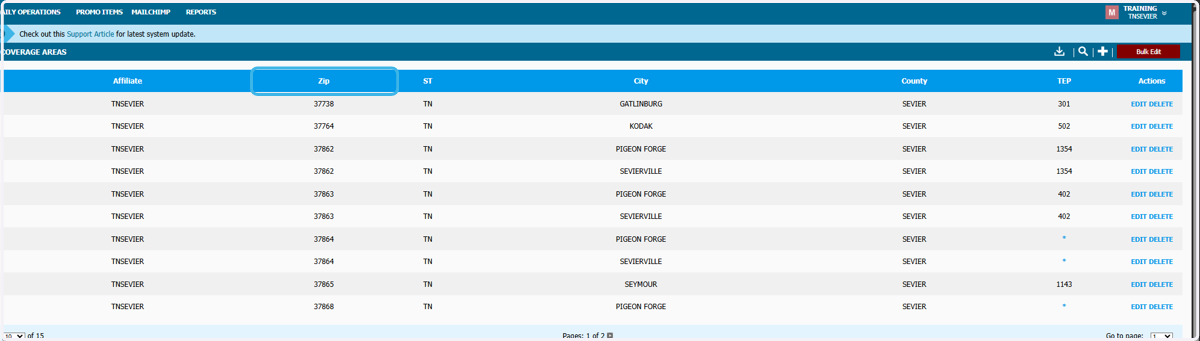
5. Click on + to add
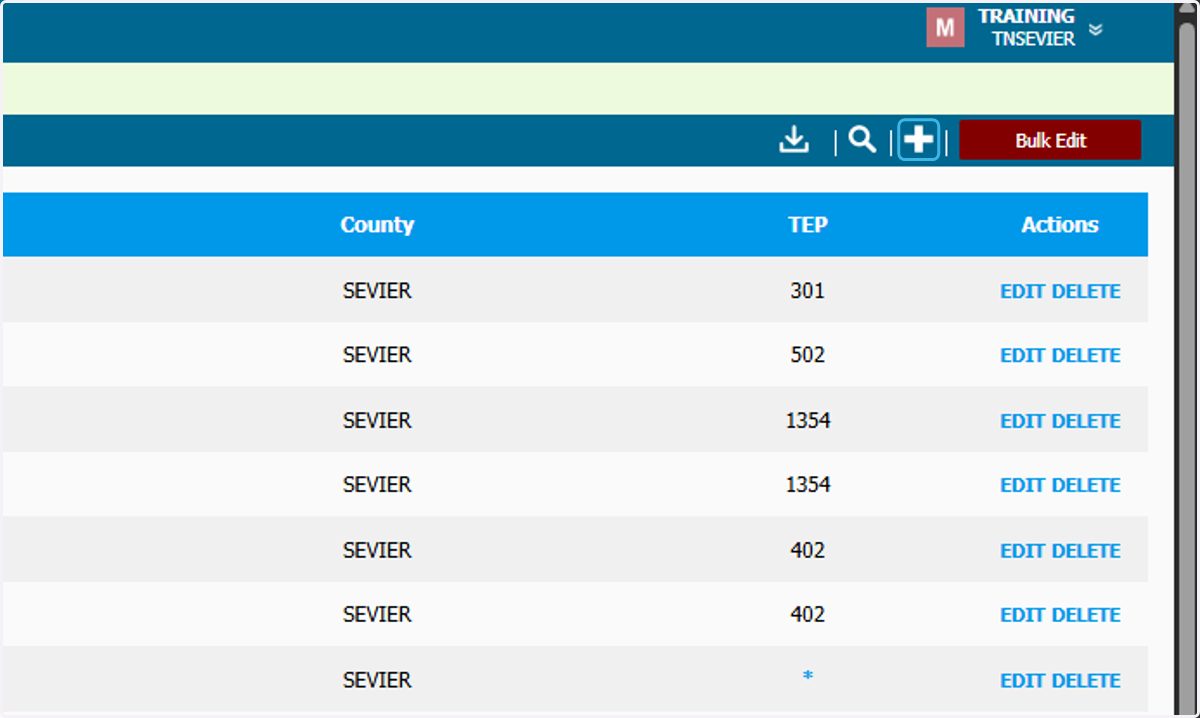
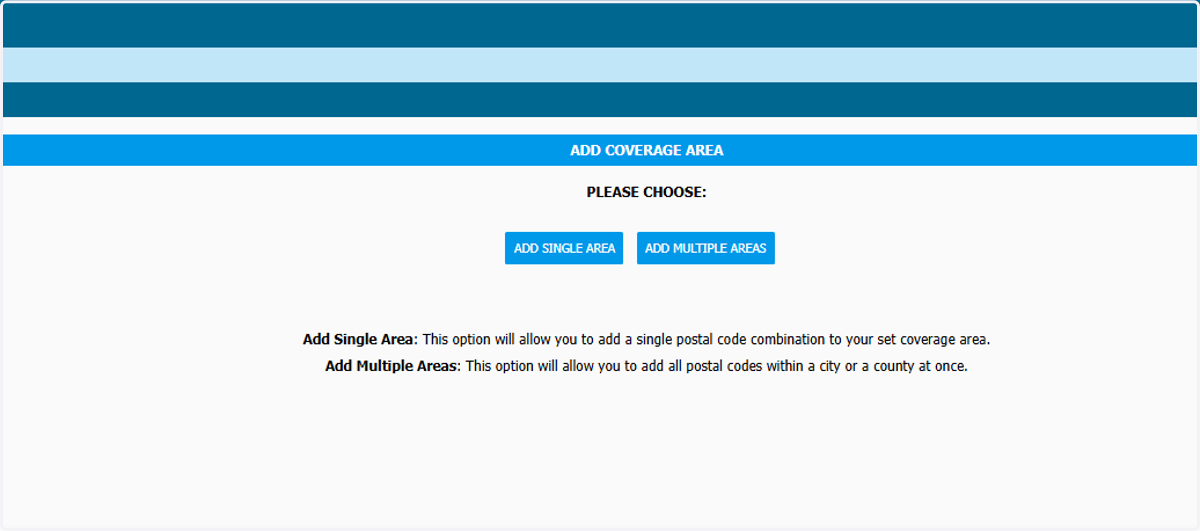
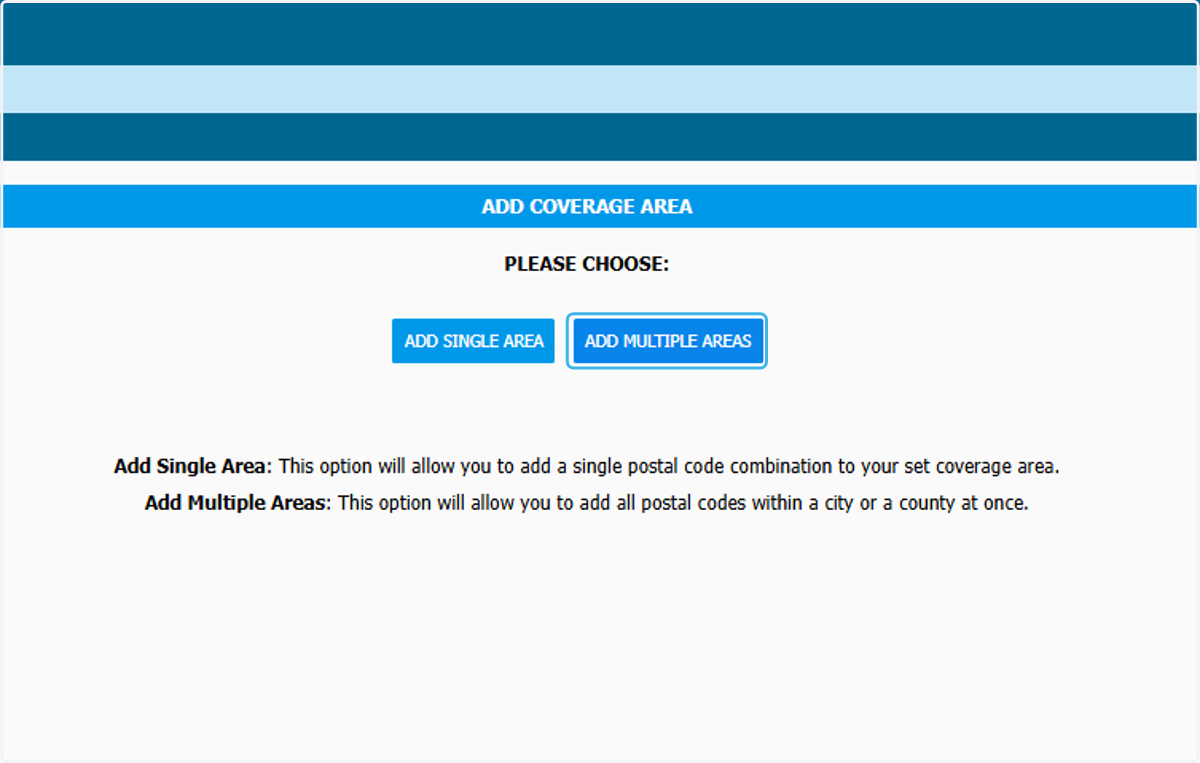
6. Click on PLEASE CHOOSE if you are adding a single zip code or multiple
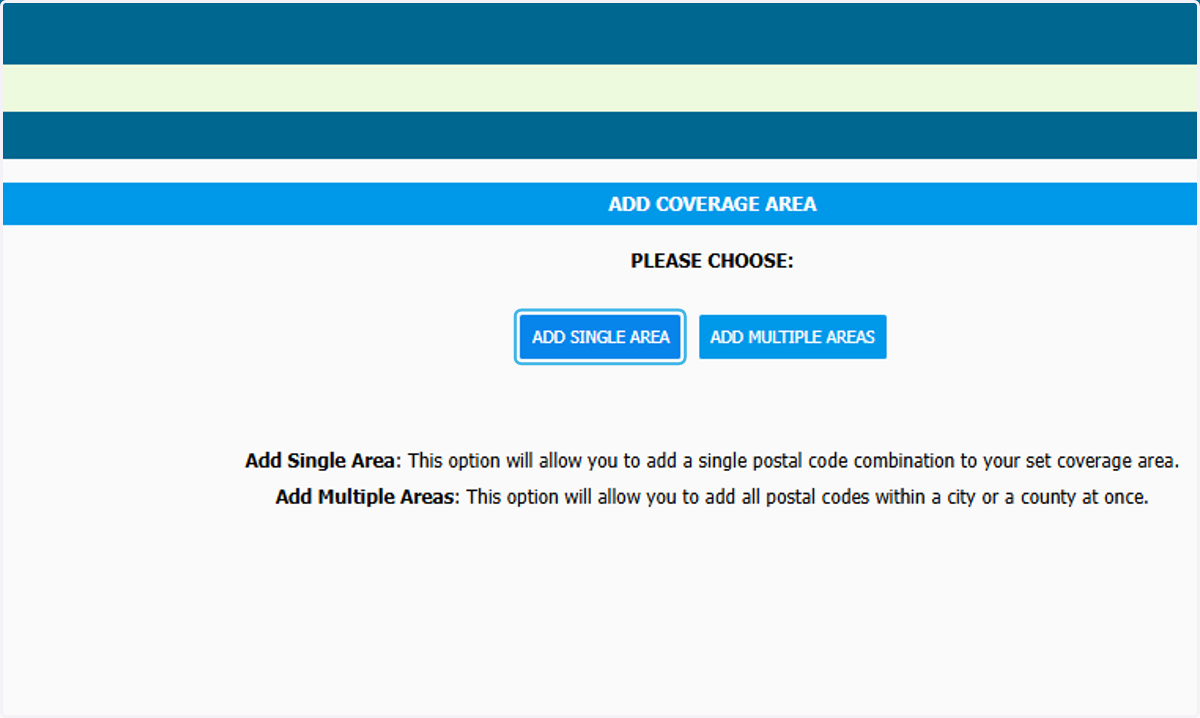
7. To ADD SINGLE AREA
8. Enter the zip code
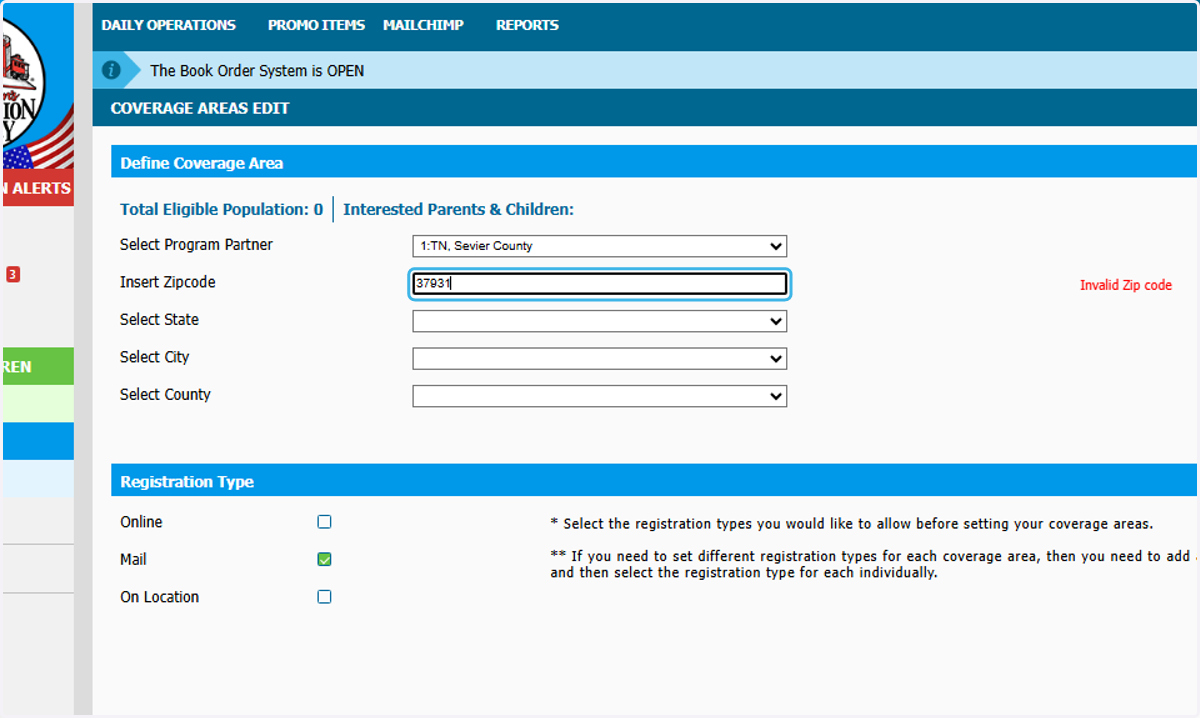
9. Select the City and County
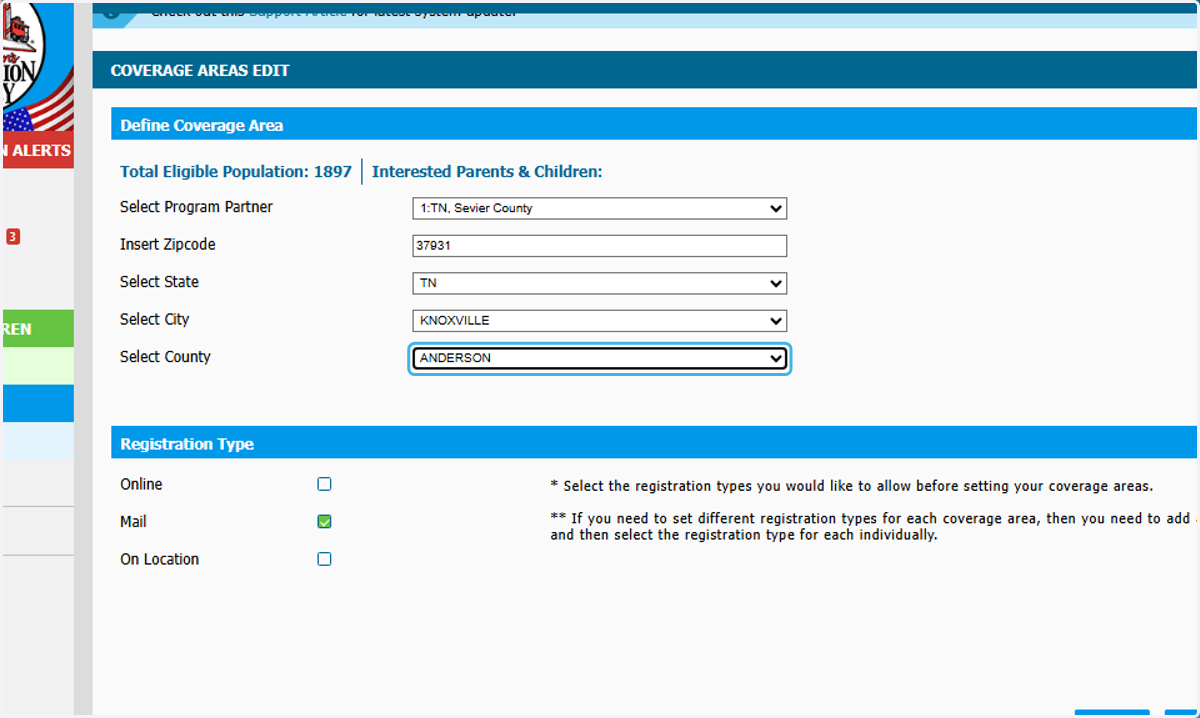
10. Select the registration type you would like to offer

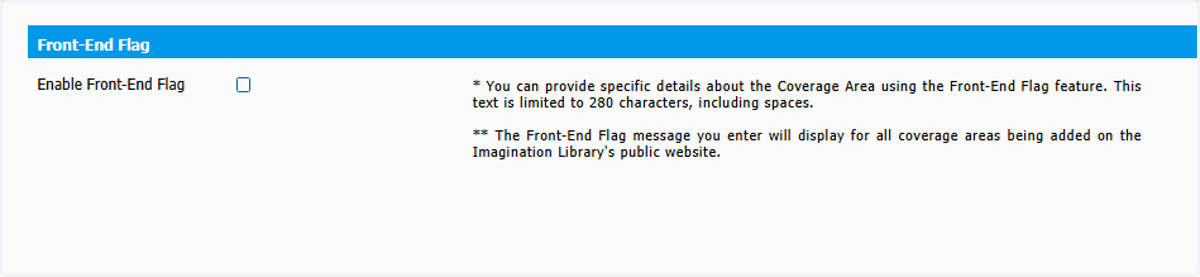
11. You can also enter a front-end flag
A Frontend Flag message might be necessary if Dolly Parton’s Imagination Library community is sponsored in part. One example might be: “We provide Dolly’s Imagination Library to preschool children living in the Smallville School District.”

12. To ADD MULTIPLE AREAS
13. Select your program
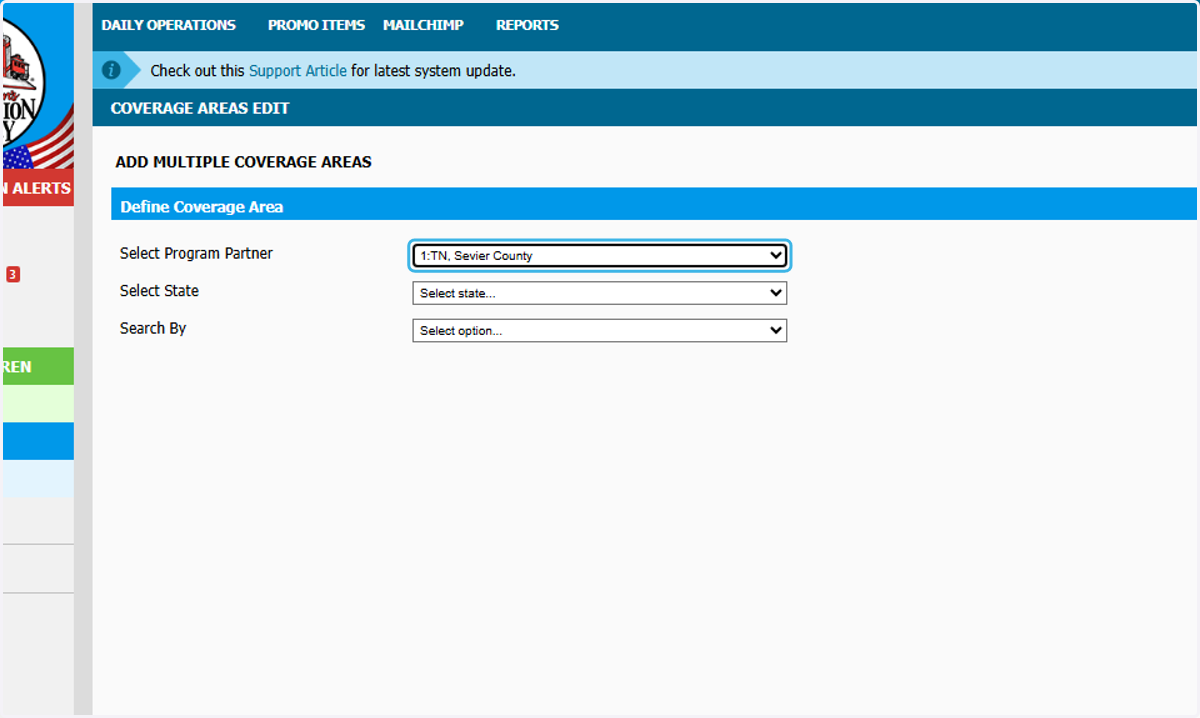
14. Select your state
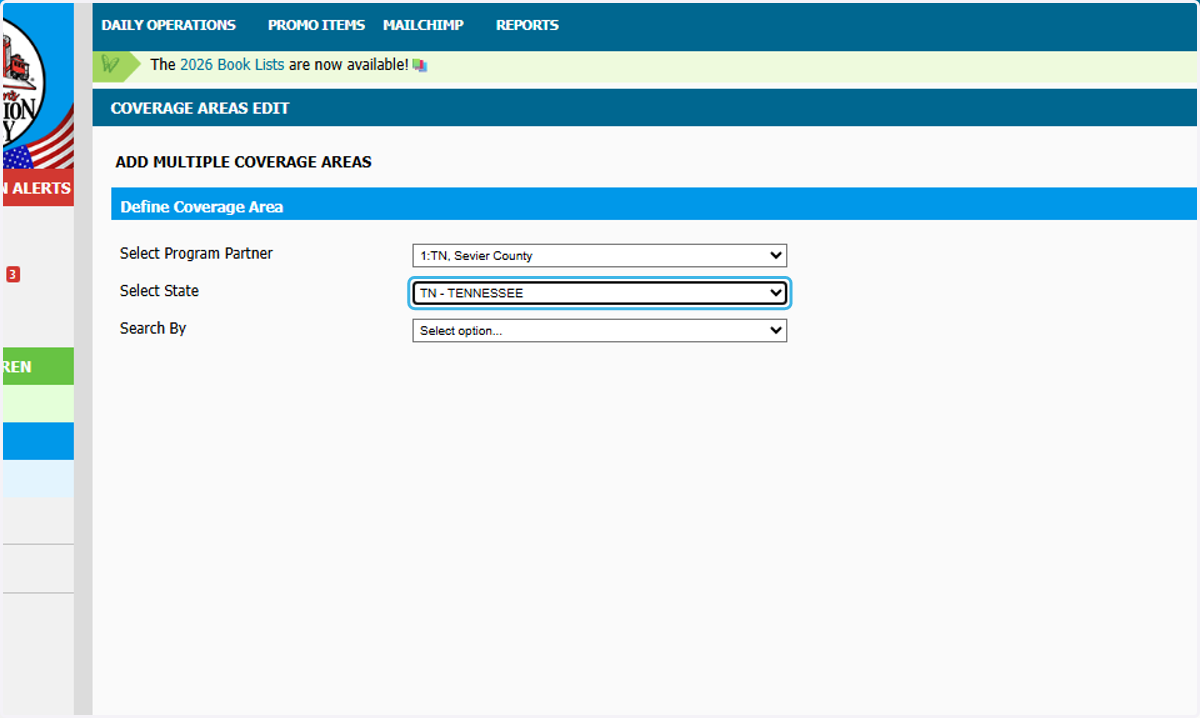
15. Select County or City to search by
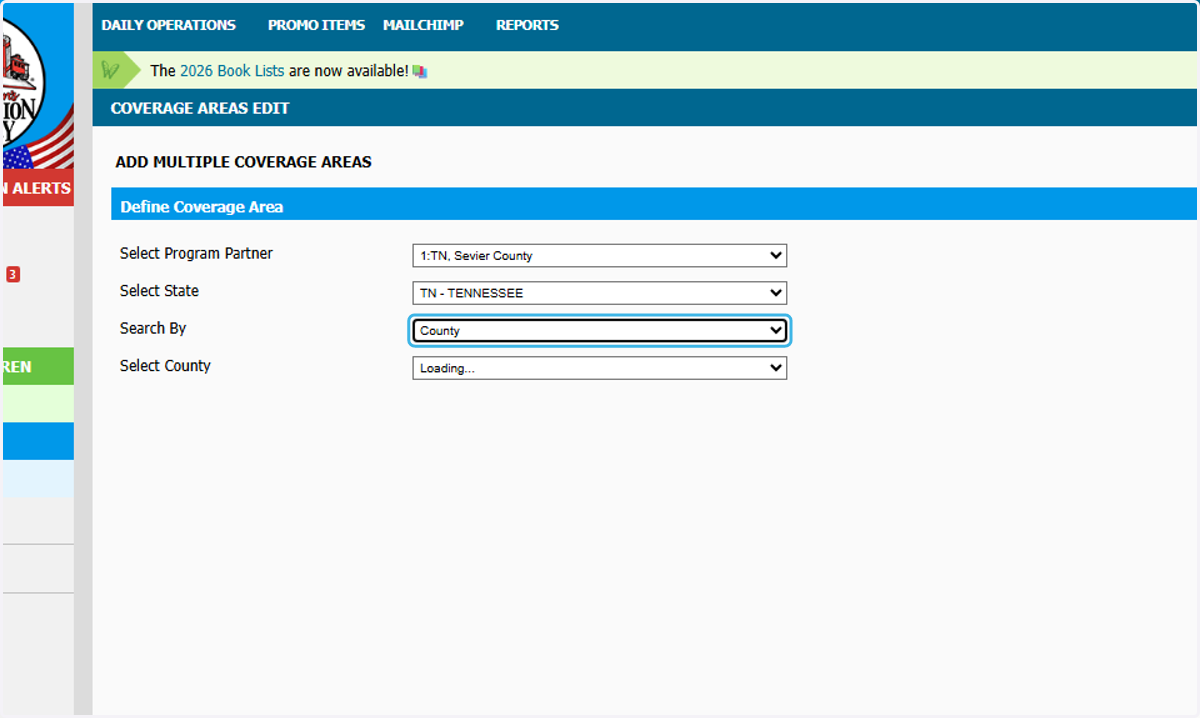
16. Select the county
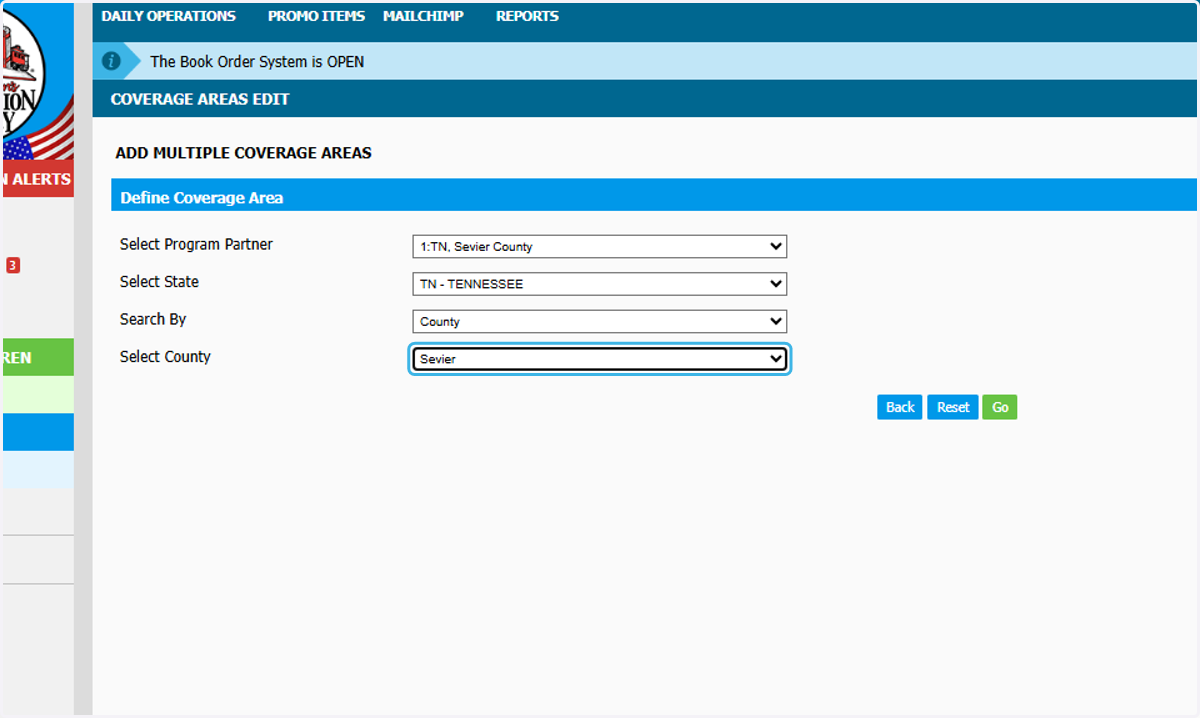
17. Click on Go
18. You can now view all the zip codes in the city or county you selected. Select the zips available you would like to add.
Available --- You can add to your coverage
Covered By You --- Already in your coverage
By Other LPP --- Not available and sponsored by another program
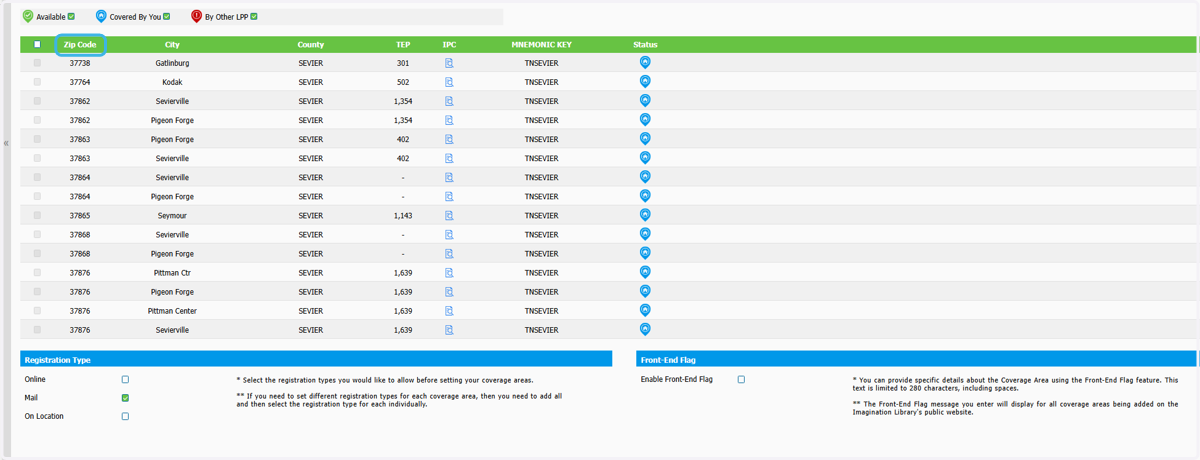
19. Choose your Registration Type
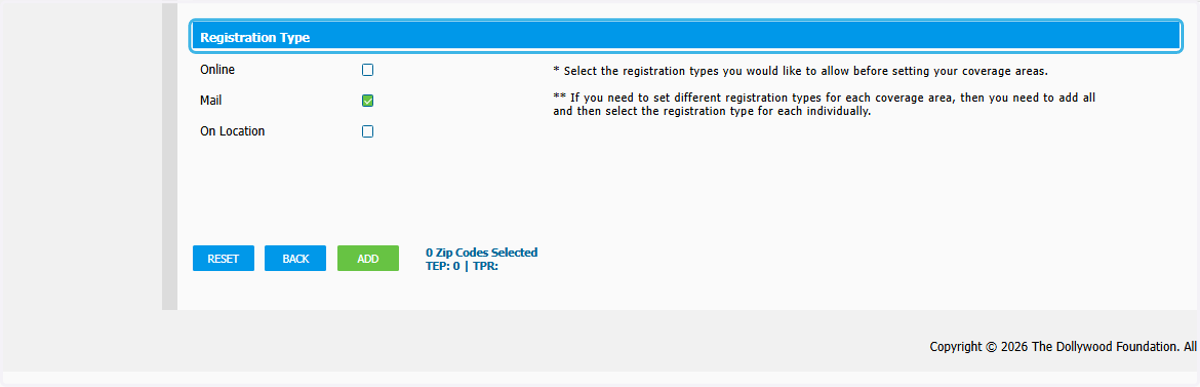
20. Add Front-End Flag if needed
a Frontend Flag message might be necessary if a Dolly Parton’s Imagination Library community is sponsored in part. One example may be a message such as: “We provide Dolly’s Imagination Library to preschool children living in the Smallville School District.”