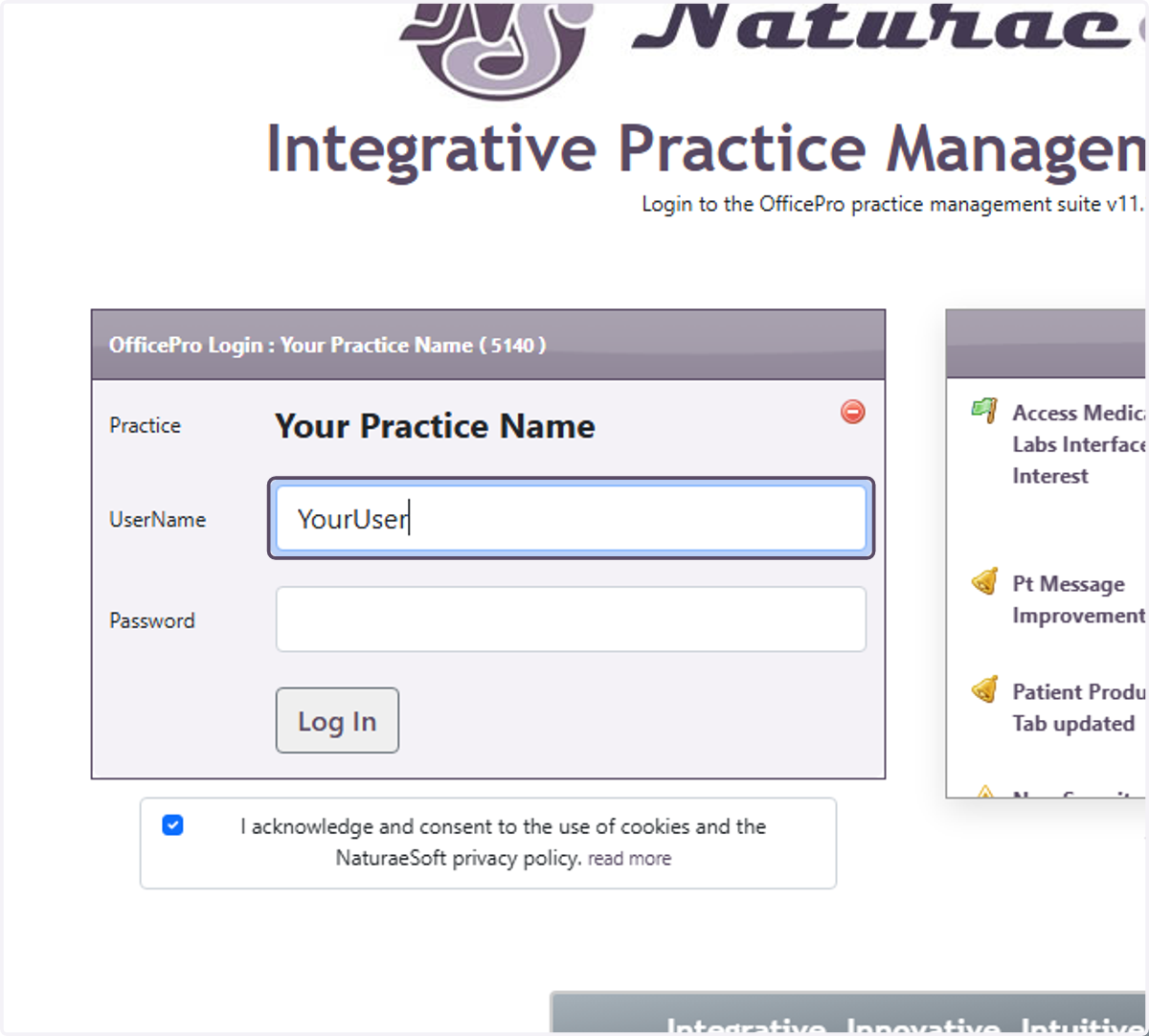
Log in to OfficePro - Practice Level
OfficePro Practice Level Login
To Log in to the OfficePro Service you can access one of our main service URLS:
https://OfficePro.NaturaeSoft.com
https://Secure.NaturaeSoft.com
https://beta.NaturaeSoft.com - beta use only
Practice Level Login
Input your Practice Name and PracticePass provided to you in your login email.
IP Restrictions
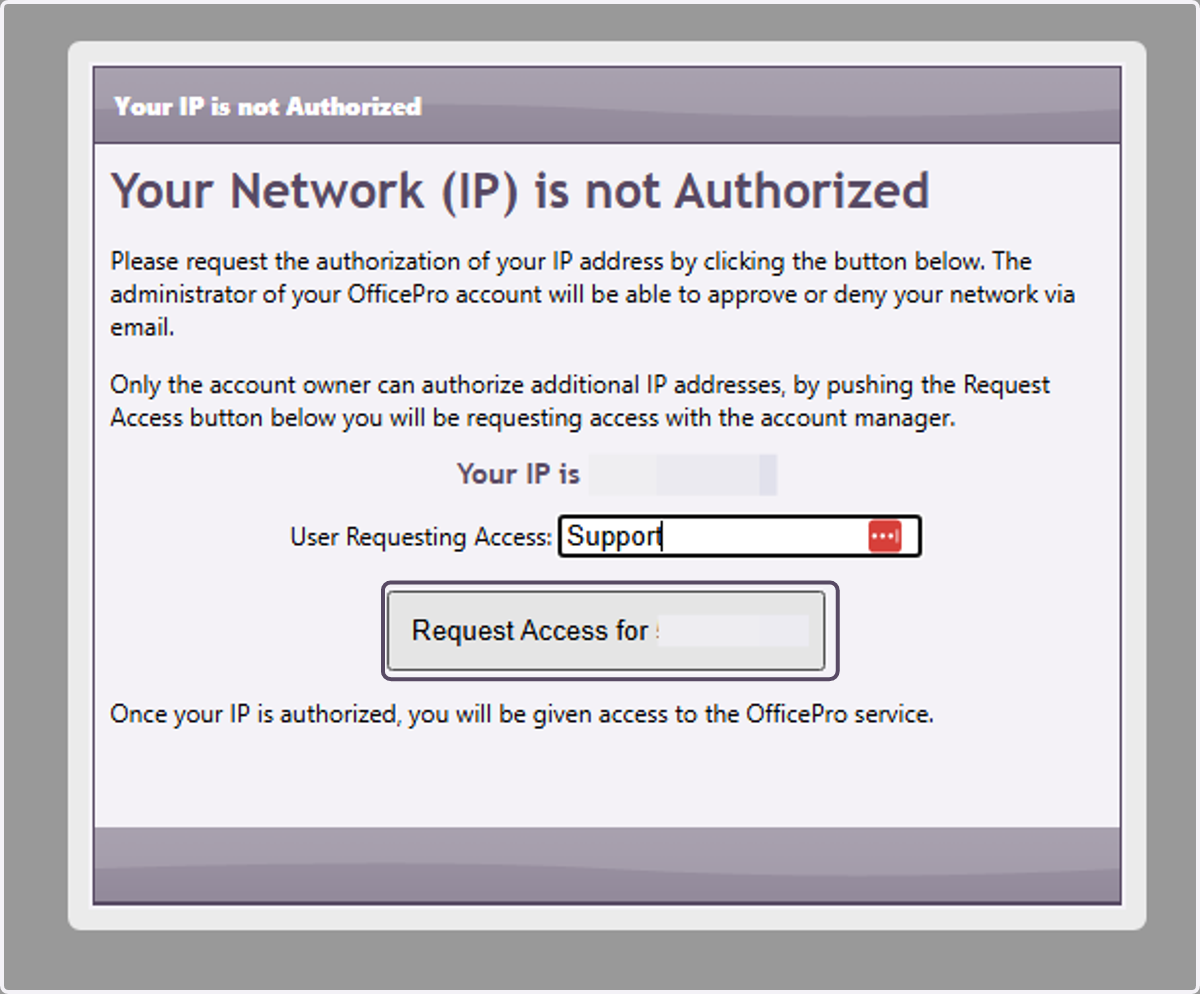
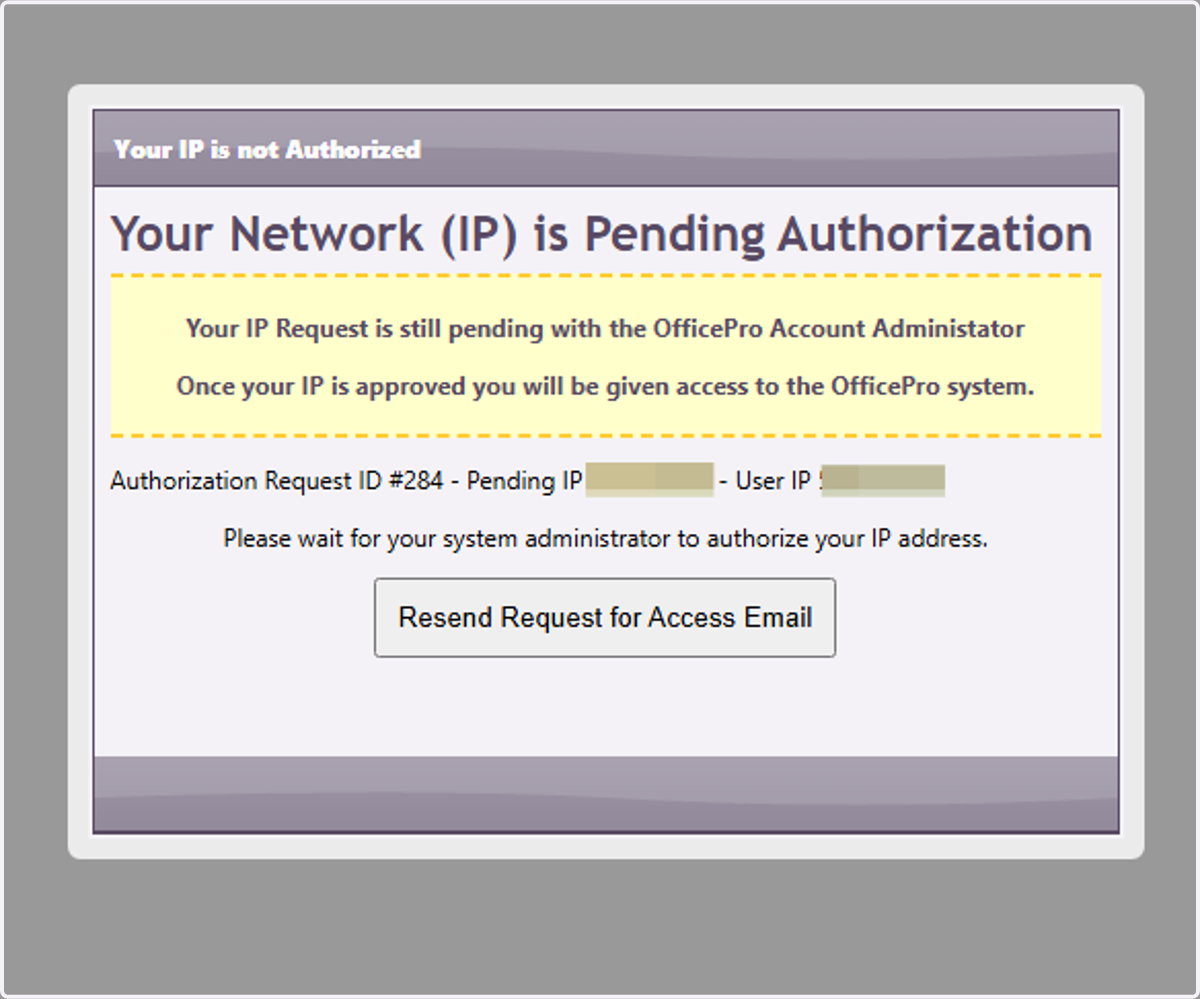
Your administrator may have enabled IP restrictions preventing access from un authorized networks. If you are accessing the service from a new location you will be prompted to request authorization from your administrator. Please provide a name and click request access. An email will sent to the account administrator for approval. Once approved you will automatically be redirected tot eh user login page.
1. Enter "Your Practice Name" to identify what practice's servic you are logging in to use.
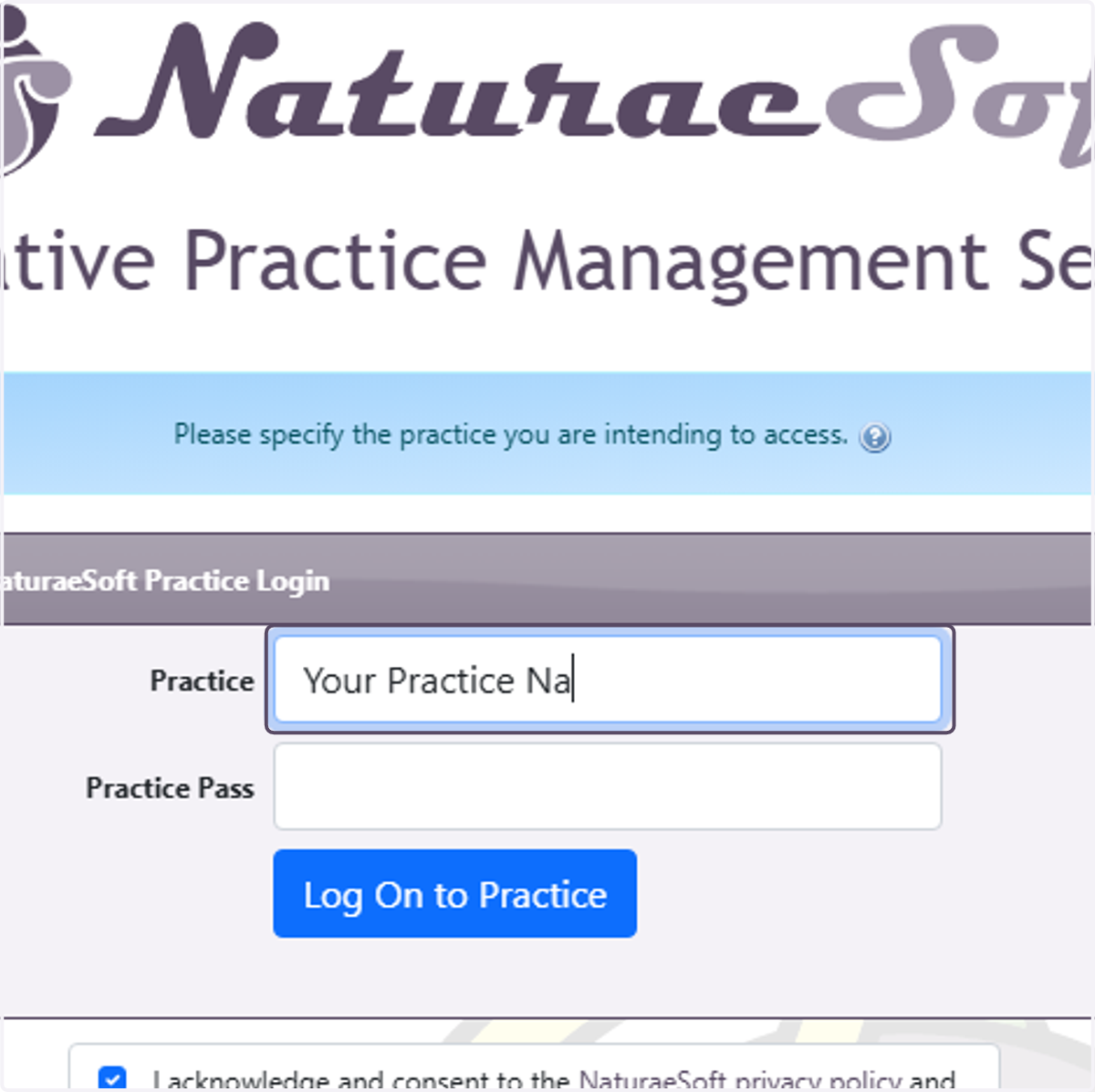
2. Enter the "Practice Pass" that you were provided for your account.
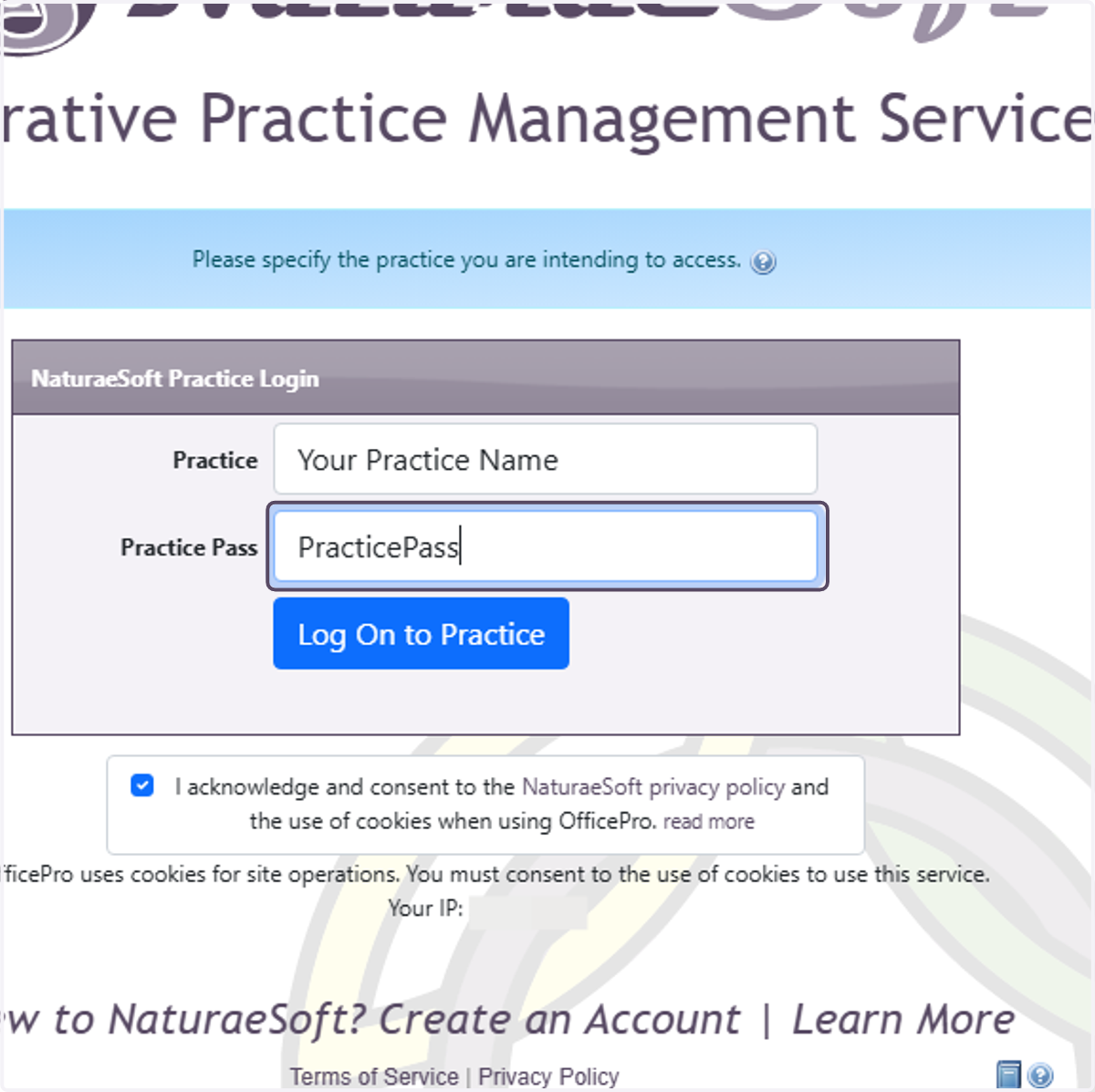
3. Click on Log On to Practice
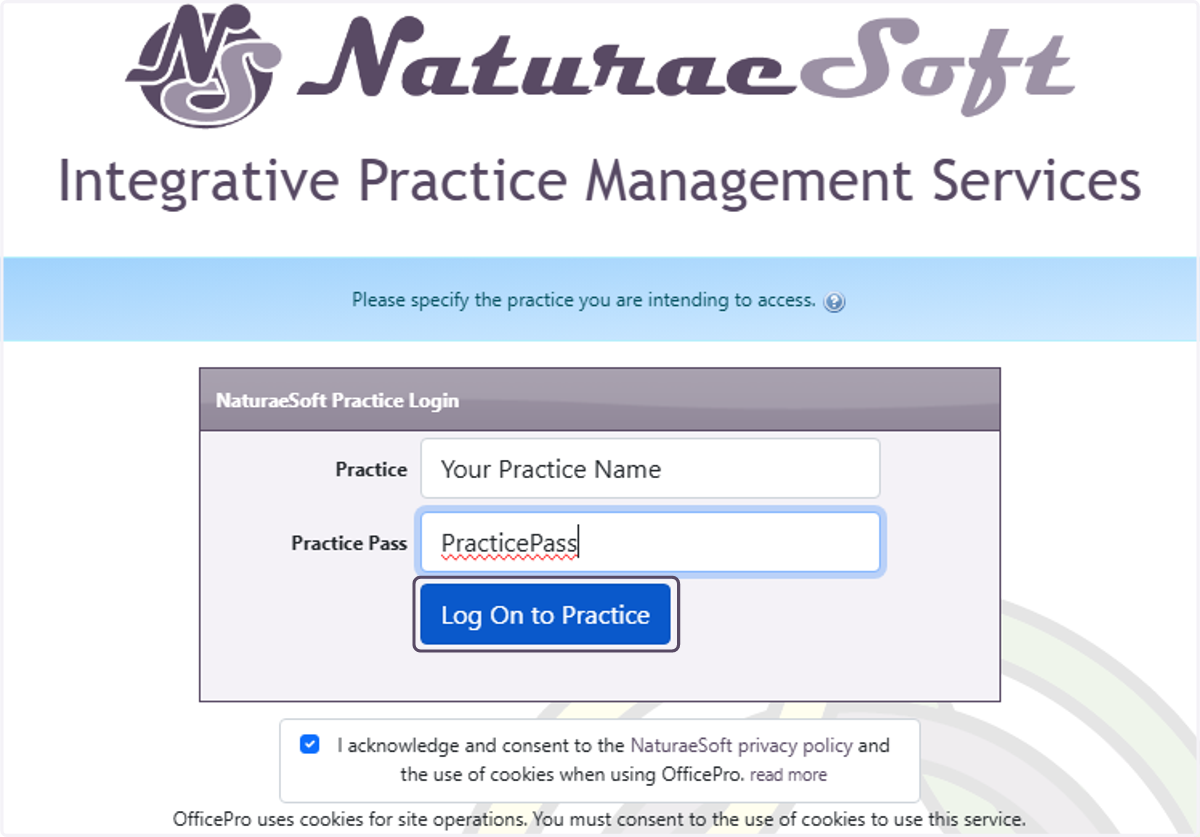
4. Click on Request Access for your IP address.
5. Click on Your Network (IP) is Pending Authorization…
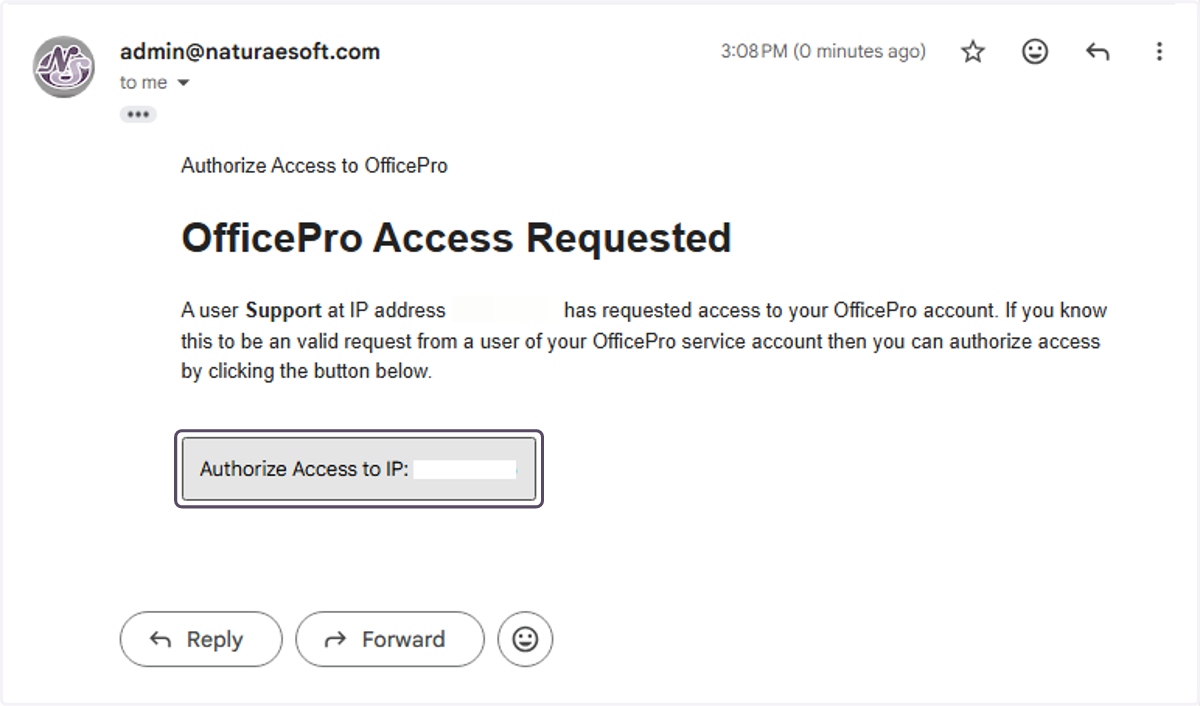
Your Administrators Mail
Your account admin will receive the email and have to click on Authorize Access to IP: {Your IP} to enable the network for access.
6. Your account admin will receive the email and have to click on Authorize Access to IP: {Your IP} to enable the network for access.
OfficePro User Level Login
Once the IP Is Authorized you will be redirected automatically to the User login process.
7. Enter your username and password as provided by your account admin.