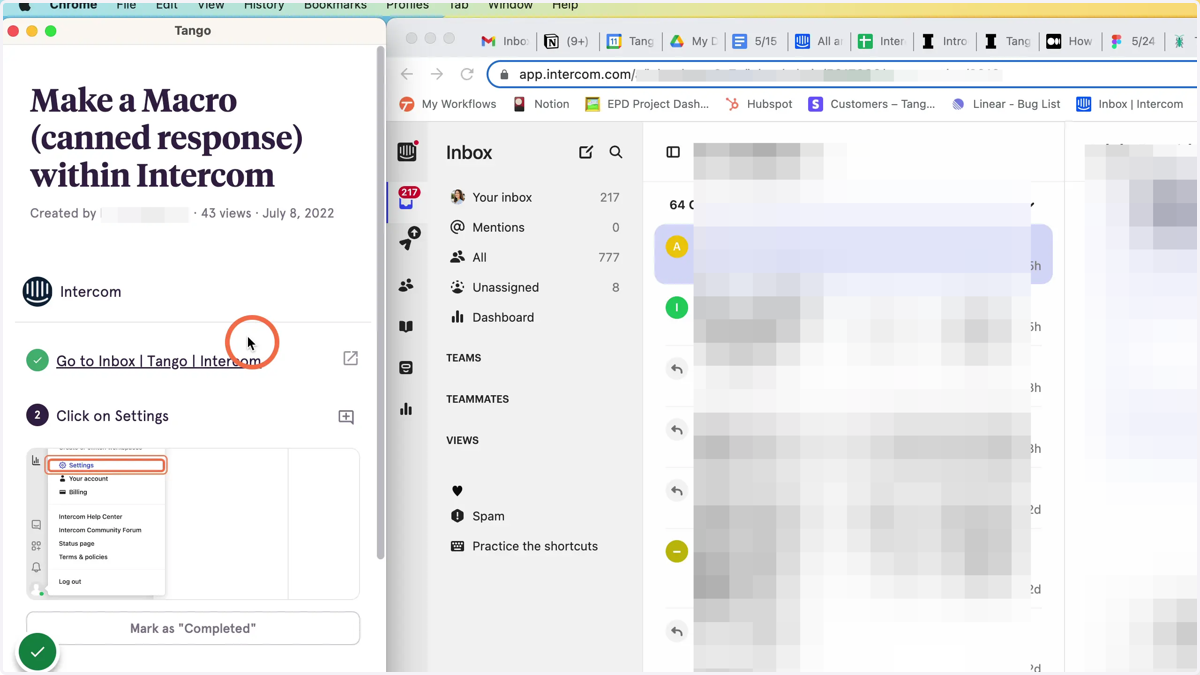
OLD: Discover a Tango from the extension
Tango's Discover a Tango surfaces relevant workflows to the website where you're working, directly from the extension.
Navigate to a site where your team has created a training guide in Tango.
Once the Tango extension is pinned to your browser, Tango will surface a how-to guide on any website where your team has created one. In our example, we use Intercom internally.
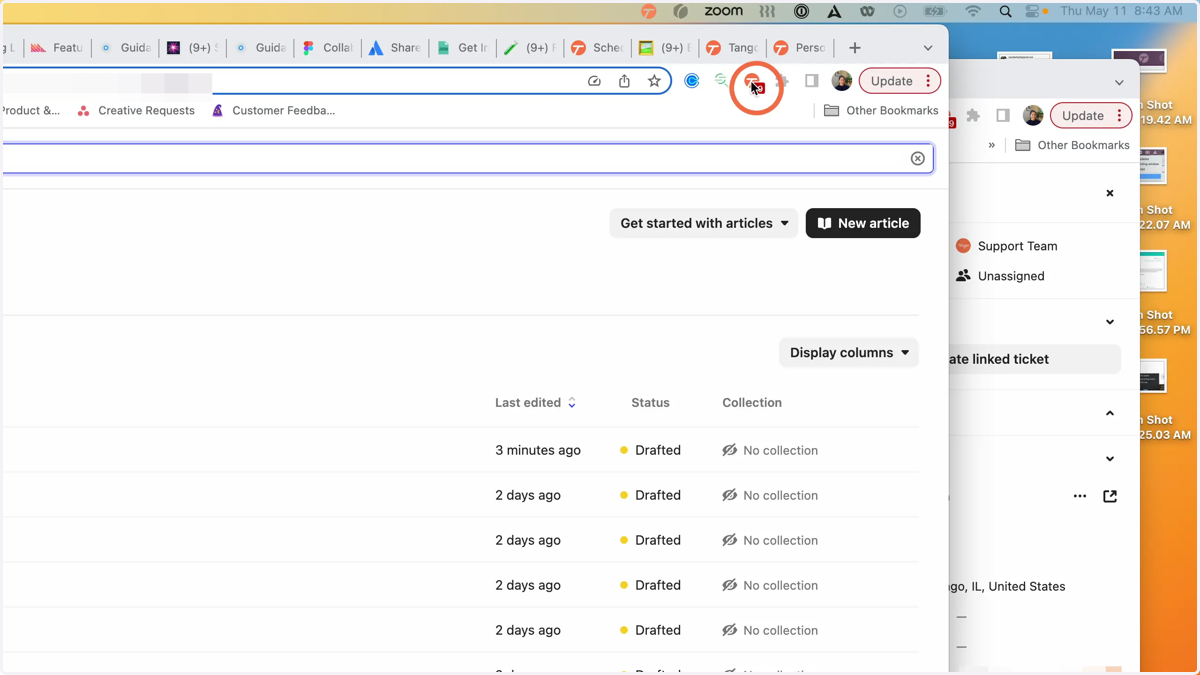
1. If you have access to Tangos for that website, a red number will show next to the extension. Click on the extension.
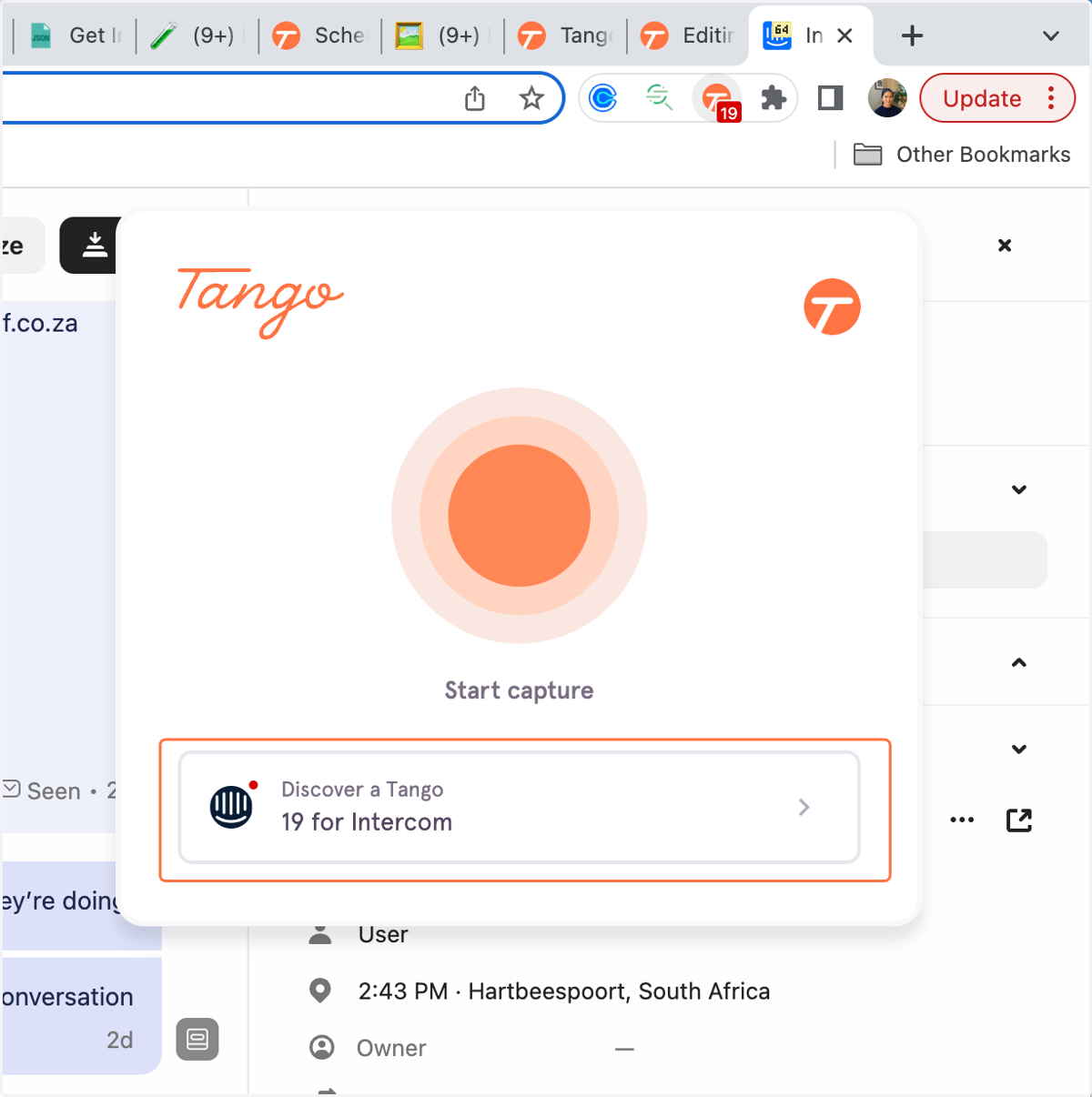
In this instance, there are 19 Tangos available for Intercom
2. Click Discover a Tango
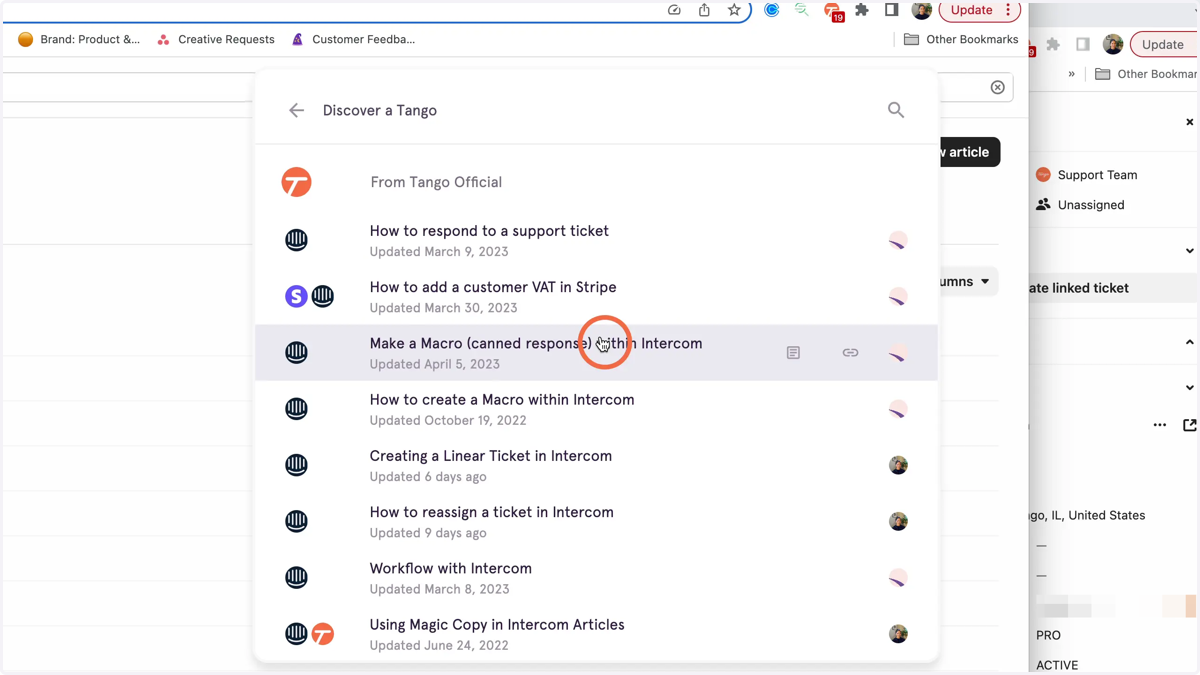
3. This will open a list of available Tangos without taking you away from the page where you're working, so you can find the Tango you need, and get back to work.
4. When a Tango is selected and clicked, the Guide Me side panel will open and begin guiding you in the flow of work.