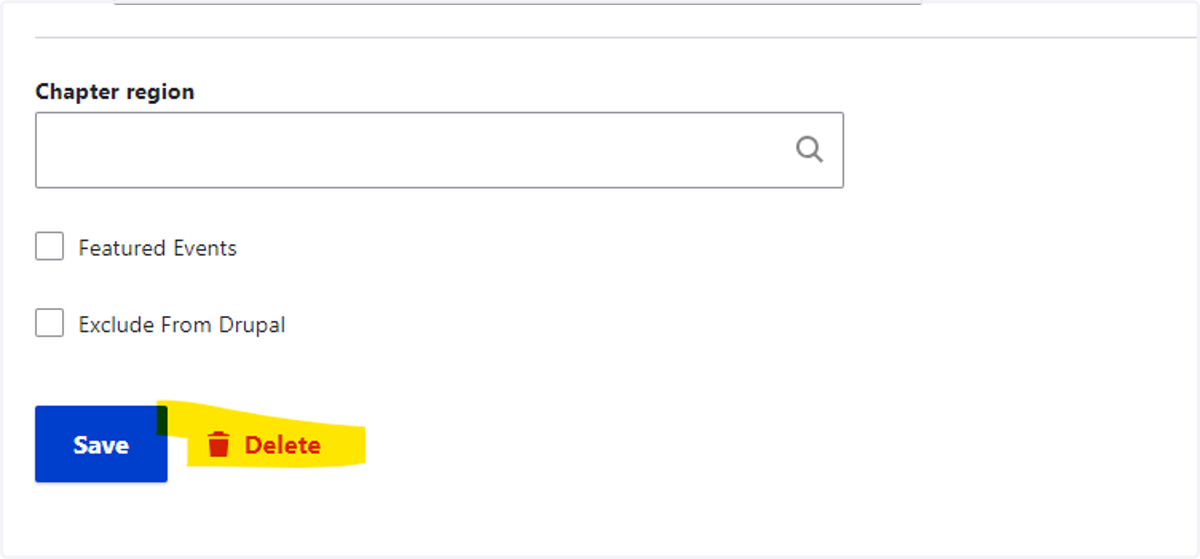
Removing an Event from the HBA Website
1. In Protech, change the settings of the event to unpublish the event.
Click on the Web Parameters tab and change the "Exclude from Drupal calendars" field to YES.
In the Registration Setup tab, open up each pricing tier and change the "Include in Informz digest" field to NO.
Click Save & Close and exit the event setup.
2. Login to your HBA account on the HBA website
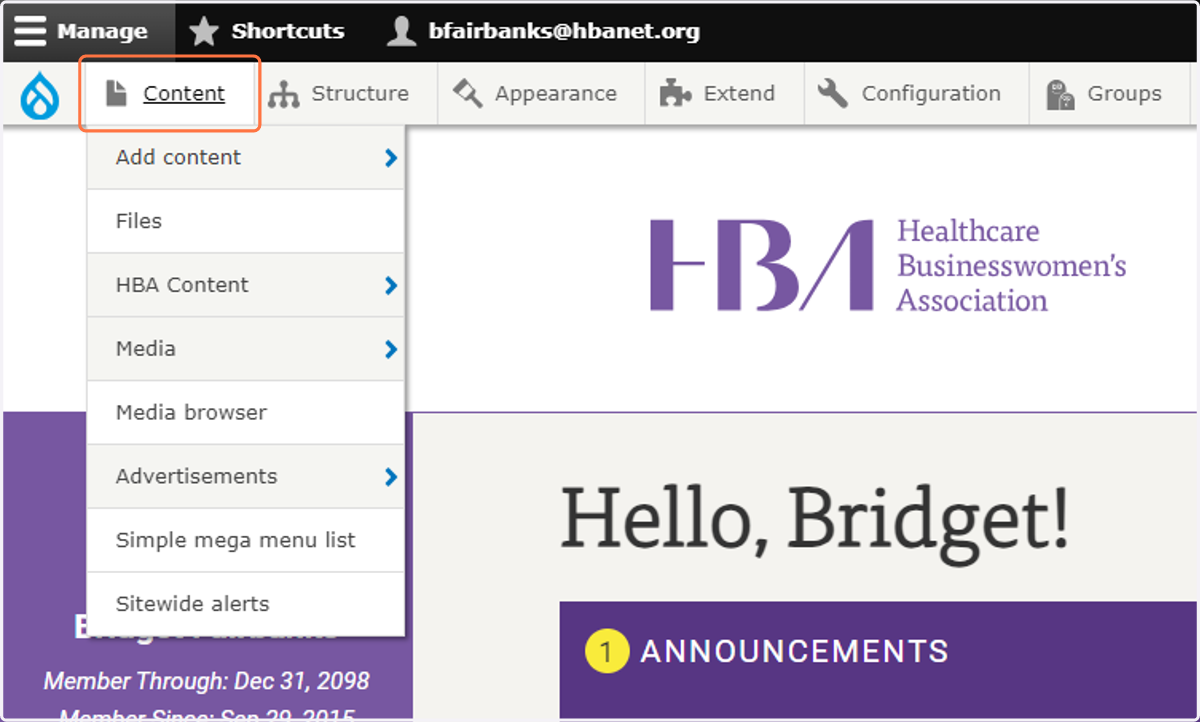
3. Click on Content
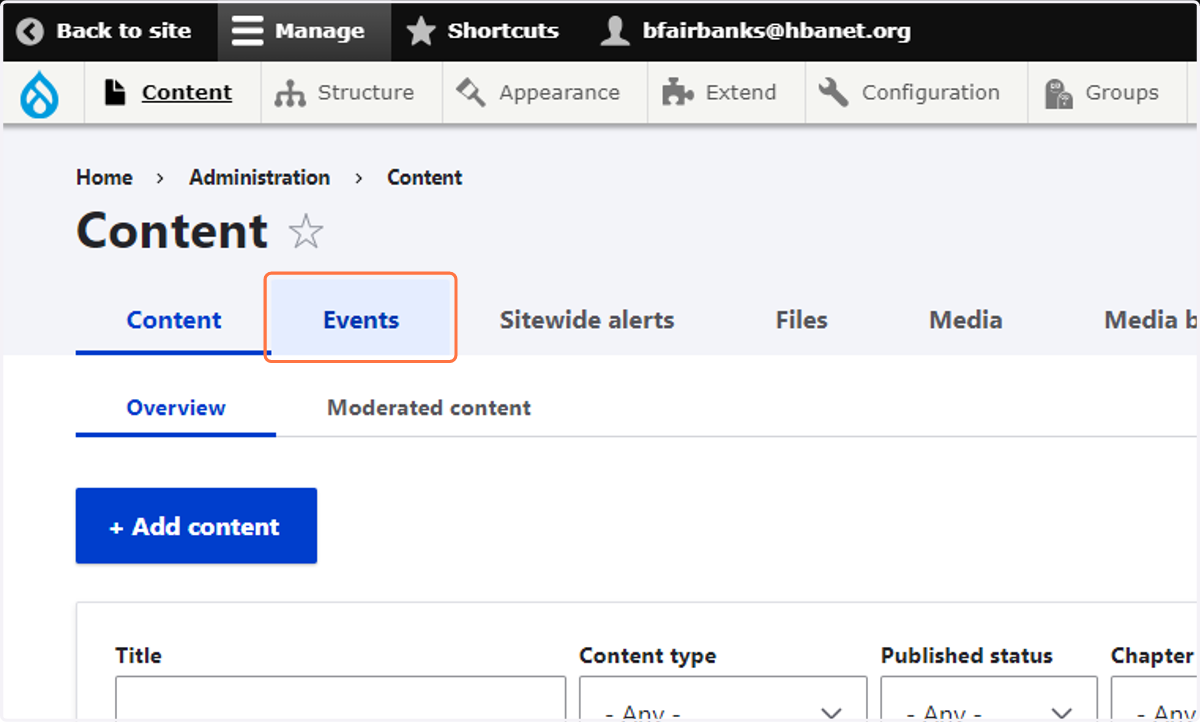
4. Click on Events
5. Type the name of the event (in this example I used "career conversations")
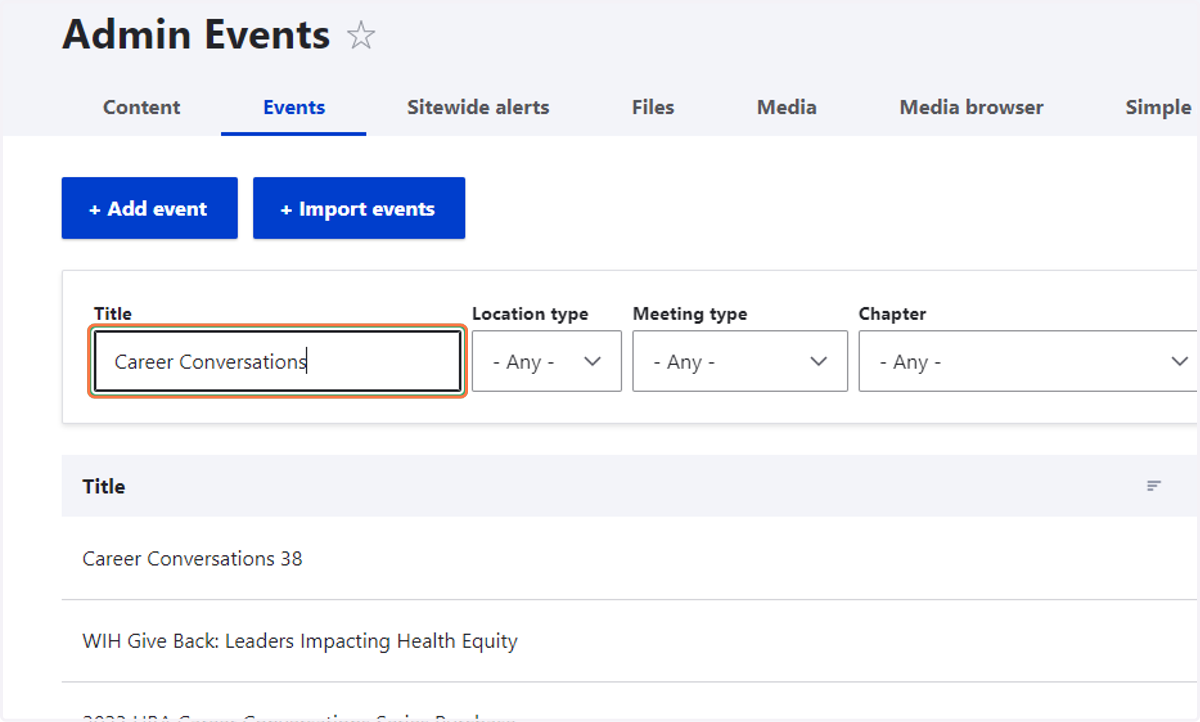
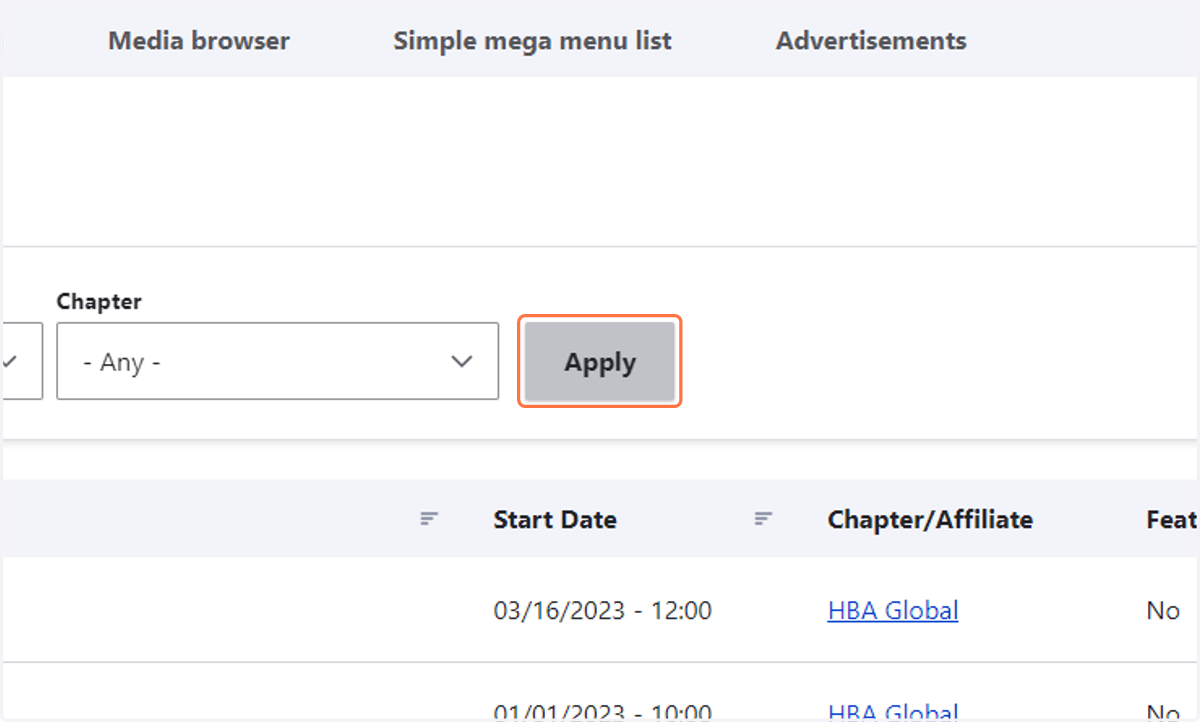
6. Click on Apply
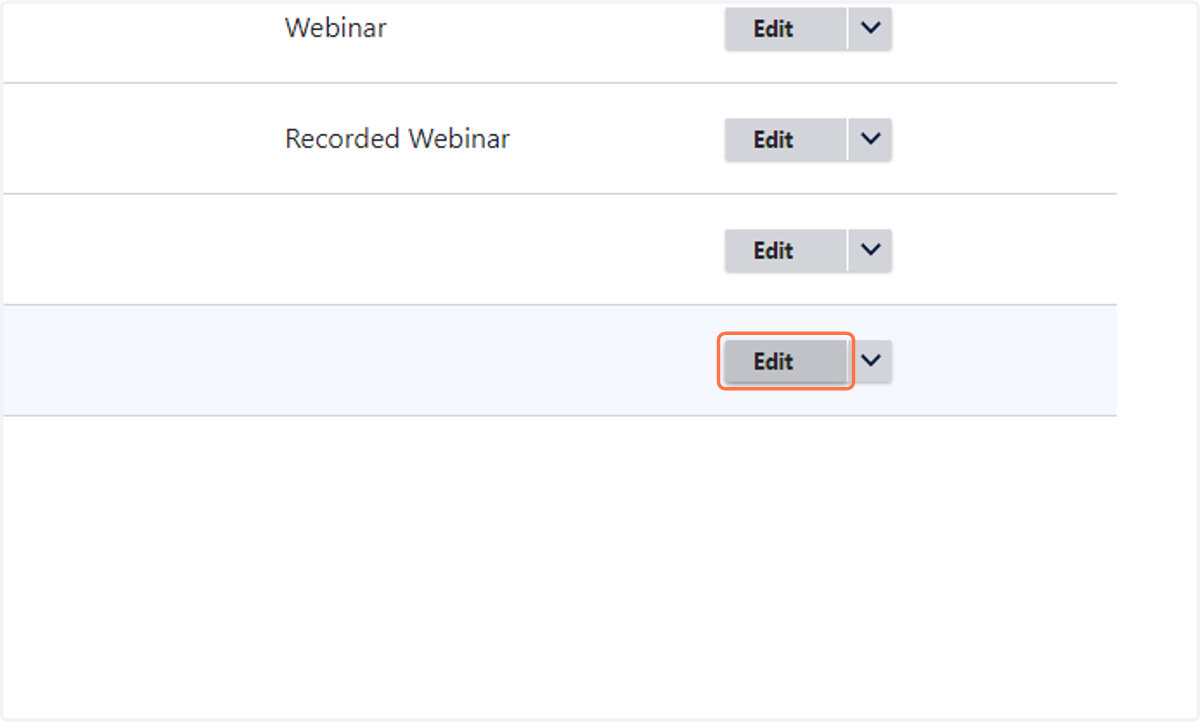
7. Click on the Edit button next to the event you want to remove
8. Scroll to the bottom of the page and click "Delete"