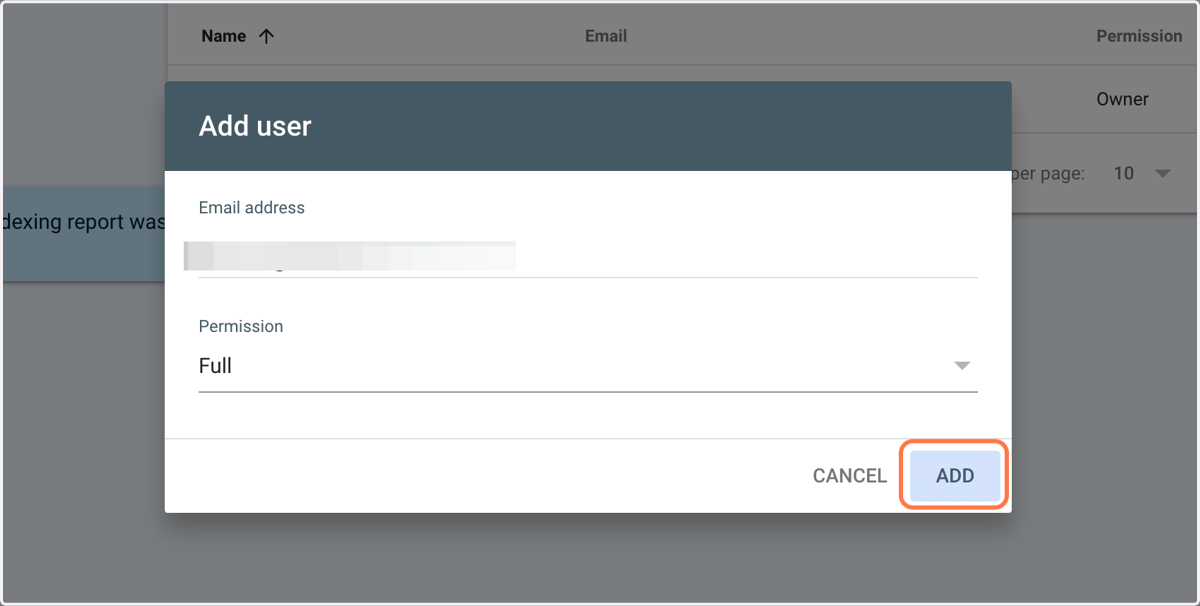
Google Search Console - Add User
1. Go to Google Search Console
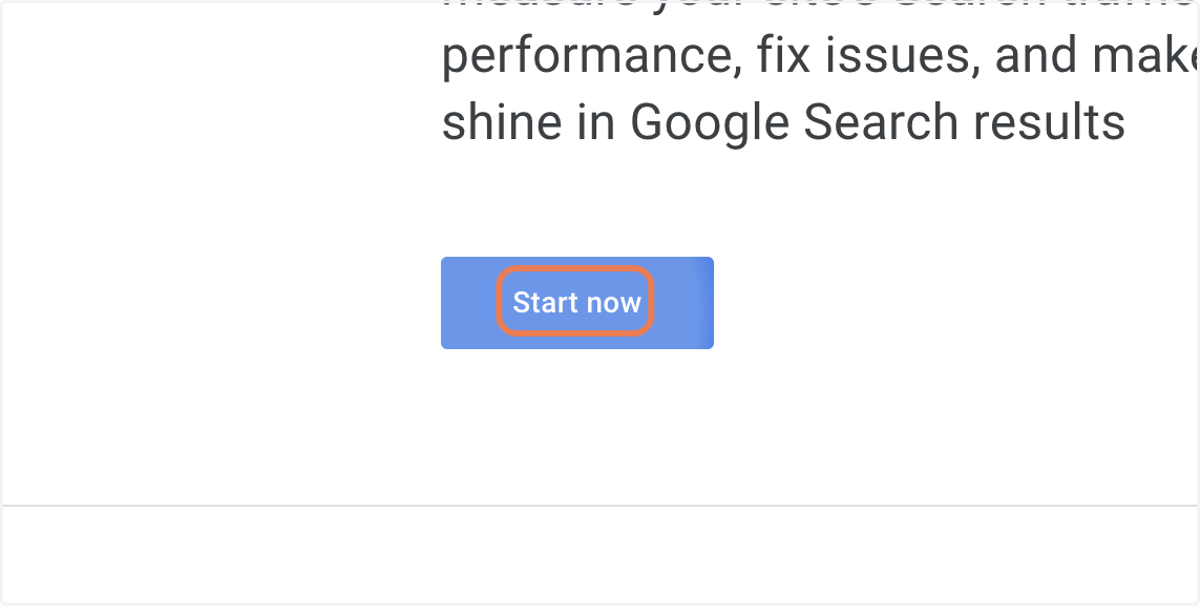
2. Click on Start now
3. Login to your Google Accounxsx
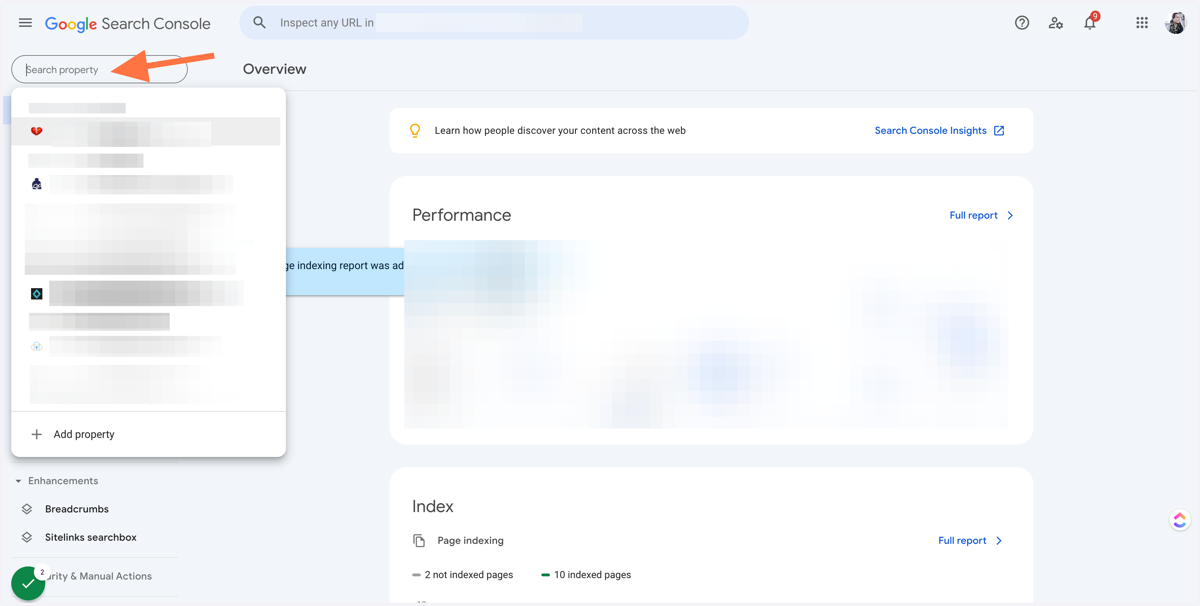
4. Search Property
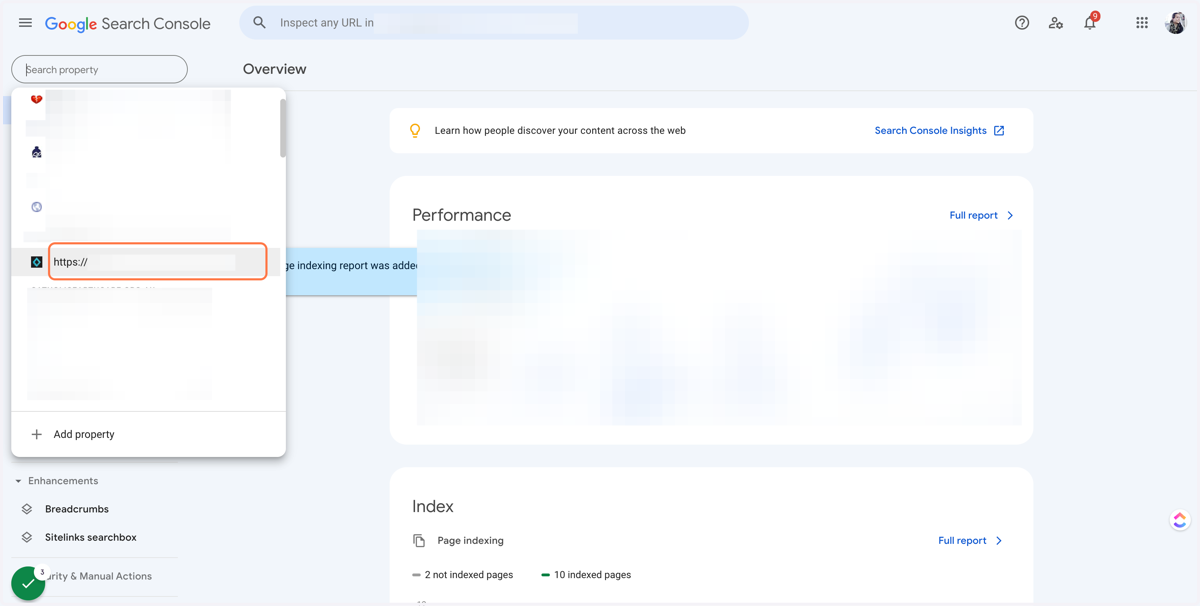
Select the website address you would like to add a user too
5. Click on https://beachesbusinesshub.com.au/
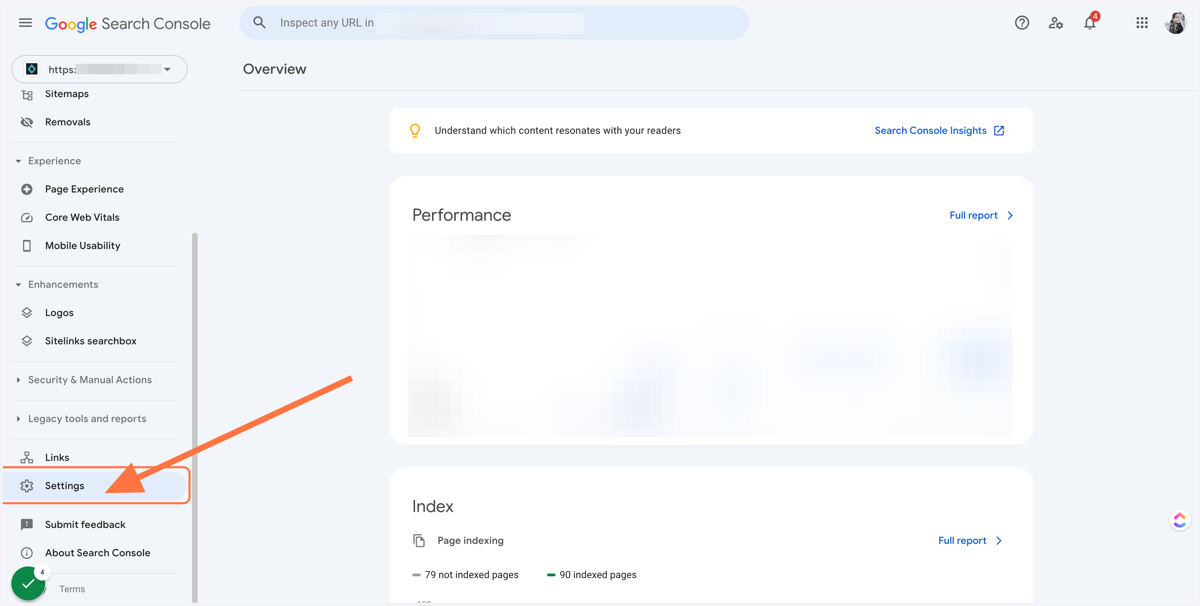
6. Click on Settings
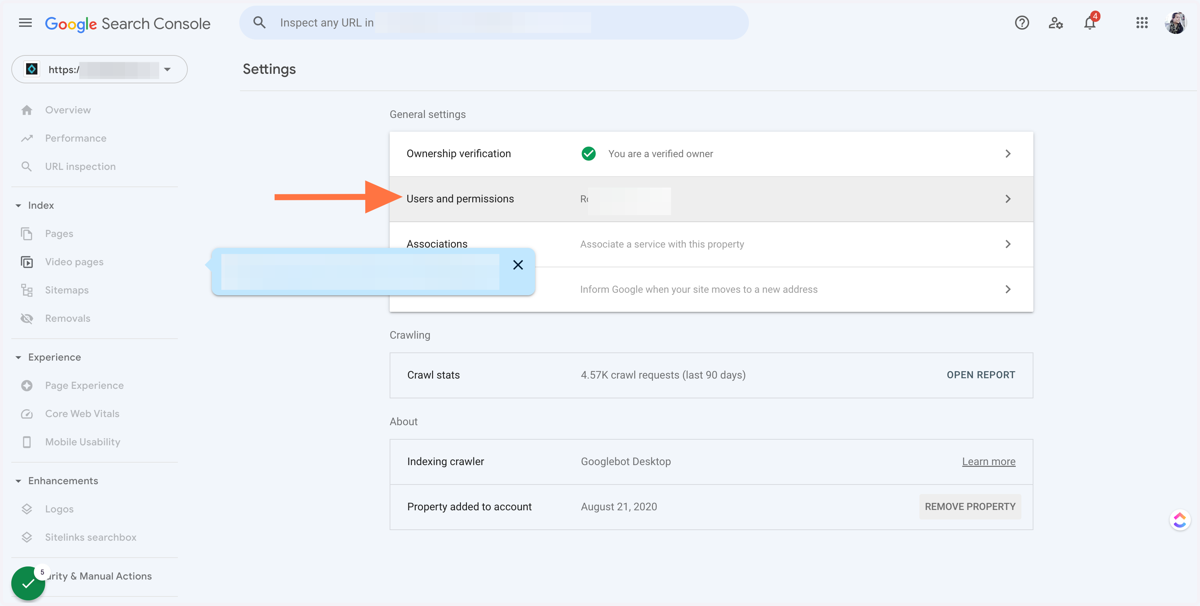
7. Click on Users and permissions…
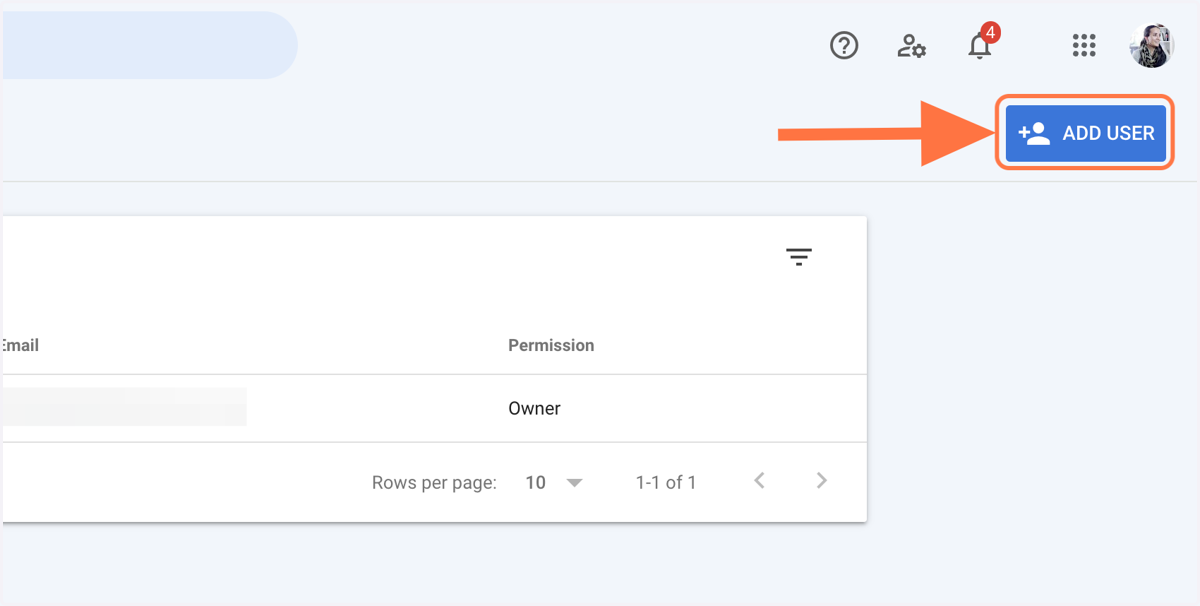
8. Click on ADD USER
9. Type in the email address you would like to share access with
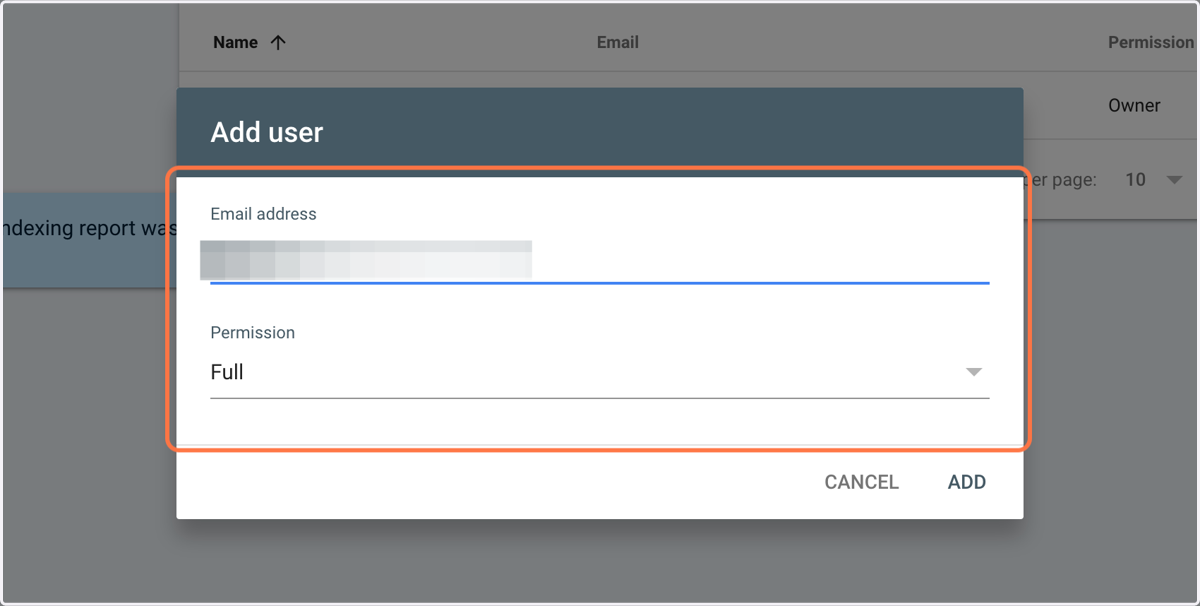
10. Choose Full access under Permissions
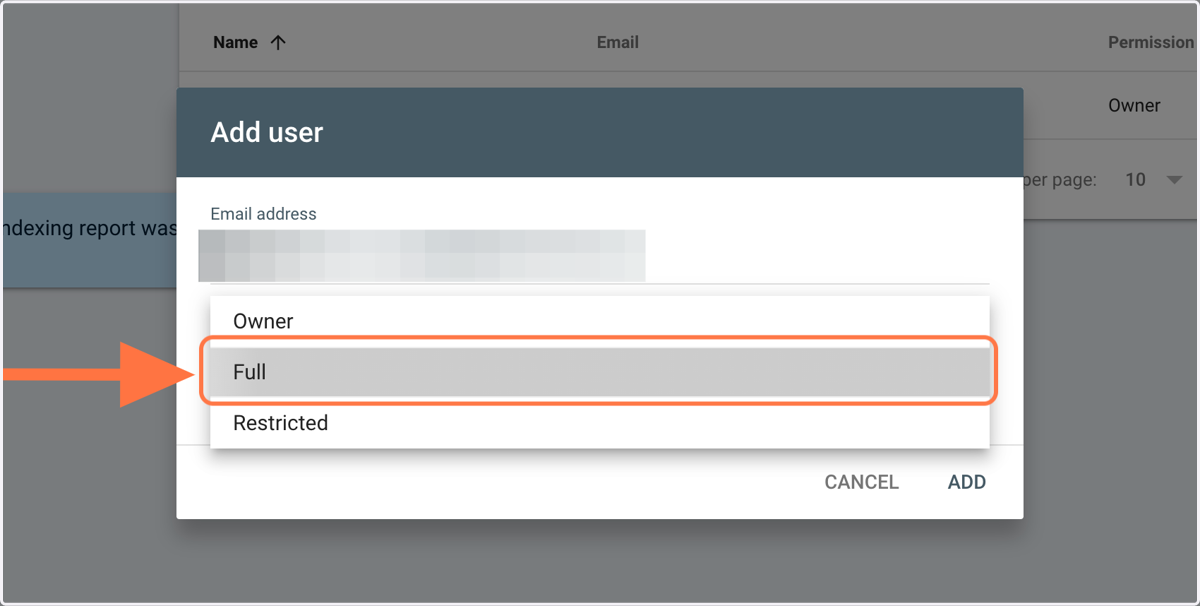
11. Click on ADD