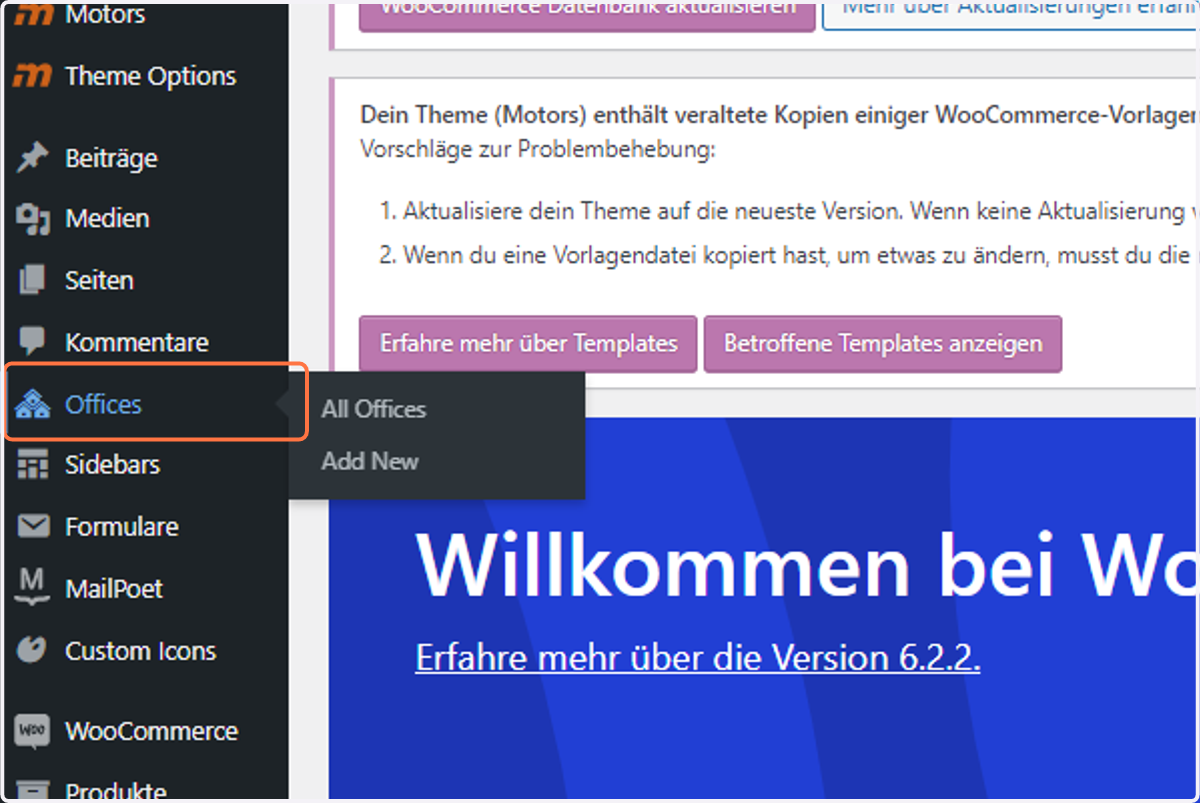
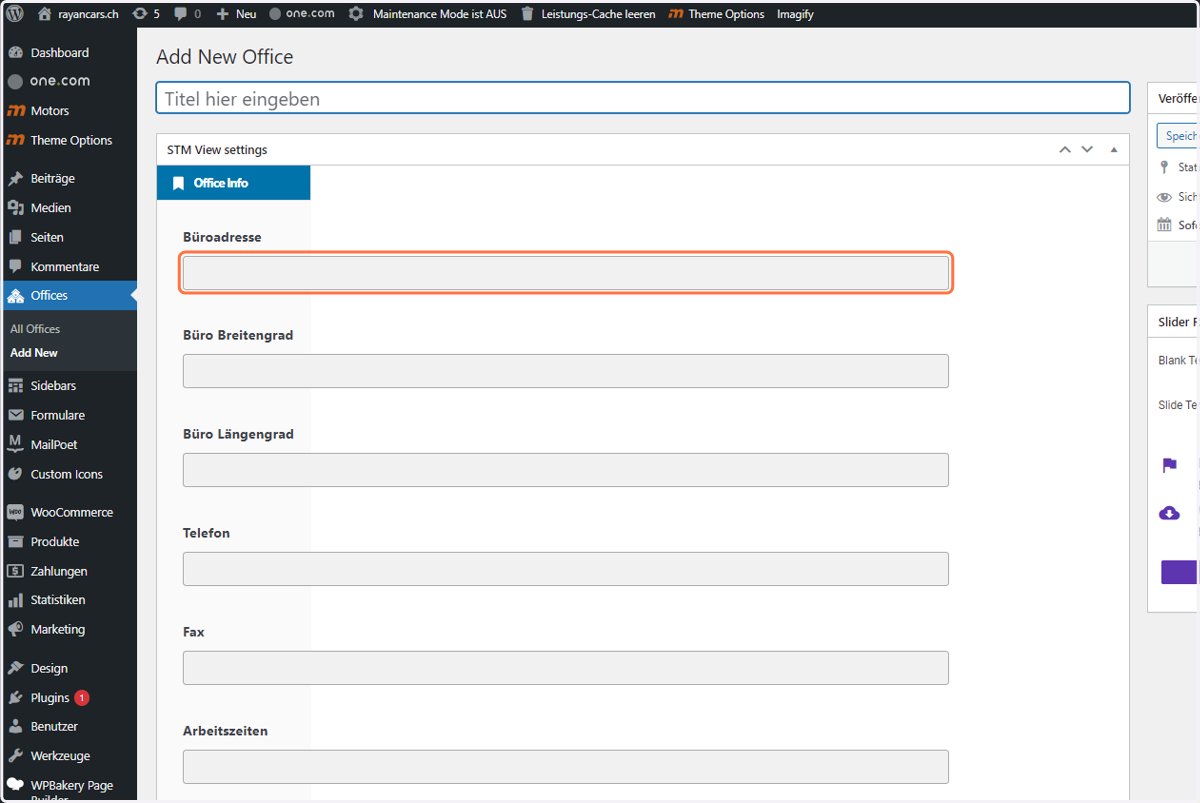
5. To Add a new Dealer or Dealer Location Click on "Offices"
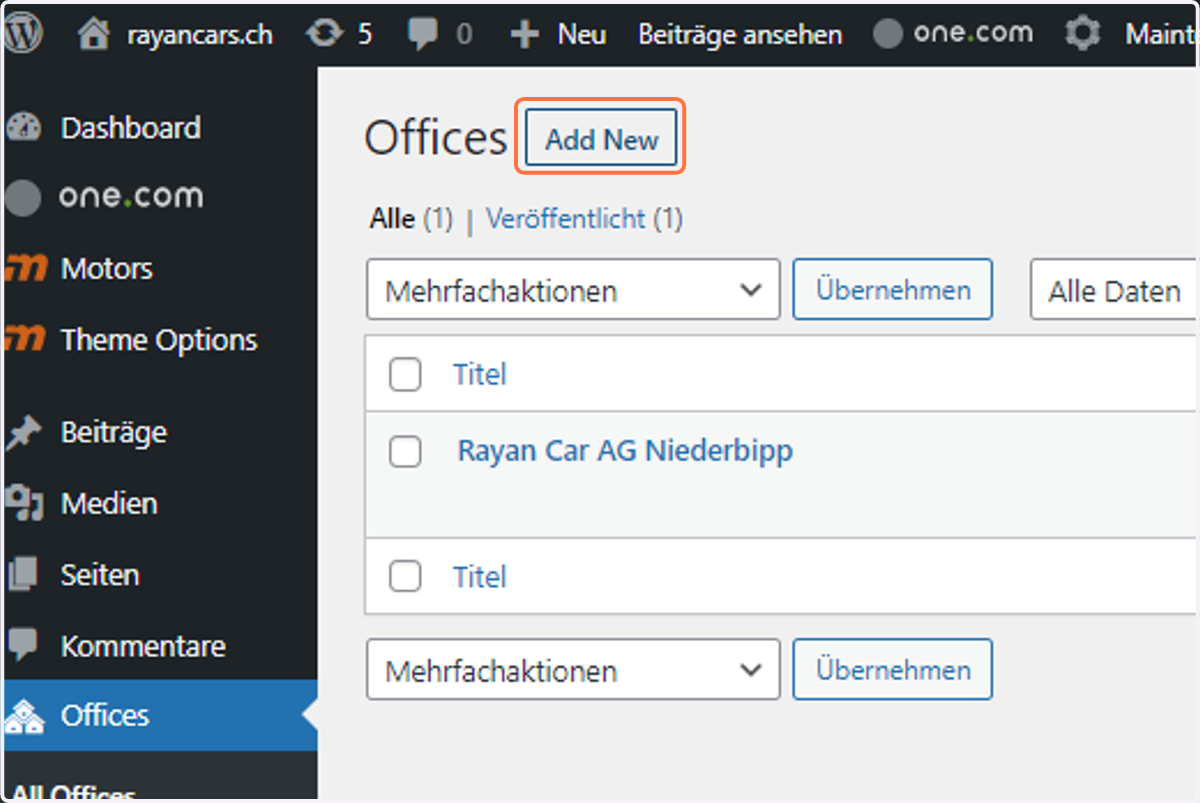
6. Click on Add New
7. Click on Büroadresse
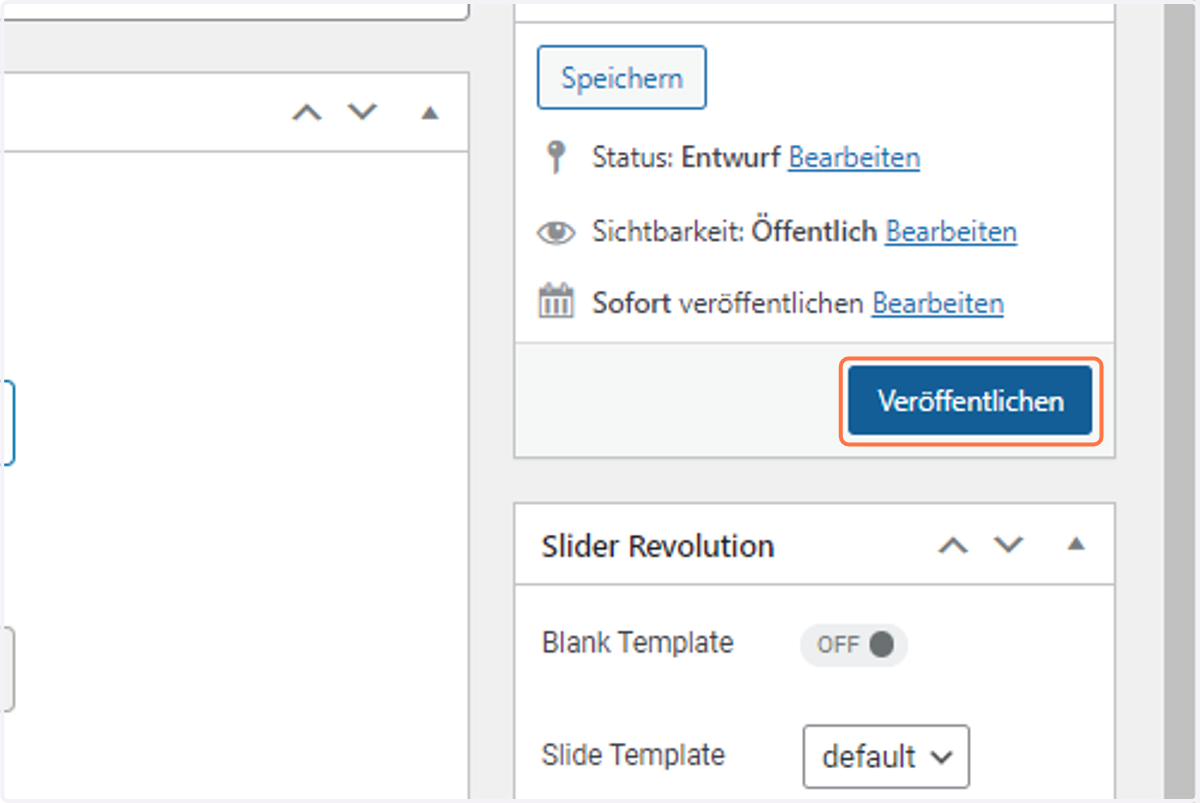
8. Click on publish
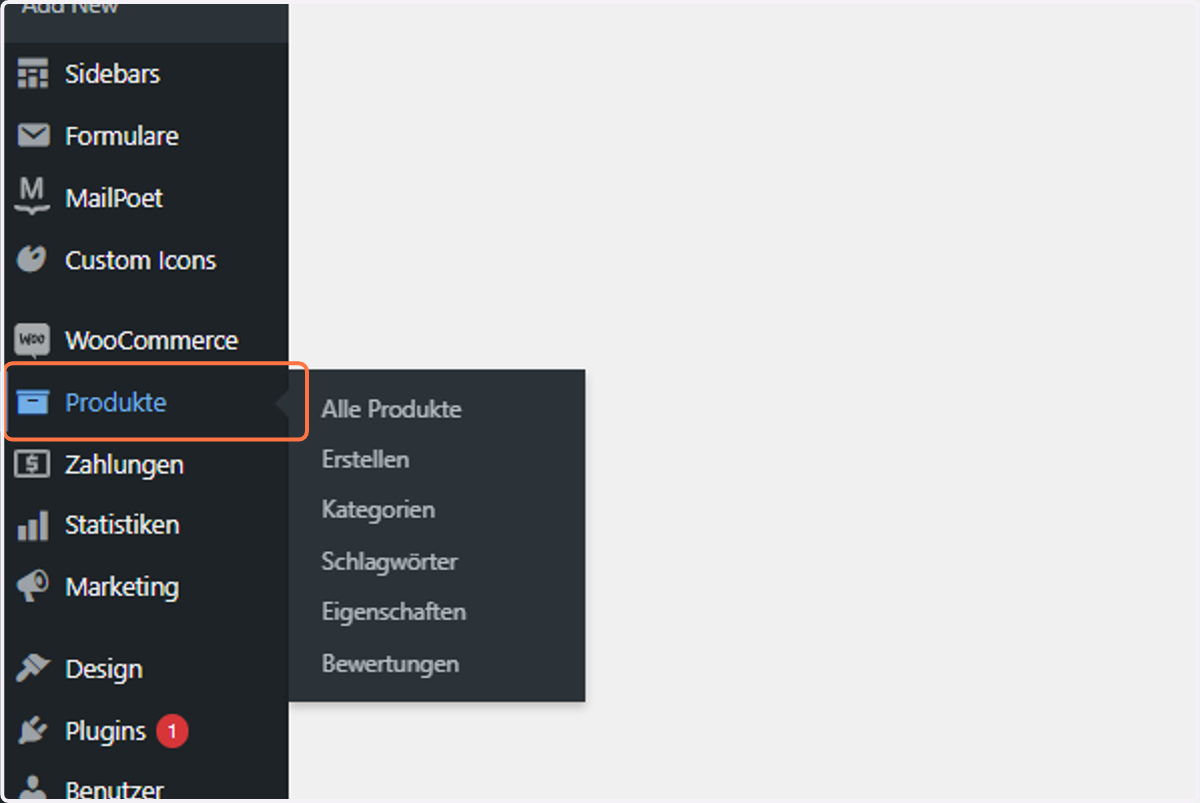
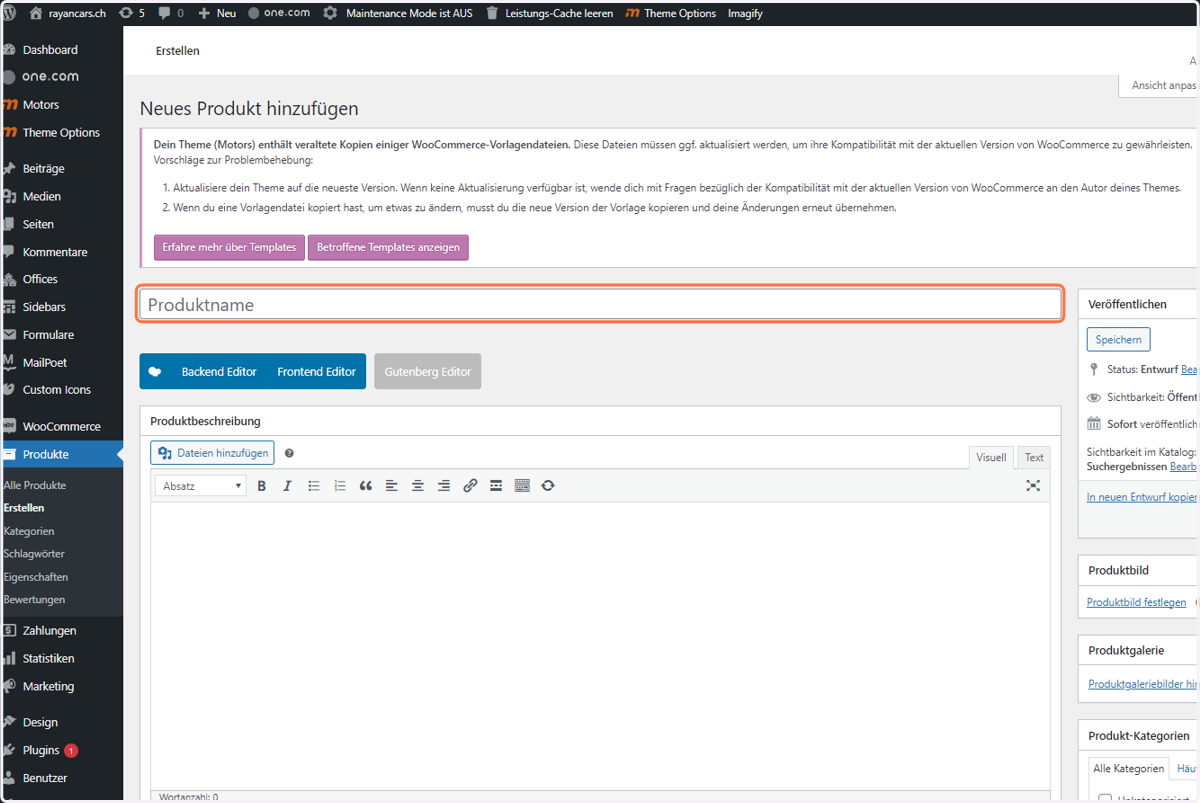
9. If you like to add a car, Click on "Produkte"
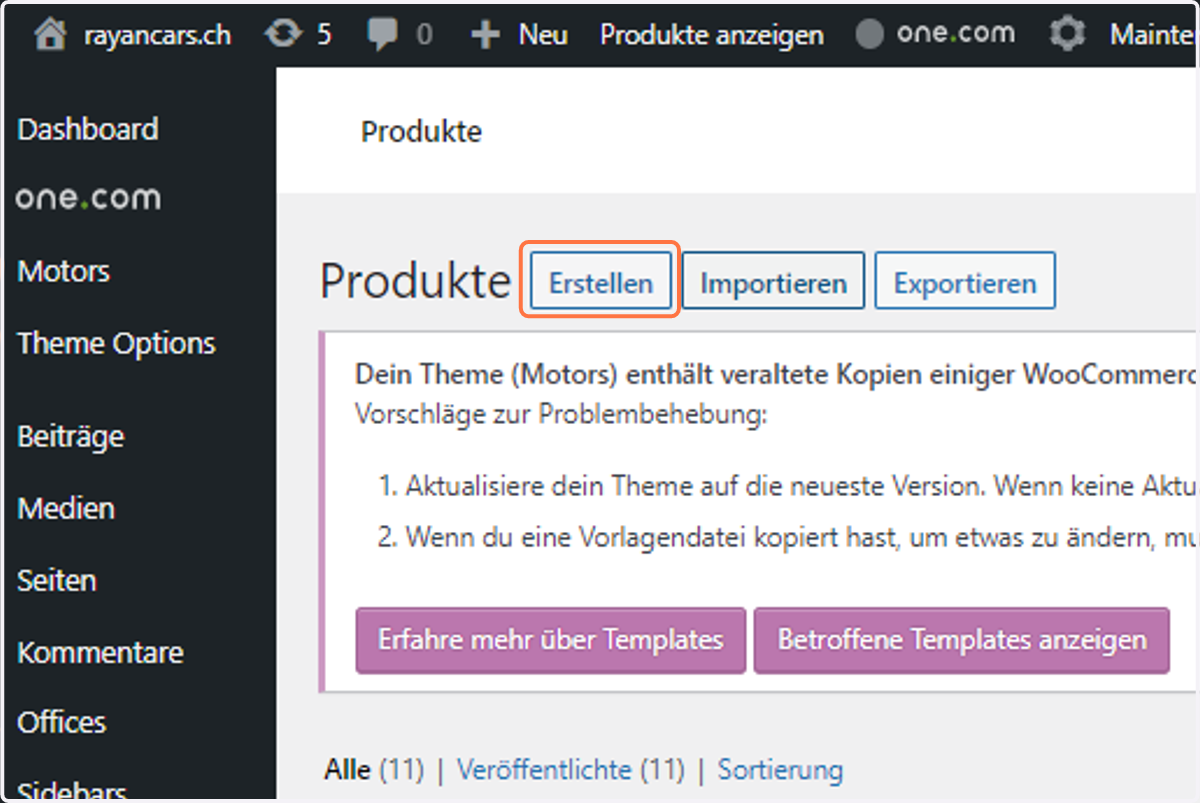
10. Click on Erstellen
11. Click on Produktname
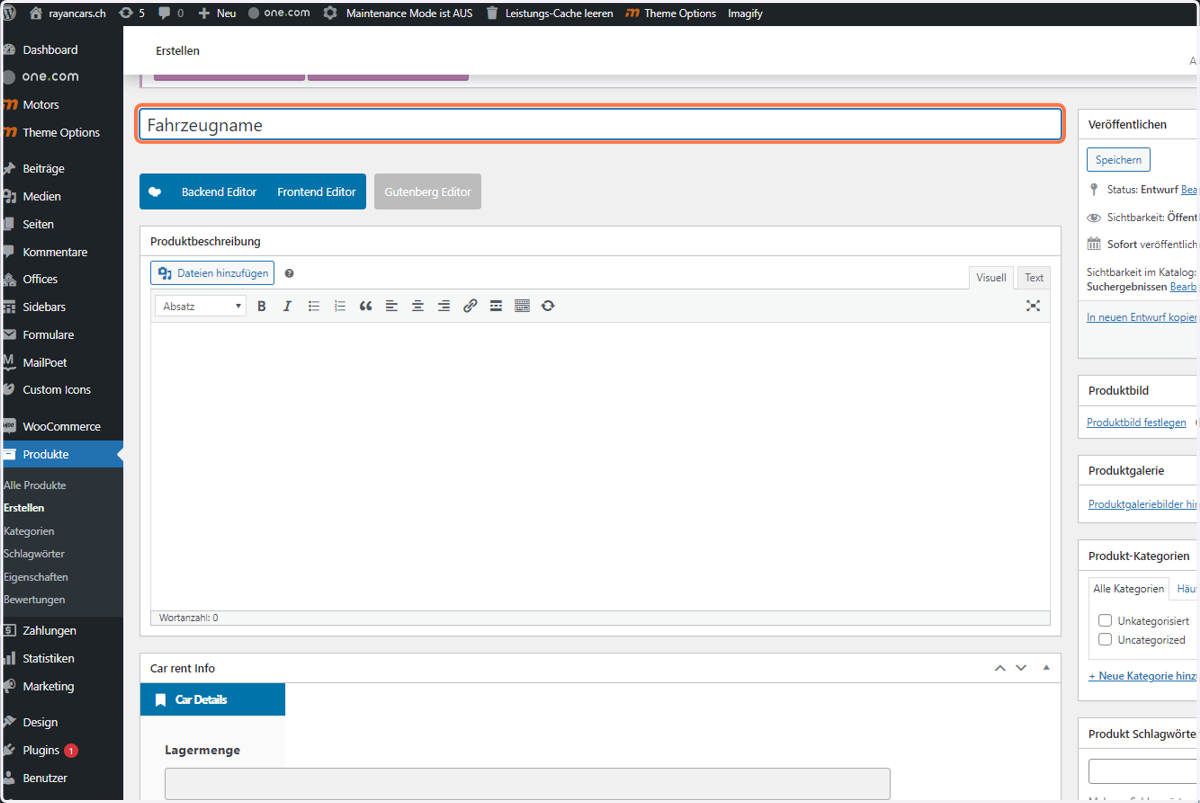
12. Type "Fahrzeugname"
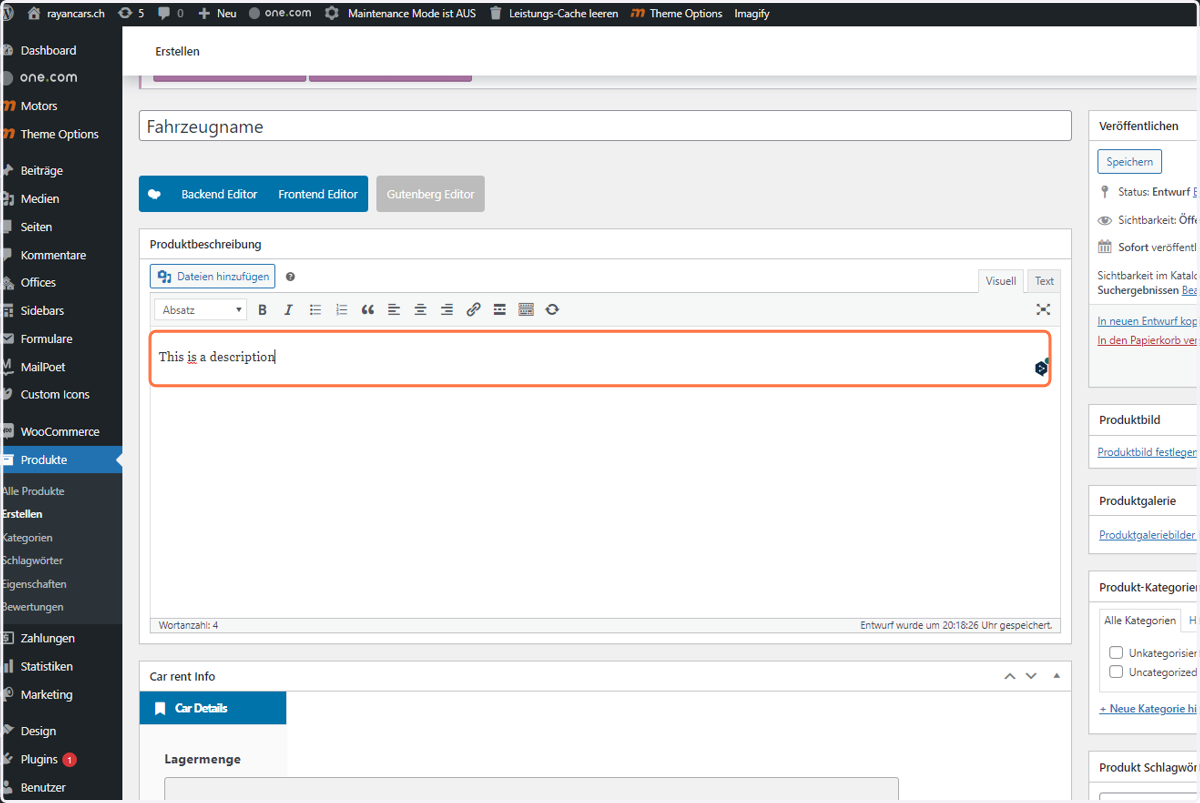
13. Write in a description
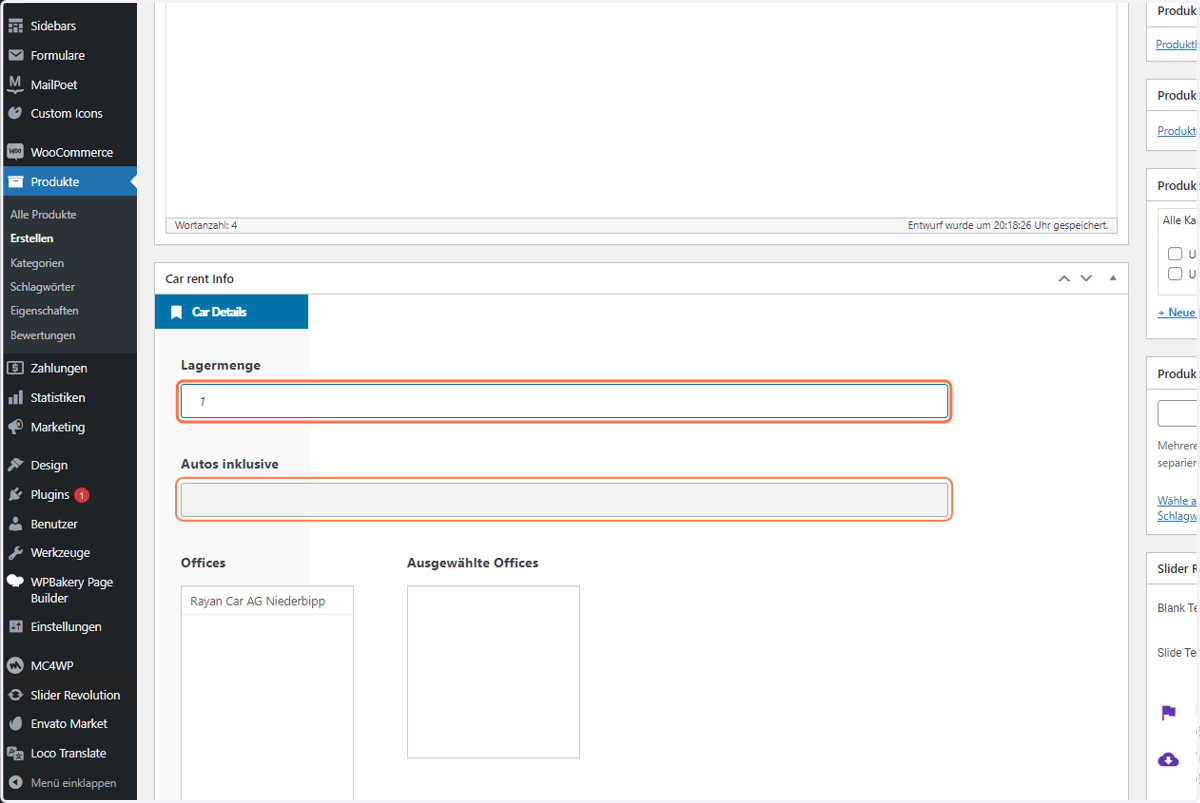
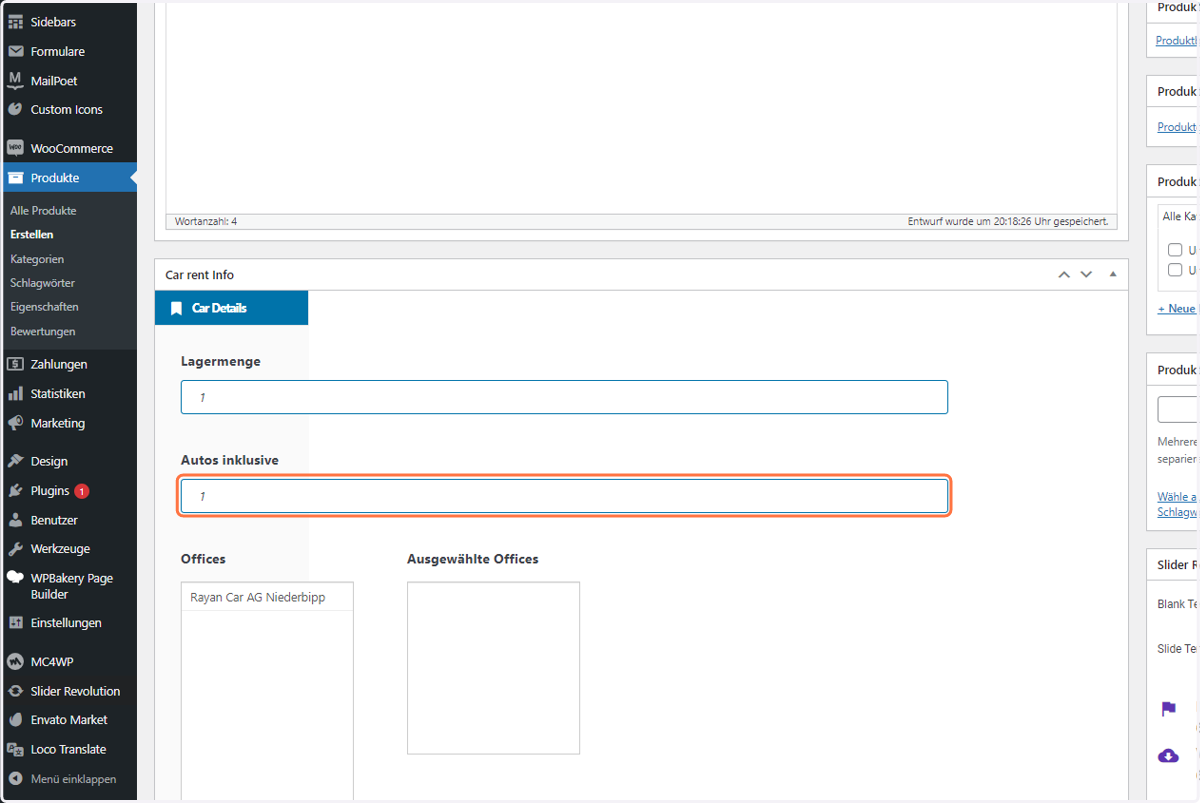
14. Type "1"
15. Type "1"
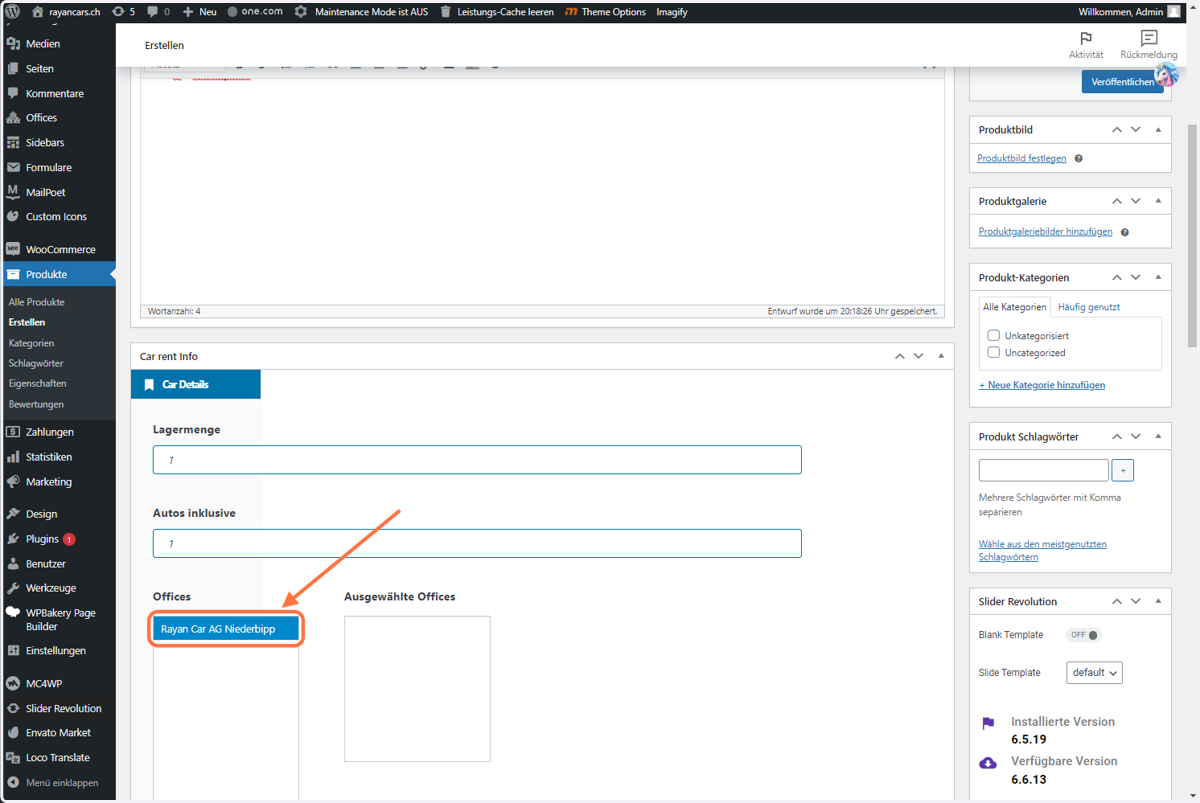
16. Click on the Office you would like to choose
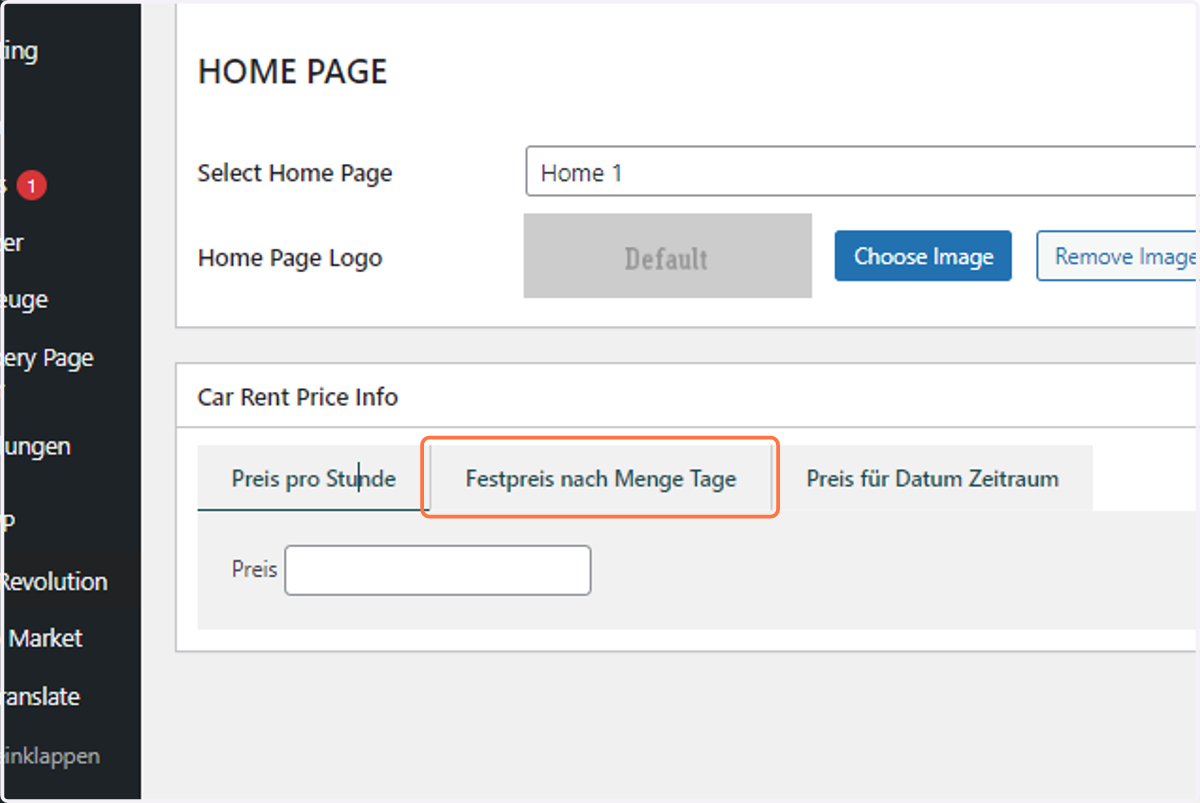
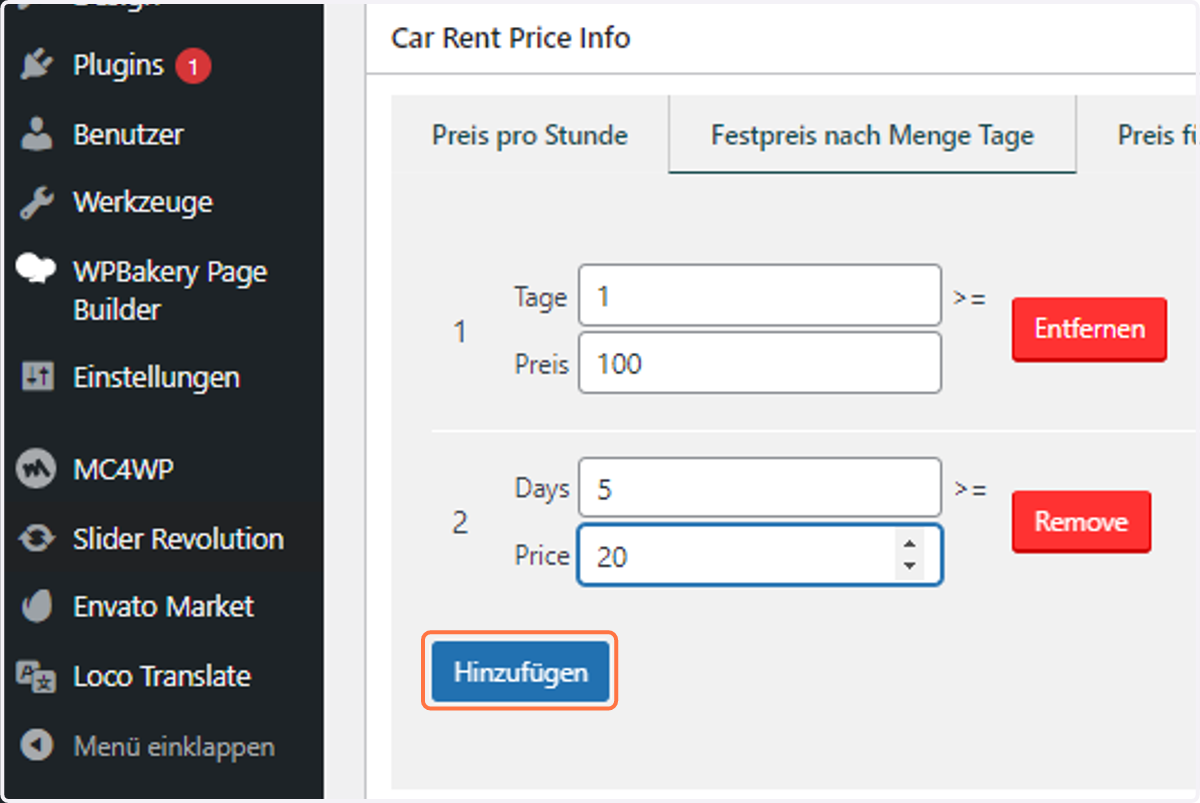
17. As you have dynamic pricing, Click on "Festpreis nach Menge Tage" below
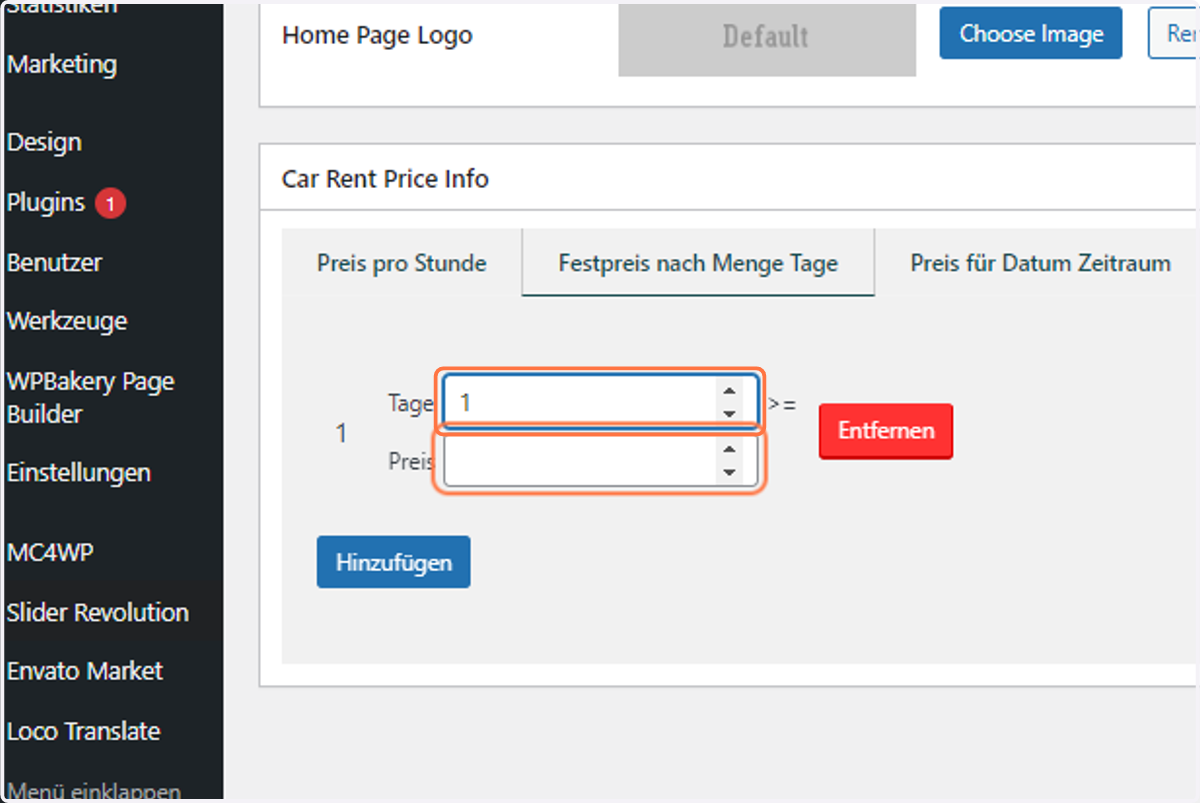
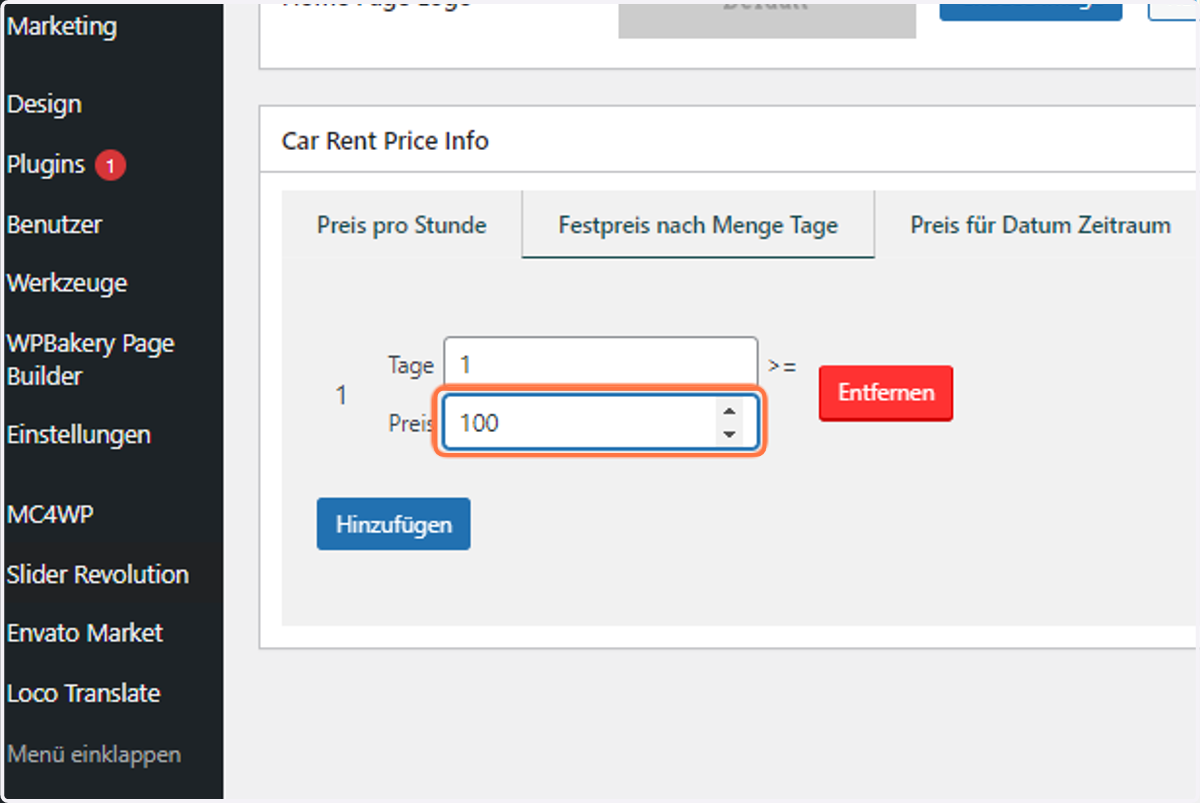
18. Type in the day range
19. Type in the price
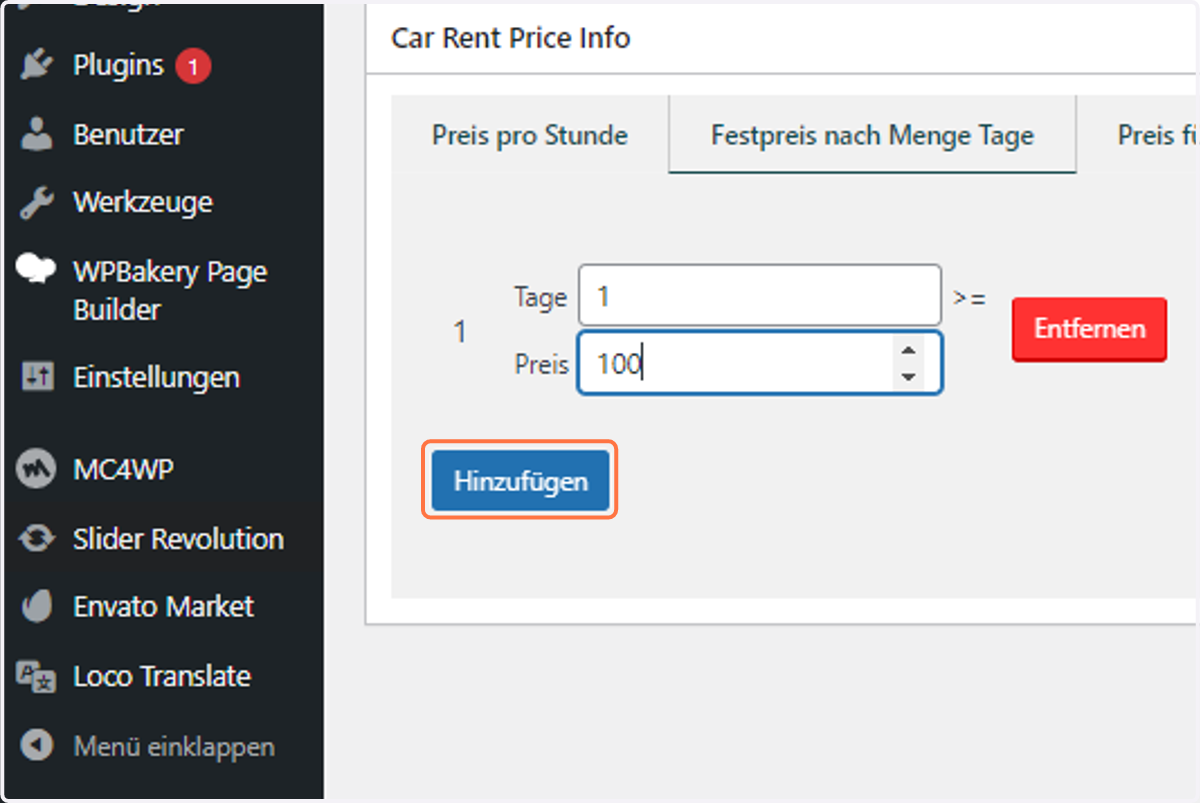
20. Click on Hinzufügen
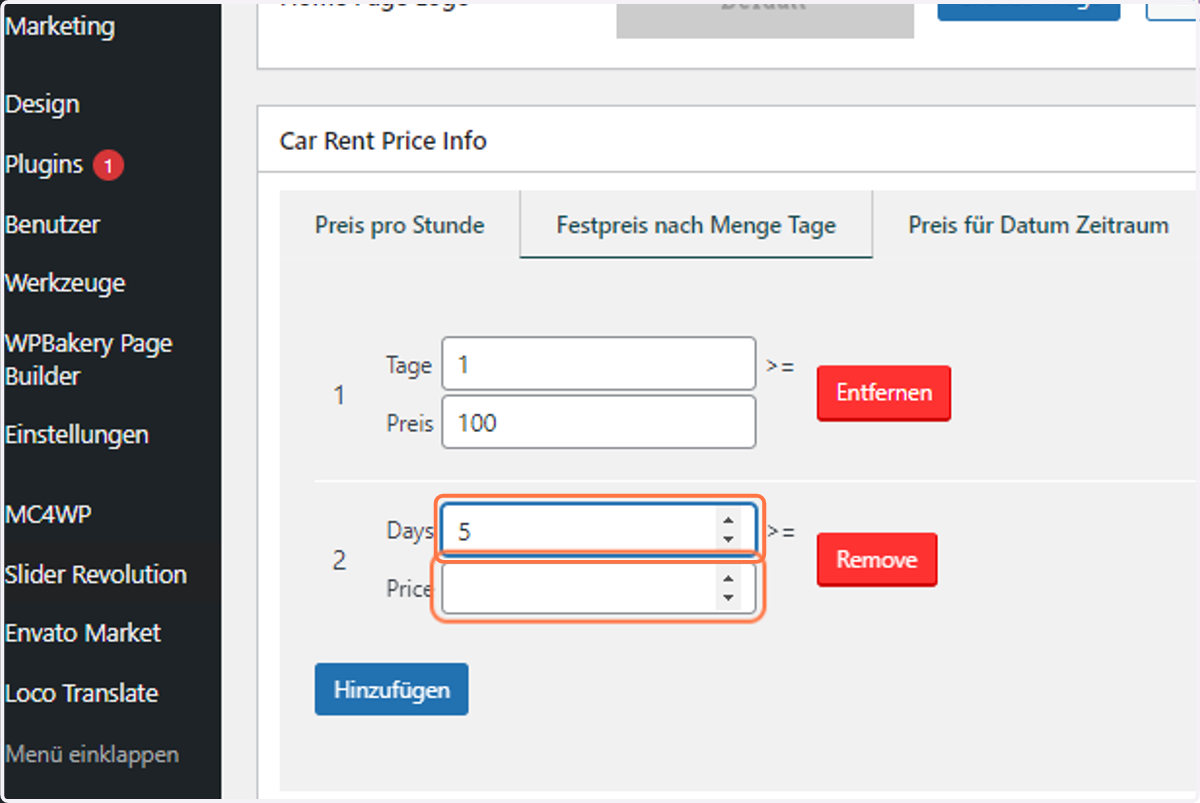
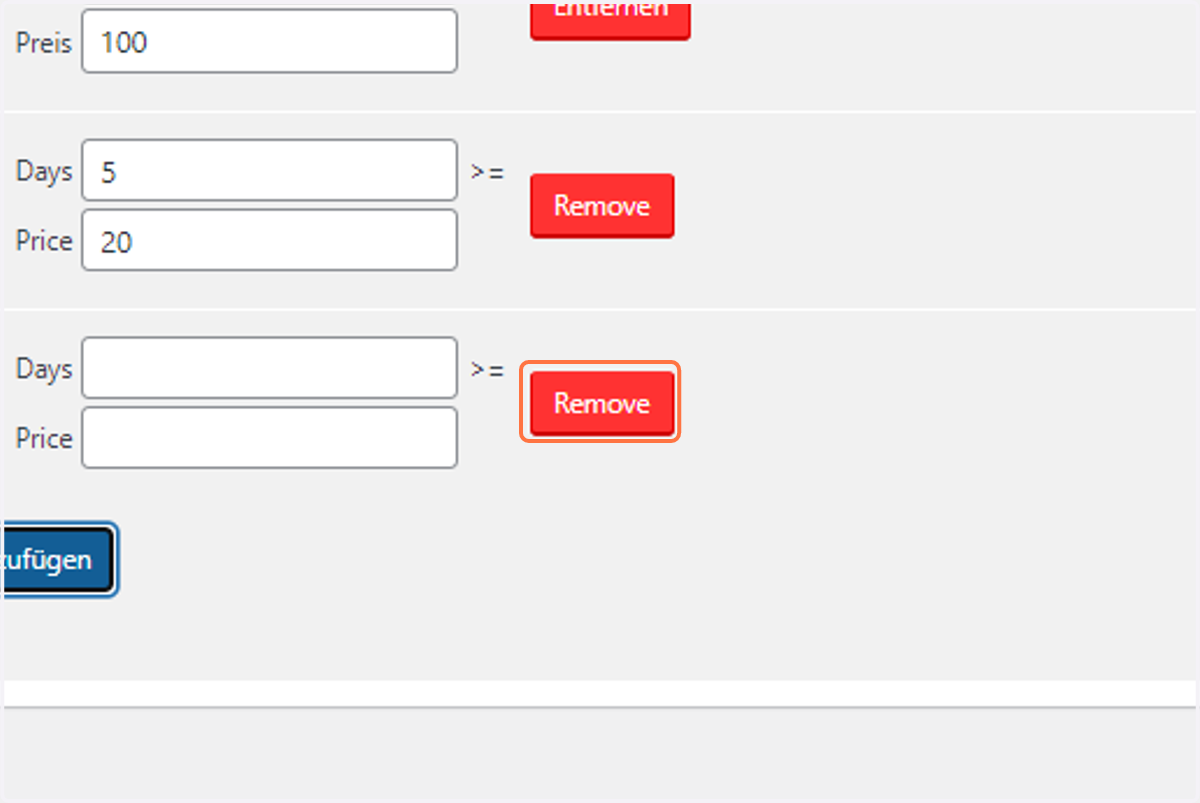
21. Type in the next range
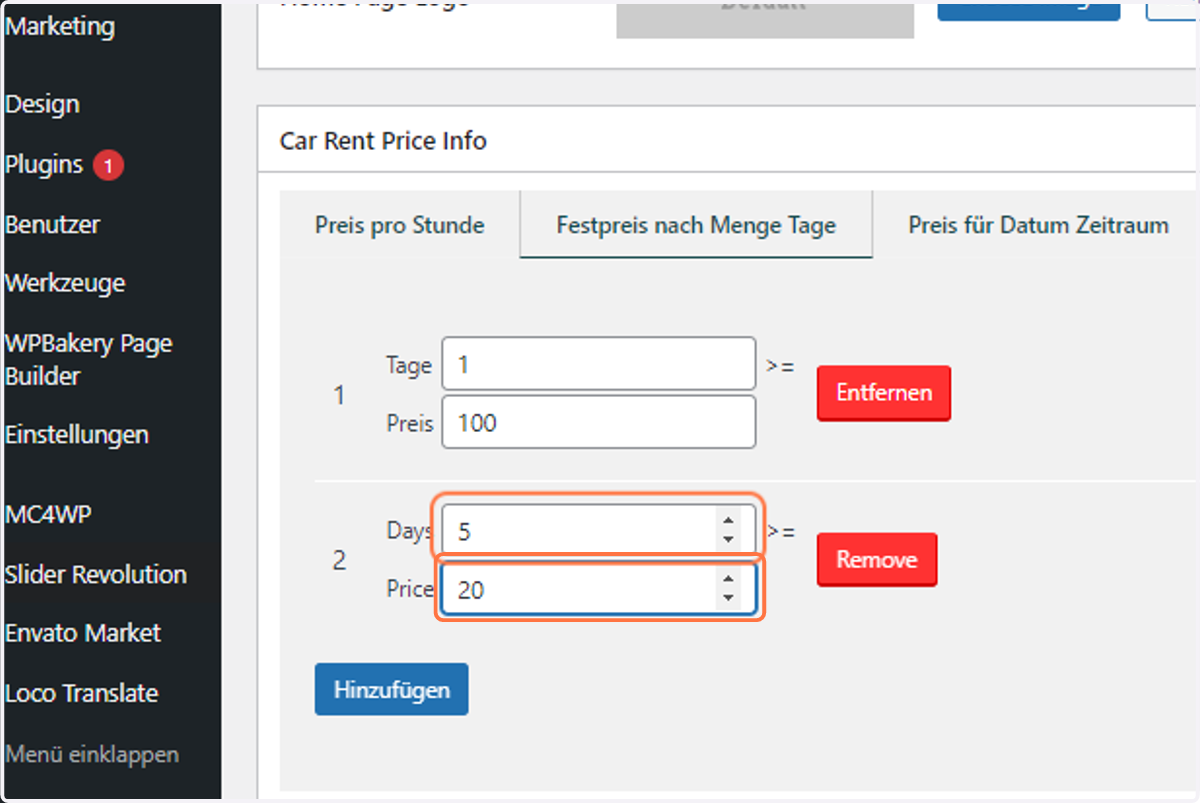
22. Type in the price
23. Click on Hinzufügen
24. If you are done, Click on Remove on the lowest
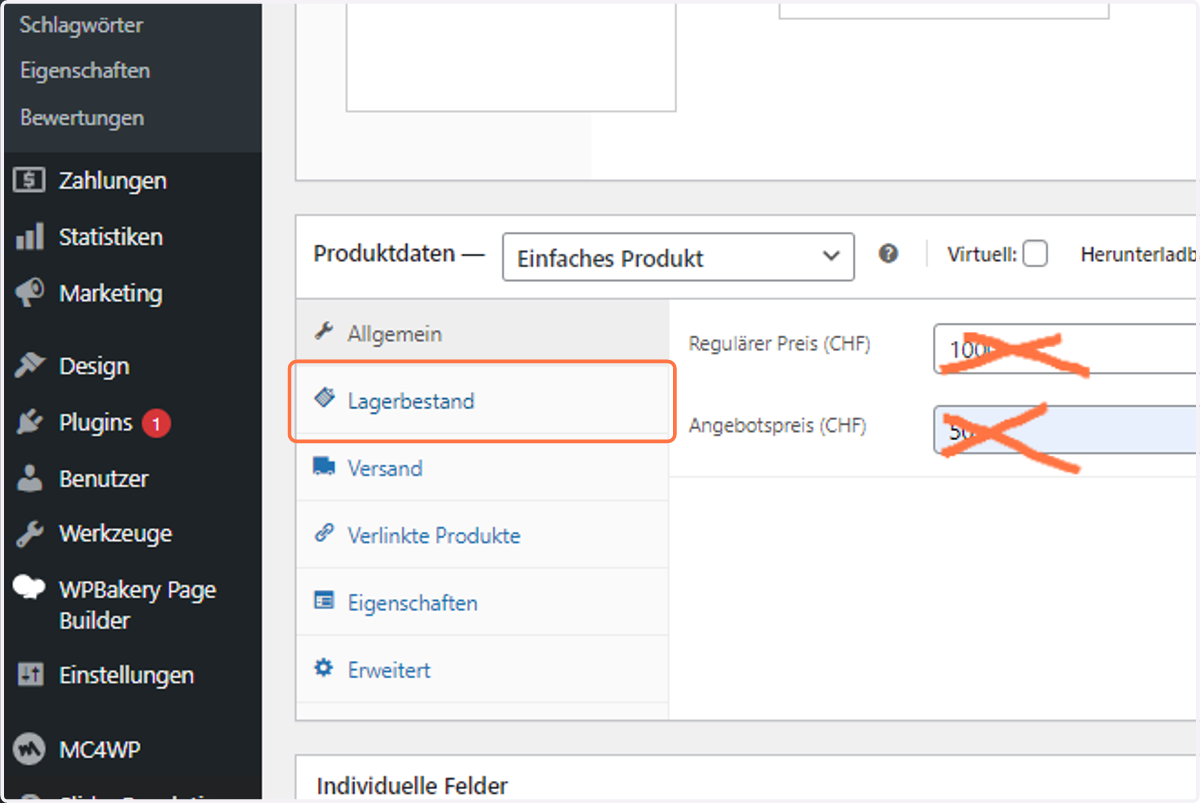
25. here normally you shouldn't write anything in "Produktdaten" as by default everything should be alright. Anyways click on everything and double check. If y Price is in in "Allgemein", erase it.
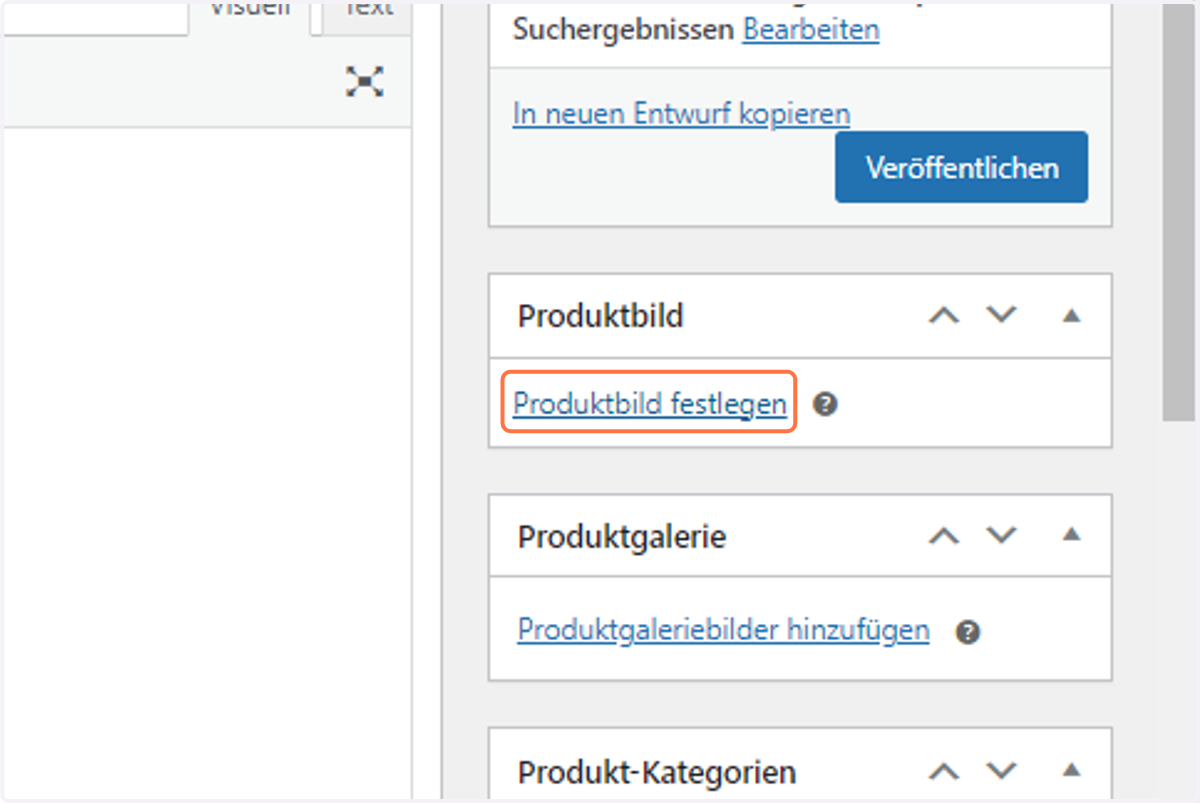
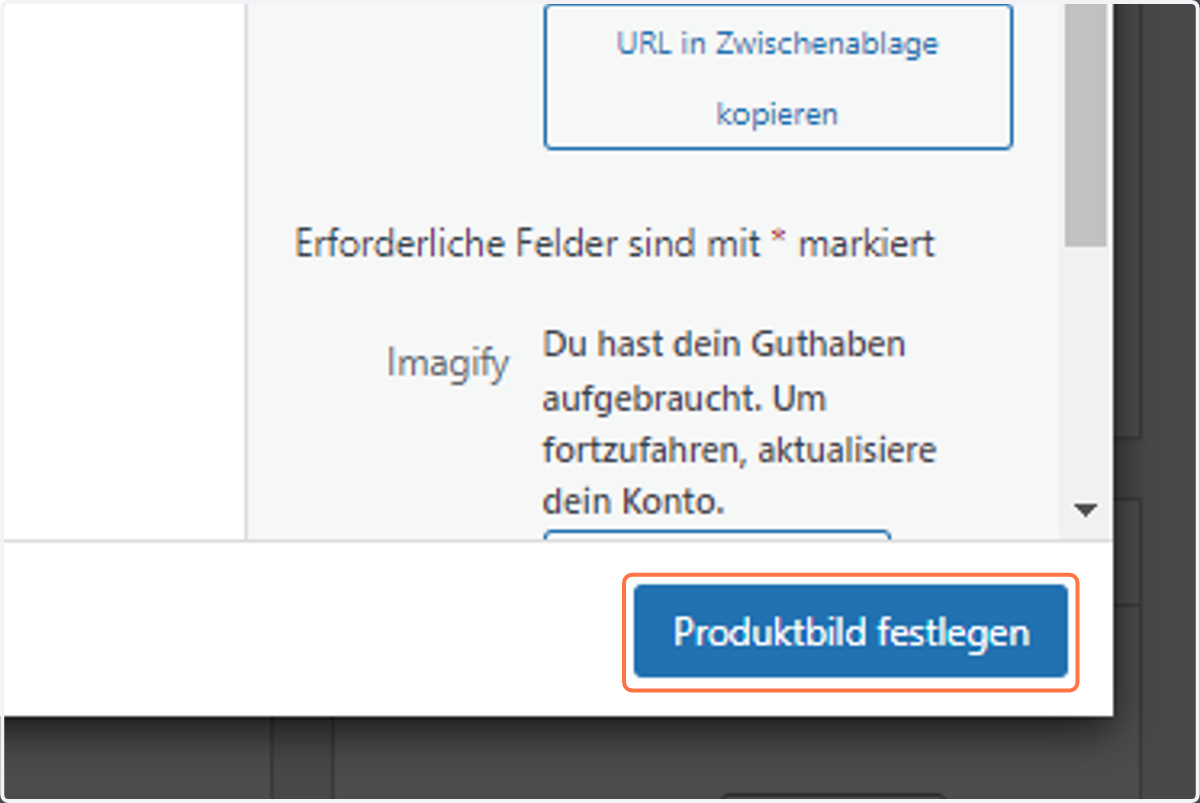
26. Click on Produktbild festlegen
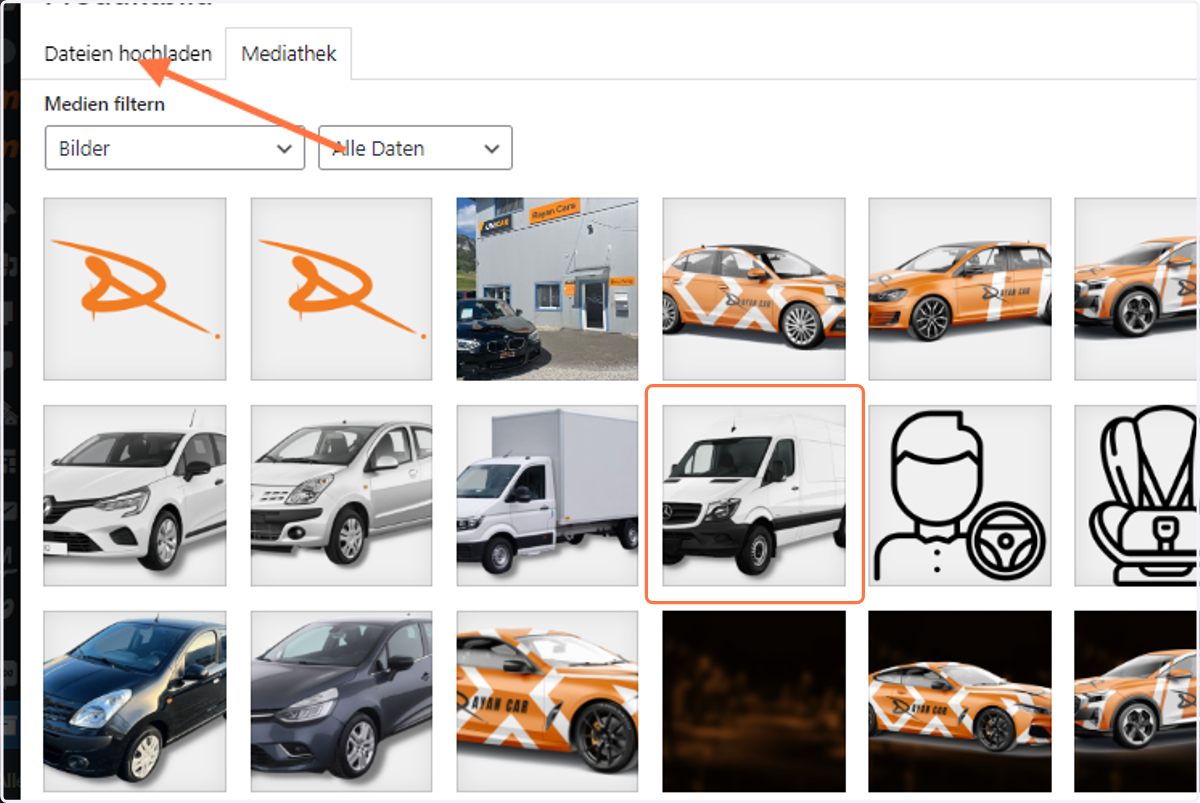
27. Click on a picture. If not visible, Upload it into your media gallery