Steps to Electronically Sign your Tax Return
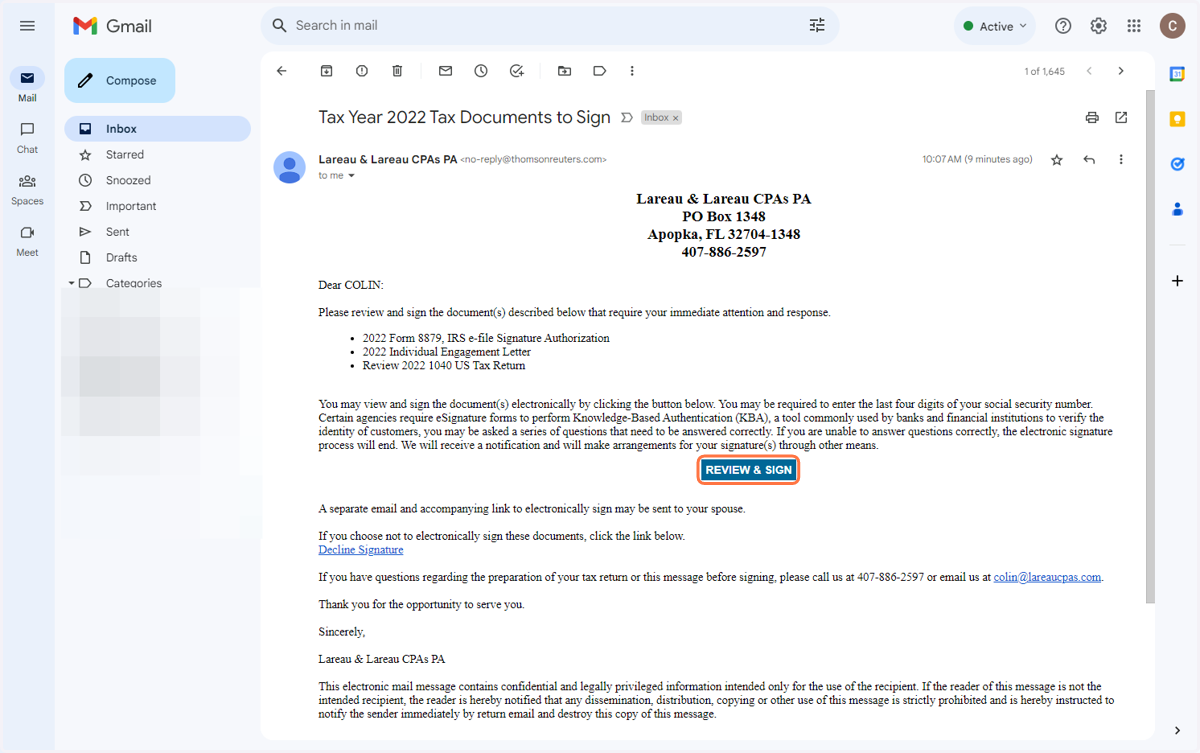
Locate the email.
1. Click on row

2. Click on REVIEW & SIGN
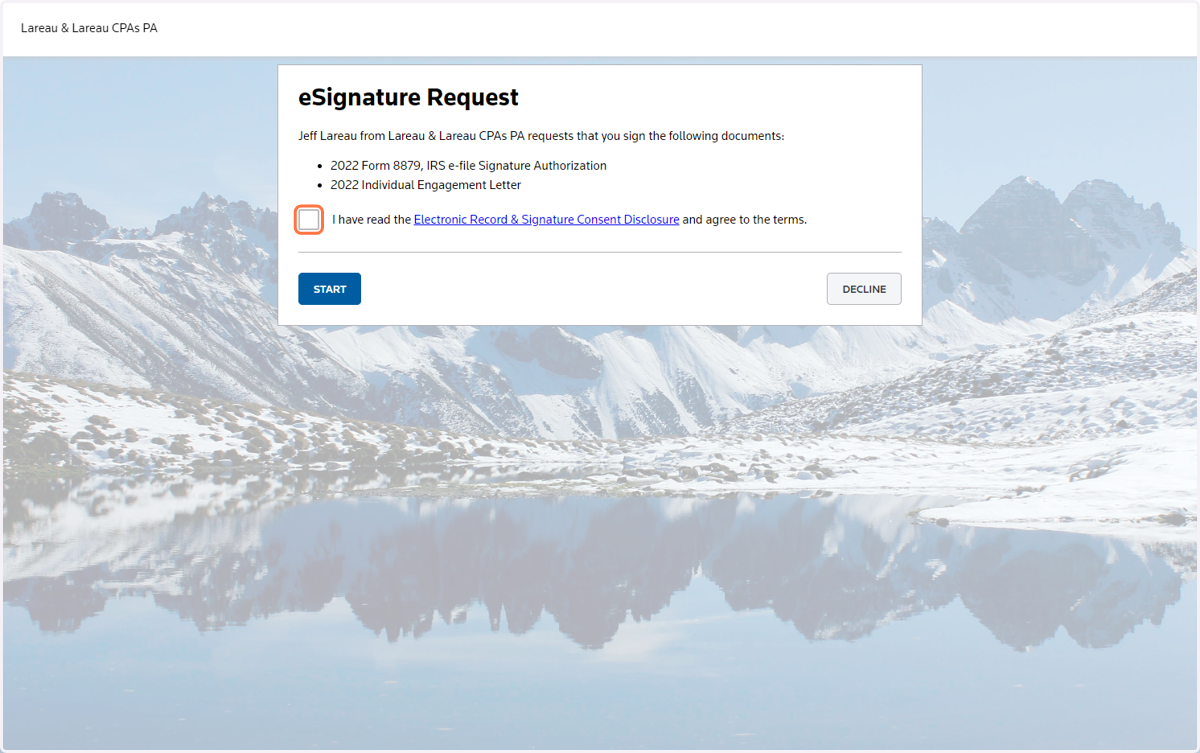
eSignature
3. Click on I have read the Electronic Record & Signature Consent Disclosure and agree to the terms.
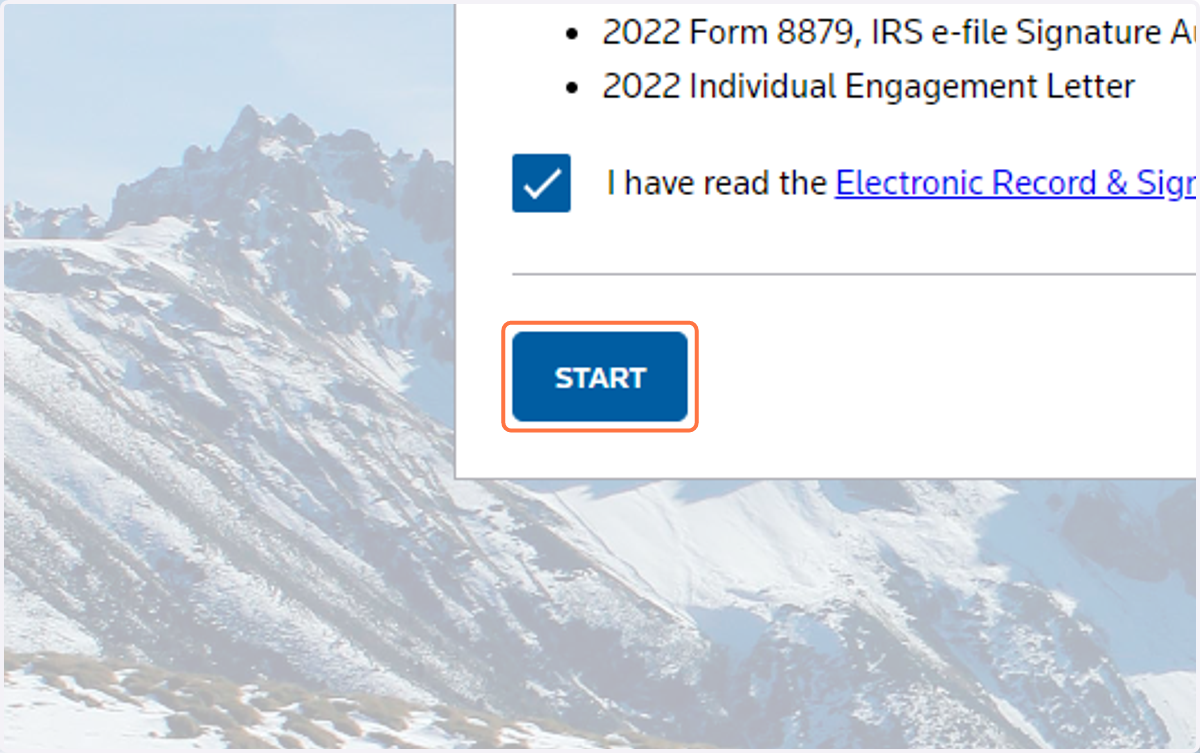
4. Click on START
5. Type the last 4 digits of your social security number
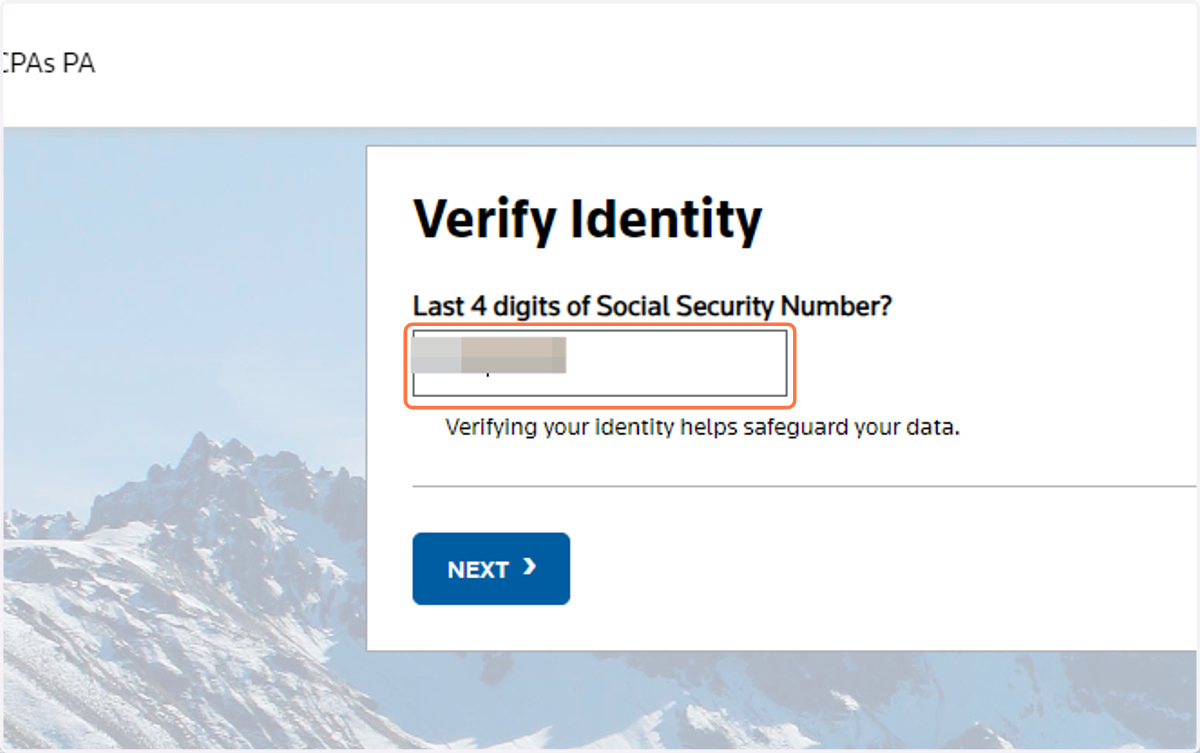
6. After verifying your identity you will be able to sign your Tax Return