Sitemap | SEO_005
In this tutorial, we'll take a look at activating and configuring what is included within your sitemap.
A sitemap is a file or page on a website that provides a structured list of URLs, helping search engines understand the site's layout and facilitating efficient indexing of its content.
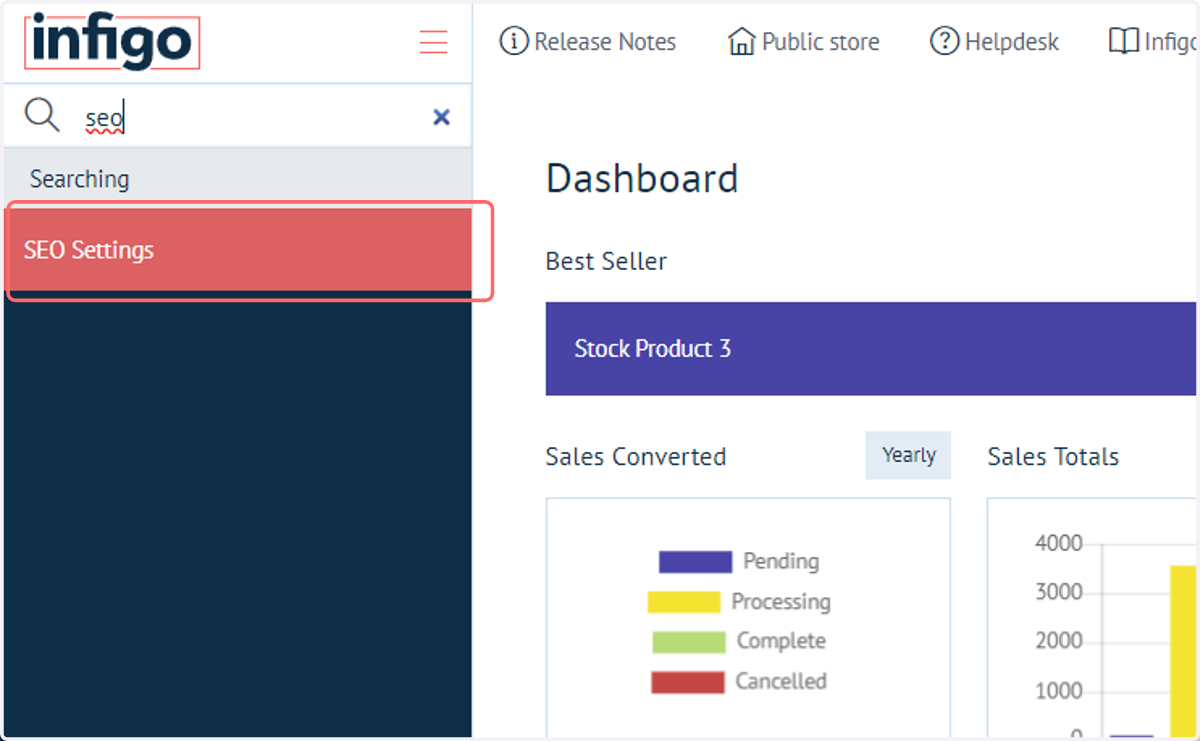
1. Navigate to SEO Settings
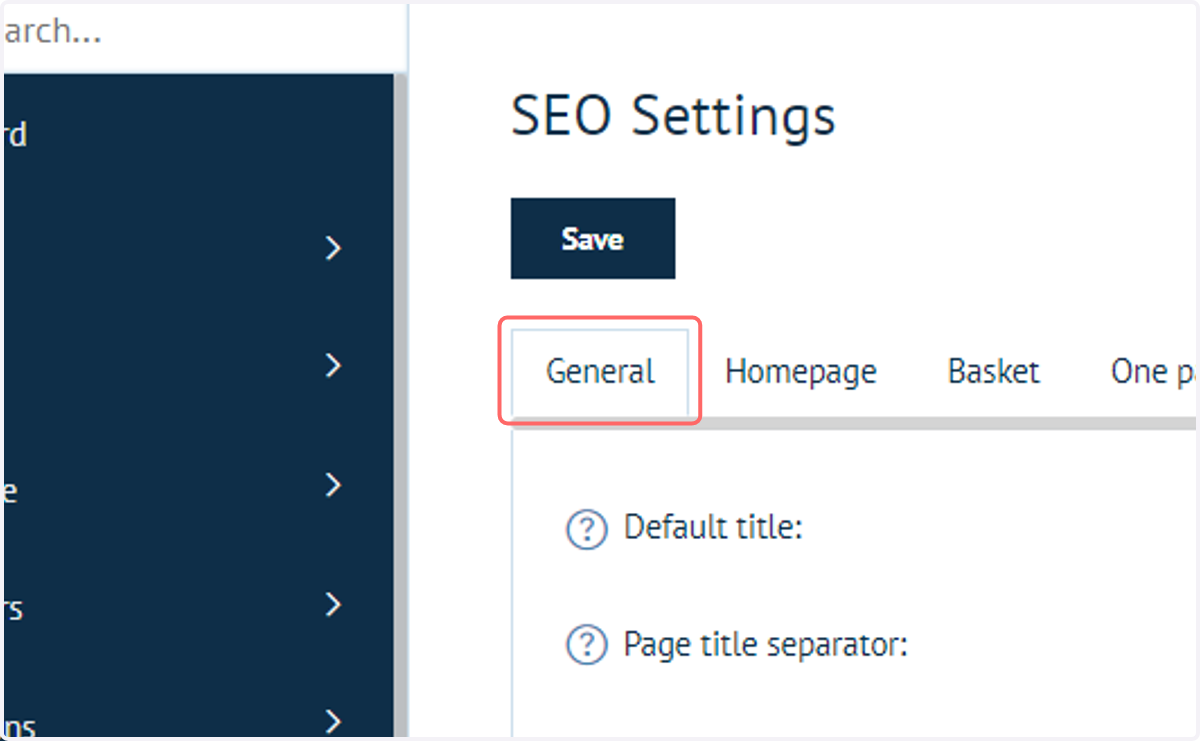
2. Click on General
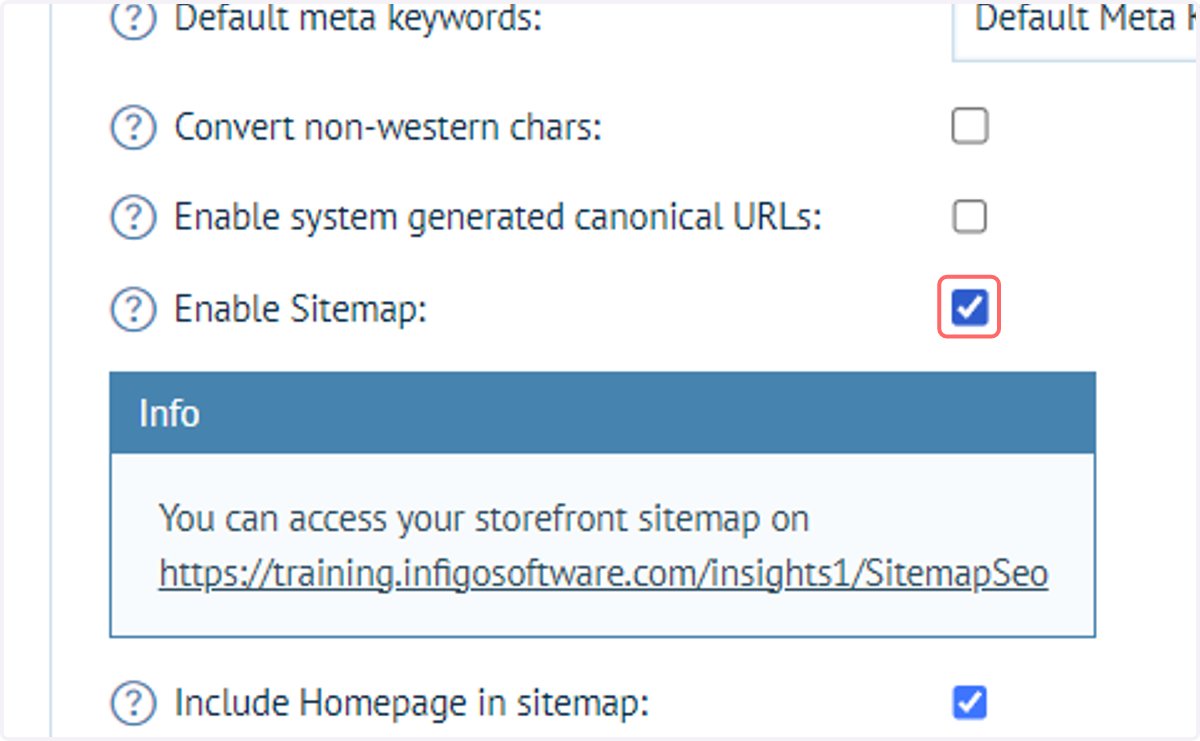
3. Check Enable Sitemap
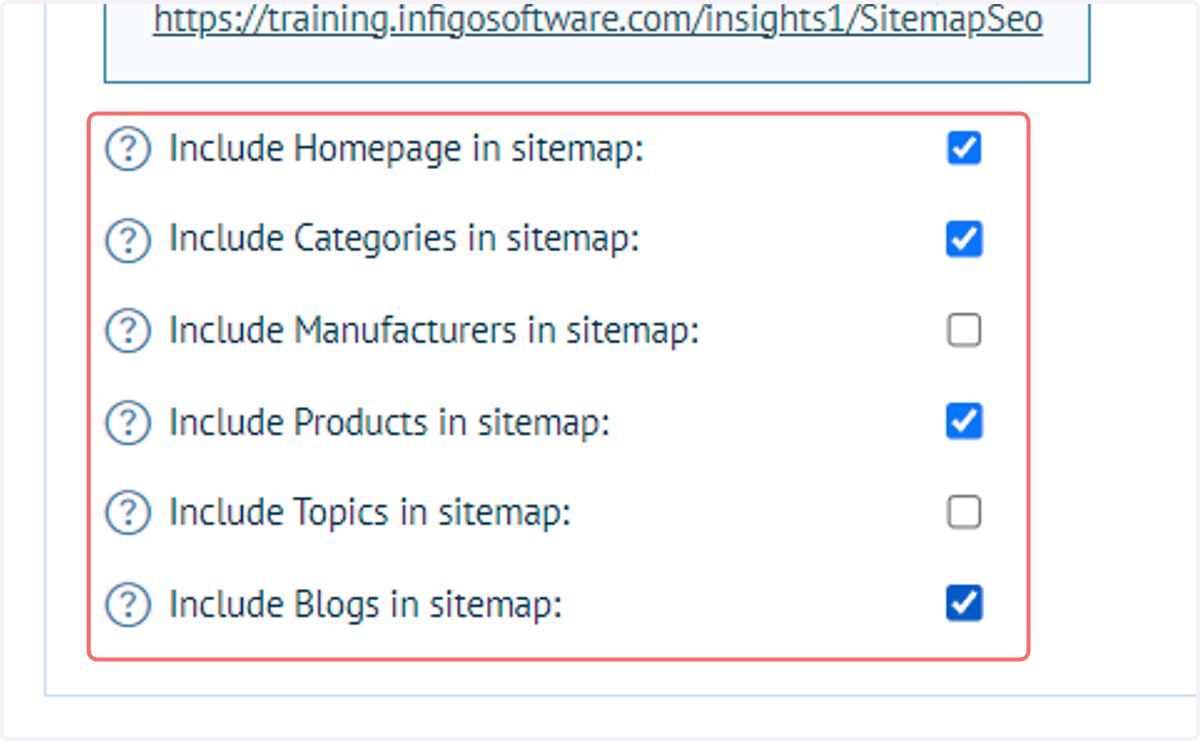
This will reveal a series of additional settings allowing you to control what is included in the sitemap.
4. Select the parts of your site you want included in the Sitemap
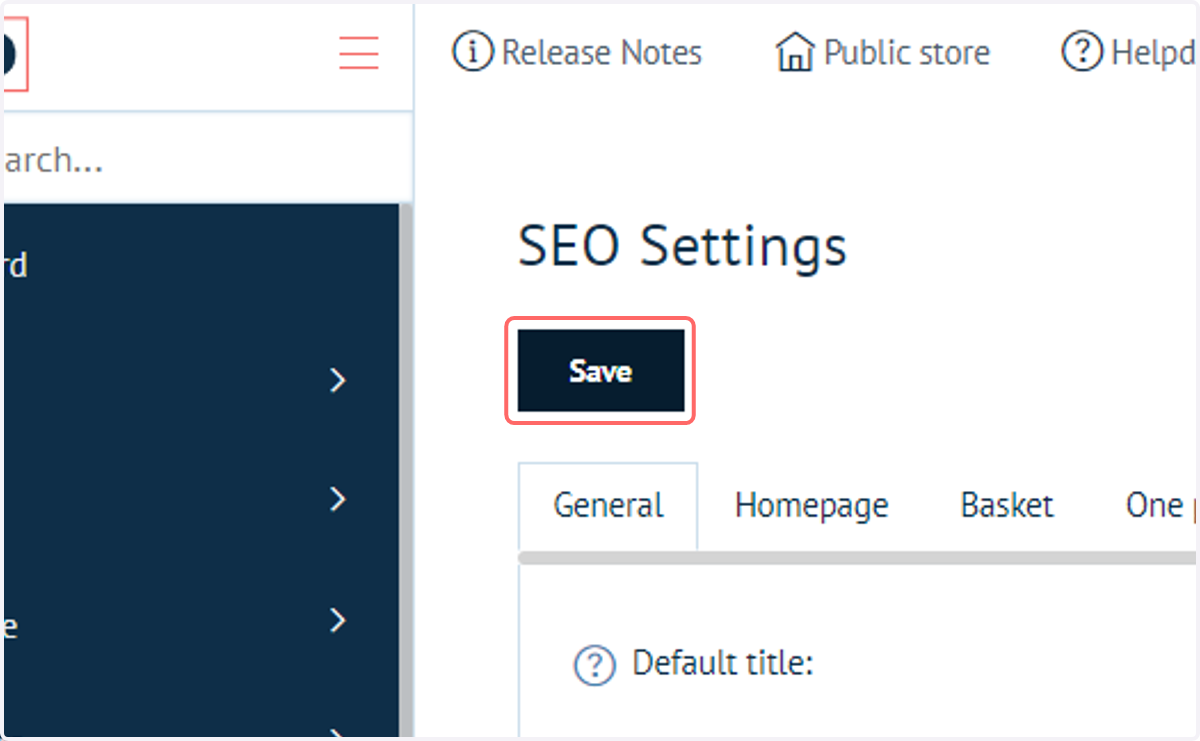
5. Click on Save
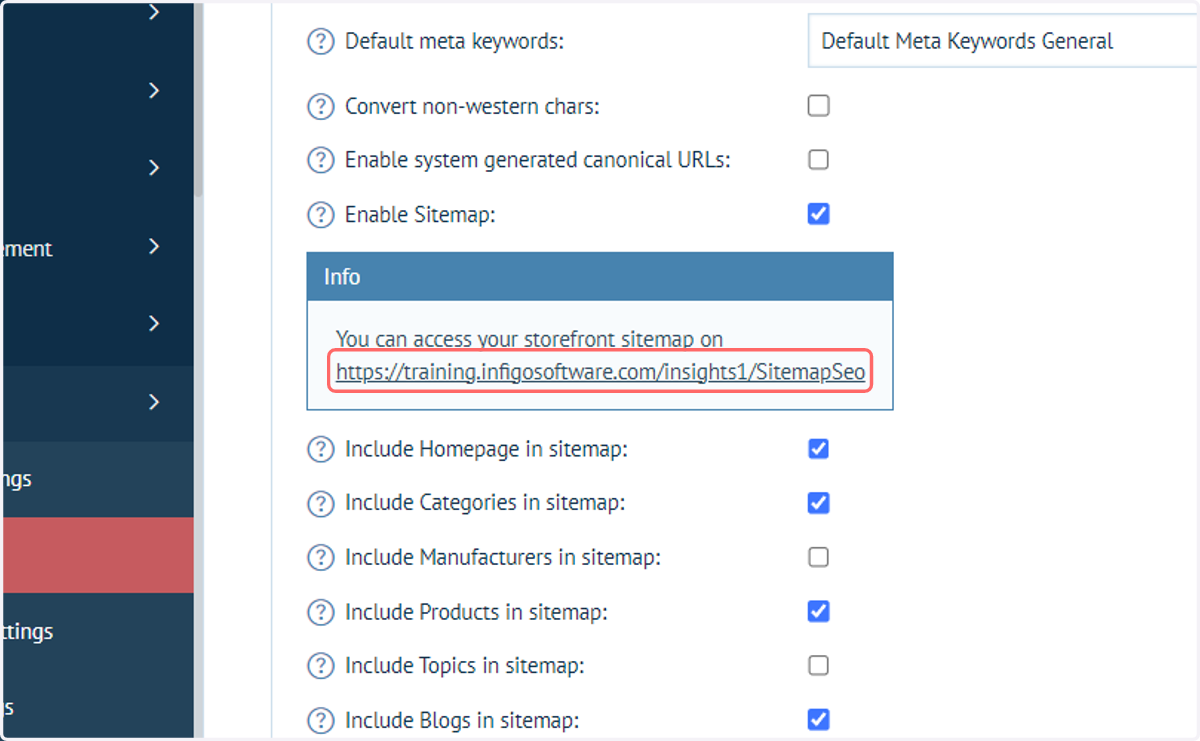
6. Access your sitemap using this link.
You will need access to the front end in order to use this, such as a Storefront administrator account.